Community listing page, reviews here may not be monitored by the author.
The Realm of Fau (Deprecated)

No reviews yet
A modpack for The Realm of Fau Java Server.

Community voices
Reviews
No reviews yet. Be the first to review this project!
Get it on
Available Platforms
About
Project Details
For authors
Embed Badge
If you're the author of this project, you can embed a live badge anywhere that supports HTML or Markdown. It updates automatically whenever ratings change.
Use HTML for any page that supports it, or Markdown for README files and Markdown-based descriptions.
Identifiers
Platform IDs
Resources
External Links
About
Description
This is the official mod-pack for The Realm of Fau, a modified Forge server. We're set in the medieval era and have plenty of roleplaying. Do note that we have not made any of these mods, and the rights are held by their creators. We simply have brought them together for use with our server. This mod-pack is created with the intention of its being used for our server, but feel free to use it for your own uses.
This mod-pack contains mods which add custom tools, armour, accessories for your character, mobs, items, blocks, furniture, and performance enhancements, specifically through Embeddium, which is NOT compatible with Optifine. It also has Oculus to add shader-support. The mods we have chosen were chosen with "Medieval" in mind, though not all mods are specifically medieval on their own.
New mods are planned to be added as we progress in our project.
There are no intentions of updating this pack to any more recent version, such as 1.17.0 or newer. This is due to a lack of similar replacement mods for those versions. There also will not be a Fabric alternative to this modpack for the same reason.
Bucka Too, creator and manager of the project, has created YouTube videos showcasing the world.
Check out his channel, by the way!
Recommended System Requirements:
Operating System: Windows 10+
Java Installation: Java 8+
Processor: Intel Core I3+
Graphics Processor: Integrated Intel Graphics(with Open GL 2.0)+
RAM: 8GB+
NOTE: This, in theory, should run at a tolerable pace and be usable for most needs. Settings may have to be adjusted for better performance.
Currently known mostly functioning minimum requirements:
Operating System: Windows Vista Service Pack 2 Build 7601
Java Installation: Java 8
Processor: Intel Core 2 Duo T5800 @ 2.00GHz
Graphics Processor: Integrated Intel Graphics
RAM: 4GB
NOTE: This runs at roughly 5 frames per second! The only modifications made are to settings and not installing Essential.
Currently known partially functioning minimum requirements:
Operating System: Windows XP Home Service Pack 3
Java Installation: Java 8
Processor: Intel Pentium M 750
Graphics Processor: Geforce Go 6200 TE/6600 TE
RAM: 2GB
NOTE: This only gets as far as the main menu, and it crashes at the loading of any world/server. Disabled Essential, and Physics mods.
Theoretical Minimum Requirements:
Operating System: Windows XP R.T.M. (Potentially Modded Windows 98)
Java Installation: Java 8
Processor: 233 megahertz (MHz) or faster(From Windows XP minimum requirements, currently untested and unknown)
Graphics Professor: Possibly any GPU with OpenGL 2.0 or higher
RAM: Likely more than 2GB of R.A.M. (I think 2.5GB is possible)
NOTE: This is theoretical and currently untested! Likely requires Essential and Physics mods disabled.
Automatic Installation:
Either click the "Install" button on the modpack's page on the Curseforge website OR click "Install" on the modpack's page on the Cursforge app.
Semi-Automatic Installation:
Go to files on the modpack's Cursefoge website page, select the most recent version, then click "Download." Continue to download the file(if any popups or questions are asked, continue to the download, please). Upon downloading the file, go to the Curseforge app and click "Create Custom Profile" in the top-right corner, then at the bottom of the menu, click "Import" and selcet the file you downloaded.
Manual Installation:
Ask me(NiceIceCat) for a manual ZIP of the modpack. You can contact me through Discord(niceicecat) or by using email with [email protected]
Then create a forge instllation with Forge version 36.2.39, then extract the ZIP and copy each folder to its respective folder in the Forge installation.
Screenshots
Gallery
-
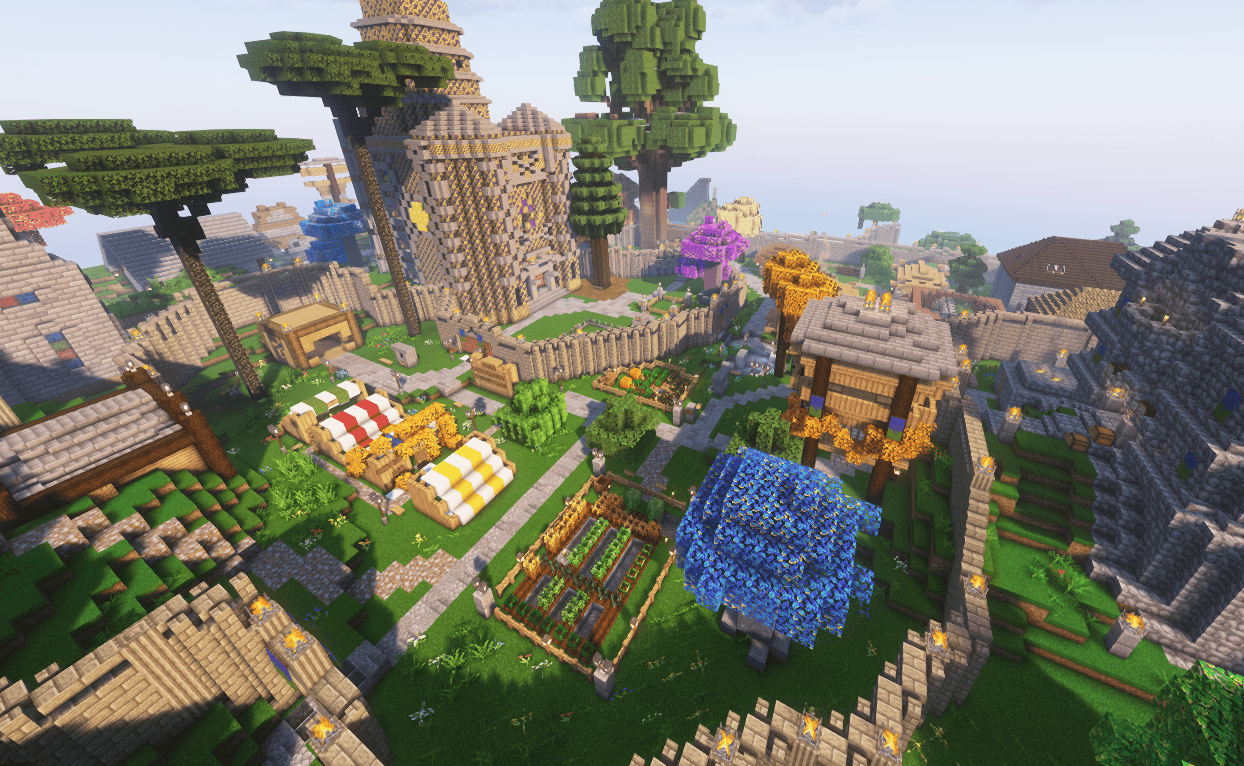 Garrenthsville (Spring) w/shader g2.png
 -
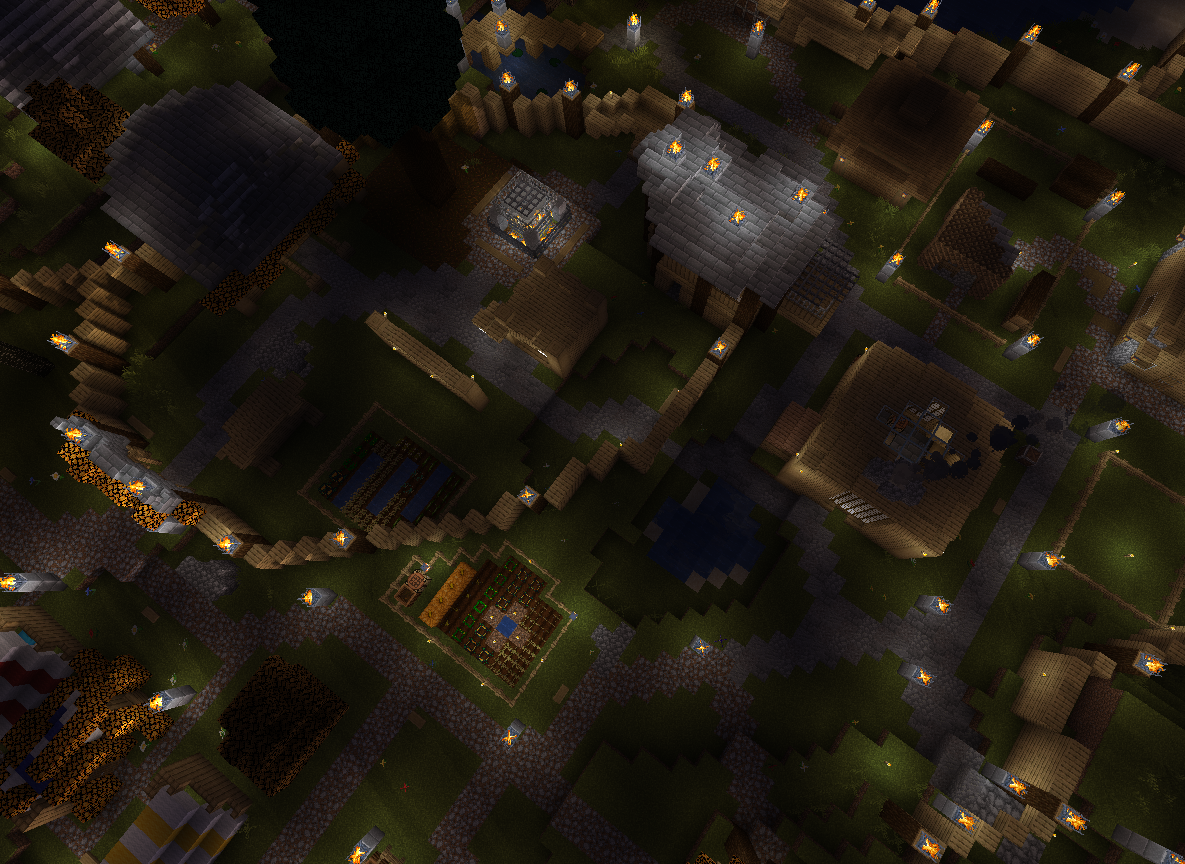 (Oldest) Overview of Garrenthsville A night-time overview of our lovely city Garrenthsville in The Realm of Fau.
 -
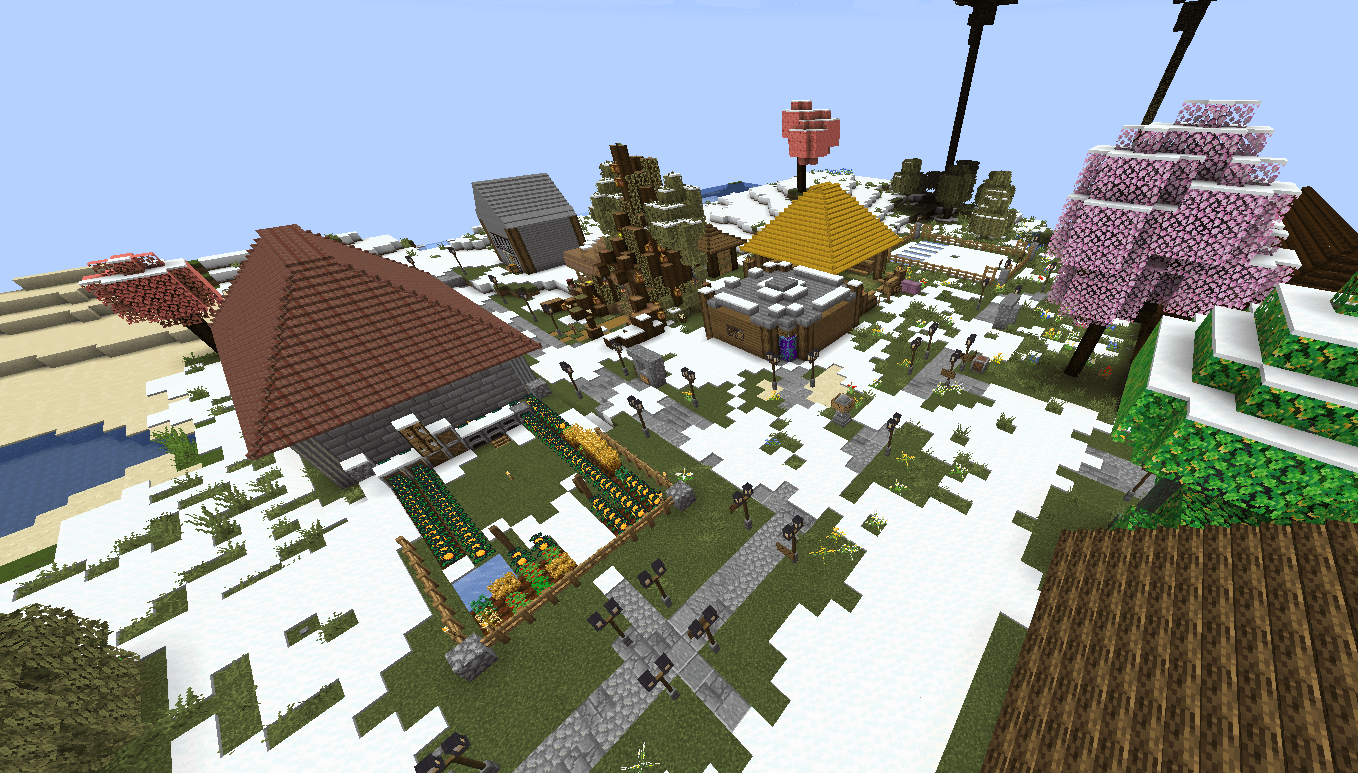 Southern District of Garrenthsville (Winter) Screenshot 2024-08-13 181247.png
 -
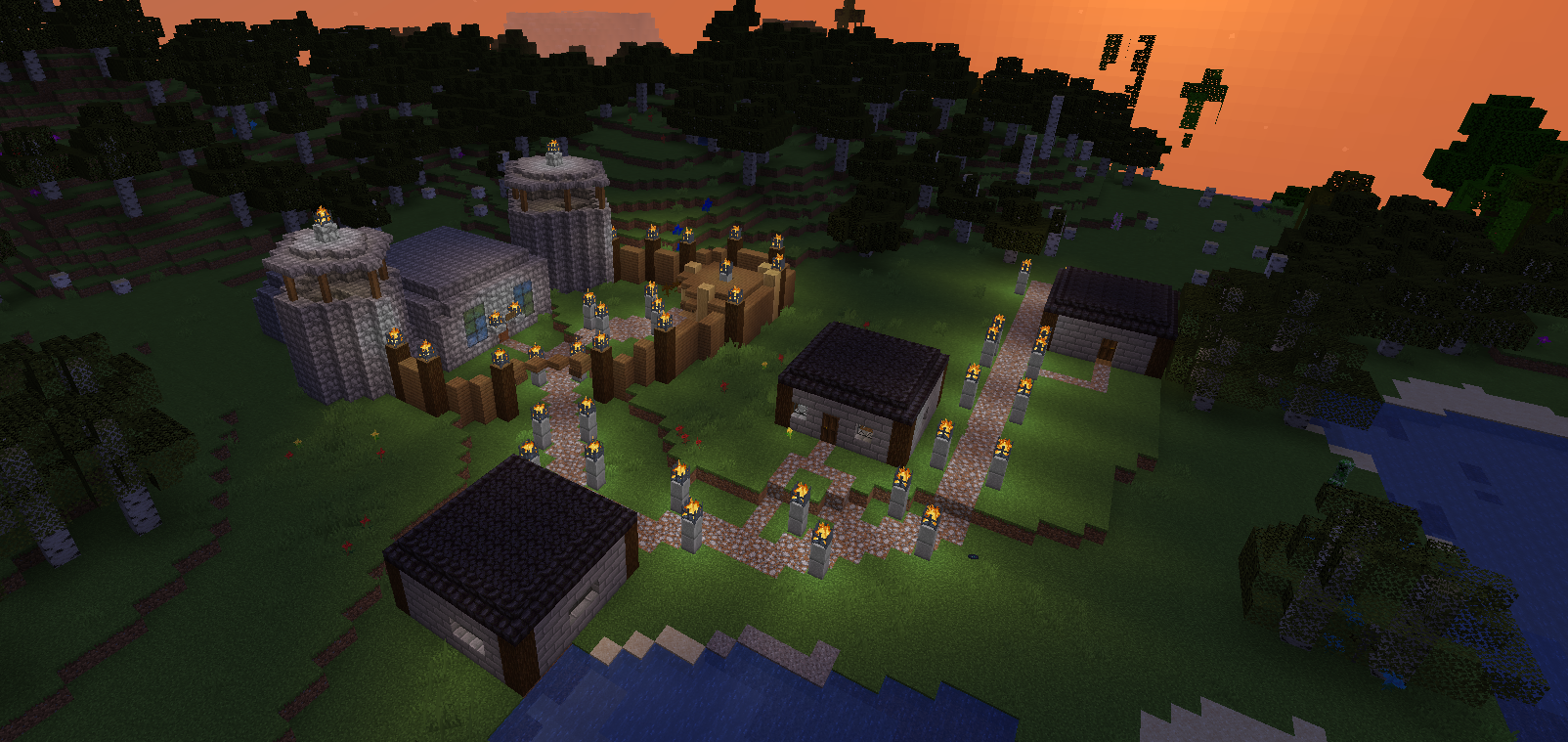 (Oldest) Danville A small village in The Realm of Fau.
 -
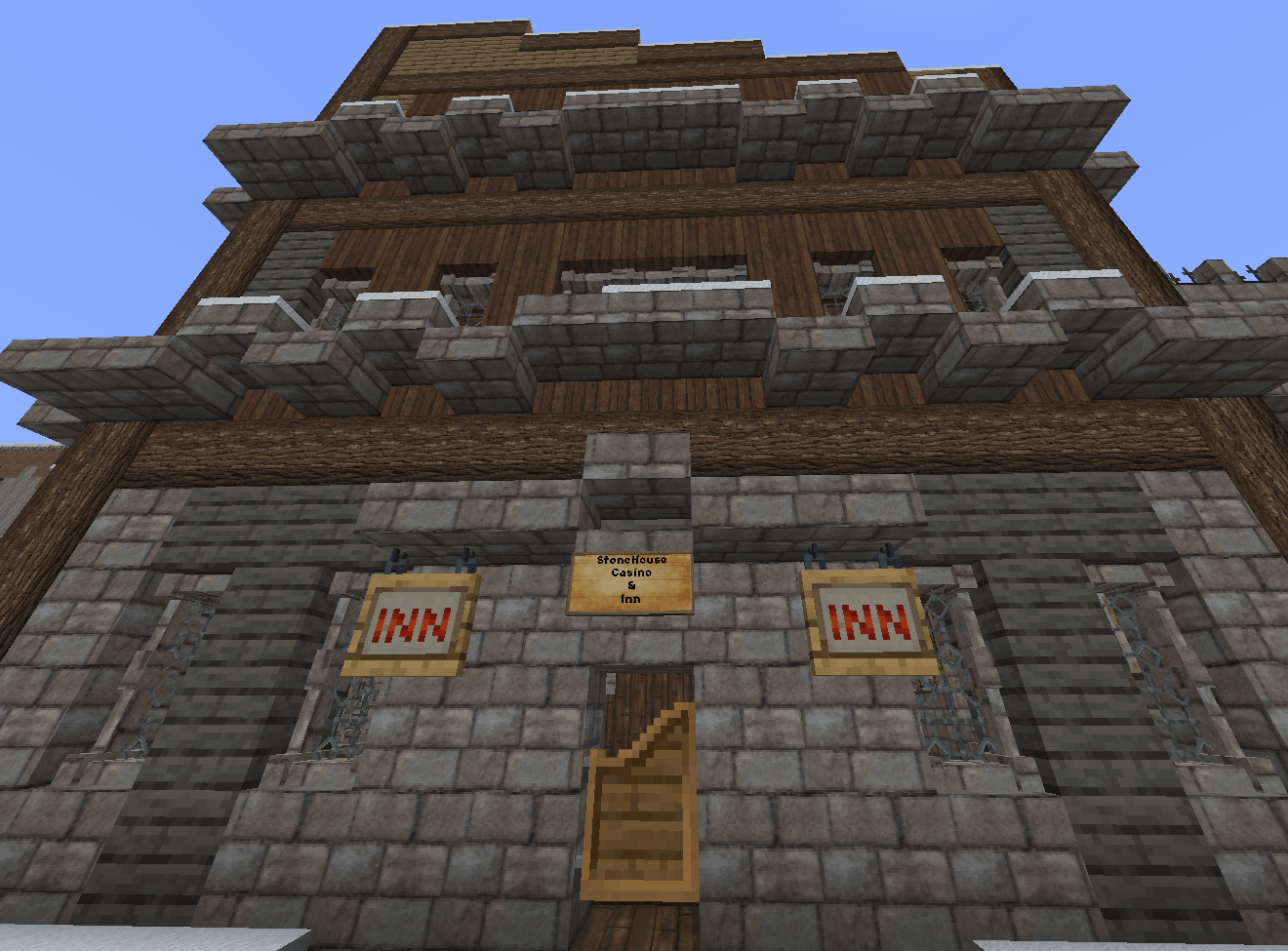 Arcadia's Stonehouse Casino & Inn (Winter) Screenshot 2024-06-18 223152.png
 -
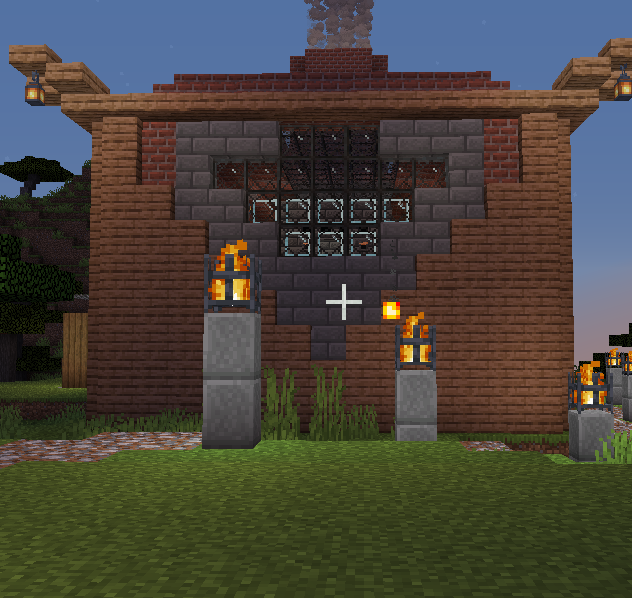 (Old) Smithery This is one of our lovely smitheries in The Realm of Fau.
 -
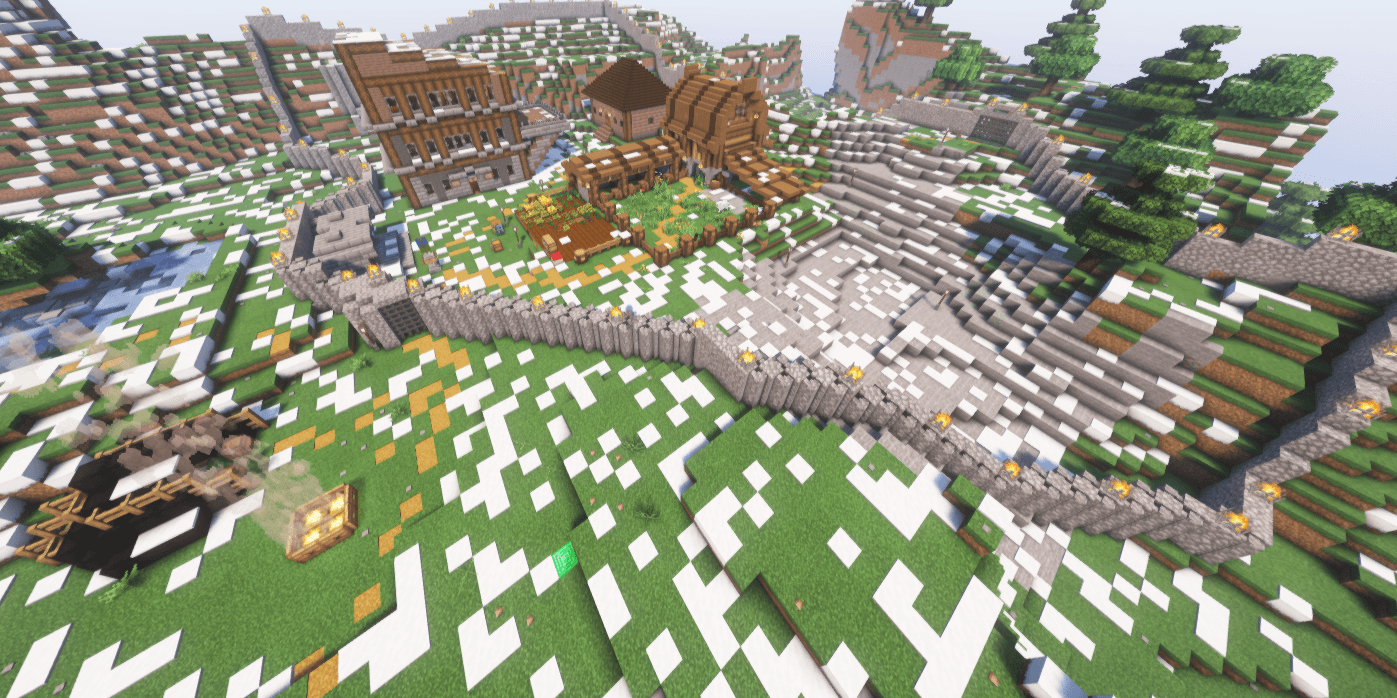 Arcadia (End of winter) w/shader Arcadia.png
 -
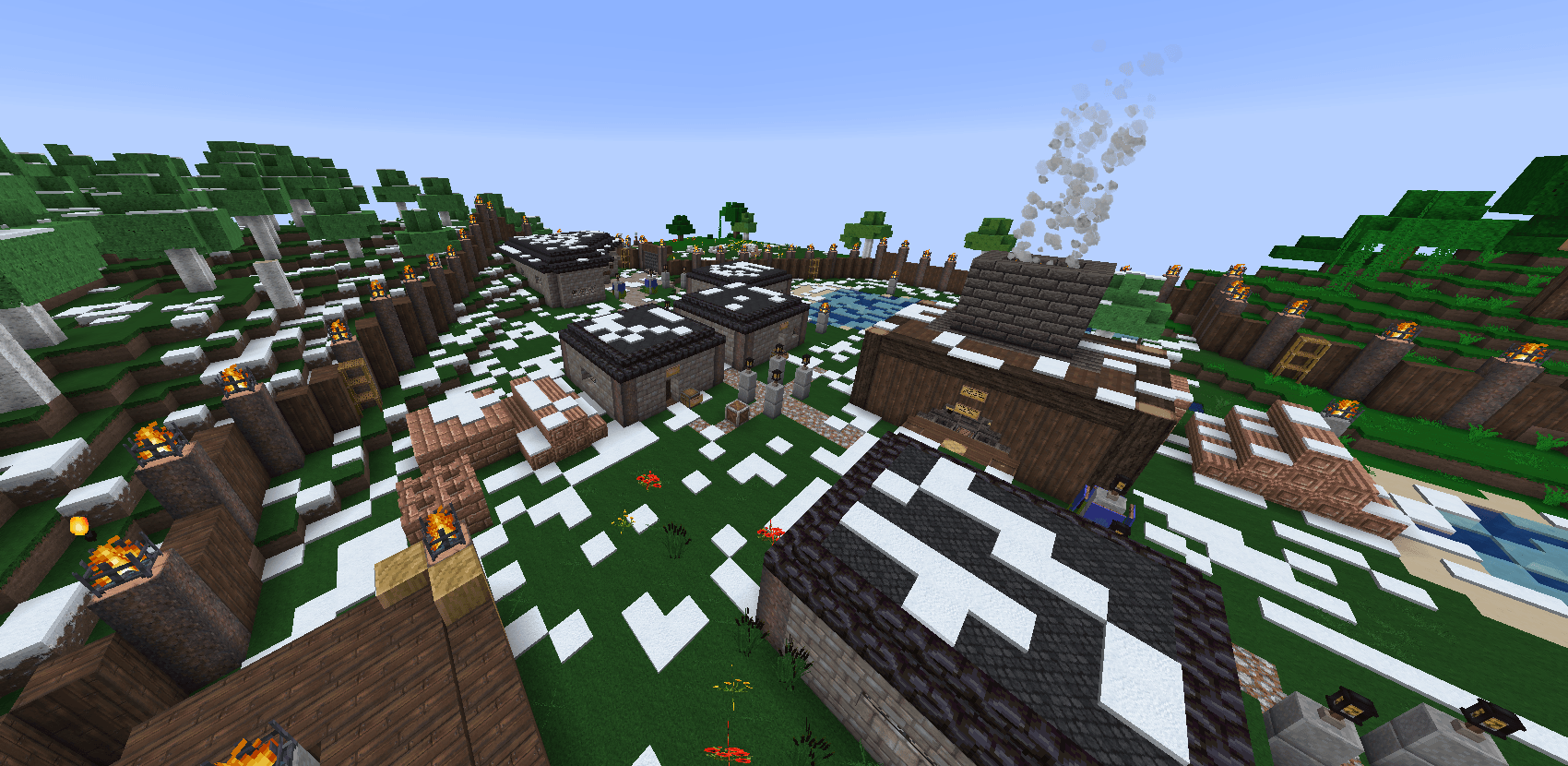 (Old) Danville (Winter) Screenshot 2024-06-18 214929.png
 -
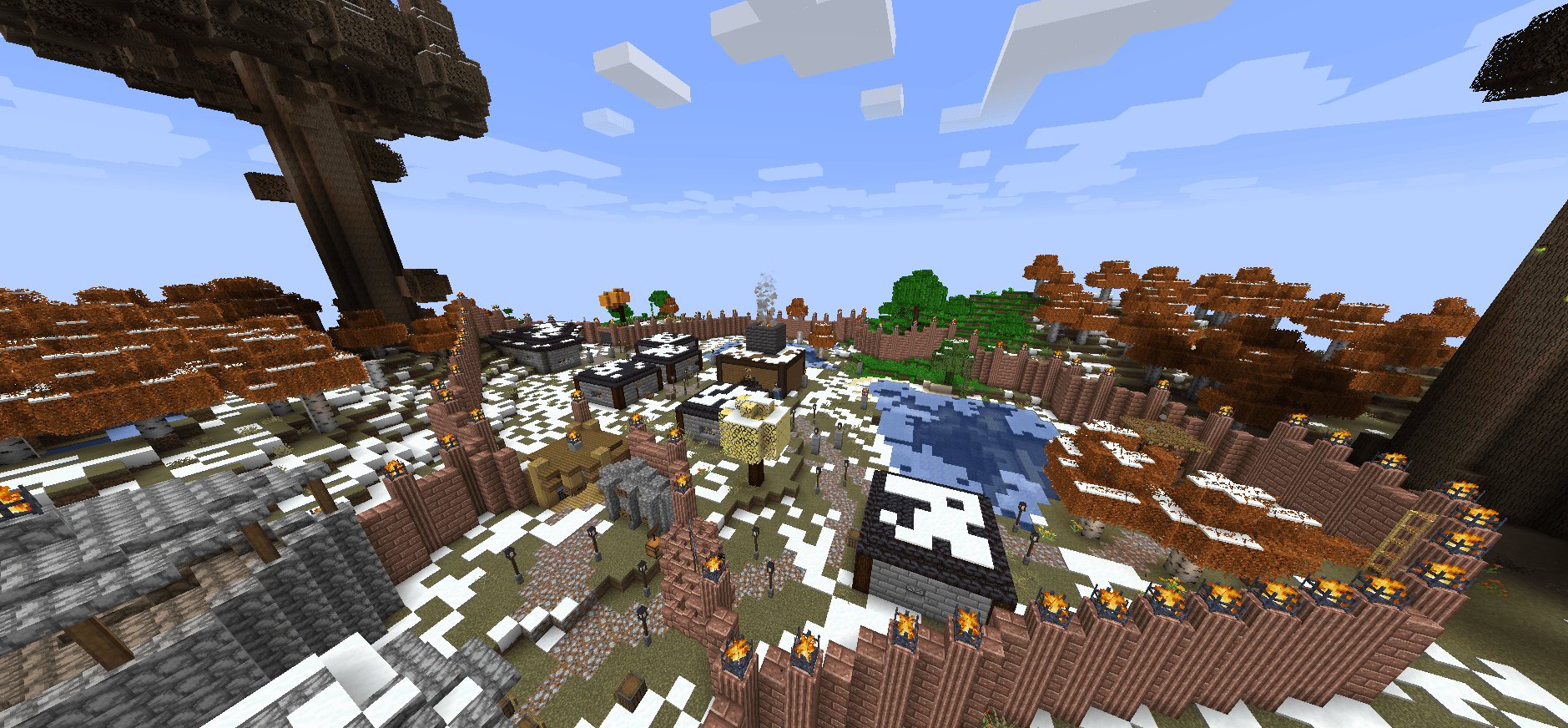 Overview of Danville (Winter) Screenshot 2024-08-13 181050.png
 -
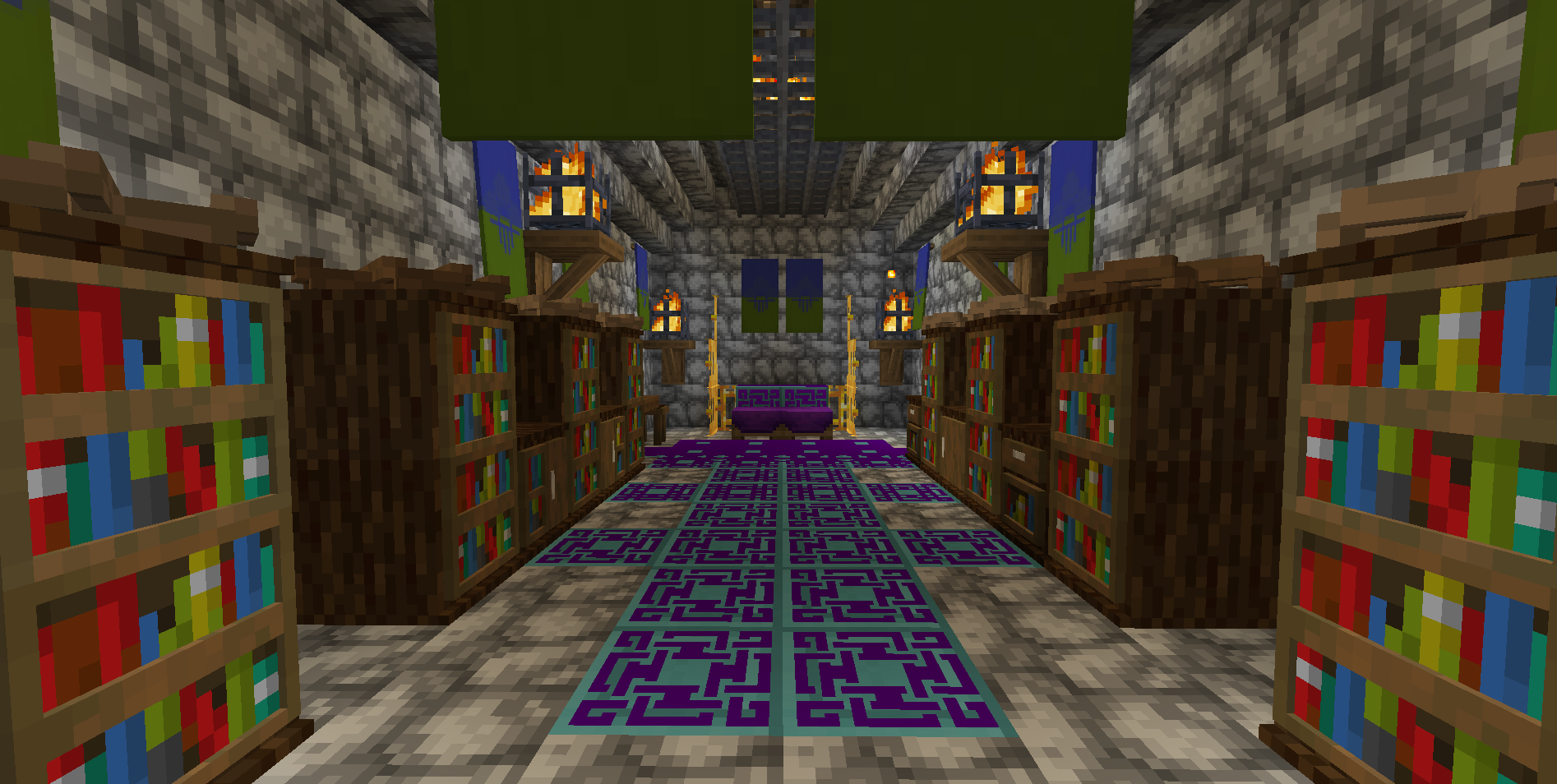 (Old) Jarl's Castle of Garrenthsville The castle located in the capital, Garrenthsville.
 -
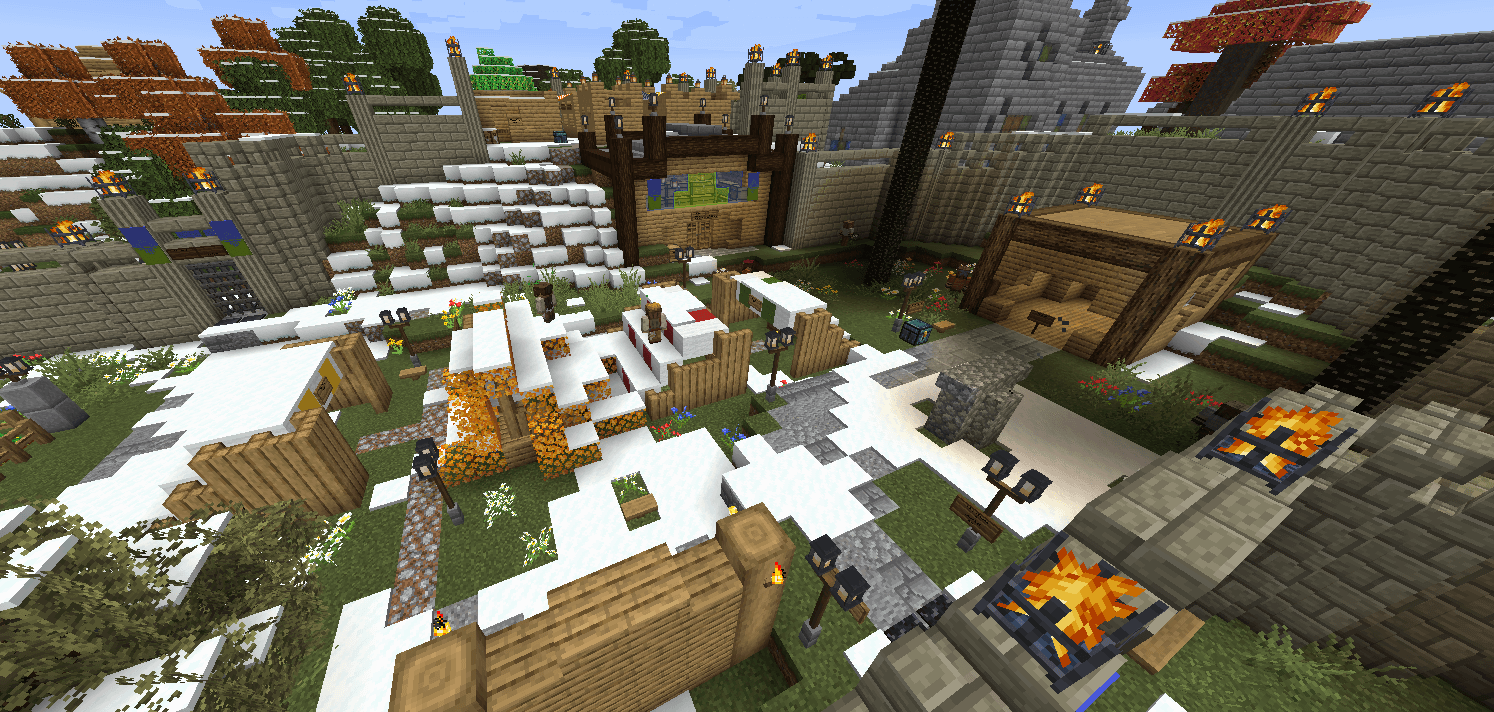 Central District of Garrenthsville (Winter) Screenshot 2024-08-13 180813.png
 -
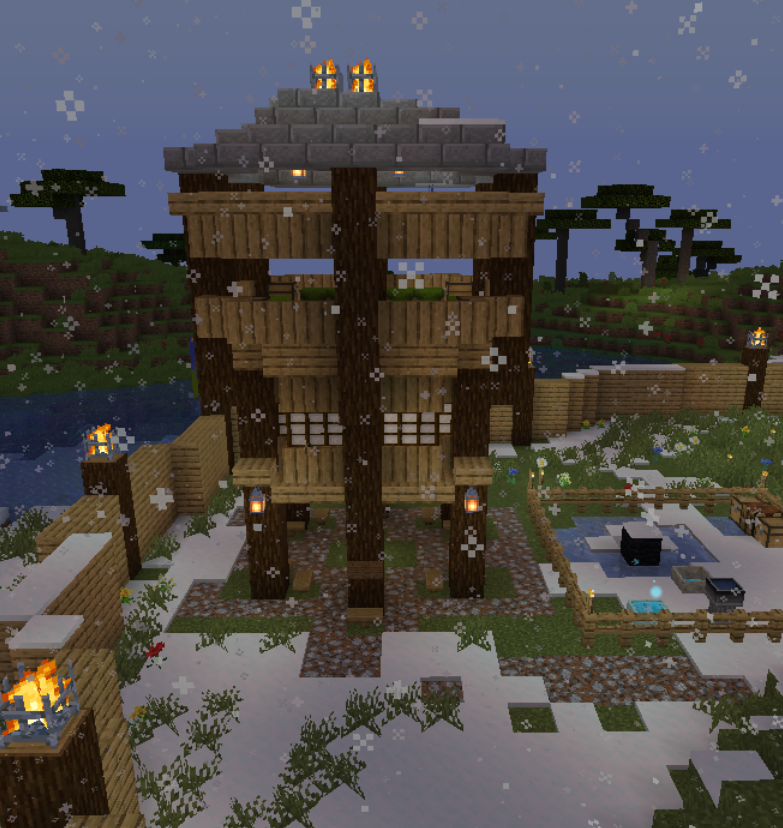 (Old) Guards' Tower (Winter) A fortified guards' tower in Garrenthsville.
 -
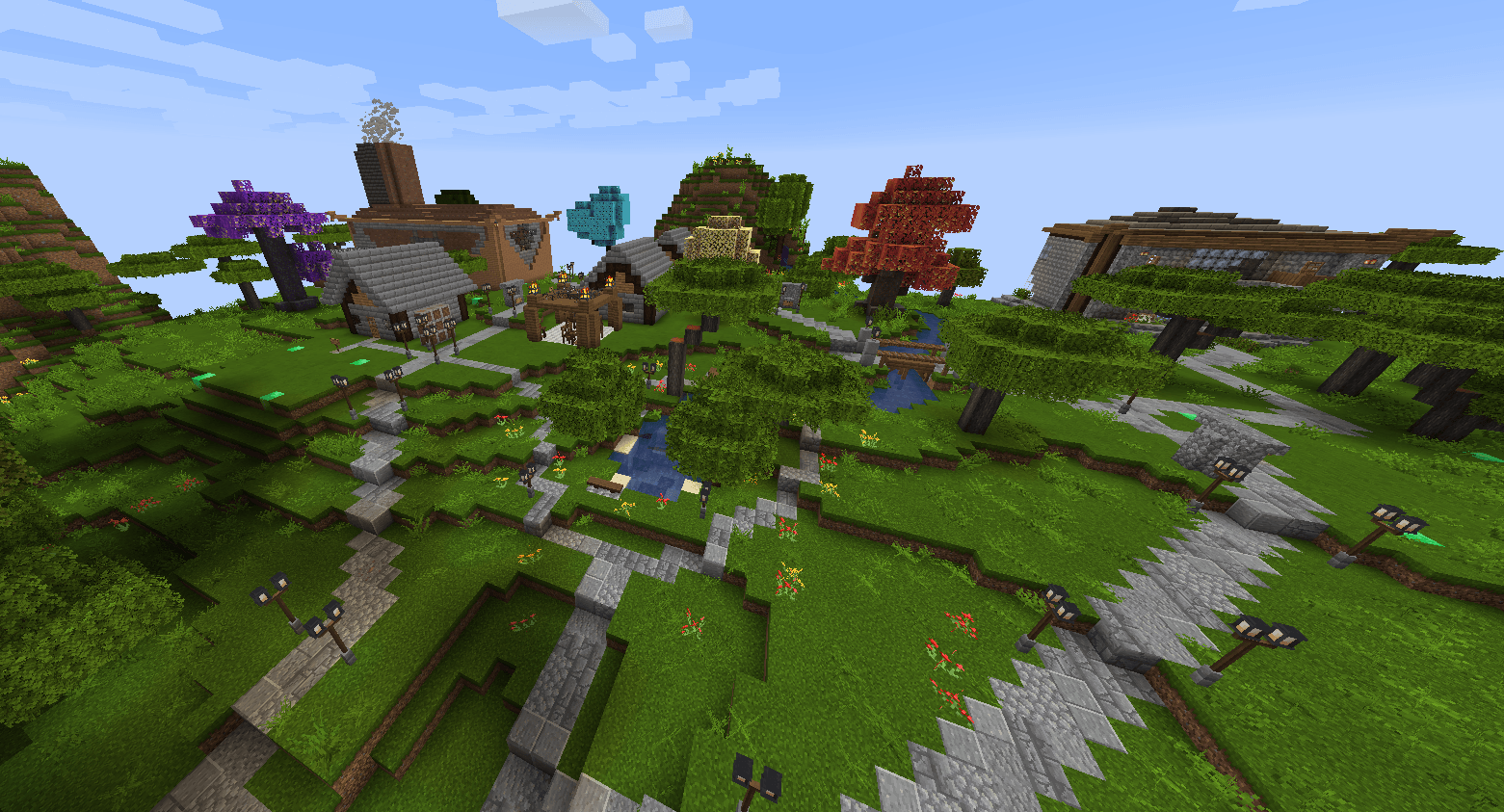 Western District of Garrenthsville (Spring) Screenshot 2024-08-13 181213.png
 -
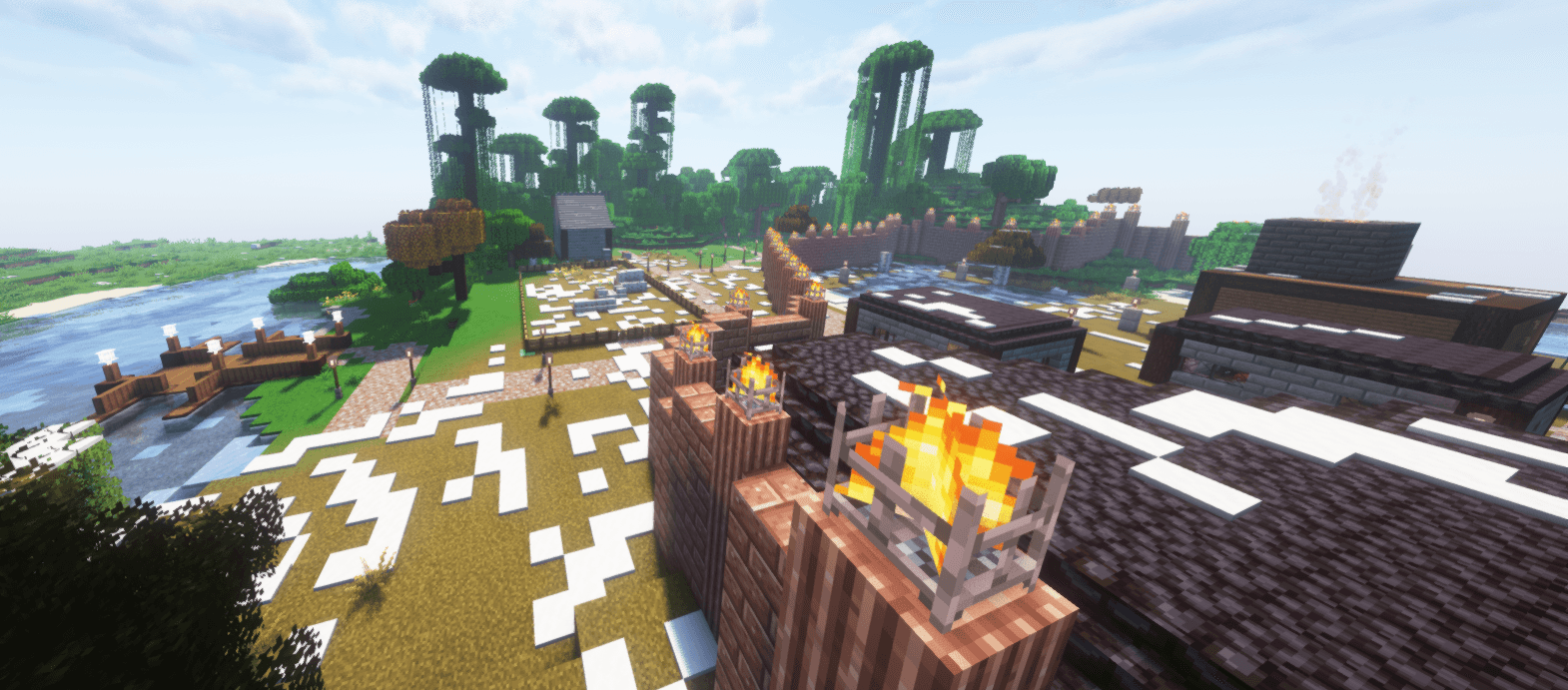 Danville (end of winter) w/shader danville.png
Versions
Files
Relations
Project Relations
More like this
Similar Modpacks
Suggestions use data such as tags, dependencies, dependents, descriptions, titles, and more to rank how much they overlap with this modpack.
On ModDex
Community snapshot
By the numbers
Statistics
 (opens in a new tab)
Get it on
Available Platforms
On ModDex
Community snapshot
By the numbers
Statistics
Resources