Community listing page, reviews here may not be monitored by the author.

Community voices
Reviews
No reviews yet. Be the first to review this project!
Get it on
Available Platforms
About
Project Details
For authors
Embed Badge
If you're the author of this project, you can embed a live badge anywhere that supports HTML or Markdown. It updates automatically whenever ratings change.
Use HTML for any page that supports it, or Markdown for README files and Markdown-based descriptions.
Identifiers
Platform IDs
Resources
External Links
About
Description
This is the official modpack for The0Show's Modded Survival Series. You can watch it here.
This modpack will be updated when a change is made to the series, like a new mod or a version update.
Features
While I could list every feature in this pack, considering that I'll be updating this with new mods, soon we'll be here all day. So I'm instead going to list features that I think are pretty cool.
• Tornadoes, Hurricanes, and more weather types
• Face up against hardcore mobs from Lycanites Mobs
• With the JourneyMap mod, there is now a minimap, as well as waypoints
• BetterFPS is included, but can be replaced with Optifine (make sure to read the OptiFine installation instructions section to learn how to do it correctly for this modpack)
• Shoot at your enemies using MrCrayfish's Gun Mod
• Spice up your builds using MrCrayfish's Furniture Mod
• Fly in a bathtub using MrCrayfish's Vehicle Mod
• Use your XP with the Reskillable mod
• See the pain with the EnhancedVisuals mod
OptiFine installation instructions
If you already know how to install OptiFine to Forge, skip to step 3.
Step 1: Get a 1.12.2 OptiFine installer ready. The latest version (OptiFine HD U F5) works best.
Step 2: Move the OptiFine installer into the mods folder.
Step 3: Delete BetterFPS.
Step 4: Start Minecraft.
Step 5: Go to Video Settings, and turn Fast Render, Anisotropic Filtering and Antialiasing off.
Help
FAQ
Will you update this to the newest version of Minecraft? Will this have Fabric support?
No.
Where is the modlist?
The modlist.html file can be found in the modpack's main directory.
You used my mod without permission/following my set rules!
I'm sorry about that, please contact me with proof you own the mod, and I will remove the mod from the modpack/update it to follow your rules. My contact info can be found in the 'No seriously, I need help!' section of this help page.
No seriously, I need help!
If you need to contact me, please use one of the provided forms below.
Email: [email protected]
Discord: The0Show™#8908 (you might have to join my discord server before you can contact me)
Twitter: @the0show
Screenshots
Gallery
-
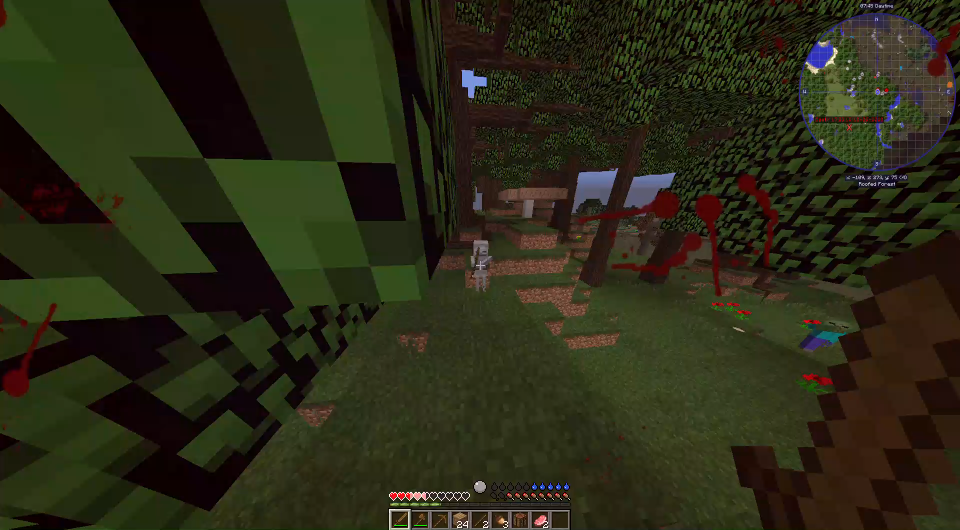 That moment when you try to run away from a mob from Lycanites Mobs but get stopped by a Skeleton
 -
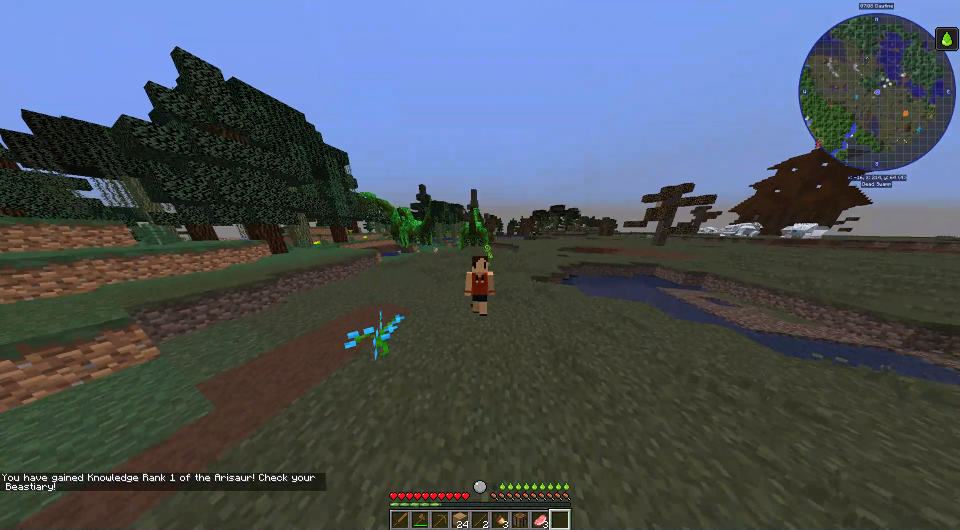 First, let me take a selfie
 -
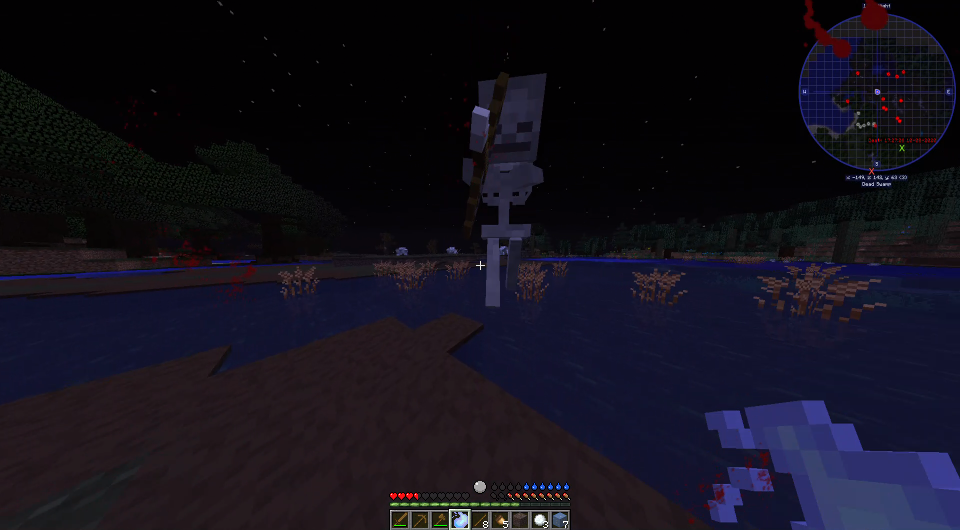 Airborne Skeleton O_O
 -
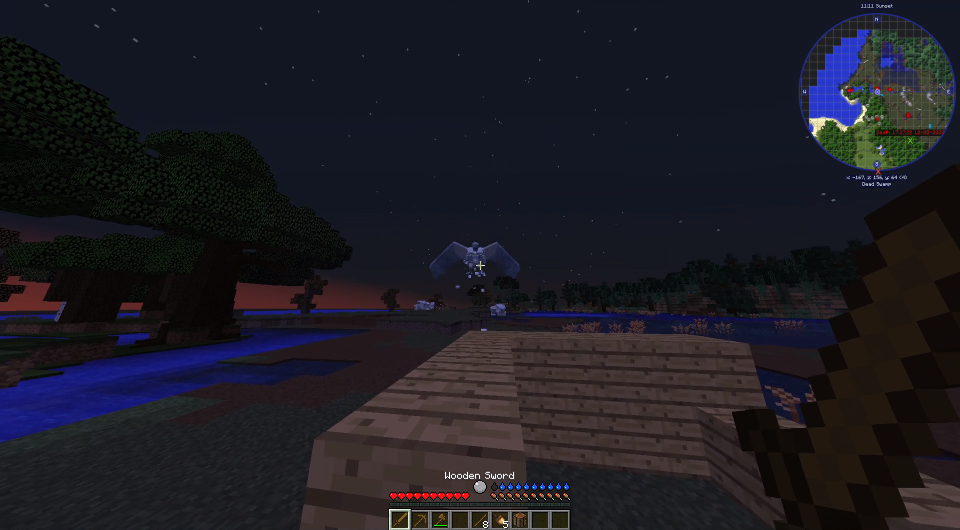 A not-so-friendly encounter with a mob from Lycanites Mobs
Versions
Files
Relations
Project Relations
More like this
Similar Modpacks
Suggestions use data such as tags, dependencies, dependents, descriptions, titles, and more to rank how much they overlap with this modpack.
On ModDex
Community snapshot
By the numbers
Statistics
Want to reach Minecraft players?
We're looking for a server hosting partner to feature here and other parts of the site. Interested? Send us a message!
Get in touchGet it on
Available Platforms
On ModDex
Community snapshot
By the numbers
Statistics
Resources