
Community listing page, reviews may not be monitored by the author.
Ultra Lightweight

No reviews yet
The Enhanced Vanilla Modpack enriches your Minecraft experience with quality-of-life improvements, subtle visual enhancements, and gameplay tweaks while maintaining the core vanilla feel.

Community voices
Reviews
No reviews yet. Be the first to review this project!
Get it on
Available Platforms
About
Project Details
For authors
Embed Badge
If you're the author of this project, you can embed a live badge anywhere that supports HTML or Markdown. It updates automatically whenever ratings change.
Use HTML for any page that supports it, or Markdown for README files and Markdown-based descriptions.
Identifiers
Platform IDs
Resources
External Links
About
Description
Ultra Lightweight Modpack (Minecraft 1.20.4, Forge)
Ultra Lightweight is a minimalist modpack designed for players who enjoy the core Minecraft experience with subtle enhancements. This modpack maintains the vanilla gameplay while adding minor graphical improvements and quality-of-life features. Ideal for those seeking a lightweight and seamless experience.
Mod Additions and Functions:
- Collective: A library mod providing shared code for other mods.
- AppleSkin: Displays detailed food and hunger stats.
- Bookshelf: A library mod providing code for other mods.
- Chat Heads: Shows player heads next to chat messages.
- Clumps: Merges XP orbs into larger ones to reduce lag.
- Controlling: Allows easy search and management of keybinds.
- Enchantment Descriptions: Shows descriptions of enchantments in the tooltips.
- Fast Leaf Decay: Speeds up the decay of leaves after cutting down a tree.
- Geophilic - Vanilla Biome Overhauls: Enhances and expands vanilla biomes with new features.
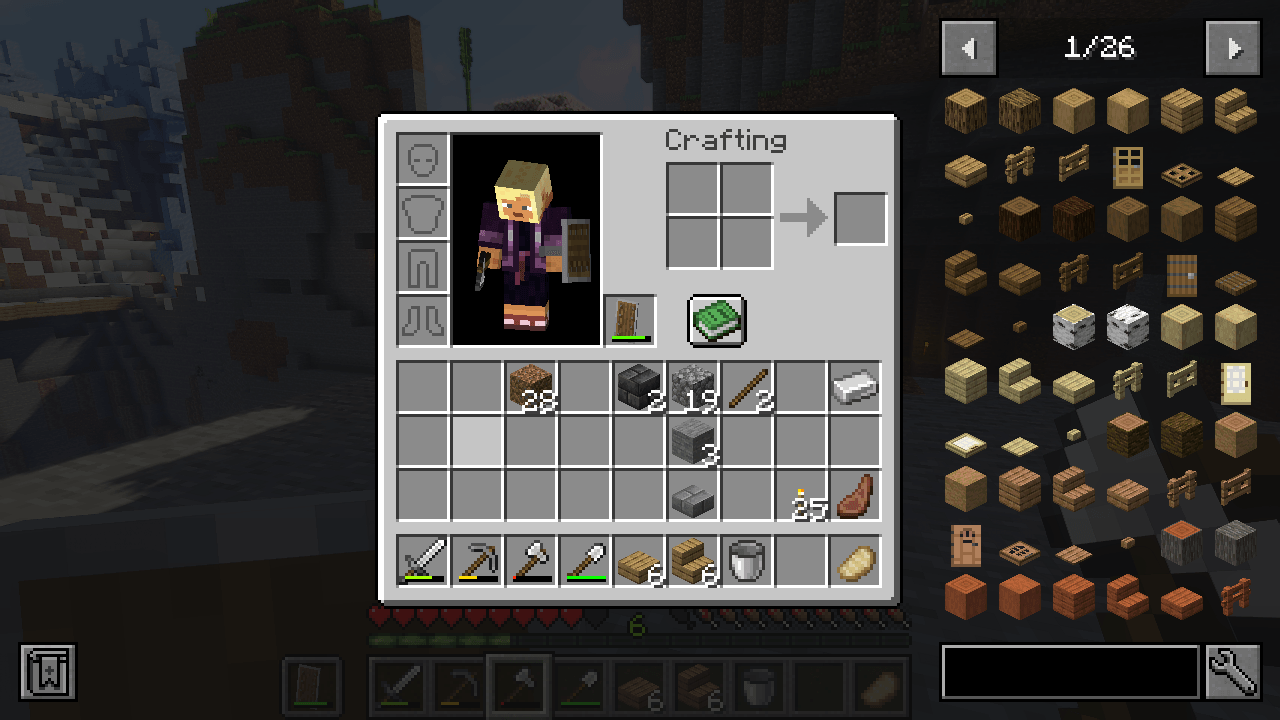
- Just Enough Items (JEI): Provides an in-game recipe viewer.
- mod apk sam: Specific functionality not detailed but included for enhanced features.
- Mouse Tweaks: Enhances inventory management with better mouse controls.
- Puzzles Lib: A library mod providing code for other mods.
- Searchables: Adds a search bar to the inventory and containers.
- Villager Names: Gives villagers unique names for better identification.
- Visual Workbench: Allows you to see items on the crafting table.
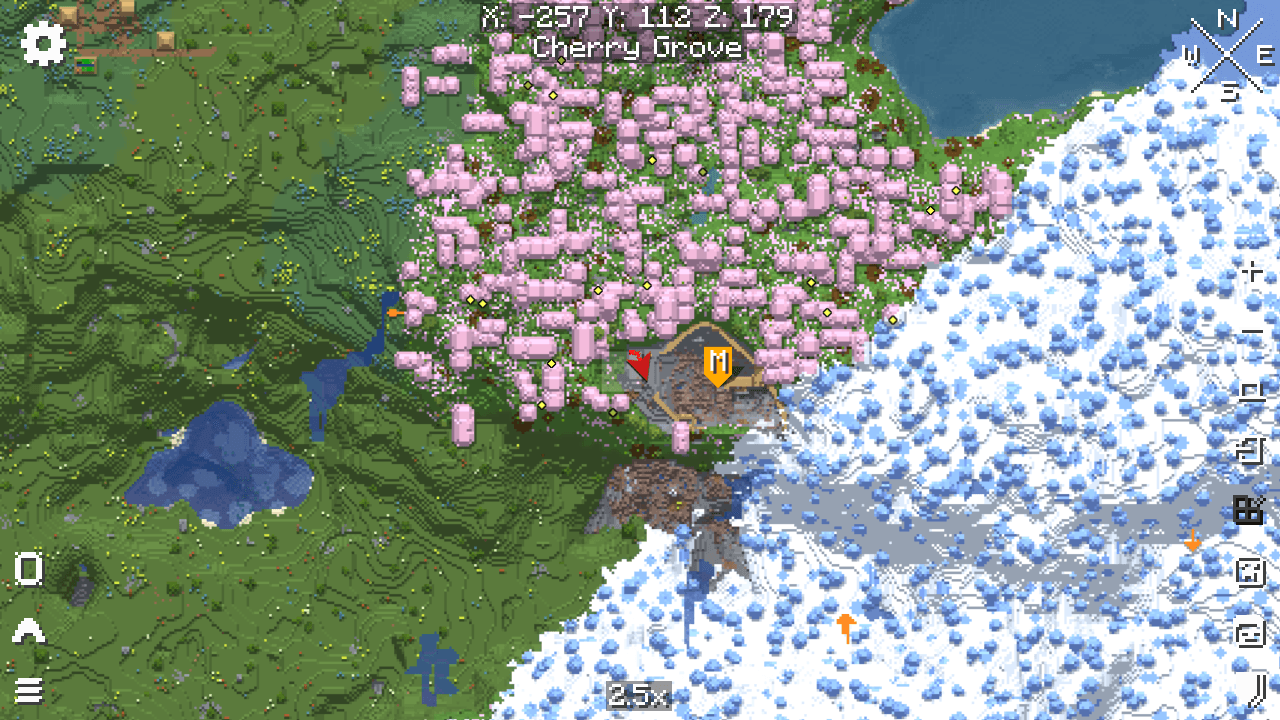
- Xaero's Minimap: Adds a customizable minimap to the game.
- Xaero's World Map: Provides an in-game full-screen map.
Resources:
- Clear Glass with Connected Textures! [16x]: Enhances glass blocks with connected textures for a cleaner look.
Shaders:
- Sildur's Vibrant Shaders: Adds beautiful lighting effects and graphics enhancements, available in various quality levels from low to extreme.
Important Notes:
To run this modpack, you need to manually add Optifine to the mods folder. Follow these steps:
- Download Optifine:
- Go to the Optifine website and download the version compatible with Minecraft 1.20.4.
- Add Optifine to the Modpack:
- Open CurseForge and navigate to Ultra Lightweight's modpack profile.
- Click on the three dots next to the "Play" button and select "Open Folder."
- Go to the
modsfolder within the opened directory. - Place the Optifine .jar file into this
modsfolder.
To use resources like "Clear Glass with Connected Textures! [16x]," you need to manually activate them in the resource packs menu in Minecraft:
- Go to "Options" -> "Resource Packs" and move the desired resource pack from the left column to the right to enable it.
Screenshots
Gallery
-
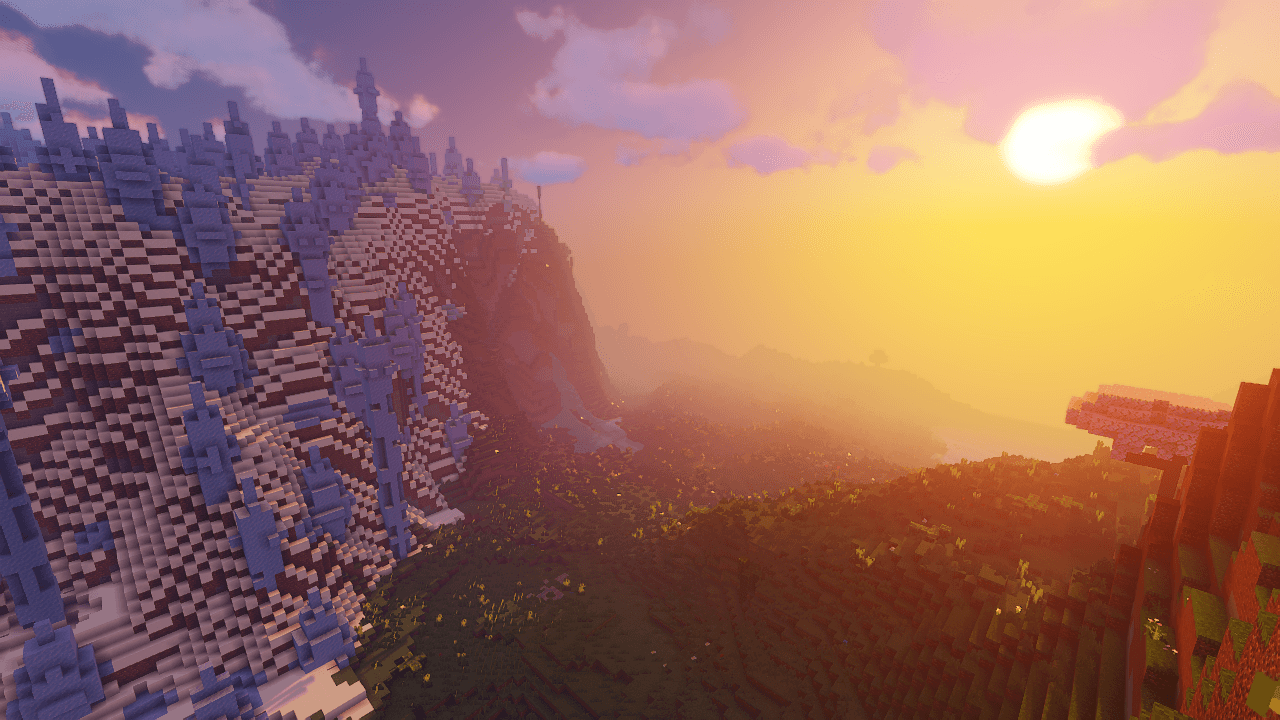 Image.png
 -
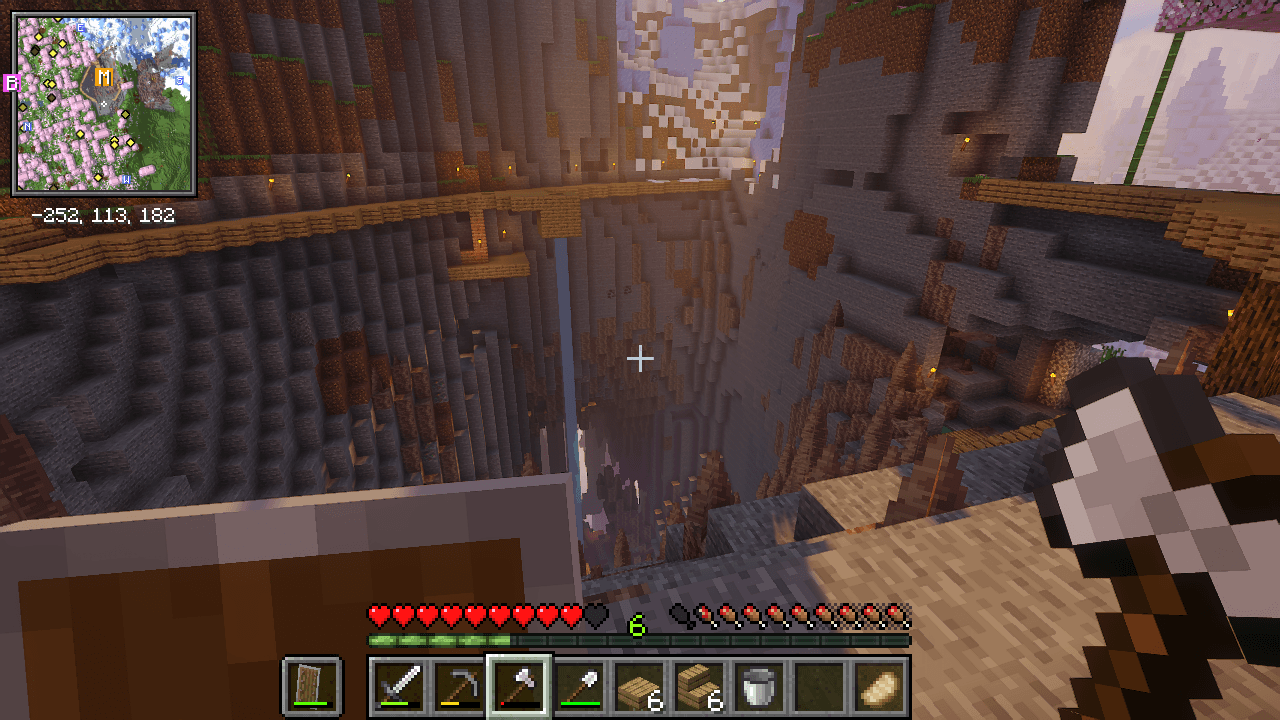 Image2.png
 -
 Screenshot 3.png
 -
 Screenshot 4.png Screenshot 4.png
Versions
Files
Relations
Project Relations
More like this
Similar Modpacks
Suggestions use data such as tags, dependencies, dependents, descriptions, titles, and more to rank how much they overlap with this modpack.
On ModDex
Community snapshot
By the numbers
Statistics

Get it on
Available Platforms
On ModDex
Community snapshot
By the numbers
Statistics
Resources