
Community listing page, reviews here may not be monitored by the author.
Unbeatably Optimized

No reviews yet
Unbeatably Optimized boosts Minecraft: Java Edition's FPS to the maximum and adds features like shader support, zoom and dynamic lighting.

Community voices
Reviews
No reviews yet. Be the first to review this project!
Get it on
Available Platforms
Compatibility
Supported Environments
Works on the client or the server alone, but does more when on both.
About
Project Details
For authors
Embed Badge
If you're the author of this project, you can embed a live badge anywhere that supports HTML or Markdown. It updates automatically whenever ratings change.
Use HTML for any page that supports it, or Markdown for README files and Markdown-based descriptions.
Identifiers
Platform IDs
Resources
External Links
About
Description
Minecraft: Java Edition has been poorly optimized since its initial release. Many low-end devices can't run it smoothly, and even midrange and high-end devices don't get the FPS they should with their hardware.
Unbeatably Optimized aims to give players the maximum FPS possible using mods that optimize different aspects of the game.
It also adds many features to the game:
- Shader support
- Zoom
- Dynamic lighting
- Connected textures/glass
- Cleaner F3 Menu
- Option to set the render distance higher than possible in vanilla Minecraft
- More video settings, such as the option to change the fog distance or even disable fog
- Support for resource packs with custom entity models/textures
So if you want to maximize your FPS in Minecraft: Java Edition, be able to play with shaders, and get many other features on top, you need this modpack!
!!! Important !!!
Allocate more RAM
To get the maximum performance, please follow these steps:
- After installing the modpack, go to your library.
- Click "Unbeatably Optimized".
- Click "Options".
- Scroll down until you find "Java Memory".
- Ensure "Override global memory settings" is checked.
- Drag the slider to about the middle. And you are done.
Bind zoom key correctly
With default key binds, Zoom conflicts with Save Hotbar Activator
- Go to Options --> Controls --> Key Binds
- Change either Zoom (Hold) or Save Hotbar Activator to some key that's not C, my recommendation: just unbind Save Hotbar Activator, at least, I never use it
Hints:
"How can I turn off the FPS display in the top left corner?"
To disable the FPS display in the top left corner (in newer versions it defaults to being off):
- Head to Options -> Video Settings -> Extras.
- Disable "Show FPS".
"I want to get crazy FPS like in the Screenshots!"
If you want to get more FPS than your monitor can show (if your PC can handle it, of course):
- Head to Options --> Video Settings --> General
- Turn off VSync, consider adjusting Max Framerate
Keep in mind that this consumes more power.
Screenshots
Gallery
-
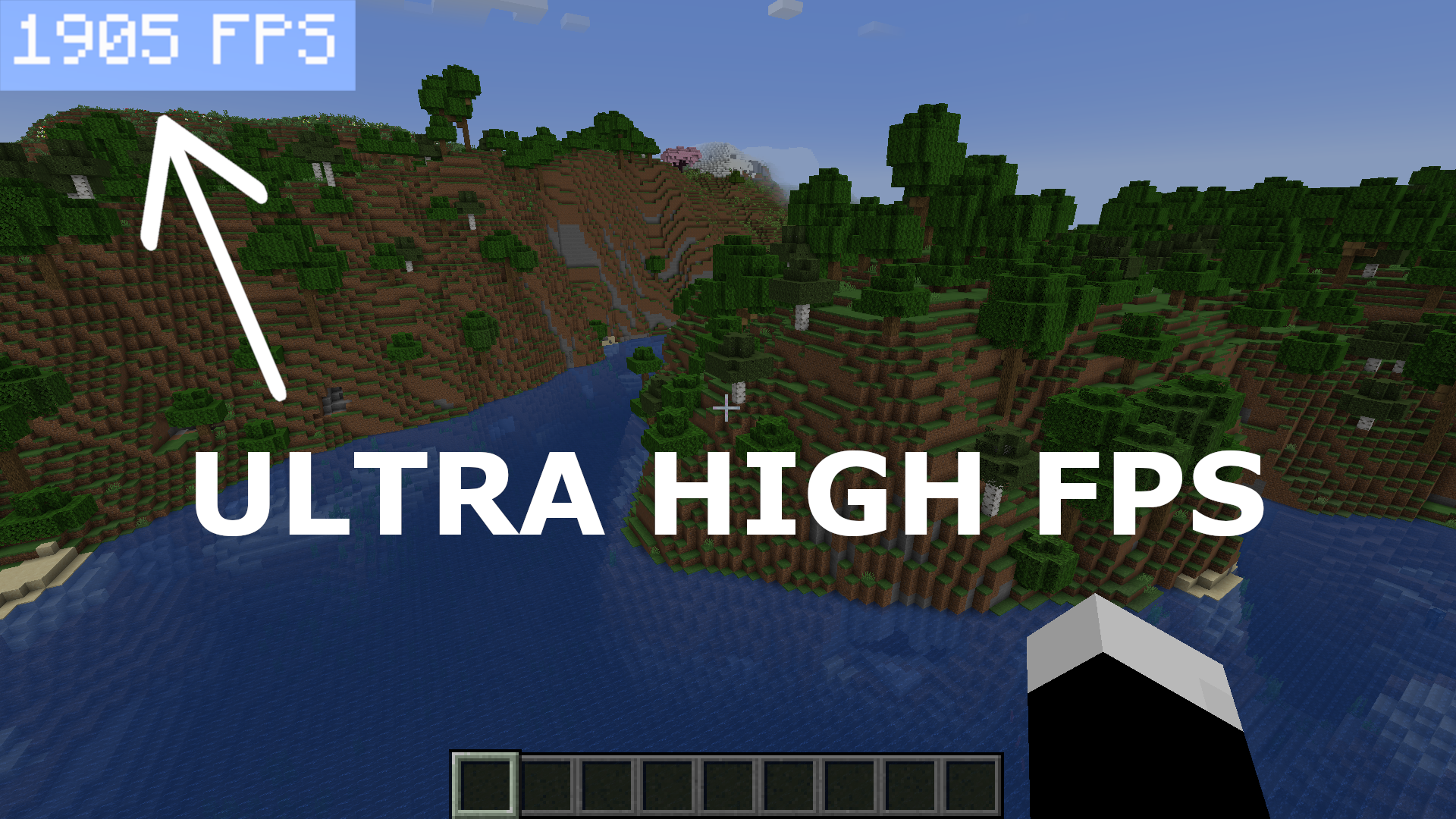 FPS in normal situation My PC specs: AMD Ryzen 7 5700X, AMD Radeon RX 6800, 32GB DDR4 RAM 3600MHz
 -
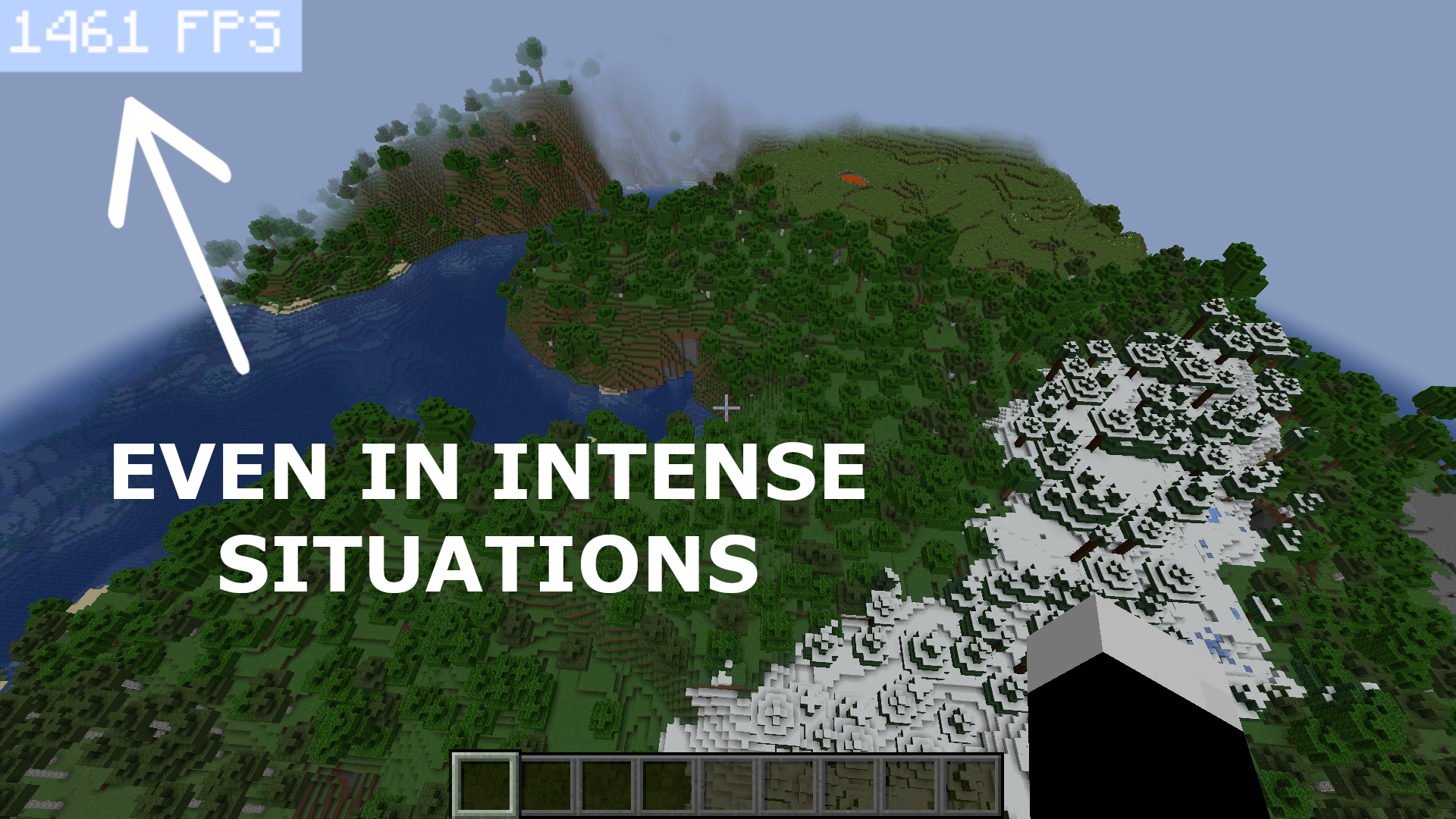 FPS in intense situation
 -
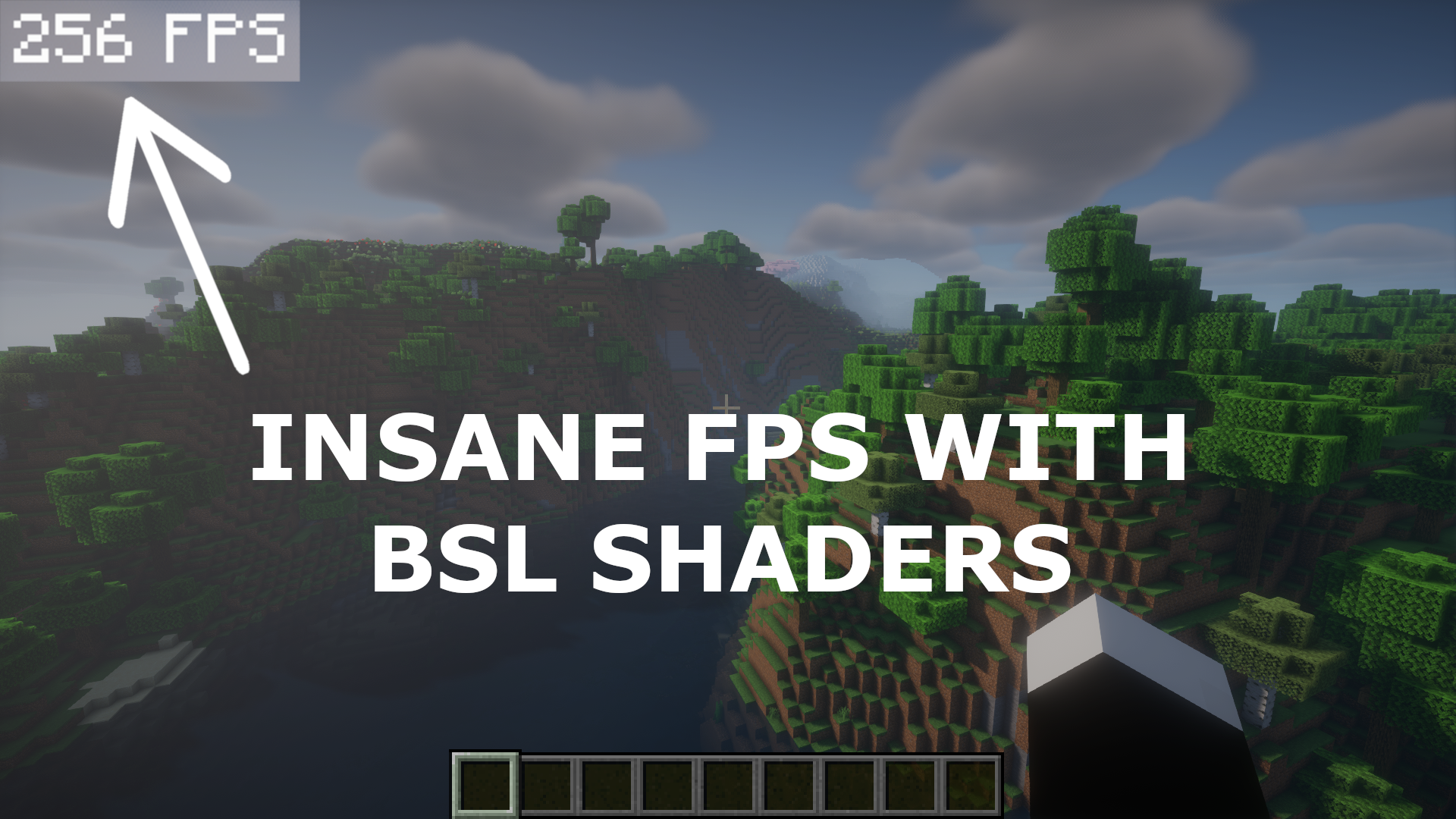 FPS with BSL shaders
 -
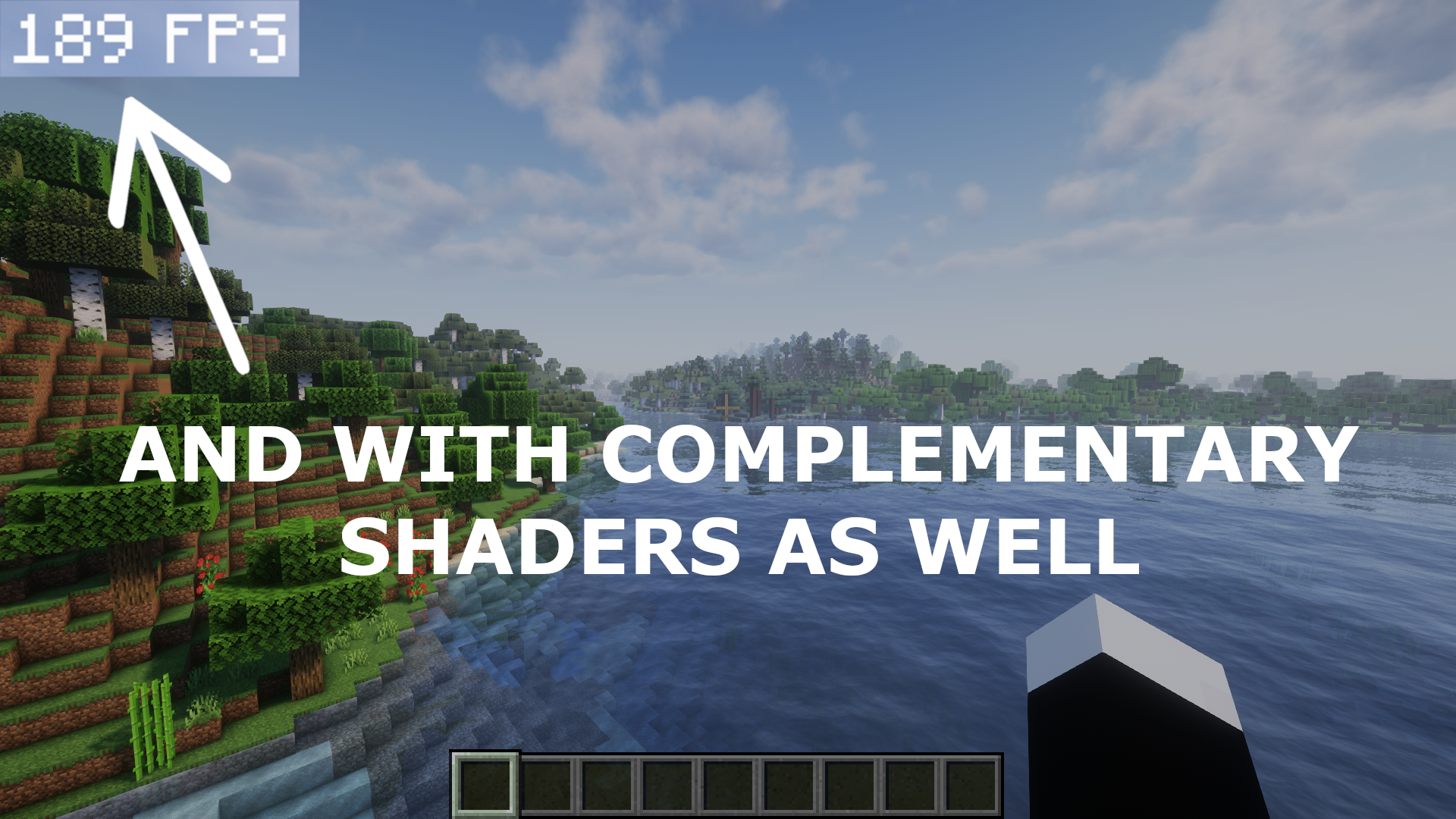 FPS with Complementary shaders
Versions
Files
Relations
Project Relations
More like this
Similar Modpacks
Suggestions use data such as tags, dependencies, dependents, descriptions, titles, and more to rank how much they overlap with this modpack.
On ModDex
Community snapshot
By the numbers
Statistics

 (opens in a new tab)
Get it on
Available Platforms
On ModDex
Community snapshot
By the numbers
Statistics
Resources