Community listing page, reviews may not be monitored by the author.
VentureQuest

No reviews yet
A lightweight 1.20.1 Forge exploration and RPG adventure! Discover custom structures, hunt rare loot, master unique weapons, and survive with realistic new mobs.

Community voices
Reviews
No reviews yet. Be the first to review this project!
Get it on
Available Platforms
About
Project Details
For authors
Embed Badge
If you're the author of this project, you can embed a live badge anywhere that supports HTML or Markdown. It updates automatically whenever ratings change.
Use HTML for any page that supports it, or Markdown for README files and Markdown-based descriptions.
Identifiers
Platform IDs
Resources
External Links
About
Description
Welcome to Venture, the perfect modification pack designed to revitalize the classic Minecraft world without putting a heavy load on your PC! This modpack is carefully crafted to transform your ordinary survival journey into a thrilling exploration and light RPG experience.
- Custom Structures & Hidden Loot: Explore massive floating airships, hidden towers, and abandoned taverns scattered all across the world. Each structure is packed with unique challenges and rewarding loot chests.
- Realistic Survival Mobs: Encounter over 80+ brand-new, highly interactive animals and mythical creatures spawning naturally in their respective biomes.
- Specialized Combat & Armory: Upgrade your arsenal with a balanced selection of custom tier-based weapons like Daggers, Battleaxes, and Hammers without losing the game's core vanilla charm.
- Essential Utilities: Includes a handy in-game Mini-map to track coordinates or nearby threats, alongside an extensive Recipe Guide to instantly check how to craft any item.
- Optimized for Low-End PCs: Enhanced with top-tier performance stabilizers to lower RAM consumption and drastically boost your FPS for a completely lag-free experience.
- If you haven't already, download and install the official CurseForge Desktop App for Windows or Mac.
- Open the CurseForge App and select Minecraft.
- Search for "Venture" in the browse section.
- Click the Install button and wait for the files to download.
- Go to your My Modpacks tab and click Play on this profile.
- The Minecraft Launcher will open with the correct profile selected. Click Play again.
- Once the game loads, click on Singleplayer and select Create New World.
- Make sure that "Generate Structures" is turned ON in the world settings to enjoy the custom houses and dungeons.
- Jump right in and start your ultimate survival adventure!
Screenshots
Gallery
-
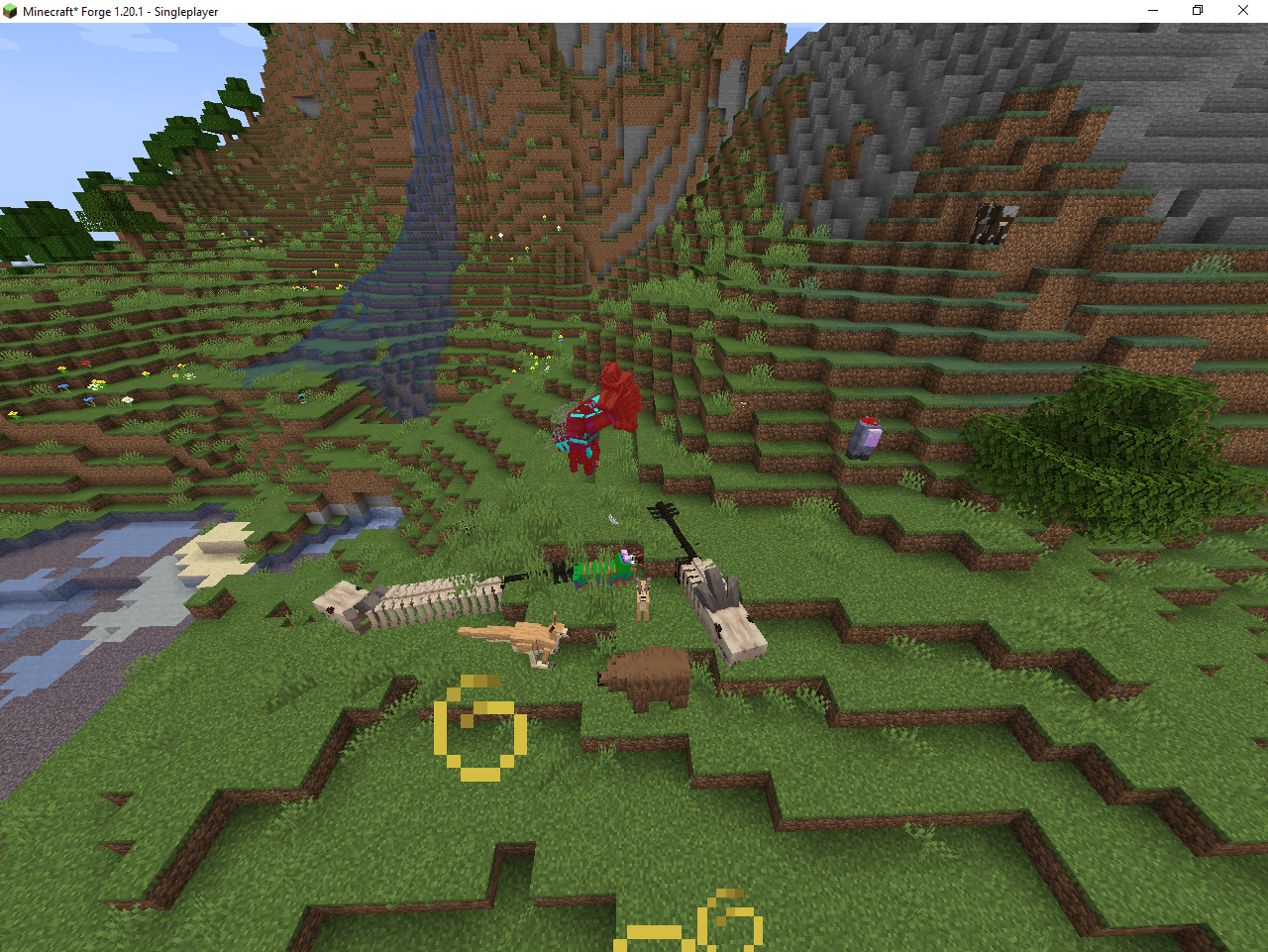 Minecraft_ Forge 1.20.1 - Singleplayer 21_10_2026 00_38_01.png Minecraft_ Forge 1.20.1 - Singleplayer 21_10_2026 00_38_01.png
 -
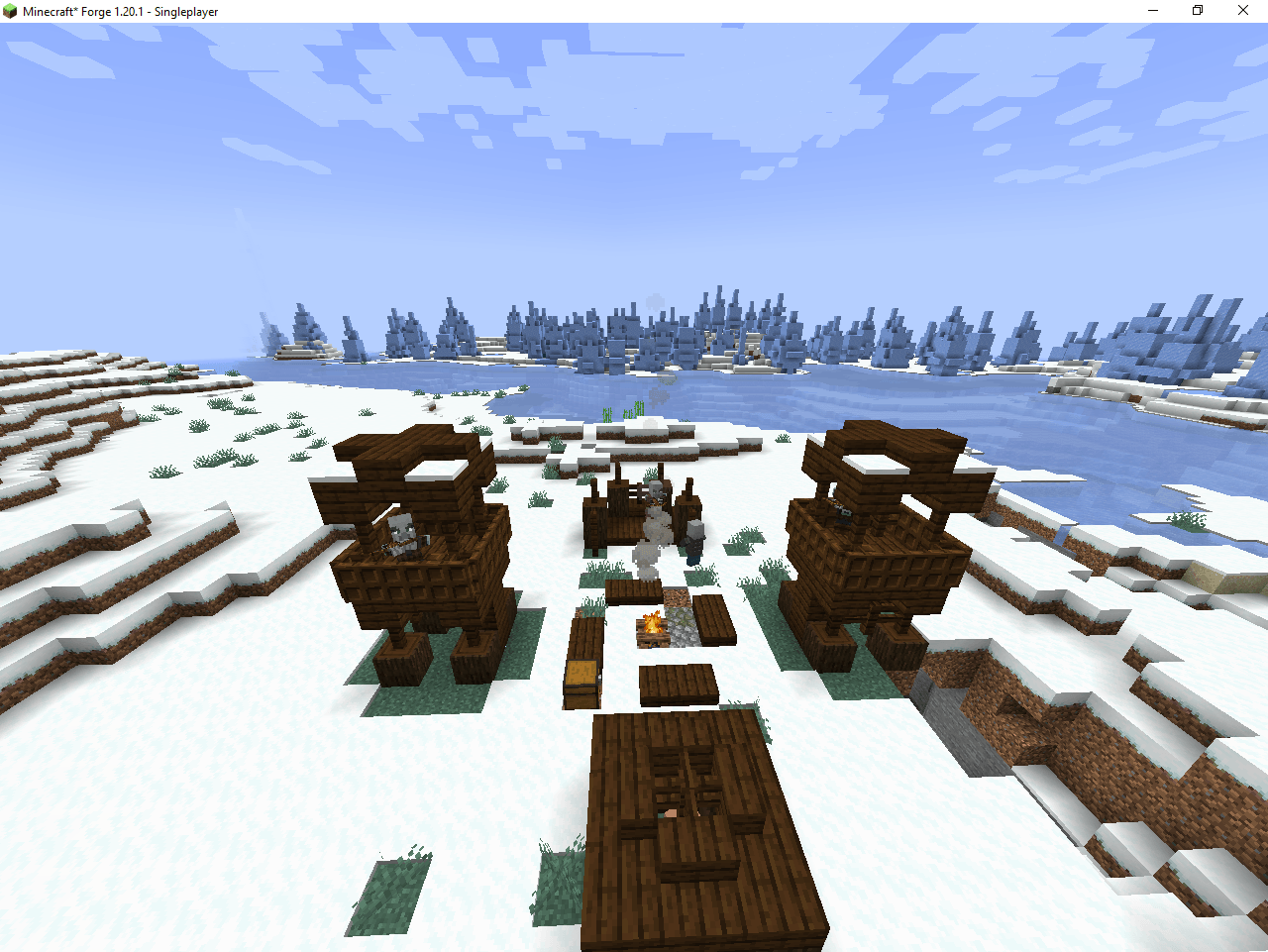 Minecraft_ Forge 1.20.1 - Singleplayer 21_10_2026 00_36_47.png Minecraft_ Forge 1.20.1 - Singleplayer 21_10_2026 00_36_47.png
 -
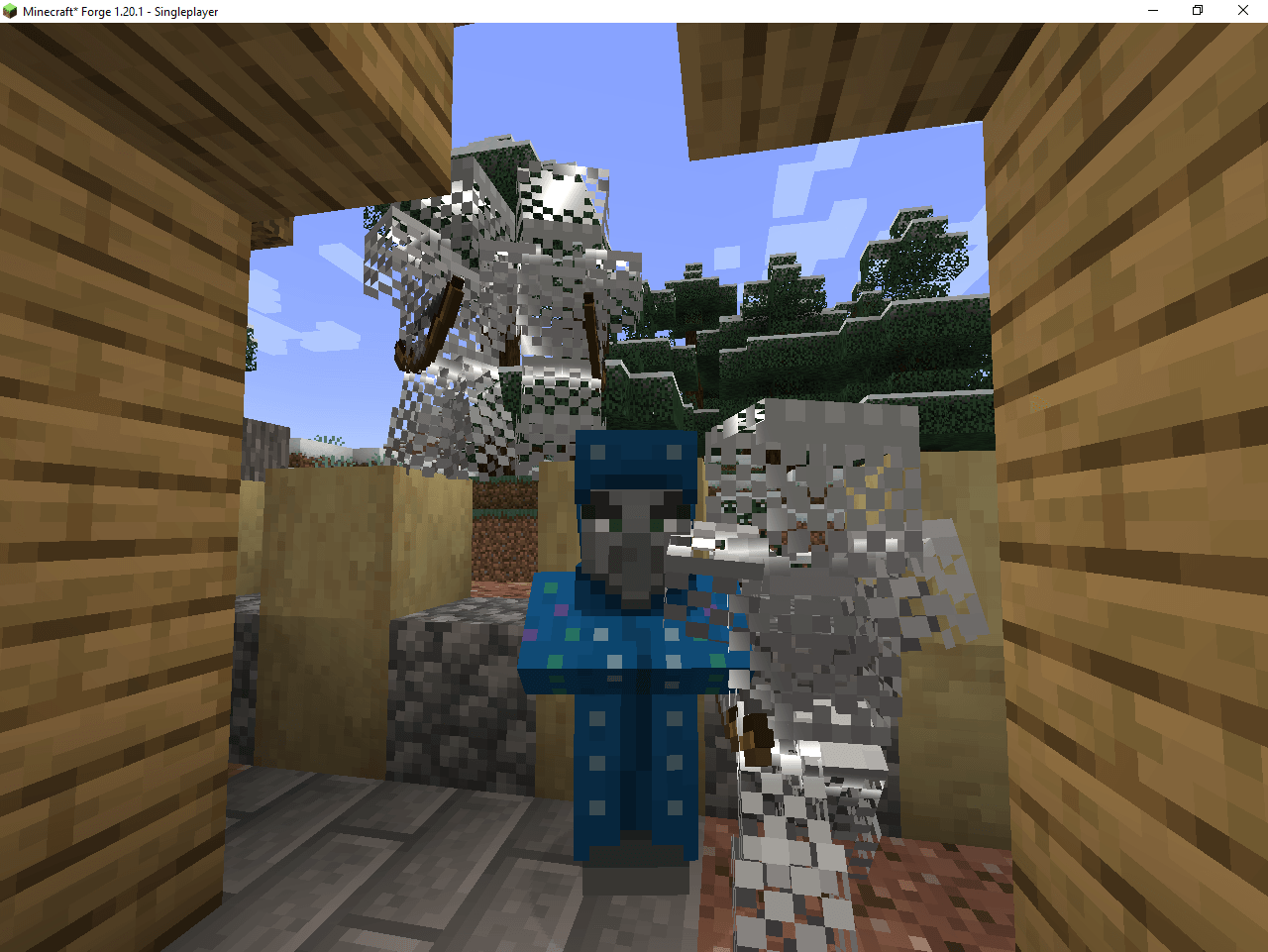 Minecraft_ Forge 1.20.1 - Singleplayer 21_10_2026 00_36_17.png Minecraft_ Forge 1.20.1 - Singleplayer 21_10_2026 00_36_17.png
 -
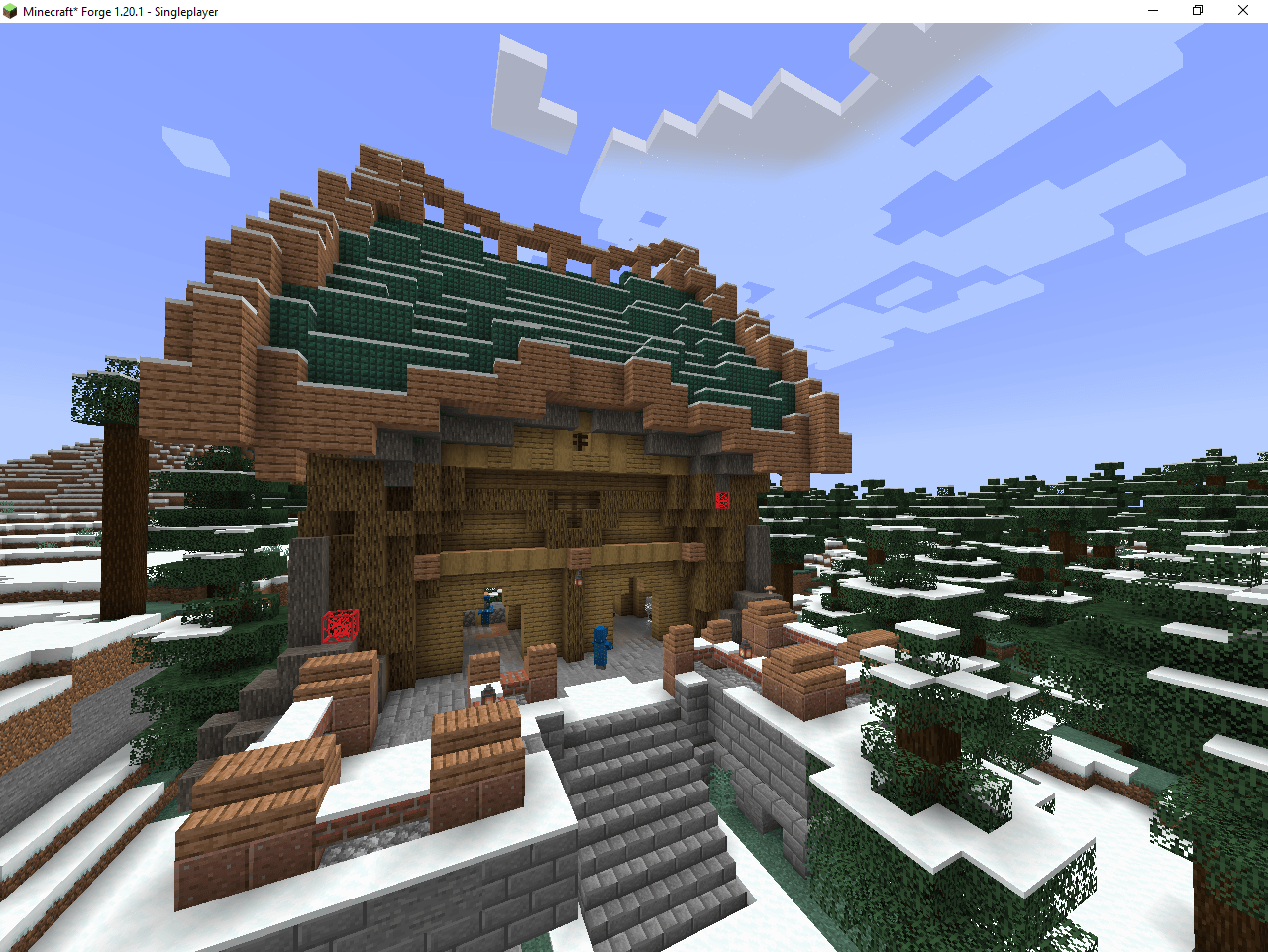 Minecraft_ Forge 1.20.1 - Singleplayer 21_10_2026 00_36_07.png Minecraft_ Forge 1.20.1 - Singleplayer 21_10_2026 00_36_07.png
 -
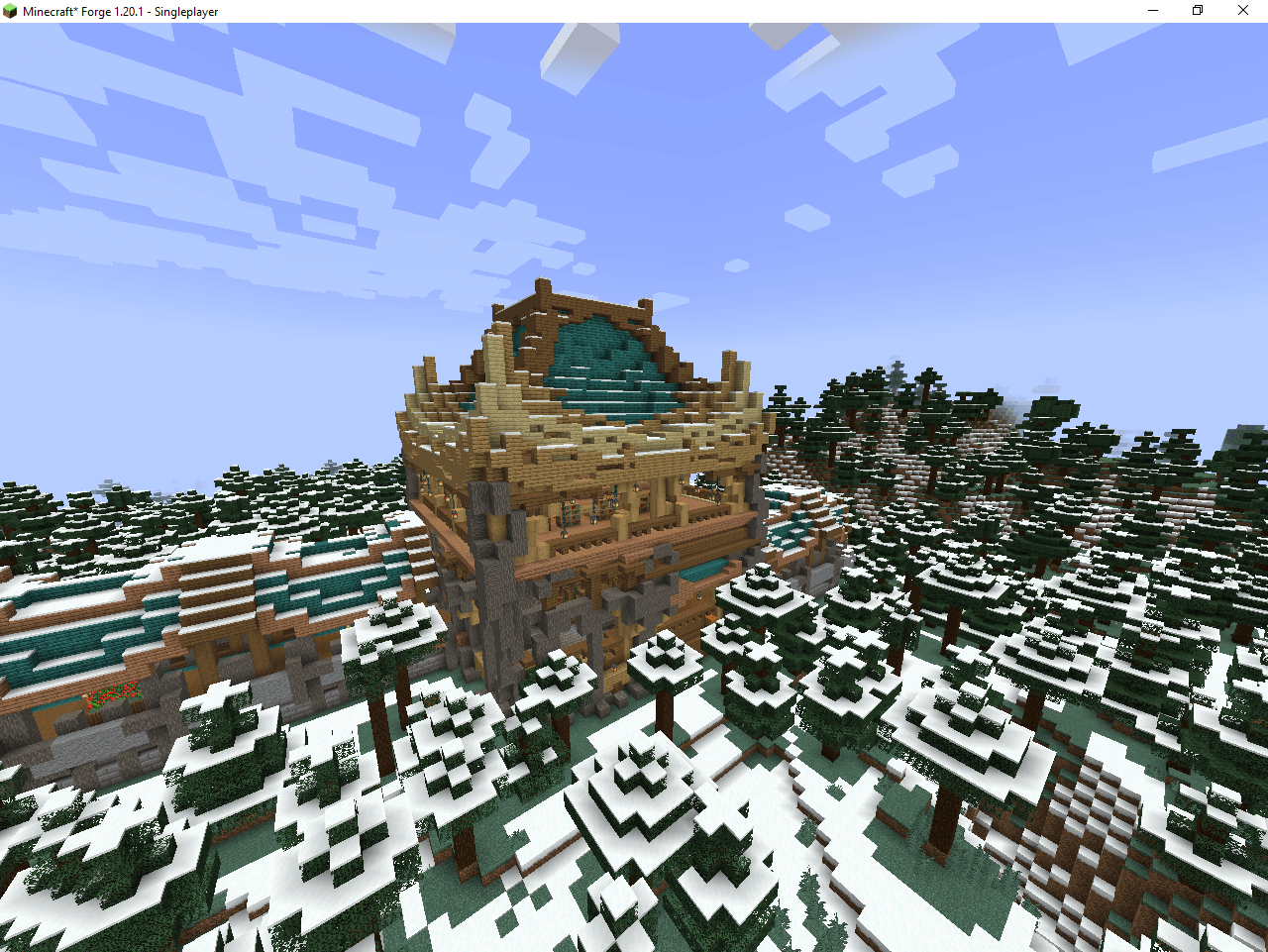 Minecraft_ Forge 1.20.1 - Singleplayer 21_10_2026 00_35_08.png Minecraft_ Forge 1.20.1 - Singleplayer 21_10_2026 00_35_08.png
 -
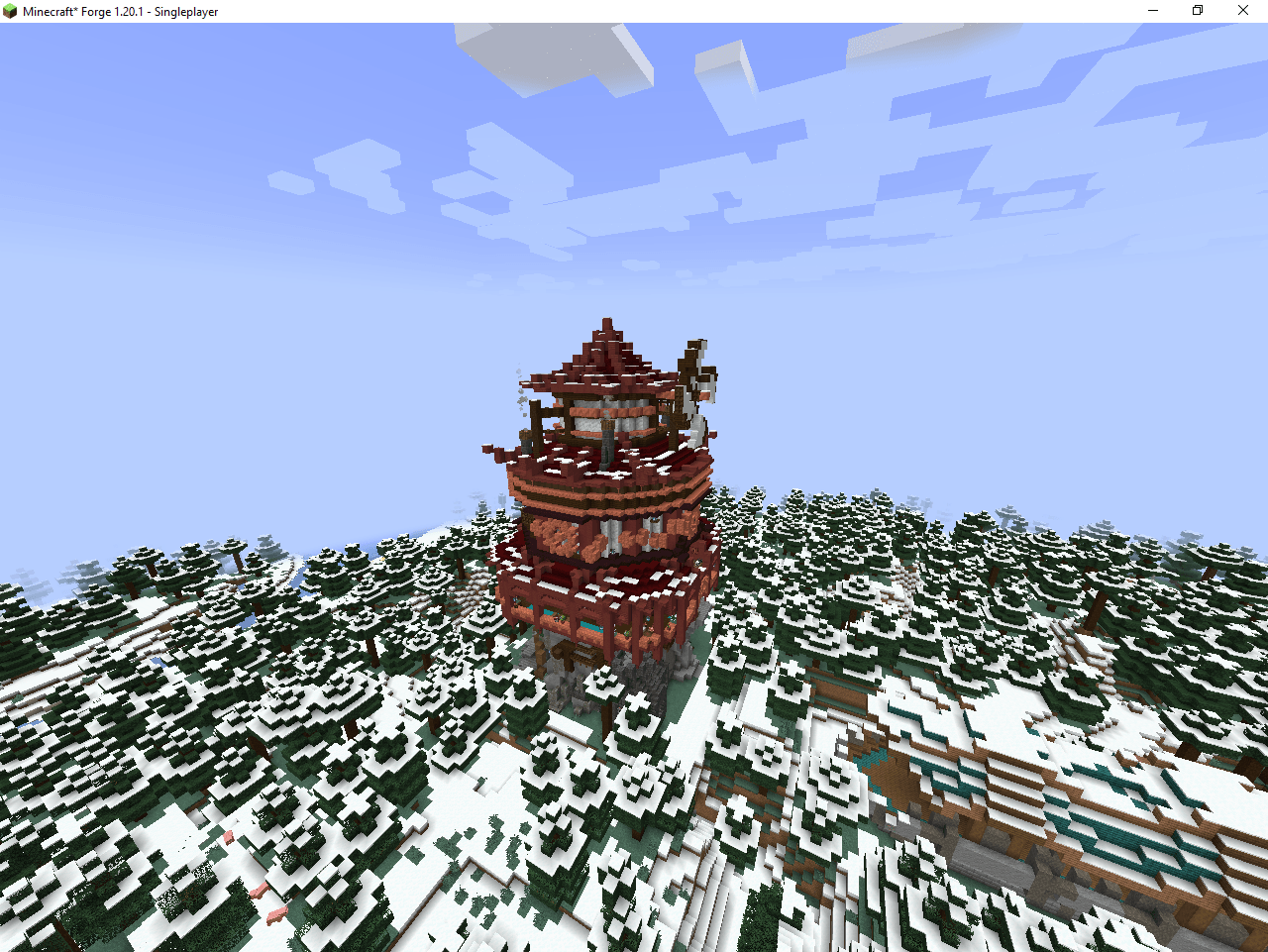 Minecraft_ Forge 1.20.1 - Singleplayer 21_10_2026 00_35_01.png Minecraft_ Forge 1.20.1 - Singleplayer 21_10_2026 00_35_01.png
Versions
Files
Relations
Project Relations
More like this
Similar Modpacks
Suggestions use data such as tags, dependencies, dependents, descriptions, titles, and more to rank how much they overlap with this modpack.
- James' Five Night's Map Maker
- Fnaf ultimate
- KSDCA Super Dino World
- Five nights at Freddy´s (Freedy Fazbear pizza)
- Parasites Apocylpse
- SCP - KVedition
- Blocky Nights at Freddy's
- DON'T SCREAM by Liss
- Sbeev's 100 Players VS Parasites Modpack
- Fnaf Map Maker: Collection
- morph with horror
- Josh's Ultimate FNaF Modpack
On ModDex
Community snapshot
By the numbers
Statistics

Get it on
Available Platforms
On ModDex
Community snapshot
By the numbers
Statistics
Resources