
Vivid Motions
No reviews yet
Dynamic Animations & Immersive Actions to Minecraft.
Fabric is a mod loader for versions 1.14+ of Minecraft, particularly popular for client side and optimization mods.
Community voices
Reviews
Click once to include, again to exclude, again to clear
No reviews yet. Be the first to review this project!
Get it on
Available Platforms
 Modrinth
Compatibility
Supported Environments
About
Project Details
For authors
Embed Badge
If you're the author of this project, you can embed a live badge anywhere that supports HTML or Markdown. It updates automatically whenever ratings change.
Use HTML for any page that supports it, or Markdown for README files and Markdown-based descriptions.
Identifiers
Platform IDs
Resources
External Links
About
Description

Vivid Motions: Java Edition
Every move feels real Vivid Motions makes Minecraft Java feel alive. Your character moves smooth. Tools swing with weight. Eating looks real. Mobs act alive. Everything just feels better.
What it does:
- You move naturally — no stiff arms or legs
- Items in your hand look 3D and move when you do
- Mobs walk, bounce, and react like real animals
- Lights are smooth, like in optifine
Mods and Resource-packs used:
Expand Full List
- Chat Animation [Smooth Chat]
- Enchantment Glows
- Fresh Animations
- Hold My Items
- Subtle Effects
- Fabric Language Kotlin
- Lithium
- AppleSkin
- Not Enough Animations
- Cloth Config API
- Tiny Pickup Animation
- Jade 🔍
- Fzzy Config
- Visual Effects+
- Fancy Toasts | Better Advancements
- Colourful containers GUI
- YetAnotherConfigLib (YACL)
- [ETF] Entity Texture Features
- [EMF] Entity Model Features
- oωo (owo-lib)
- Visuality
- Mod Menu
- Particular ✨ Reforged
- Particle Effects
- Particle Interactions
- Fabric API
- Polytone
- Model Gap Fix
- Smooth Bow Animations
- Smooth Swapping
- Smooth Gui
- Better Animations
- VTDownloader
- Fresh Buckets
- Animated Items
- Mouse Tweaks
- LambDynamicLights - Dynamic Lights
- Animated Typing
- Boat Item View
- Effect Timer Plus
- 3D Armor
- Better Statistics Screen
- Drodi's Illagers x Fresh Animation
- Cave Dust
- Tiny Item Animations
- BetterF3
- Blur+
- Enchantment Descriptions
- Shulker Box Tooltip
- Better Third Person
- Accurate Block Placement Reborn
- Sound Physics Remastered
- Wavy Water
- Better Mount HUD
- Eating Animation
- Creeper Recrafted:FA
Steps to install:
Modrinth App [Recommended]
- Open the Modrinth App and log in if needed.
- Click the "+" (Add Instance) button in the top-left.
- Select "Import Modpack" from the dropdown.
- Browse your files and select the .mrpack file.
- Choose your Minecraft version (if prompted) and click "Import."
- Once done, launch the new instance from the main list.
The launchers below require a zip file, then an .mrpack. Please use an online converter for them.
Curseforge App
- Open the CurseForge App > Minecraft tab.
- Click "Create Custom Profile" (top-right, next to the search bar).
- In the pop-up, select "Import" > Choose "From .zip file".
- Browse to your .zip (e.g., VividMotions.zip) > Select it.
- Name the profile (e.g., "Vivid Motions") > Click "Create".
- Review mods in the profile editor if needed (e.g., tweak configs) > Hit "Play"
Prism Launcher
- Open Prism Launcher.
- Click "Add Instance" (or right-click in the instances list > Create Instance).
- In the dialog, go to the "Import from zip" tab.
- Paste the URL to the .mrpack (if online) or click the folder icon to select your local .mrpack file.
- Select the Minecraft version if prompted, then click "OK" to import.
- Edit mods/configs if needed, then launch.
ATLauncher
- Open ATLauncher.
- Go to the "Packs" tab on the left sidebar.
- Click "Import" at the bottom of the packs list.
- Select "Local Pack" or "From File," then browse and choose your .mrpack file.
- ATLauncher will detect it as a modpack—name the instance and click "Import."
- Wait for download/extraction, then launch from the instances list.
MultiMC / PolyMC
- Open MultiMC (or PolyMC fork).
- Click "Add Instance" > Select "Import from zip."
- Enter the local path to your .mrpack file.
- MultiMC will parse the .mrpack—confirm Minecraft version and click "OK."
- The instance appears in the list—edit jars/mods if prompted, then launch.
Other Launchers(Buttons may vary)
- Convert .mrpack to .zip
- Extract the .zip file
- Open %appdata% and go to .minecraft
- Drag the files in the Resource pack folder from the .zip to the Resource pack folder in .minecraft
- Drag the files in the Mods folder from the .zip to the Mods folder in .minecraft
- Open your launcher and create a new instance
- Select your version and click "Play"
Copyright ©
We do not own the mods. All credit goes to the mod creators. I just put them together.
Screenshots
Gallery
-
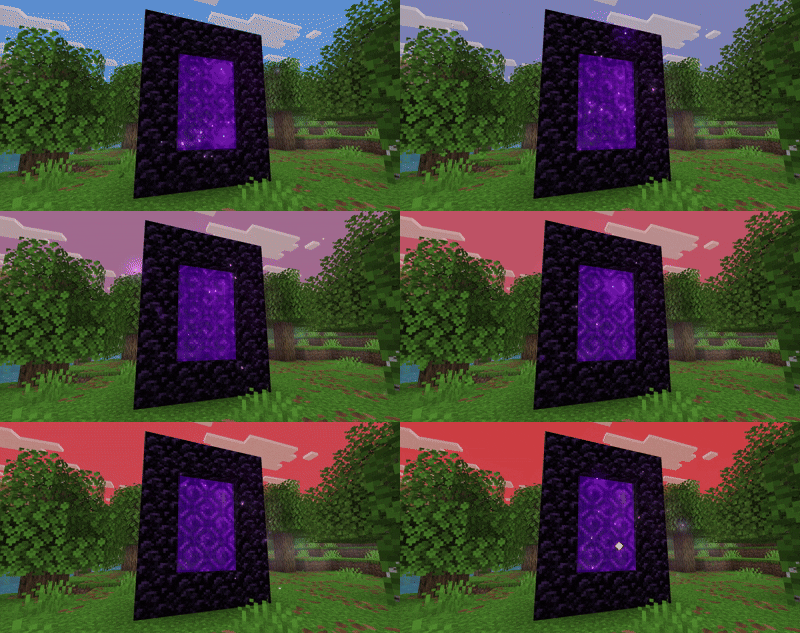 Portal Particles
 -
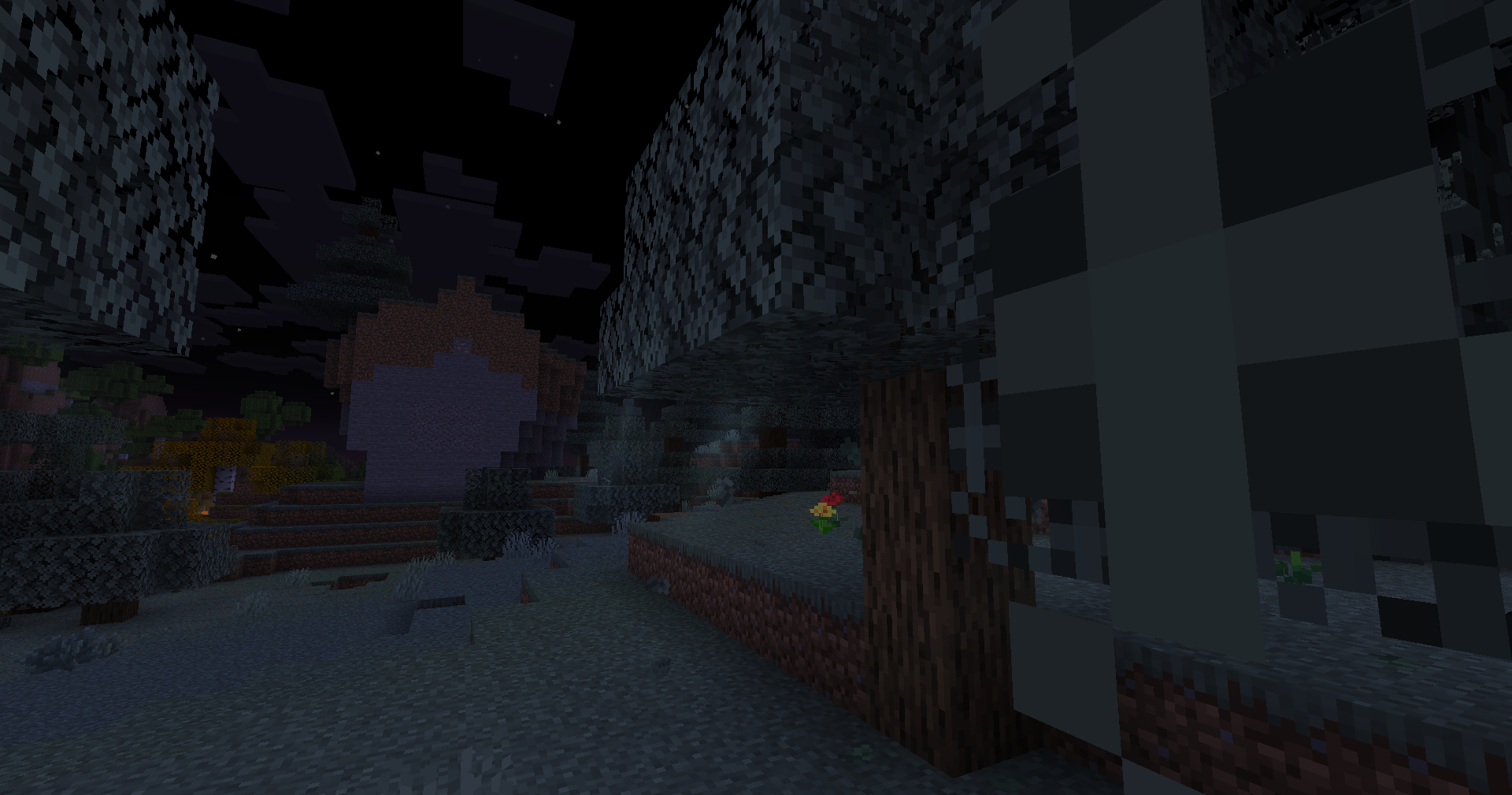 Sun Rays
 -
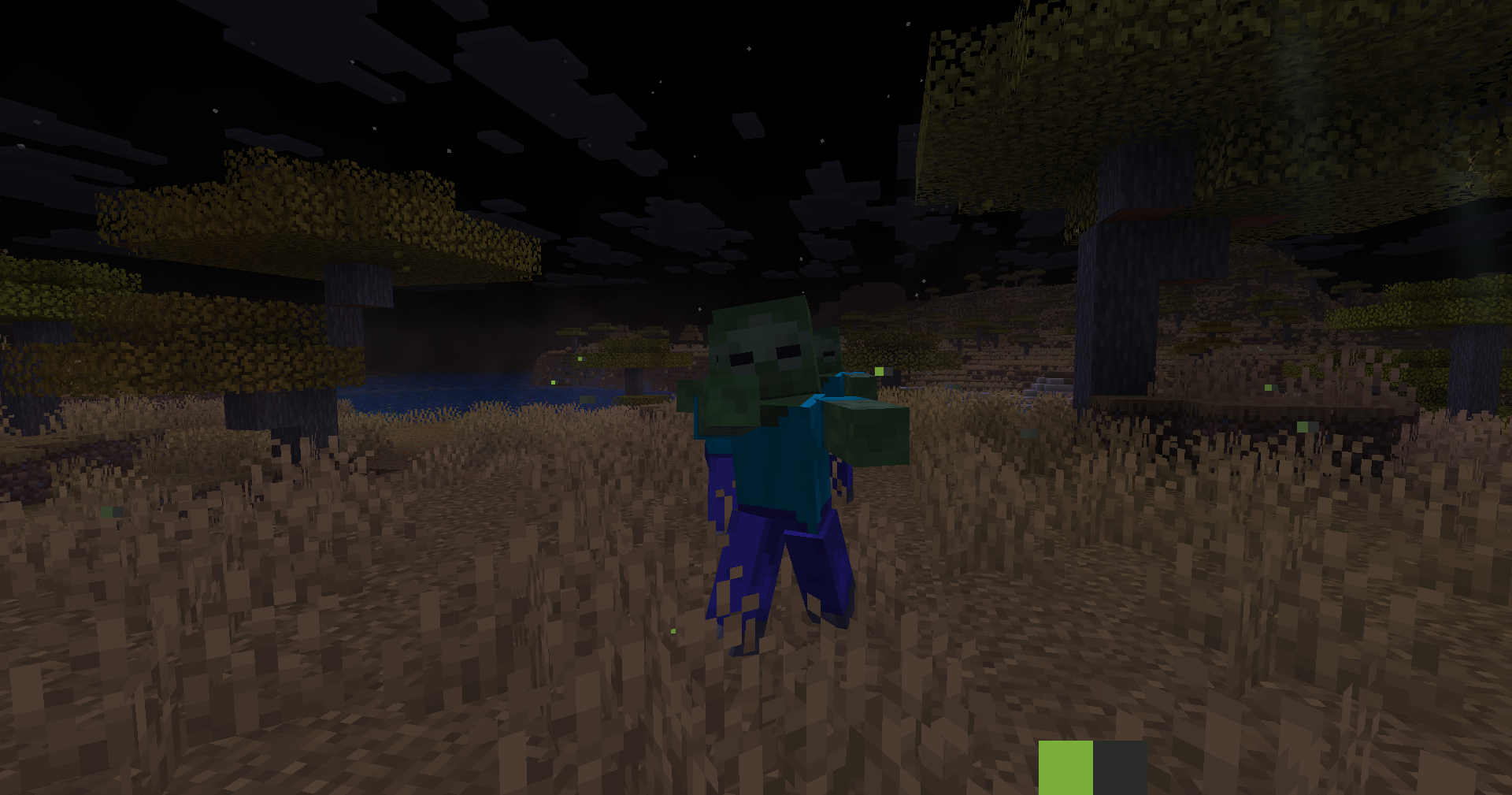 Better Mob Animations
 -
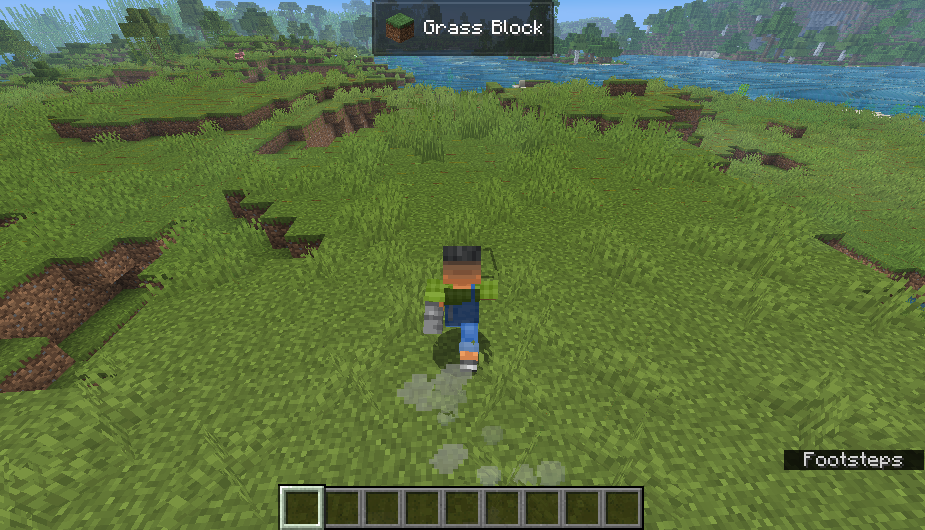 Footstep Particles
 -
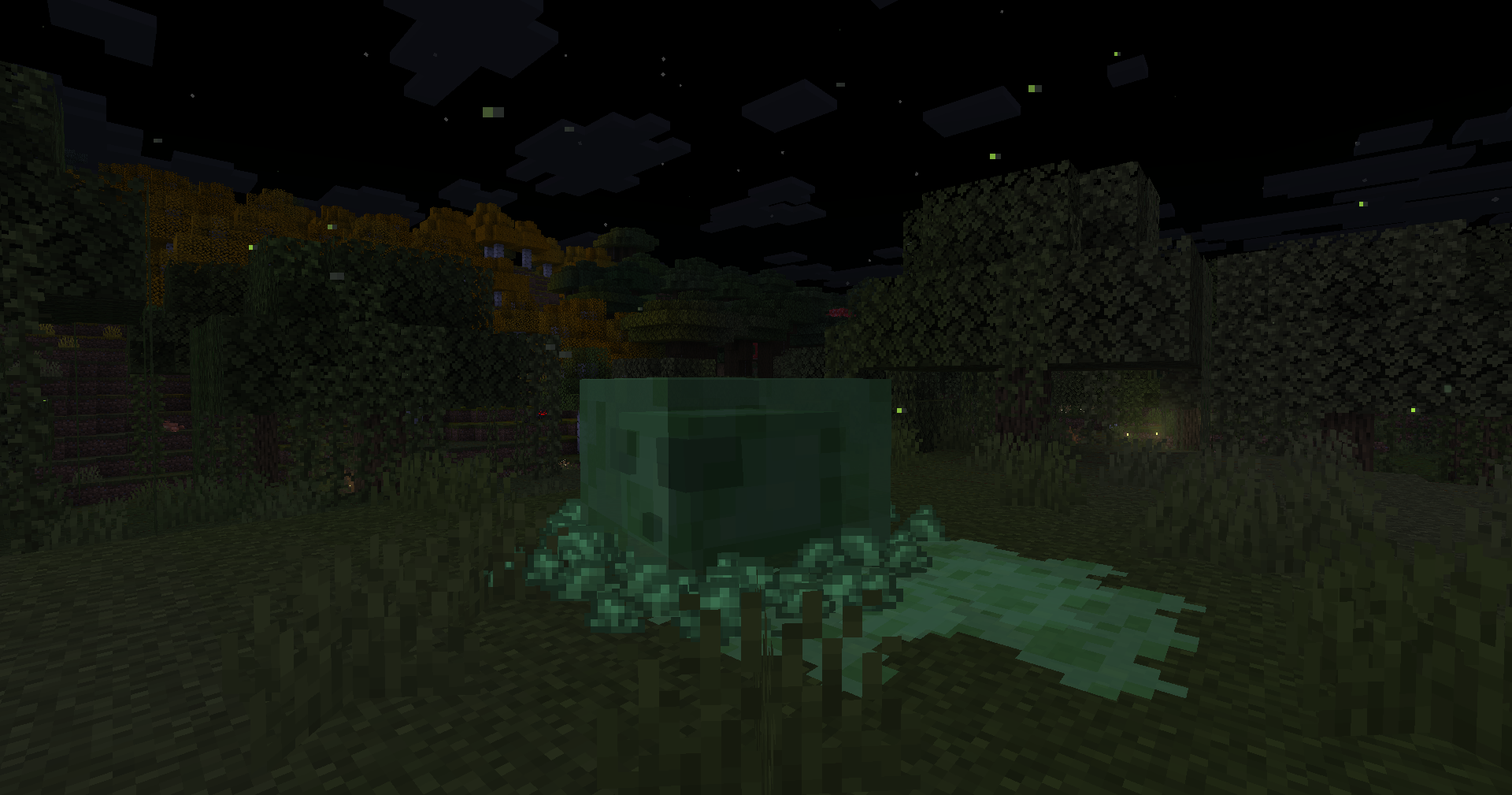 Slimy Footsteps
 -
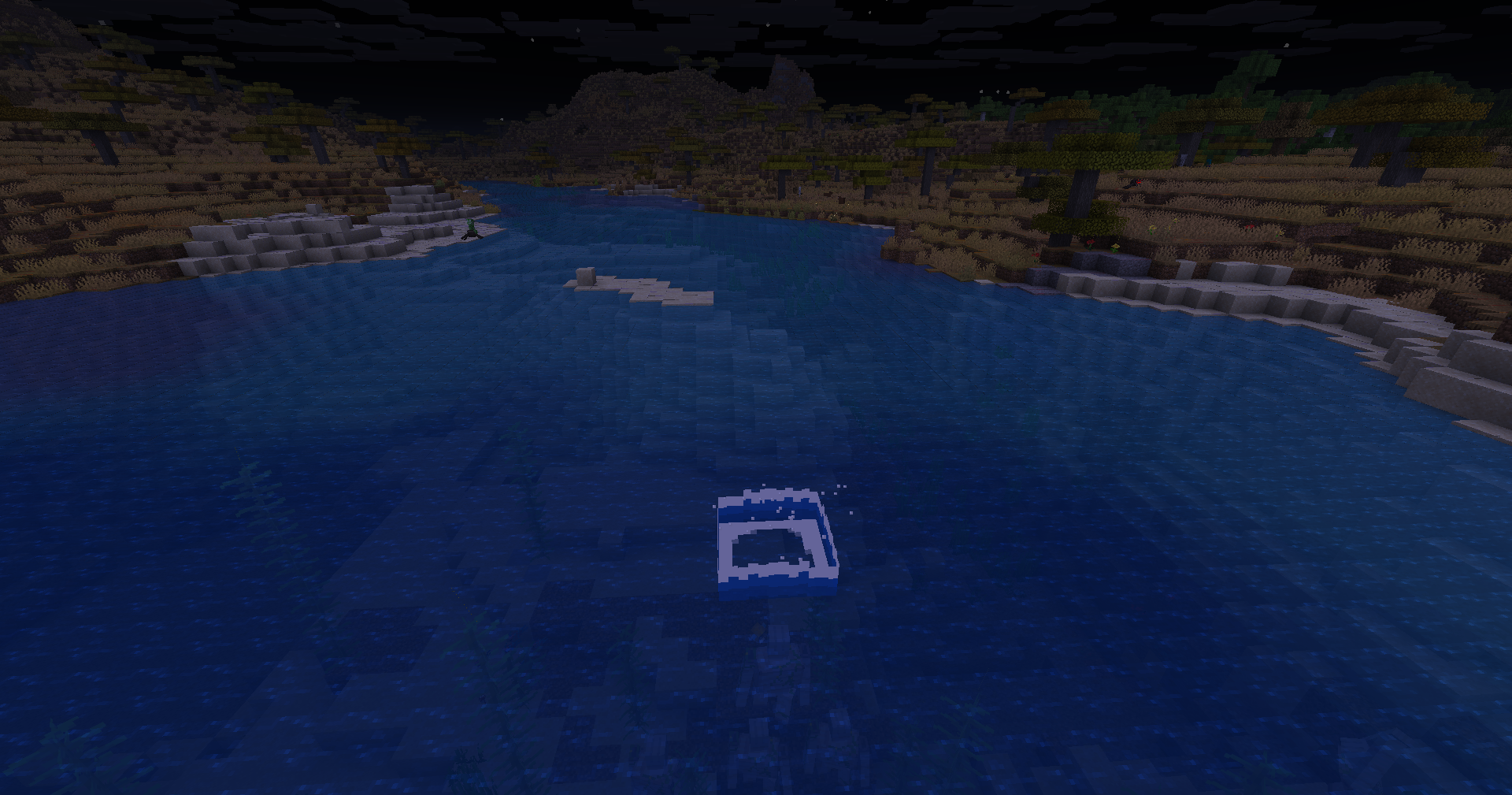 Water Splashes
 -
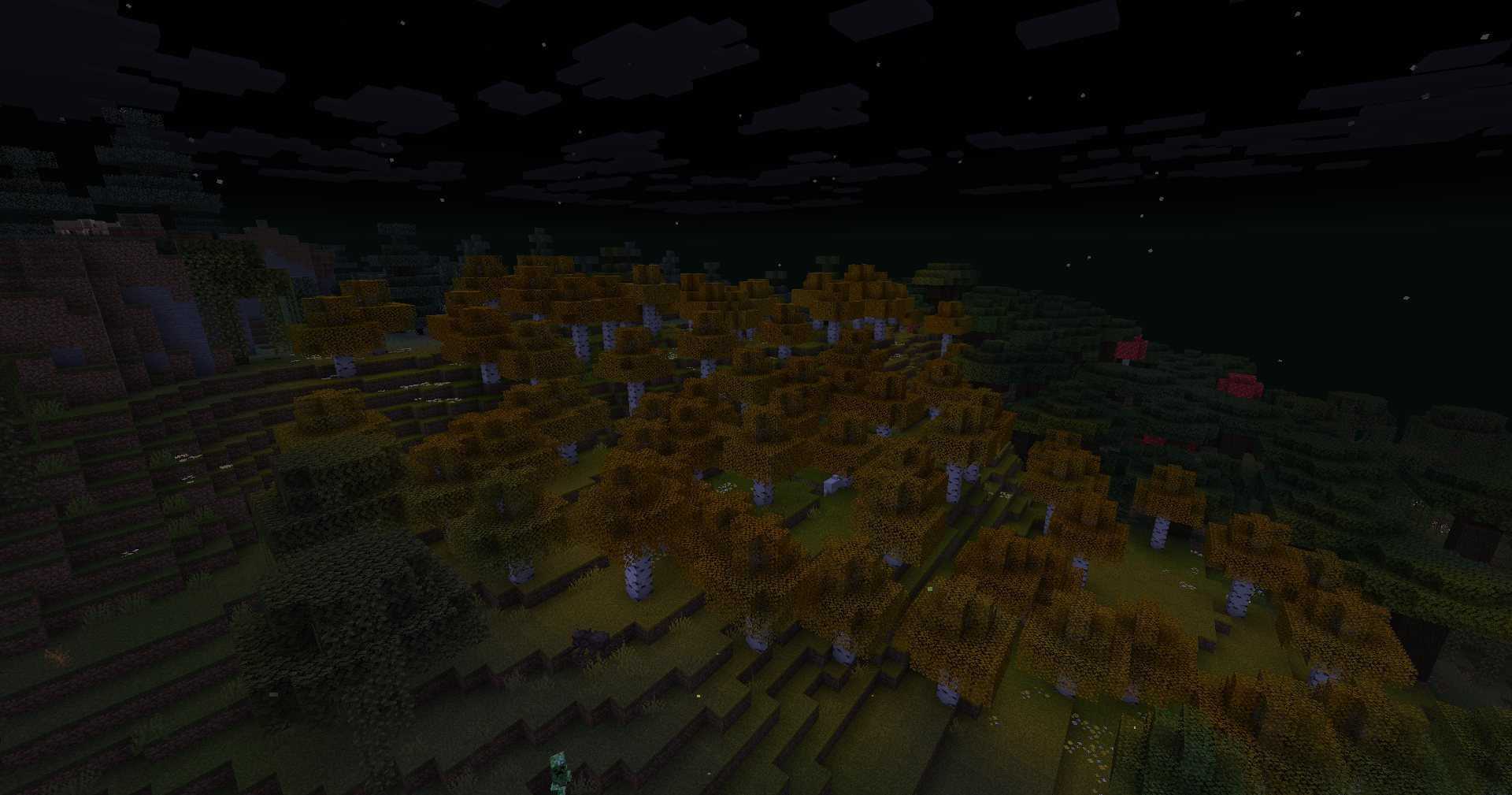 Colorful Leaves
 -
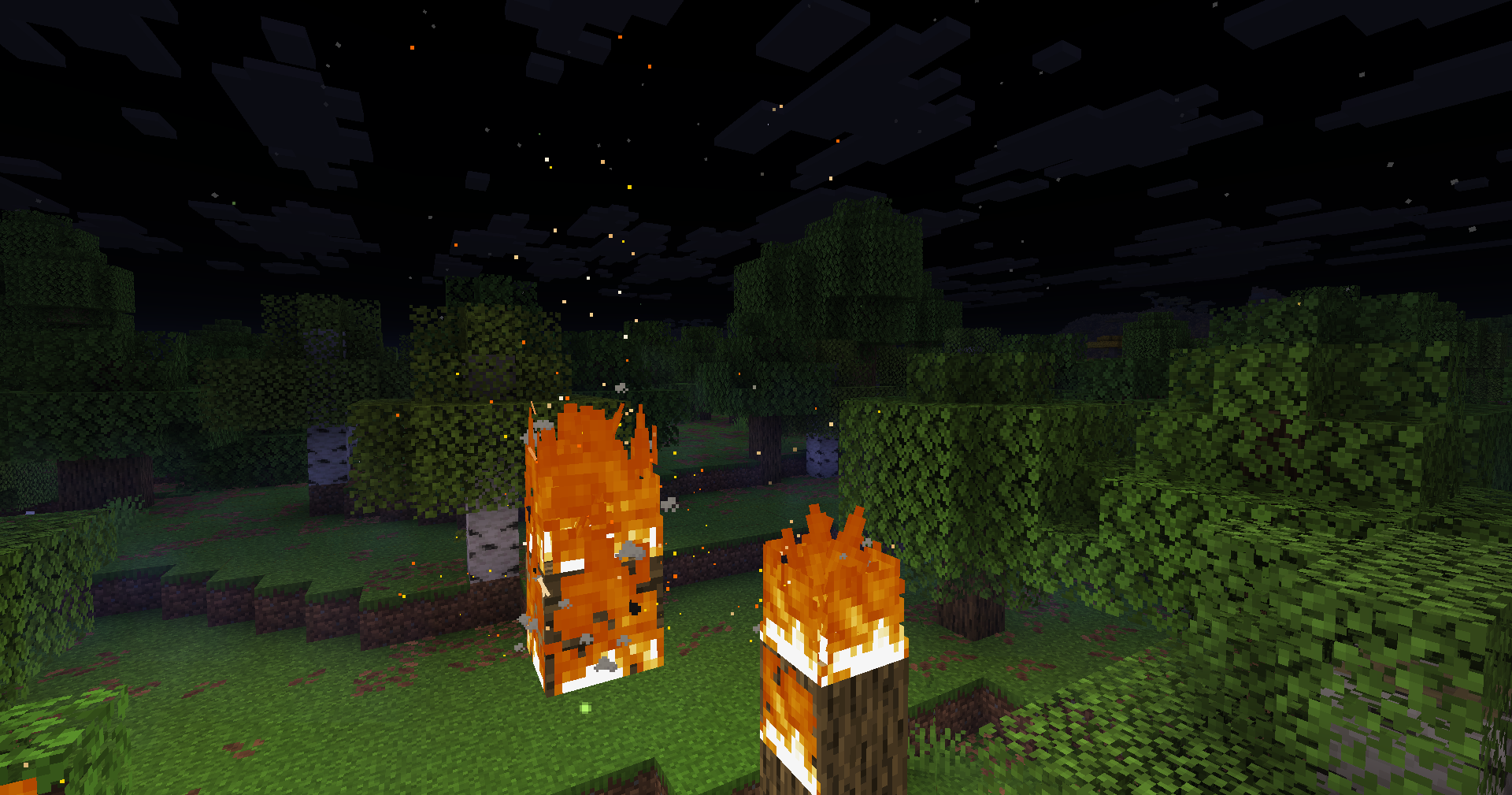 Fire Particles
 -
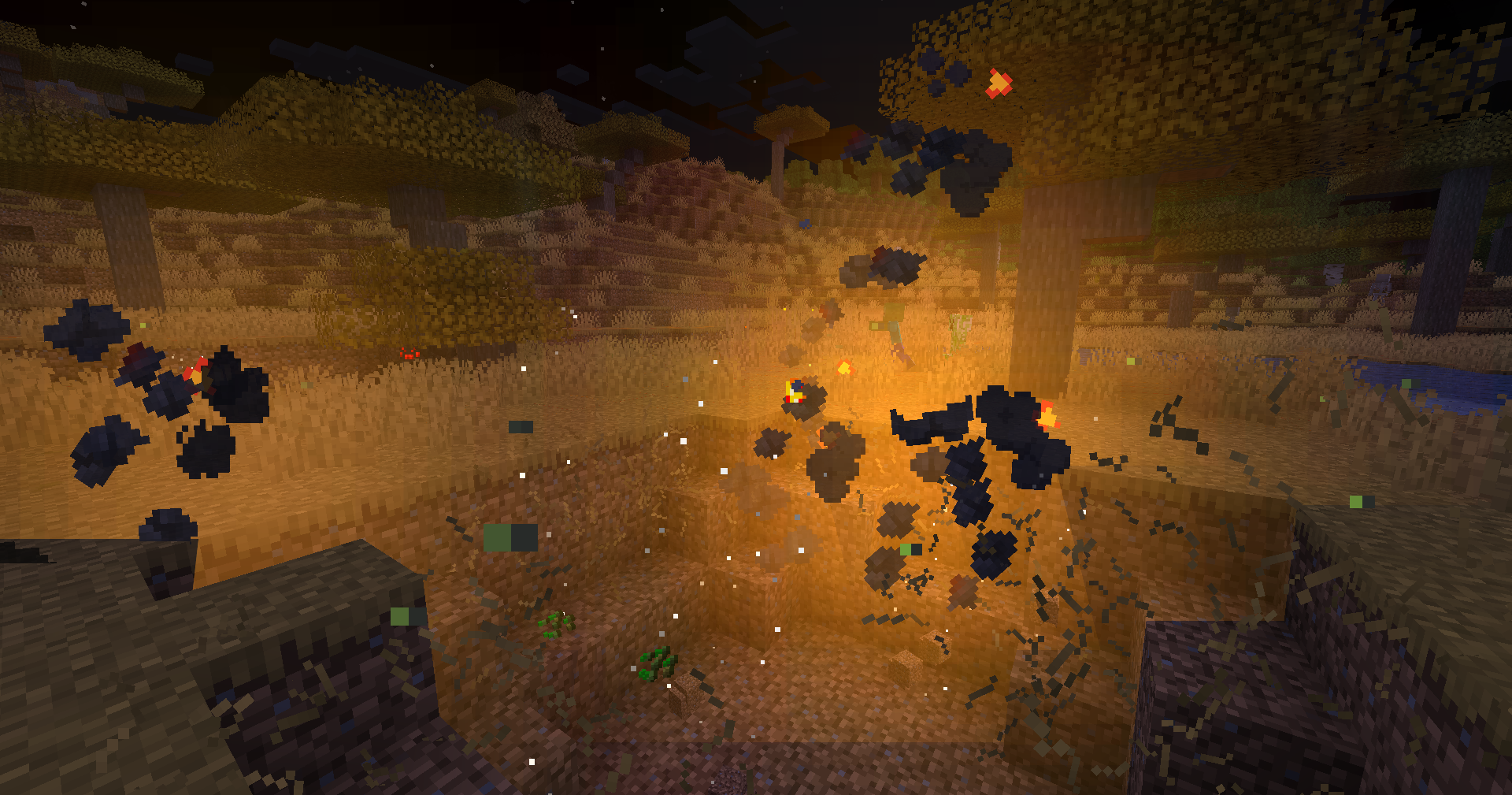 Explosion Effects
Versions
Files
Relations
Project Relations
More like this
Similar Modpacks
Suggestions use data such as tags, dependencies, dependents, descriptions, titles, and more to rank how much they overlap with this modpack.
On ModDex
Community snapshot
By the numbers
Statistics

Want to reach Minecraft players?
We're looking for a server hosting partner to feature here and other parts of the site. Interested? Send us a message!
Get in touchGet it on
Available Platforms
On ModDex
Community snapshot
By the numbers
Statistics
Resources