Community listing page, reviews may not be monitored by the author.
Voxy with Shaders(ultra optimization modpack)

No reviews yet
Voxy with Shaders is a multi-version, ultra-optimized graphics modpack engineered to deliver breathtaking cinematic Minecraft experiences across different game versions. Enjoy massive voxel-based render distances combined with stunning shader

Community voices
Reviews
No reviews yet. Be the first to review this project!
Get it on
Available Platforms
About
Project Details
For authors
Embed Badge
If you're the author of this project, you can embed a live badge anywhere that supports HTML or Markdown. It updates automatically whenever ratings change.
Use HTML for any page that supports it, or Markdown for README files and Markdown-based descriptions.
Identifiers
Platform IDs
Resources
External Links
About
Description
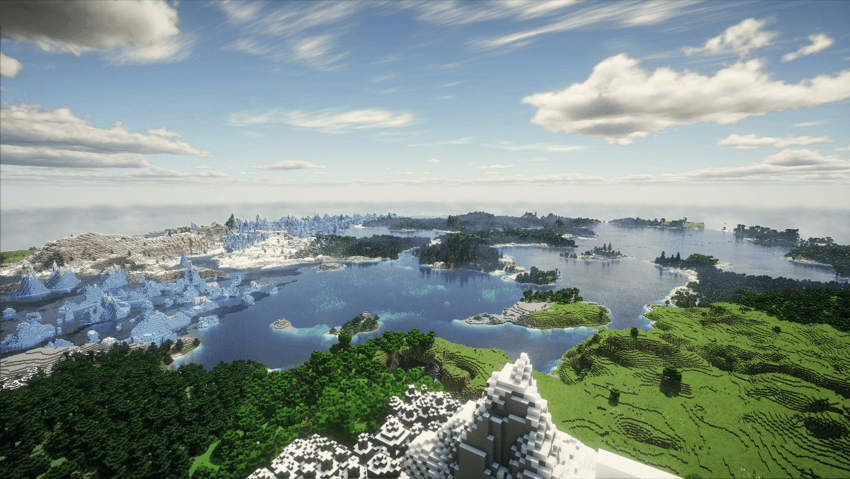
hello guys Voxy with Shaders** is a multi-version, ultra-optimized graphics modpack engineered to deliver breathtaking cinematic Minecraft experiences. It completely eliminates the old, tedious methods of manual world pre-generation and replaces them with a modern, fully automated system. Enjoy massive voxel-based render distances combined with stunning shaders and rock-solid performance.
| Requirement Level | Target Performance | Recommended GPU | Recommended VRAM | Voxy Render Distance |
| Minimum | 1080p / 60 FPS (Light Shader) | GTX 1060 / GTX 1650 Super / RX 580 | 4 GB VRAM | 32 - 64 Chunks |
| Recommended | 1080p / 90+ FPS (Medium Shader) | RTX 3050 / RTX 2060 / RX 5500 XT | 6 GB VRAM | 64 - 128 Chunks |
| High-End | 1080p/1440p / 120+ FPS (Ultra Shader) | RTX 3060 / RTX 4060 / RX 6600 / RX 6700 XT | 8 GB VRAM | 128 - 256 Chunks |
| Extreme | 1440p / 4K Ultra LOD (Extreme Shader) | RTX 4070 / RX 7800 XT & above | 12 GB+ VRAM | 256+ Chunks |
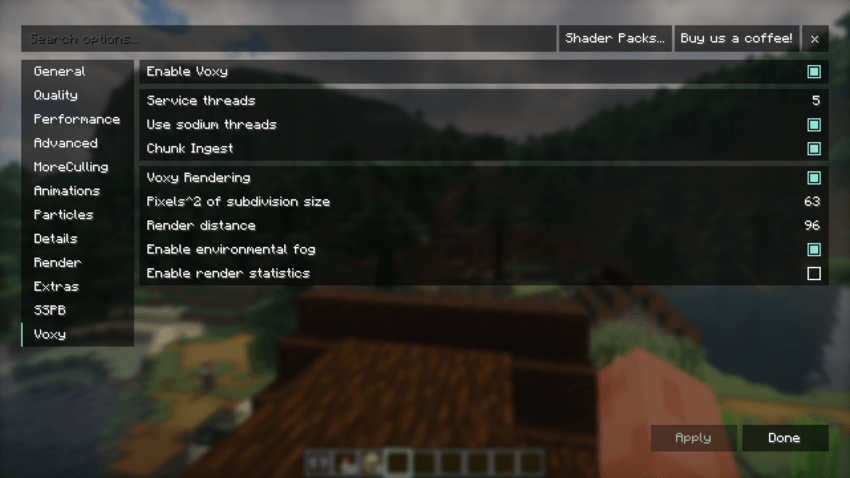
- Optimal Voxy Core Rendering Settings (Pre-Configured)
The core Voxy rendering settings in this pack are carefully balanced to maximize LOD distance while protecting your GPU VRAM and preventing micro-stutters during shader rendering.
⚙️ Setting Explanations & Tweaking Guide
Enable Voxy (On): Toggles the primary Voxy LOD rendering engine.
📈 On: Enables distant terrain rendering beyond vanilla limits.
📉 Off: Disables Voxy completely, reverting back to standard Minecraft rendering.
Service Threads (5): Sets the number of background CPU threads allocated for Voxy processing.
📈 Increase (e.g., 6-8): Speeds up background mesh building if you have a high-end processor.
📉 Decrease (e.g., 3-4): Frees up CPU threads for lower-tier processors to prevent system lag.
Use Sodium Threads (On): Synchronizes Voxy's threading pipeline with Sodium's chunk update threads.
📈 On: Recommended. Improves CPU efficiency and keeps chunk updates harmonious.
📉 Off: May cause uneven chunk updates or minor stuttering.
Chunk Ingest (On): Handles the active transfer of newly loaded chunk data into Voxy's LOD system.
📈 On: Essential for real-time LOD updates as you explore new areas.
📉 Off: Pauses LOD generation for new chunks.
Pixels^2 of Subdivision Size (63): Controls the geometric detail/density of distant Voxy chunks.
📈 Increase (e.g., 100+): Lowers visual detail, significantly reducing GPU/VRAM load and boosting FPS.
📉 Decrease (e.g., 32-16): Increases mesh detail for sharper landscapes, but heavily taxes VRAM and GPU power.
Render Distance (96): Sets the absolute boundary in chunks for Voxy's distant terrain rendering.
📈 Increase (e.g., 128+): Pushes horizons further out, requiring significantly more VRAM.
📉 Decrease (e.g., 64-32): Saves massive amounts of GPU memory and ensures stability on GPUs with 6GB or less VRAM.
Enable Environmental Fog (On): Blends the edge of Voxy LOD chunks smoothly into the atmosphere.
📈 On: Creates a seamless, immersive transition to the horizon.
📉 Off: Sharp cutoffs at distant edges, slightly lighter on GPU.
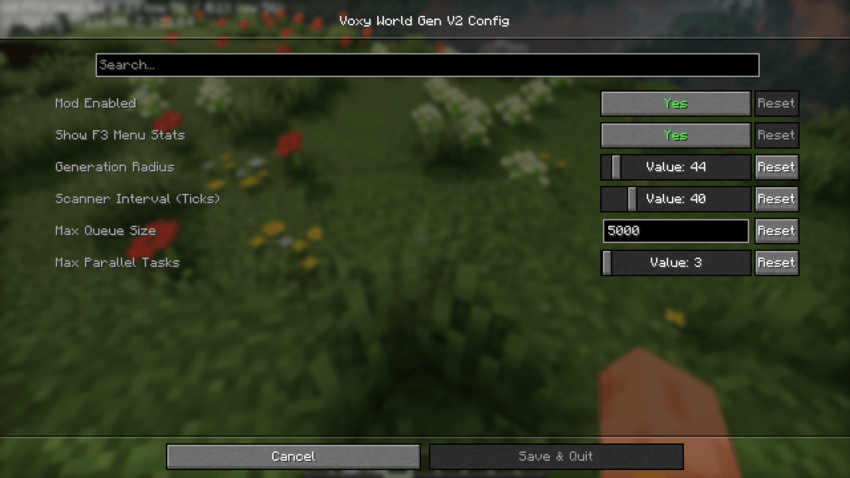
- Optimal Voxy World Gen Settings (Pre-Configured)
The Voxy World Gen V2 configuration in this pack comes pre-tuned with optimized, lower values out of the box. High generation settings cause heavy CPU spikes and severe micro-stutters when moving through new terrain. These presets ensure a 100% stutter-free and smooth experience across all hardware configurations.
⚙️ Setting Explanations & Tweaking Guide
Generation Radius (44): Determines how far away from the player new terrain chunks will be generated.
📈 Increase: Generates terrain further ahead so distant landscapes appear sooner, but increases CPU load.
📉 Decrease: Reduces load on your processor, ideal if you experience lag while flying or riding fast.
Scanner Interval in Ticks (40): Controls how frequently the mod checks for missing chunks that need generating (20 ticks = 1 second).
📈 Increase (e.g., 60-80): Makes checks less frequent, freeing up CPU resources for smoother FPS.
📉 Decrease (e.g., 10-20): Scans more rapidly for faster chunk loading, but can cause CPU lag spikes.
Max Queue Size (5000): Limits the number of chunks waiting in line to be generated.
📈 Increase: Keeps large generation tasks stacked during fast travel, but consumes more RAM/VRAM.
📉 Decrease: Prevents memory buildup on lower-tier systems.
Max Parallel Tasks (2): Sets the maximum number of CPU threads used simultaneously for world generation.
📈 Increase (e.g., 4 or 12): Dramatically speeds up world loading if you have a powerful multi-core CPU.
📉 Decrease (1 or 2): Prevents CPU overloading and eliminates lag spikes on mid-to-entry-level processors.
📊 Official Developer Performance & FPS Benchmark
The modpack has been thoroughly tested on the developer's official hardware configuration, delivering highly stable performance:
RTX 3050 6gb vram - i5 12450 h test Allocate 6 GB to Minecraft
🚀 Vanilla Mode (No Shaders): 350+ FPS (Ultra-smooth, zero-lag gameplay. Very lightweight on the GPU!)
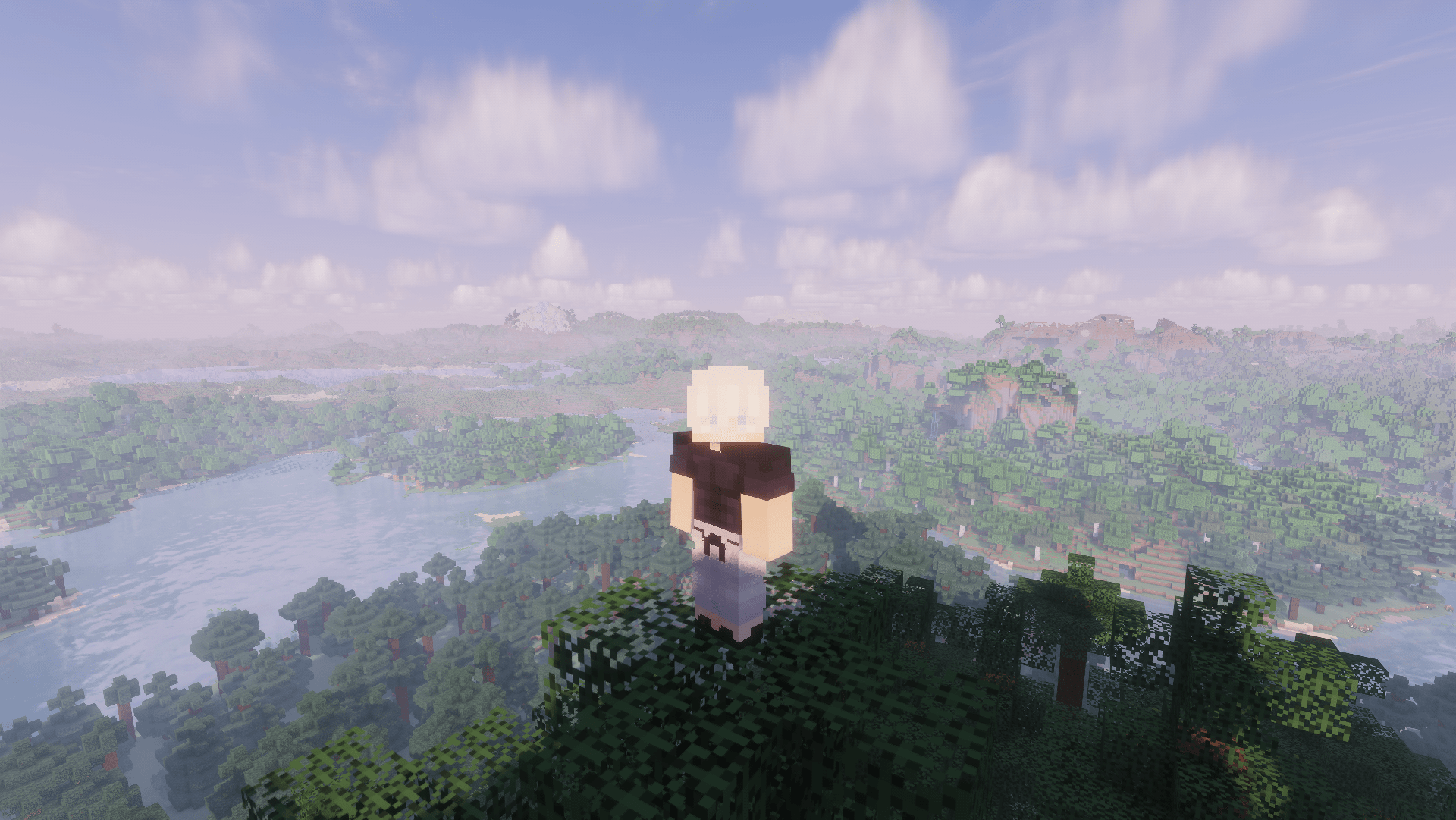
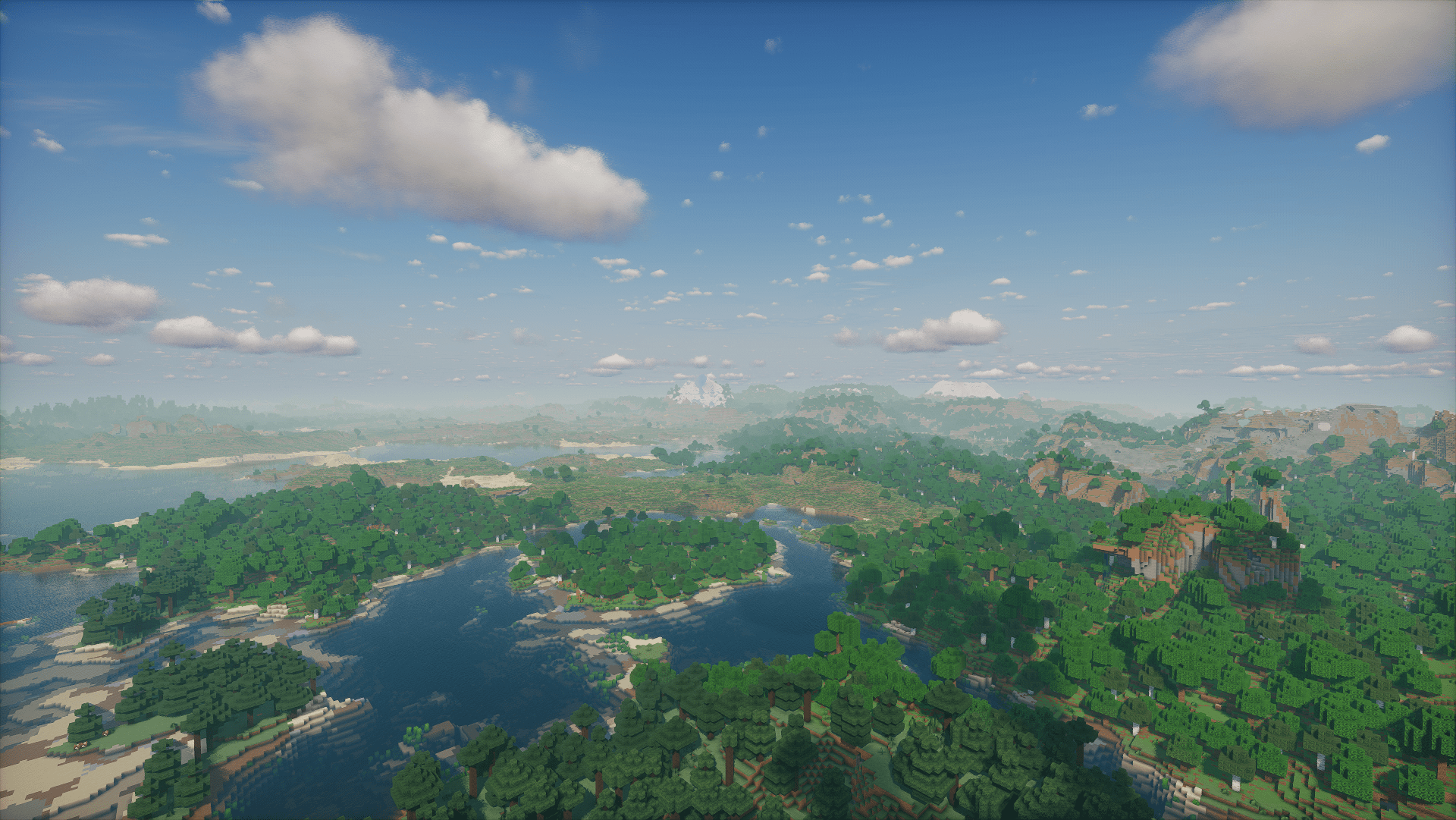
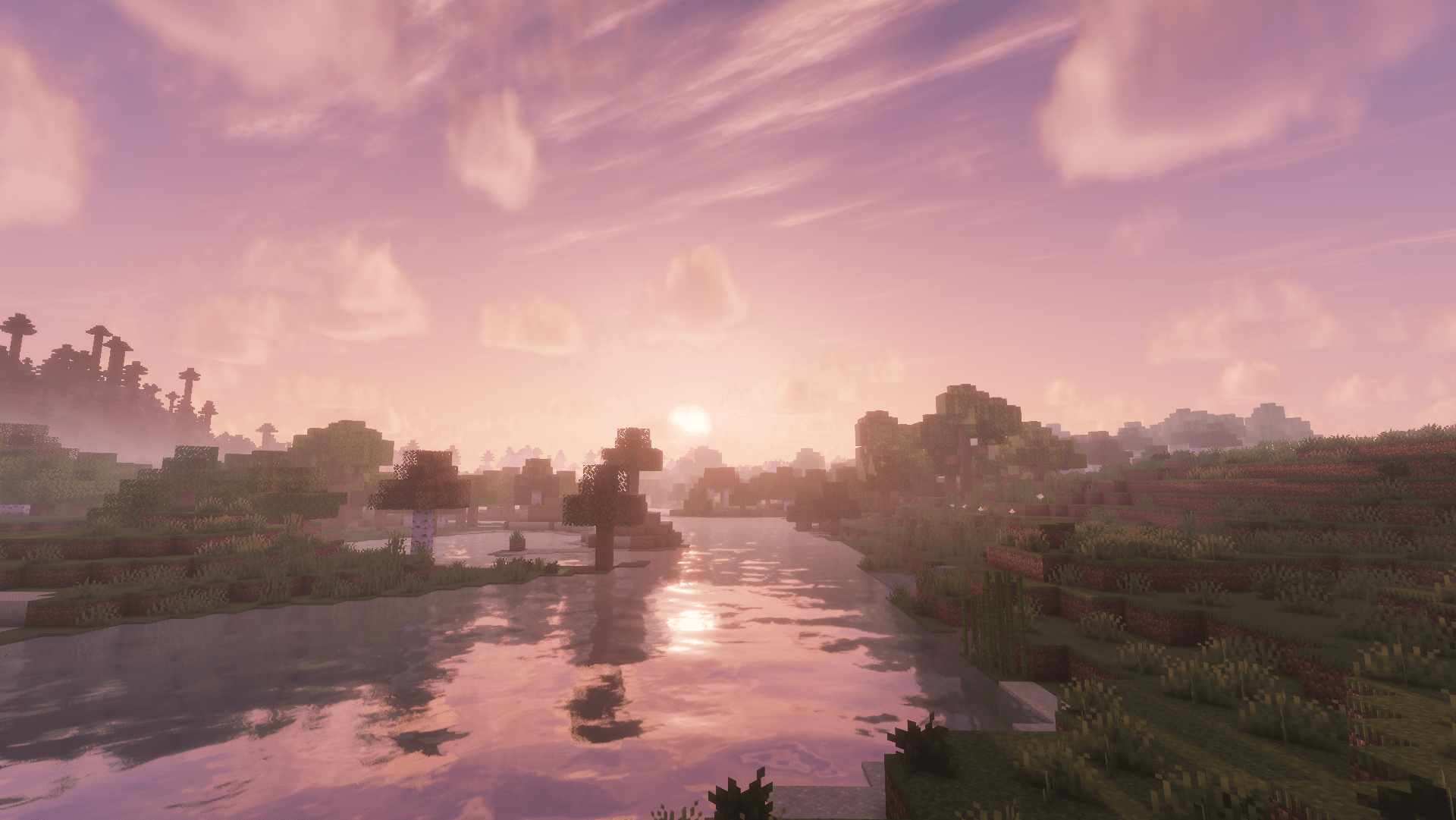
🌌 Photon Shaders Enabled: 105+ FPS (Stunning cinematic visual quality while maintaining high fluid performance)
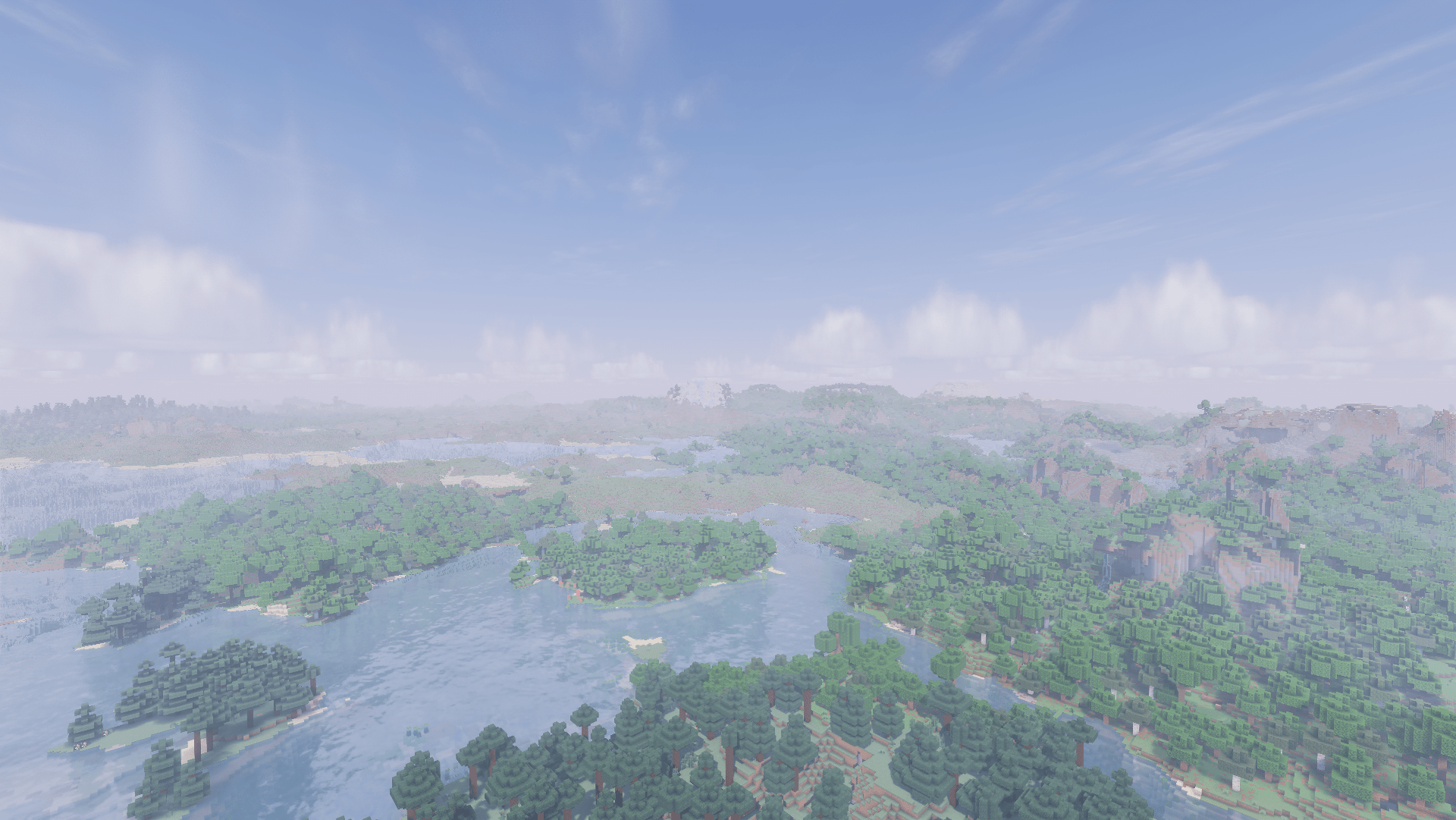
Screenshots
Gallery
-
 -
- -
 -
- -
 -
- -
 -
- -
 - -
- - -
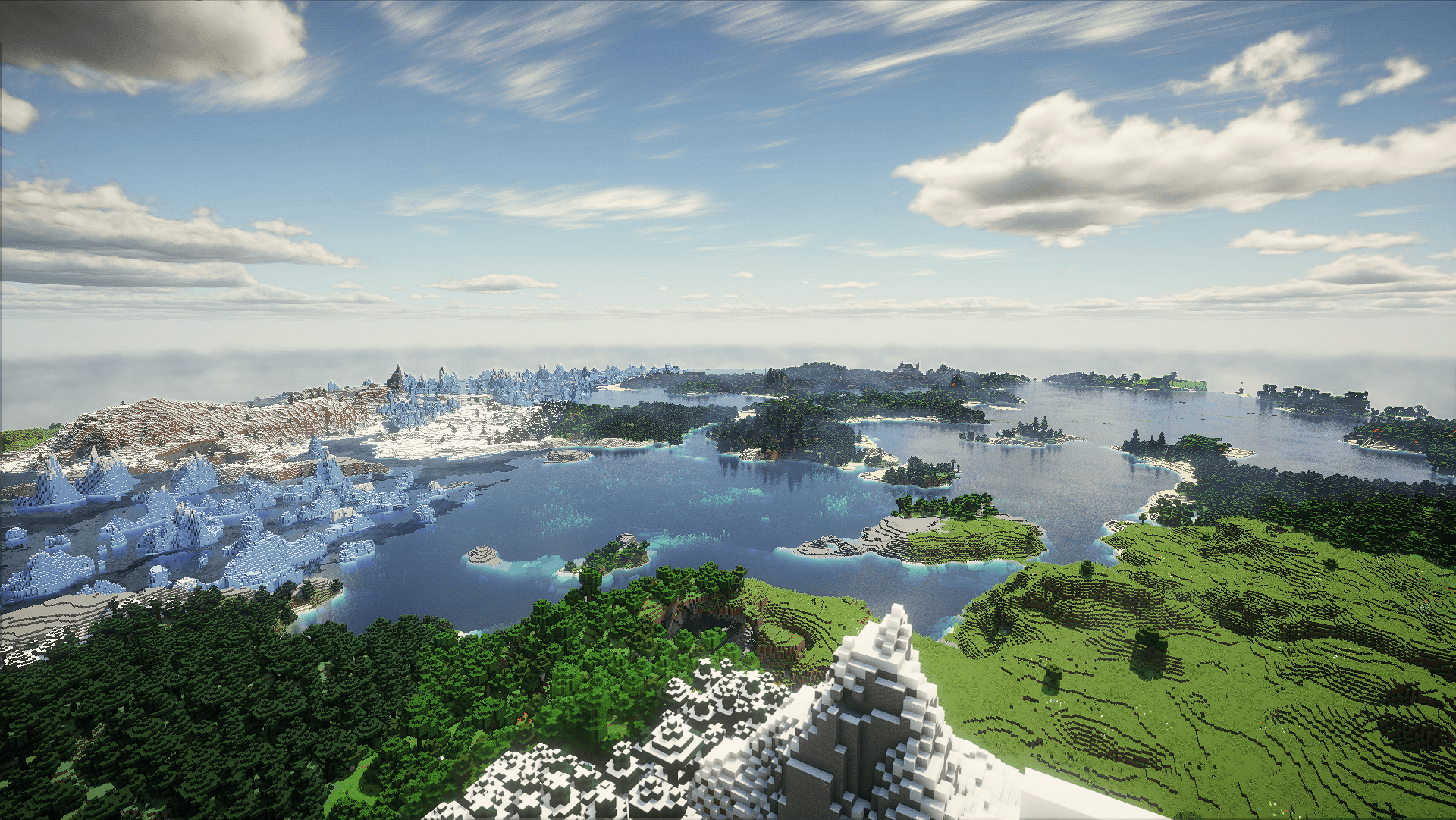 Derivative shader
 -
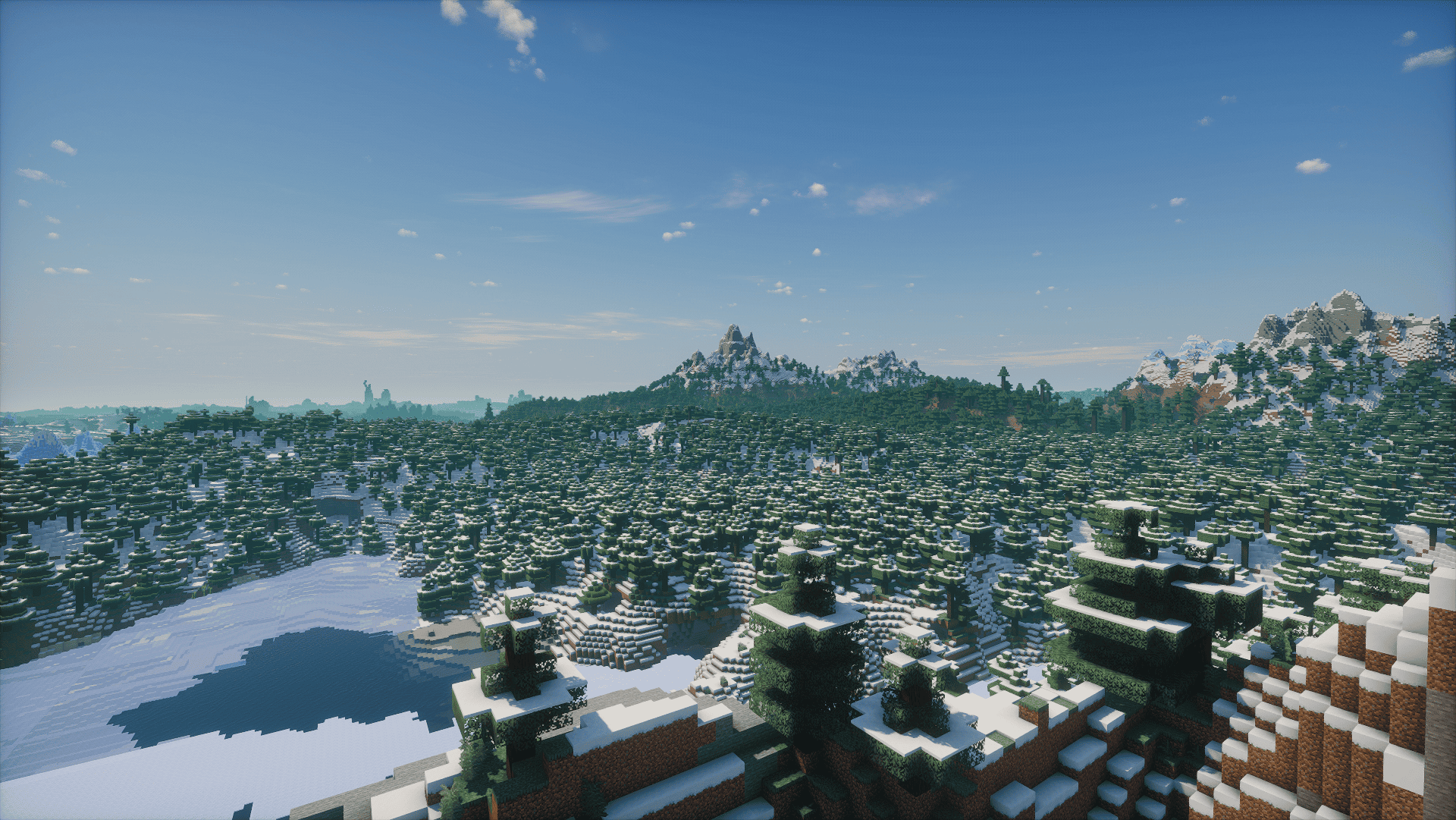 Solas Shader
 -
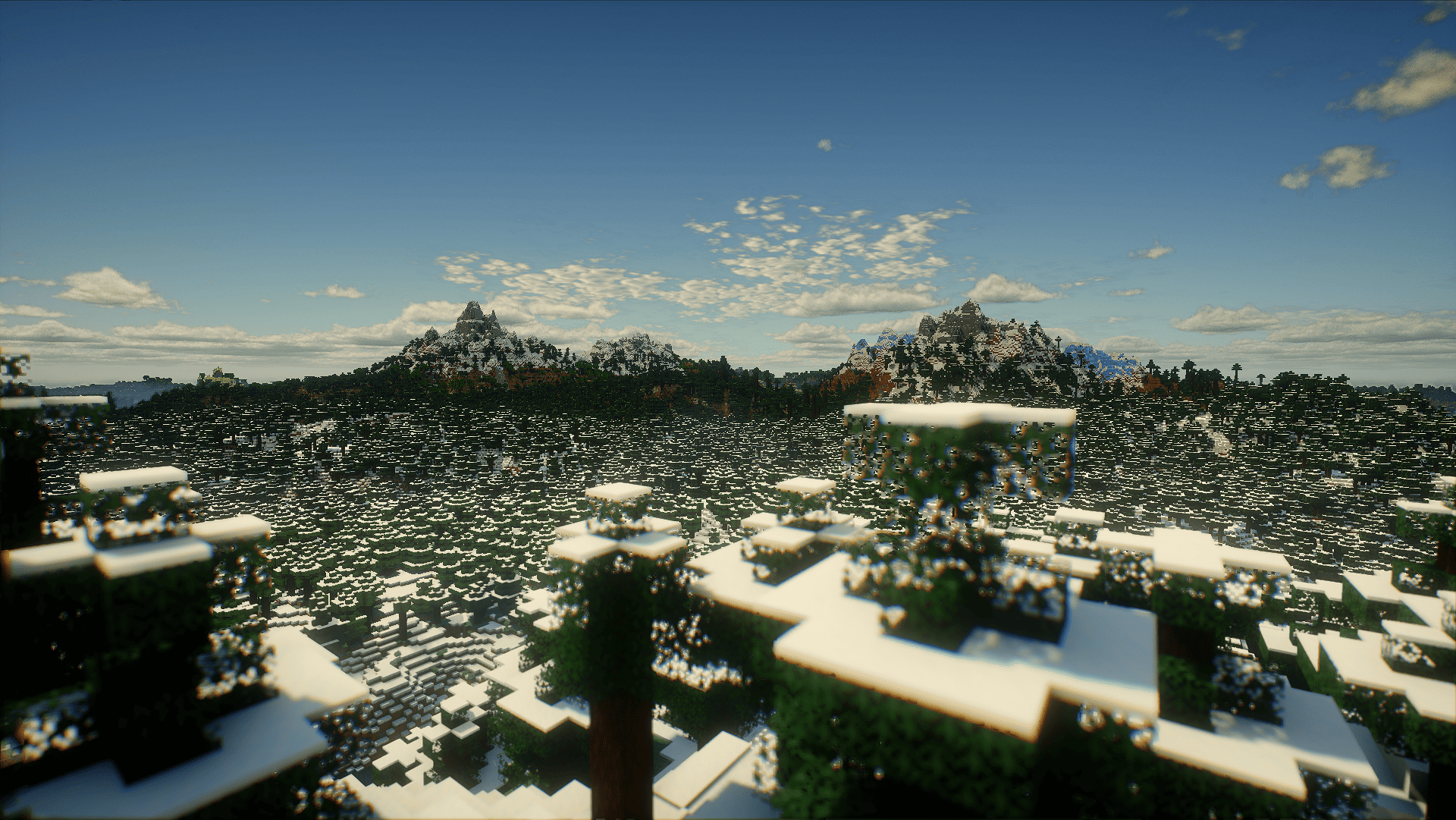 Derivative shader
 -
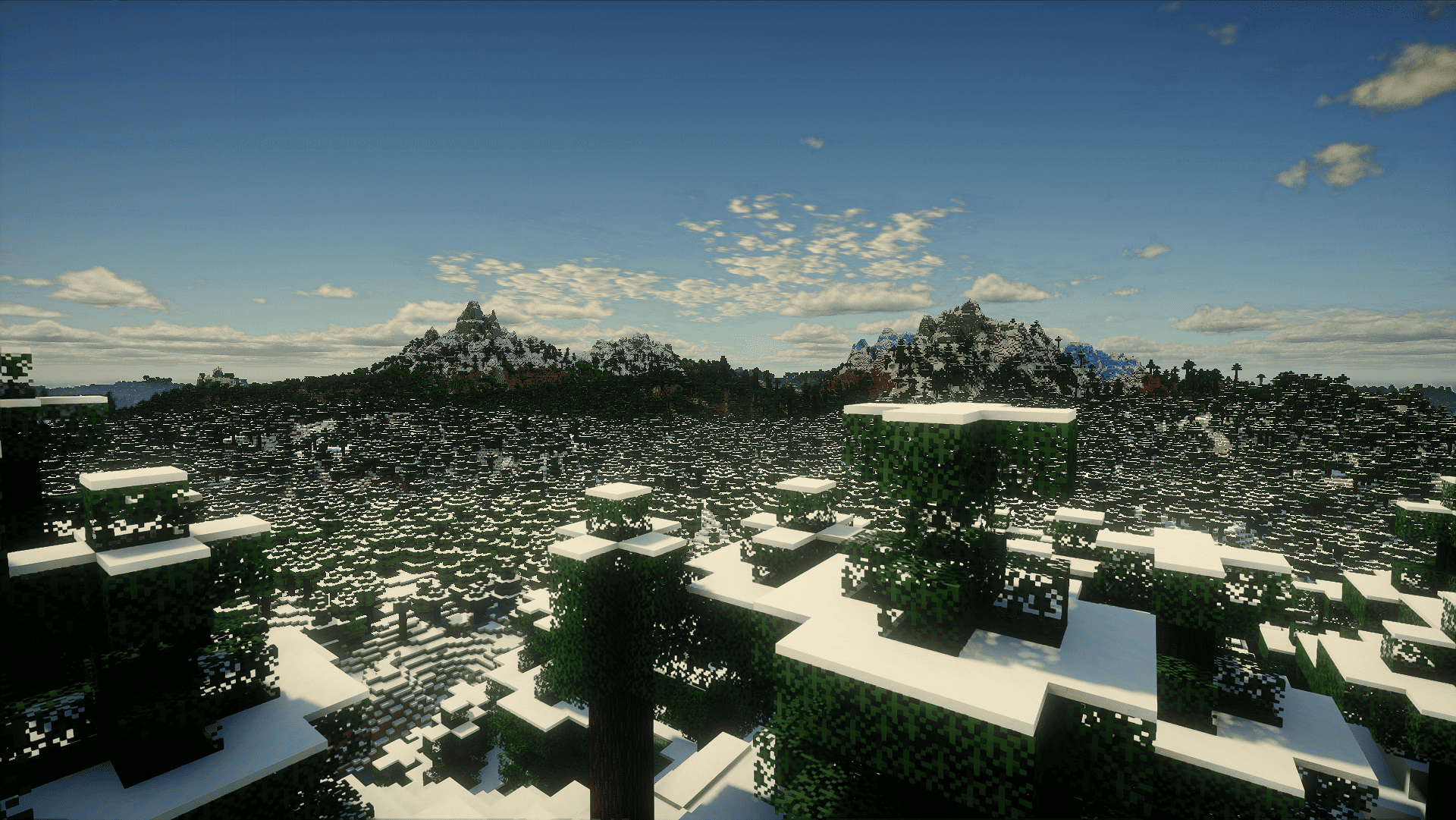 Derivative shader
 -
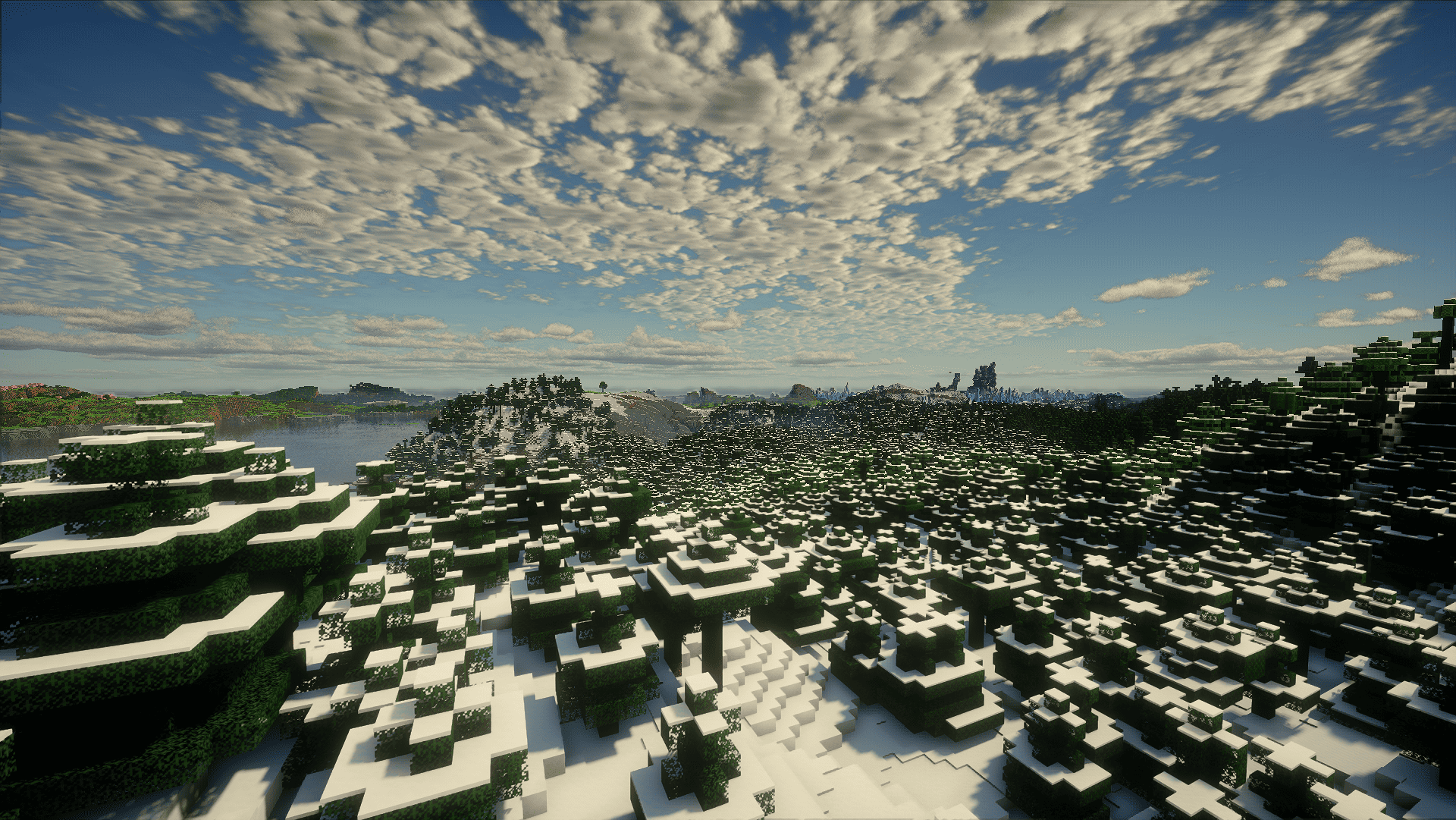 Derivative shader
 -
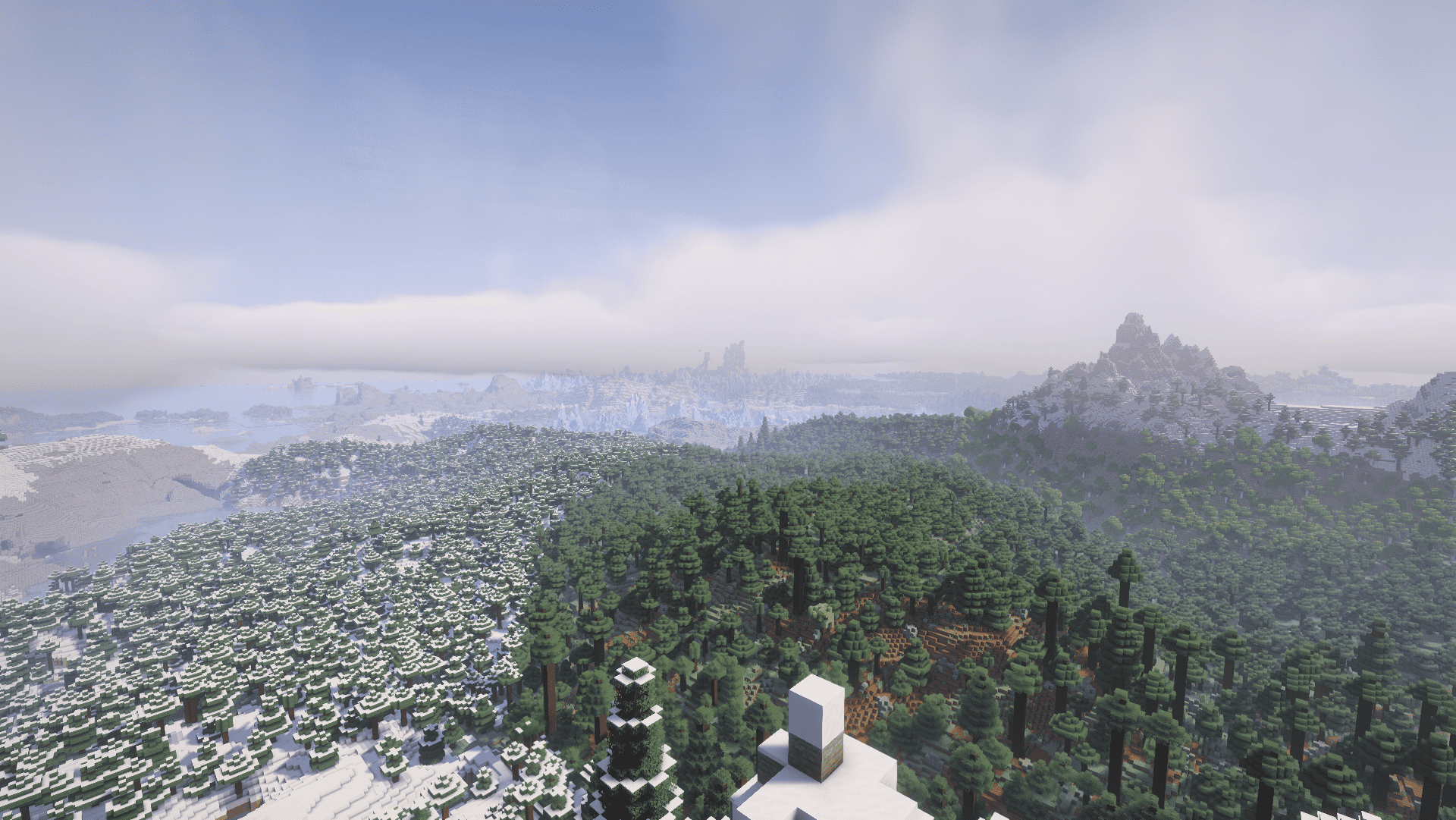 Complementary Shader
 -
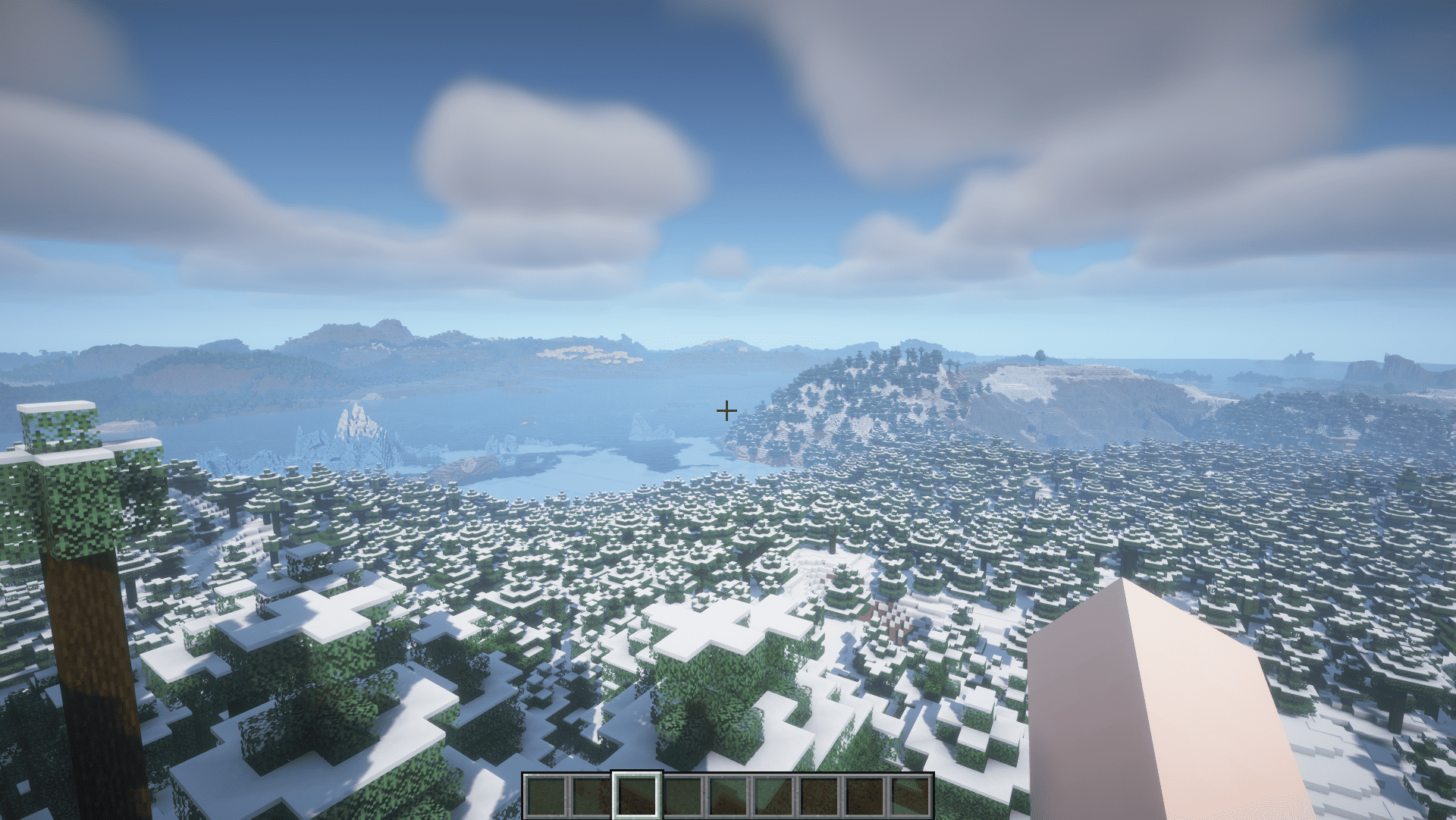 BSL shader
 -
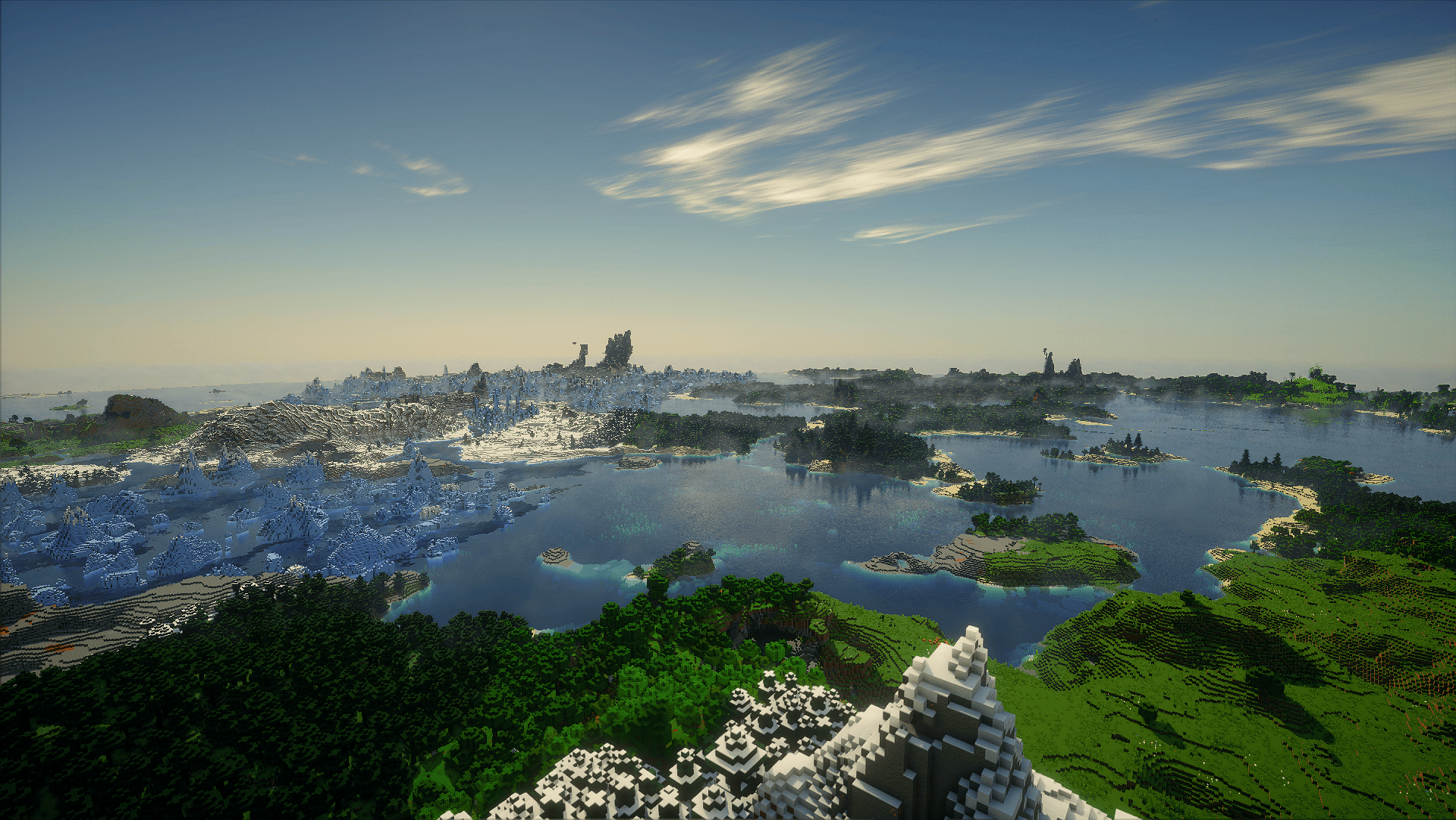 Derivative shader
 -
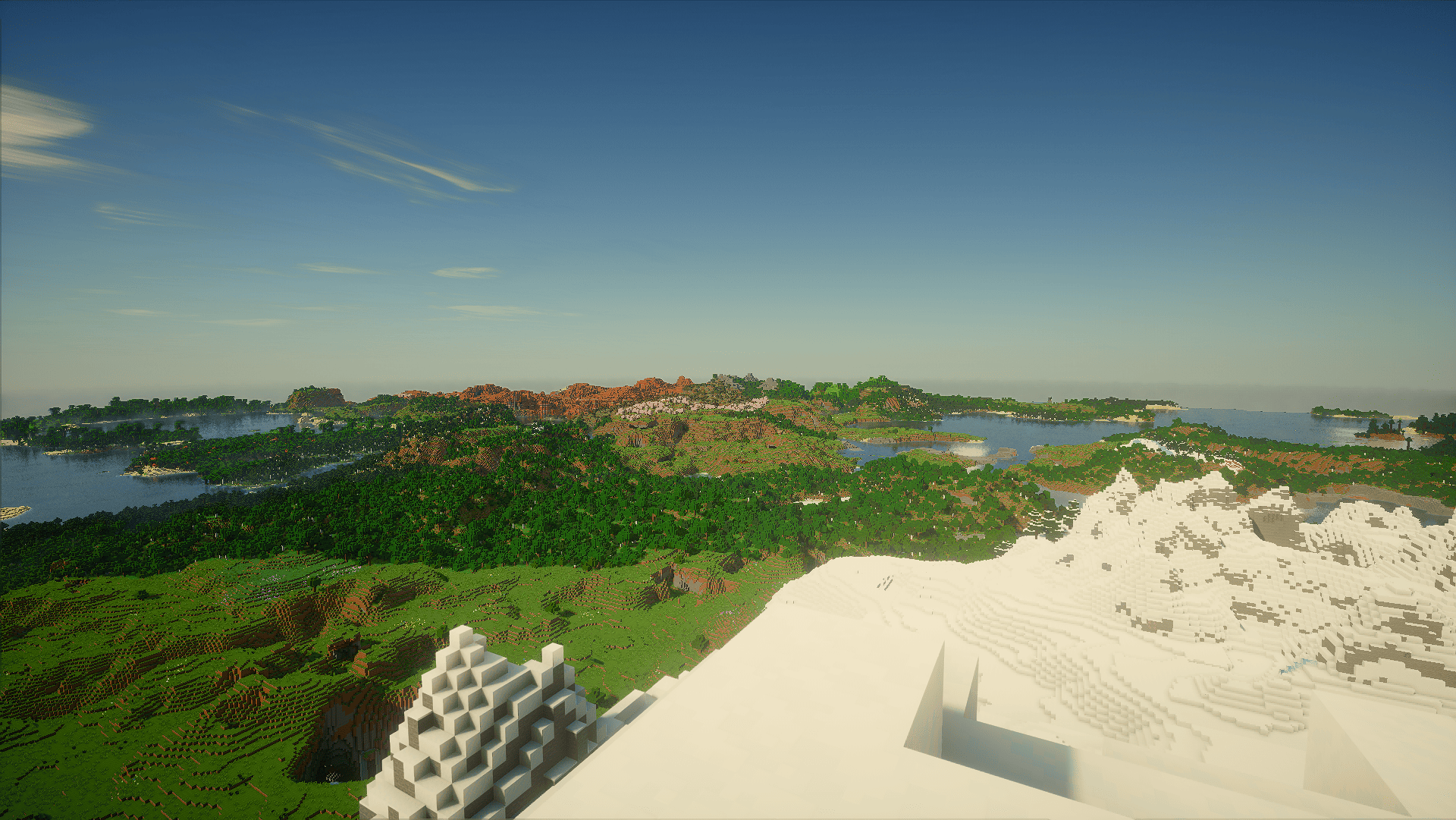 Derivative shader
 -
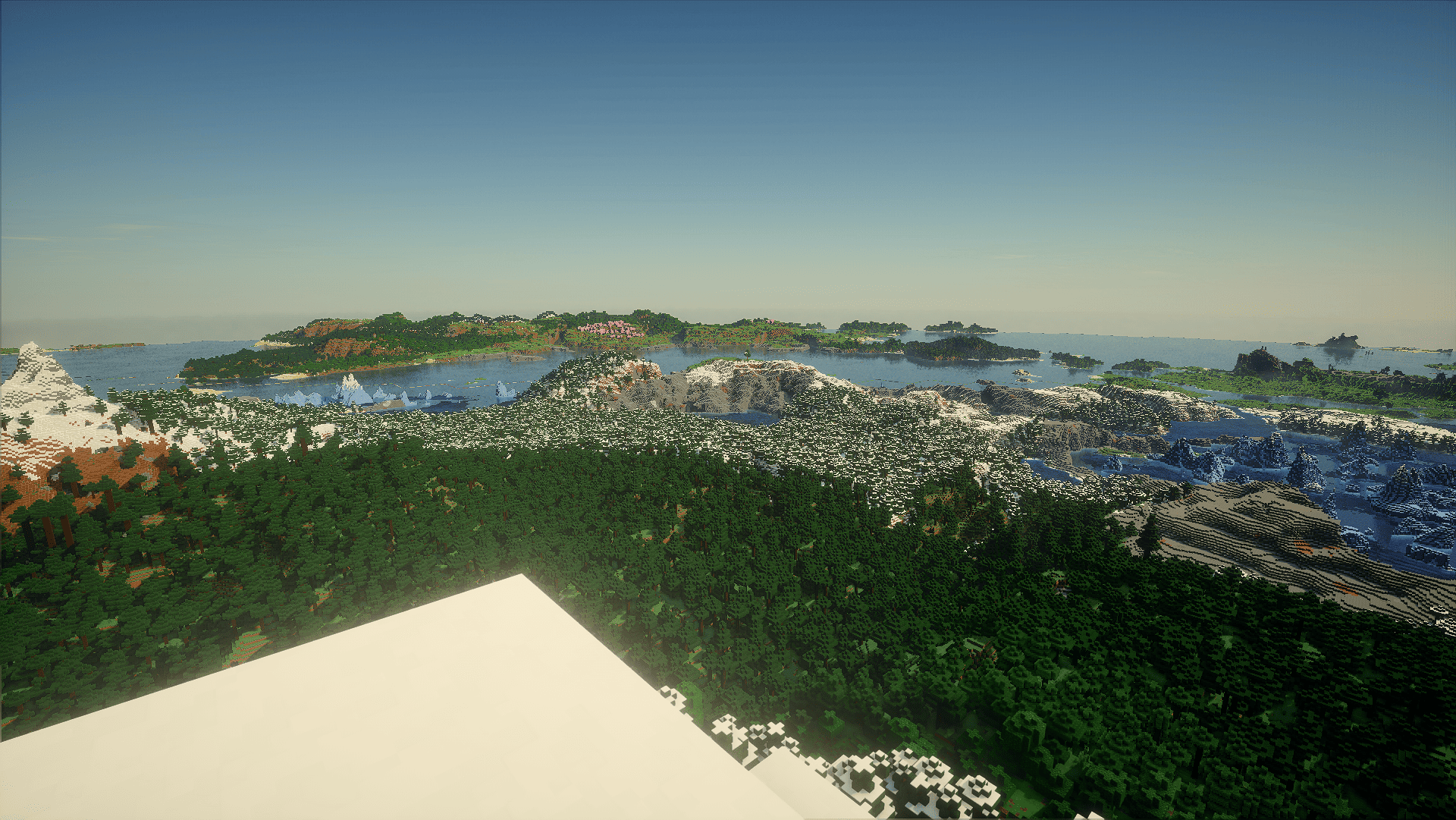 Derivative shader
Versions
Files
Relations
Project Relations
More like this
Similar Modpacks
Suggestions use data such as tags, dependencies, dependents, descriptions, titles, and more to rank how much they overlap with this modpack.
- Perfect Realism (Patrix 32x-Distant Horizon-Shaders)
- Refined Blocking
- Tukel Realism (ModernArch 128x - Distant Horizons - Shader - Physics)
- XtremeVanillaPLUS
- Kuri's Fresh (Actions & Stuffs recreation)
- Better, Faster, Fancier
- DayOfMind
- Veloz
- Potato PC [Low End, FPS Boost, Performance, Optimization, Low Spec, Lag Fix, Lightweight, Smooth Gameplay]
- tuffly refined
- The Lads Client
- Faster Tweaks
On ModDex
Community snapshot
By the numbers
Statistics
 (opens in a new tab)
Get it on
Available Platforms
On ModDex
Community snapshot
By the numbers
Statistics
Resources