
Community listing page, reviews here may not be monitored by the author.
Wynn Volcanism

No reviews yet
Custom Wynncraft modpack focused on a clean experience, minimal GUI, unobtrusive overlays, and only the mods that actually matter.

Community voices
Reviews
No reviews yet. Be the first to review this project!
Get it on
Available Platforms
Compatibility
Supported Environments
Runs entirely on the client. Works on vanilla servers.
About
Project Details
For authors
Embed Badge
If you're the author of this project, you can embed a live badge anywhere that supports HTML or Markdown. It updates automatically whenever ratings change.
Use HTML for any page that supports it, or Markdown for README files and Markdown-based descriptions.
Identifiers
Platform IDs
Resources
External Links
About
Description
A performance-focused client modpack built specifically for the Wynncraft server. Optimized for smooth gameplay, a clean unobtrusive UI, and quality-of-life features that let you focus on the game without unnecessary bloat.
Performance, Visuals & UI
- Sodium — massively improves rendering performance over vanilla
- Bobby — extends render distance beyond what the server sends, keeping the world feeling full
- Disable Fog — removes the fog effect for clearer long-distance visibility
- Iris — optional shader support with minimal performance cost
- WynnIris — Wynncraft-specific Iris integration for optimized shader compatibility
- 3D Skin Layers — renders all skin layers in full 3D for a polished player appearance
- Konkrete — clean UI rendering library used by several mods in this pack
- Mod Menu — in-game mod list and config access
Wynncraft-Specific
- Wynntils — the essential Wynncraft companion: custom HUD, map, item tooltips, and more
- wynnmod — core Wynncraft utility mod for additional QoL improvements
- wynnventory — enhanced inventory management for Wynncraft loot
- Wynncraft Spell Caster — improved spell casting to be more precise
- VisibleToggleSprint — visual sprint toggle indicator
Keep in mind every overlay is tailored for Minecraft GUI Scale 2
Screenshots
Gallery
-
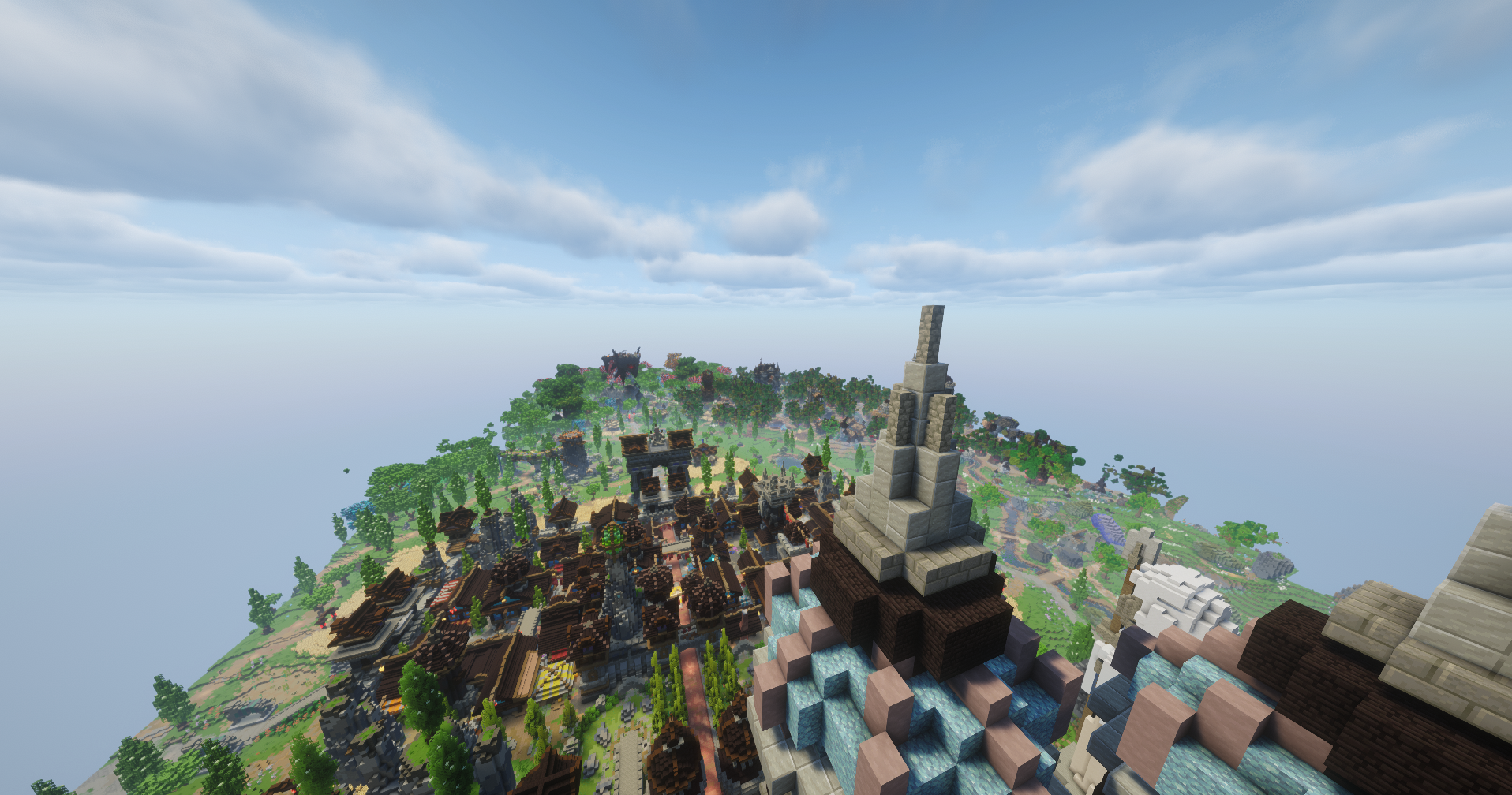 Higher render distances With bobby in the pack, you can set your render distance as high as 128 chunks! This will obviously only work for chunks you have already explored before and they're cached every 3 days of inuse to save on performance!
 -
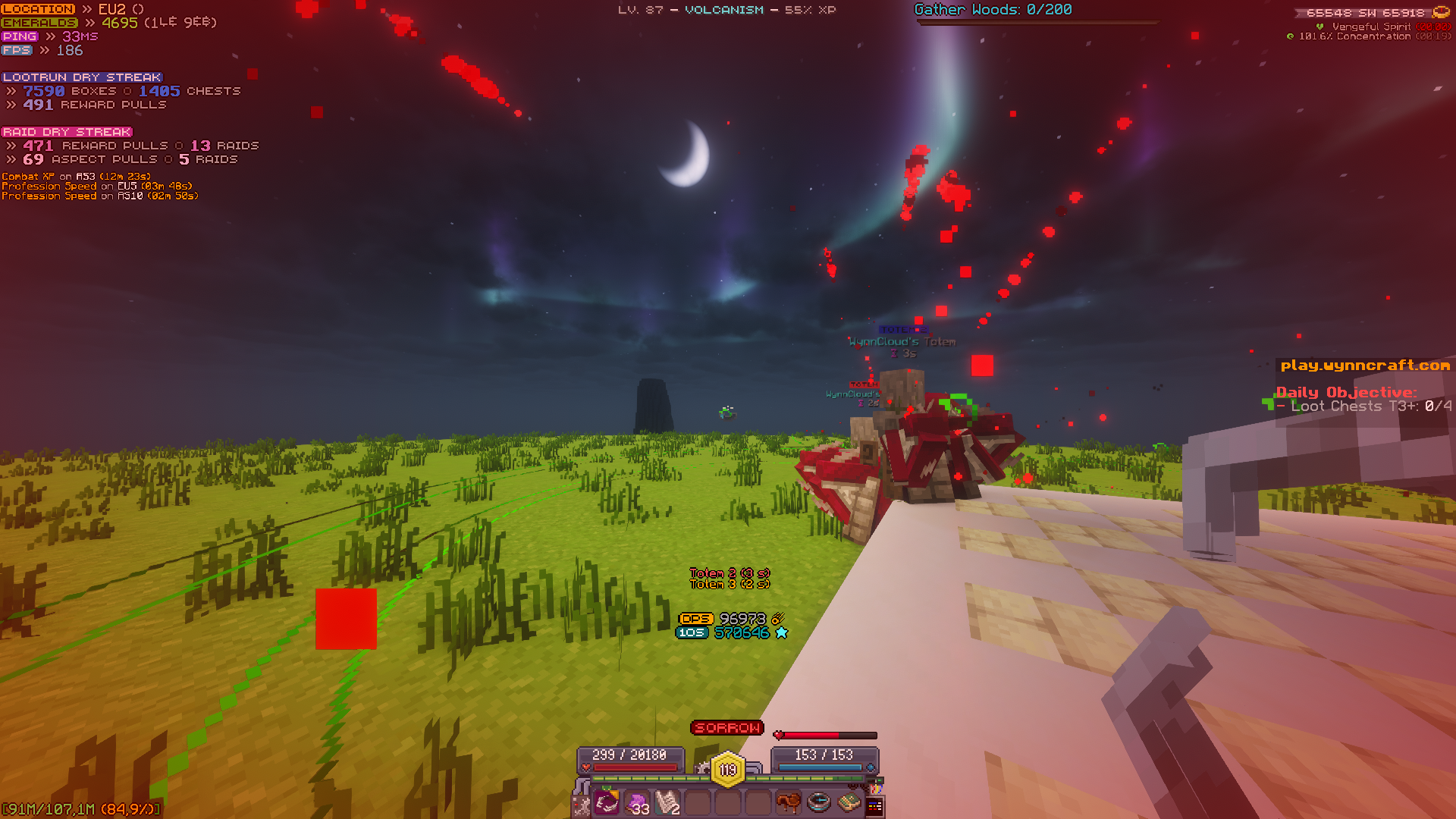 Acolyte Bloodbar / Meter A interactive bloodbar with specific intervals for Aura > Eldritch Call > Sorrow so you don't have to keep an eye for specific bloodbar values when playing Acolyte!
 -
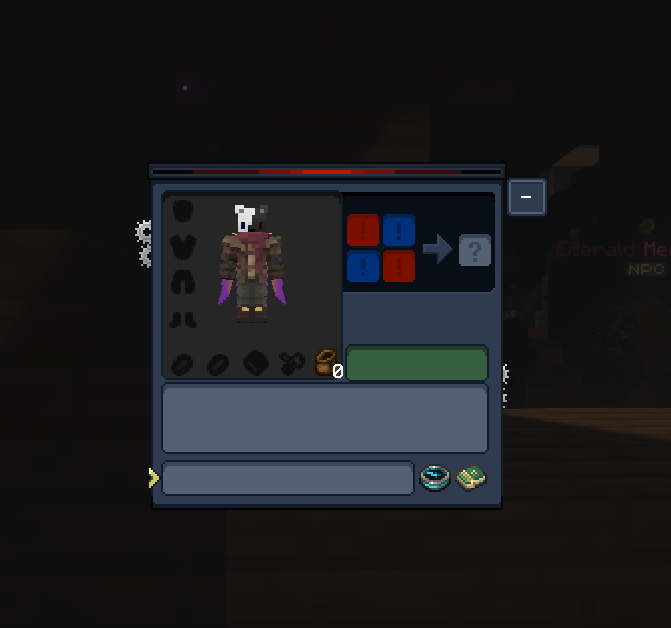 Wynngineers Vision Wynngineers Vision resource pack is added for a darker more comfortable clean UI to the pack!
 -
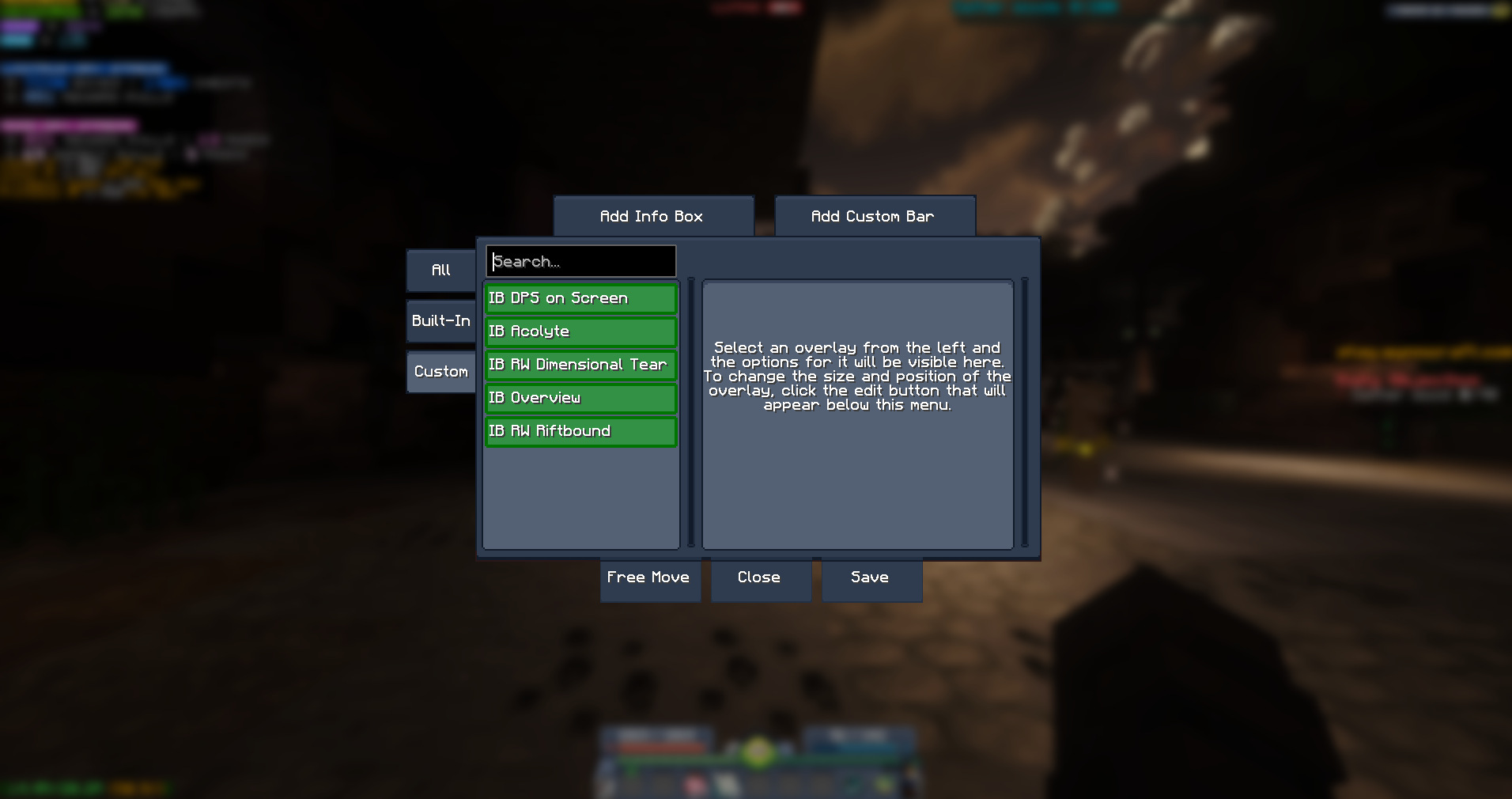 Custom Wynntils Infoboxes You can easily adjust the scale, font or even disable these custom infoboxes showing up on screen to your liking under the Custom tab in Wynntils Overlay Management
Versions
Files
Relations
Project Relations
More like this
Similar Modpacks
Suggestions use data such as tags, dependencies, dependents, descriptions, titles, and more to rank how much they overlap with this modpack.
On ModDex
Community snapshot
By the numbers
Statistics

 (opens in a new tab)
Get it on
Available Platforms
On ModDex
Community snapshot
By the numbers
Statistics
Resources