
Community listing page, reviews here may not be monitored by the author.
Wynncraft Origin


No reviews yet
Good Wynncraft Modpack. Only the essentials you need. Performance is the top priority
Community voices
Reviews
No reviews yet. Be the first to review this project!
Get it on
Available Platforms
Compatibility
Supported Environments
Runs entirely on the client. Works on vanilla servers.
About
Project Details
For authors
Embed Badge
If you're the author of this project, you can embed a live badge anywhere that supports HTML or Markdown. It updates automatically whenever ratings change.
Use HTML for any page that supports it, or Markdown for README files and Markdown-based descriptions.
Identifiers
Platform IDs
Resources
External Links
About
Description
This modpack is designed to enhance your Wynncraft experience. You have great enhancements like a map of Wynncraft or see the lootpool of raids or lootruns.
Great other features like Customize Hotkey or Speels button.
The shader makes minecraft even more beautiful.
The modpack is designed to be performance savvy.
Performance > Quality.
The most important mods are available.
-Wynntils
-Wynnventory
-WynnMounts
-Sodium
-Iris
-Better3Person
-Zoom
Important Hotkey Deafult:
B -> Set new Waypoint
C -> Zoom
F -> Skip cutscene (in Raids)
G -> Gammabrigth
H -> Lock Slot
J -> Open Guild Map
K -> Open Mounts GUI (Only In Feeder GUI)
M -> Open Map
N -> Open WynnVentory (See Lootrun/Raid Pools)
O -> Open Party Menu (easier for Invite Friends in Party)
P -> Open Guild Bank
R -> Mount Horse
F3 -> Share Items (Hover over item)
F4 -> Take Screenshot of Item (Hover over item)
F12 -> Toggle Fullscreen Windowed (For users who play in windowed mode but still want the full screen size)
Little Tips:
Change you´re "Drop Selected Item" Other key or Notbound to use "Q" as Speel key or other Features.
Unbound Button "Toggle Tooltips" & "Toggle tooltips for boxed Items" from WynnVentory, because if your write text in Chat is Trigger also.
Use "Open Skill Point Loadouts" if you have not Champion to buy Build Stand. There you can save and load items from builds as well as skill points used.
Use Custom Commands in Wynntils (Open Conten boock -> Wynntils Menu -> Setting) and set Keybind in "Key Binds" Option. As Example set in 1st Custom Command "class" and keybind as "C". If youre Press "C" youre going to class-menu. However, you need the appropriate rank to be able to execute the commands.
This modpack is designed to enhance your Wynncraft experience. You have great enhancements like a map of Wynncraft or see the lootpool of raids or lootruns. Great other features like Customize Hotkey or Speels button. The shader makes minecraft even more beautiful. The modpack is designed to be performance savvy.
Performance > Quality.
The most important mods are available.
- Wynntils
- Wynnventory
- WynnBuild
- Sodium
- Iris
- ShoulderSurfing
- Zoom
- Borderless Fullscreen
Important Hotkey Deafult:
- B -> Set new Waypoint
- C -> Zoom
- F -> Skip cutscene (in Raids)
- G -> Gammabrigth
- H -> Lock Slot
- J -> Open Guild Map
- M -> Open Map
- N -> Open WynnVentory (See Lootrun/Raid Pools)
- O -> Open Party Menu (easier for Invite Friends in Party)
- P -> Open Guild Bank
- R -> Mount Horse
- F3 -> Share Items (Hover over item)
- F4 -> Take Screenshot of Item (Hover over item)
- F12 -> Toggle Fullscreen Windowed (For users who play in windowed mode but still want the full screen size)
Little Tips:
Change you´re "Drop Selected Item" Other key or Notbound to use "Q" as Speel key or other Features.
Unbound Button "Toggle Tooltips" & "Toggle tooltips for boxed Items" from WynnVentory, because if your write text in Chat is Trigger also.
Use "Open Skill Point Loadouts" if you have not Champion to buy Build Stand. There you can save and load items from builds as well as skill points used.
Use Custom Commands in Wynntils (Open Conten boock -> Wynntils Menu -> Setting) and set Keybind in "Key Binds" Option. As Example set in 1st Custom Command "class" and keybind as "C". If youre Press "C" youre going to class-menu. However, you need the appropriate rank to be able to execute the commands.
Screenshots
Gallery
-
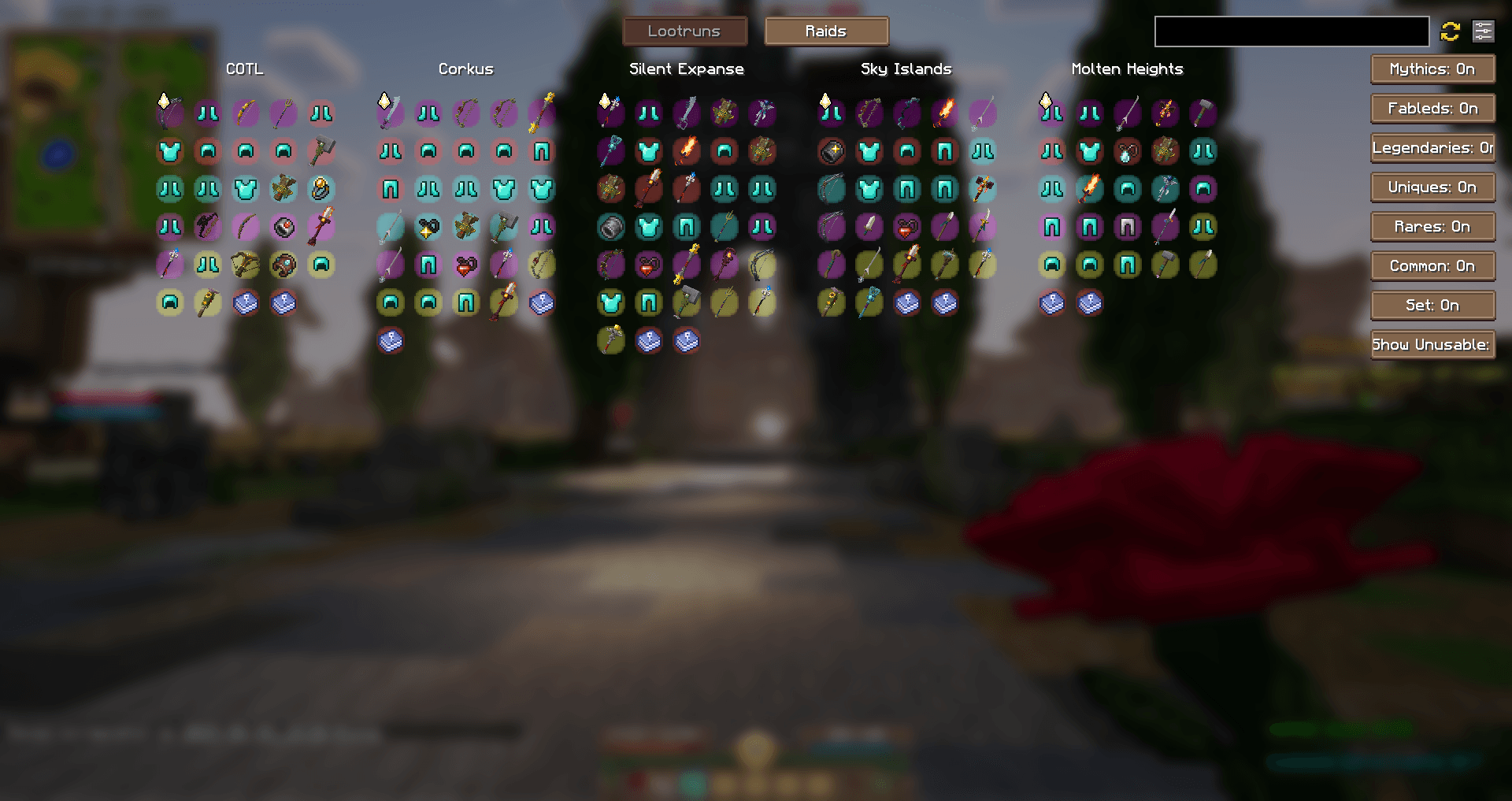 Wynnventory Menu - Lootruns Wynnventory Menu - Lootruns
 -
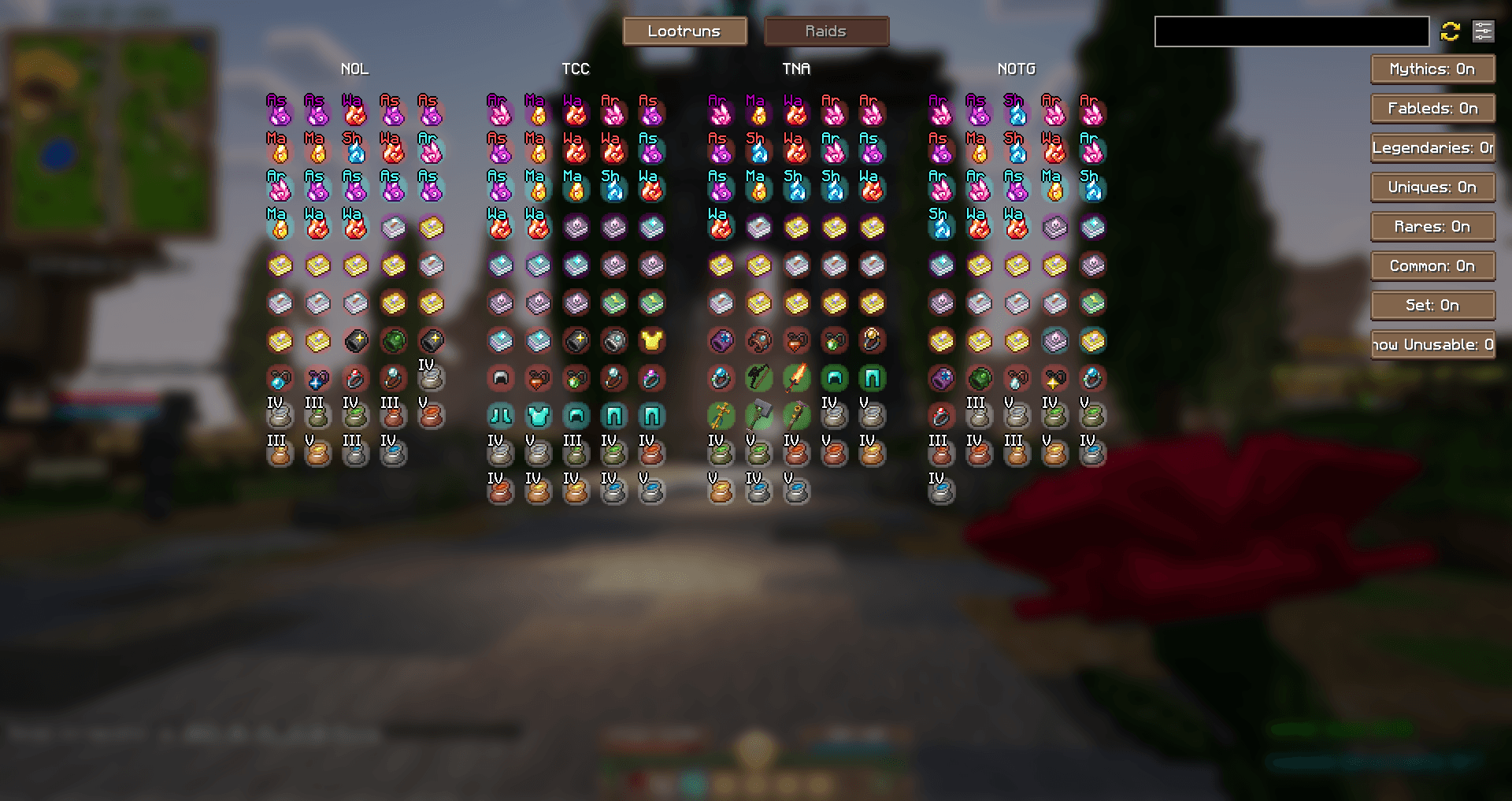 Wynnventory Menu - Raids Wynnventory Menu - Raids
 -
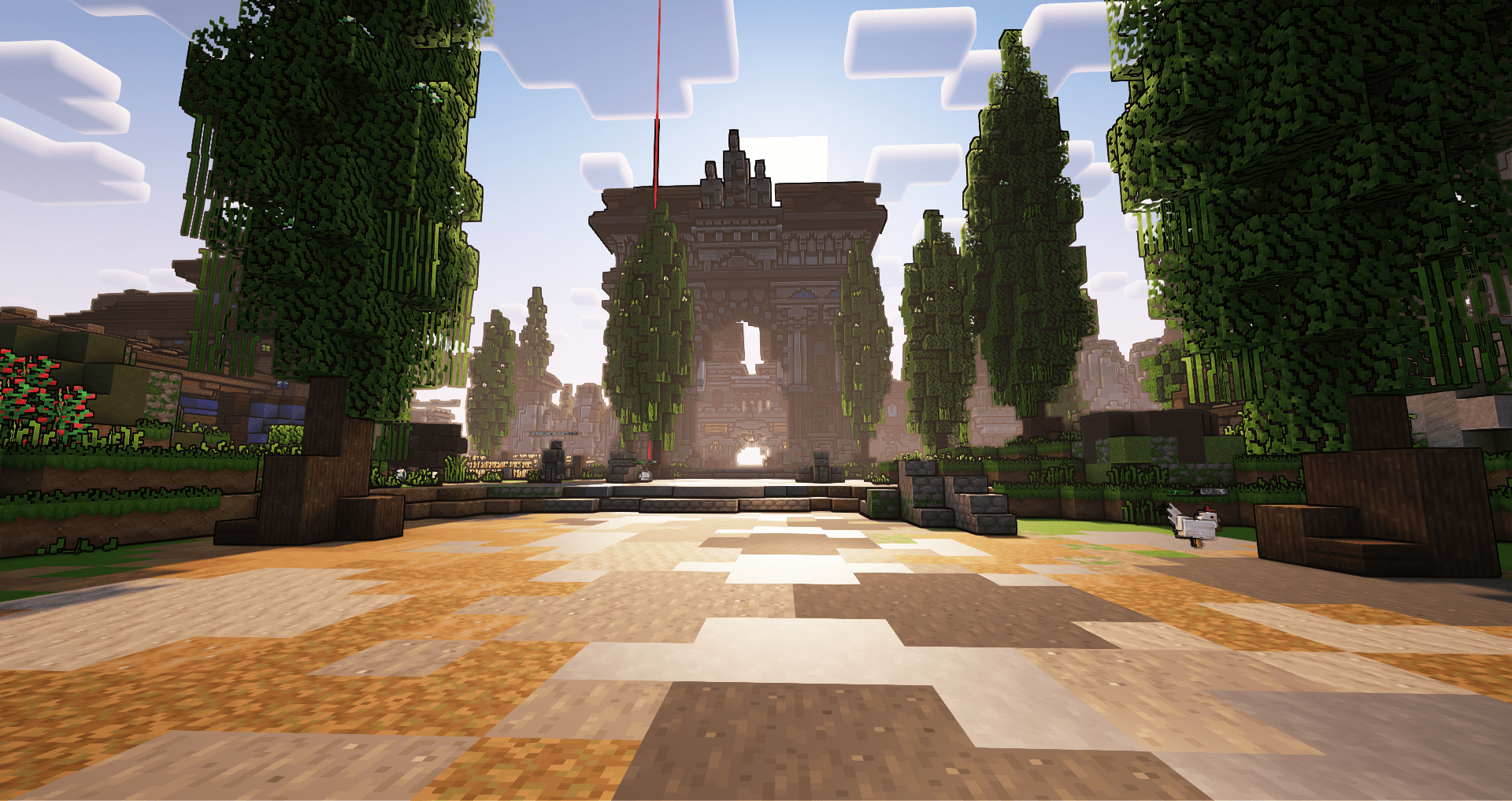 Cinfra With ComplementarReimagined Shader
 -
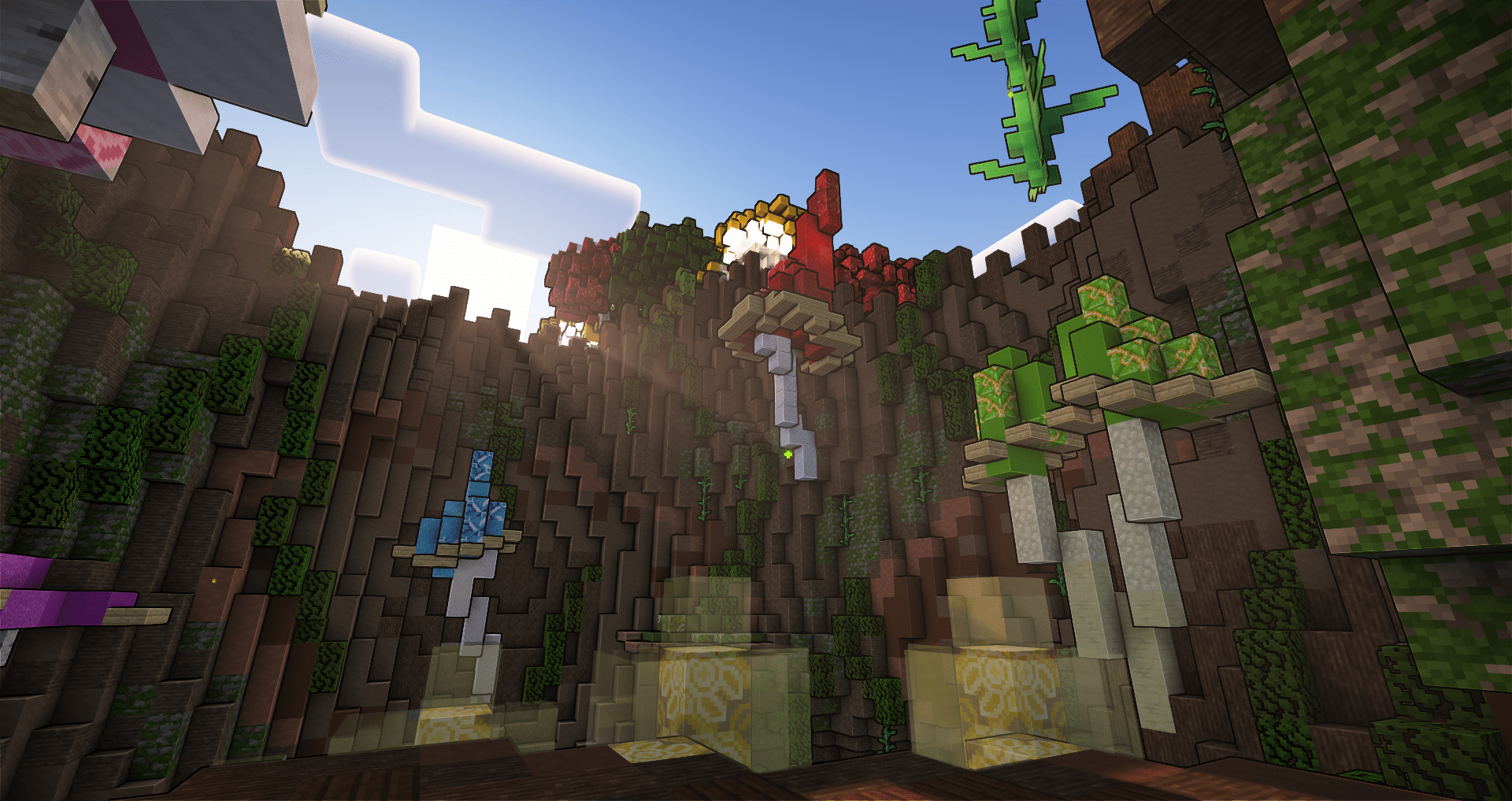 Ligh´s Secret With ComplementarReimagined Shader
 -
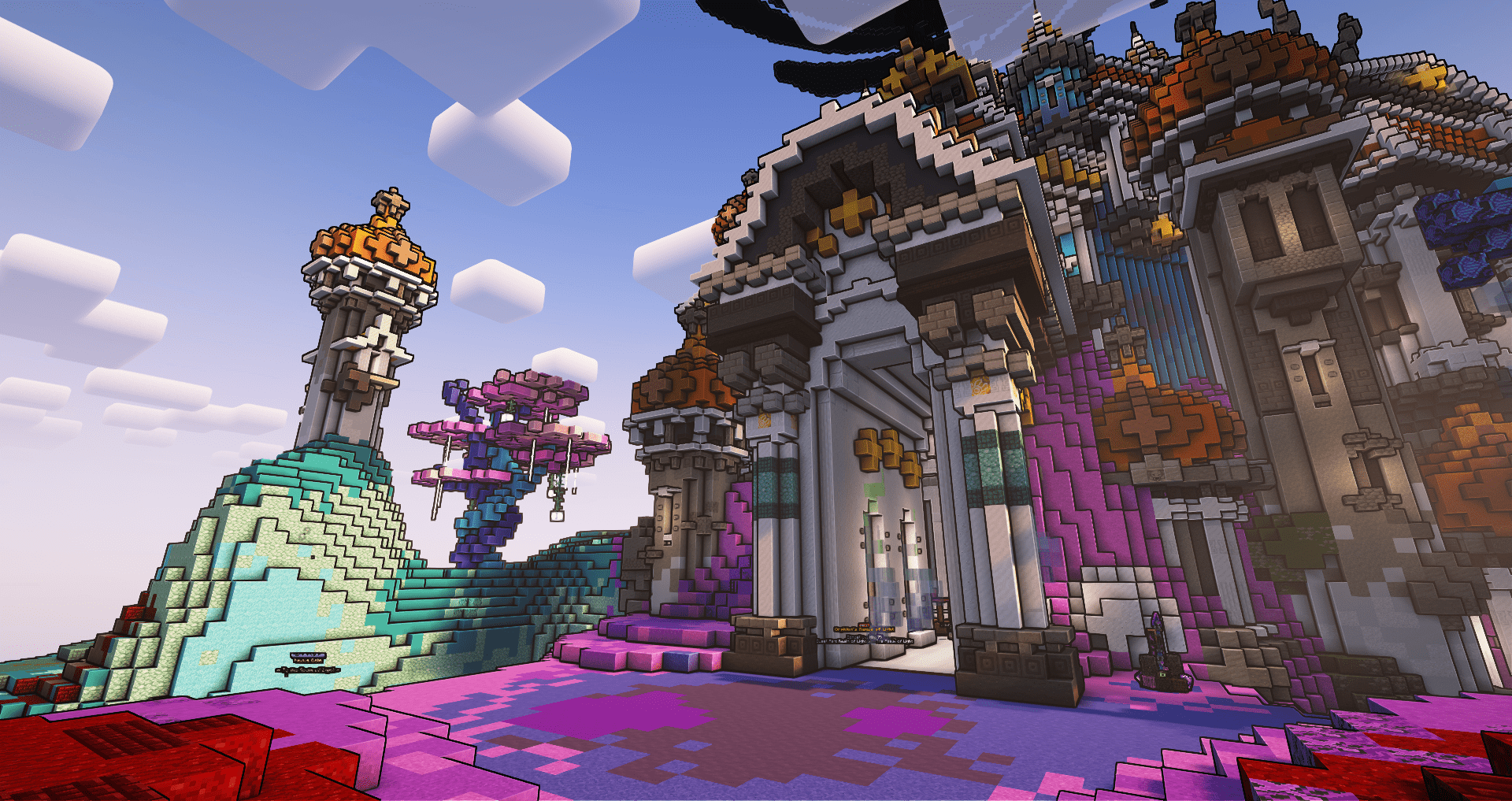 Raid - Nexus Of Light With ComplementarReimagined Shader
 -
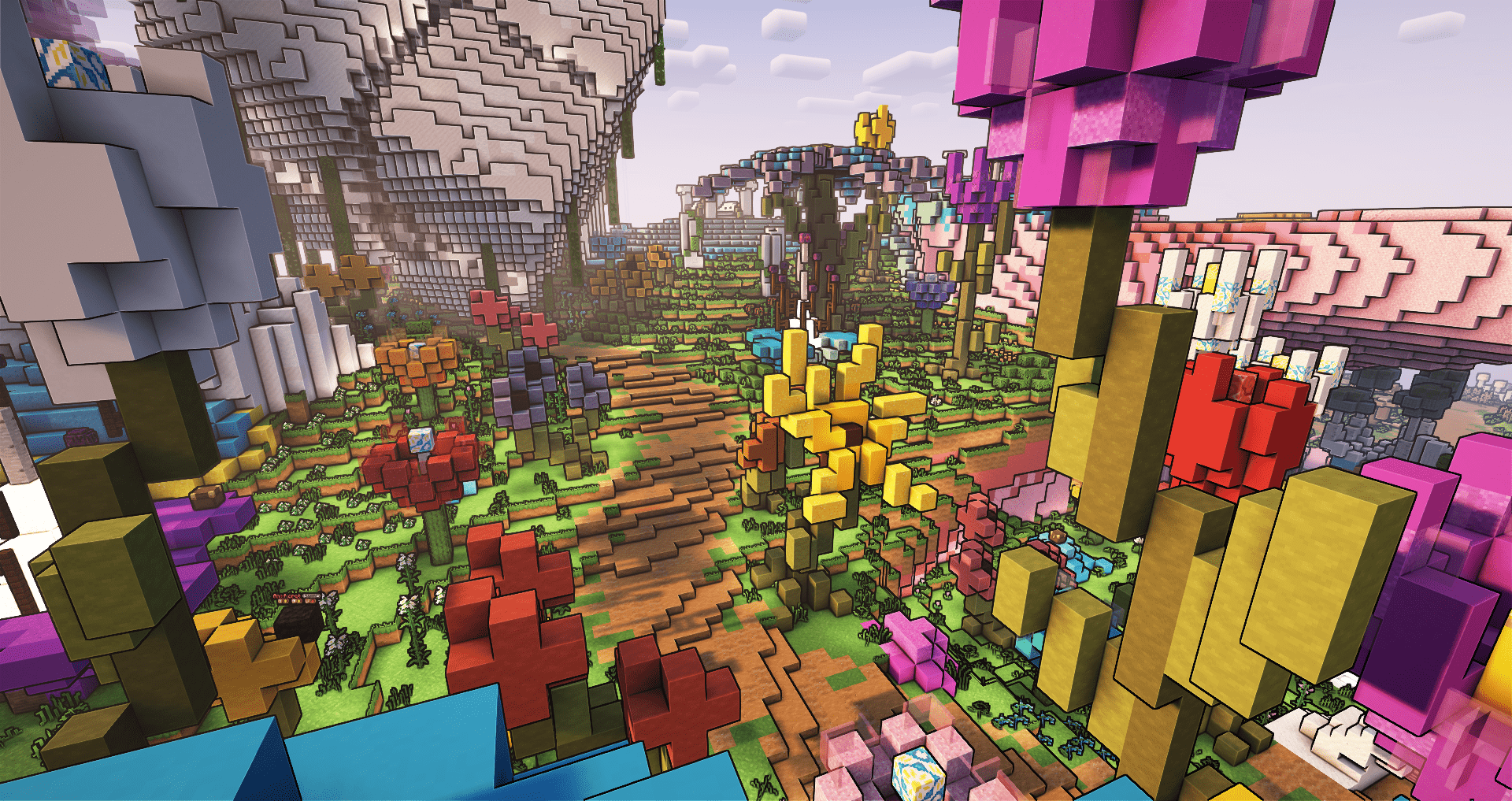 Realm of Light With ComplementarReimagined Shader
-
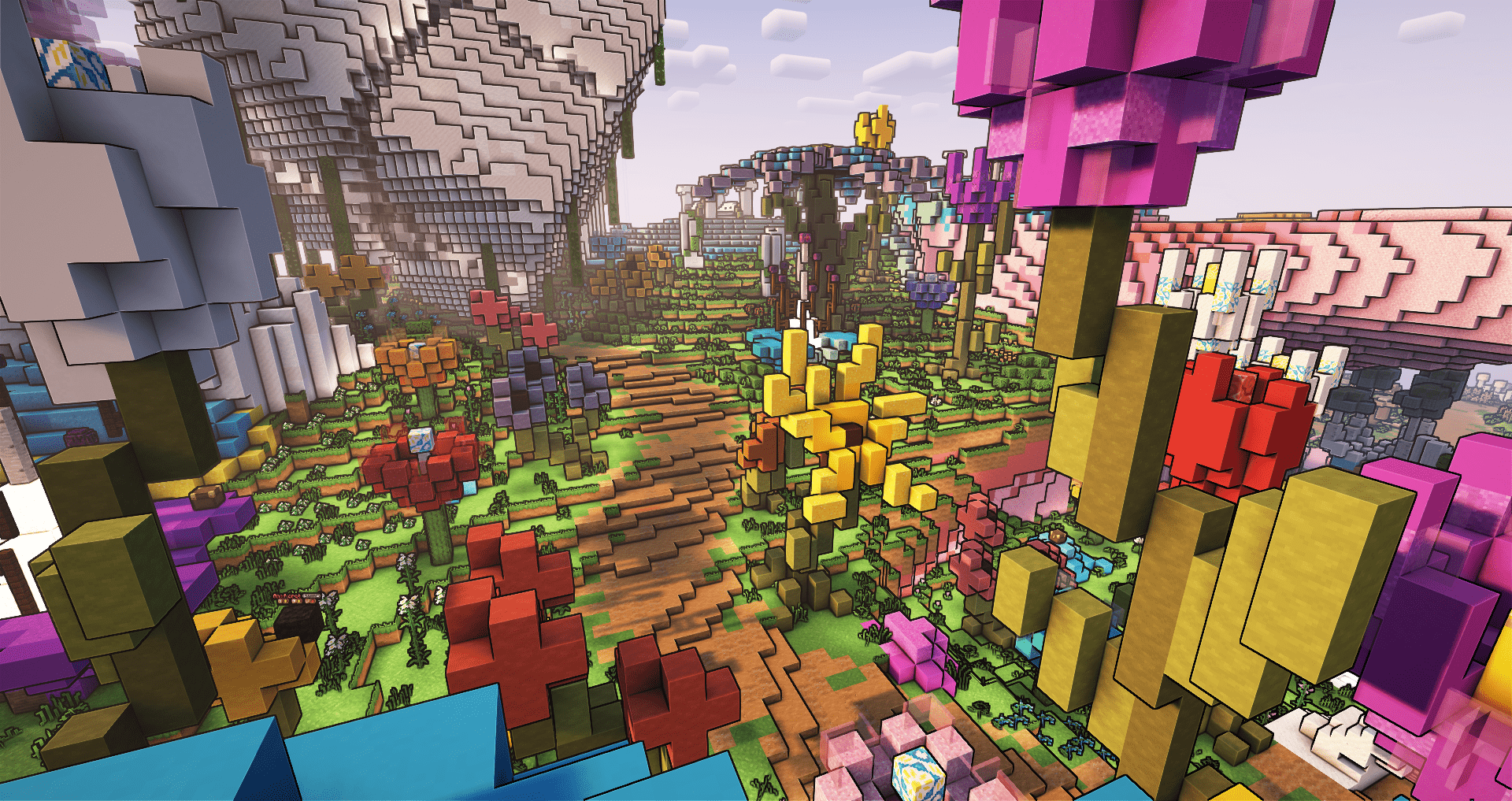 With ComplementarReimagined Shader
 -
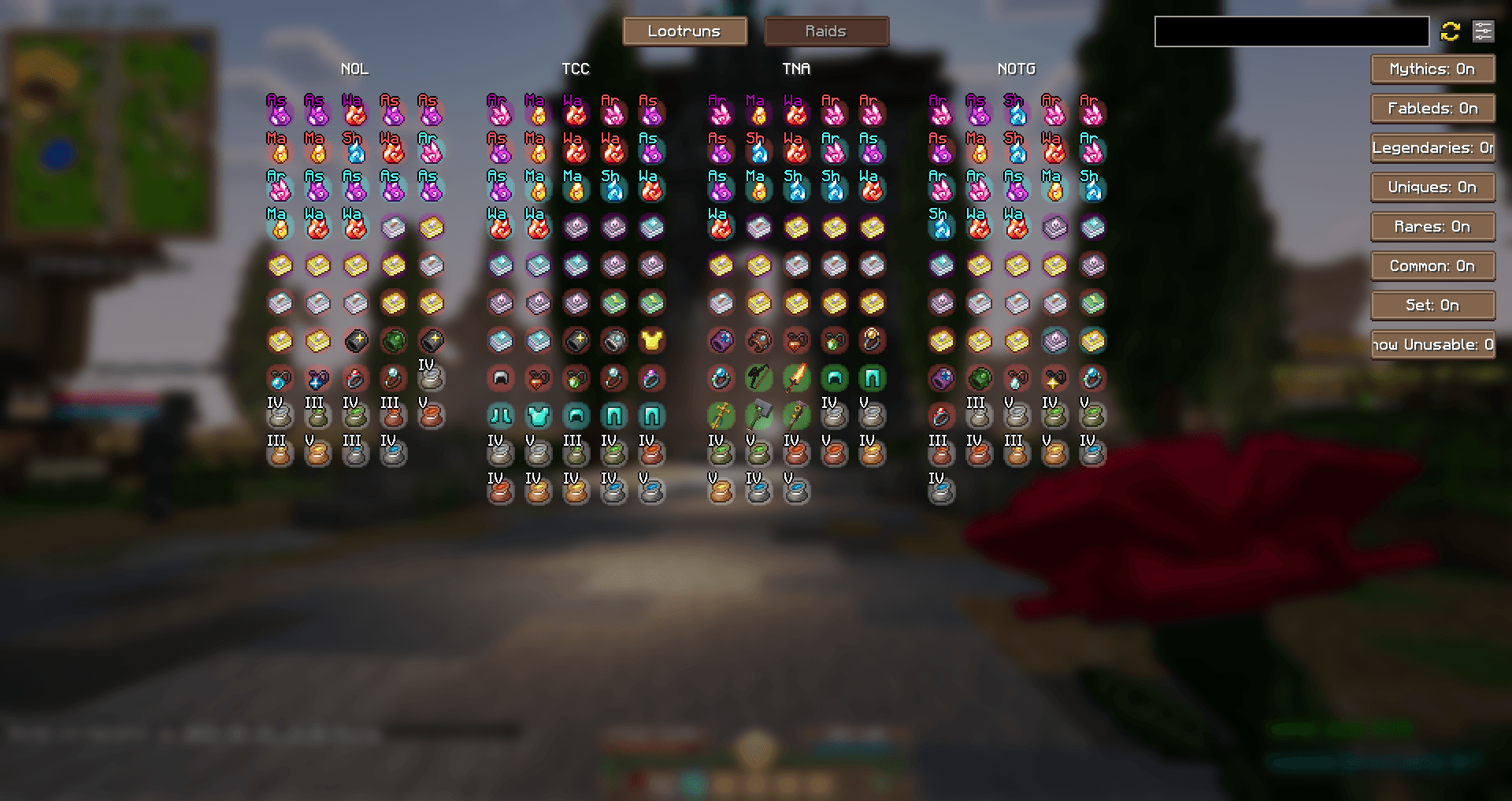 Wynnventory Menu - Raids
 -
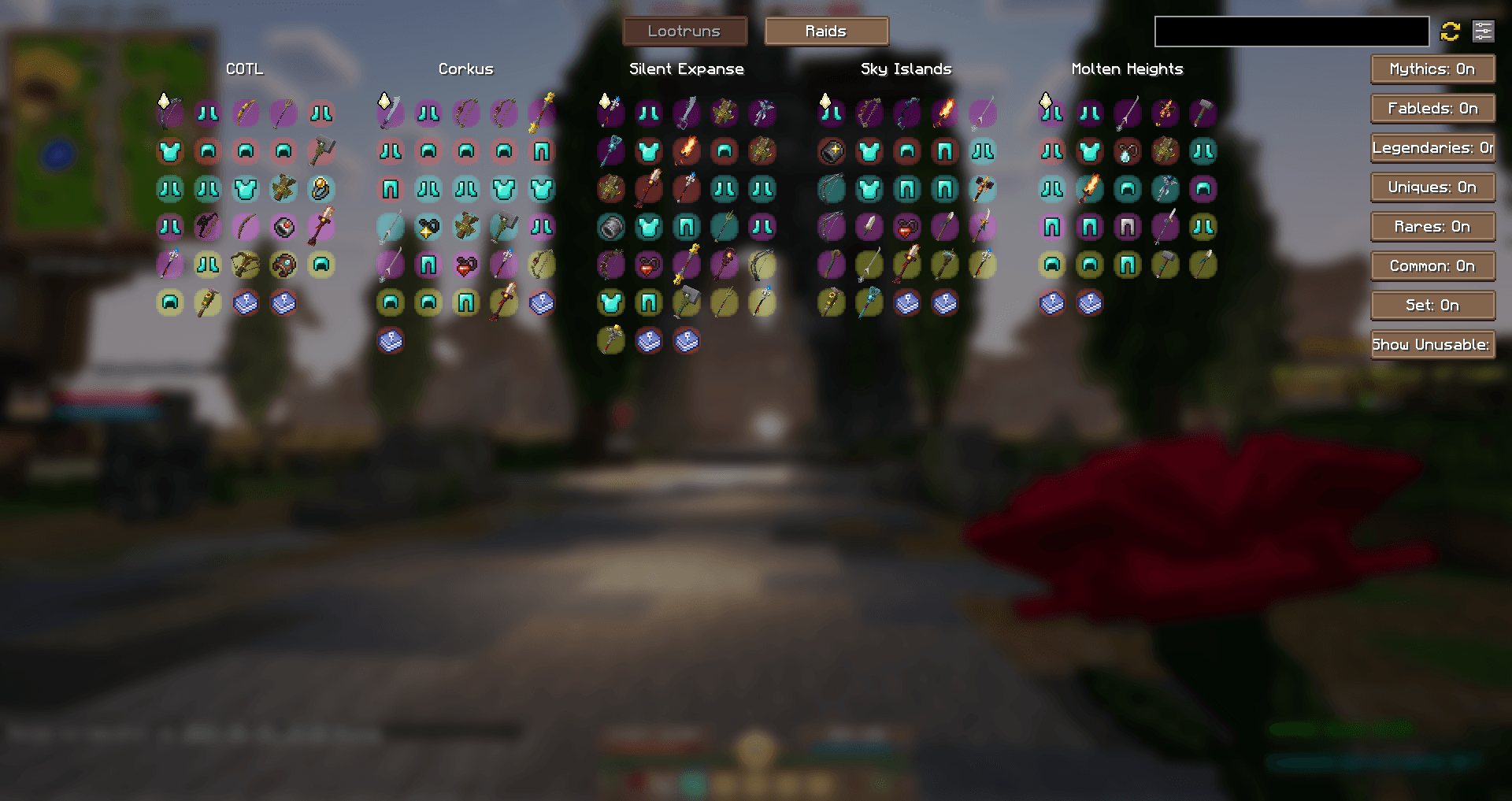 Wynnventory Menu - Lootruns
 -
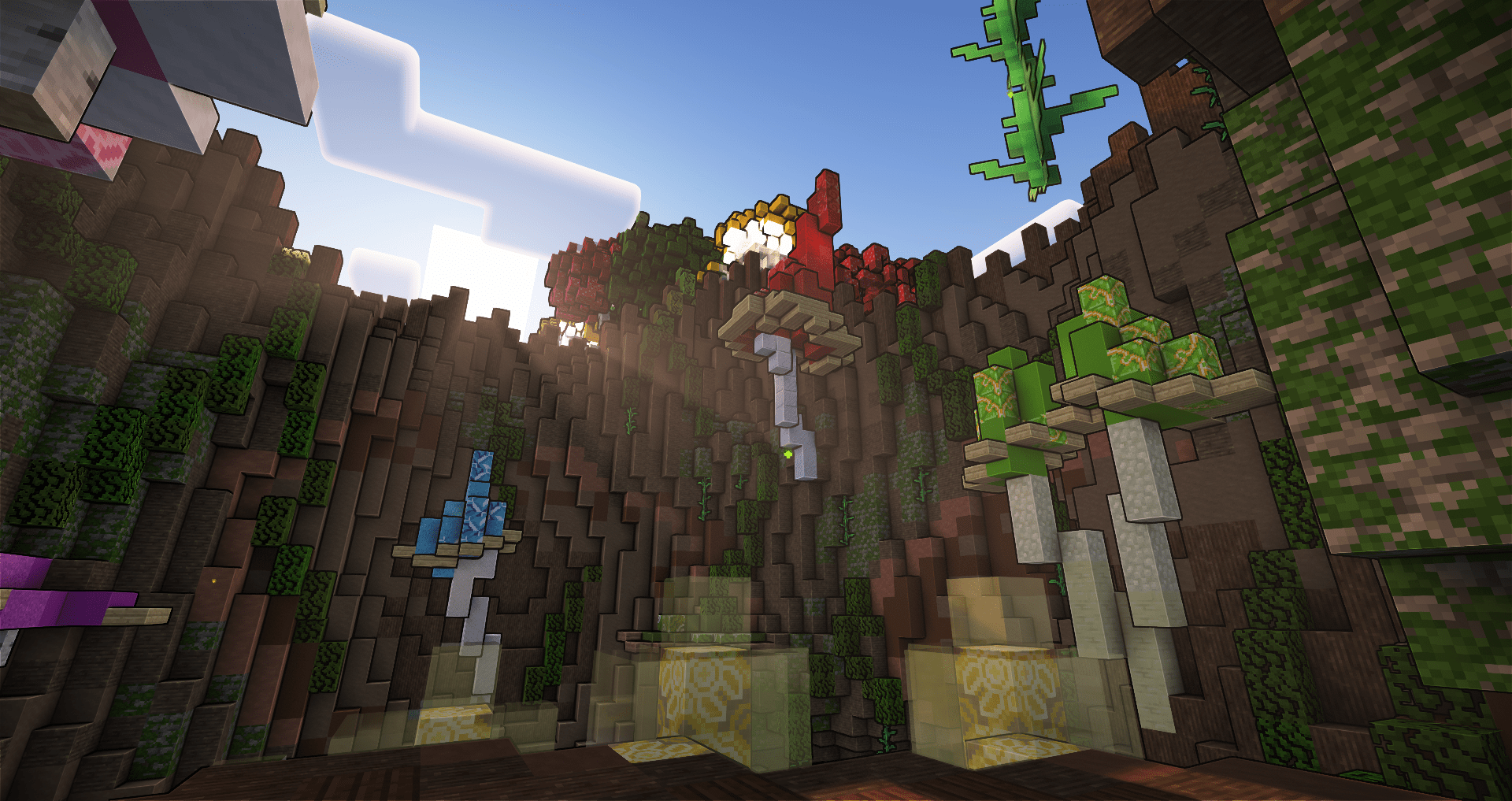 With ComplementarReimagined Shader
 -
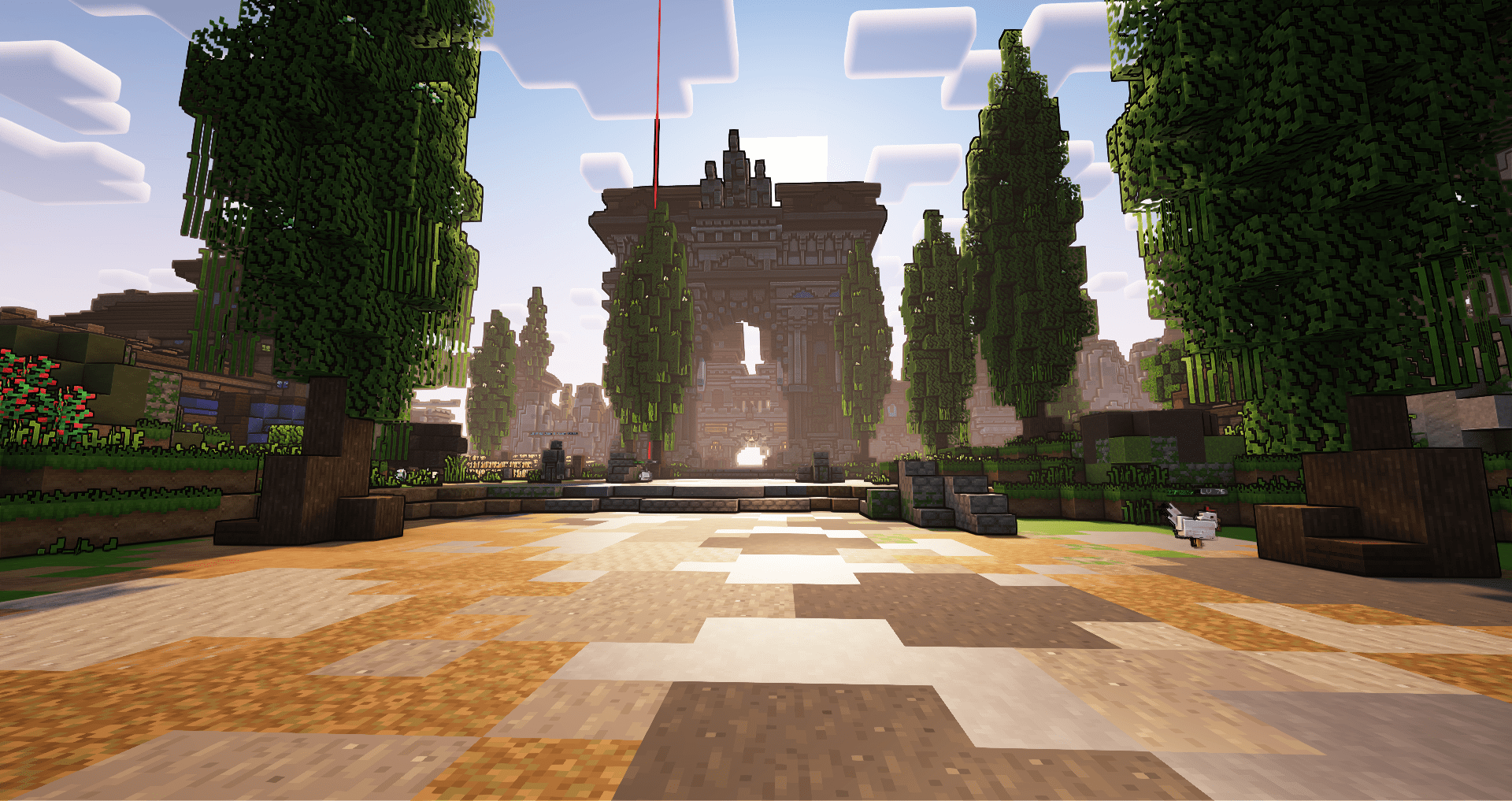 With ComplementarReimagined Shader
Versions
Files
Relations
Project Relations
More like this
Similar Modpacks
Suggestions use data such as tags, dependencies, dependents, descriptions, titles, and more to rank how much they overlap with this modpack.
On ModDex
Community snapshot
By the numbers
Statistics
Want to reach Minecraft players?
We're looking for a server hosting partner to feature here and other parts of the site. Interested? Send us a message!
Get in touchGet it on
Available Platforms
On ModDex
Community snapshot
By the numbers
Statistics
Resources