Community listing page, reviews here may not be monitored by the author.
Zombie Prison Break - Modpack by ShadowMech (100 Days Challenge)

No reviews yet
Try and survive in a Zombie Apocalypse against a Prison Break with strong Zombie Variant inmates.
Community voices
Reviews
No reviews yet. Be the first to review this project!
Get it on
Available Platforms
About
Project Details
For authors
Embed Badge
If you're the author of this project, you can embed a live badge anywhere that supports HTML or Markdown. It updates automatically whenever ratings change.
Use HTML for any page that supports it, or Markdown for README files and Markdown-based descriptions.
Identifiers
Platform IDs
Resources
External Links
About
Description
So do you enjoy playing Zombie Games? How about trying to survive a horde of normal and variant Zombies that get, faster and stronger the longer you survive? Well this Modpack was designed for this type of survival experience for players.
Features:
- Bloodmoon Event will have a chance to take place every night.
- Be ready for new wild animals.
- Survive against hordes of Zombies, and their Zombie Variants.
- Addition of a wide range of post apocalypse weapons, supplies, and tools to use for survival.
The Modpack was specifically created for a custom map which can can be downloaded on ShadowMech's Patreon: https://www.patreon.com/shadowmech
But can be used without the custom map too!
The Prison themed Zombies can also be found on my Patreon.
The ModPack can be seen in "100 Days against a Zombie Prison Break in Minecraft Hardcore... Here's What Happened" by ShadowMech on Youtube.
NOTE: Optifine will need to be downloaded manually. Once downloaded, just copy the .jar file into the Mods Folder for this particular instance.
HOW TO ADD ZOMBIE VARIANTS:
1. Open 'config' folder of the Modpack.
2. Open 'incontrol' folder.
3. Open 'spawn.json' file and change the [ "result":"deny" ] to [ "result":"allow" ] text for desired variant you want spawn naturally.
4. Save file.
HOW TO CHANGE ZOMBIE ATTRIBUTES:
1. Open 'config' folder of the Modpack.
2. Open 'incontrol' folder.
3. Open 'spawn.json' file and change the number in [ "Base": 0.23 ] to whatever speed you desire.
4. Save file.
Screenshots
Gallery
-
 Event Bloodmoon Event
 -
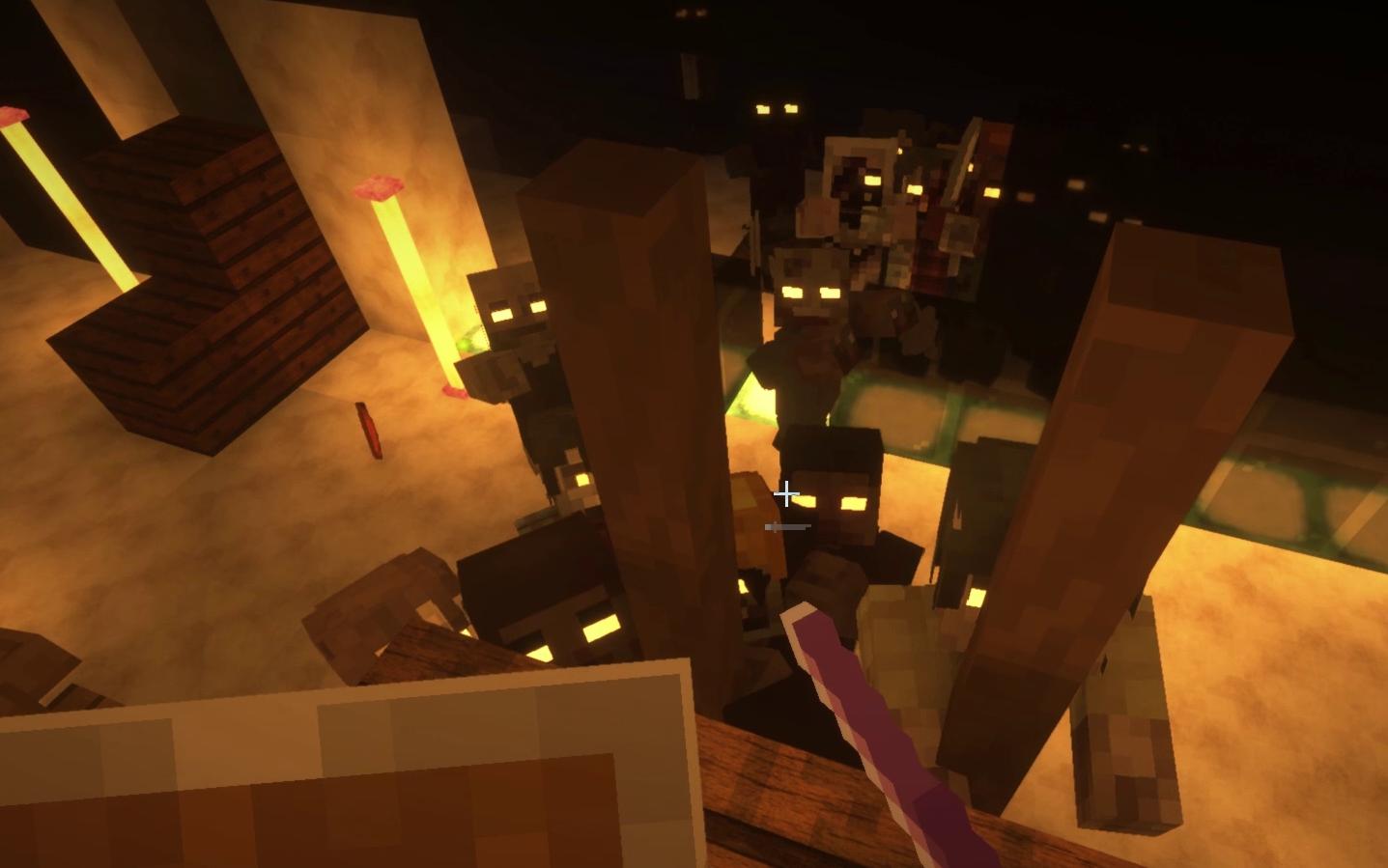 Zombies Horde
 -
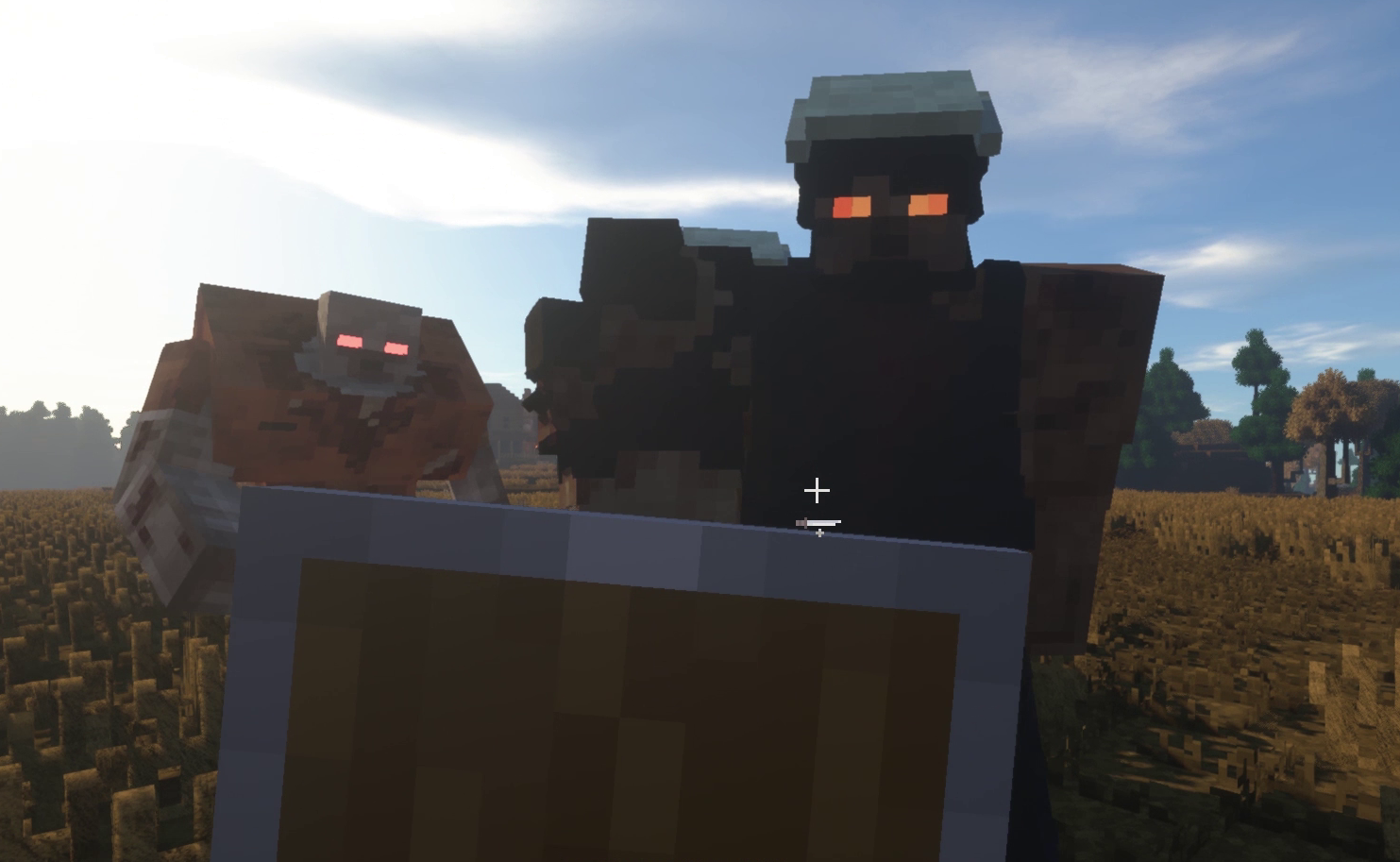 Variant Zombie Demolisher (Retextured)
 -
 100 Days Challenge 100 Days against a Zombie Prison Break - By ShadowMech on Youtube.
 -
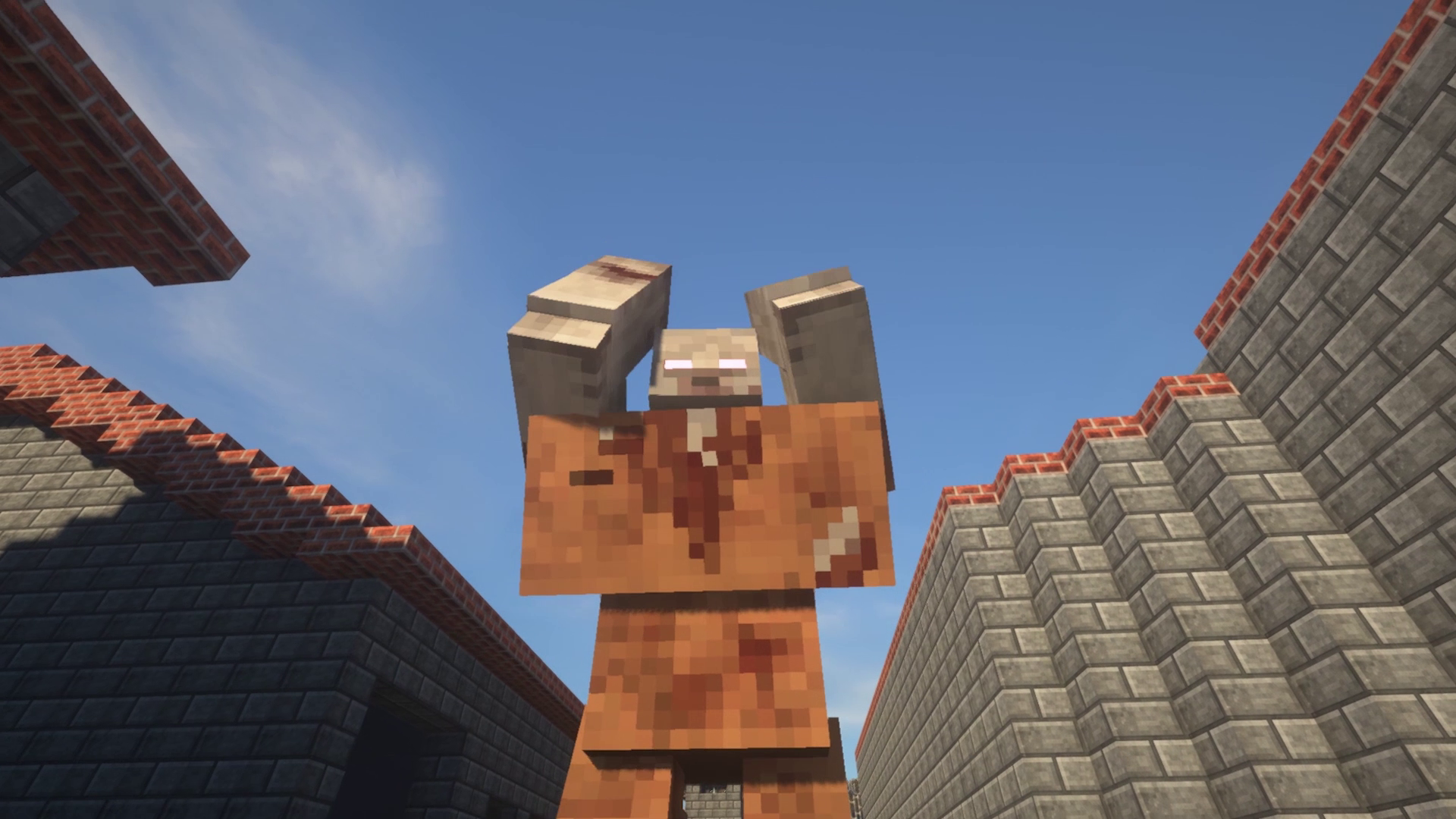 Variant Zombie Mutant Zombies (Retextured)
 -
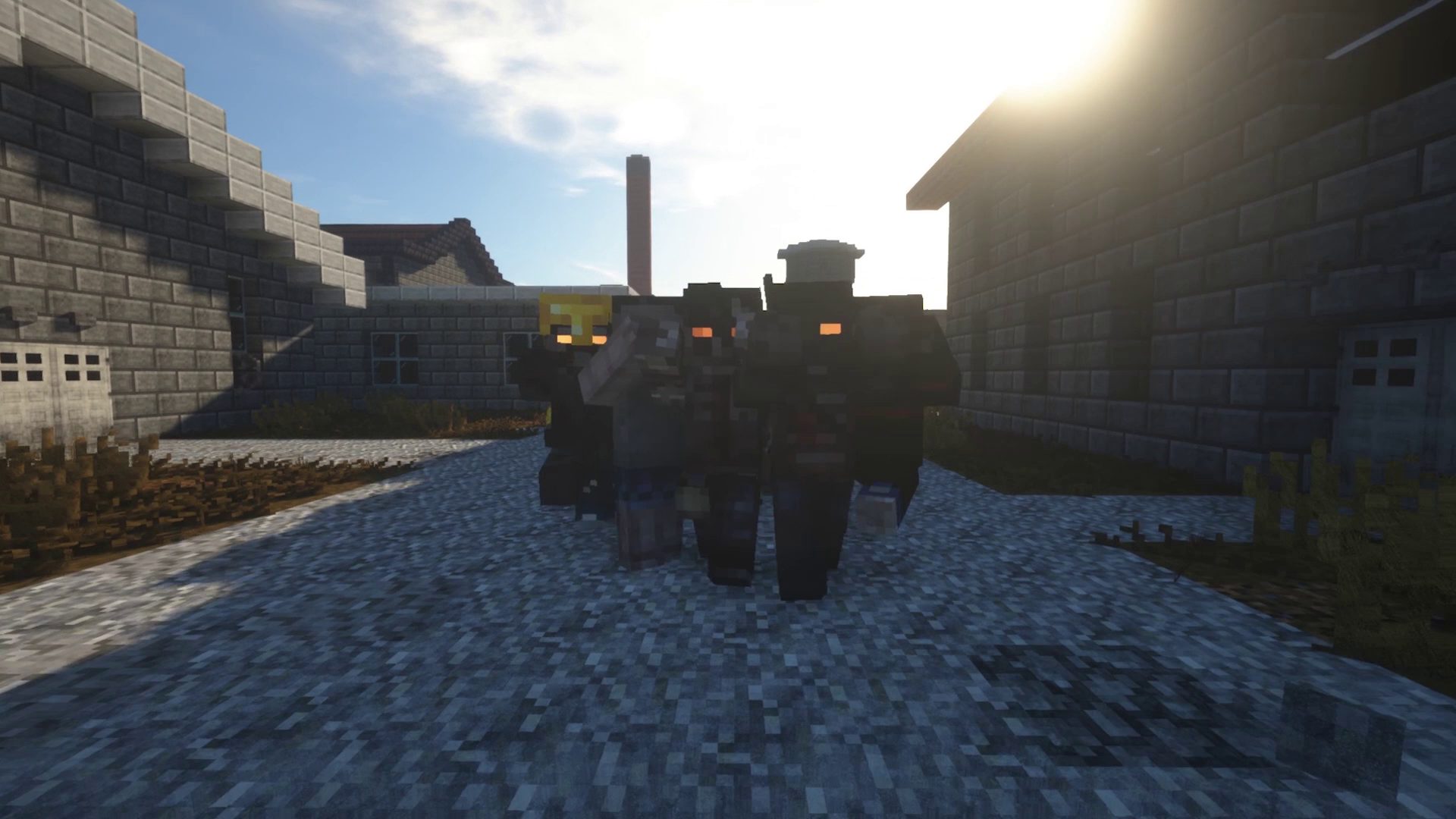 Zombies Fast Zombies
Versions
Files
Relations
Project Relations
More like this
Similar Modpacks
Suggestions use data such as tags, dependencies, dependents, descriptions, titles, and more to rank how much they overlap with this modpack.
On ModDex
Community snapshot
By the numbers
Statistics
Want to reach Minecraft players?
We're looking for a server hosting partner to feature here and other parts of the site. Interested? Send us a message!
Get in touchGet it on
Available Platforms
On ModDex
Community snapshot
By the numbers
Statistics
Resources