
Community listing page, reviews may not be monitored by the author.
Accelerate

No reviews yet
Change and configure your creative and spectator fly speed with the scroll wheel to fly up to 100x faster.

Community voices
Reviews
No reviews yet. Be the first to review this project!
Get it on
Available Platforms
About
Project Details
For authors
Embed Badge
If you're the author of this project, you can embed a live badge anywhere that supports HTML or Markdown. It updates automatically whenever ratings change.
Use HTML for any page that supports it, or Markdown for README files and Markdown-based descriptions.
Identifiers
Platform IDs
Resources
External Links
About
Description


Accelerate removes vanilla's flight speed limits in worlds you host. Use the scroll wheel or the keybinds to go as fast as you like.
How it works
Spectator mode
Scroll or use the keybinds to change your flight speed. The vanilla cap of 4× is removed.
Creative mode
Hold the modifier key (Left Control by default) while flying, then scroll or use the keybinds. The scroll wheel changes your speed instead of your hotbar slot while you hold it. Let go of the modifier and you're back to normal creative flight.
Controls
All keys can be changed in Controls, under the Accelerate category.
| Action | Default |
|---|---|
| Fly Faster | Page Up |
| Fly Slower | Page Down |
| Reset Flight Speed | Not bound |
| Modifier (creative) | Left Control |
Settings
Open the config screen from the Mods screen (Mod Menu on Fabric).
- Max Speed: the highest speed you can reach, from 1× to 100×. The default is 50×.
- Scroll Steps: Progressive keeps vanilla's small steps up to 4× and then multiplies your speed on every step. Linear adds the same amount on every step.
- Progressive Step and Linear Step: how big each step is in the two modes.
- Speed Display: shows your speed above the hotbar after you change it, as a multiplier, in blocks per second, km/h, Mach or chunks per second. It can also be turned off.
- Remember Speed: keeps your speed when you rejoin, respawn or switch game modes. In creative, each hold of the modifier starts at your last speed.
Screenshots
Gallery
-
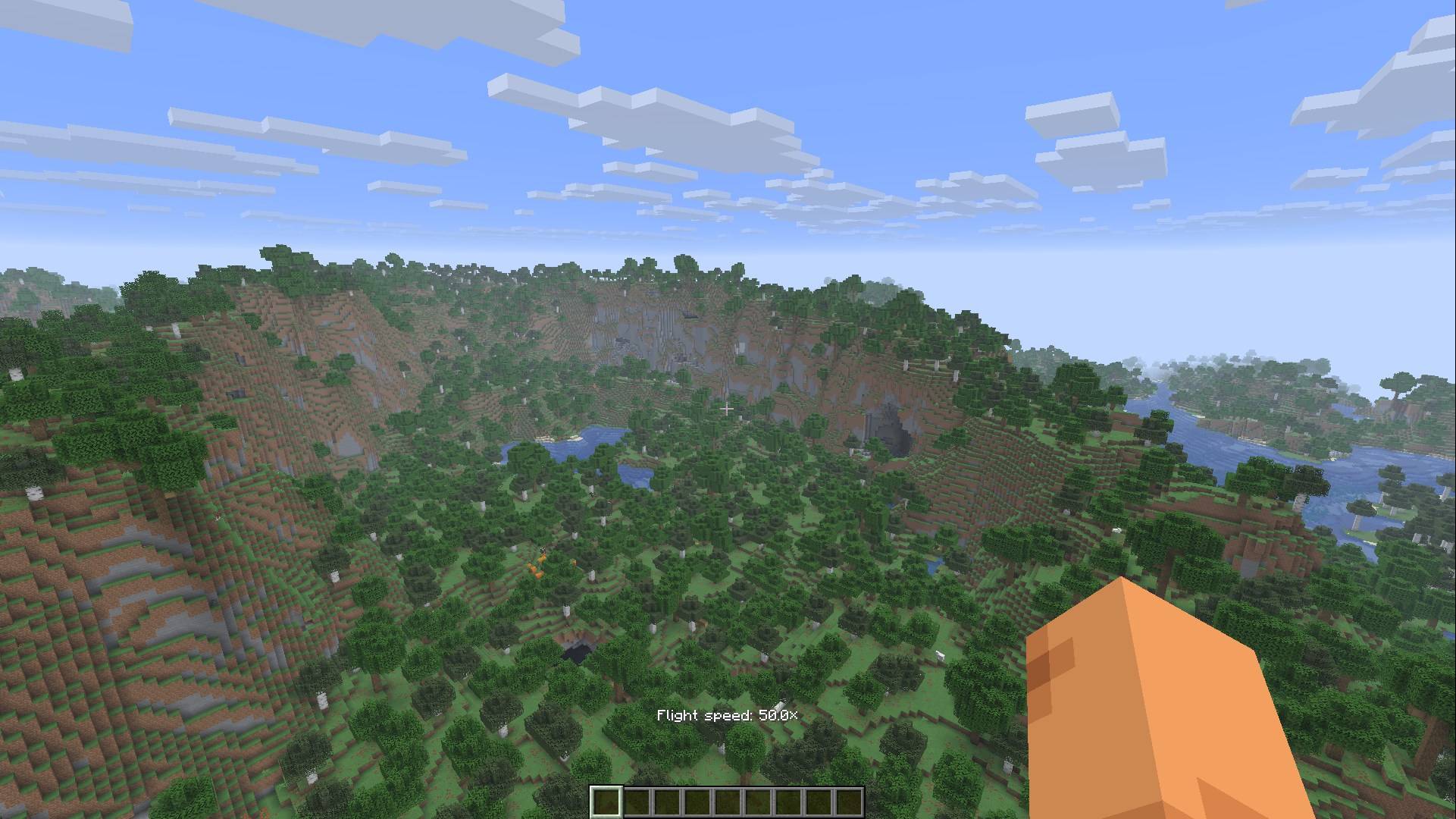 Creative mode
-
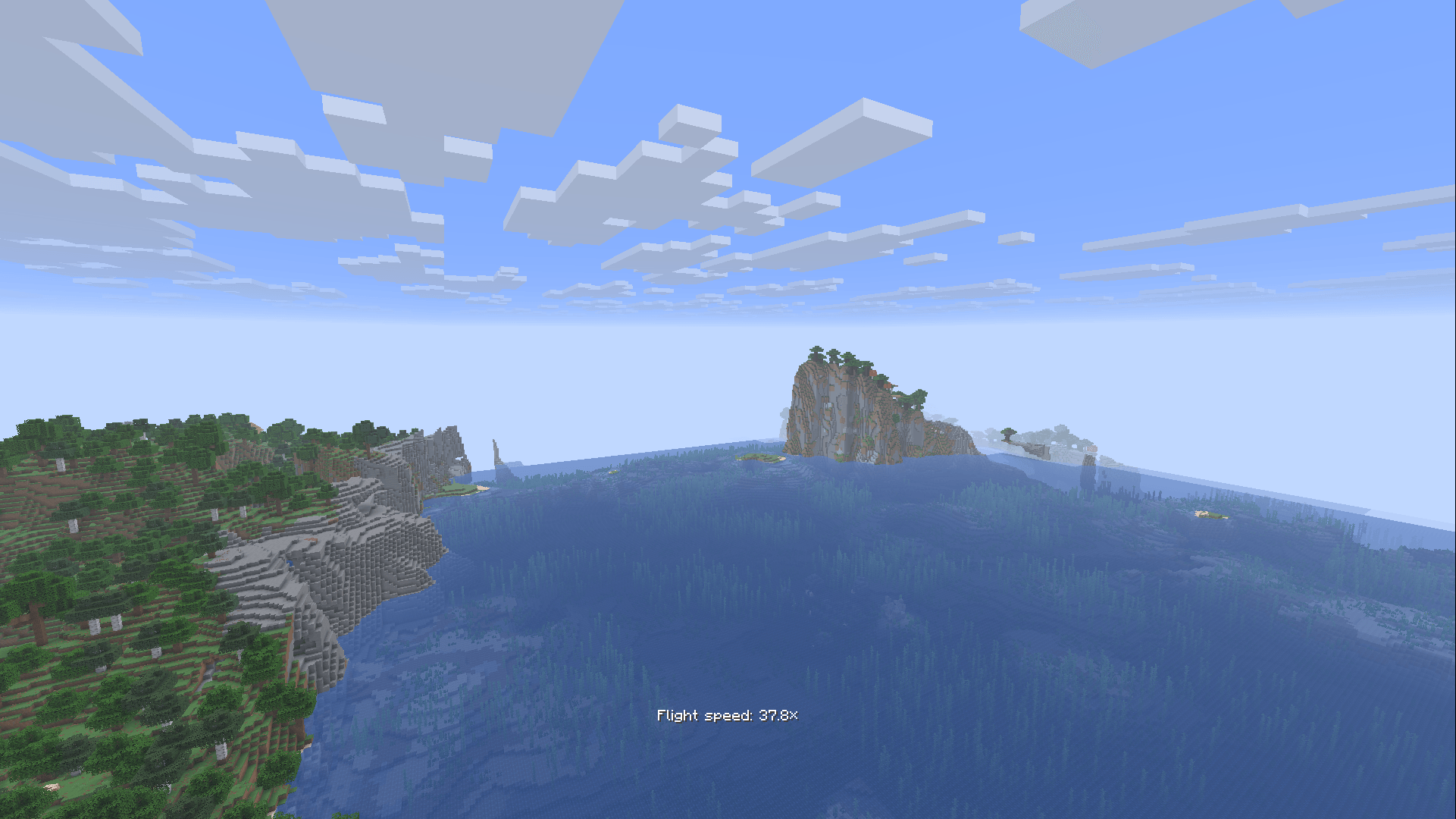 Spectator mode
-
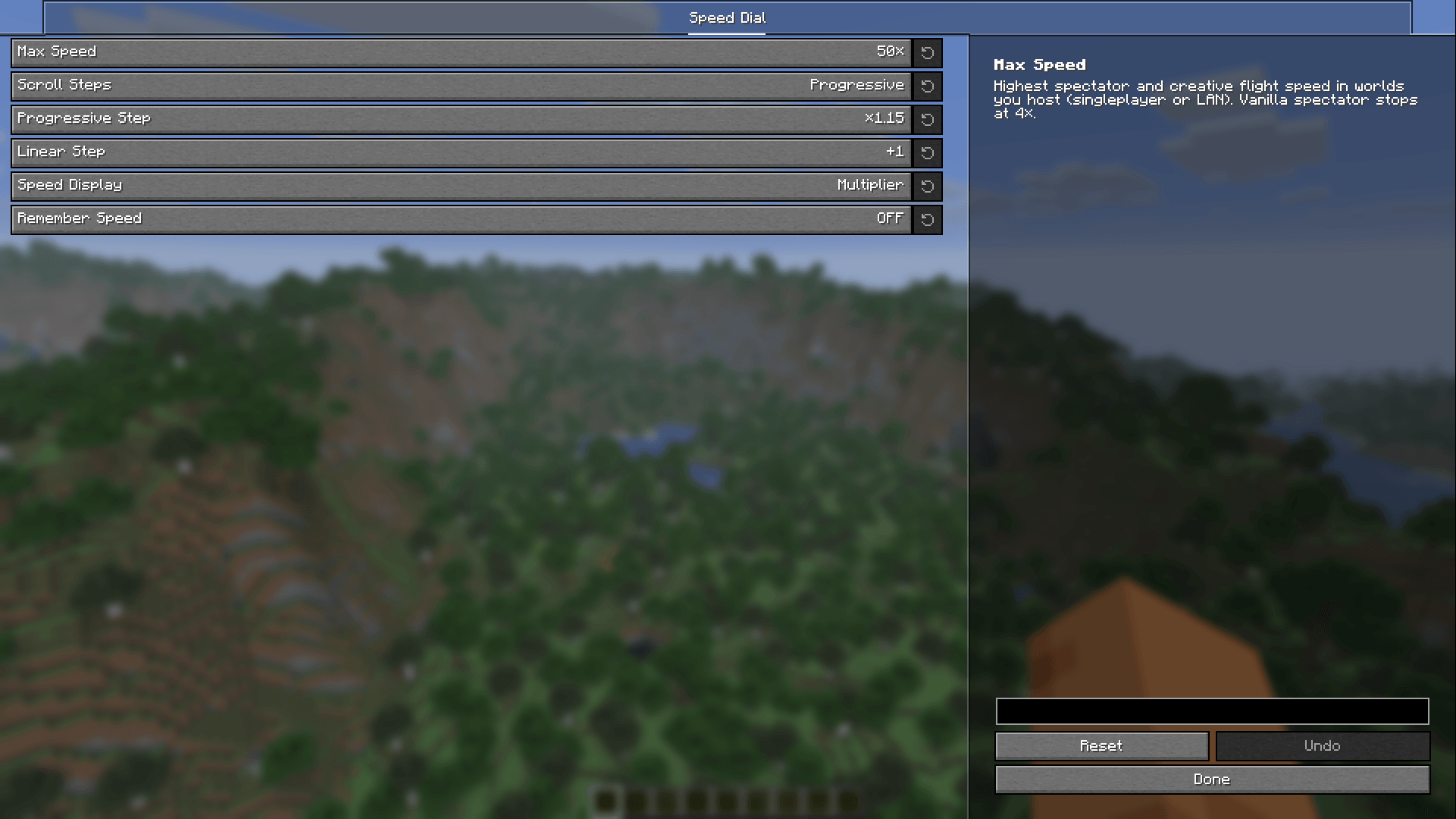 Configuration
Versions
Files
Relations
Project Relations
More like this
Similar Mods
Suggestions use data such as tags, dependencies, dependents, descriptions, titles, and more to rank how much they overlap with this mod.
On ModDex
Community snapshot
By the numbers
Statistics

Get it on
Available Platforms
On ModDex
Community snapshot
By the numbers
Statistics
Resources