
Community listing page, reviews here may not be monitored by the author.
Acidglow's Ingame Recipe Editor

No reviews yet
A server-authoritative NeoForge recipe editor for Minecraft 26.2 that lets permitted players inspect, create, remove, restore, and hide recipes directly in-game.
Community voices
Reviews
No reviews yet. Be the first to review this project!
Get it on
Available Platforms
About
Project Details
For authors
Embed Badge
If you're the author of this project, you can embed a live badge anywhere that supports HTML or Markdown. It updates automatically whenever ratings change.
Use HTML for any page that supports it, or Markdown for README files and Markdown-based descriptions.
Identifiers
Platform IDs
Resources
External Links
About
Description
Acidglow's Ingame Recipe Editor
Create, edit, remove, and manage recipes — directly inside Minecraft.
Acidglow's Ingame Recipe Editor is a server-authoritative recipe management tool for NeoForge that allows permitted players and server administrators to manage recipes without manually creating or editing datapacks.
Browse registered items, inspect existing recipes, create new ones, remove unwanted recipes, restore defaults, and hide items — all from an in-game interface.
Recipe changes are stored with the world and automatically reapplied whenever recipes reload.
✨ Features
- In-game Item Book — Browse registered items without leaving the game
- Recipe inspection — View existing recipes for supported recipe types
- Multiple recipe navigation — Browse multiple recipes that produce the same item
- Shaped crafting recipes — Create custom Crafting Table recipes
- Shapeless crafting recipes — Create recipes without a fixed layout
- Furnace recipes — Create and manage smelting recipes
- Blast Furnace recipes — Create custom blasting recipes
- Campfire recipes — Create custom campfire cooking recipes
- Item tag support — Use tags instead of individual items as ingredients
- Remove recipes — Disable unwanted default recipes
- Restore recipes — Bring previously removed default recipes back
- Hide items — Remove unwanted items and their recipes from your world
- Persistent changes — Recipe modifications are saved with the world
- Server-authoritative — The server controls recipe data and permissions
- Configurable permissions — Decide who is allowed to use the editor
📖 Opening the Recipe Editor
Open the editor with:
/recipeeditorBy default, access is available to:
- Players in Creative Mode
- Operators with permission level 2 or higher
Editor access and the required operator level can be changed through the common configuration.
📚 Item Book
The built-in Item Book provides an overview of registered items and acts as the main entry point for recipe management.
From here you can browse items, inspect their recipes, and begin creating or modifying recipes without needing external tools or manually editing JSON files.
Items that have been hidden remain visible to administrators inside the Item Book with a (Hidden) marker.
🛠️ Supported Recipe Types
The editor currently supports:
- Shaped Crafting
- Shapeless Crafting
- Furnace
- Blast Furnace
- Campfire Cooking
When an item has multiple recipes, you can navigate between them directly inside the editor.
➕ Creating Custom Recipes
Custom recipes can be created directly through the in-game interface.
Select the desired ingredients and output, configure the recipe, and save it without manually creating a datapack.
Existing recipes can also be used as a starting point.
When viewing an existing recipe, saving it only creates a new custom recipe after its editable contents have actually been changed.
🏷️ Item Tag Ingredients
Recipes are not limited to individual items.
Item tags can also be used as recipe ingredients, allowing a recipe to accept multiple interchangeable items.
To select a tag:
Hold Left Ctrl while hovering over an occupied ingredient slot, then select one of the available tags for that item.
This is especially useful when creating recipes intended for larger modpacks where multiple materials should be interchangeable.
🗑️ Removing & Restoring Recipes
Default recipes can be removed without permanently losing them.
Removed default recipes are placed in the Removed Recipes list and can later be restored through the editor.
Default Recipes
Remove → Restore later
Custom Recipes
Remove → Permanently deleted
Custom recipes do not have the same restoration system as default recipes, so make sure you actually want to delete them before removing them.
♻️ Resetting Recipe Changes
Server administrators can remove all custom recipes and restore all previously removed default recipes with:
/recipeeditor restore_allThis provides an easy way to reset recipe modifications made through the editor.
Note: This command does not reveal items that have been hidden.
🚫 Hiding Items
The Recipe Editor can also be used to hide unwanted items from a world.
When an item is hidden, its recipes are removed from the server recipe list and compatible recipe-viewer integrations.
The mod can also prevent the hidden item from continuing to exist or re-enter the world.
Depending on where the item exists, the system can:
- Remove accessible matching item stacks
- Scan loaded chunks
- Remove matching placed block forms
- Prevent matching blocks from being placed
- Reject matching item entities
- Recheck online player storage
- Process offline player inventories when they become accessible
- Process unloaded storage when it becomes accessible
⚠️ Important — Hiding Items Is Destructive
Always make a world backup before using the Hide Item feature.
Hiding an item can permanently remove matching item stacks and placed blocks from the world.
Revealing the item later allows it to be used again, but:
Previously deleted items and blocks are NOT restored.
Use this feature as an administrative world-management tool, not as a temporary visibility toggle.
🔐 Server Administration
Acidglow's Ingame Recipe Editor is server-authoritative.
The server determines which recipes exist, which recipes have been removed, which items are hidden, and which players are allowed to modify them.
By default, Recipe Editor access is granted to:
- Creative Mode players
- Operators with permission level 2 or higher
These requirements can be adjusted in the common configuration.
Granting items directly through the Item Book is intentionally more restricted and requires either:
- Creative Mode, or
- Operator permission level 2 or higher
This keeps recipe editing useful for administrators while preventing normal players from using the editor as an unrestricted item source.
💾 Persistent World Configuration
Changes made through the Recipe Editor are stored with the world.
This includes:
- Custom recipes
- Removed default recipes
- Hidden items
The changes are automatically reapplied when recipes reload, so you do not need to recreate your edits after restarting the game or server.
This makes the editor useful for both temporary testing worlds and long-term modpacks or multiplayer servers.
⚙️ Configuration
The common configuration file is:
acidglows_ingame_recipe_editor-common.tomlThe configuration allows server owners to control editor access and the required operator permission level.
NeoForge stores the configuration in the instance configuration directory and may also copy it into the world's serverconfig directory.
📥 Installation
Install the matching NeoForge version of Acidglow's Ingame Recipe Editor in your mods folder.
For multiplayer use, the mod must be installed on:
- The server
- Every client that needs to open and use the Recipe Editor
Start the game or server once to generate the required configuration files.
🧰 Built for Modpack & Server Management
Acidglow's Ingame Recipe Editor is designed to remove the repetitive work involved in managing recipes during development, testing, and gameplay.
Instead of stopping the server, editing JSON files, rebuilding datapacks, and reloading everything manually, common recipe-management tasks can be handled directly inside Minecraft.
Open it. Edit it. Save it. Keep playing.
📦 Modpack Friendly
Feel free to include Acidglow's Ingame Recipe Editor in both public and private modpacks.
No additional permission is required.
📜 License
This mod is released under the MIT License.
You are free to use, modify, and redistribute the mod in accordance with the terms of the license.
Screenshots
Gallery
-
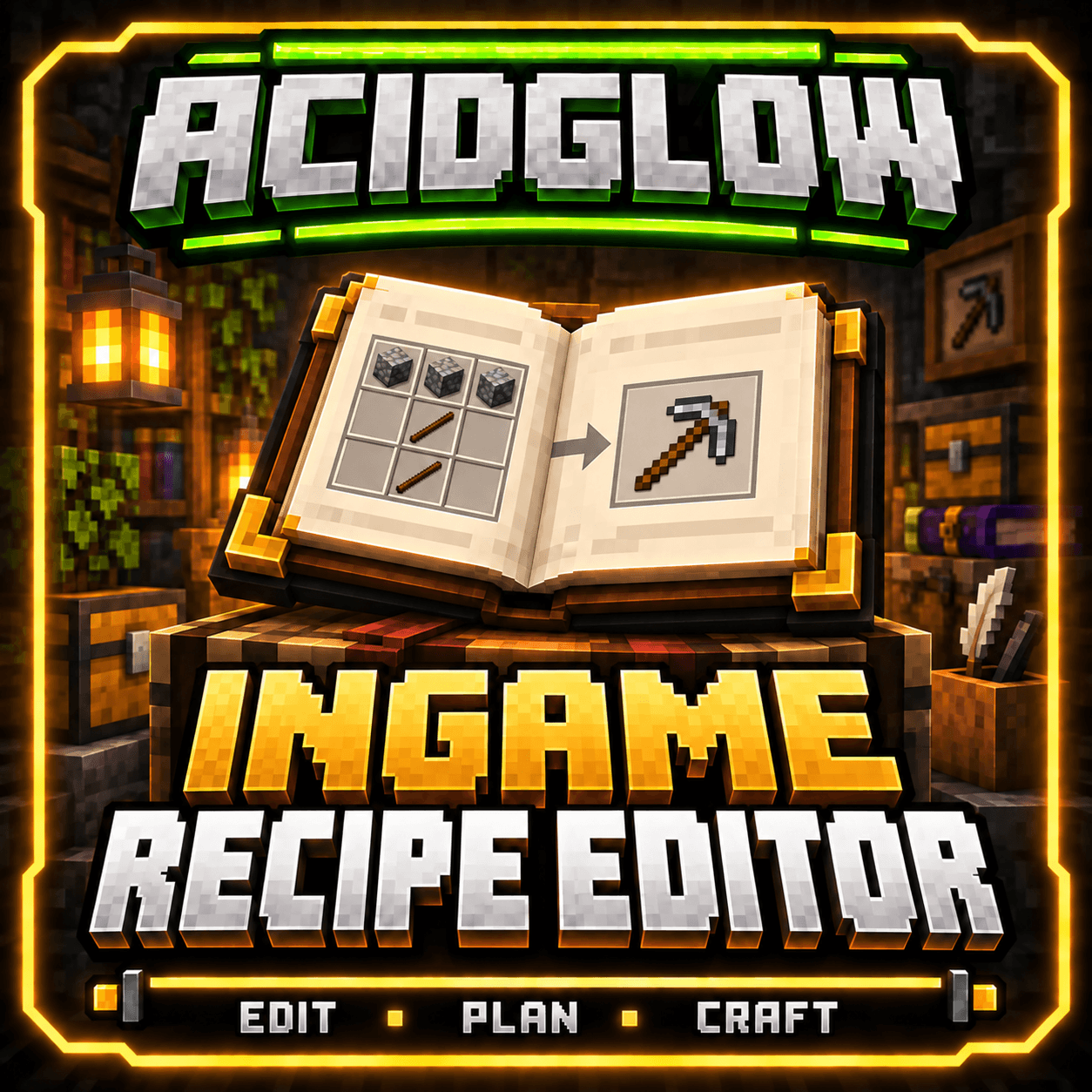 IRE.png IRE.png
 -
 minecraft_gui_aligned_fulltext_instant.gif minecraft_gui_aligned_fulltext_instant.gif
Versions
Files
Relations
Project Relations
More like this
Similar Mods
Suggestions use data such as tags, dependencies, dependents, descriptions, titles, and more to rank how much they overlap with this mod.
On ModDex
Community snapshot
By the numbers
Statistics
Want to reach Minecraft players?
We're looking for a server hosting partner to feature here and other parts of the site. Interested? Send us a message!
Get in touchGet it on
Available Platforms
On ModDex
Community snapshot
By the numbers
Statistics
Resources