
Community listing page, reviews here may not be monitored by the author.

Community voices
Reviews
No reviews yet. Be the first to review this project!
Get it on
Available Platforms
Compatibility
Supported Environments
Must be installed on both the client and the server.
About
Project Details
For authors
Embed Badge
If you're the author of this project, you can embed a live badge anywhere that supports HTML or Markdown. It updates automatically whenever ratings change.
Use HTML for any page that supports it, or Markdown for README files and Markdown-based descriptions.
Identifiers
Platform IDs
Resources
External Links
About
Description
Advanced RGB Lamps
An RGB lamp mod that has 10 different lamp variations and optional Colorful Lighting & Computercraft support
Demonstration
Usage
Lamp Configurator Tool:
You can use the Lamp Configurator Tool by shift right clicking on a lamp, this opens the color and brightness configuration by default, modes can be switched between Edit, Copy, Paste& Debug by pressing P while holding the tool.
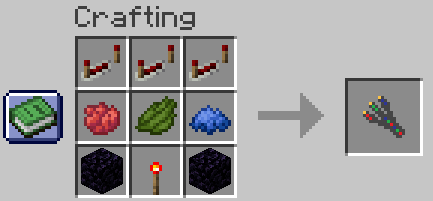
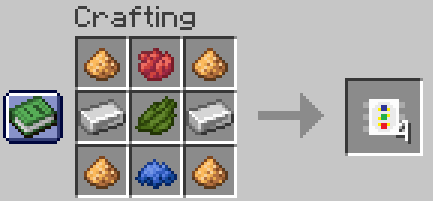
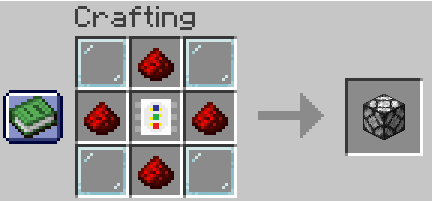
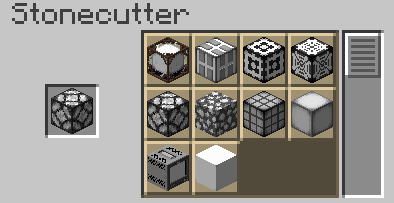
Crafting Recipes
Lamp Configurator Tool:
Led Diode:
Advanced RGB Lamp:
Stonecutter:
CC:Tweaked API Reference
setBrightness(level)
Sets the lamp brightness
| Parameter | Type | Range |
|---|---|---|
level |
integer | 0 - 15 |
Usage:
lamp.setBrightness(8)
setRGB(r, g, b, [, brightness])
Sets the lamp color from individual Red, Green & Blue components
| Parameter | Type | Range | Required |
|---|---|---|---|
r |
integer | 0 - 255 | yes |
g |
integer | 0 - 255 | yes |
b |
integer | 0 - 255 | yes |
brightness |
integer | 0 - 15 | no |
Usage:
lamp.setRGB(255, 128, 0) -- Sets color to orange without changing brightness
lamp.setRGB(255, 128, 0, 15) -- Sets color to orange and brightness to 15
setHex(hex [, brightness])
Sets the lamp color from a hex color string
| Parameter | Type | Range | Required |
|---|---|---|---|
hex |
string | yes | |
brightness |
integer | 0 - 15 | no |
Usage:
lamp.setHex("FF8800") -- Sets color to orange without changing brightness
lamp.setHex("FF8800", 15) -- Sets color to orange and brightness to 15
setHSV(h, s, v [, brightness])
Sets the lamp from Hue, Saturatuon & Value components
| Parameter | Type | Range | Required |
|---|---|---|---|
h |
number | 0 - 360 | yes |
s |
number | 0 - 100 | yes |
v |
number | 0 - 100 | yes |
brightness |
integer | 0 - 15 | no |
Usage:
lamp.setHSV(32, 100, 100) -- Sets color to orange without changing brightness
lamp.setHSV(32, 100, 100, 15) -- Sets color to orange and brightness to 15
setVariant(variant)
Sets the lamp variant (see gallery for all variants)
| Parameter | Type | Range |
|---|---|---|
variant |
integer | 0 - 9 |
Usage:
lamp.setVariant(3)
getBrightness()-> level
Gets current lamp brightness
Usage:
local brightness = lamp.getBrightness()
getRGB()->r, g, b`
Gets current color in Red, Green & Blue components
Usage:
local r, g, b = lamp.getRGB()
getHex() -> hex
Gets current color as a Hex string
Usage:
local hex = lamp.getHex()
getHSV() -> h, s, v
Gets current color as Hue, Saturatuon & Value components
Usage:
local h, s, v = lamp.getHSV()
getVariant() -> variant
Gets current variant
Usage:
local variant = lamp.getVariant()
Notes:
The Colorful Lighting mod is required for colored lighting, this mod is not compatible with the sodium/embeddium fork of Colorful Lighting.
Use in modpacks is allowed, no permission is required.
Screenshots
Gallery
-
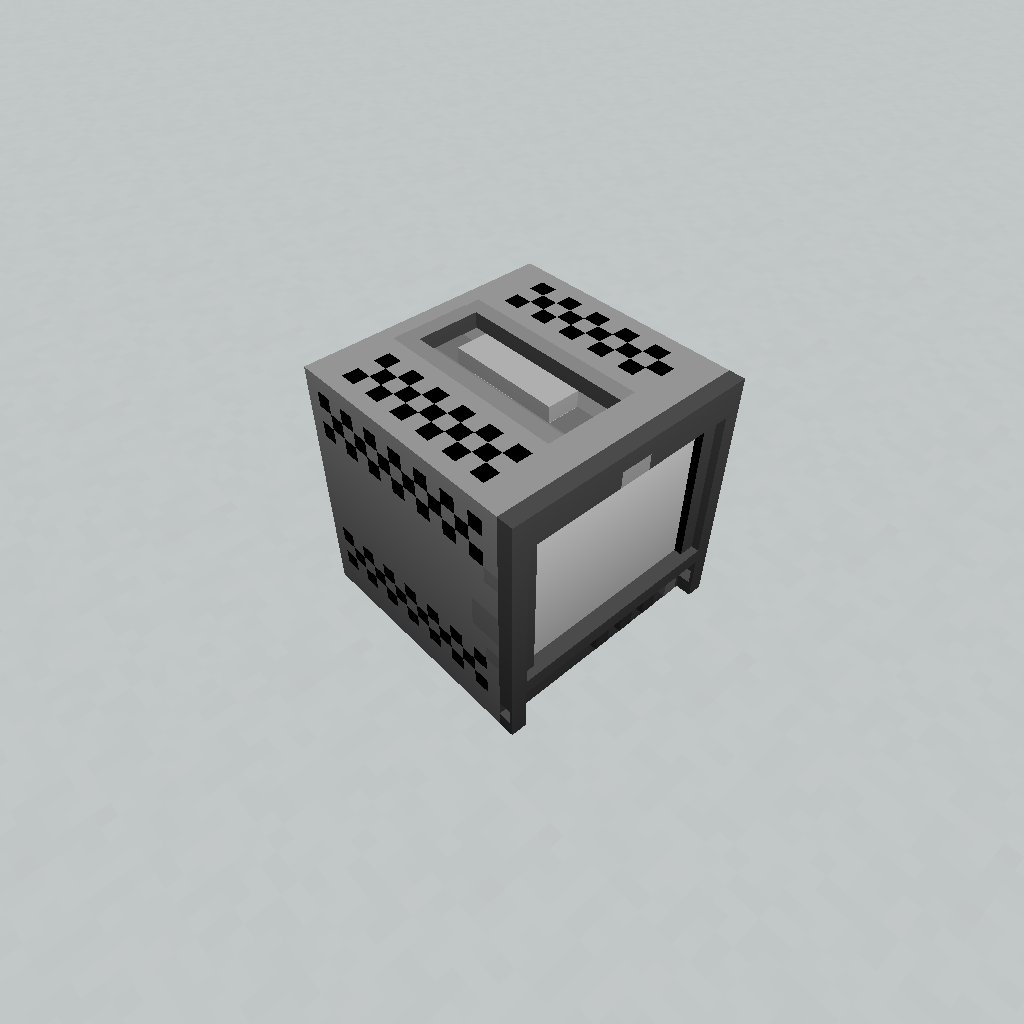 Variant 9 Varant 9, PVM 9L3 inspired
 -
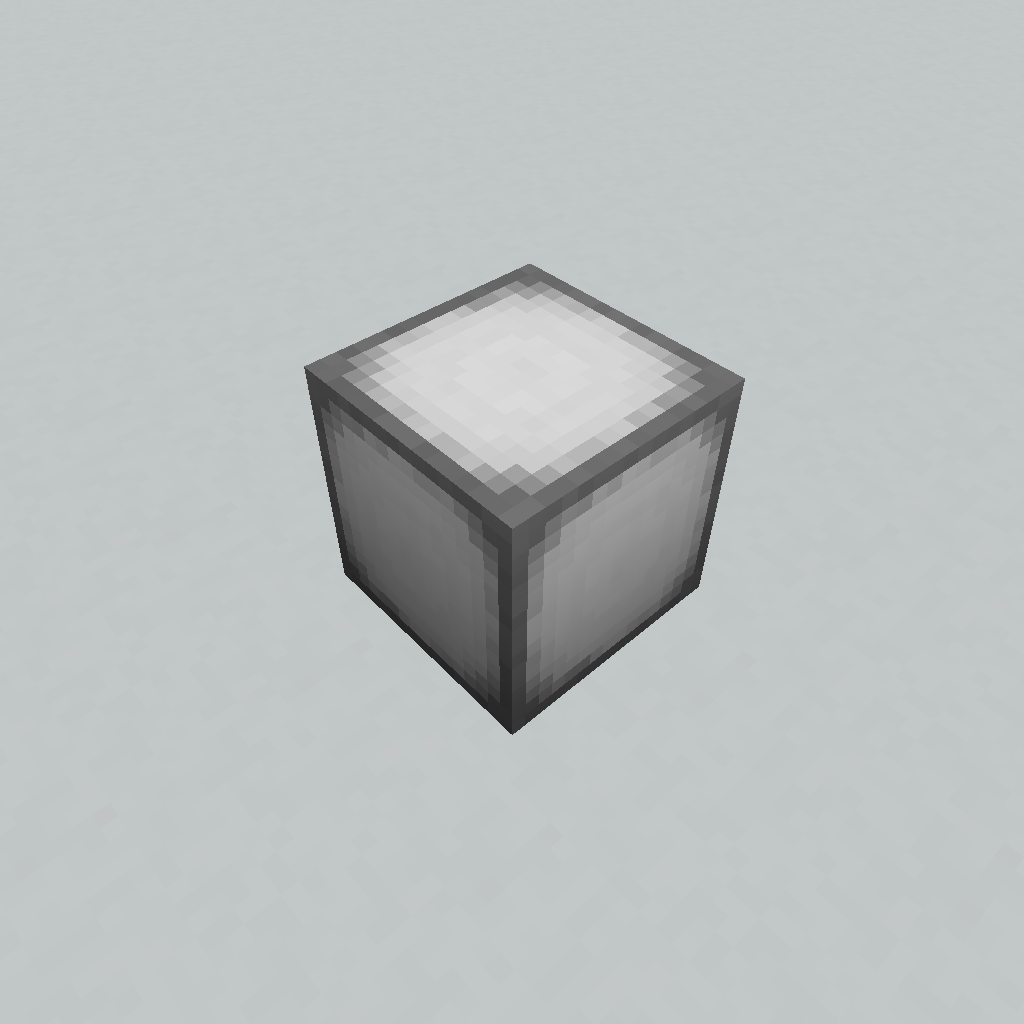 Variant 10 Variant 10, Sea Lantern texture
 -
 Demo
Demo -
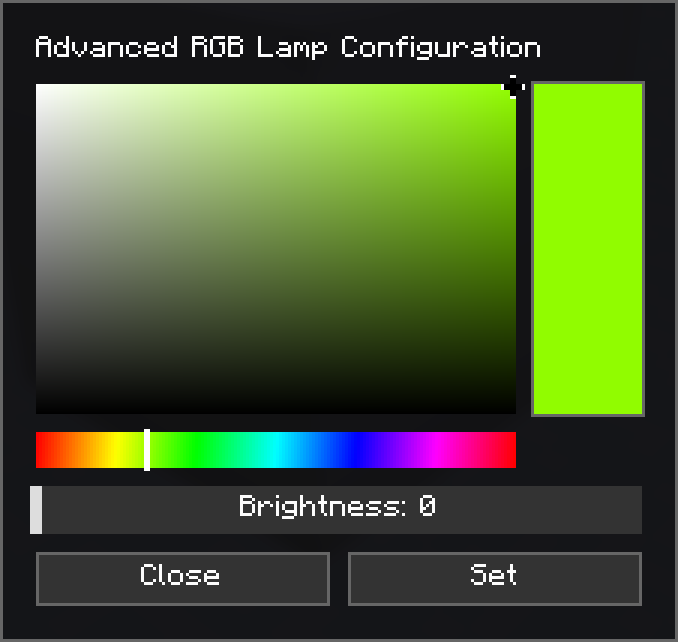 Config Menu Menu shown when the Configuration Tool is used
 -
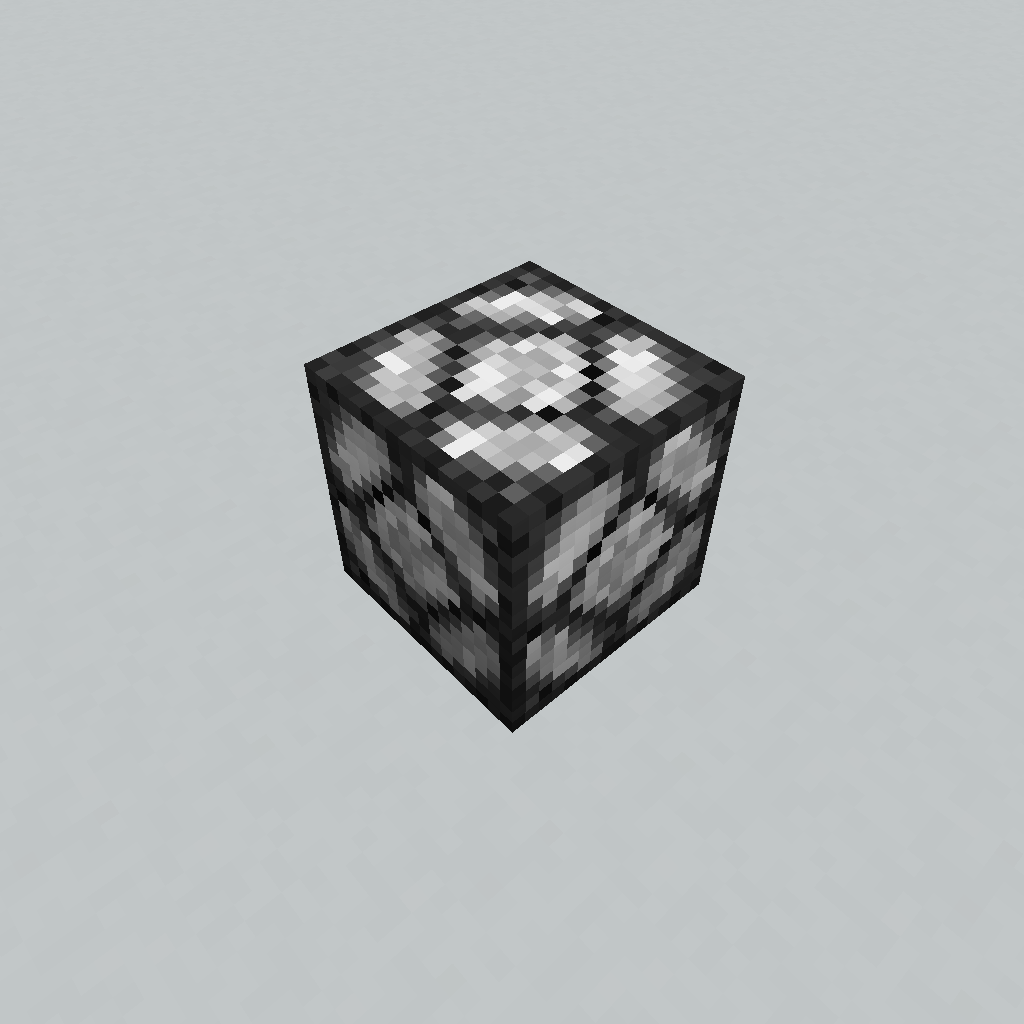 Variant 1 Lamp Variant 1, Redstone Lamp Texture
 -
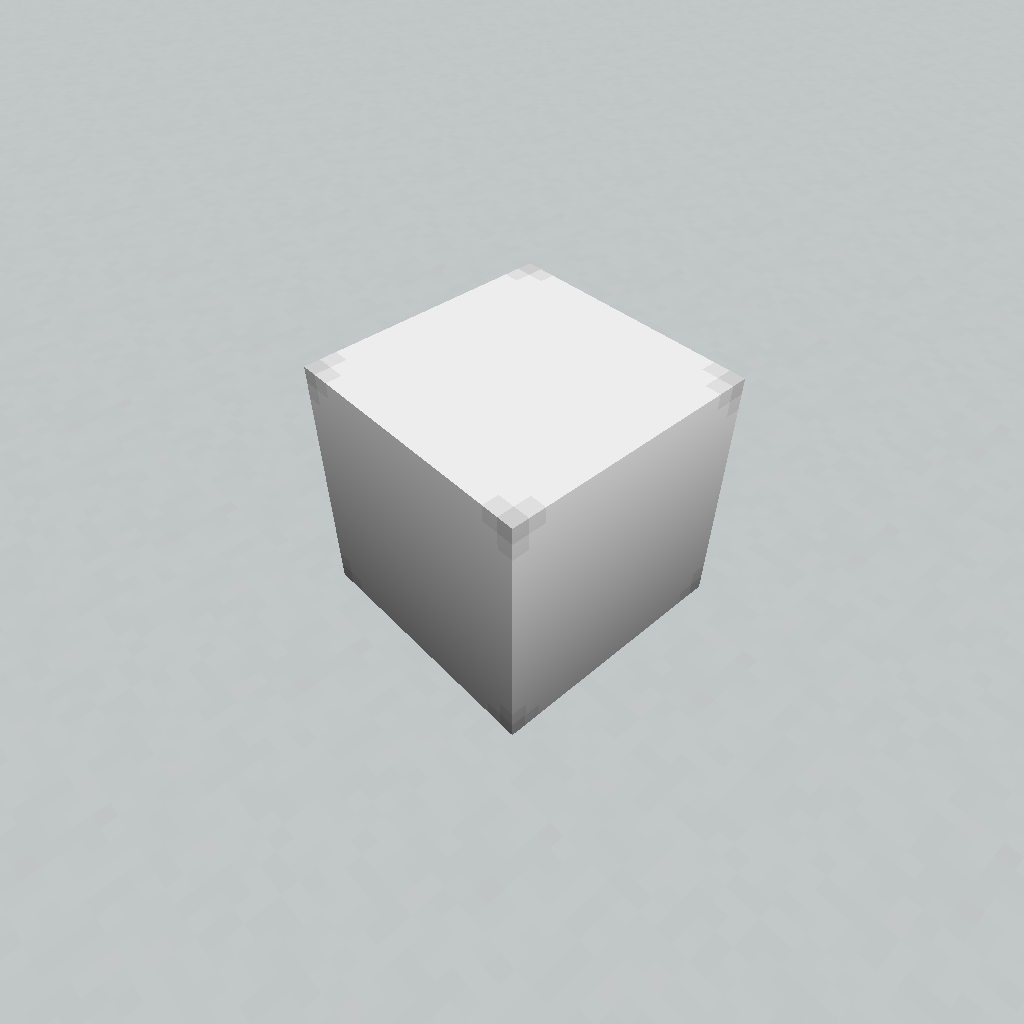 Variant 2 Lamp Variant 2
 -
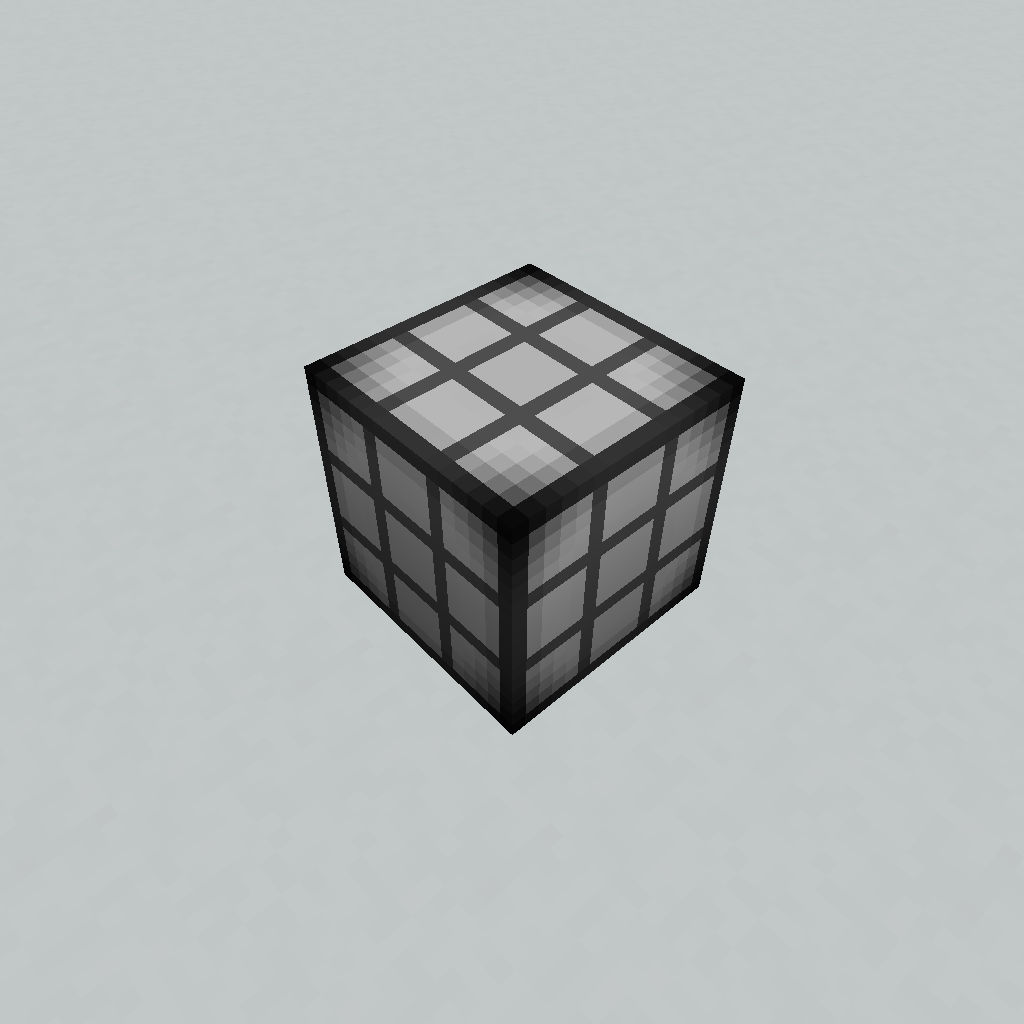 Variant 3 Lamp Variant 3
 -
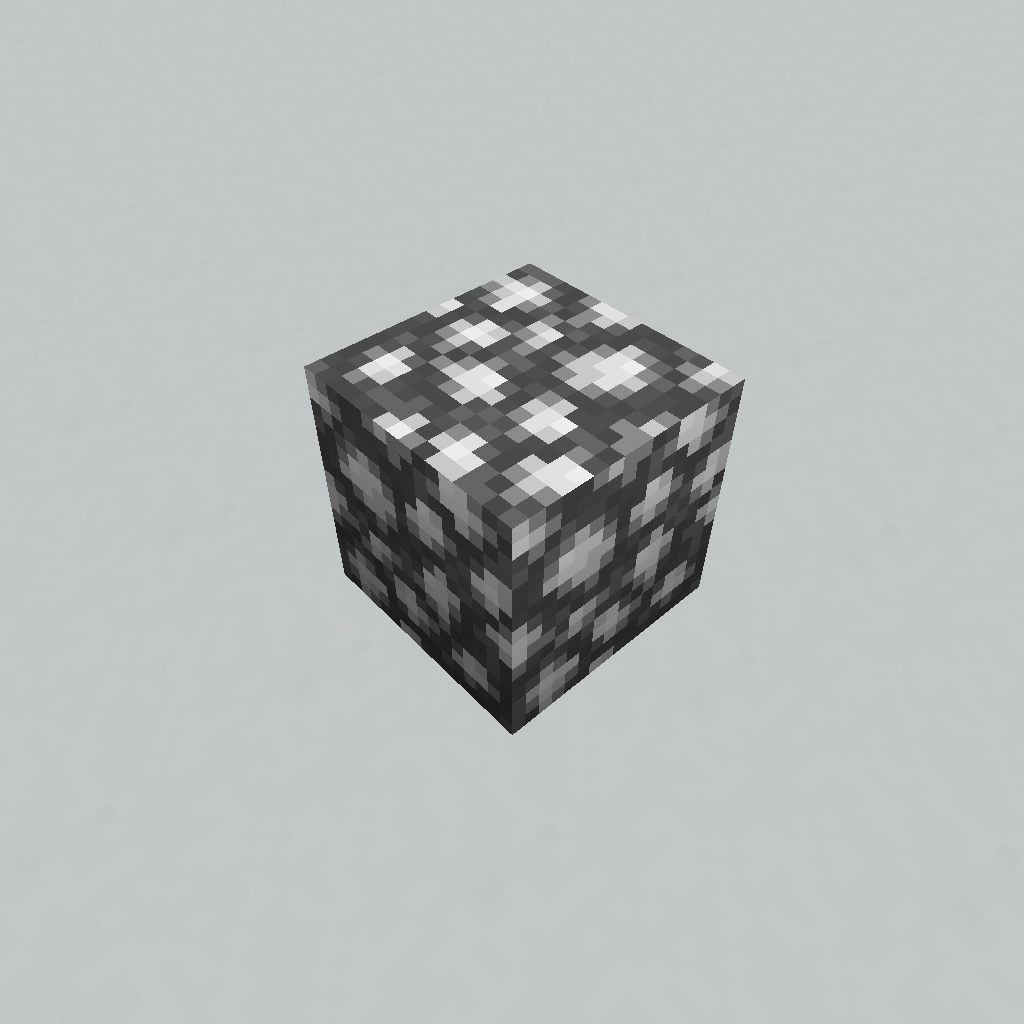 Variant 4 Lamp Variant 4, Glow Stone texture
 -
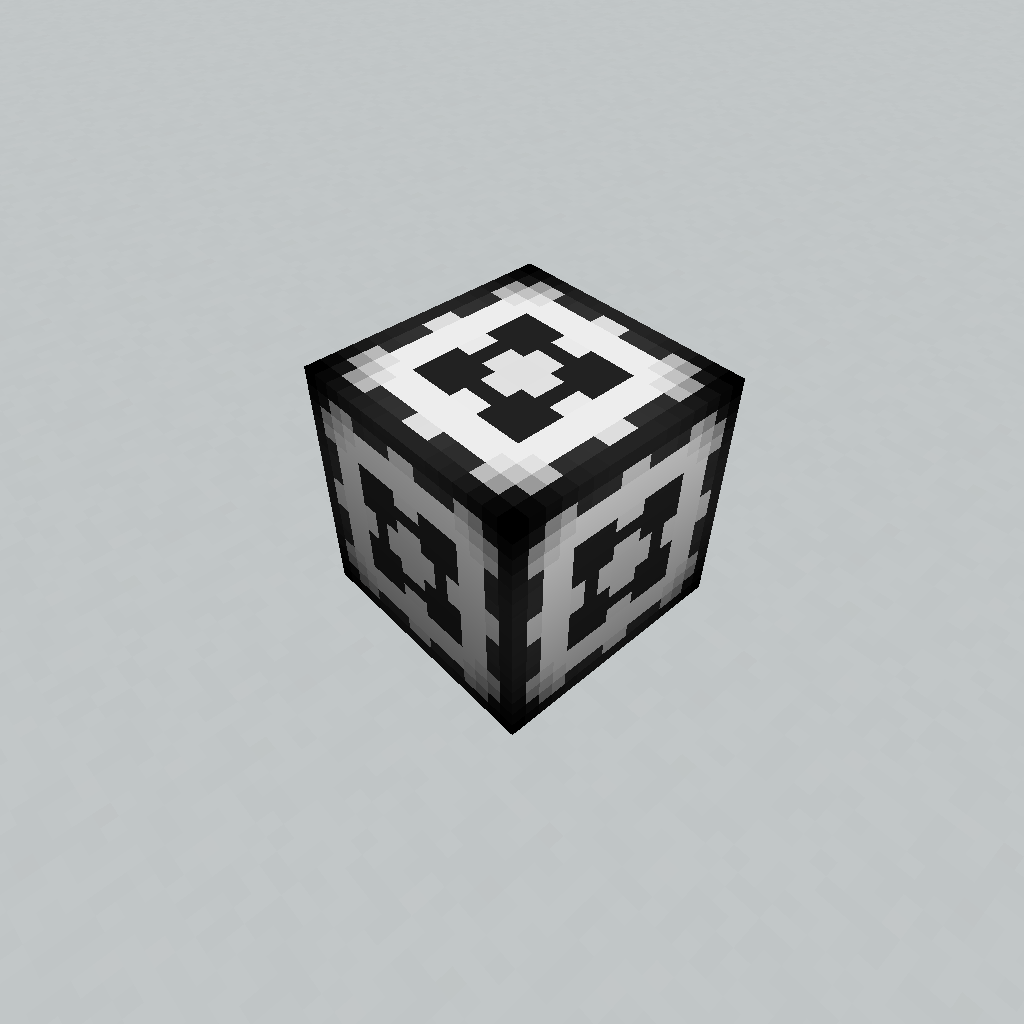 Variant 5 Lamp Variant 5
 -
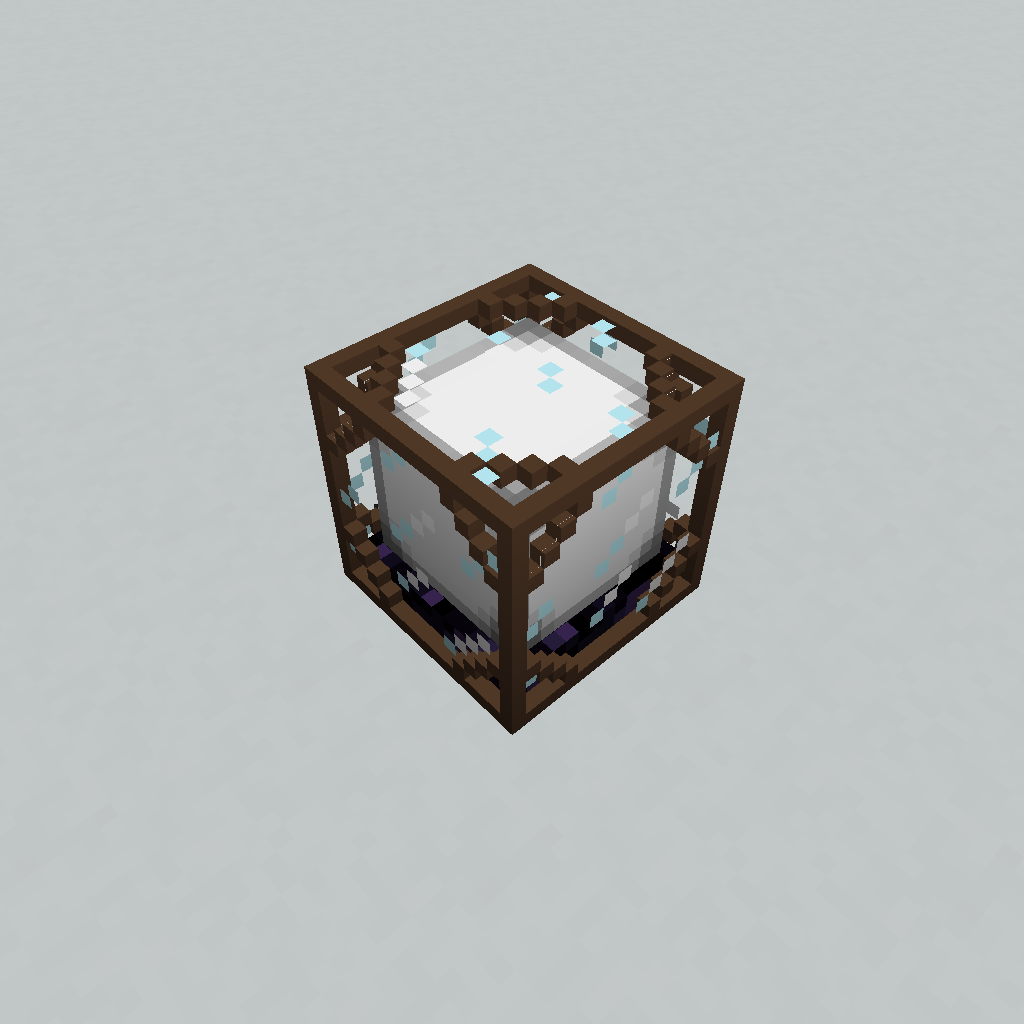 Variant 6 Variant 6
 -
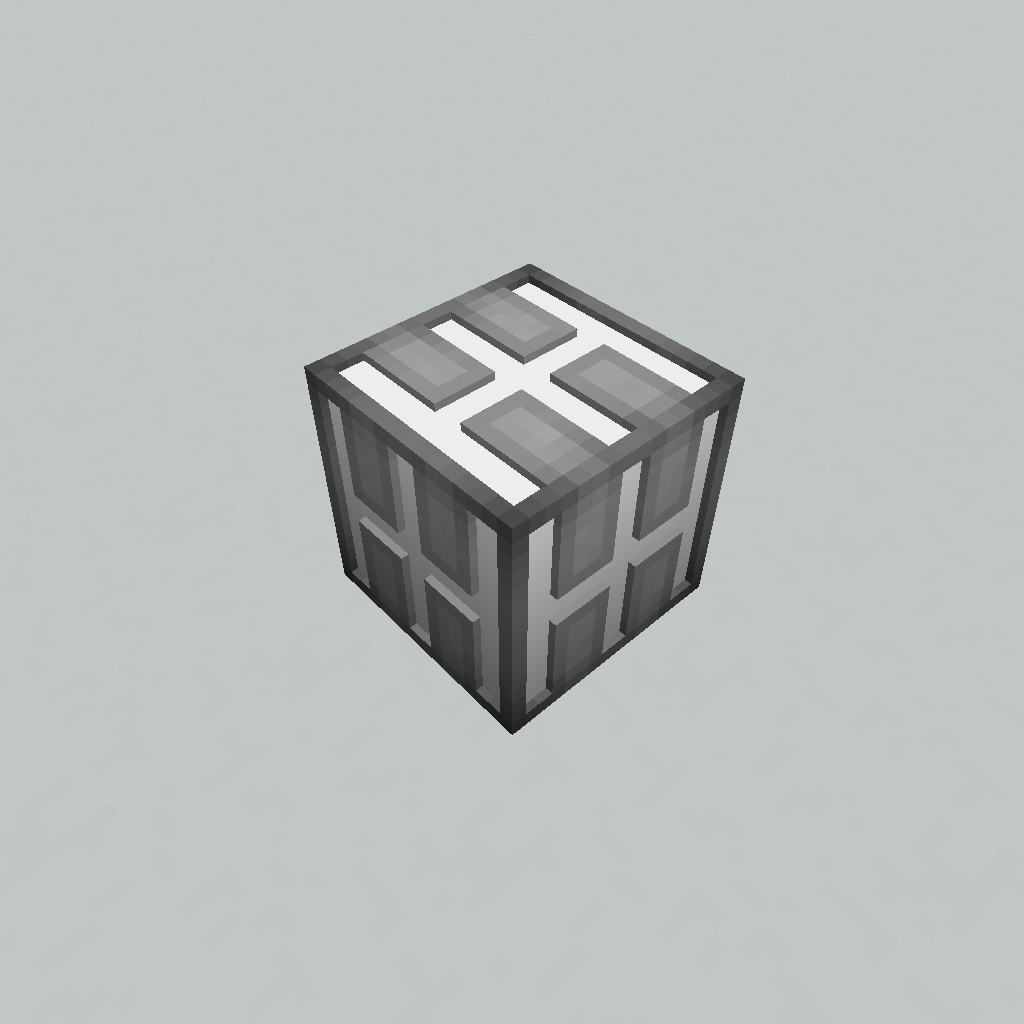 Variant 7 Variant 7
 -
 Variant 8 Variant 8
Versions
Files
Relations
Project Relations
More like this
Similar Mods
Suggestions use data such as tags, dependencies, dependents, descriptions, titles, and more to rank how much they overlap with this mod.
On ModDex
Community snapshot
By the numbers
Statistics

Want to reach Minecraft players?
We're looking for a server hosting partner to feature here and other parts of the site. Interested? Send us a message!
Get in touchGet it on
Available Platforms
On ModDex
Community snapshot
By the numbers
Statistics
Resources