
Community listing page, reviews here may not be monitored by the author.
Advanced Skills


No reviews yet
A large number of skills give you a more enjoyable combat experience
Community voices
Reviews
No reviews yet. Be the first to review this project!
Get it on
Available Platforms
Compatibility
Supported Environments
Must be installed on both the client and the server.
About
Project Details
For authors
Embed Badge
If you're the author of this project, you can embed a live badge anywhere that supports HTML or Markdown. It updates automatically whenever ratings change.
Use HTML for any page that supports it, or Markdown for README files and Markdown-based descriptions.
Identifiers
Platform IDs
About
Description
This project is no longer updated, please go to the remastered project: Advanced Skills: Remastered (Support Forge)
Advanced Skills
Requires Fabric Language Kotlin and MaLiLib
Play Description.
Players can increase Skill Experience while gaining Original Experience, and can randomly learn a new skill every few levels.
Open the skill inventory by shortcut key, equip the skill to the skill slot, press the corresponding shortcut key to use the skill, or press and hold the Quick Casting shortcut key and drag the mouse to use the skill.
Players have 6 skill slots by default, including 3 active skill slots, 1 general skill slot and 2 passive skill slots. Except for the general skill slots, other skill slots can only be equipped with the corresponding type of skill. A maximum of 10 skill slots are allowed to exist at the same time.
Players can modify the number of skill slots and the types of skills in the skill slots through commands.
Skills do not consume any resources, but most skills have a cooldown after use. 6.
Some skills are continuous and require a long press to store power. However, if a skill is used through a quick cast, it does not require a long press and will last until the end of the skill, unless the player manually uses the skill again to interrupt it.
Skills.
Rebound Skills: Bounces back the first damage with a certain probability within a certain period of time.
Displacement Skills: There are many types of displacement skills, including Dash, Teleport, Dodge, Jump, Grappling Hook, etc. 3. Control Skills: You can use any of these skills to control the movement of your opponent.
Control Skills: There are a variety of control skills, including Imprison, Slow, Silence, etc. 4. Passive Skills: There are a variety of passive skills.
Passive Skills: Skills other than passive skills are active skills. Passive skills include self-healing, passive effects, wall climbing, stealth, etc.
Enhancement Skills: There are a variety of Enhancement Skills, including Perspective, Ignore Liquid, Negative Resistance, etc.
Summoning Skills: e.g. Split, Mount, Servant, etc.
Healing Skills: Different levels of healing skills can restore different amounts of blood.
Destructive Skills: Including Fireball, TNT, Meteorite, etc.
Command Description.
/skills
- equip [skill] [slot] - equips a skill to a skill slot
- unequip [slot] - Unequip a skill on a skill slot
- list - Lists all learned skills
- learn [skill] - learn a new skill
- learn-all - learn all skills
- forget [skill] - forget a skill
- forget-all - Forget all skills
- reset - Reset all skill data
- reset-cooldown - Reset all skill cooldowns
- slot
- add [active/passive/generic] - Add a skill slot
- remove [slot] - removes a skill slot
- reset - reset to default skill slot
/skill-xp
- add [amount] [points/levels] - adds skill experience/levels
- set [amount] [points/levels] - sets skill experience/levels
- query [points/levels] - query current skill experience/level
Useful tips.
In the inventory screen, press View Skill List shortcut key to directly open the skill inventory.
Creative Mode allows you to quickly learn all skills and reset skill cooldowns in the Skill List screen (requires permission).
In the Skill List screen, left-click and double-click a skill to jump to the detailed description of the icon.
Skill Backpack screen can quickly equip/exchange skills by shortcut keys (1-0 above keyboard), shift+left mouse button can quickly equip/unequip skills.
To be added.
Image Display.
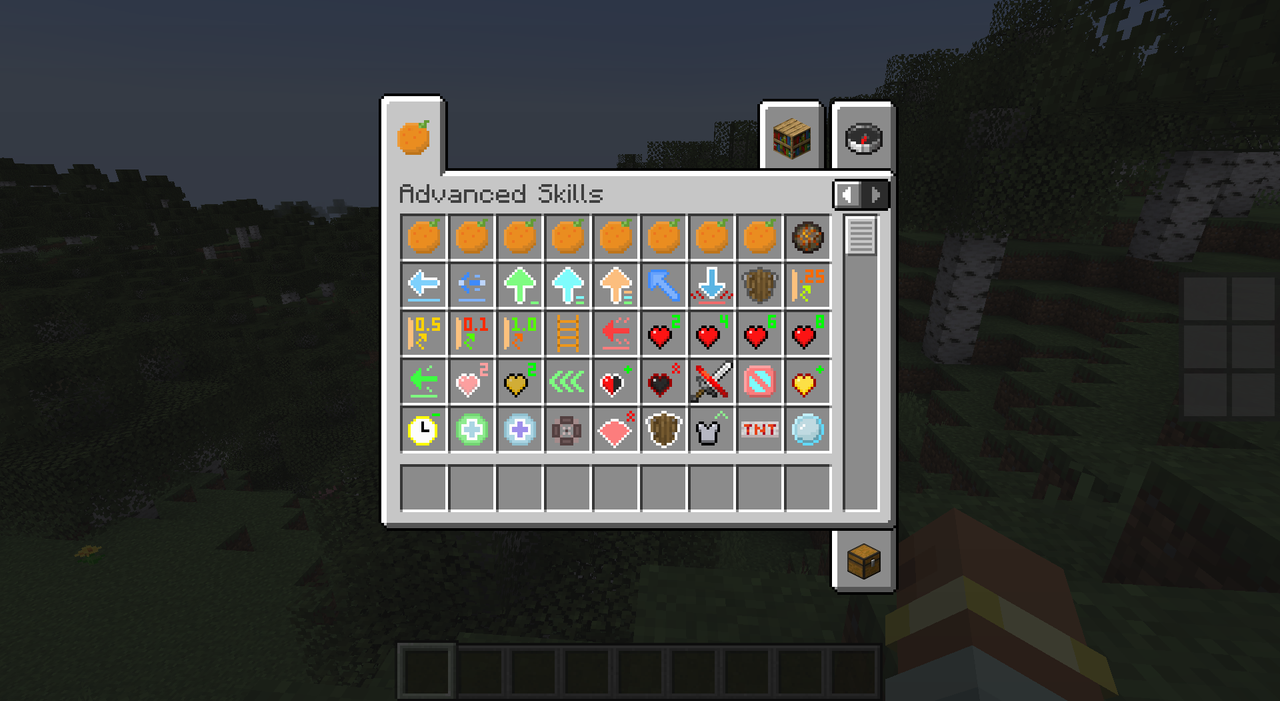
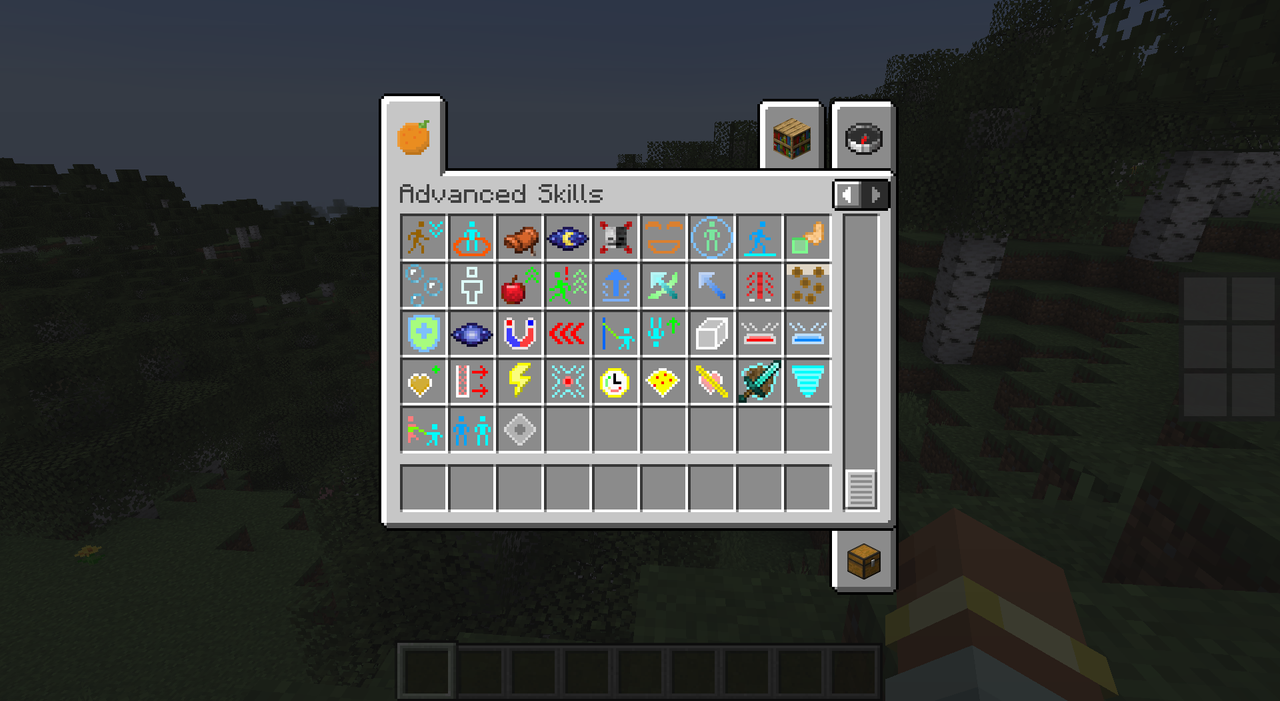
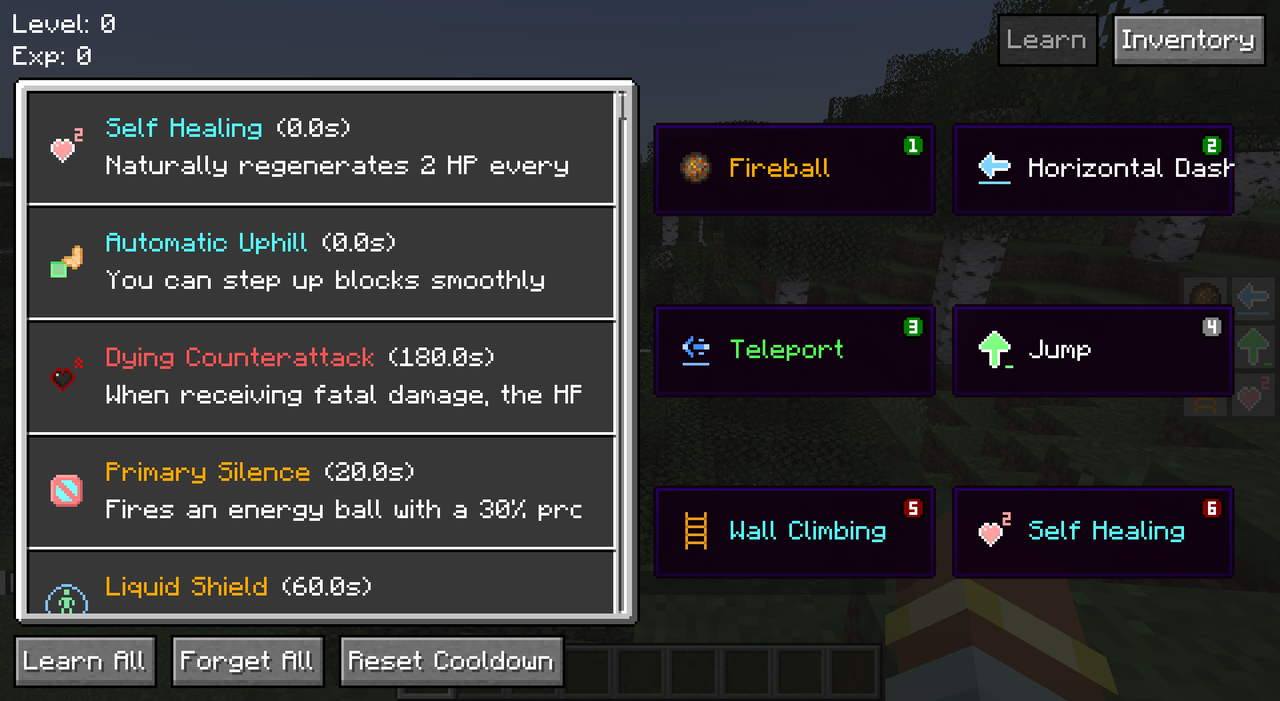
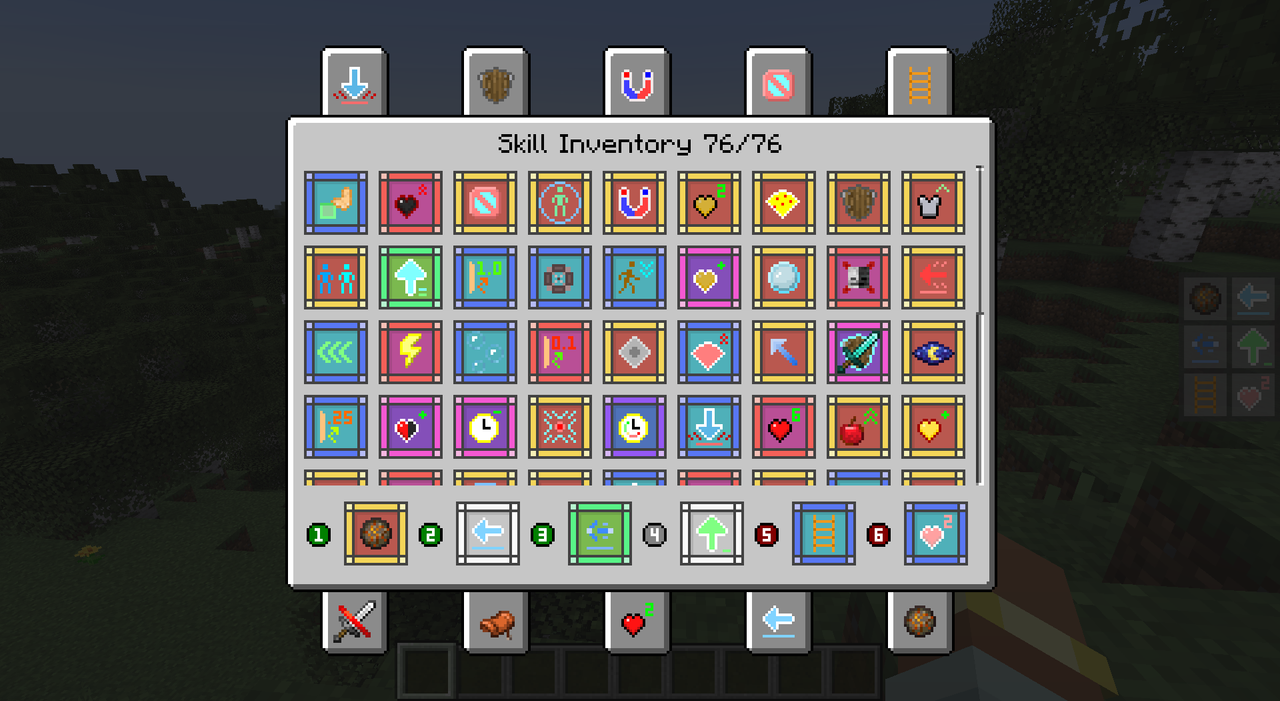
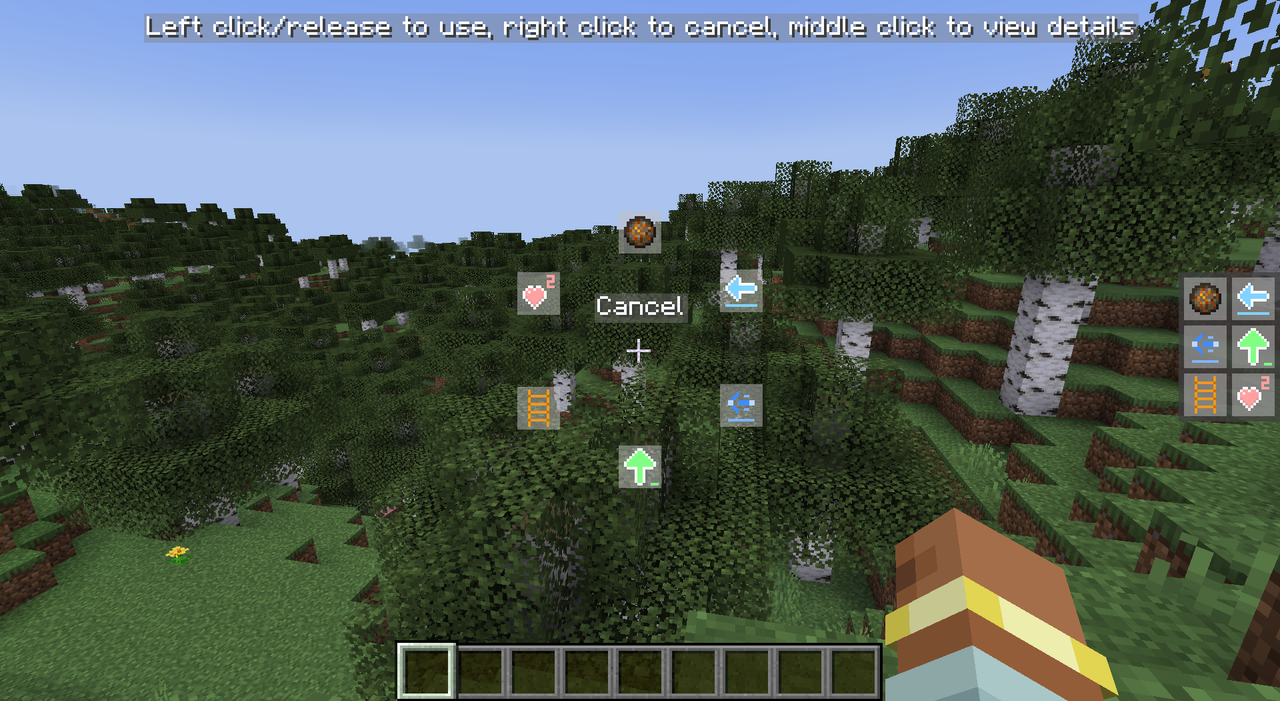
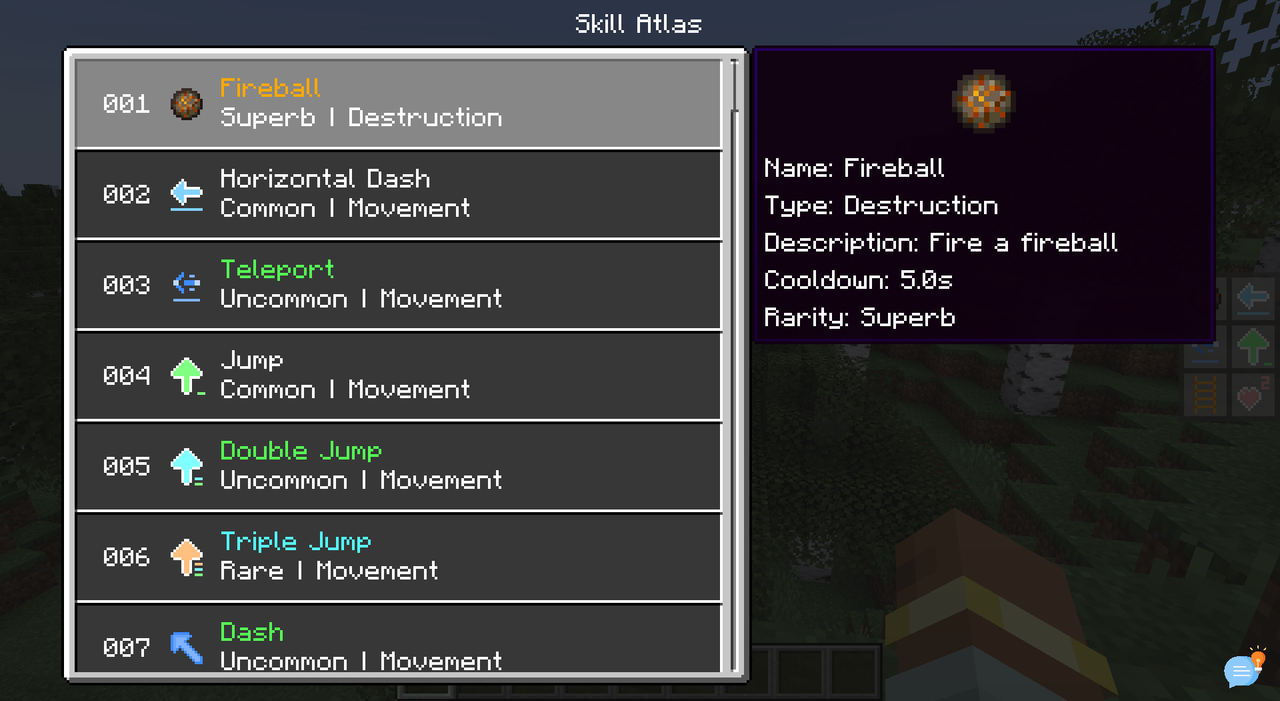
This project is no longer updated, please go to the remastered project: Advanced Skills: Remastered (Support Forge)
Play Description
- Players can increase Skill Experience while gaining Original Experience, and can randomly learn a new skill every few levels.
- Open the skill inventory by shortcut key, equip the skill to the skill slot, press the corresponding shortcut key to use the skill, or press and hold the Quick Casting shortcut key and drag the mouse to use the skill.
- Players have 6 skill slots by default, including 3 active skill slots, 1 general skill slot and 2 passive skill slots. Except for the general skill slots, other skill slots can only be equipped with the corresponding type of skill. A maximum of 10 skill slots are allowed to exist at the same time.
- Players can modify the number of skill slots and the types of skills in the skill slots through commands.
- Skills do not consume any resources, but most skills have a cooldown after use. 6.
- Some skills are continuous and require a long press to store power. However, if a skill is used through a quick cast, it does not require a long press and will last until the end of the skill, unless the player manually uses the skill again to interrupt it.
Skills
- Rebound Skills: Bounces back the first damage with a certain probability within a certain period of time.
- Displacement Skills: There are many types of displacement skills, including Dash, Teleport, Dodge, Jump, Grappling Hook, etc.
- Control Skills: There are a variety of control skills, including Imprison, Slow, Silence, etc.
- Passive Skills: Skills other than passive skills are active skills. Passive skills include self-healing, passive effects, wall climbing, stealth, etc.
- Enhancement Skills: There are a variety of Enhancement Skills, including Perspective, Ignore Liquid, Negative Resistance, etc.
- Summoning Skills: e.g. Split, Mount, Servant, etc.
- Healing Skills: Different levels of healing skills can restore different amounts of blood.
- Destructive Skills: Including Fireball, TNT, Meteorite, etc.
Command Description
/skills
- equip [skill] [slot] - equips a skill to a skill slot
- unequip [slot] - Unequip a skill on a skill slot
- list - Lists all learned skills
- learn [skill] - learn a new skill
- learn-all - learn all skills
- forget [skill] - forget a skill
- forget-all - Forget all skills
- reset - Reset all skill data
- reset-cooldown - Reset all skill cooldowns
- slot
- add [active/passive/generic] - Add a skill slot
- remove [slot] - removes a skill slot
- reset - reset to default skill slot
/skill-xp
- add [amount] [points/levels] - adds skill experience/levels
- set [amount] [points/levels] - sets skill experience/levels
- query [points/levels] - query current skill experience/level
Useful tips
- In the inventory screen, press View Skill List shortcut key to directly open the skill inventory.
- Creative Mode allows you to quickly learn all skills and reset skill cooldowns in the Skill List screen (requires permission).
- In the Skill List screen, left-click and double-click a skill to jump to the detailed description of the icon.
- Skill Backpack screen can quickly equip/exchange skills by shortcut keys (1-0 above keyboard), shift+left mouse button can quickly equip/unequip skills.
Screenshots
Gallery
-
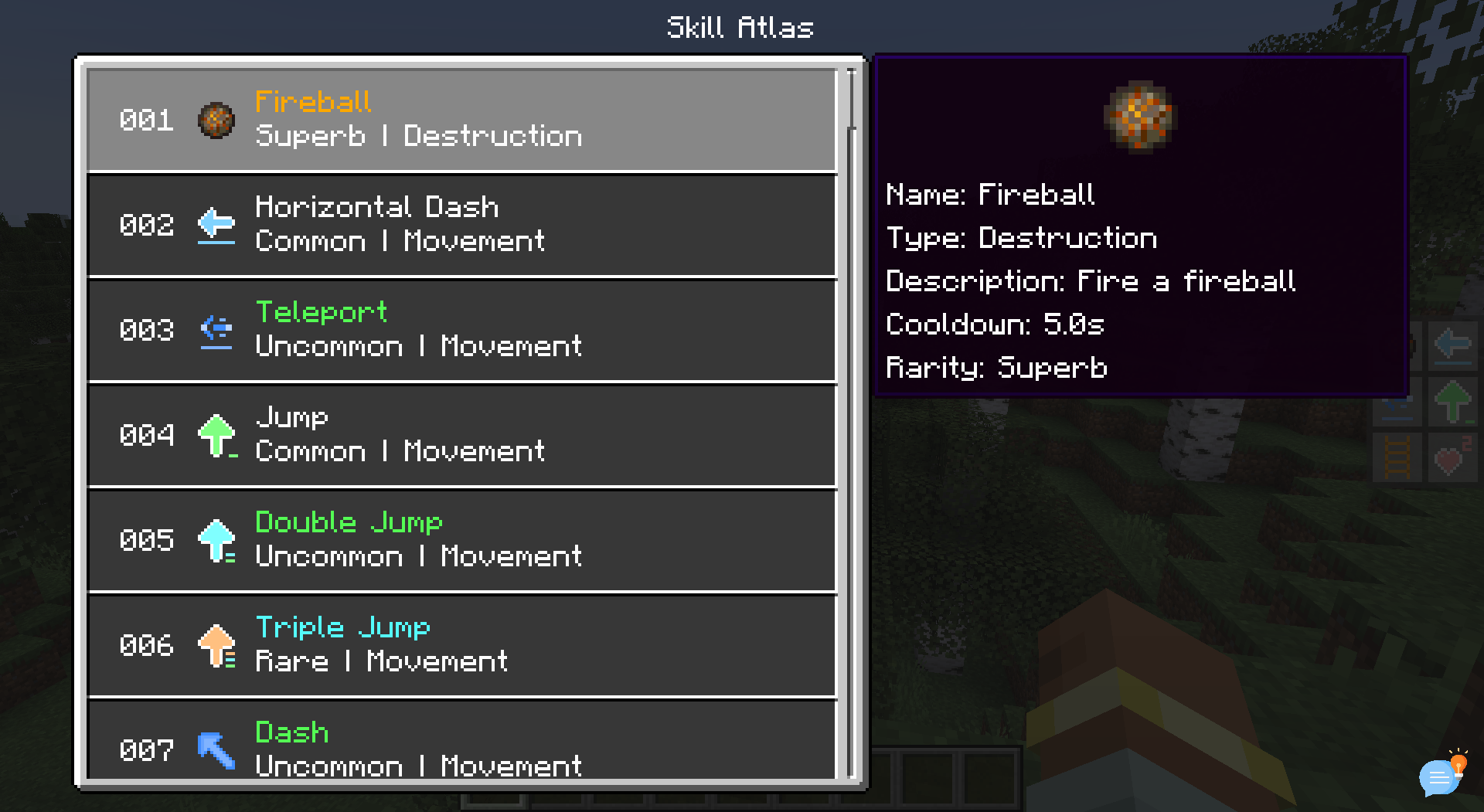 Skill Atlas Screen
 -
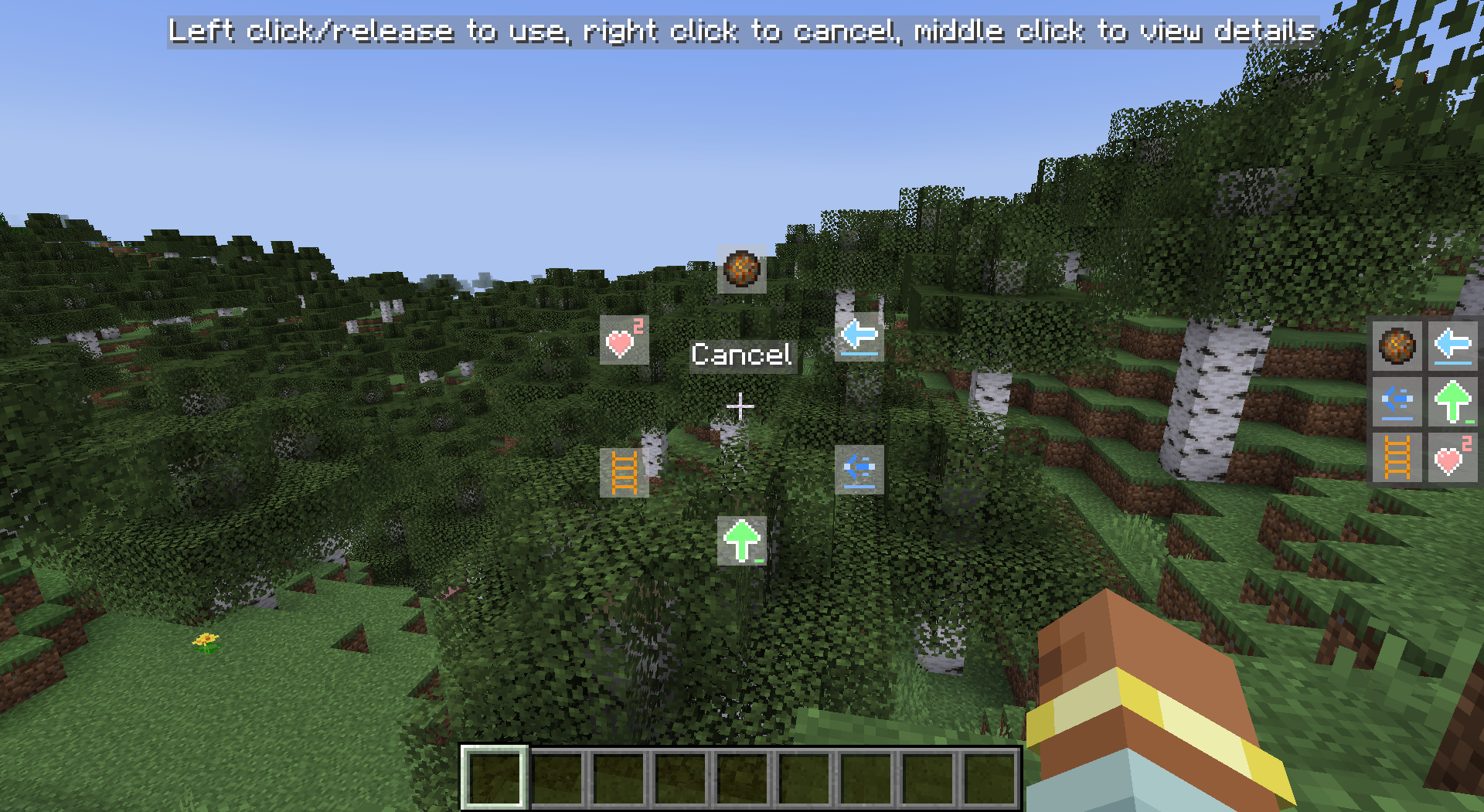 Skill Wheel
 -
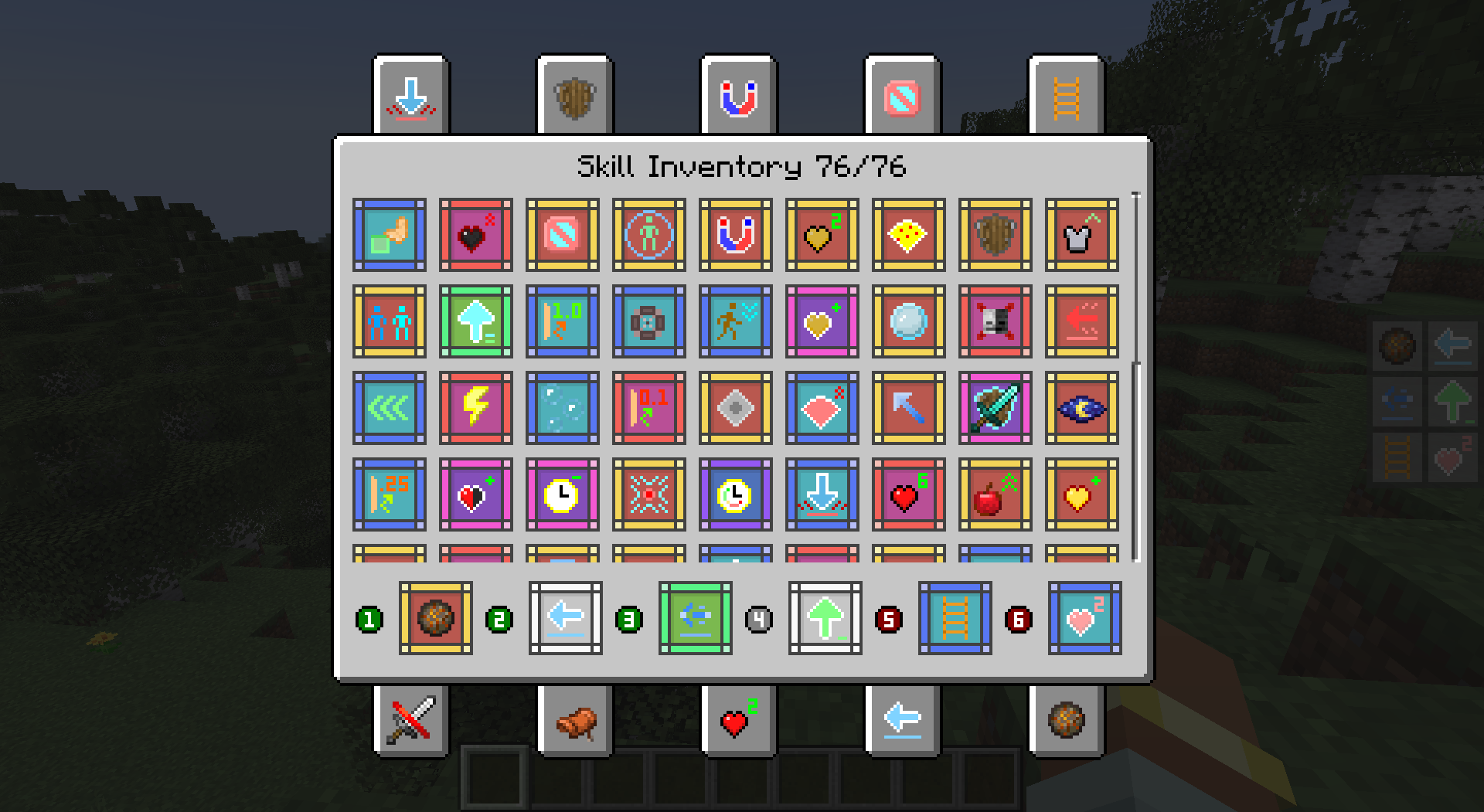 Skill Inventory Screen
 -
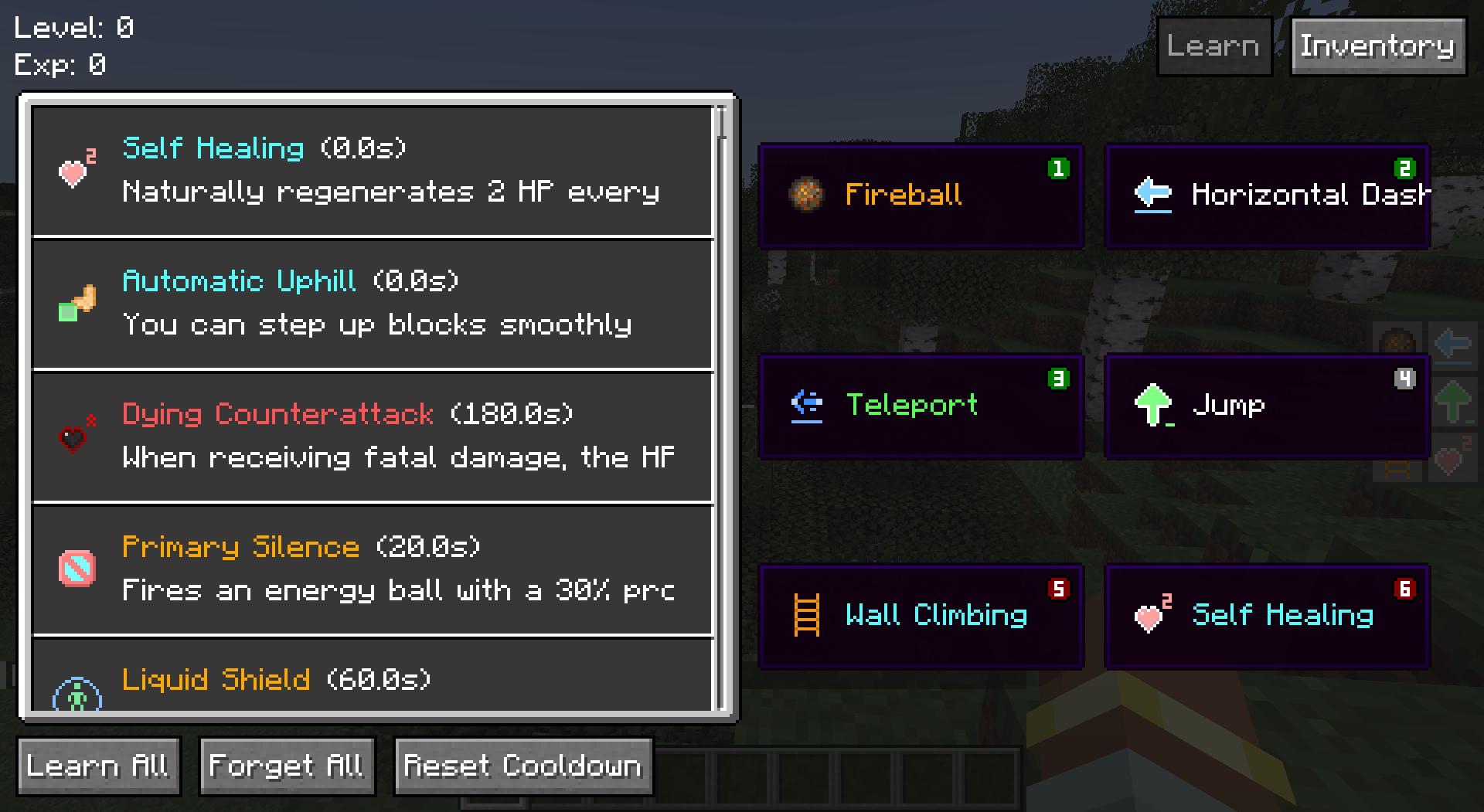 Skill List Screen
 -
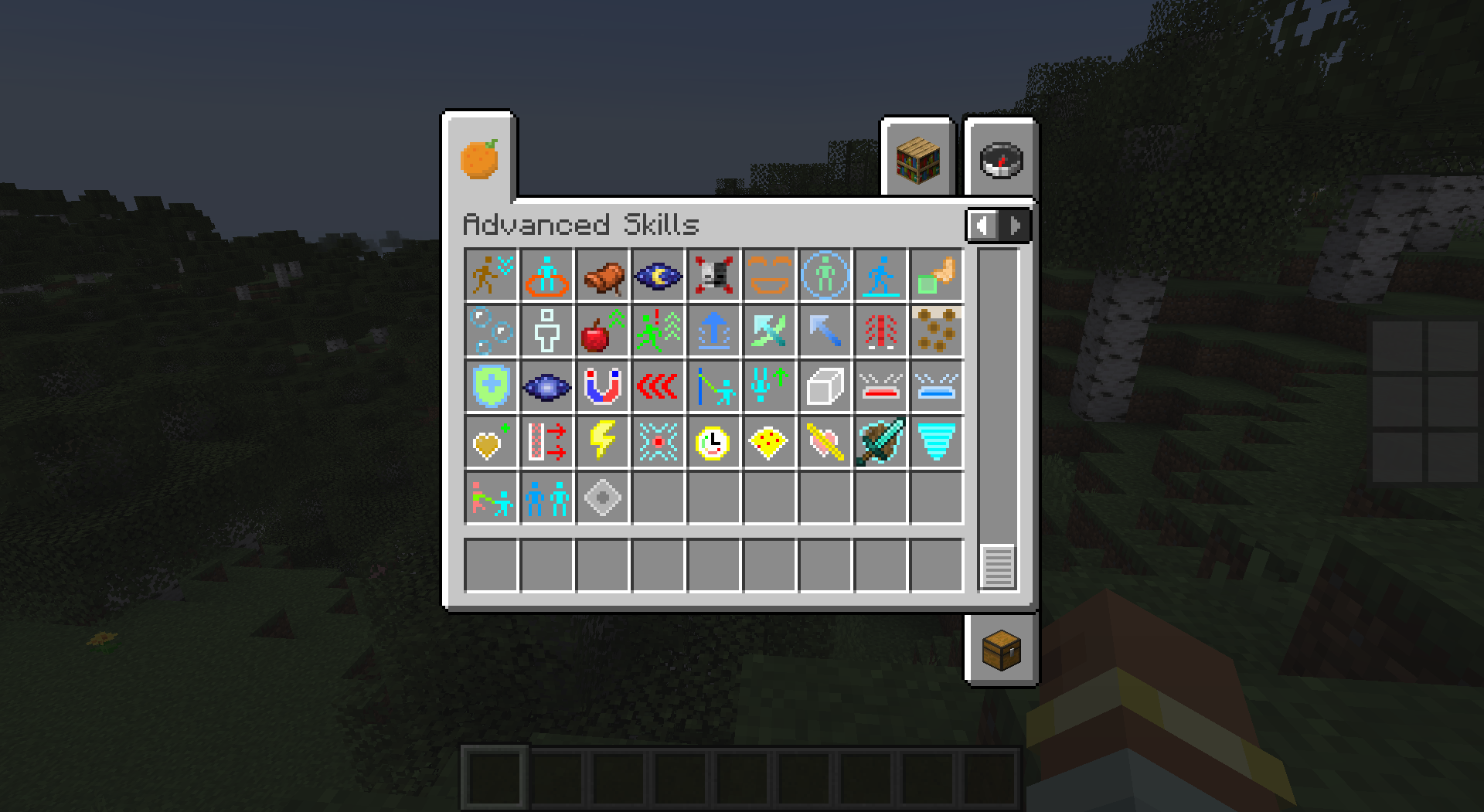 Items 2
 -
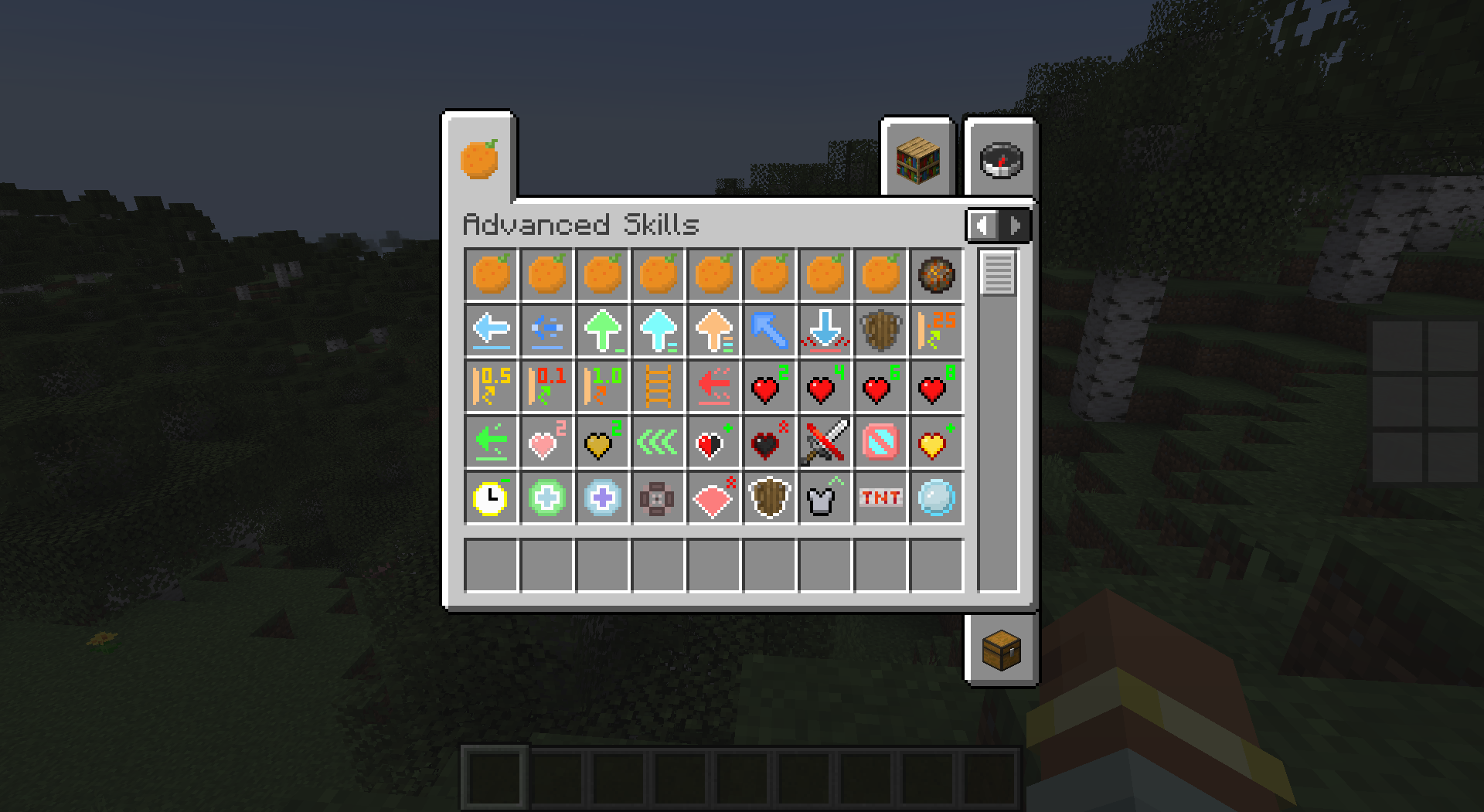 Items 1
-
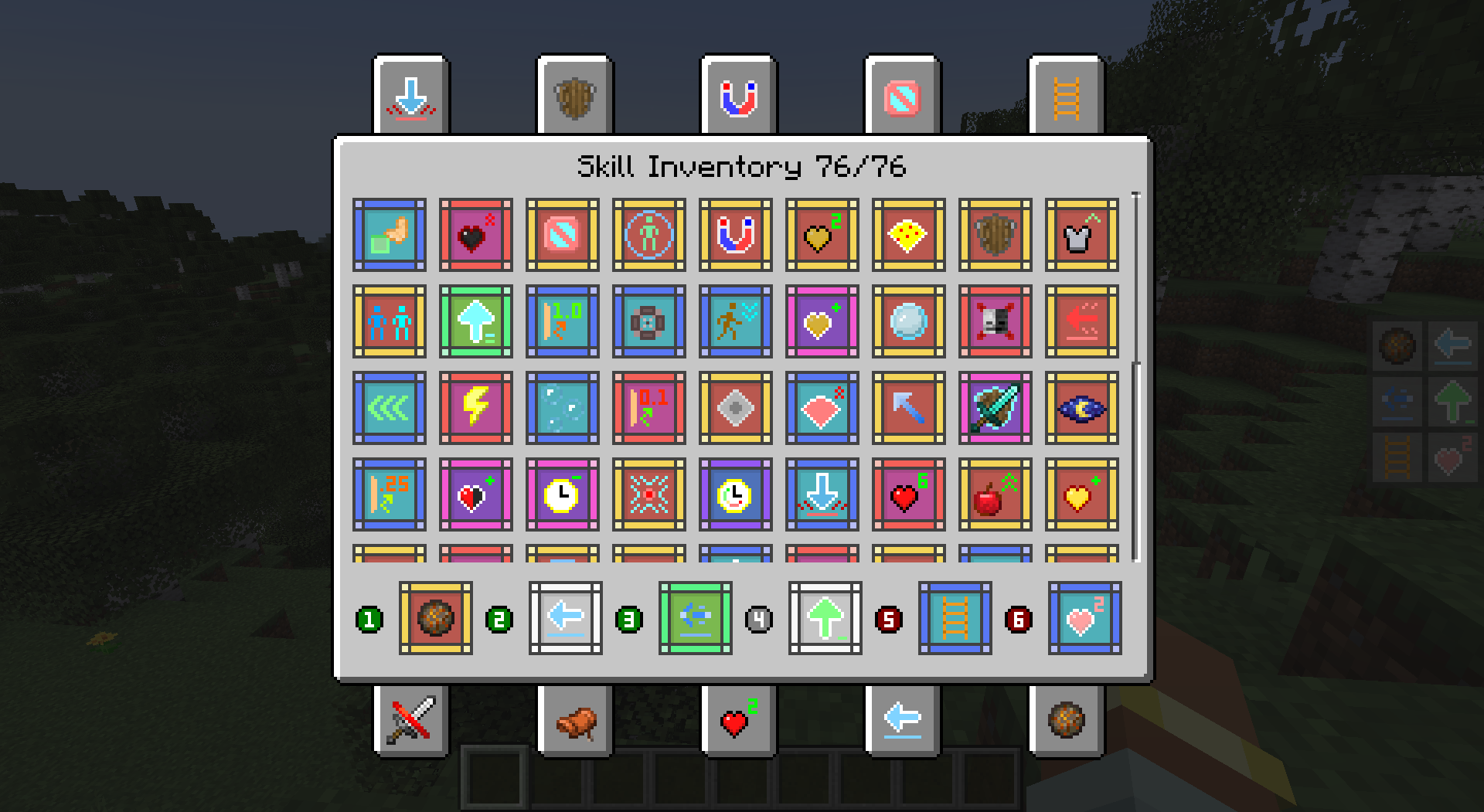 Skill Inventory Screen
 -
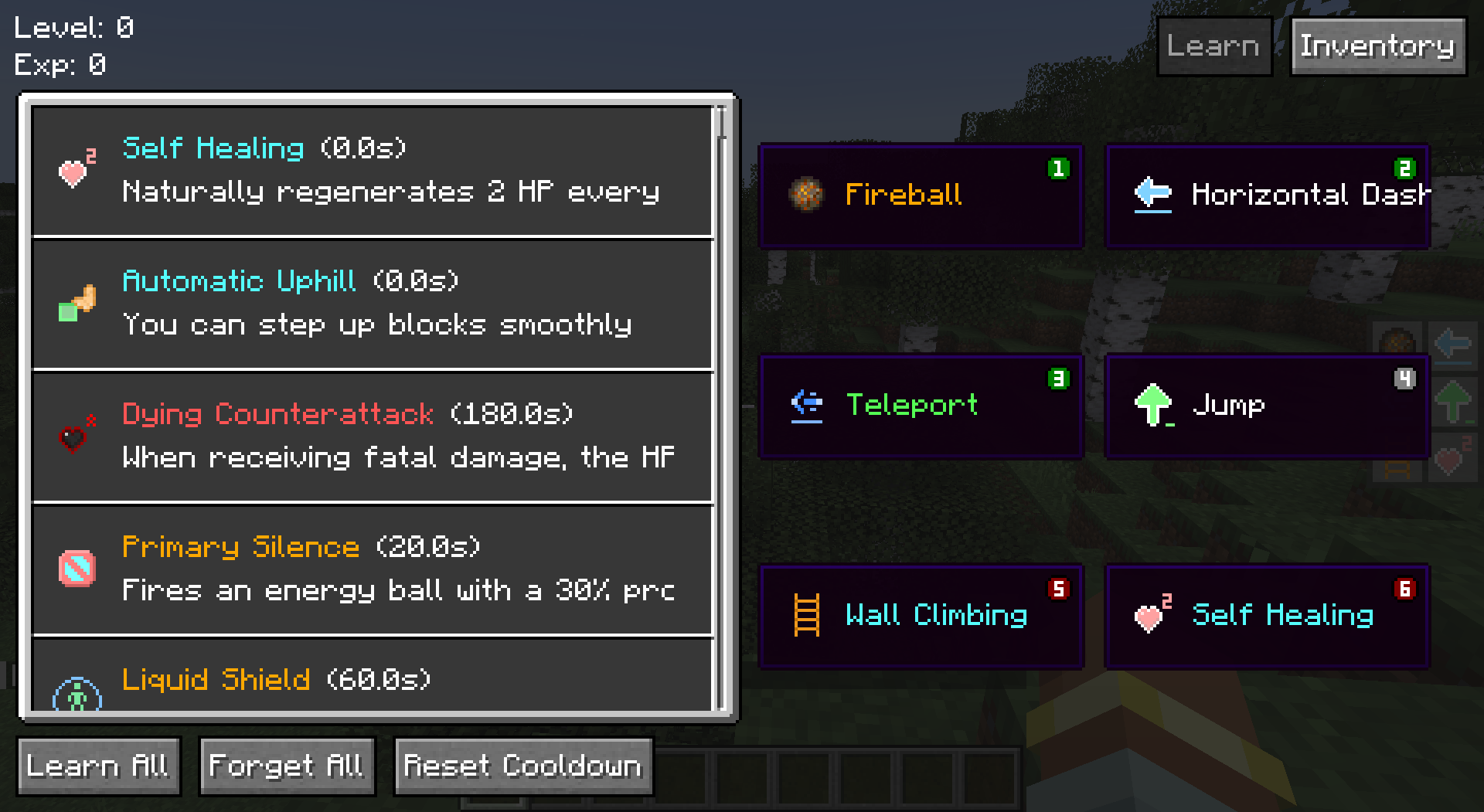 Skill List Screen
 -
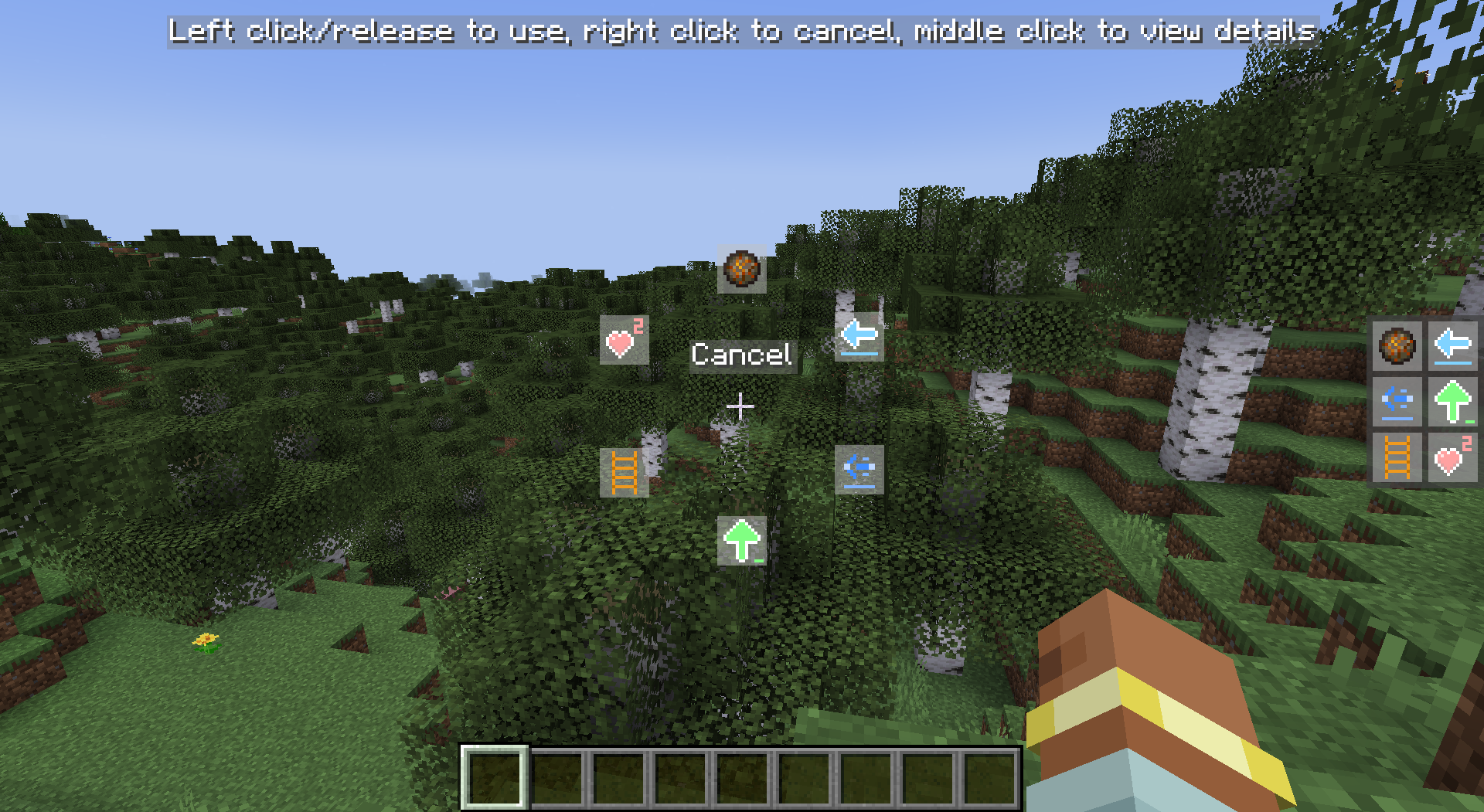 Skill Wheel
 -
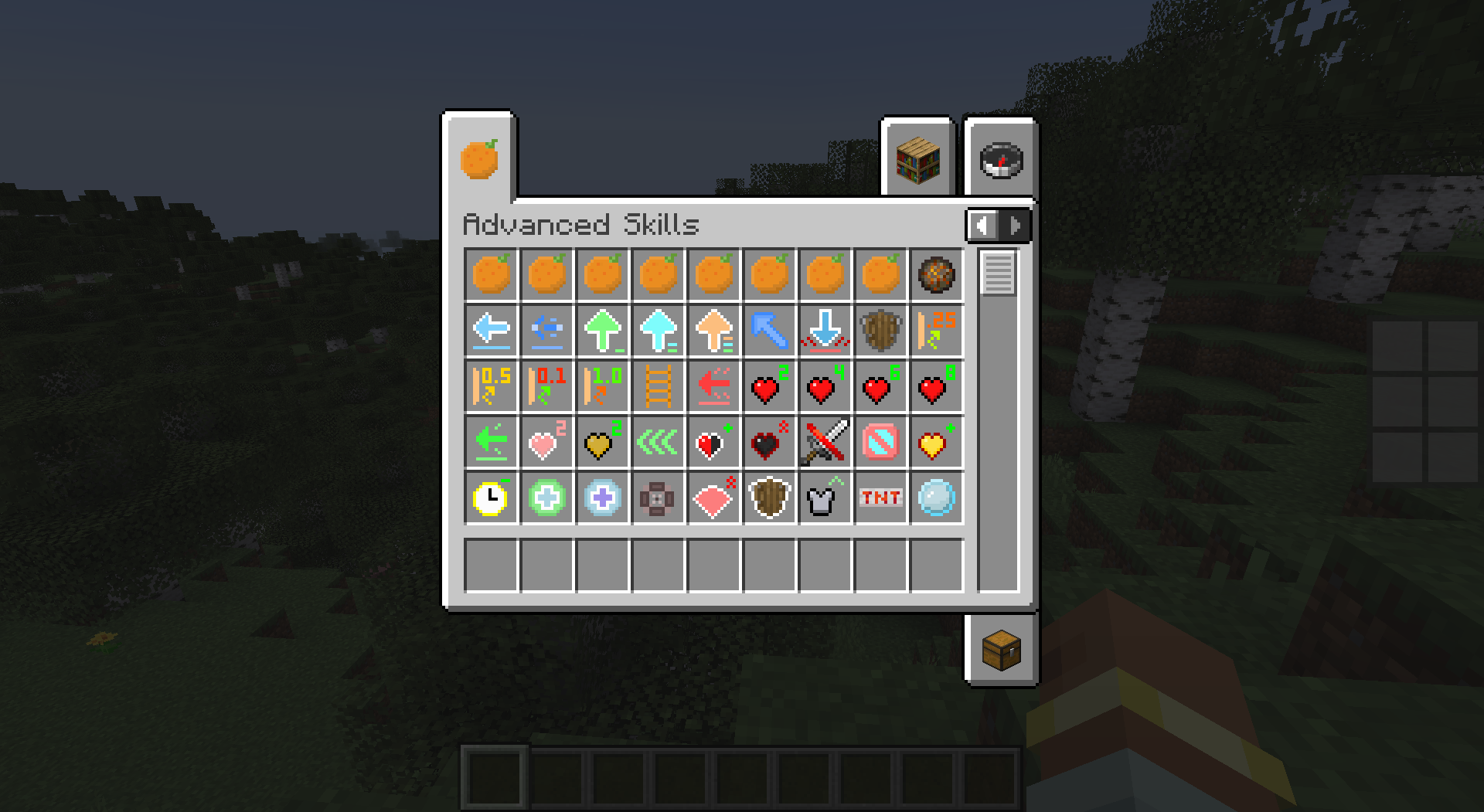 Items 1
 -
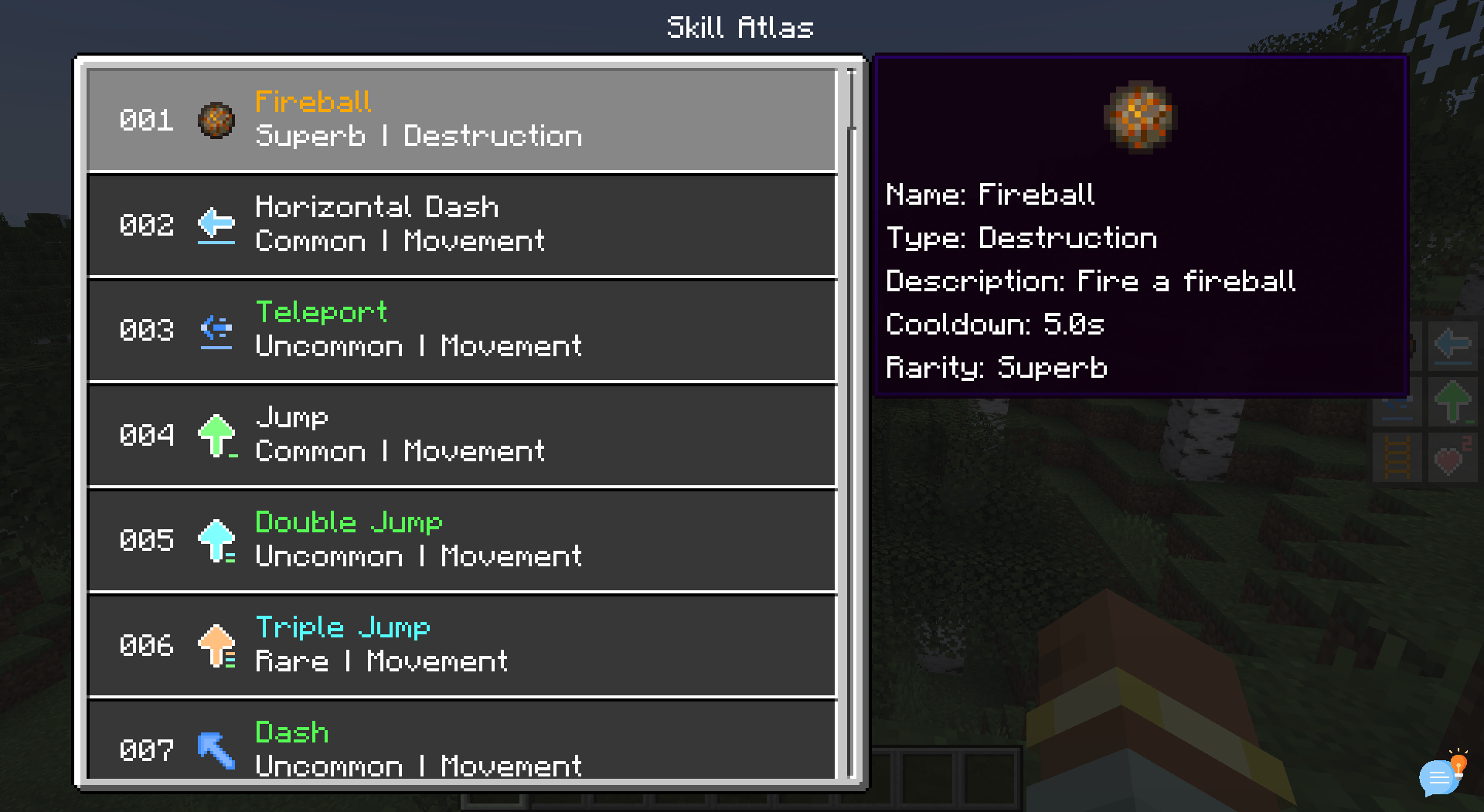 Skill Atlas Screen
 -
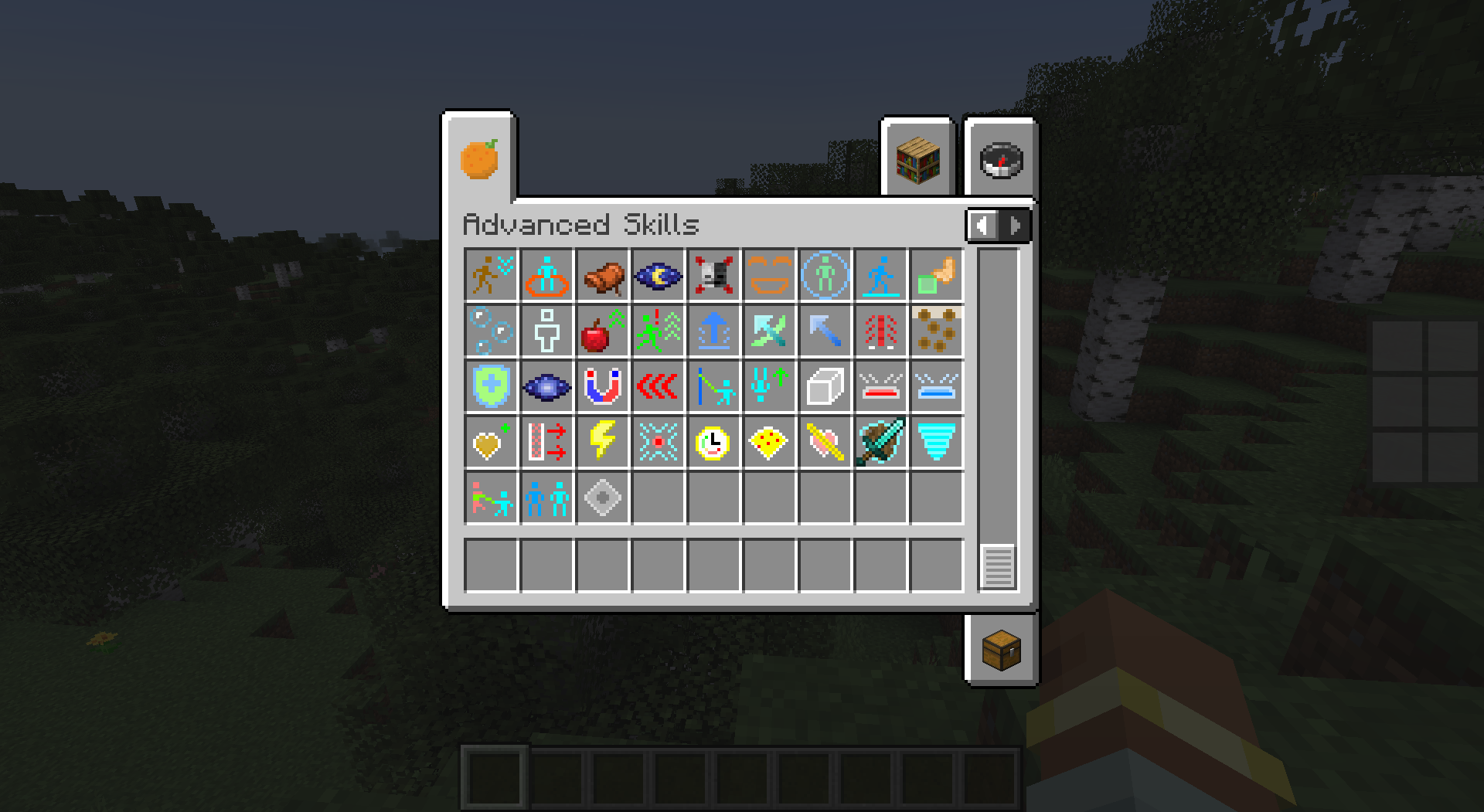 Items 2
Versions
Files
Relations
Project Relations
More like this
Similar Mods
Suggestions use data such as tags, dependencies, dependents, descriptions, titles, and more to rank how much they overlap with this mod.
On ModDex
Community snapshot
By the numbers
Statistics
Want to reach Minecraft players?
We're looking for a server hosting partner to feature here and other parts of the site. Interested? Send us a message!
Get in touchGet it on
Available Platforms
On ModDex
Community snapshot
By the numbers