Community listing page, reviews may not be monitored by the author.
Advanced Fullbright

No reviews yet
This Fabric Mod Adds Fullbright in your game with toggle key "U". Enjoy fullbright in caves, nether, end and in all your game.

Community voices
Reviews
No reviews yet. Be the first to review this project!
Get it on
Available Platforms
About
Project Details
For authors
Embed Badge
If you're the author of this project, you can embed a live badge anywhere that supports HTML or Markdown. It updates automatically whenever ratings change.
Use HTML for any page that supports it, or Markdown for README files and Markdown-based descriptions.
Identifiers
Platform IDs
Resources
External Links
About
Description
ADVANCED FULLBRIGHT - MINECRAFT MOD
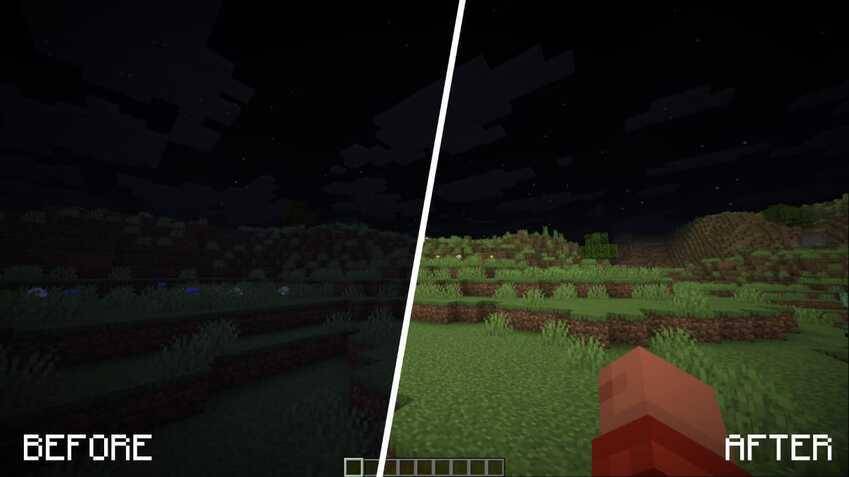
Welcome to the ultimate lighting solution for Minecraft. Simple Fullbright is a highly optimized, lightweight, client-side utility mod designed for the Fabric bootloader. It eliminates the hassle of navigating pitch-black caves, deep oceans, and dark nights by granting you instant, limitless visibility at the push of a button.
Since recent Minecraft updates capped the in-game gamma slider, traditional methods of achieving full brightness no longer work. This mod elegantly solves that problem by overriding the game's internal lightmap, giving you a perfect, artifact-free daytime view—even in the deepest underground ravines.
✨ Core Features
- Seamless Instant Toggle: No menus, no commands, and no waiting. Press the
Ukey to instantly switch between the game's standard dynamic lighting and absolute maximum brightness. - Flawless Lightmap Override: Unlike older gamma-boosting resource packs or visual hacks that cause weird color washing or visual glitches, this mod directly modifies the light calculation for clean, crisp, and natural-looking visibility.
- Universal Server Compatibility (100% Client-Side): Because this mod only changes how your game renders light, it runs entirely on your client. You can use it on any vanilla realm, modded SMP, or public multiplayer server without the server needing the mod installed.
- Zero Performance Impact: Built with extreme simplicity in mind, Simple Fullbright adds absolutely no overhead to your game. It runs seamlessly on both high-end rigs and low-end laptops.
- Fully Customizable Keybind: By default, the toggle is bound to
U. If you prefer a different layout, you can easily reassign it at any time directly through the standard Minecraft "Controls" menu.
🎯 Who is this for?
- Master Builders: Constructing massive mega-bases often means working in the dark until the lighting is finished. Keep your canvas perfectly visible at all times so you can focus on your block palette, not placing temporary torches.
- Dedicated Miners & Spelunkers: Navigate massive, sprawling cave systems and the Deep Dark without missing a single ore vein. Save your inventory space for valuable loot instead of carrying stacks of coal and sticks.
- Content Creators & Streamers: Dark areas in Minecraft often translate to compressed, muddy, and unwatchable video quality on YouTube and Twitch. Ensure your audience can always clearly see the action.
- Ocean Explorers: Water dramatically reduces light levels. Use Fullbright to easily spot Shipwrecks, Ocean Monuments, and ruined portals from the surface.
📥 Installation & Usage
- Ensure you have the Fabric Loader and Fabric API installed for your specific version of Minecraft.
- Download the
advancedfullbright.jarfile. - Navigate to your Minecraft installation folder (usually
%appdata%\.minecrafton Windows) and drop the file into yourmodsfolder. - Launch the game, load into a world, and press
Uto toggle the light!
Disclaimer: While this mod is completely client-side and undetectable by most standard server software, using fullbright modifications may be against the rules on certain competitive multiplayer or minigame servers. Please respect the rules of the servers you play on!
Screenshots
Gallery
-
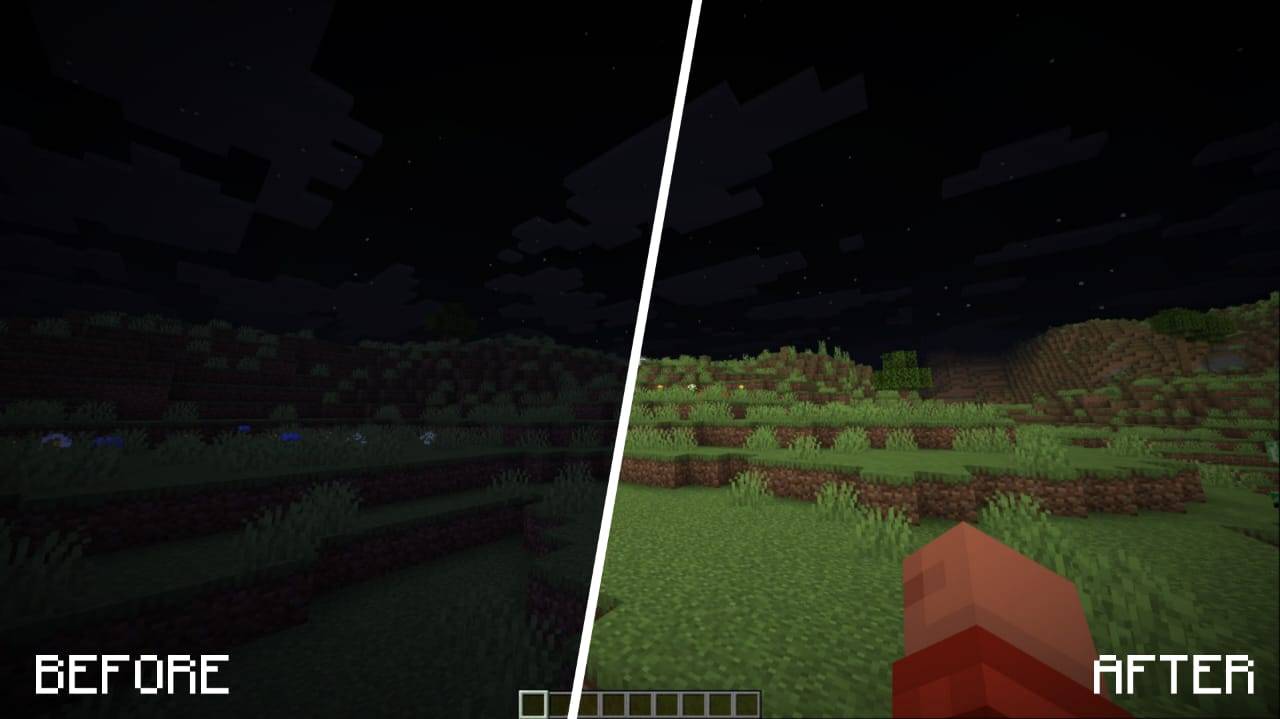 Overworld
 -
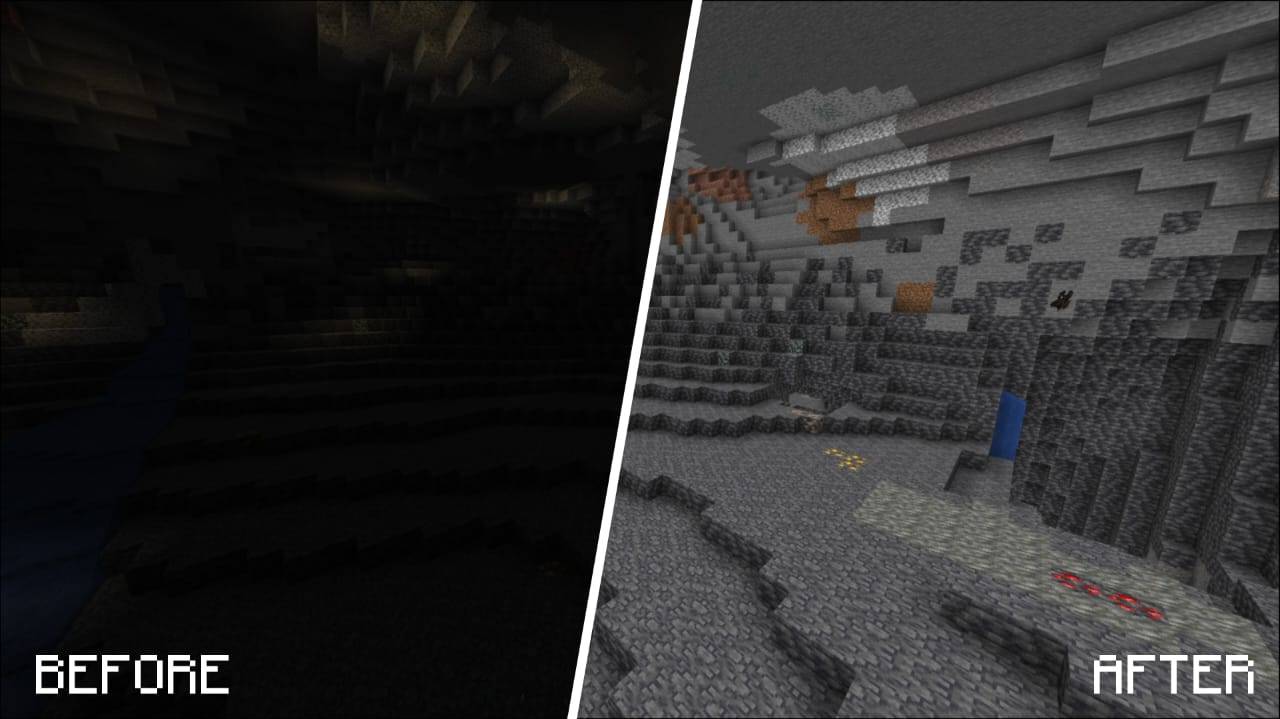 Cave
Cave -
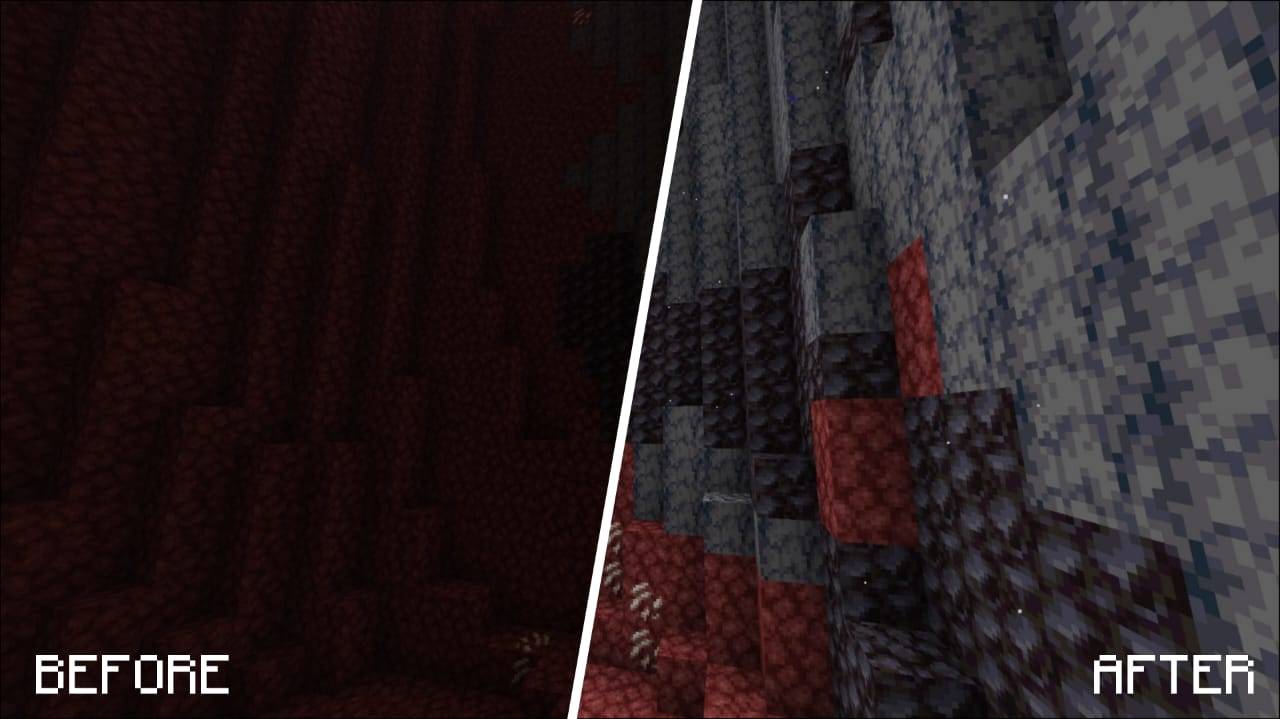 Nether
 -
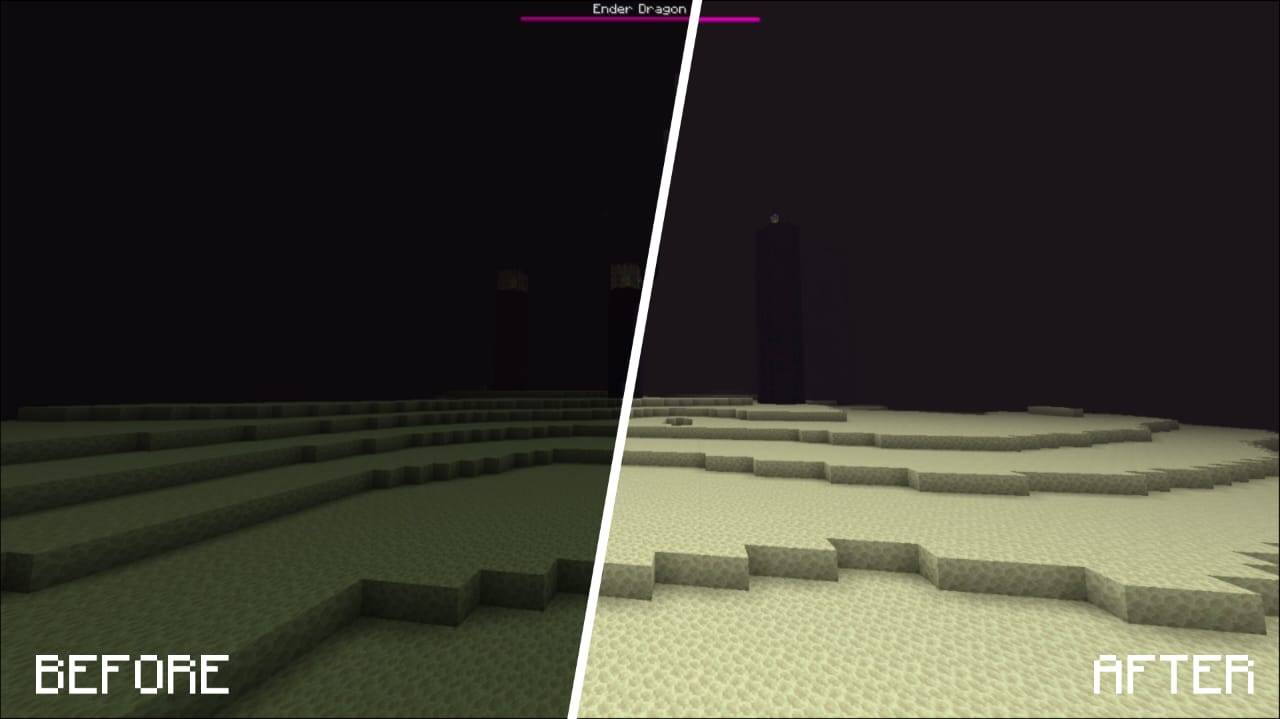 The End
Versions
Files
Relations
Project Relations
More like this
Similar Mods
Suggestions use data such as tags, dependencies, dependents, descriptions, titles, and more to rank how much they overlap with this mod.
On ModDex
Community snapshot
By the numbers
Statistics

Get it on
Available Platforms
On ModDex
Community snapshot
By the numbers
Statistics
Resources