
Community listing page, reviews here may not be monitored by the author.
AdvancedUtilities

No reviews yet
An utility mod offers automation, PvP enhancements, and rendering tools to streamline your survival experience.
Community voices
Reviews
No reviews yet. Be the first to review this project!
Get it on
Available Platforms
About
Project Details
For authors
Embed Badge
If you're the author of this project, you can embed a live badge anywhere that supports HTML or Markdown. It updates automatically whenever ratings change.
Use HTML for any page that supports it, or Markdown for README files and Markdown-based descriptions.
Identifiers
Platform IDs
Resources
External Links
About
Description
Advanced Utilities
Advanced Utilities is a client-side mod for Minecraft Forge 1.20.1 designed to cut down on the tedious parts of the game. Whether you're grinding in survival, managing your inventory, or into combat, this mod gives you the tools to stay efficient.
It features a clean in-game GUI that lets you manage and configure all modules on the fly.
Features
Automation
- AutoEat: Automatically eats when you are hungry or low on health.
- AutoSprint: Automatically sprints when you move forward.
- AutoFish: Handles casting and reeling in your fishing rod automatically.
- AutoReconnect: Gets you back on the server automatically if you lose connection.
Combat & Interaction
- AutoAttack: Automatically attacks nearby entities.
- FastClick: Increases click speed for placing blocks.
- NoBreakDelay: Removes the standard delay between breaking blocks.
- VillagerRoller: Automates the process of cycling villager trades to help you find specific enchantments faster.
Render
- Finder: Highlights specific blocks in the world (like chests or ores) to help you locate resources.
- FullBright: Grants permanent night vision without effects.
- Zoom: Smooth camera zooming capability.
And coming soon...
How to Use
- Open GUI: Press Right Shift (Default) to open the menu.
- Config: You can right-click on any module in the GUI to adjust specific settings (for example, setting the Min Health for AutoEat or the Range for KillAura).
- Settings: All configurations are saved automatically.
Disclaimer
This mod provides significant gameplay advantages. Please use it responsibly and check server rules before using it on multiplayer servers.
Screenshots
Gallery
-
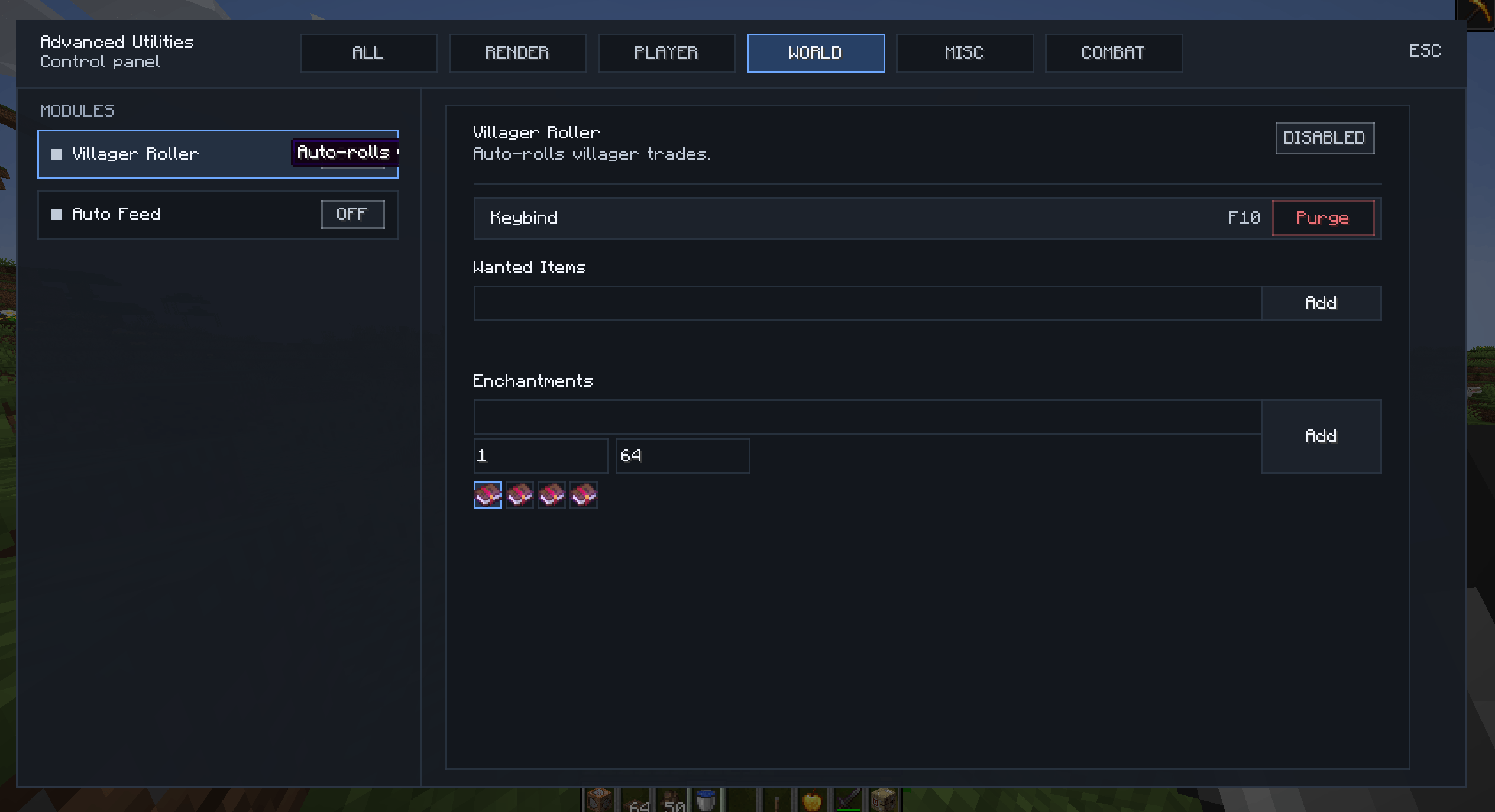 image_16.png image_16.png
 -
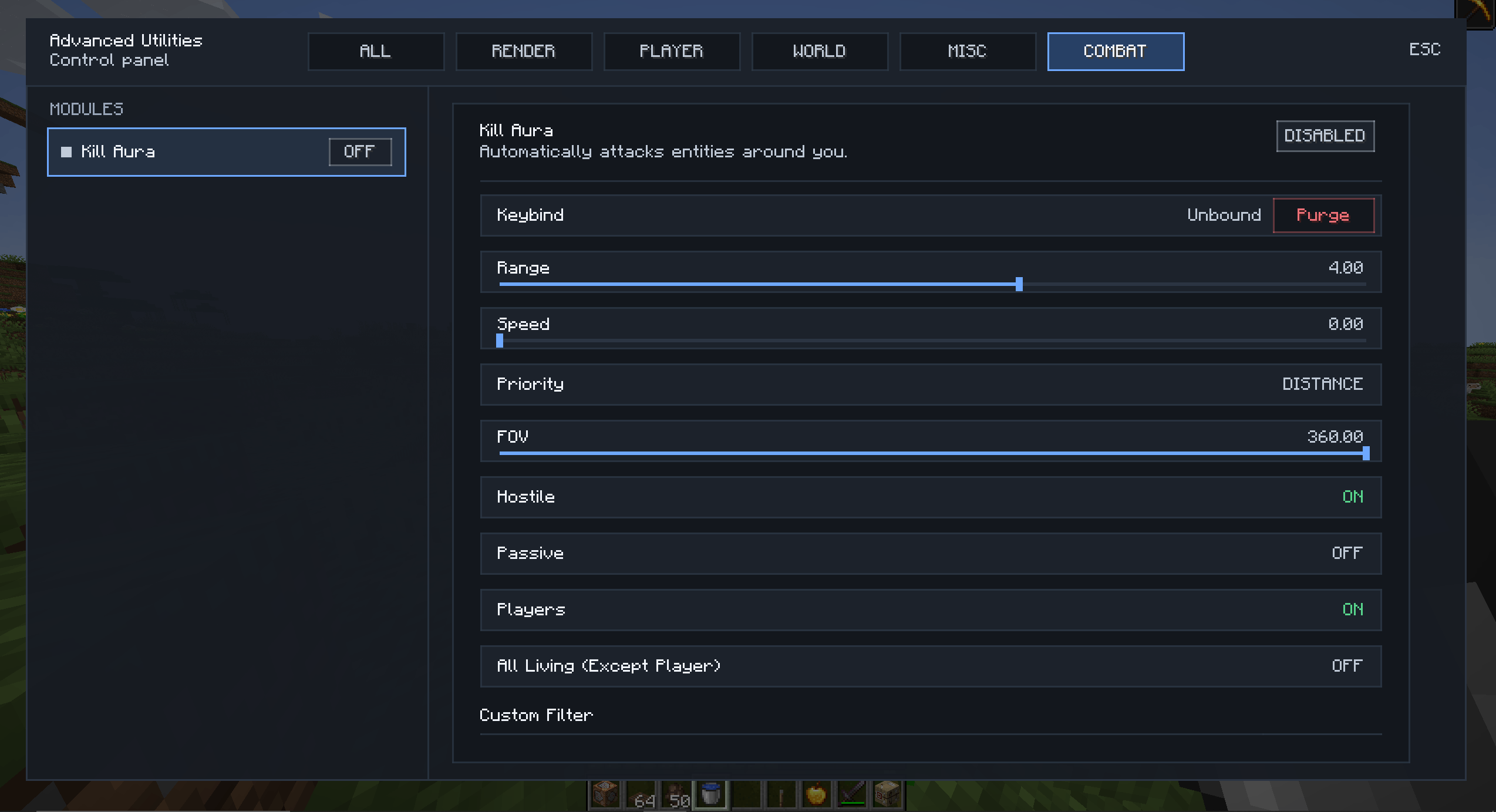 image_15.png image_15.png
 -
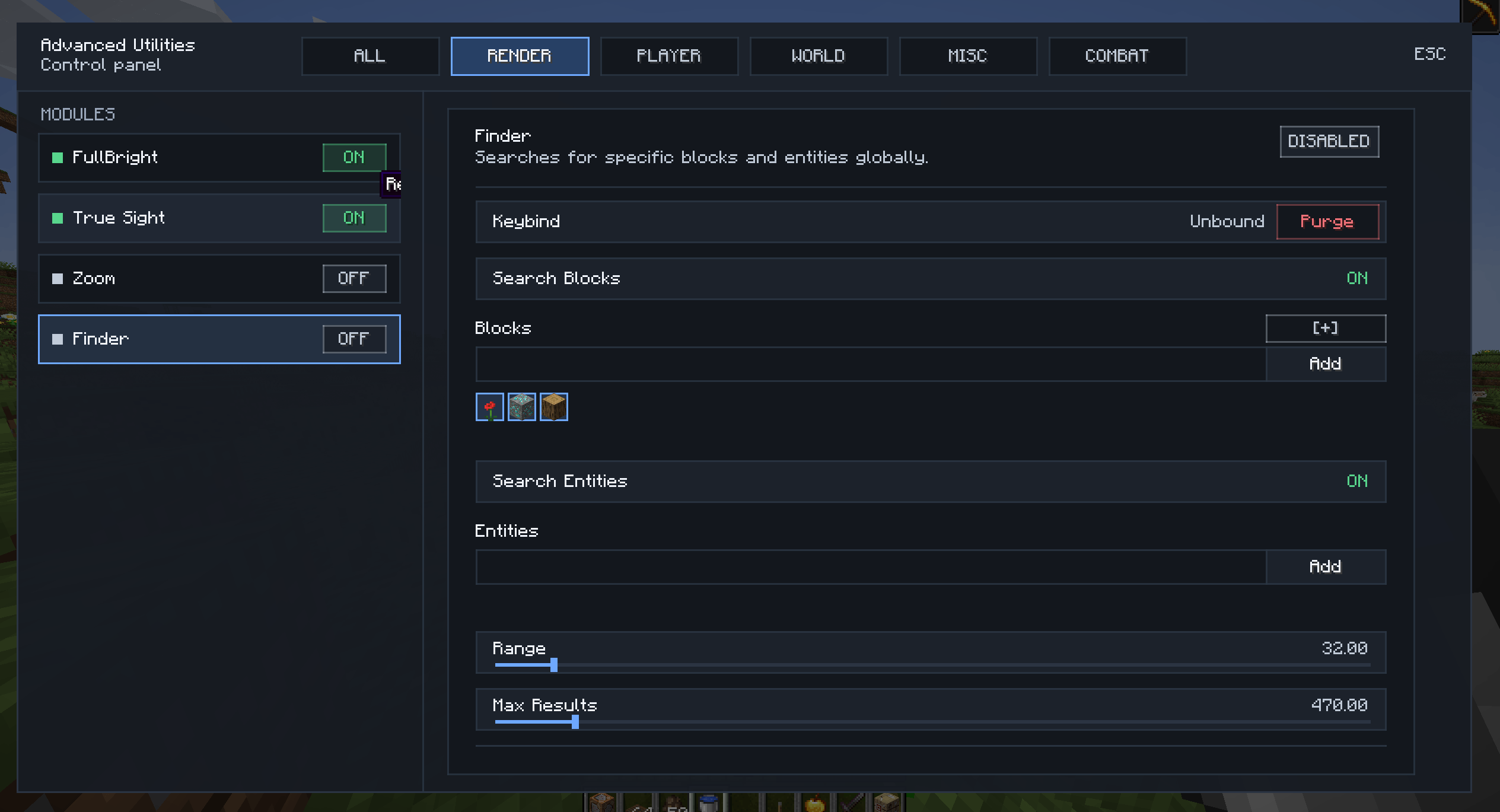 image_14.png image_14.png
Versions
Files
Relations
Project Relations
More like this
Similar Mods
Suggestions use data such as tags, dependencies, dependents, descriptions, titles, and more to rank how much they overlap with this mod.
On ModDex
Community snapshot
By the numbers
Statistics
Want to reach Minecraft players?
We're looking for a server hosting partner to feature here and other parts of the site. Interested? Send us a message!
Get in touchGet it on
Available Platforms
On ModDex
Community snapshot
By the numbers
Statistics
Resources