Community listing page, reviews may not be monitored by the author.
Advancements Arranged


No reviews yet
Freely rearrange advancements within the advancements screen

Community voices
Reviews
No reviews yet. Be the first to review this project!
Get it on
Available Platforms
Compatibility
Supported Environments
Runs entirely on the client. Works on vanilla servers.
About
Project Details
For authors
Embed Badge
If you're the author of this project, you can embed a live badge anywhere that supports HTML or Markdown. It updates automatically whenever ratings change.
Use HTML for any page that supports it, or Markdown for README files and Markdown-based descriptions.
Identifiers
Platform IDs
About
Description
Features:
- Advancements can be clicked and dragged to freely change their position
- Set a fixed order for the advancement tabs to sort into
- Adjust the window size of the advancements screen
- Add fancy backgrounds with random variation to the tiling blocks
Details:
- Edit Mode for rearranging advancements can be toggled in the config. Make sure not to disable it while the advancements screen is still open, or any changes won't be saved.
- While rearranging advancements, hold shift for position snapping
- To render a resizable window, the vanilla gui texture (at minecraft:textures/gui/advancements/window) is tiled using 9-slice scaling, with a configurable slice margin
Persistent data (advancement positions, fancy backgrounds) is stored per-instance at <modpack instance>/minecraft/advancements_arranged.json
An example such file, providing the vanilla advancement tabs with custom layouts and fancy backgrounds, can be found [here].
Likely not compatible with other mods which overhaul the advancements screen, as they tend to re-implement it with their own custom gui, whereas this works by modifying the vanilla gui directly.
Features:
- Advancements can be clicked and dragged to freely change their position
- Set a fixed order for the advancement tabs to sort into
- Adjust the window size of the advancements screen
- Add fancy backgrounds with random variation to the tiling blocks
Details:
- Edit Mode for rearranging advancements can be toggled in the config. Make sure not to disable it while the advancements screen is still open, or any changes won't be saved.
- While rearranging advancements, hold shift for position snapping
- To render a resizable window, the vanilla gui texture (at minecraft:textures/gui/advancements/window) is tiled using 9-slice scaling, with a configurable slice margin
Persistent data (advancement positions, fancy backgrounds) is stored per-instance at /minecraft/advancements_arranged.json An example such file, providing the vanilla advancement tabs with custom layouts and fancy backgrounds, can be found [here].
Likely not compatible with other mods which overhaul the advancements screen, as they tend to re-implement it with their own custom gui, whereas this works by modifying the vanilla gui directly.
Screenshots
Gallery
-
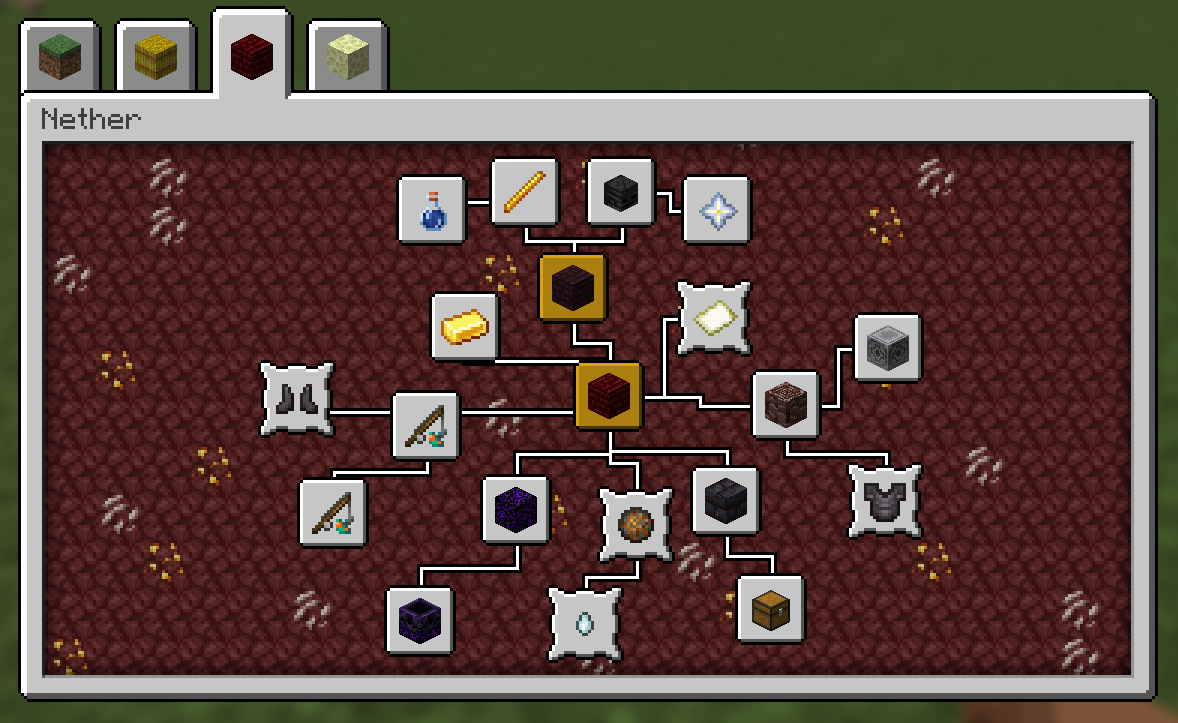 Customized Nether Tab
 -
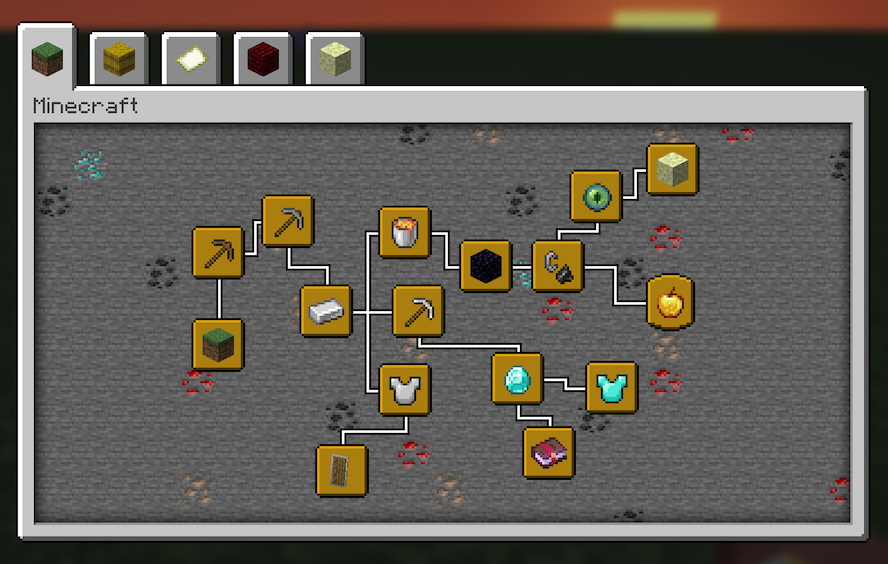 Customized Minecraft Tab
-
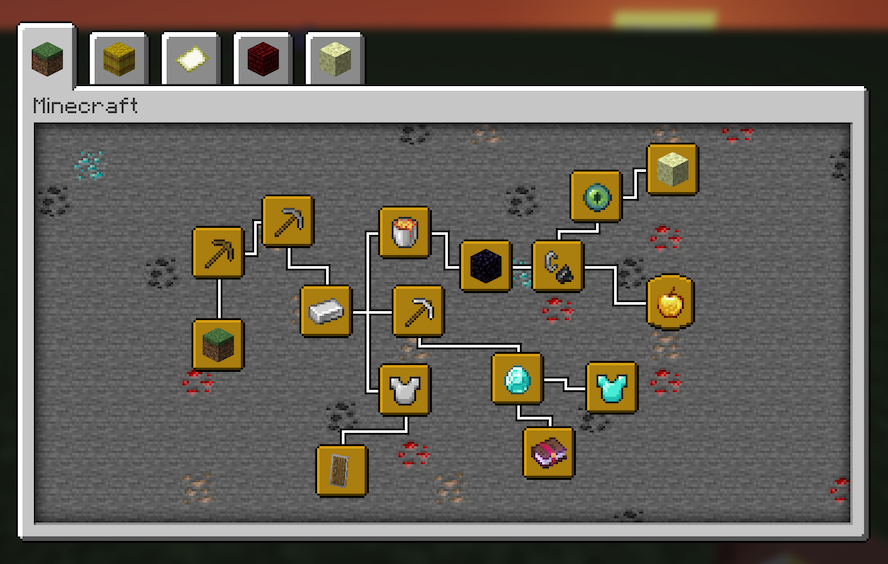 Customized Minecraft Tab
 -
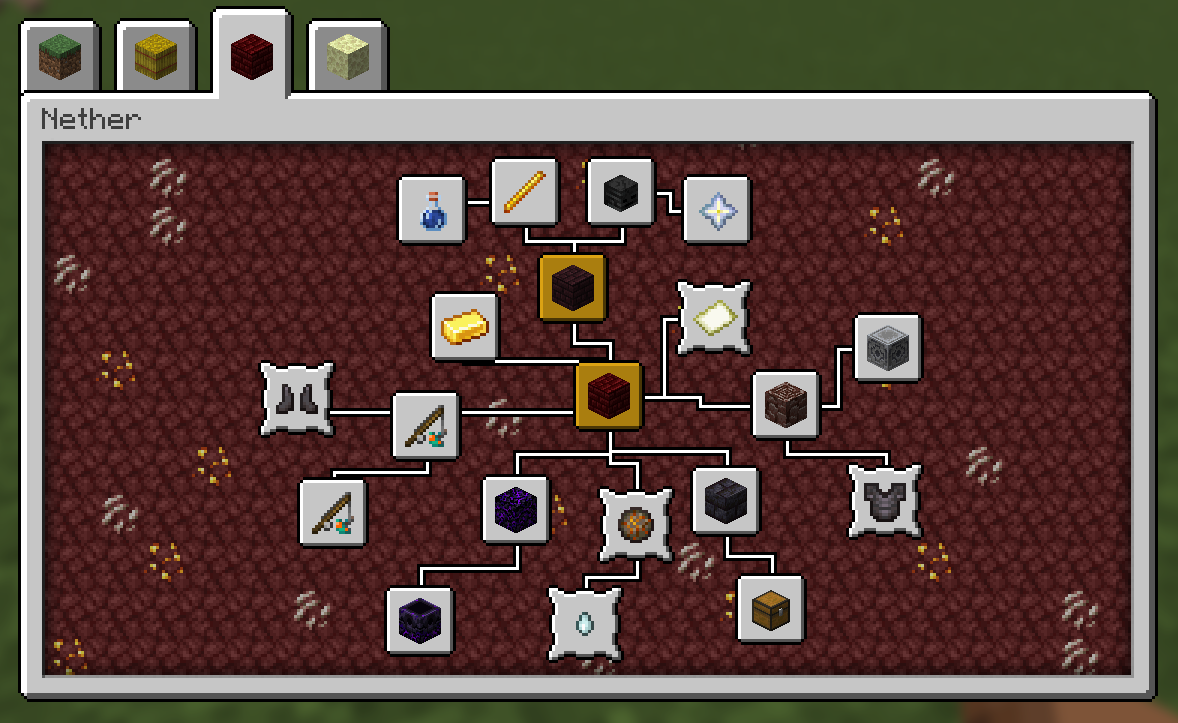 Customized Nether Tab
Versions
Files
Relations
Project Relations
More like this
Similar Mods
Suggestions use data such as tags, dependencies, dependents, descriptions, titles, and more to rank how much they overlap with this mod.
On ModDex
Community snapshot
By the numbers
Statistics

Get it on
Available Platforms
On ModDex
Community snapshot
By the numbers