Community listing page, reviews here may not be monitored by the author.
Adventure Map Developer


No reviews yet
A simple mod created to help building (adventure) maps

Community voices
Reviews
No reviews yet. Be the first to review this project!
Get it on
Available Platforms
Compatibility
Supported Environments
Runs entirely on the client. Works on vanilla servers.
About
Project Details
For authors
Embed Badge
If you're the author of this project, you can embed a live badge anywhere that supports HTML or Markdown. It updates automatically whenever ratings change.
Use HTML for any page that supports it, or Markdown for README files and Markdown-based descriptions.
Identifiers
Platform IDs
About
Description
A simple mod created to help building (adventure) maps.
Command Keybinds Keybinds
It adds 10 possible keybinds, which can each be assigned to a command using an ingame gui. When the keybind is enabled enabled and pressed, the command assigned is then executed.
Unlock and lock command
You are able to lock and unlock entities and blocks using commands (/lock & /unlock) Locked entities are invulnerable, item frames are fixed and armor stand have all slots disabled Locked blocks are, well, locked using a set key
Hide and reveal command
Entities can also be hidden and again revealed (/hide & /reveal) They are either given invisibility or their invisibility tag will be set to true in the case of armorstands and item frames
Invisible Entities
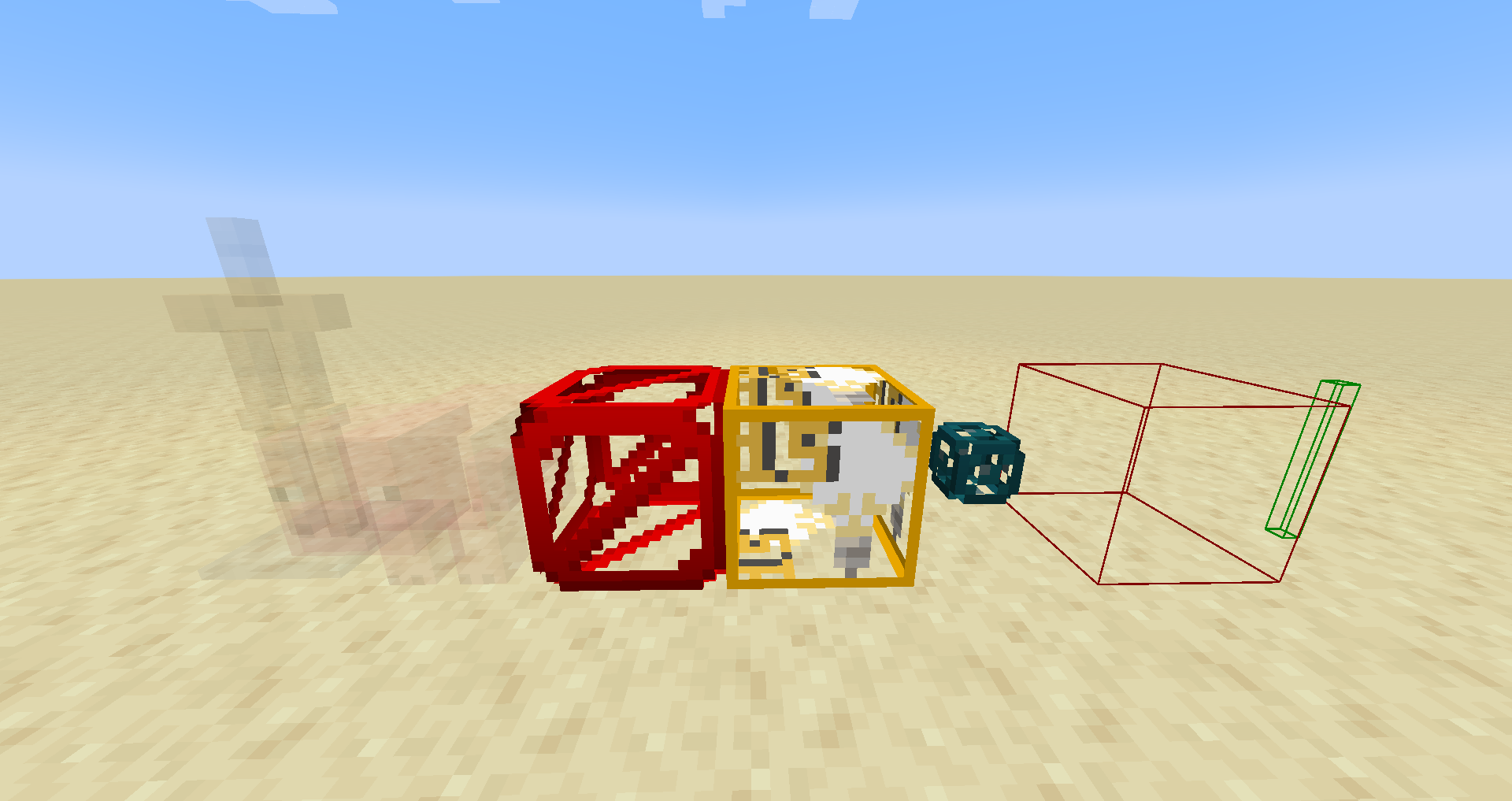
It also adds a toggle, which enables the player to see invisible entities, aswell one which enables him to see otherwise invisible blocks like barriers, structure voids etc. These can either be toggled using an ingame gui or with the help of a keybind.
Markers (Singleplayer only) and Interaction Entities can also be seen when toggled on
With everything toggled on:
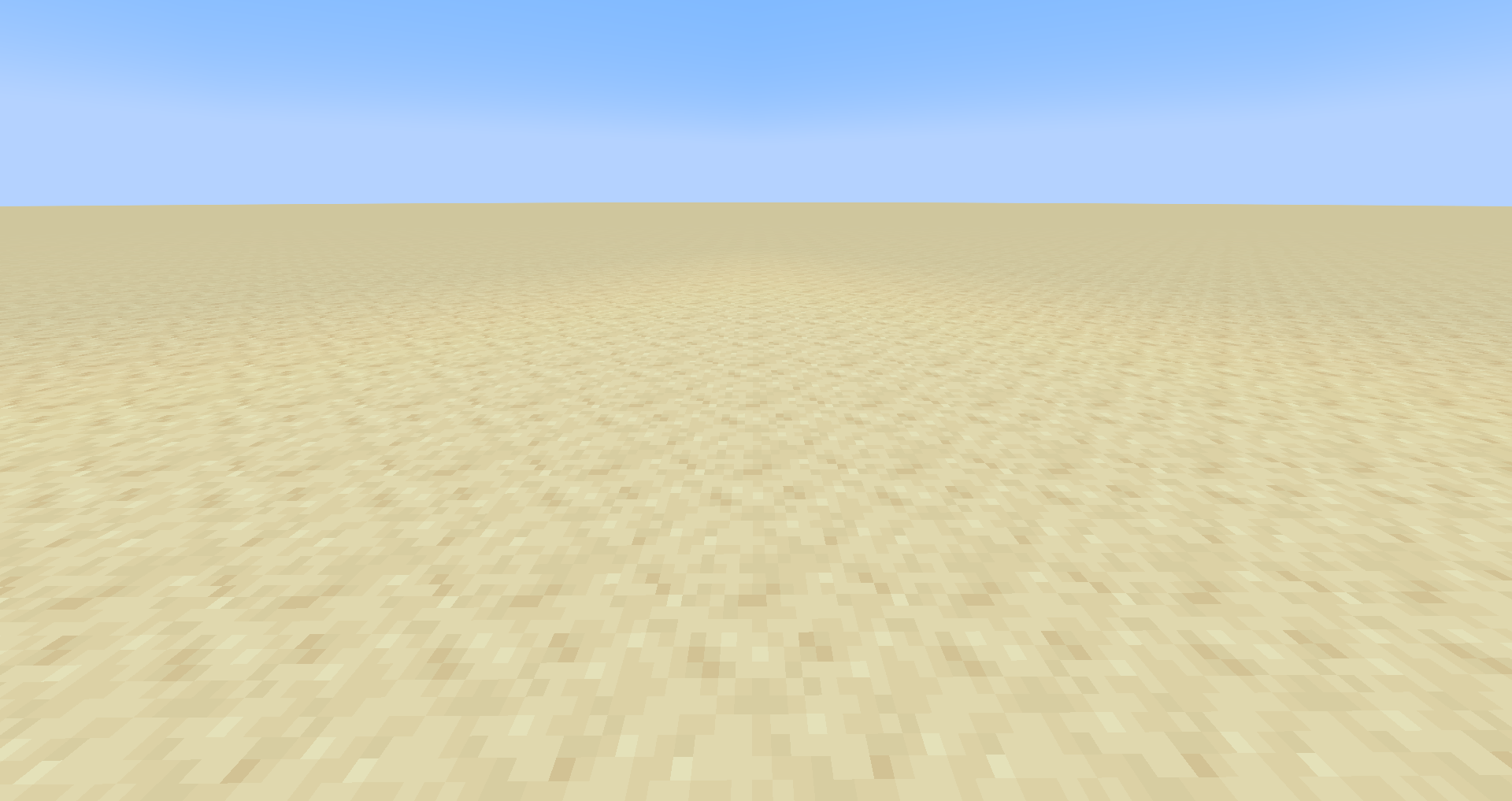
With no option toggled on:

A simple mod created to help building (adventure) maps.
Command Keybinds Keybinds
It adds 10 possible keybinds, which can each be assigned to a command using an ingame gui. When the keybind is enabled enabled and pressed, the command assigned is then executed.
Unlock and lock command
You are able to lock and unlock entities and blocks using commands (/lock & /unlock) Locked entities are invulnerable, item frames are fixed and armor stand have all slots disabled. Locked blocks are, well, locked using a set key The command syntax can be seen in the gallery or on github.
Hide and reveal command
Entities can also be hidden and again revealed (/hide & /reveal) They are either given invisibility or their invisibility tag will be set to true in the case of armorstands and item frames. The command syntax can be seen in the gallery or on github.
Invisible Entities
It also adds a toggle, which enables the player to see invisible entities, aswell one which enables him to see otherwise invisible blocks like barriers, structure voids etc. These can either be toggled using an ingame gui or with the help of a keybind.
Markers (Singleplayer only) and Interaction Entities can also be seen when toggled on
With everything toggled on:
With no option toggled on:

Screenshots
Gallery
-
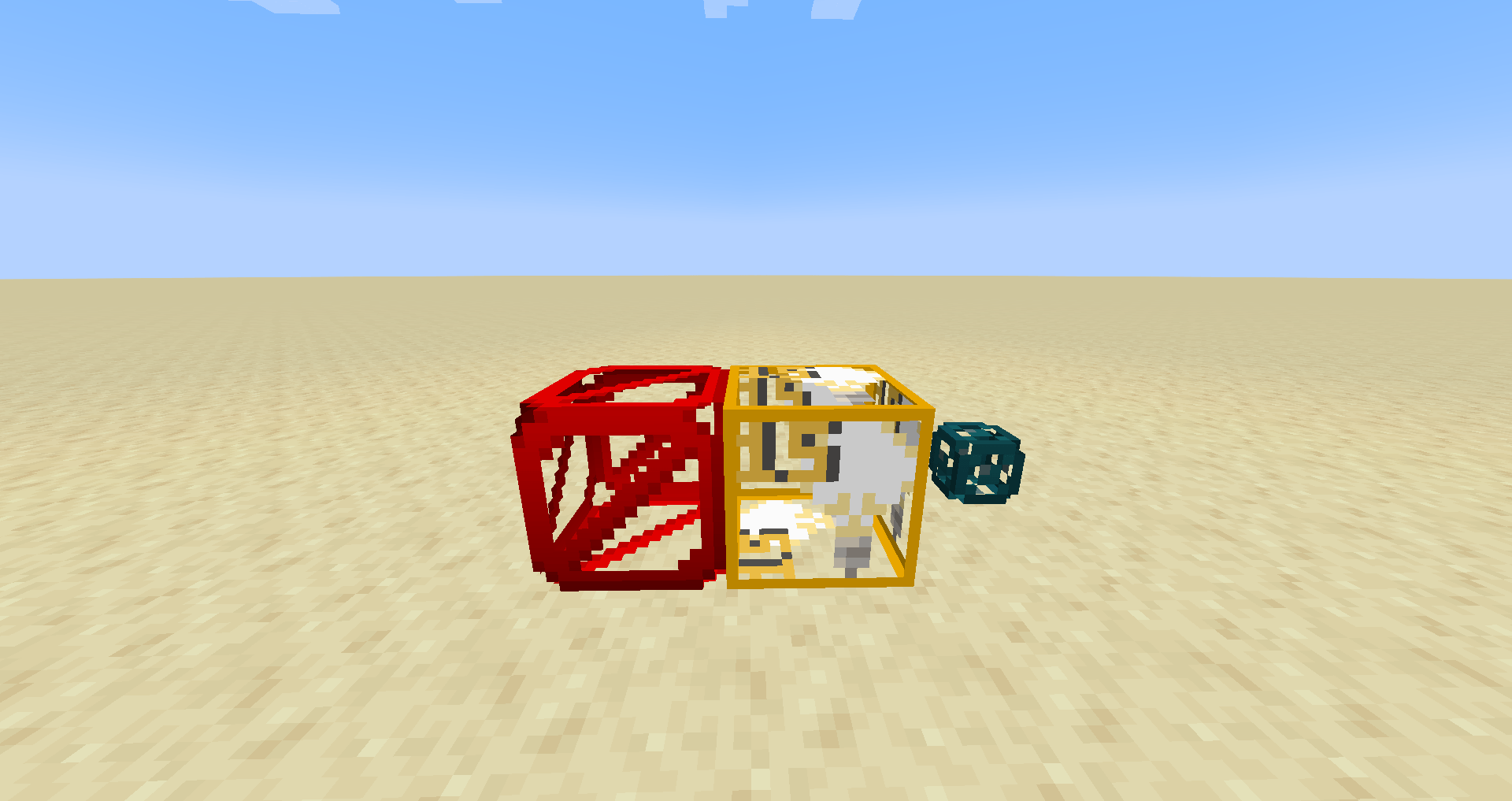 The invisible blocks are now visible!
 -
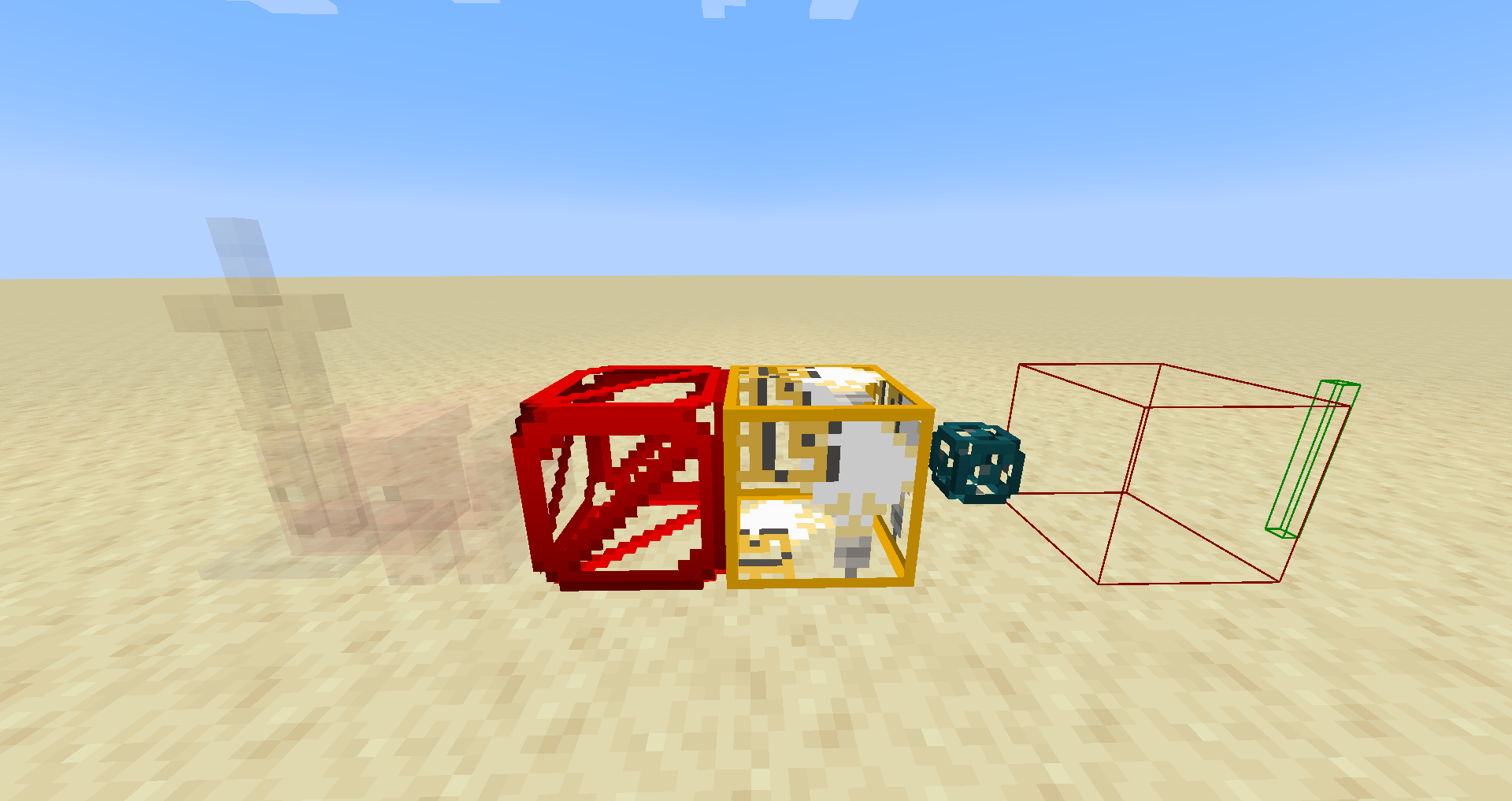 With everything toggled on With everything toggled on
 -
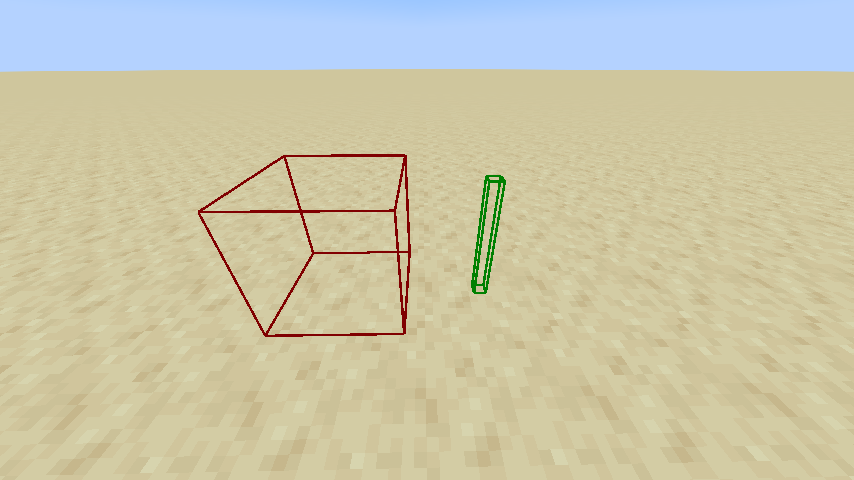 Interaction entity (left) and marker (right)
 -
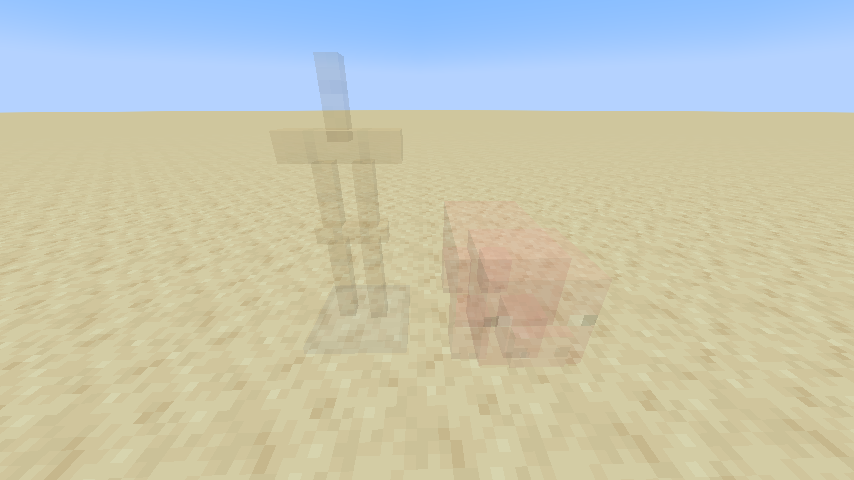 Invisible Entities
-
With everything toggled on
-
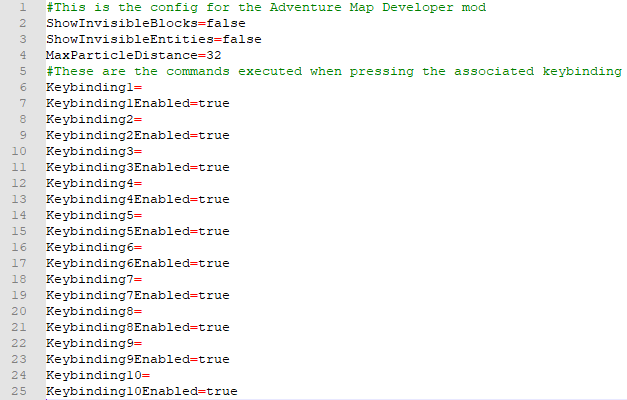 The config file
 -
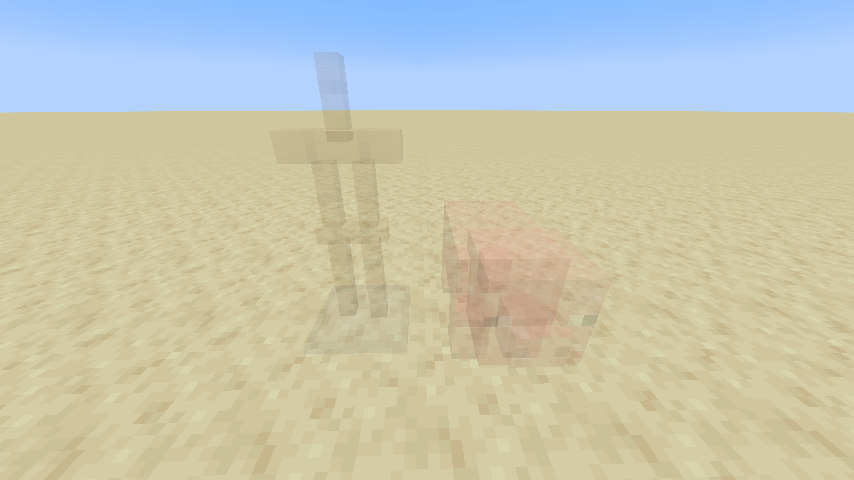 Invisible Entities while in Creative Show Invisible Entities toggled on
 -
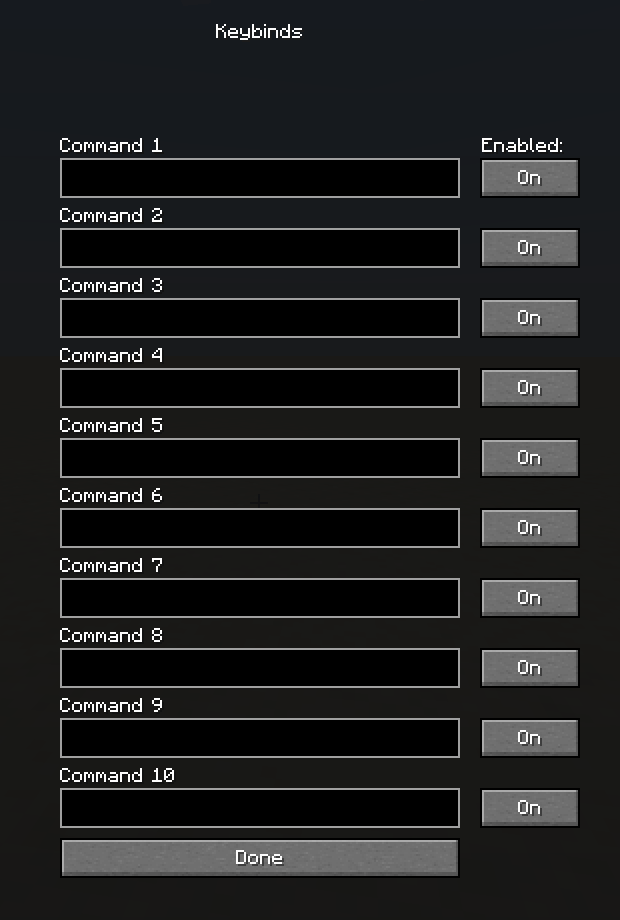 The GUI for adding the commands
 -
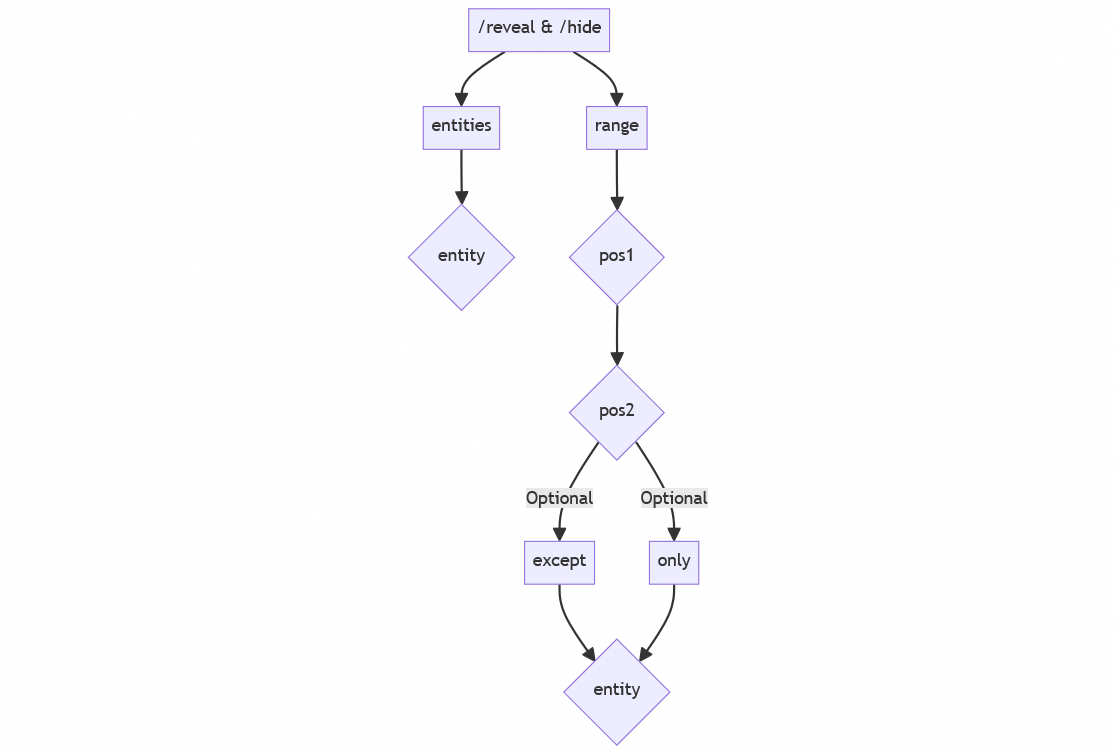 /reveal & /hide command syntax
 -
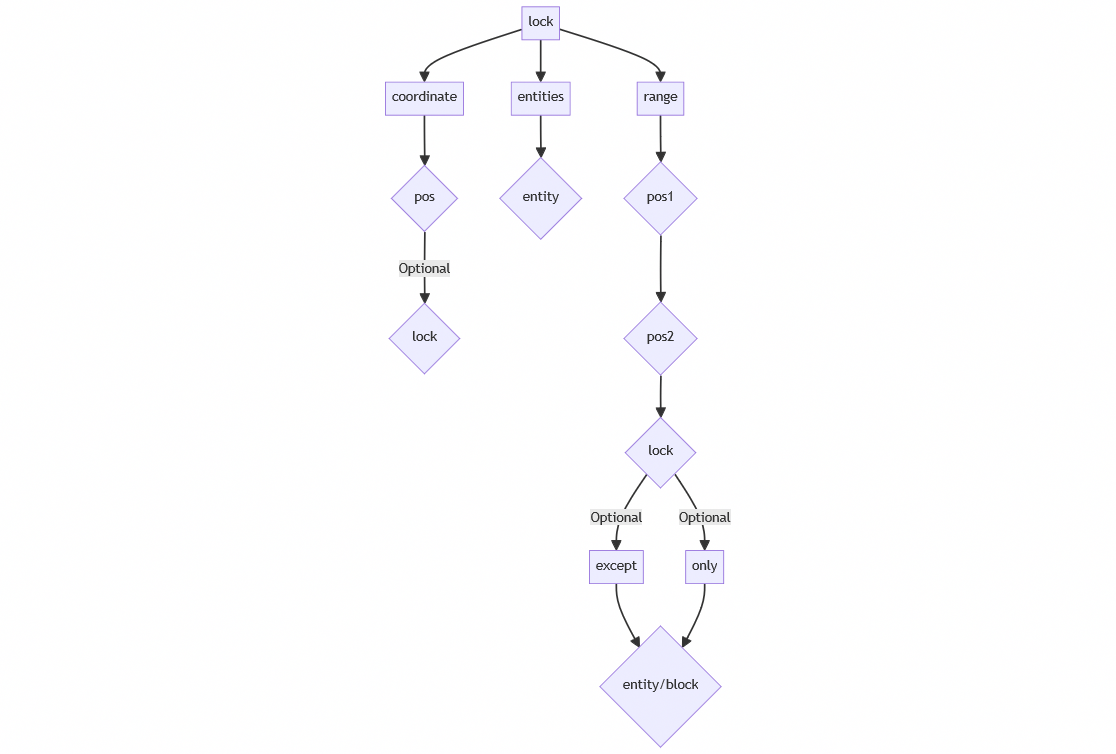 /lock Command Syntax
 -
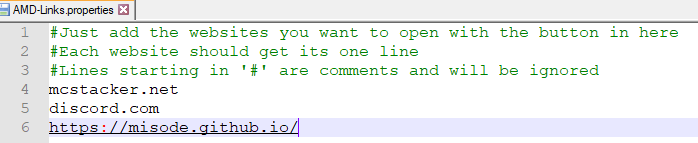 An example for the websites file These can then be open ingame using a button
 -
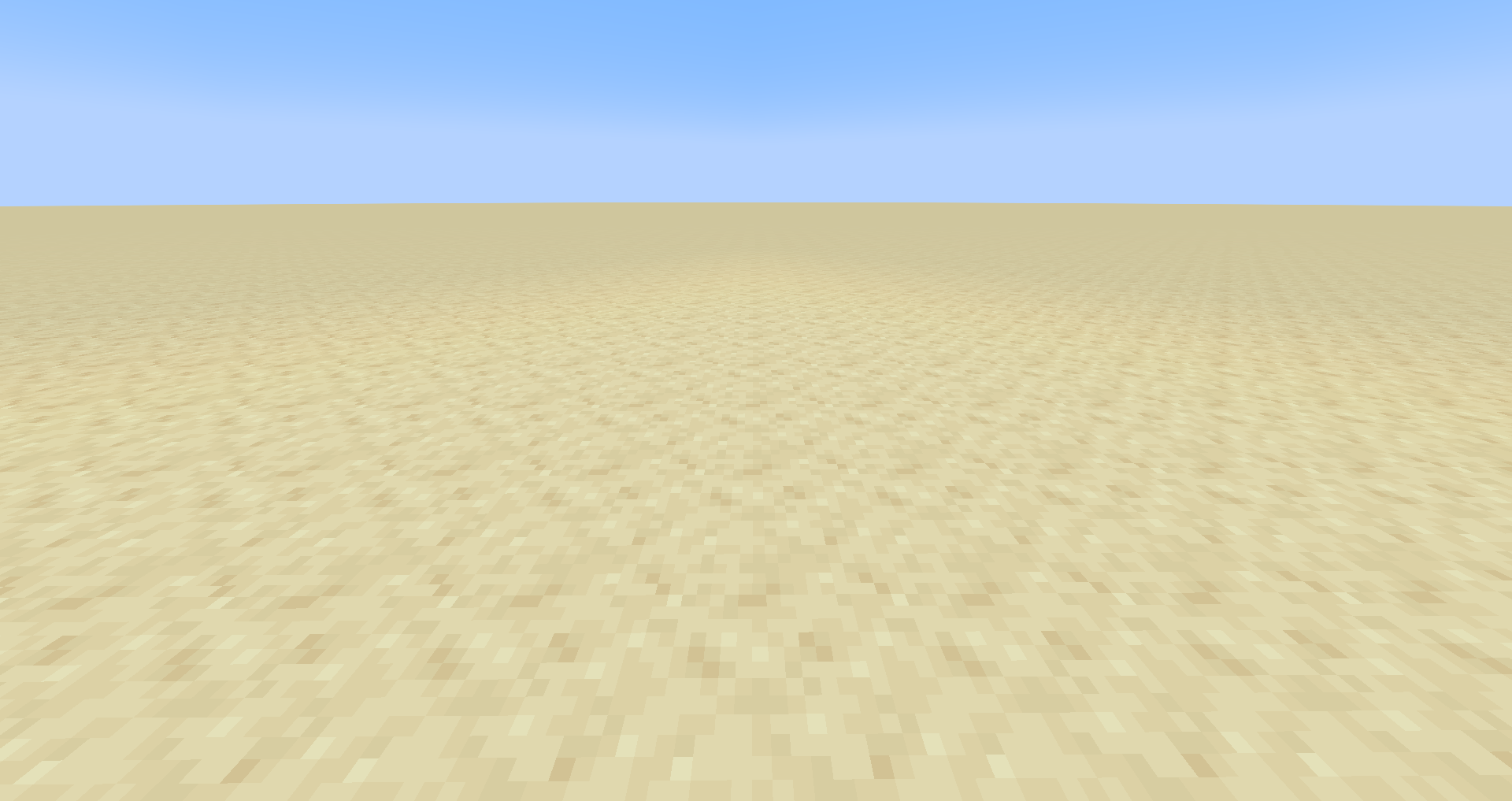 Nothing toggled on
 -
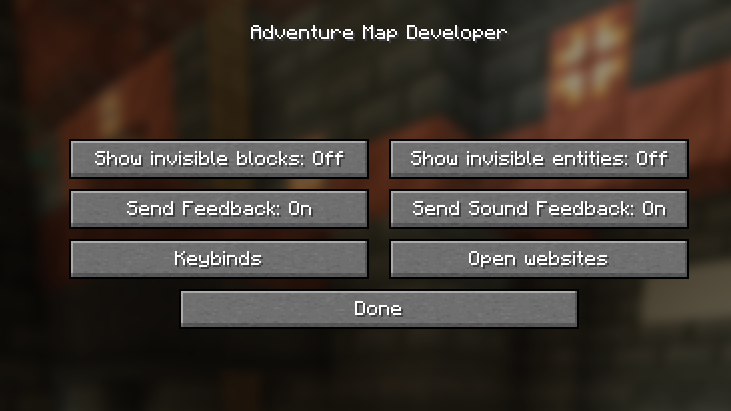 The ingame settings
 -
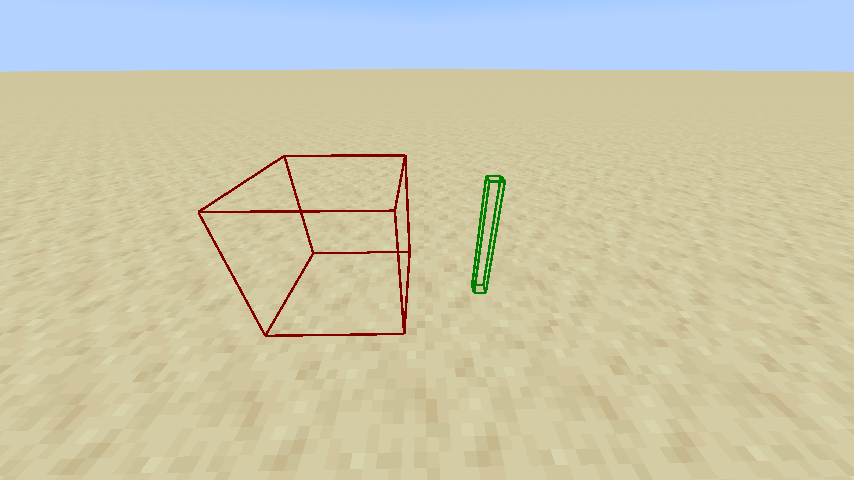 Interaction entity (left) and marker (right) With Show Invisible Entities toggled on
 -
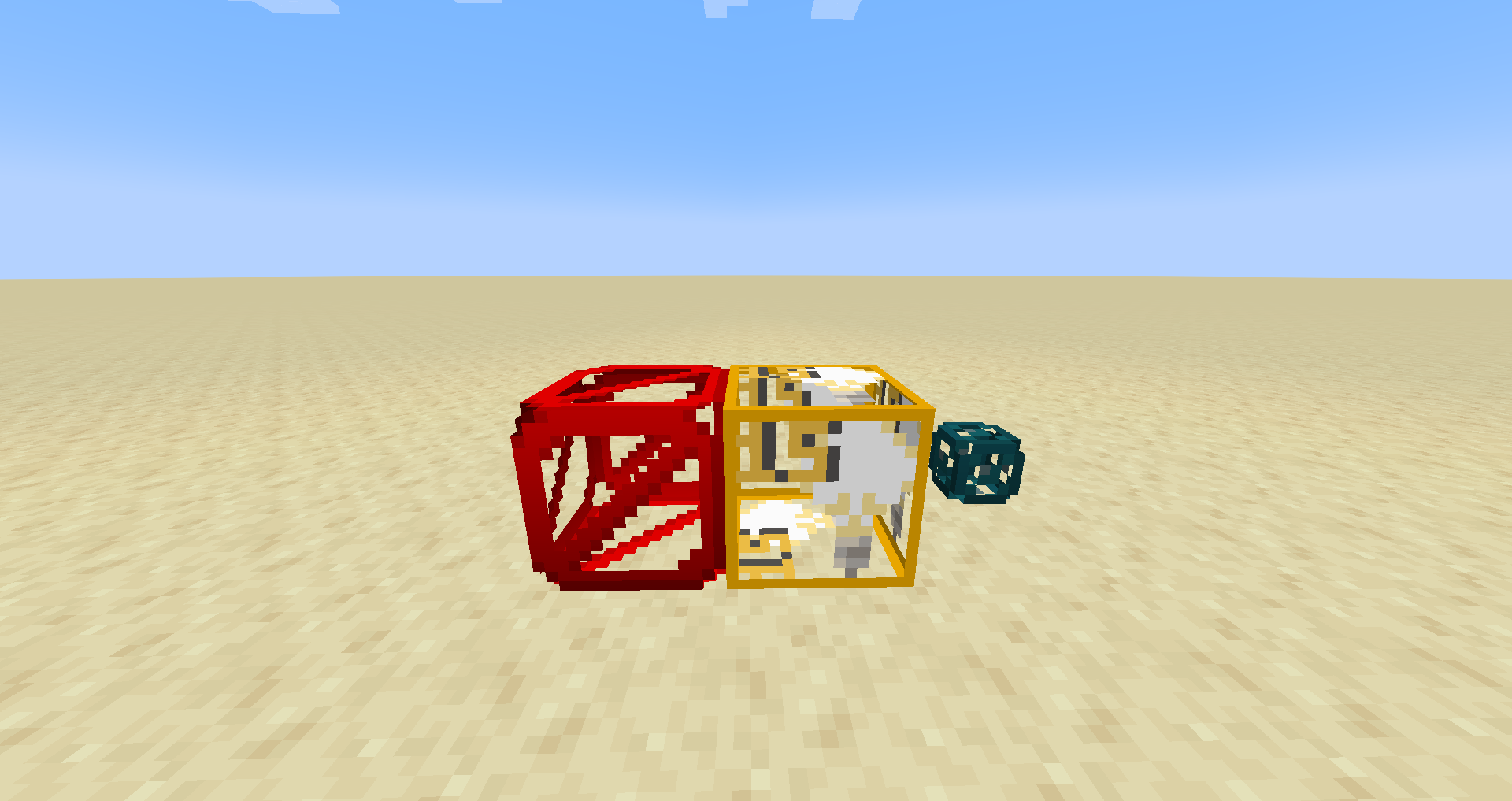 The invisible blocks are now visible!
 -
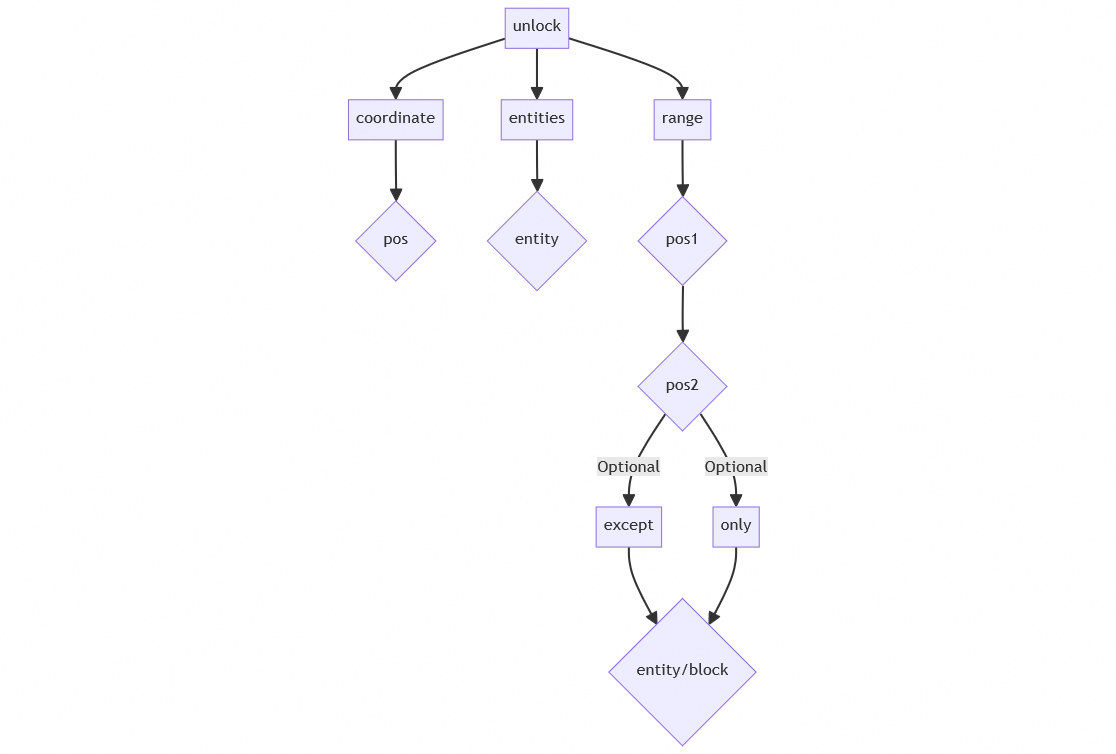 /unlock Command Syntax
Versions
Files
Relations
Project Relations
More like this
Similar Mods
Suggestions use data such as tags, dependencies, dependents, descriptions, titles, and more to rank how much they overlap with this mod.
On ModDex
Community snapshot
By the numbers
Statistics
 (opens in a new tab)
Get it on
Available Platforms
On ModDex
Community snapshot
By the numbers