
Community listing page, reviews here may not be monitored by the author.
Aeonis


No reviews yet
Take control. Command anything. Master the game.

Community voices
Reviews
No reviews yet. Be the first to review this project!
Get it on
Available Platforms
Compatibility
Supported Environments
Must be installed on both the client and the server.
About
Project Details
For authors
Embed Badge
If you're the author of this project, you can embed a live badge anywhere that supports HTML or Markdown. It updates automatically whenever ratings change.
Use HTML for any page that supports it, or Markdown for README files and Markdown-based descriptions.
Identifiers
Platform IDs
About
Description
AEONIS: Command Master
Transform into mobs, control unique abilities, run AI-powered command workflows, and explore custom dimension content in one Fabric mod.
From the creators of BLITZ (formerly Emberveil).
Version and Platform
- Current release: 4.0.0 (First Stable 26.1 Release)
- Minecraft: 26.1 (26.1.1 hotfix compatible)
- Loader: Fabric
- License: MIT
What Aeonis Does
Aeonis combines several systems in one mod:
- Mob possession and transformed combat
- AI assistant command execution and automation tools
- Utility/admin commands for events, abilities, and fun tools
- Custom entities and progression content
- Dimension and worldgen expansions
Main Features
1) Mob Possession System
Take direct control of many vanilla mobs in first-person with movement adapted to each mob type.
- Flight support for flying mobs
- Aquatic movement for water mobs
- Left-click special attacks for select mobs
- Cooldown-aware combat flow
Core commands:
/transform <entity>
/untransform
/exitbody s
/exitbody c
Examples of special attacks:
- Wither: explosive skulls
- Ender Dragon: dragon fireballs
- Breeze: wind charges
- Blaze/Ghast: projectile fire attacks
2) AI Assistant (LLM)
Spawn an AI companion that can chat, generate commands, and execute allowed in-game workflows.
Core commands:
/ai llm spawn
/ai llm despawn
/ai llm config
Supports:
- OpenAI
- Google Gemini
- OpenRouter
Workflow features:
- Command execution tags
- Persistent scripts
- Custom command packs
- Scheduled automation tasks
3) Command Systems
Aeonis command families include:
- /prank (fun and chaos tools)
- /ability (mob-like powers)
- /event (event/admin actions)
- /ai (AI controls)
- /aeonis (system/help/features)
Sample prank commands:
/prank smite <players>
/prank yeet <players>
/prank disco <players>
/prank morph <players> <chicken|pig|goat|frog|parrot|random_funny>
Sample ability commands:
/ability dash
/ability blink <range>
/ability roar
/ability summon vex
4) World and Entity Content
- Ancard content line and visual atmosphere systems
- Deeper Dark dimension expansion content (biomes, structures, worldgen pipeline)
- Custom mobs including Copper Stalker line and additional ecosystem entities
4.0.0 Highlights (First Stable 26.1)
- First non-snapshot stable build on Minecraft 26.1
- Migration cycle completed from 1.21.11 to 26.1
- Transform/untransform cleanup reliability improvements
- Camera/interaction stabilization for transformed gameplay
- Warning policy remaster (less global spam, targeted notices only)
- Localization refresh for active Aeonis namespaces
Gameplay Notes
- Soul mode command: /aeonis soul
- Possess target in soul mode with P
- Use /aeonis help for full in-game command help
Installation
- Install Fabric Loader for Minecraft 26.1
- Install Fabric API
- Install Fabric Language Kotlin
- Place Aeonis jar in the mods folder
- Launch Minecraft
Requirements
- Minecraft 26.1
- Java 25+ recommended for this release line
- Fabric Loader 0.18.5+
- Fabric API 0.144.3+26.1
- Fabric Language Kotlin 1.13.10+kotlin.2.3.20
Quick Start
/aeonis help
/transform minecraft:ender_dragon
/untransform
/ai llm spawn
For technical detail and full release history, see the project README and changelog in the source repository.
Aeonis
A gameplay and world-content mod for Minecraft, available for both Fabric and NeoForge.
Aeonis adds player and mob transformation, AI-assisted command and control systems, custom dimensions and progression hooks, unique animated mobs, and supporting rendering and utility tooling.
- Version: 5.0.0
- Minecraft: 26.3
- Loaders: Fabric and NeoForge
- License: GPL-3.0-or-later (see LICENSE)
Requirements
Verified against the official Fabric, NeoForged, and Mojang metadata for the 26.3 line.
| Component | Version |
|---|---|
| Minecraft | 26.3 |
| Java | 25 (minimum for both build and runtime) |
| Gradle | 9.5.1 (via the included wrapper) |
| Fabric Loader | 0.19.5 or newer |
| Fabric API | 0.161.0+26.3 |
| Fabric Language Kotlin | 1.14.1+kotlin.2.4.20 |
| Fabric Loom | 1.17-SNAPSHOT |
| NeoForge | 26.3.0.6-beta |
| NeoGradle (userdev) | 7.1.39 |
| KotlinForForge | 6.3.0 or newer |
| Mod Menu (optional, Fabric only) | 21.0.0-beta.1 |
Mappings are the official Mojang mappings in the unobfuscated workflow. Yarn and intermediary are no longer used anywhere in this project.
Two dependency notes worth reading before reporting a launch problem:
- NeoForge has not published a non-beta build for 26.3 yet. 26.3.0.6-beta is the newest build on the 26.3 line; there is no release or RC.
- KotlinForForge does not yet support Minecraft 26.3. See Known limitations in TODO.md.
Installation
Install the jar that matches your loader. Both jars are built from the same source tree and are not interchangeable.
- Install Fabric Loader 0.19.5+ or NeoForge 26.3.0.6-beta for Minecraft 26.3.
- On Fabric, also install Fabric API.
- Place
AeonisCM-5.0.0.jar(Fabric) oraeonis-5.0.0.jar(NeoForge) in yourmodsdirectory. - Mod Menu is optional on Fabric and only provides the config entry point.
Building from source
A fresh clone builds both jars with a single command:
./gradlew build
Artifacts are written to:
fabric/build/libs/AeonisCM-5.0.0.jarneoforge/build/libs/aeonis-5.0.0.jar
To build one loader only:
./gradlew :fabric:build
./gradlew :neoforge:build
The first build downloads Minecraft, the loader toolchains, and mappings, and can take several minutes. Java 25 must be available; the build requests a Java 25 toolchain and does not rely on a hardcoded JDK path.
Testing a build
Two helpers under scripts/ check a build without needing a launcher or an account.
Boot the mod in a real PolyMC instance and confirm the client reaches the main menu:
python3 scripts/mc-smoke-test.py
It builds the Fabric jar, copies it into the instance's mods/ folder, launches
Minecraft with that instance's own libraries and assets, and exits non-zero on a
crash, a mixin apply error or an entrypoint failure. Use --instance,
--polymc-home or the POLYMC_HOME environment variable to target another instance,
--no-build to reuse the existing jar, and --dry-run to inspect the launch command.
Check that every mixin still targets code that exists in the current Minecraft jar:
python3 scripts/check-mixin-targets.py
This resolves @Inject, @Redirect, @Accessor and @Shadow selectors against the
deobfuscated jar with javap, catching renames and signature changes that compile
cleanly and then fail at runtime. Run ./gradlew :fabric:build at least once first, so
that the jar it inspects has been produced.
Project layout
Aeonis is a three-module Gradle build. The split is deliberate: the mod is large and stateful, and both loaders share a single implementation of the gameplay systems so that behaviour cannot silently diverge between them.
| Module | Purpose |
|---|---|
common |
Loader-agnostic game logic: commands, entities, items, dimensions, the transform/possession system, and the AI assistant. Compiled against Minecraft with Fabric Loom in the unobfuscated workflow. |
fabric |
Fabric entrypoints, mixins, client rendering, networking, and fabric.mod.json. |
neoforge |
NeoForge entrypoints, mixins, client rendering, networking, and neoforge.mods.toml. |
Both loader modules depend on common and shade its output into their own jar.
Why a manual multi-project layout
Architectury API was considered and rejected. Aeonis depends heavily on mixins
targeting vanilla classes and on a custom transform/possession system that needs
per-loader event wiring; Architectury's abstraction layer would have obscured those
without removing the need for loader-specific mixin code. A plain multi-project
Gradle build keeps each loader's entrypoints and mixins explicit and lets common
own the shared logic directly. Config screens use a small per-loader shim rather
than a third-party config library, since the existing screens are hand-written.
Commands
All commands require operator permissions unless noted.
Transformation
| Command | Description |
|---|---|
/transform <entity> [variant...] |
Transform into a mob. Accepts an entity ID and optional variant arguments. |
/untransform |
Return to your normal player form. |
/exitbody s |
Exit to Survival mode. |
/exitbody c |
Exit to Creative mode. |
Examples:
/transform minecraft:zombie
/transform minecraft:wither
/transform minecraft:ender_dragon
/transform minecraft:breeze
/transform minecraft:phantom
/transform minecraft:ghast
/transform minecraft:bee
/transform minecraft:dolphin
/transform minecraft:creeper
/transform minecraft:skeleton
/transform minecraft:blaze
/transform minecraft:enderman
Prank
| Command | Description |
|---|---|
/prank smite <players> |
Strike with lightning. |
/prank yeet <players> |
Launch into the sky. |
/prank disco <players> |
Party effects. |
/prank supersize <players> |
Scale players up. |
/prank smol <players> |
Scale players down. |
/prank chaos <players> |
Three random effects. |
/prank rocket <players> |
Rocket launch. |
/prank spin <players> <times> |
Spin players. |
/prank freeze <players> |
Freeze in place. |
/prank burn <players> |
Set on fire. |
/prank drunk <players> |
Nausea and blindness. |
/prank boing <players> |
Super bounce. |
/prank confetti <players> |
Firework confetti burst. |
/prank swap <player_a> <player_b> |
Swap two players. |
/prank morph <players> <type> |
Temporary transform for two minutes. |
Event tools
| Command | Description |
|---|---|
/event ambush |
Surprise mob ambush. |
/event scan |
Scan for hostiles nearby. |
/event thunder |
Start the thunder dome event. |
/event copper |
Drop copper on players. |
/event time <ticks> |
Warp time forward. |
/event cleanse <players> |
Remove all effects. |
/event crit_save |
Critical save (revive). |
/event pro_gamer |
Pro gamer mode. |
/event exitbody <s|c> |
Exit body (Survival or Creative). |
Abilities
| Command | Description |
|---|---|
/ability mimic zombie |
Play the zombie ambient sound. |
/ability mimic wither |
Play the wither ambient sound. |
/ability mimic ghast |
Play the ghast cry. |
/ability mimic dragon |
Play the dragon growl. |
/ability dash |
Quick dash forward. |
/ability blink <range> |
Teleport a short distance. |
/ability jump |
Moon jump. |
/ability roar |
Warden roar. |
/ability darkness |
Darkness pulse. |
/ability summon vex |
Summon a pet vex. |
/ability summon wolves <count> |
Summon spirit wolves. |
AI tools
| Command | Description |
|---|---|
/ai chaotic <entities> |
Enable chaotic AI (experimental). |
/ai chaotic stop |
Disable chaotic AI. |
/ai director <entities> walk_to <x y z> [speed] |
Walk entities to a position. |
/ai director <entities> look_at <target> |
Make entities look at a target. |
/ai director <entities> attack <target> |
Make entities attack a target. |
/ai director <entities> stop |
Stop all orders for entities. |
System and features
| Command | Description |
|---|---|
/aeonis soul |
Enter soul mode (spectator, possess with the P key). |
/aeonis unsoul |
Exit soul mode. |
/aeonis sys ping |
Show server and mod stats. |
/aeonis sys story |
Show Aeonis story flavour text. |
/aeonis help |
Show the in-game help listing. |
/aeonis reload |
Reload all mod features and reset state. |
/aeonis features extra_mobs |
Query whether Aeonis custom mobs are enabled. |
/aeonis features extra_mobs <true|false> |
Enable or disable Aeonis custom mob spawning. |
Companion bots
| Command | Description |
|---|---|
/comp spawn |
Spawn a companion bot. |
/comp mode <mode> |
Set the companion behaviour mode (attack, follow, retreat). |
AI assistant
The /ai command tree is backed by a configurable LLM integration supporting
OpenAI, OpenRouter, and Gemini. API keys and provider selection are configured
through the in-game config screen or the Aeonis/llm config file. The assistant can
both issue commands and run saved scripts, and it is subject to an operator-configurable
allowlist of executable commands. Treat API keys as secrets: they are stored in the
config file, not in the world save.
Maintainer notes
Updating to a new Minecraft version
The 26.1 to 26.3 update followed this checklist. It is kept here because it remains the right sequence for the next version bump.
- Update the Gradle wrapper and confirm the Java baseline the new version requires.
- Update
gradle.propertieswith the new Minecraft, loader, Fabric API, NeoForge, Loom, and Kotlin versions. Verify each against its official source rather than copying a blog post; beta tags are promoted quickly. - Re-check mapping assumptions. This project uses official Mojang mappings in the unobfuscated workflow; do not reintroduce Yarn or intermediary.
- Sweep for removed or renamed vanilla API. The 26.3 update required, among others,
moving entity constants from
EntityTypetoEntityTypes, renamingEntity.hurtMarkedtosyncVelocity, replacingEntity.setInvulnerablewithsetPermanentlyInvulnerable, moving the current screen fromMinecrafttoGui, replacingGuiGraphicswithGuiGraphicsExtractorfor HUD elements, and renamingInputConstants.Type.KEYSYMtoKEYBOARD. - Audit every mixin against the new mappings. Mixins fail at runtime rather than compile time when their target disappears, so check each one by hand.
- Re-validate worldgen and data pack registries. Legacy datapack content is
currently excluded from
processResourcesin the loader modules; see TODO.md. - Regression-test the transformed-gameplay paths on both loaders, especially transform and untransform cleanup.
- Update this README,
CHANGELOG.md, and the mod metadata files.
Releasing
- Set
mod_versioningradle.properties. - Run
./gradlew clean buildand confirm both jars are produced. - Verify the version stamped into
fabric.mod.jsonandneoforge.mods.tomlinside each jar. - Add a
CHANGELOG.mdentry.
Changelog entries live in CHANGELOG.md.
License
Aeonis is licensed under the GNU General Public License v3.0 or later. Copyright (C) 2025-2026 Aevora Labs. See LICENSE.
Screenshots
Gallery
-
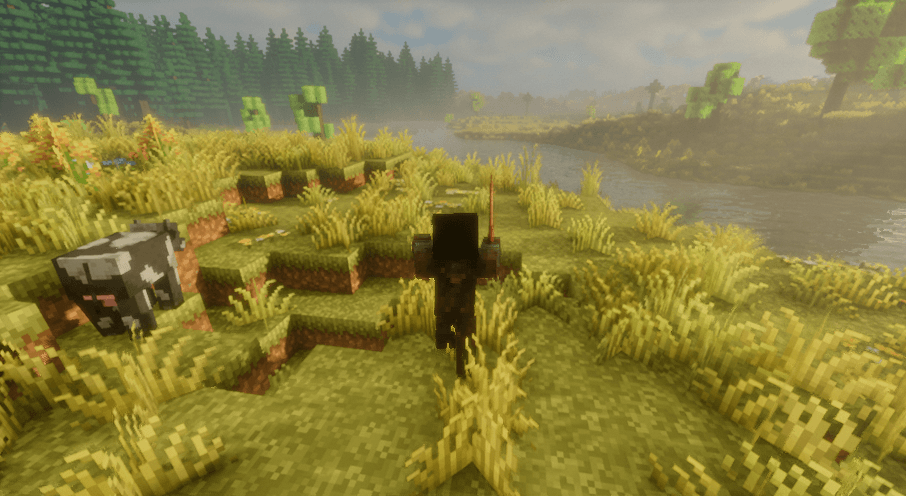 Screenshot 2025-12-25 224339.png Screenshot 2025-12-25 224339.png
 -
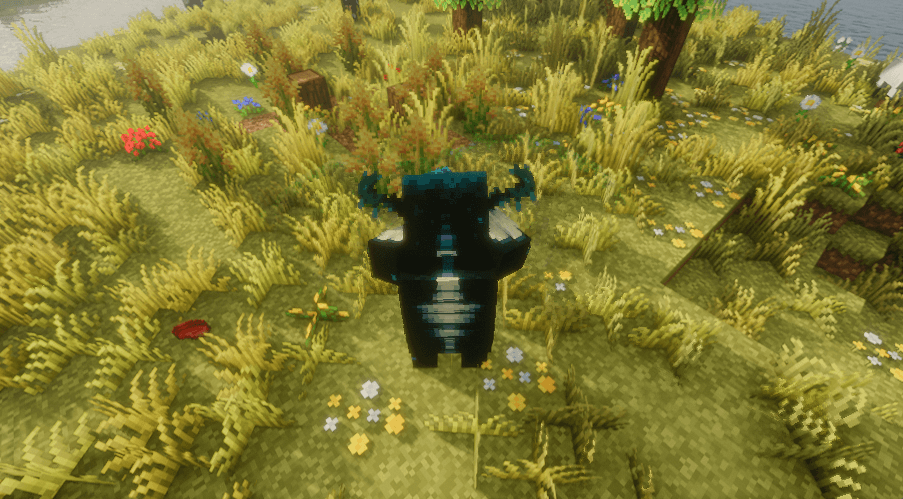 Screenshot 2025-12-25 224245.png Screenshot 2025-12-25 224245.png
 -
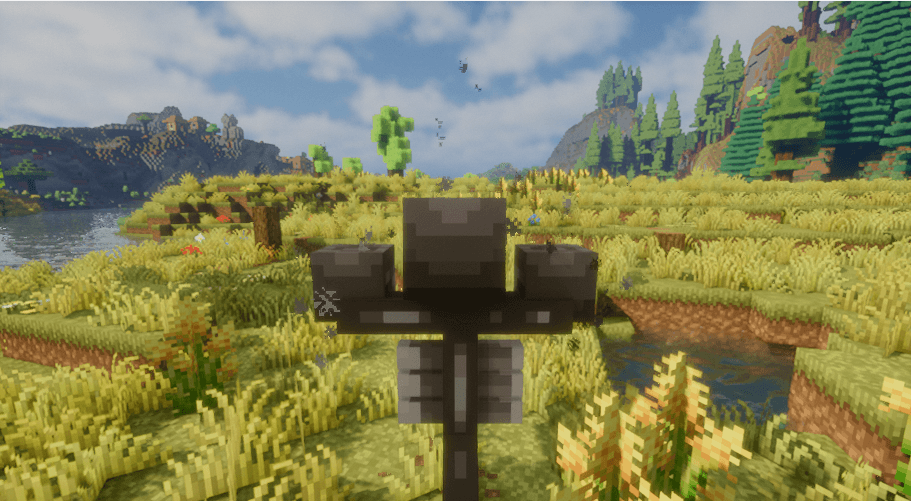 Screenshot 2025-12-25 224142.png Screenshot 2025-12-25 224142.png
 -
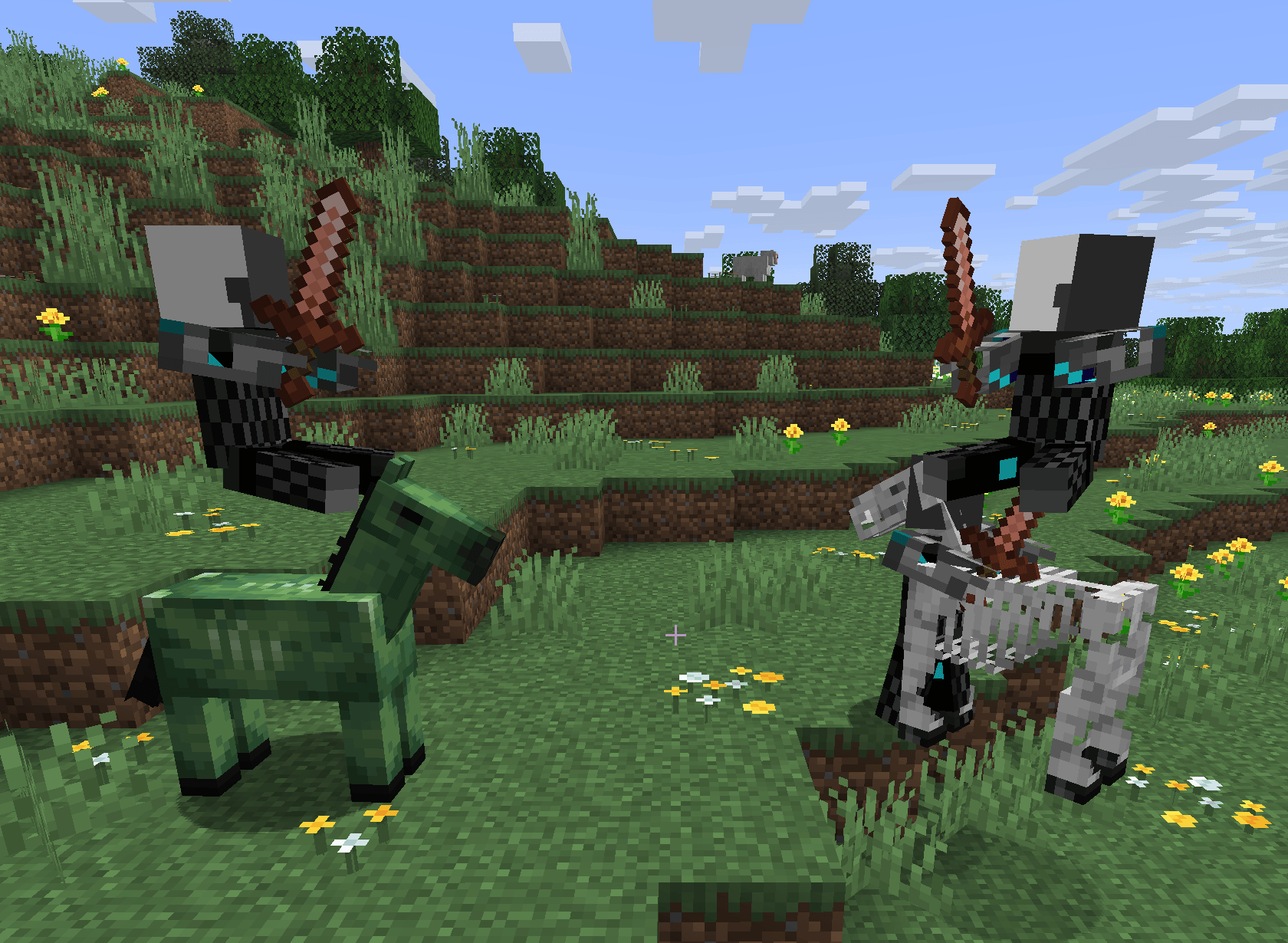 Screenshot 2025-12-25 182617.png Screenshot 2025-12-25 182617.png
 -
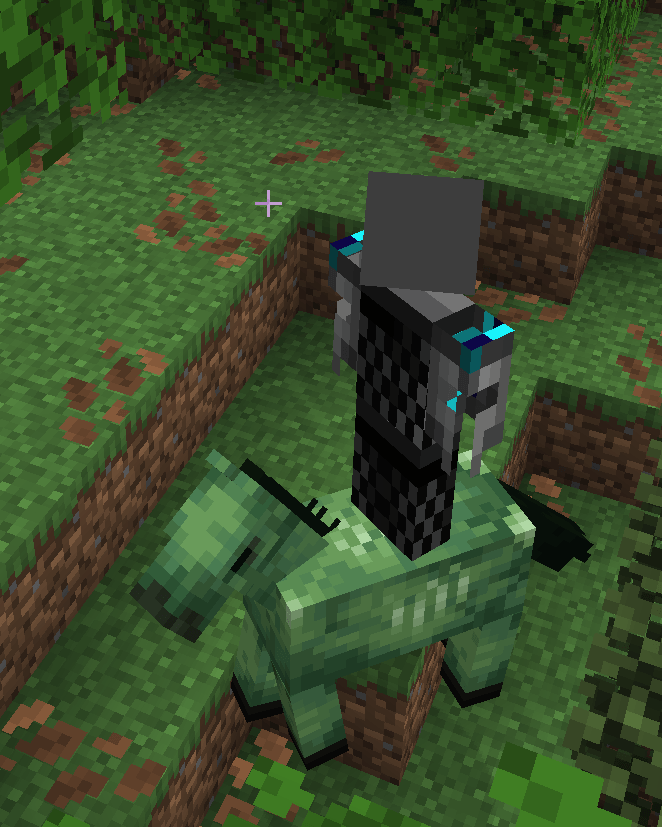 Screenshot 2025-12-25 181943.png Screenshot 2025-12-25 181943.png
-
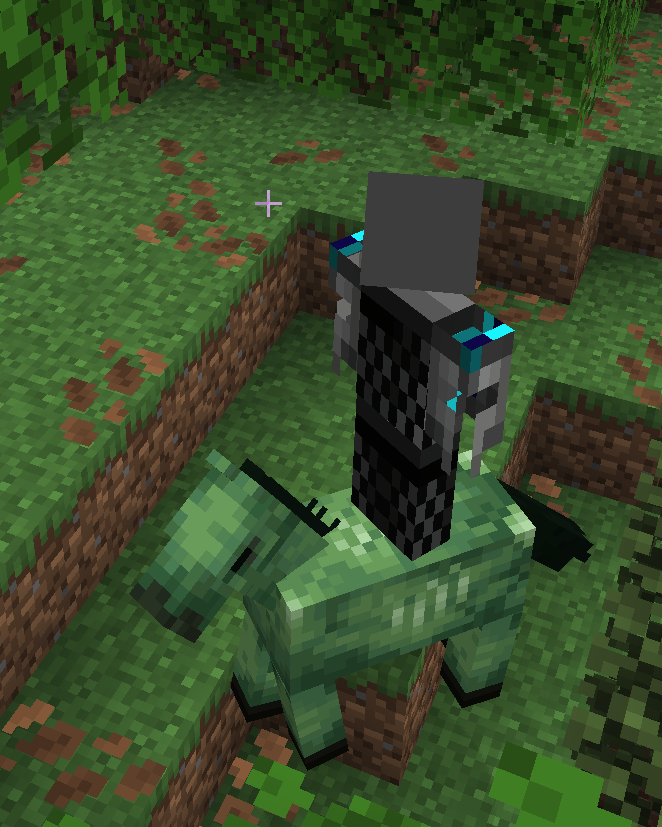 A Custom mob
 -
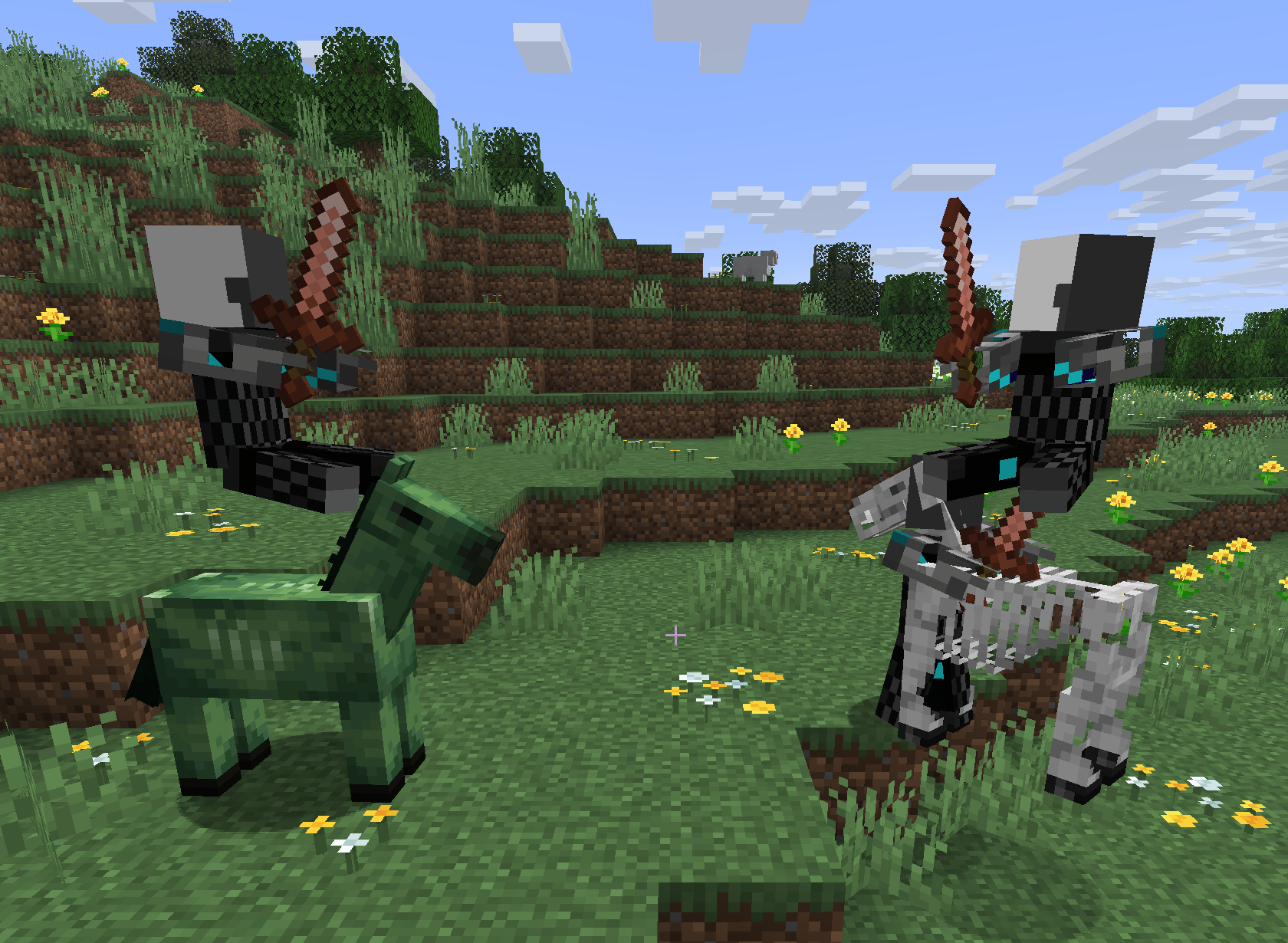 Two custom mobs fighting
 -
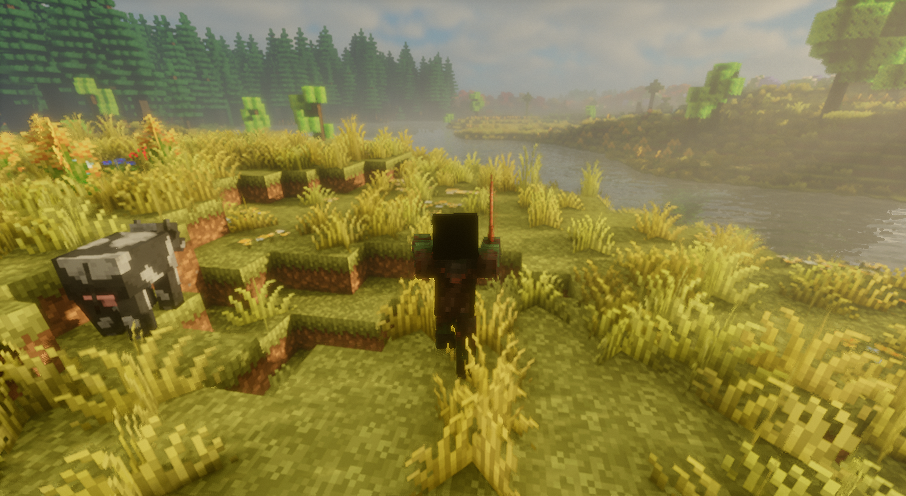 I am a stalker
 -
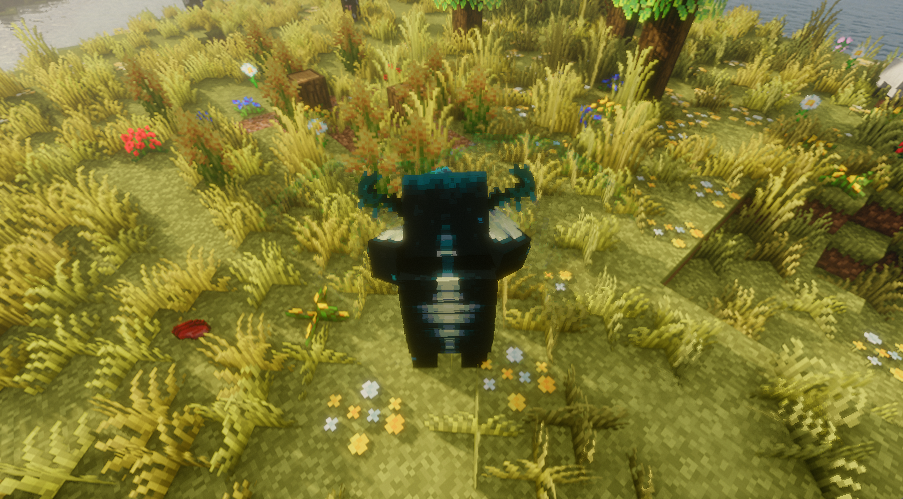 Beat up mobs by becoming a WARDEN!!
 -
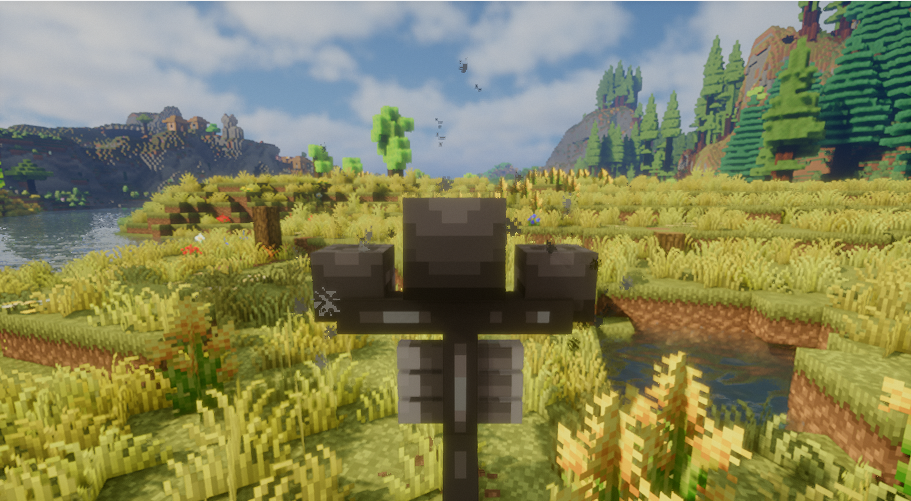 Blow up your friends with WITHER! Skull attack possible!!!
Versions
Files
Relations
Project Relations
More like this
Similar Mods
Suggestions use data such as tags, dependencies, dependents, descriptions, titles, and more to rank how much they overlap with this mod.
On ModDex
Community snapshot
By the numbers
Statistics
 (opens in a new tab)
Get it on
Available Platforms
On ModDex
Community snapshot
By the numbers