
Community listing page, reviews may not be monitored by the author.
Afterswing

No reviews yet
A client-side Minecraft mod adding highly customizable, animated weapon swing trails and pull-out animations. Compatible with Fabric & NeoForge.

Community voices
Reviews
No reviews yet. Be the first to review this project!
Get it on
Available Platforms
About
Project Details
For authors
Embed Badge
If you're the author of this project, you can embed a live badge anywhere that supports HTML or Markdown. It updates automatically whenever ratings change.
Use HTML for any page that supports it, or Markdown for README files and Markdown-based descriptions.
Identifiers
Platform IDs
Resources
External Links
About
Description
⚔️ Afterswing
✨ What's New in v1.4.0
- Animated Styles: Introduces brand-new animated styles like Flame, Void, Thunder, Frost, Sakura, and Ink, complete with custom outlines, motions, and color wheels.
- Gradients & Dark Modes: Build fluid color stops and gradients, and enable sleek dark modes featuring ghost highlights.
- Idle Particle Effects: Let your weapons emit beautiful, subtle ambient particles while held in your hand.
- Impact & Draw Flourishes: Experience stunning hit and critical spark bursts when striking targets, alongside a clean trail flourish when drawing your weapon.
🛠️ Core Features
- Dynamic Swing Trails: Customize shapes, colors, opacity, and length that auto-match your tools.
- Expanded Combat Mod Support: Works seamlessly out of the box with Better Combat, Epic Fight, and Simply Swords.
- In-Game Configuration: Tweak your settings live in-game using the intuitive /afterswing configuration menu.
- Modern Version & Loader Support: Built for modern Minecraft versions 26.3, 26.2, 1.21.11, and 1.21.1, across both Fabric and NeoForge mod loaders.
- Shader & Performance Friendly: Optimized for high-FPS gameplay alongside Sodium, Iris, and heavy shader packs with dedicated dark-layer support.
🌐 Server & Multiplayer Ready
- Afterswing is 100% client-side, meaning it only needs to be installed on your game client so you can join and use it on any vanilla or modded multiplayer server.
💬 Community & Support
- Discord Community: Have questions, want to report a bug, suggest a feature, or share custom presets? Join our Discord Server.
- Support the Project: Back development on Ko-fi to support future updates and community goals!
Screenshots
Gallery
-
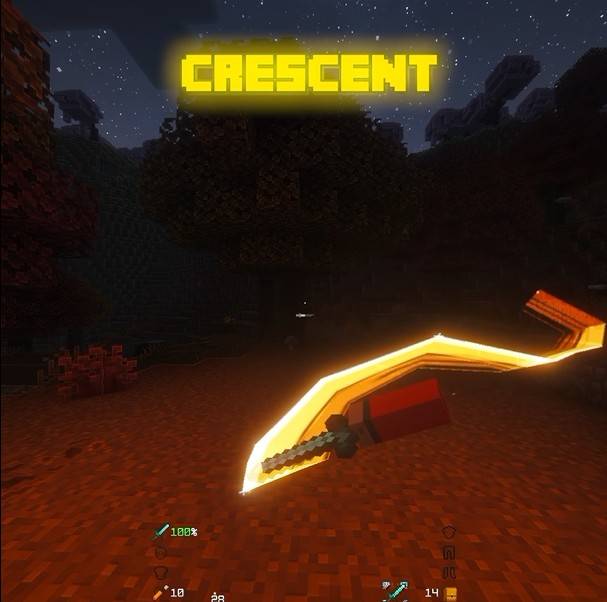 crescent.jpg crescent.jpg
 -
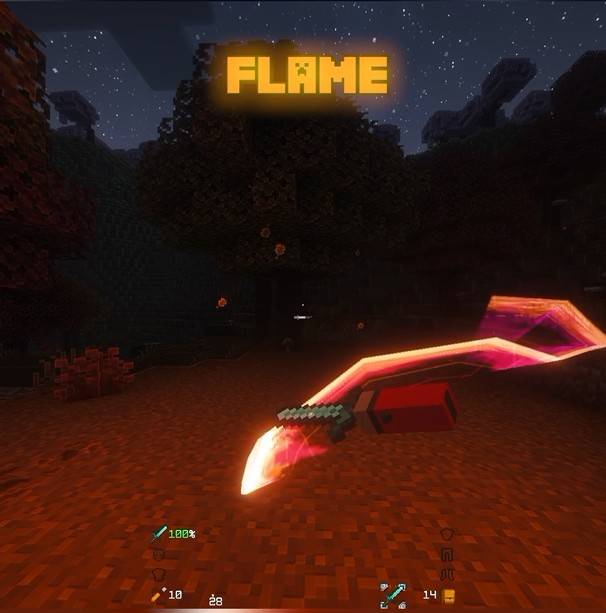 flame.jpg flame.jpg
 -
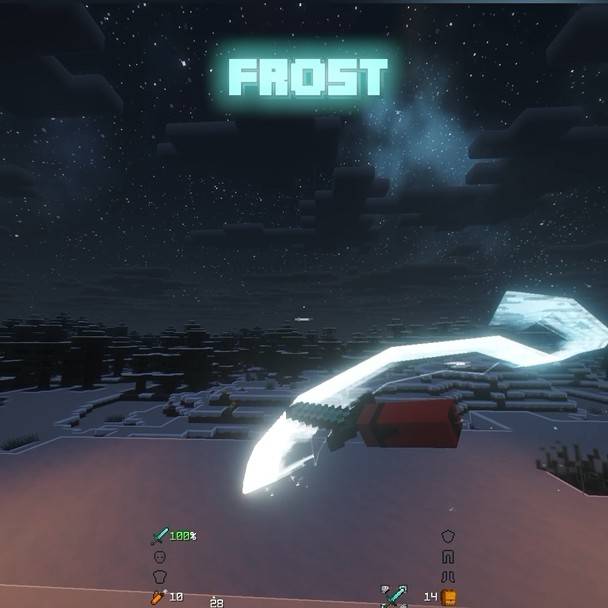 frost.jpg frost.jpg
 -
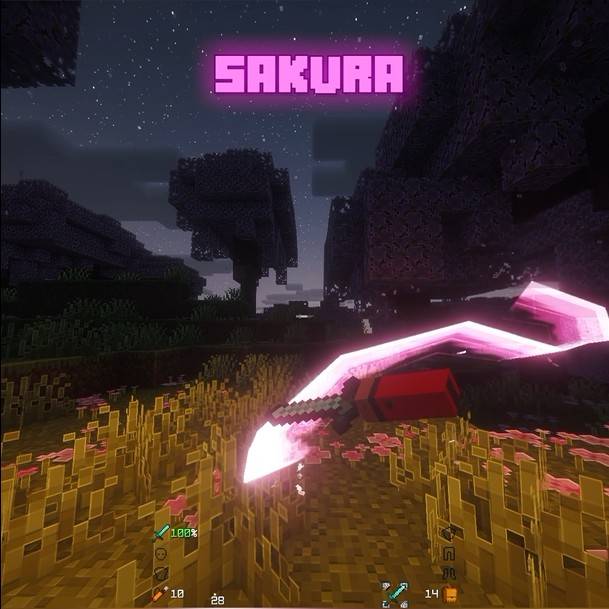 sakura.jpg sakura.jpg
 -
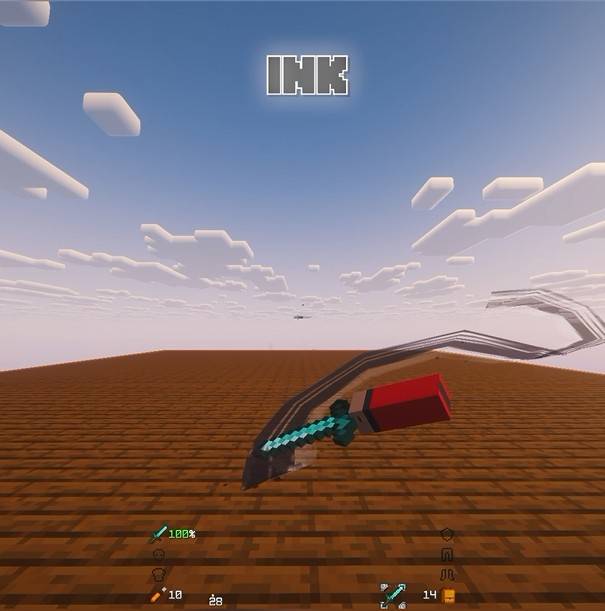 ink.jpg ink.jpg
 -
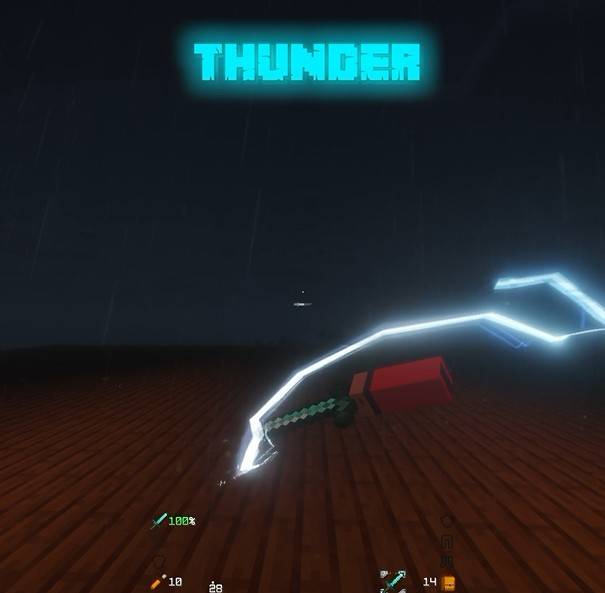 thunder.jpg thunder.jpg
 -
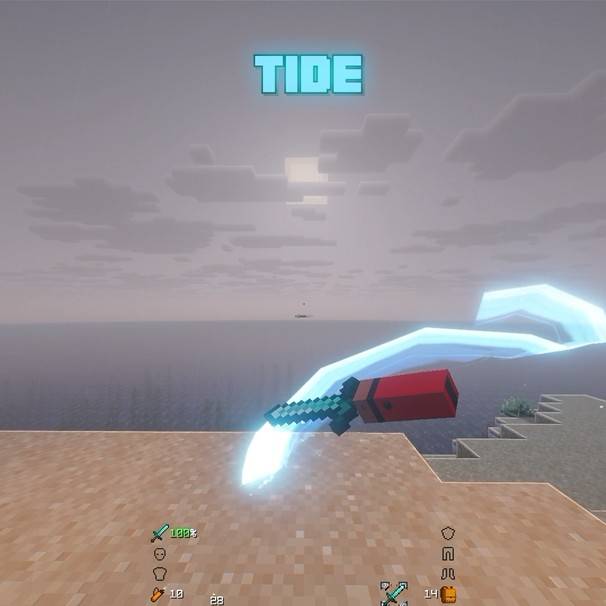 tide.jpg tide.jpg
 -
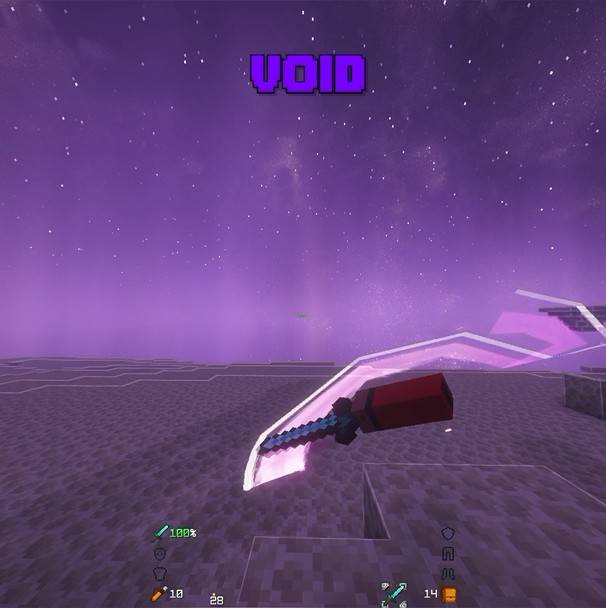 void.jpg void.jpg
Versions
Files
Relations
Project Relations
More like this
Similar Mods
Suggestions use data such as tags, dependencies, dependents, descriptions, titles, and more to rank how much they overlap with this mod.
On ModDex
Community snapshot
By the numbers
Statistics

Get it on
Available Platforms
On ModDex
Community snapshot
By the numbers
Statistics
Resources