
Community listing page, reviews here may not be monitored by the author.
Ambient HUD


No reviews yet
Replaces Minecraft's HUD with a minimal, context-sensitive interface that shows only what you need, when you need it.
Community voices
Reviews
No reviews yet. Be the first to review this project!
Get it on
Available Platforms
Compatibility
Supported Environments
Must be installed on both the client and the server.
About
Project Details
For authors
Embed Badge
If you're the author of this project, you can embed a live badge anywhere that supports HTML or Markdown. It updates automatically whenever ratings change.
Use HTML for any page that supports it, or Markdown for README files and Markdown-based descriptions.
Identifiers
Platform IDs
Resources
External Links
About
Description
Ambient HUD - a rework of Minecraft's default interface. If you're willing to trade some familiar information for a cleaner, more immersive experience- this mod is for you.
Currently in beta. Questions, suggestions, or found a bug? Join our Discord.
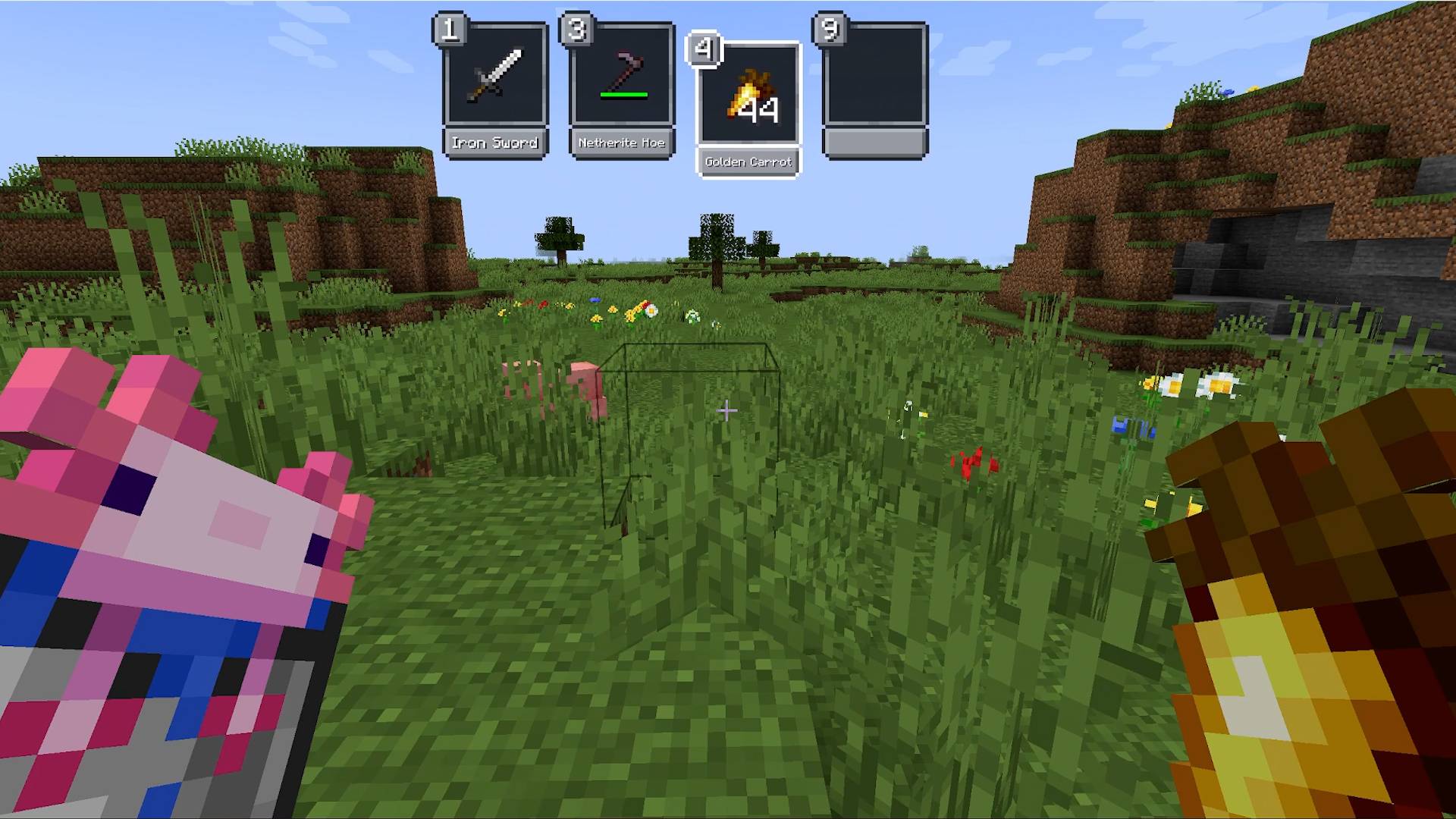
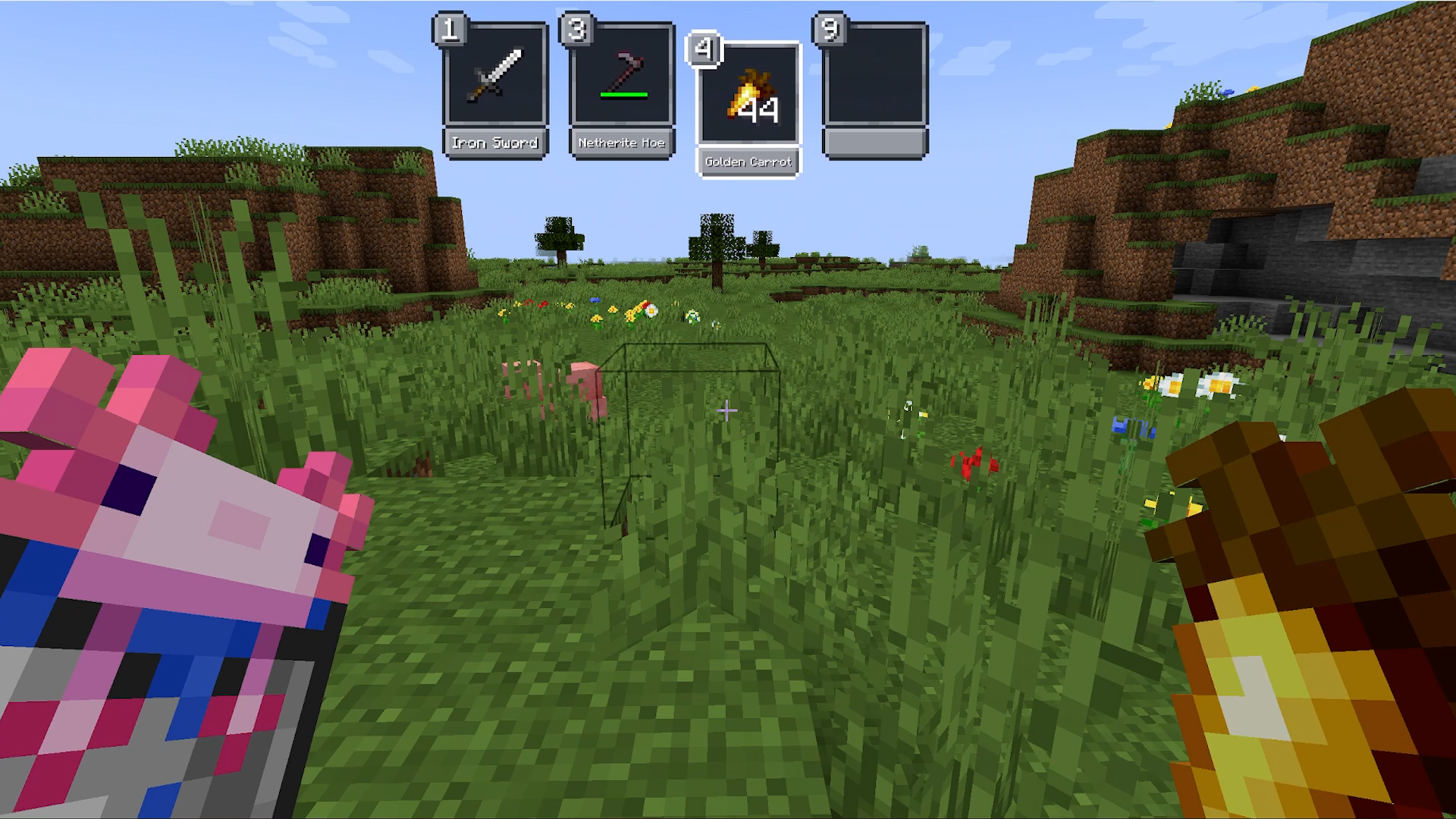
New Hotbar Appears only when you interact with it: scrolling or pressing a hotkey. Can be positioned on the left, right, or top of the screen. By default hides all slots except one empty slot for easier scrolling - any slot is still reachable with its hotkey.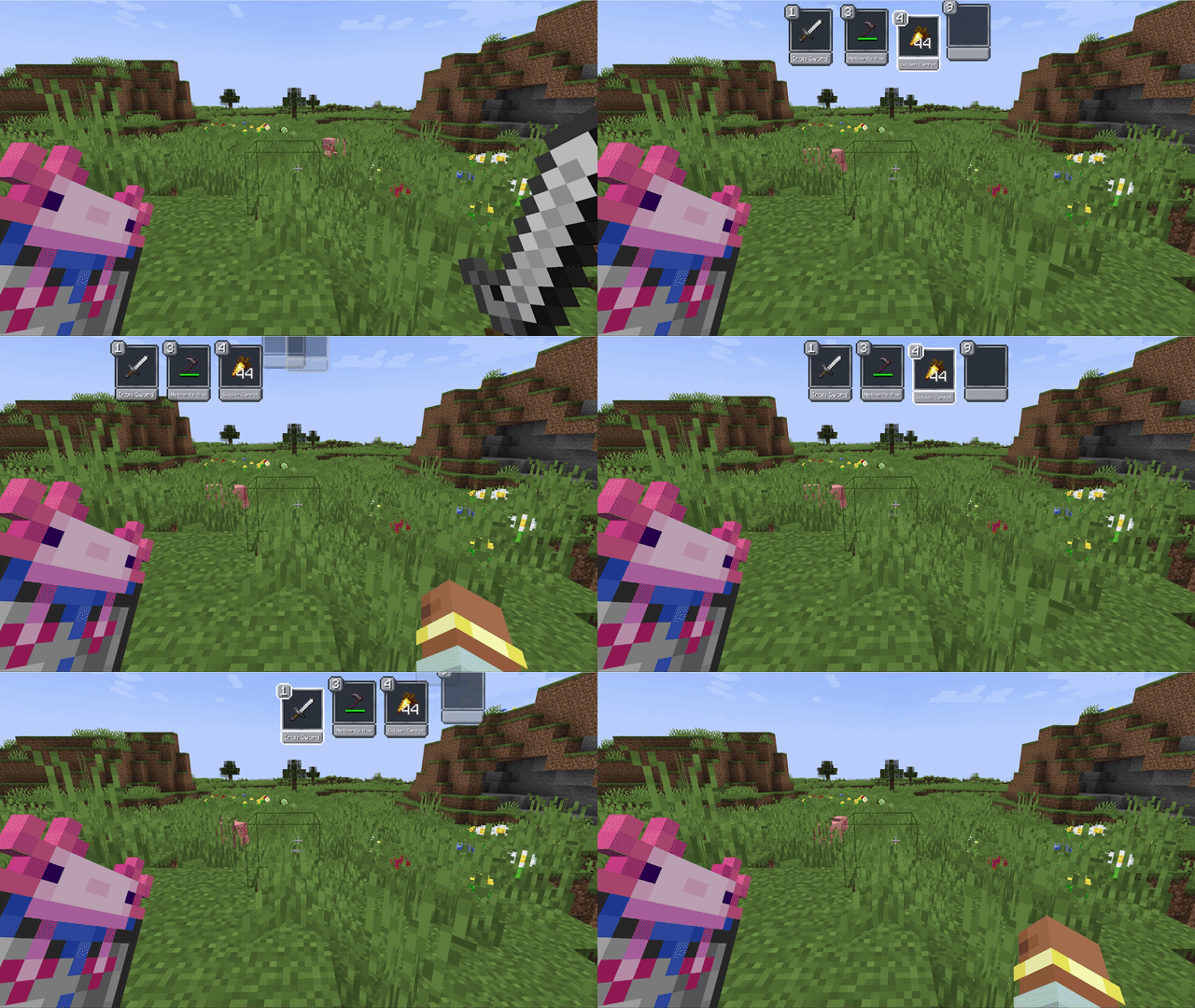
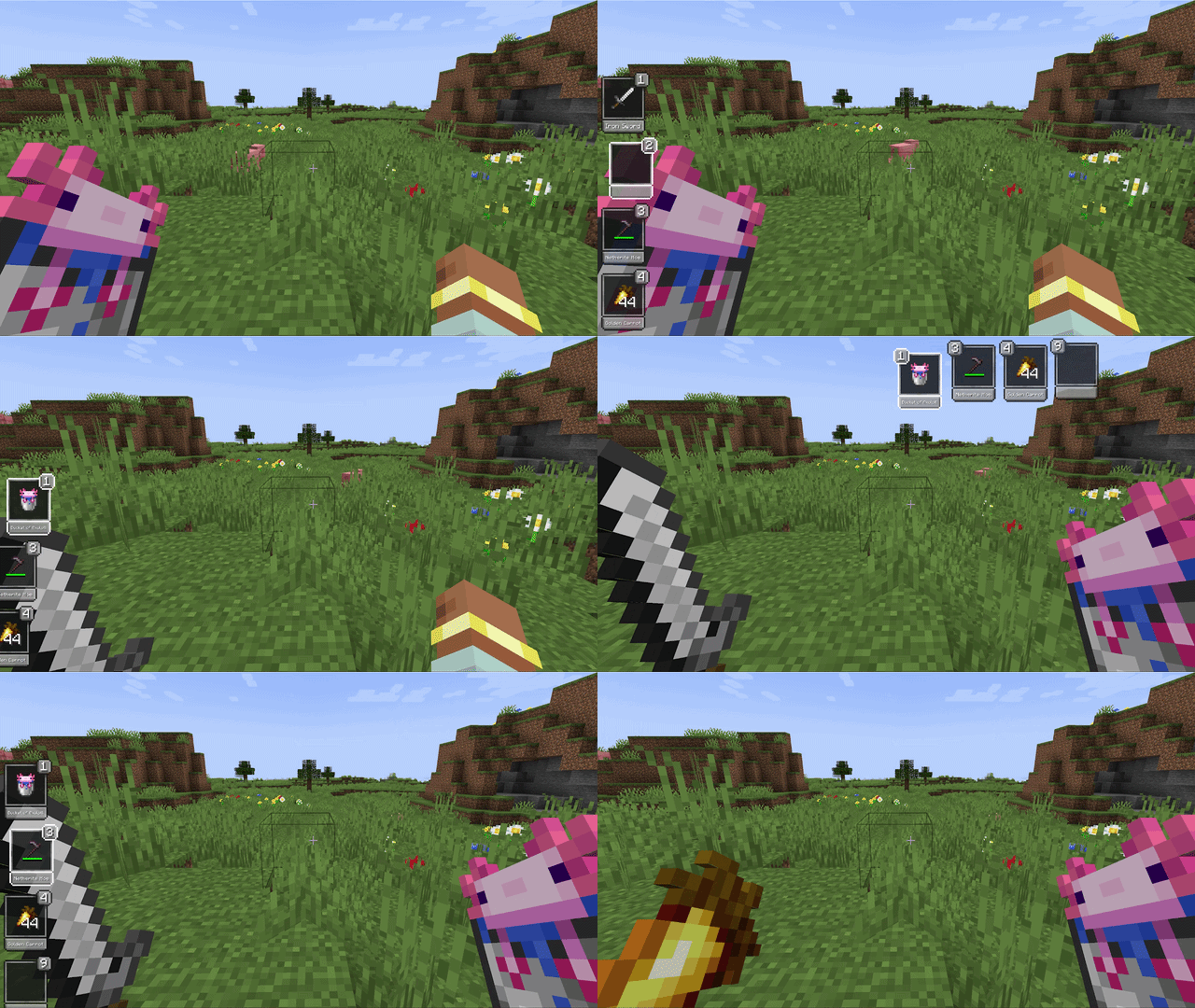
Offhand Holding the offhand key brings up the hotbar and lets you move any item directly into the offhand slot - no extra scrolling needed.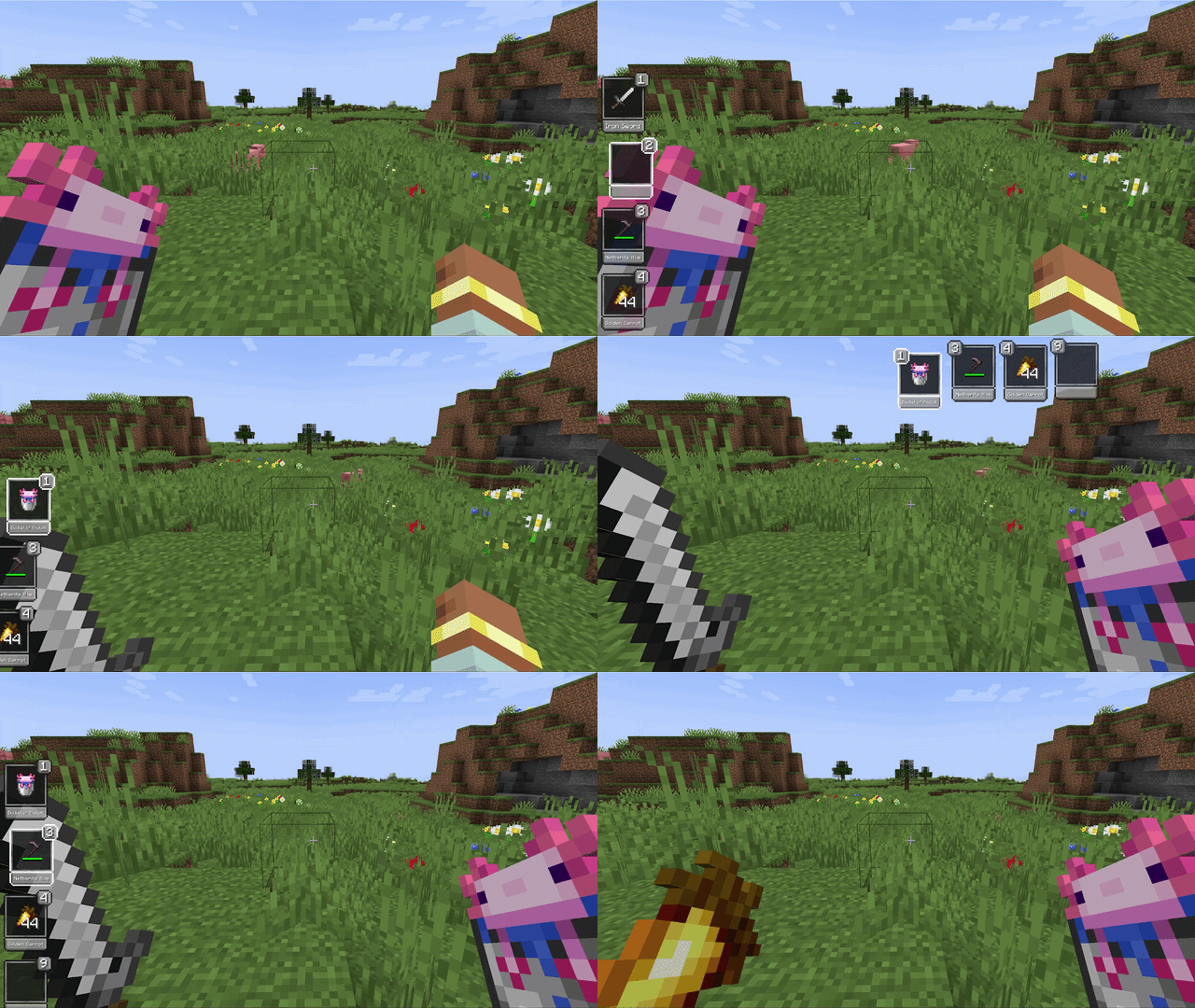
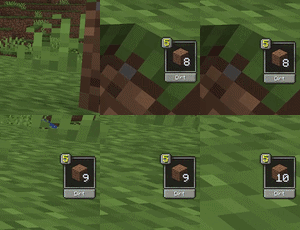
Pickup Notifications When you pick up an item, the slot it landed in gets highlighted - or a notification appears if it went into your inventory.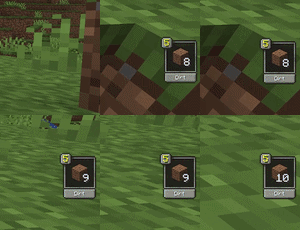
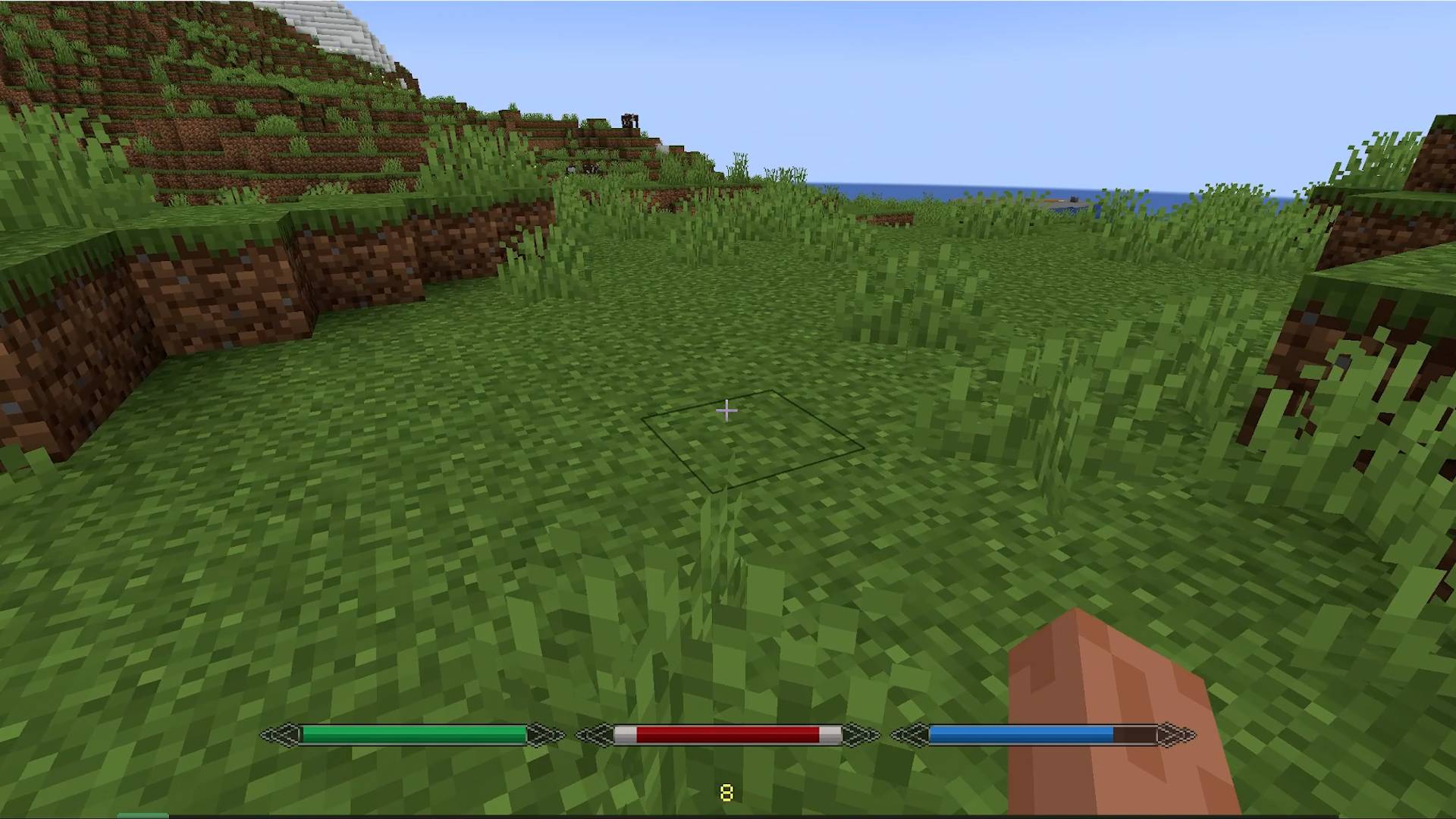
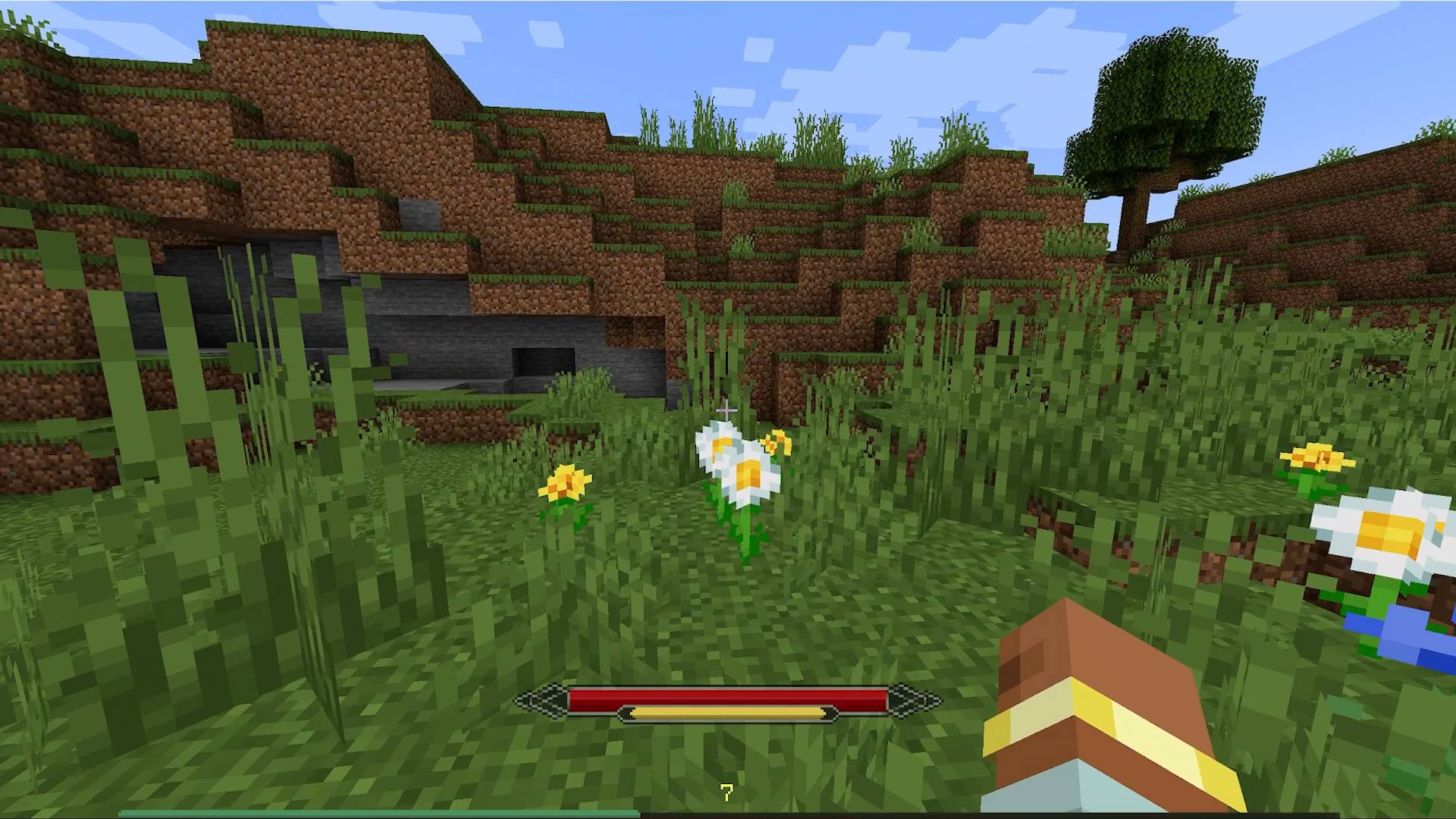
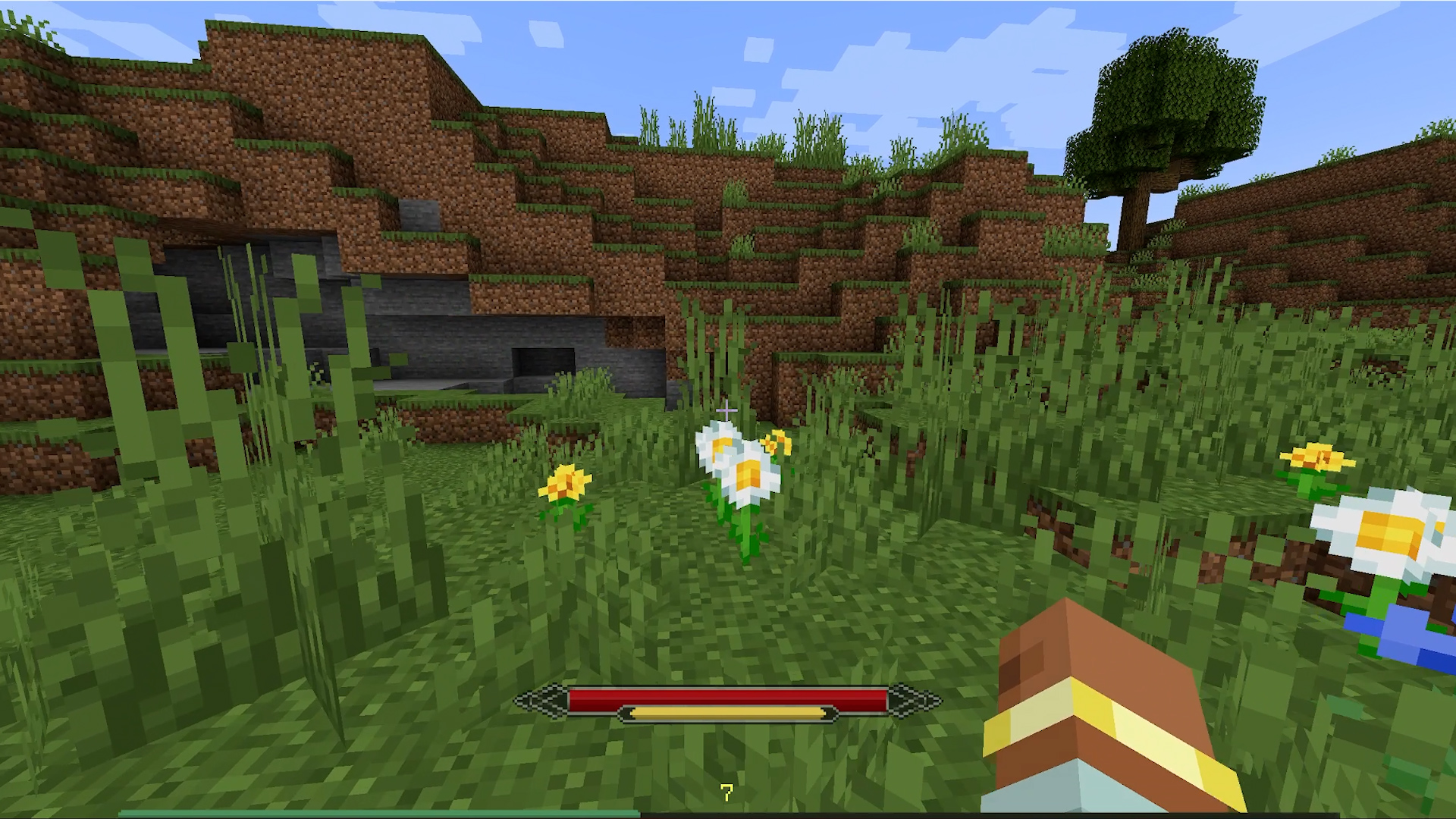
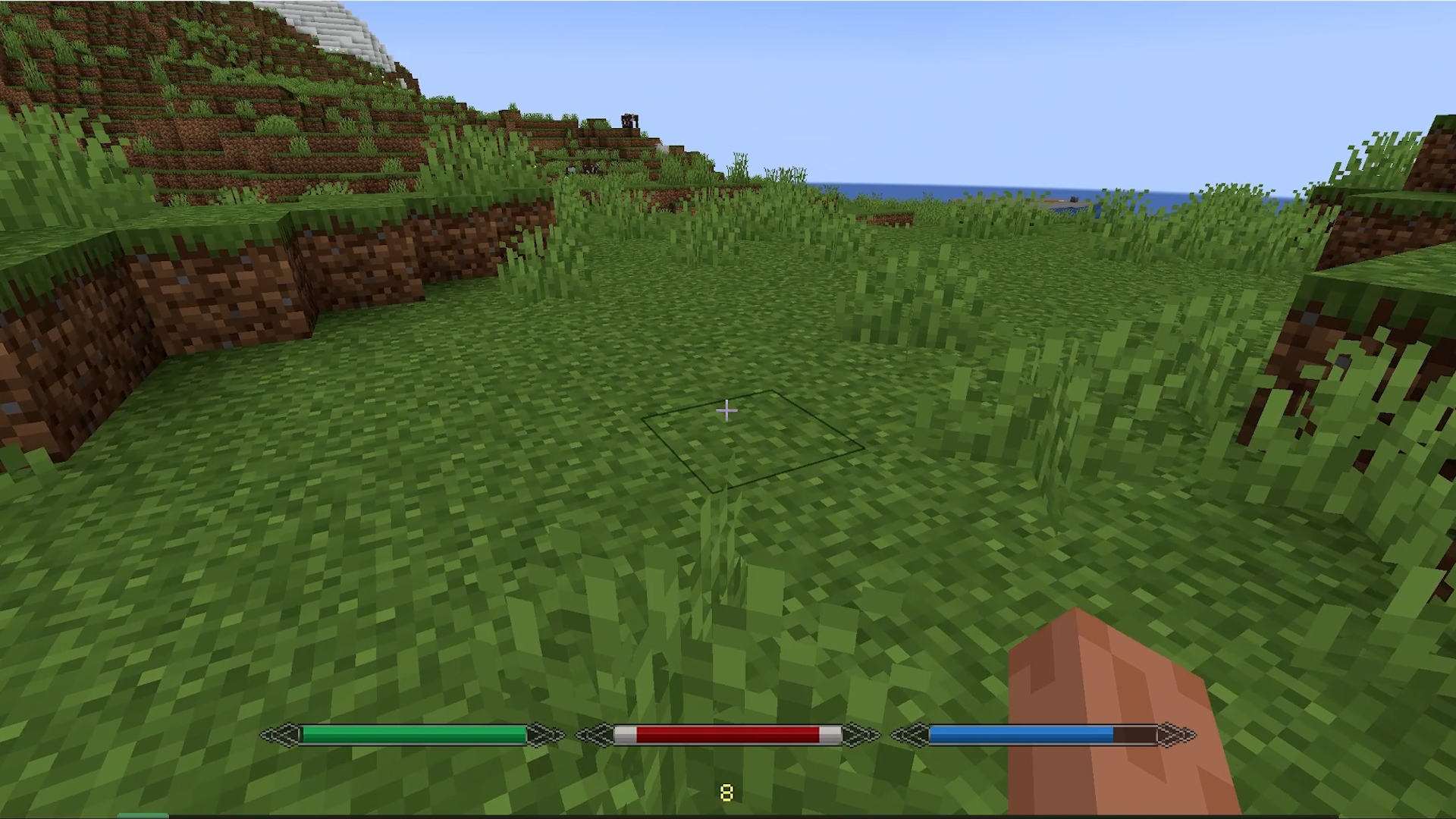
Core Indicators Health, hunger, and air only show when they're not full. The XP bar is always visible by default.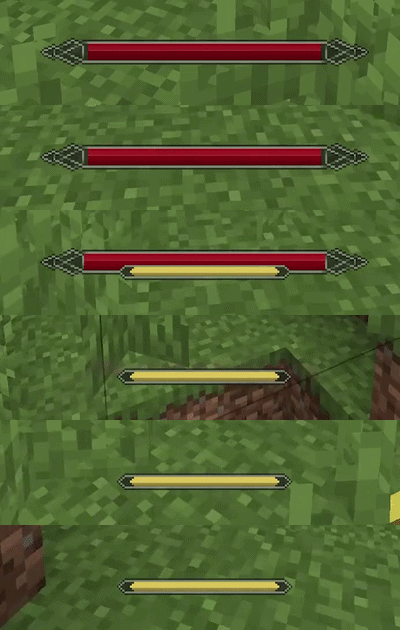
Boss Bar Optionally suppresses pickup notifications during boss fights. Picks up the color of the vanilla boss bar.
Optional Indicators Mana and stamina work only when a compatible mod is installed and are detected automatically. The source mod can also be set manually if needed.
Integrations
- Irons Spells & Spellbooks - mana (disable the original mana bar in its config)
- Ars Nouveau - mana (the original bar can be pushed offscreen)
- Epic Fight - stamina (original stamina bar is hidden automatically)
- Parcool - stamina (original stamina bar is hidden automatically
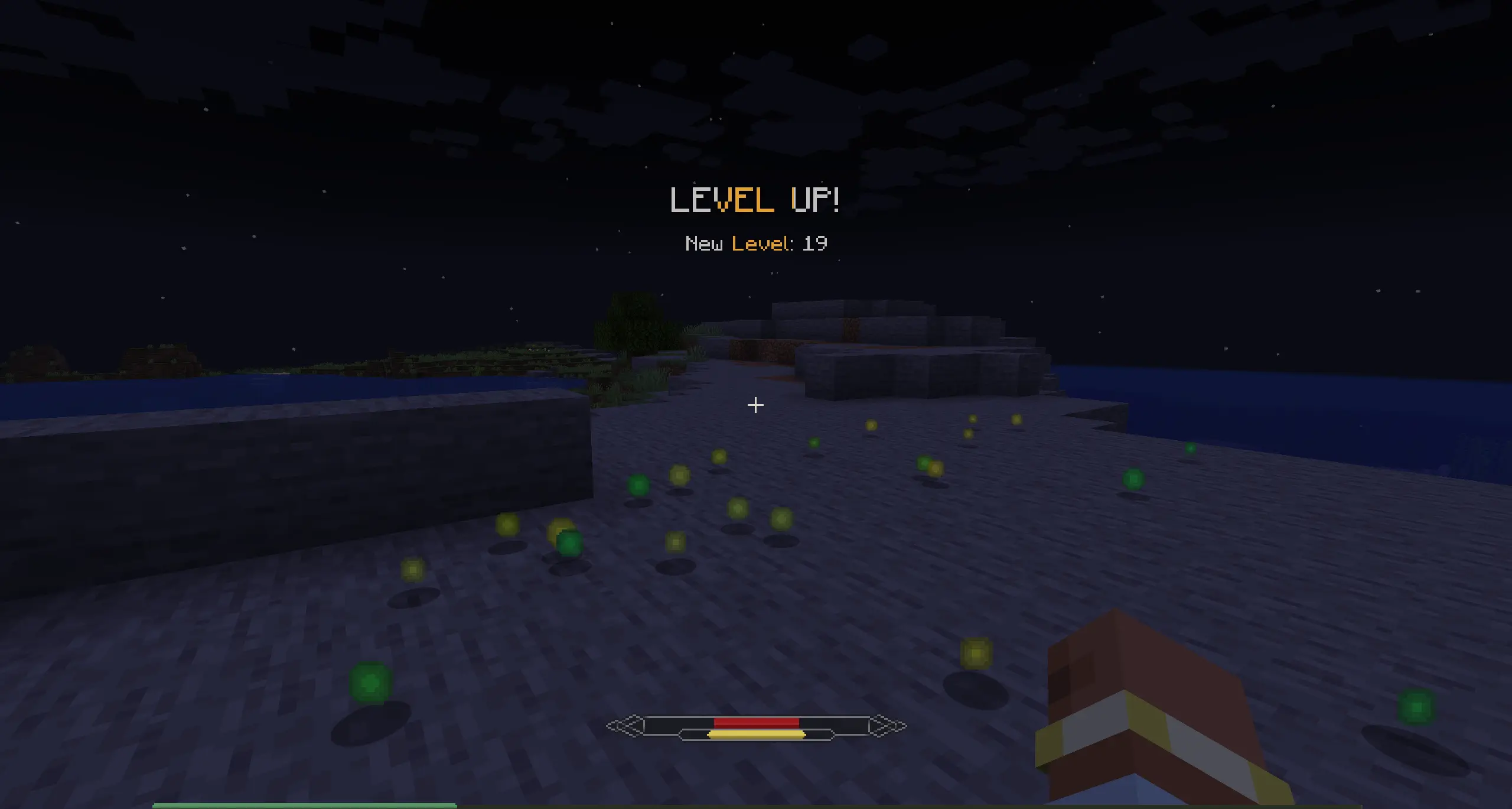
level up notification
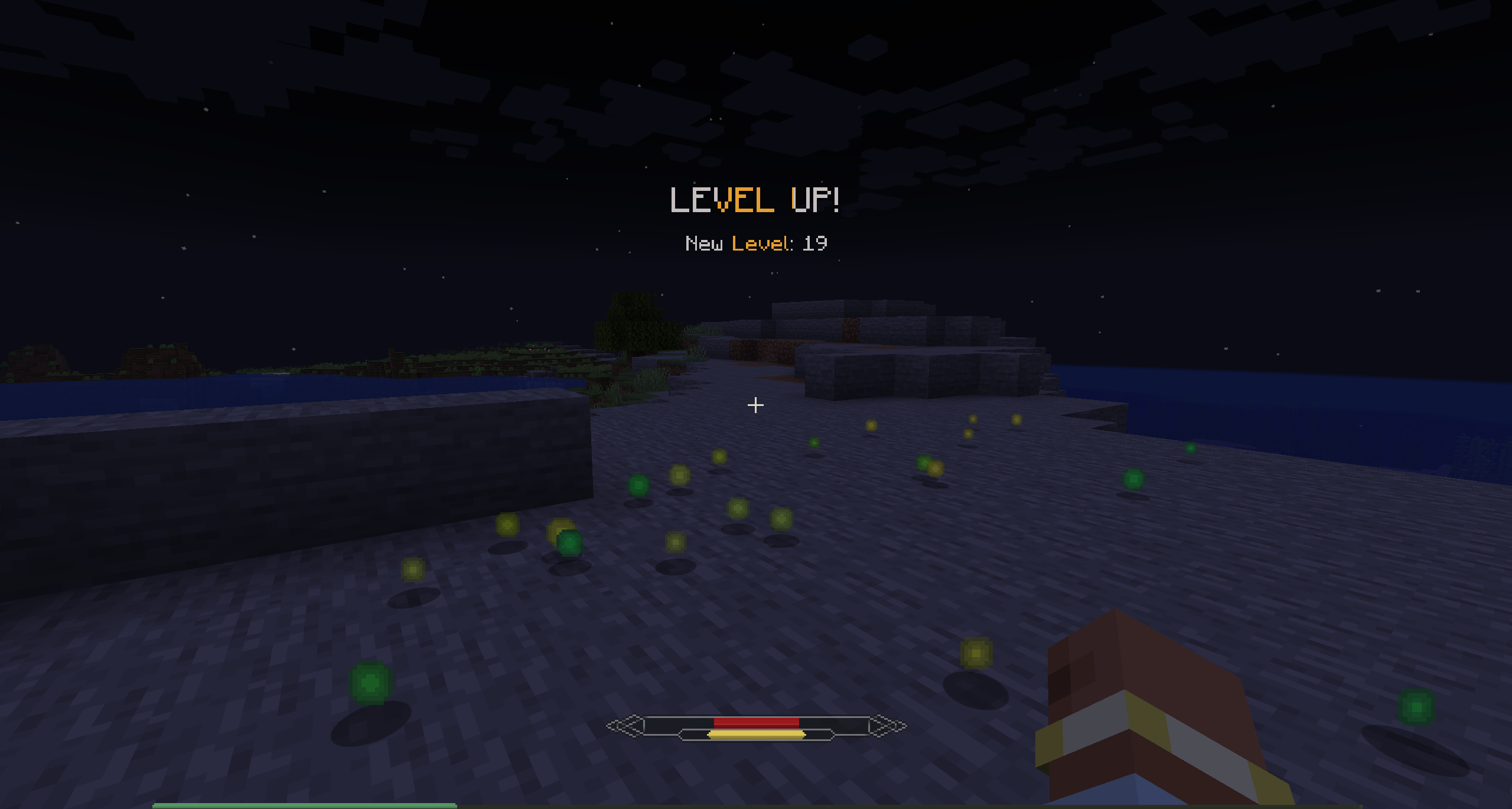
The level is hidden by default, and when you level up, you'll see a toast like in RPG games.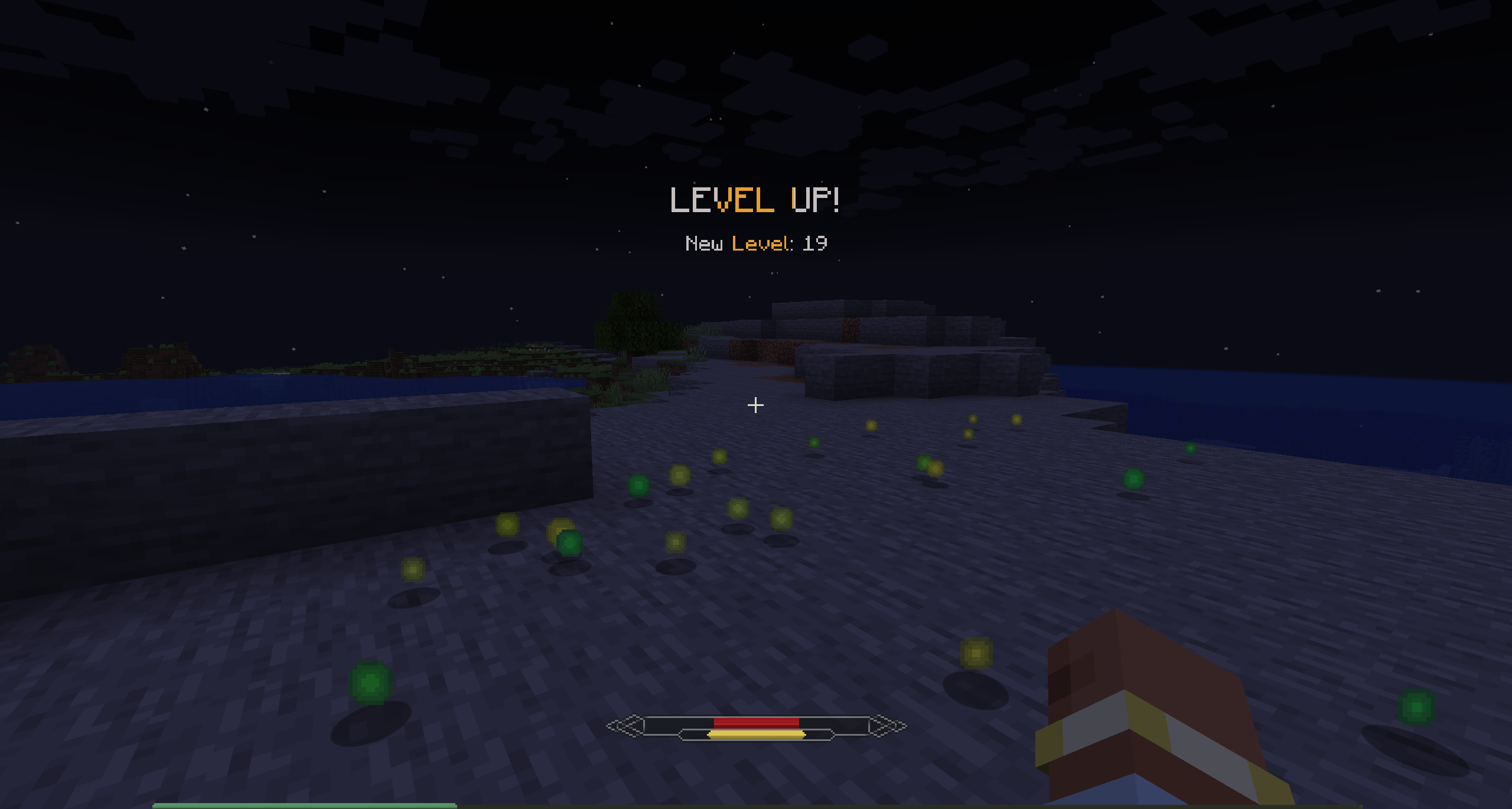
Configuration
All elements of Ambient HUD can be disabled to restore their vanilla counterparts.
Ambient HUD - a rework of Minecraft's default interface.
If you're willing to trade some familiar information for a cleaner, more immersive experience- this mod is for you.
New Hotbar Appears only when you interact with it: scrolling or pressing a hotkey. Can be positioned on the left, right, or top of the screen. By default hides all slots except one empty slot for easier scrolling - any slot is still reachable with its hotkey.
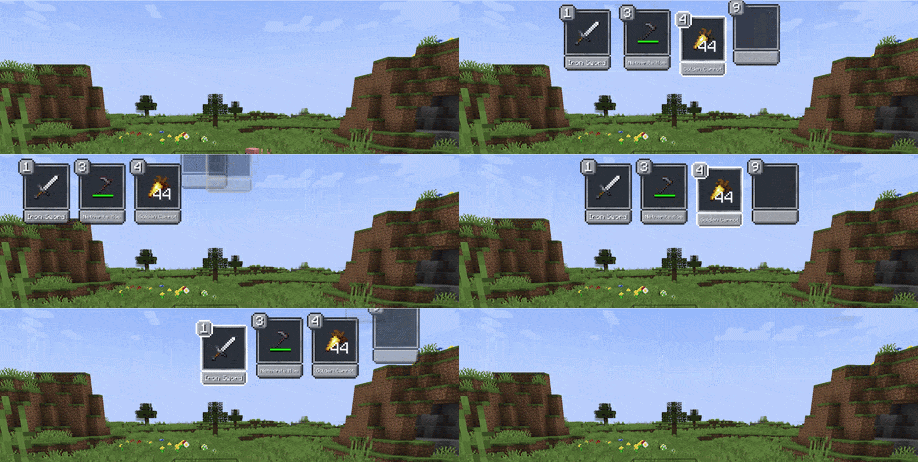
Offhand
Holding the offhand key brings up the hotbar and lets you move any item directly into the offhand slot - no extra scrolling needed.
Pickup Notifications
When you pick up an item, the slot it landed in gets highlighted - or a notification appears if it went into your inventory.
Core Indicators
Health, hunger, and air only show when they're not full. The XP bar is always visible by default.
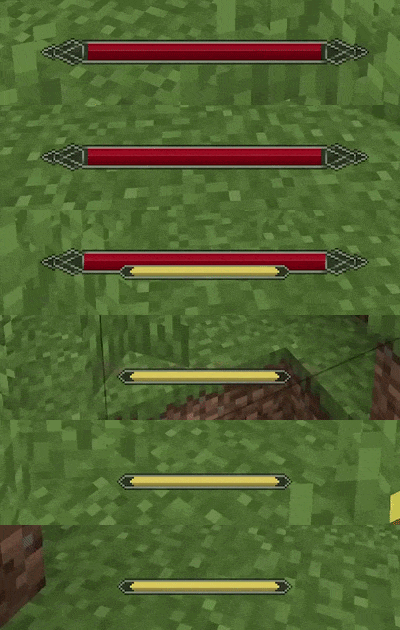
Boss Bar Optionally suppresses pickup notifications during boss fights. Picks up the color of the vanilla boss bar.
Optional Indicators
Mana and stamina work only when a compatible mod is installed and are detected automatically. The source mod can also be set manually if needed.

Integrations
- Irons Spells & Spellbooks - mana (disable the original mana bar in its config)
- Ars Nouveau - mana (the original bar can be pushed offscreen)
- Epic Fight - stamina (original stamina bar is hidden automatically)
- Parcool - stamina (original stamina bar is~~~~ hidden automatically
level up notification
The level is hidden by default, and when you level up, you'll see a toast like in RPG games.
Configuration All elements of Ambient HUD can be disabled to restore their vanilla counterparts.
Screenshots
Gallery
-
2026-05-28_11.18.39.png 2026-05-28_11.18.39.png
-
 001.jpg 001.jpg
 -
 002.jpg 002.jpg
 -
 003.jpg 003.jpg
Versions
Files
Relations
Project Relations
More like this
Similar Mods
Suggestions use data such as tags, dependencies, dependents, descriptions, titles, and more to rank how much they overlap with this mod.
On ModDex
Community snapshot
By the numbers
Statistics
Want to reach Minecraft players?
We're looking for a server hosting partner to feature here and other parts of the site. Interested? Send us a message!
Get in touchGet it on
Available Platforms
On ModDex
Community snapshot
By the numbers
Statistics
Resources