
Community listing page, reviews here may not be monitored by the author.


Community voices
Reviews
No reviews yet. Be the first to review this project!
Get it on
Available Platforms
Compatibility
Supported Environments
Runs entirely on the client. Works on vanilla servers.
About
Project Details
For authors
Embed Badge
If you're the author of this project, you can embed a live badge anywhere that supports HTML or Markdown. It updates automatically whenever ratings change.
Use HTML for any page that supports it, or Markdown for README files and Markdown-based descriptions.
Identifiers
Platform IDs
About
Description
AnkiCraft
Client-side Minecraft mod that lets you review Anki cards while you play.
AnkiCraft connects to AnkiConnect and automatically shows cards on a HUD in-game.
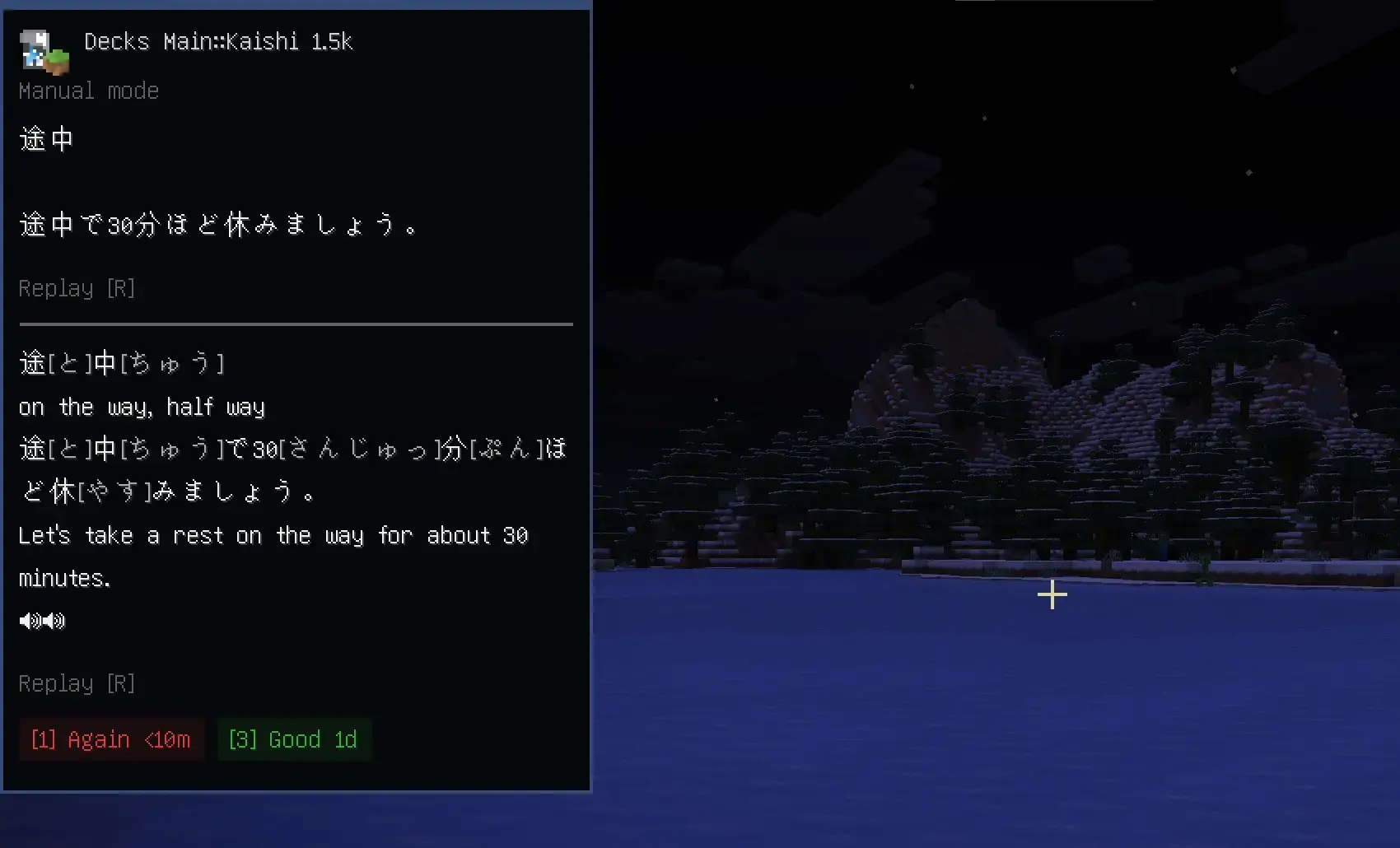
!!DISCLAIMER!!
I only really tested this with my Japanese decks, I can't be sure there isn't formatting issues with other types of decks
Requirements
- Fabric Loader
- Fabric API
- Anki + AnkiConnect
- Mod Menu for settings (optional)
Setup
- Install Anki + AnkiConnect
- Open the deck you want to study in anki
- Launch Minecraft with AnkiCraft installed
- Open
Mod Menu > AnkiCraft - Refresh decks and pick the deck you want to study
Current Limitations
- Card images are not supported yet
- Does not fully match Anki CSS/styling
Planned Stuff
- Buffs and penalties tied to review results
- Server side reward support
- UI art
- Localization
- Draggable ui elements
Screenshots
Gallery
-
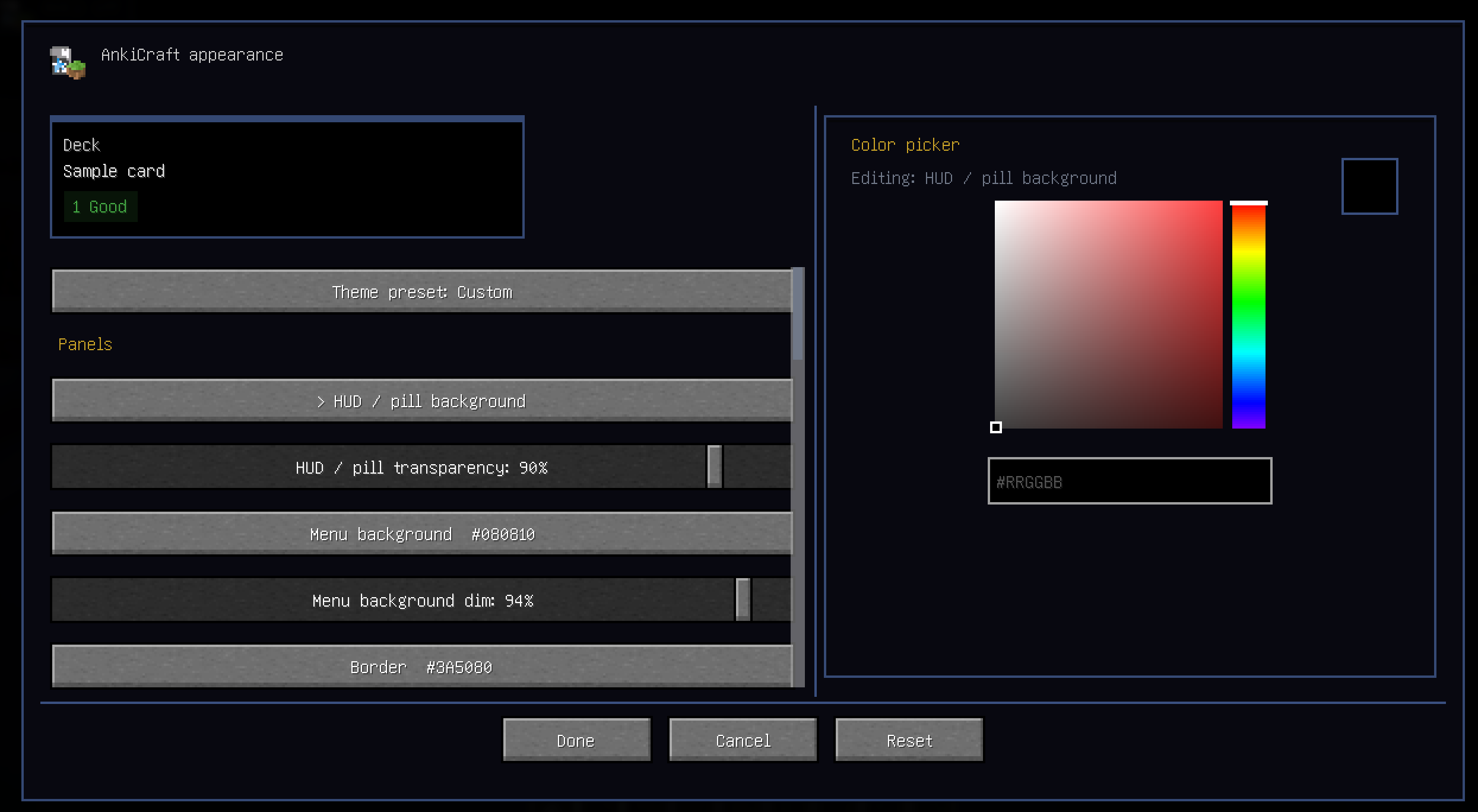 Appearance Menu via Mod Menu
 -
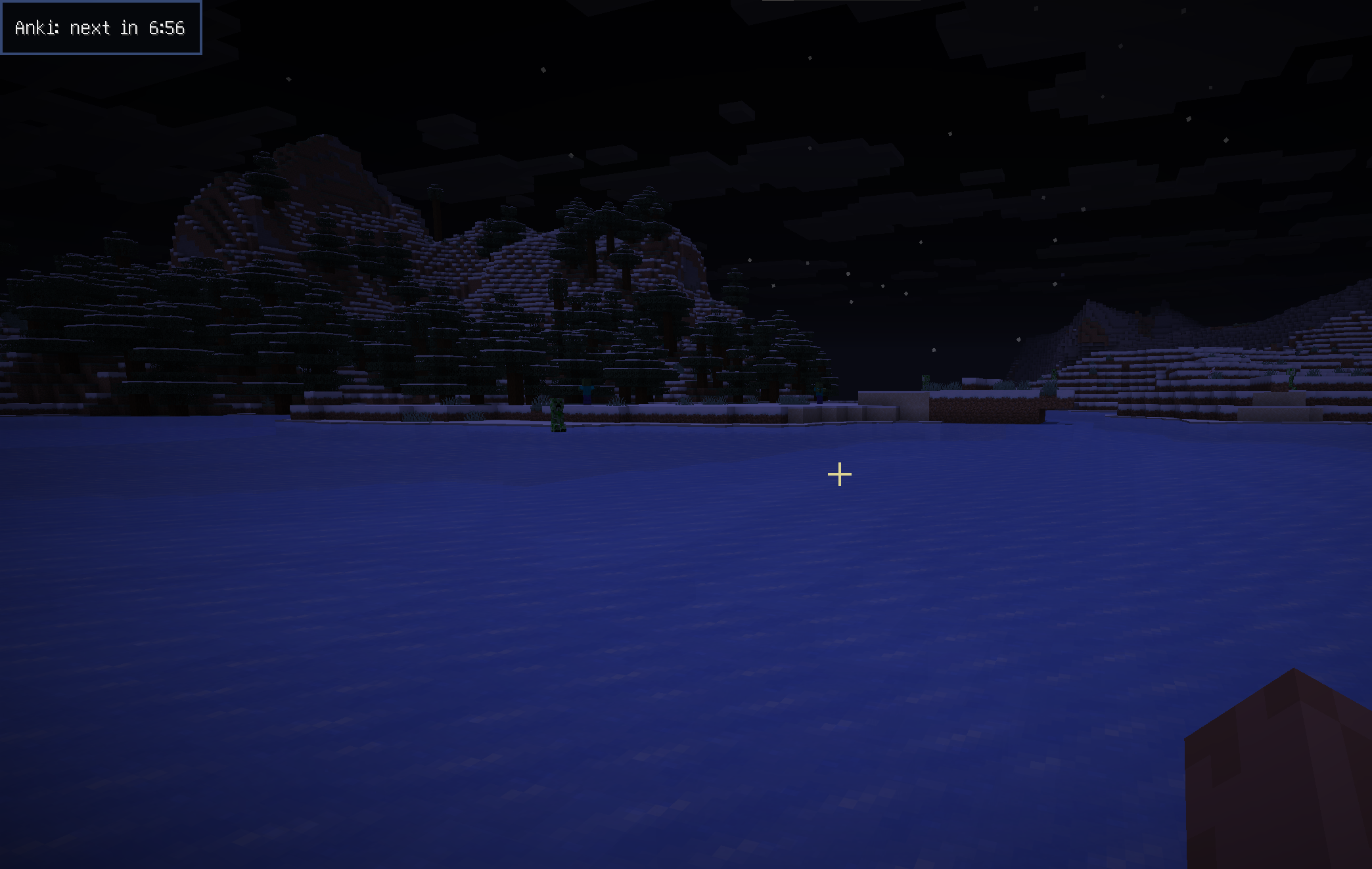 Corner indicator
 -
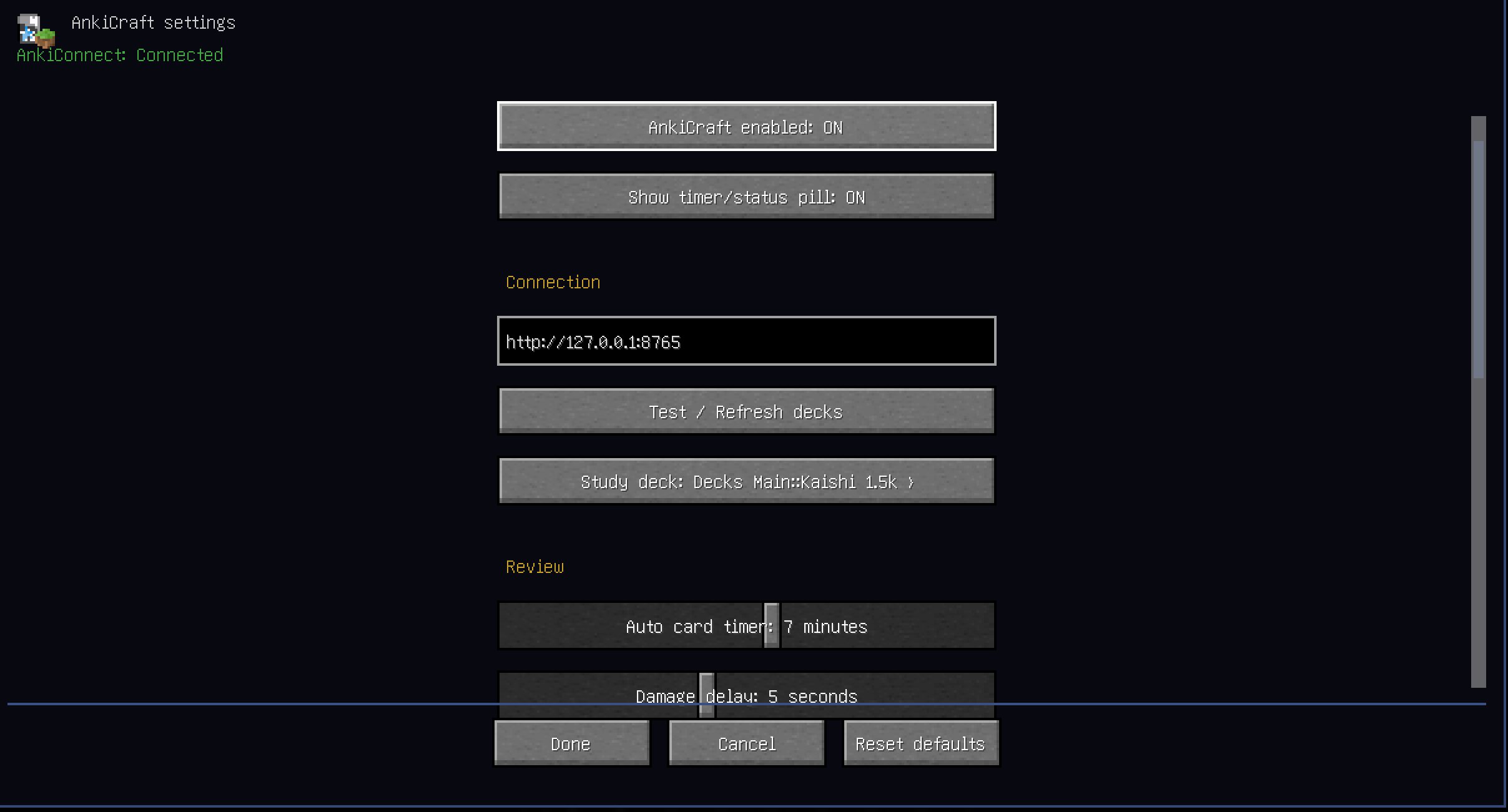 Settings Menu via Mod Menu
 -
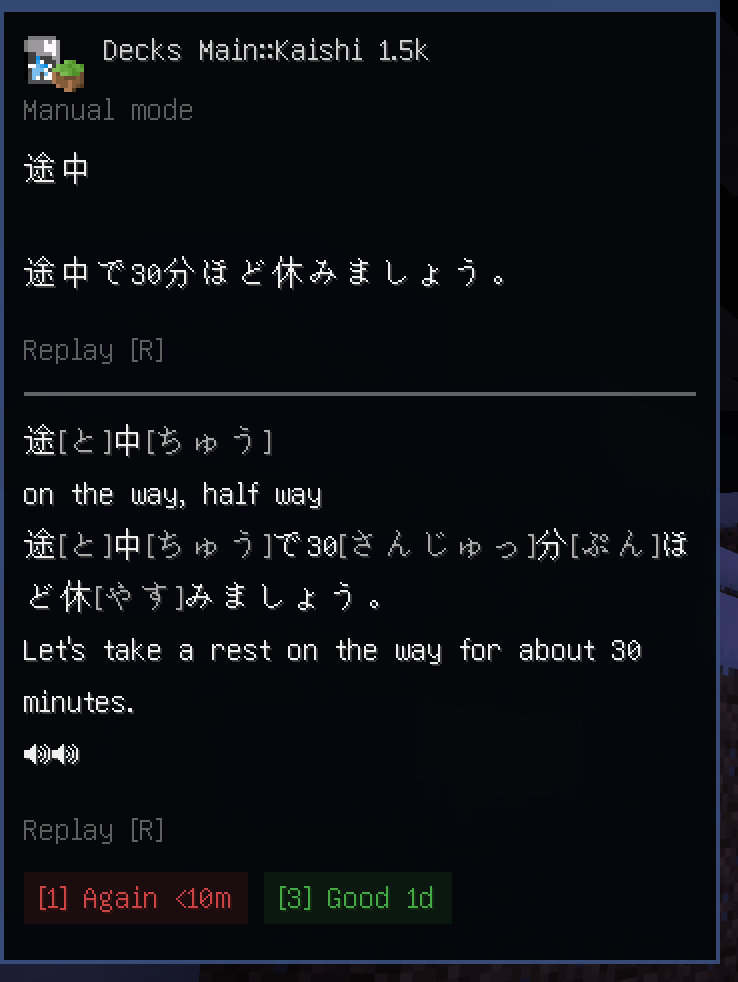 Corner card view
 -
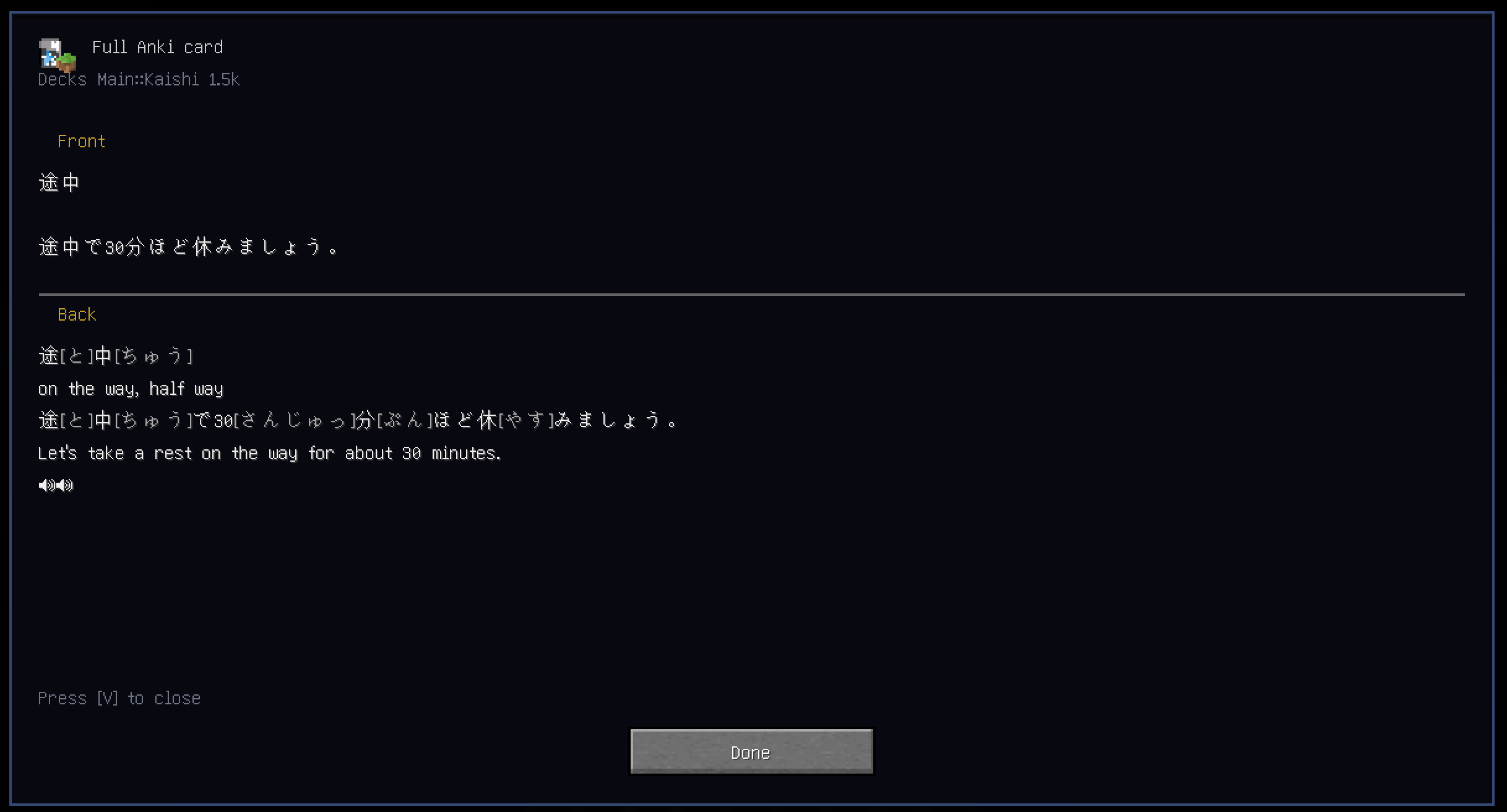 Full card view
Versions
Files
Relations
Project Relations
More like this
Similar Mods
Suggestions use data such as tags, dependencies, dependents, descriptions, titles, and more to rank how much they overlap with this mod.
On ModDex
Community snapshot
By the numbers
Statistics

 (opens in a new tab)
Get it on
Available Platforms
On ModDex
Community snapshot
By the numbers