
Community listing page, reviews may not be monitored by the author.
Arcadia Spawn Dimension

No reviews yet
Arcadia Spawn is a lightweight, optimized NeoForge mod dedicated to creating the perfect server lobby or hub dimension.

Community voices
Reviews
No reviews yet. Be the first to review this project!
Get it on
Available Platforms
About
Project Details
For authors
Embed Badge
If you're the author of this project, you can embed a live badge anywhere that supports HTML or Markdown. It updates automatically whenever ratings change.
Use HTML for any page that supports it, or Markdown for README files and Markdown-based descriptions.
Identifiers
Platform IDs
Resources
External Links
About
Description
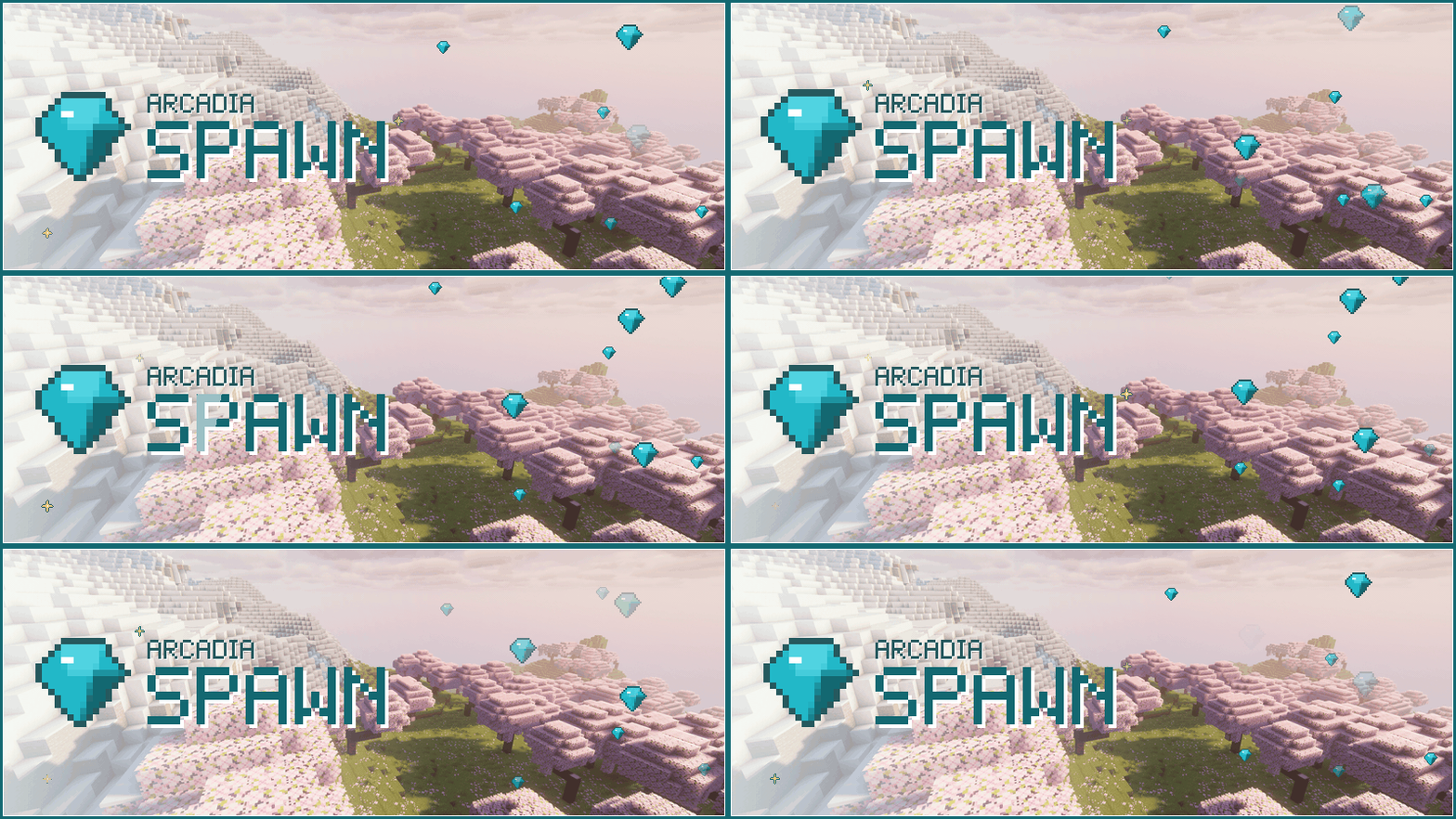


Arcadia Spawn gives a server its front door: spawn dimension, lobby menu of warps, safe random teleport and themed tab list, set up in game.
Type /lobby, pick a place, you are there.

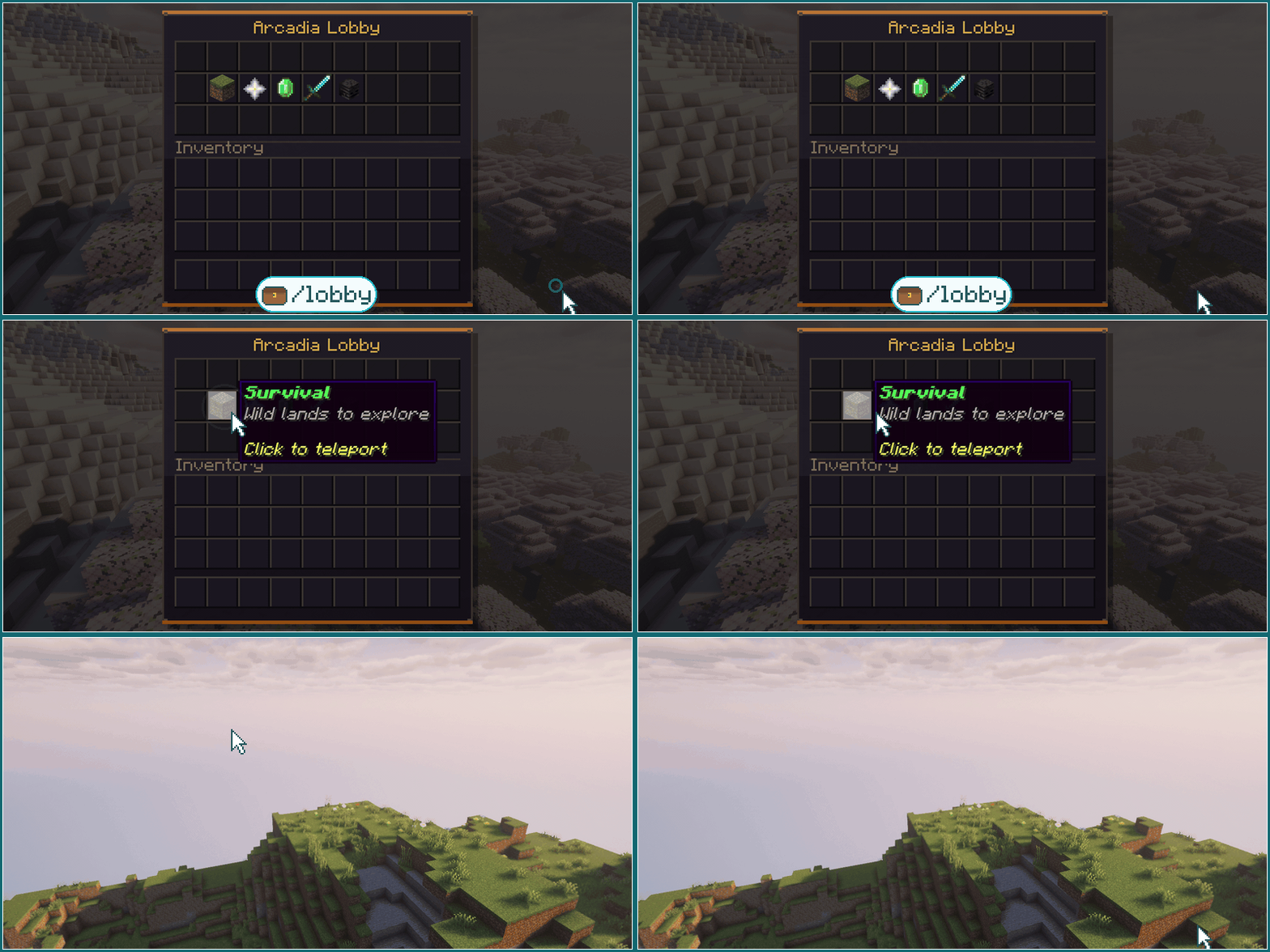
 Lobby menu:
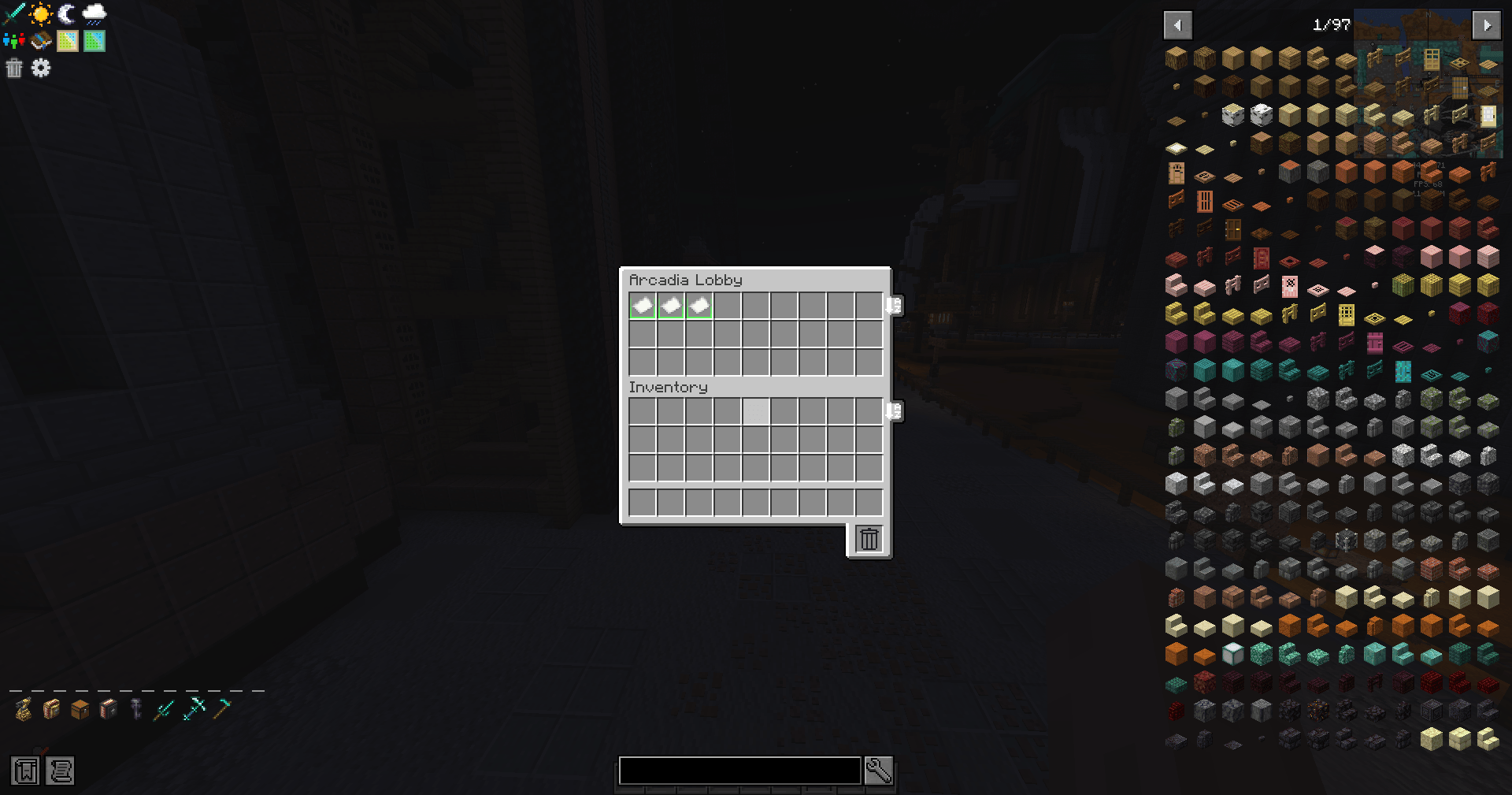
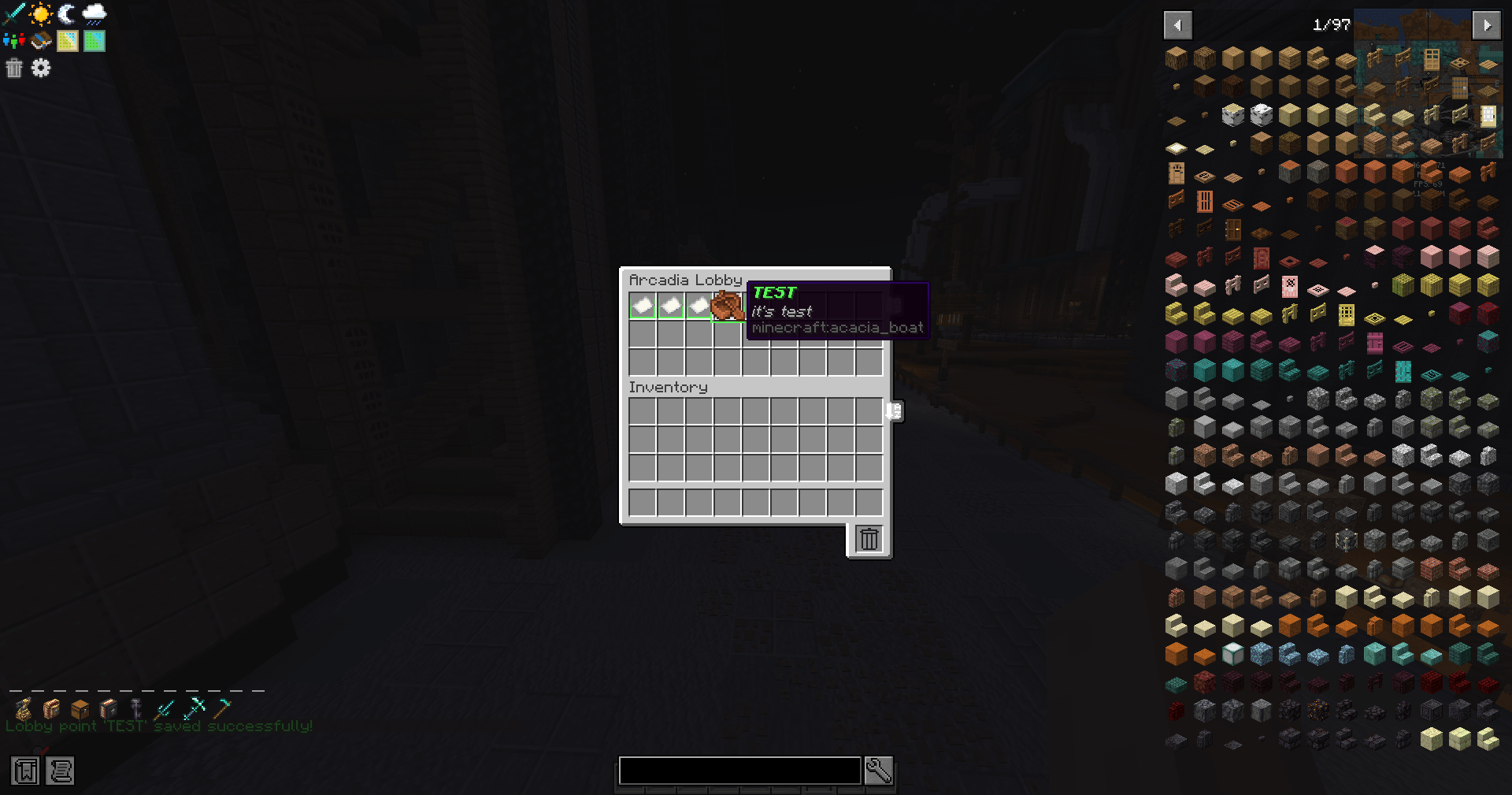
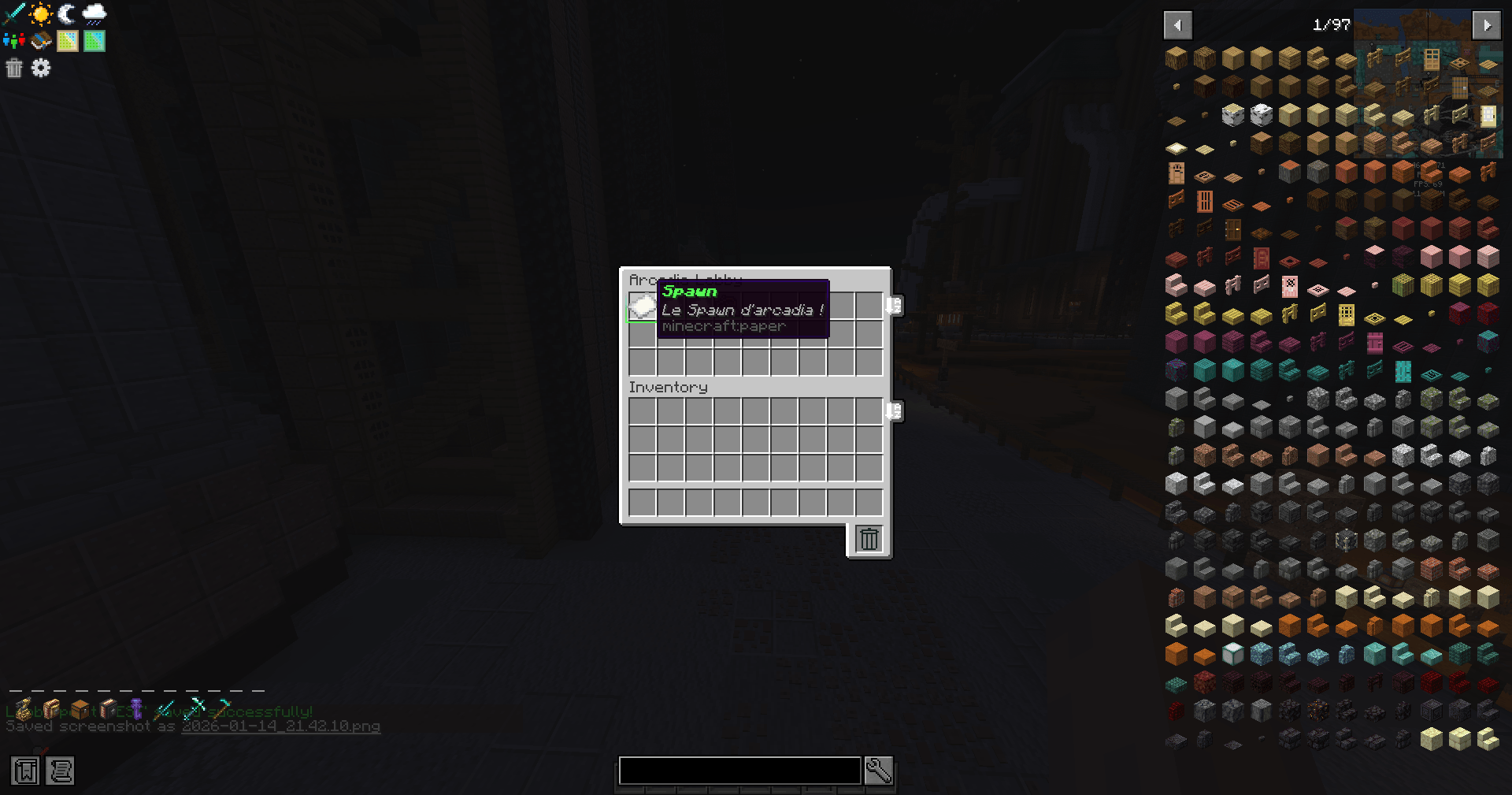
 /lobby opens a menu of warps, each with its own item and description.
 Spawn dimension: a dedicated world for your spawn: biome, layers, time and mobs in one config.
 Random teleport:
 /arcadiartp lands players on safe ground in the Overworld, with a usage cap.
 Warmup and cooldown: on
 /spawn, /lobby and RTP; moving cancels, LuckPerms can tune each.
 Dimensions on demand: create flat, void or lobby worlds with one command, loaded at the next restart.

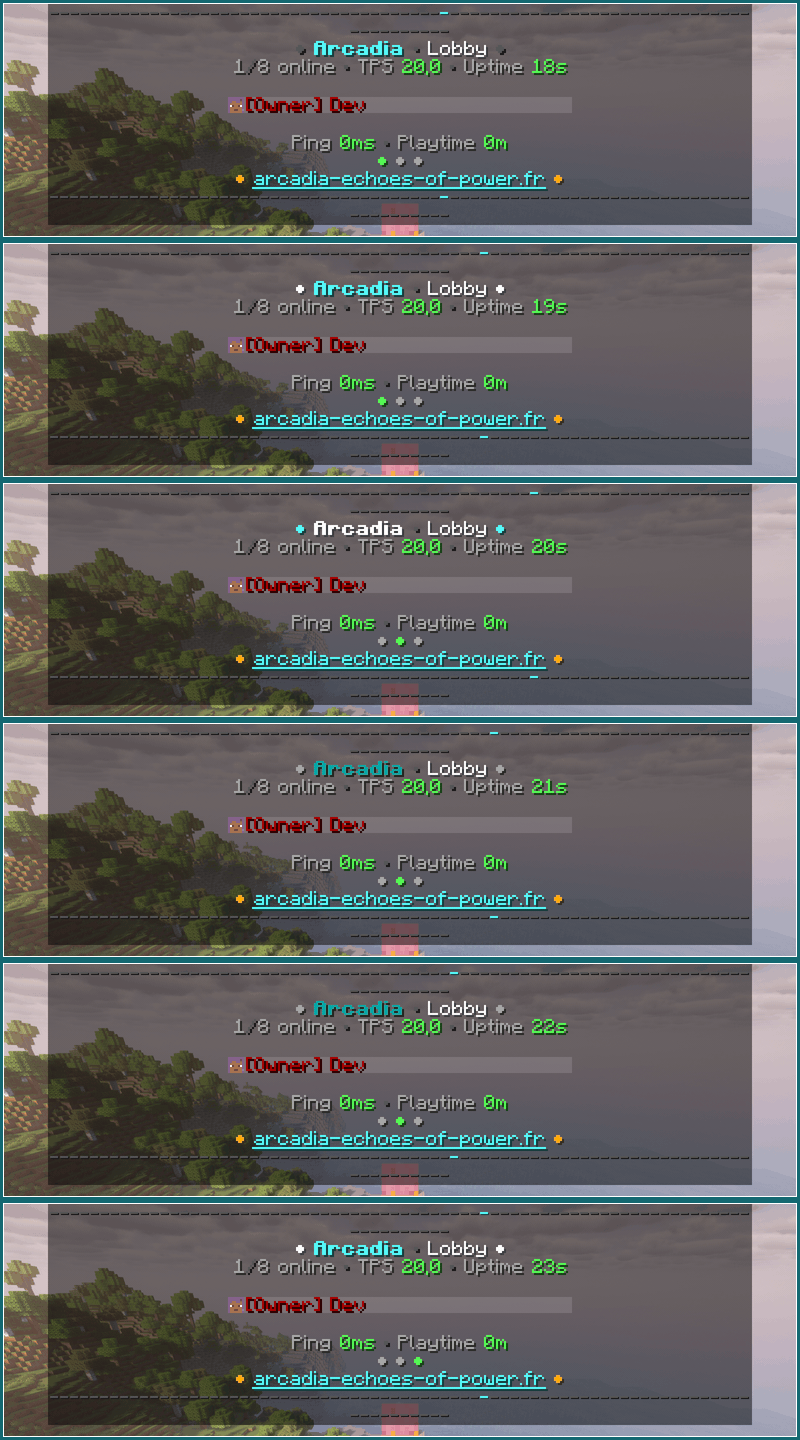
 Your own layout: header and footer with color codes, placeholders and built-in animations.
 Ranks on top: sorted by LuckPerms weight with prefixes, or by op level without it.
 Network count: players online on every server of the network, through the Arcadia Lib database.
 Quiet staff: spectators are hidden from regular players; ping bars can be hidden too.

1. Install Arcadia Lib 1.2.14 or newer, then this mod, on the server and the clients.
2. Start once: the configs appear in config/arcadia/spawn/.
3. Stand where players should arrive and run /arcadia_spawn setspawn.
4. Add warps with /arcadia_spawn setlobbytp, and turn the tab list on in tablist.toml.
A question or a bug? Ask on Discord.

Arcadia Spawn donne une porte d'entrée à votre serveur : dimension de spawn, menu lobby de warps, TP aléatoire sûr et tab list à vos couleurs, réglés en jeu.
Tapez /lobby, choisissez un lieu, vous y êtes.

Menu lobby : /lobby ouvre un menu de warps, chacun avec son objet et sa description.
Dimension de spawn : un monde dédié au spawn : biome, couches, heure et mobs dans une seule config.
TP aléatoire : /arcadiartp pose le joueur sur un sol sûr dans l'Overworld, avec un quota.
Délai et recharge : sur /spawn, /lobby et le RTP ; bouger annule, LuckPerms règle chacun.
Dimensions à la demande : créez des mondes plats, vides ou lobby en une commande, chargés au redémarrage.
Votre mise en page : en-tête et pied avec codes couleur, placeholders et animations intégrées.
Grades en tête : tri par poids LuckPerms avec préfixes, ou par niveau d'op sans lui.
Compteur réseau : les joueurs en ligne sur chaque serveur du réseau, via la base d'Arcadia Lib.
Staff discret : les spectateurs sont masqués aux joueurs ; les barres de ping aussi, au choix.

1. Installez Arcadia Lib 1.2.14 ou plus, puis ce mod, sur le serveur et les clients.
2. Lancez une fois : les configs apparaissent dans config/arcadia/spawn/.
3. Placez-vous là où les joueurs doivent arriver et tapez /arcadia_spawn setspawn.
4. Ajoutez des warps avec /arcadia_spawn setlobbytp, et activez la tab list dans tablist.toml.
Une question ou un bug ? Demandez sur Discord.
Official Hosting Partner / Hébergeur Partenaire Officiel
Host your Minecraft server with WabbaNode.
Hébergez votre serveur Minecraft chez WabbaNode.

Play Arcadia V2 / Jouez à Arcadia V2
See this mod at work on the Echoes of Power modpack server.
Voyez ce mod en action sur le serveur du modpack Echoes of Power.


Support the Project / Soutenir le Projet
Your support keeps the project alive.
Votre soutien fait vivre le projet.
Author / Auteur: vyrriox | License / Licence: All Rights Reserved
Screenshots
Gallery
-
 2026-01-14_21.41.48.png 2026-01-14_21.41.48.png
 -
 2026-01-14_21.42.10.png 2026-01-14_21.42.10.png
 -
 2026-01-14_21.42.13.png 2026-01-14_21.42.13.png
Versions
Files
Relations
Project Relations
More like this
Similar Mods
Suggestions use data such as tags, dependencies, dependents, descriptions, titles, and more to rank how much they overlap with this mod.
On ModDex
Community snapshot
By the numbers
Statistics
 (opens in a new tab)
Get it on
Available Platforms
On ModDex
Community snapshot
By the numbers
Statistics
Resources