
Community listing page, reviews may not be monitored by the author.
Auto 1e-7 Stepping

No reviews yet
Little mod that helps using 1e-7 stepping mechanics!

Community voices
Reviews
No reviews yet. Be the first to review this project!
Get it on
Available Platforms
Compatibility
Supported Environments
Runs entirely on the client. Works on vanilla servers.
About
Project Details
For authors
Embed Badge
If you're the author of this project, you can embed a live badge anywhere that supports HTML or Markdown. It updates automatically whenever ratings change.
Use HTML for any page that supports it, or Markdown for README files and Markdown-based descriptions.
Identifiers
Platform IDs
About
Description
Auto 1e-7 Stepping
Little utility mod to make 1e-7 stepping mechanics easier to use
If you don't know what 1e-7 stepping is, here's quick (and not the most accurate) explanation to understand the basic principals of this mechanic:
|
If you move along any axis less than the hardcoded value of 1e-7 (or 0.0000001) — the movement gets canceled. This brings us to the collision checks. When you're about to collide with a block — Minecraft doesn't let you do it and sets your position next to the edge of a block so the distance to it is about 1e-8. Then the game squares the movement vector and if the result is less than 1e-7 — movement gets canceled.
Here you can find more detailed explanation of how this mechanics works (*click*). |
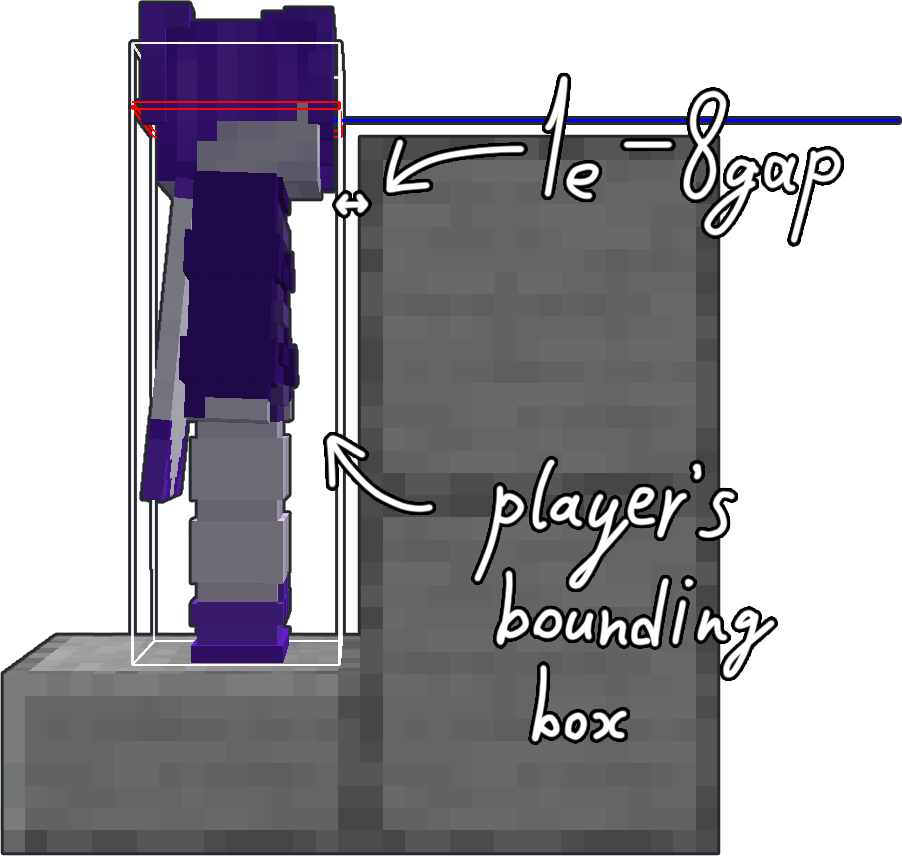
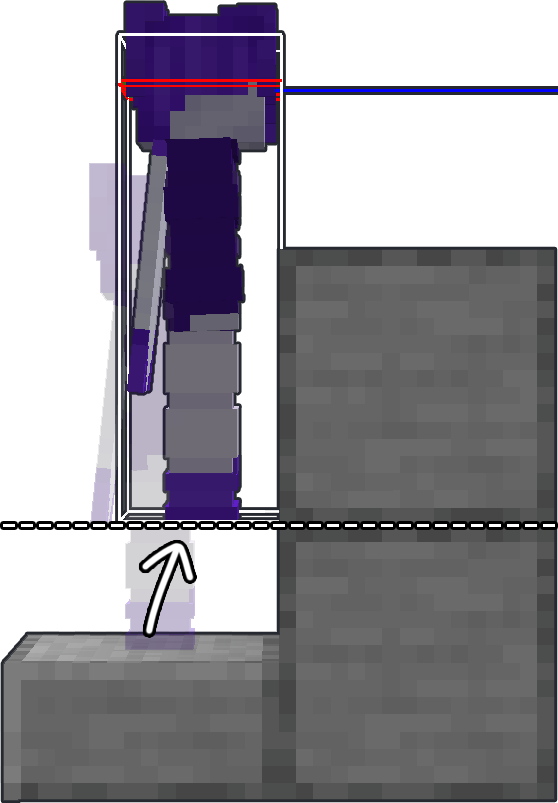
|
ATTENTION
This mod requires Fabric API and Yet Another Config Lib to work correctly!
HOW TO USE
To position yourself you have to hit a wall first.

Then press positioning key
By default keybind is set to "O"
Or run the command
/auto1e7 positioning
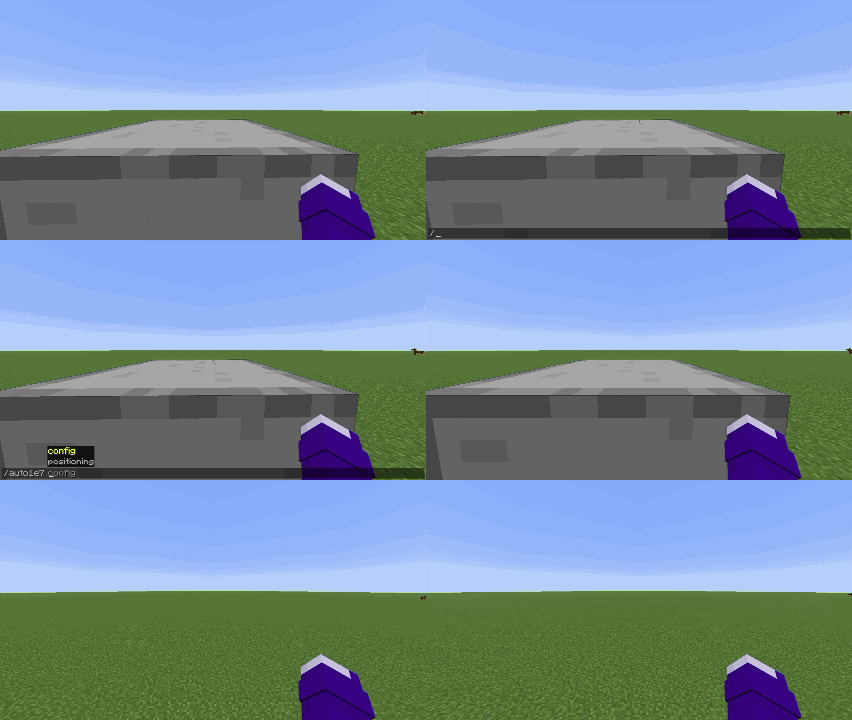
|
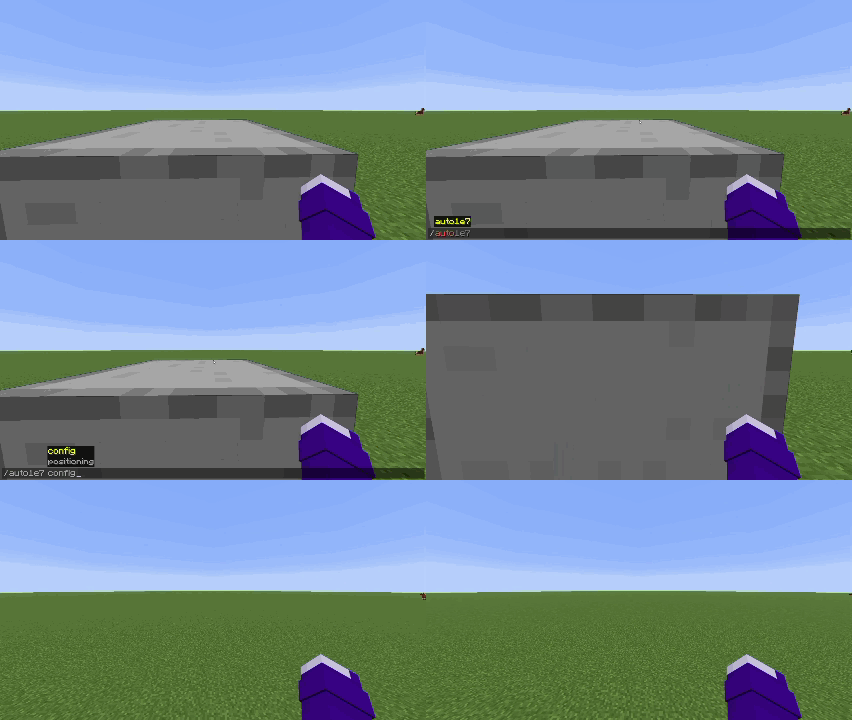
|
| First positioning mode | Second positioning mode |
You have two positioning modes:
- Packet (sends packet on server with exact position you need to be moved)
- Script (performs series of actions that player can perform manually, but does it a bit faster)
You can switch between positioning modes by opening the config screen in modmenu tab or by using the command
/auto1e7 config
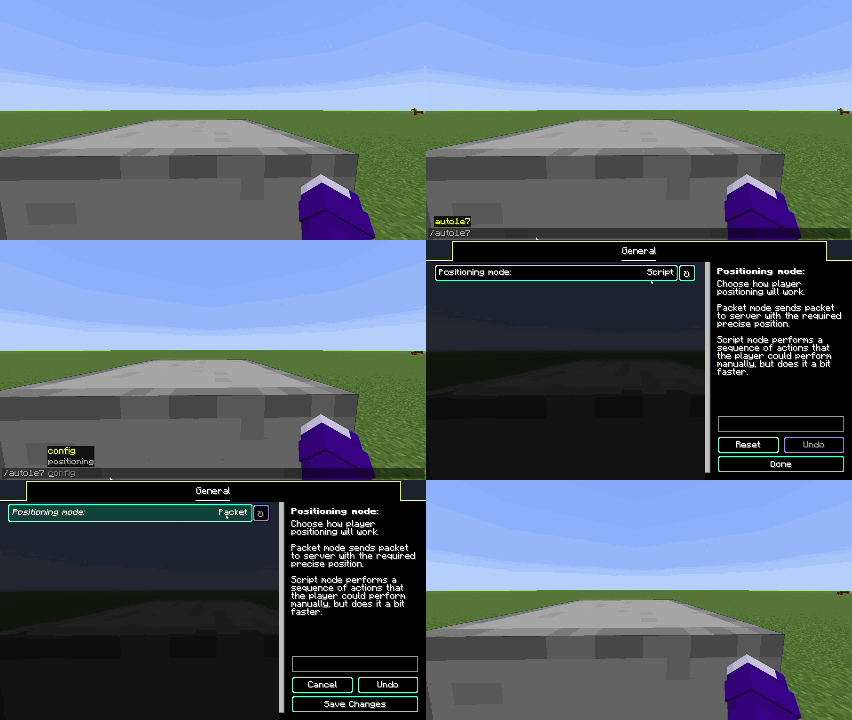
Languages supported
- English
- Russian (may be not 100% accurate)
- Simplified Chinese (may be not 100% accurate)
If you want to help with mod translation — you can contact me on discord scany_alt
If you found a bug — please report it on GitHub's Issues page
Screenshots
Gallery
-
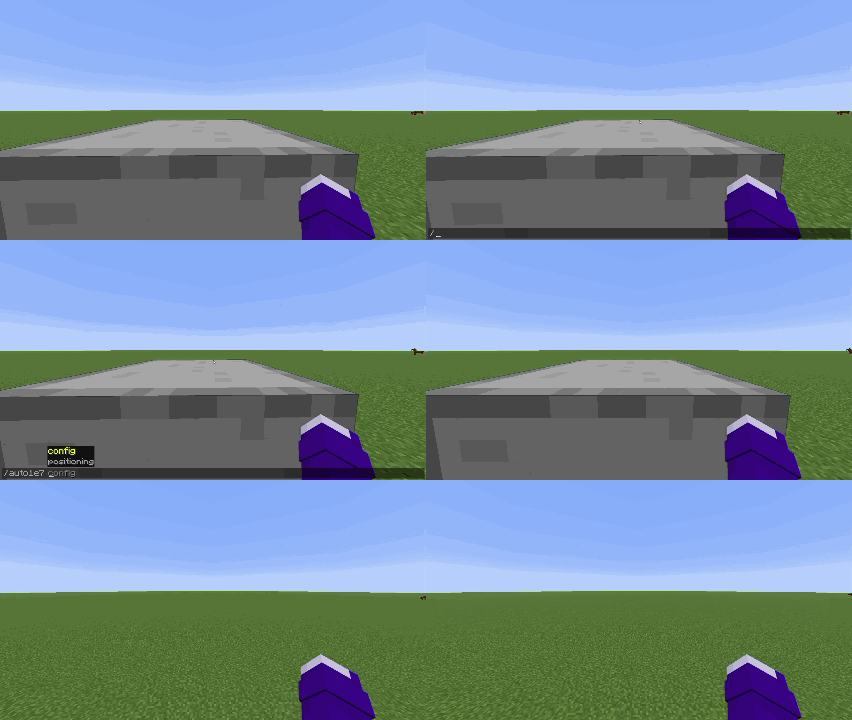 PACKET positioning mode
 -
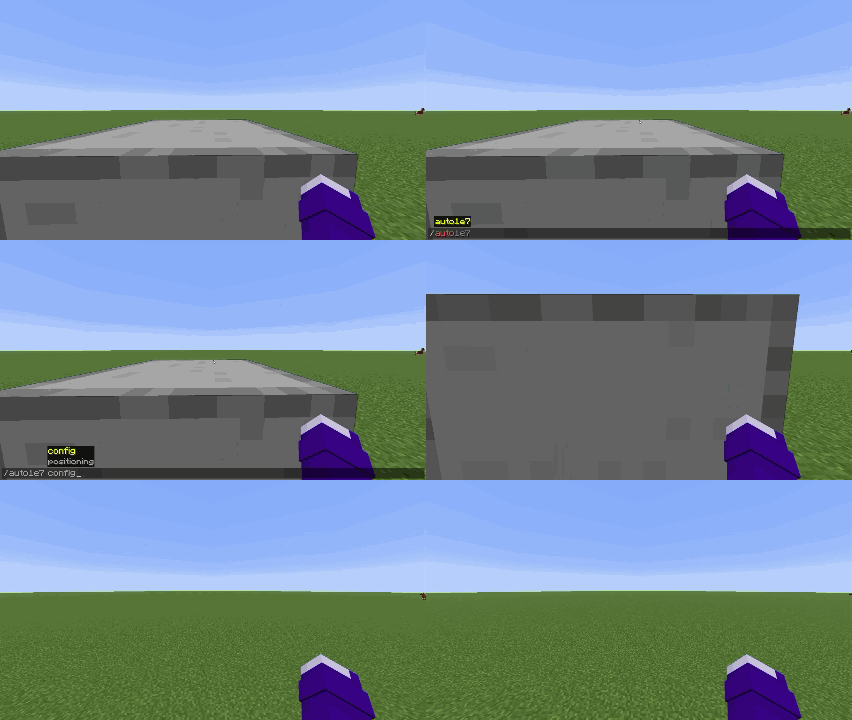 SCRIPT positioning mode
 -
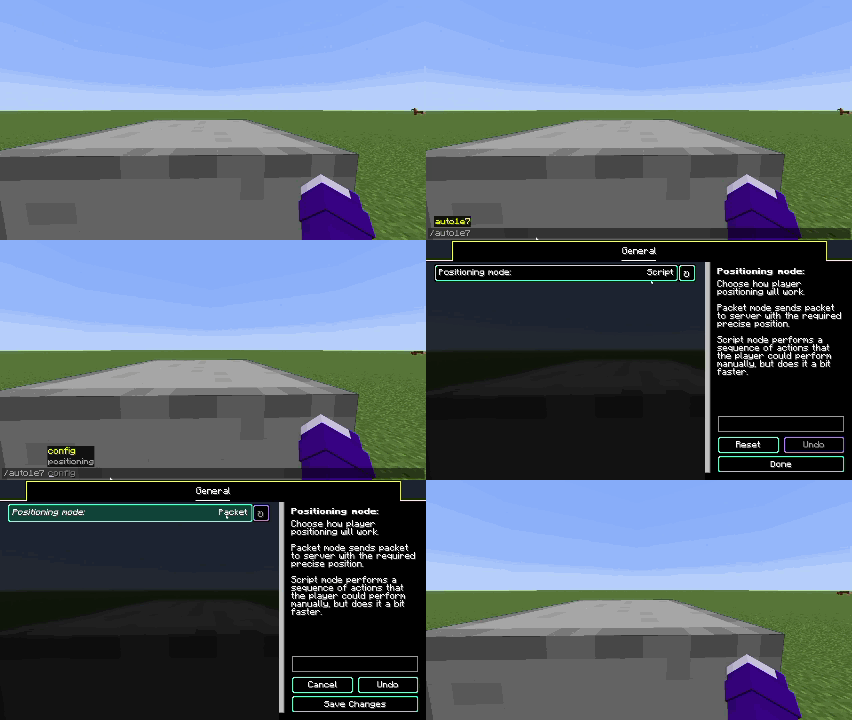 Config UI opening with the command
Versions
Files
Relations
Project Relations
More like this
Similar Mods
Suggestions use data such as tags, dependencies, dependents, descriptions, titles, and more to rank how much they overlap with this mod.
On ModDex
Community snapshot
By the numbers
Statistics


Get it on
Available Platforms
On ModDex
Community snapshot
By the numbers