Community listing page, reviews may not be monitored by the author.
AutoConnect by m1dLL3


No reviews yet
Server Auto-Connect Minecraft Mod

Community voices
Reviews
No reviews yet. Be the first to review this project!
Get it on
Available Platforms
Compatibility
Supported Environments
Runs entirely on the client. Works on vanilla servers.
About
Project Details
For authors
Embed Badge
If you're the author of this project, you can embed a live badge anywhere that supports HTML or Markdown. It updates automatically whenever ratings change.
Use HTML for any page that supports it, or Markdown for README files and Markdown-based descriptions.
Identifiers
Platform IDs
About
Description
AutoConnect
AutoConnect is a lightweight client-side mod that joins your saved multiplayer server when you open the Multiplayer screen.
It is useful if you usually play on the same server and want to skip opening the server list, selecting the server, and pressing Join every time. The server address can be entered manually, or updated automatically when you join a server from the normal multiplayer list.
AutoConnect only changes the client-side connection flow. It does not bypass authentication, whitelists, bans, player limits, server rules, or any other server-side restriction.
Features
- Automatically connects after you open Multiplayer
- Saves the last server you joined manually
- Lets you manually edit the saved server address
- Optional retry-on-failure behavior
- Configurable retry count and retry delay
- Adds a Reconnect button to failed connection screens
- Client-side only
- Supports Fabric, Forge, NeoForge, and Quilt
Configuration
AutoConnect can be configured in-game where supported:
- Fabric: through Mod Menu when Mod Menu and Cloth Config are installed
- Forge: through the built-in mod list/config screen
- NeoForge: through the built-in mod list/config screen
- Quilt: through Mod Menu when available
The config file can also be edited directly:
config/autoconnect.jsonSettings
| Setting | Description | Default |
|---|---|---|
| Enabled | Turns AutoConnect on or off. | true |
| Server Address | The server AutoConnect should join. Joining a server manually updates this value. | Empty |
| Retry on Failure | Allows AutoConnect to retry after a failed connection. | false |
| Retries Count | Number of retry attempts after the first failed connection. | 0 |
| Automatic Retry Timeout (in seconds) | Delay before an automatic retry. 0 retries immediately. |
0 |
Compatibility
Minecraft versions:
26.126.1.126.1.226.2
Loaders:
- Fabric
- Forge
- NeoForge
- Quilt
Optional Dependencies
For Fabric and Quilt, Mod Menu can provide an in-game configuration entry. Fabric also uses Cloth Config for the Mod Menu configuration screen.
AutoConnect does not require Fabric API.
AutoConnect
AutoConnect is a lightweight client-side mod that joins your saved multiplayer server when you open the Multiplayer screen.
It is made for players who usually connect to the same server and want to skip the repeated flow of opening the server list, selecting the server, and pressing Join. You can enter a server address yourself, or let AutoConnect update it automatically when you join a server normally.
AutoConnect does not bypass authentication, whitelists, bans, player limits, server rules, or any other server-side restriction. It only changes the client-side connection flow.
Features
- Automatically connects after you open the Multiplayer screen
- Saves the last server you joined manually
- Lets you edit the saved server address
- Optional retry-on-failure behavior
- Configurable retry count and retry delay
- Adds a Reconnect button to failed connection screens
- Client-side only
- Works on Fabric, Forge, NeoForge, and Quilt
Configuration
AutoConnect can be configured in-game on supported loaders:
- Fabric: through Mod Menu when Mod Menu and Cloth Config are installed
- Forge: through the built-in mod list/config screen
- NeoForge: through the built-in mod list/config screen
- Quilt: through Mod Menu when available
You can also edit the config file directly:
config/autoconnect.json
Settings
| Setting | Description | Default |
|---|---|---|
| Enabled | Turns AutoConnect on or off. | true |
| Server Address | The server AutoConnect should join. Joining a server manually updates this value. | Empty |
| Retry on Failure | Allows AutoConnect to retry after a failed connection. | false |
| Retries Count | Number of retry attempts after the first failed connection. | 0 |
| Automatic Retry Timeout (in seconds) | Delay before an automatic retry. 0 retries immediately. |
0 |
Compatibility
AutoConnect supports Minecraft 26.1, 26.1.1, 26.1.2, and 26.2.
Supported loaders:
- Fabric
- Forge
- NeoForge
- Quilt
Optional Dependencies
Fabric and Quilt users can install Mod Menu for an in-game configuration entry. Fabric also uses Cloth Config for the Mod Menu config screen.
AutoConnect does not require Fabric API.
Screenshots
Gallery
-
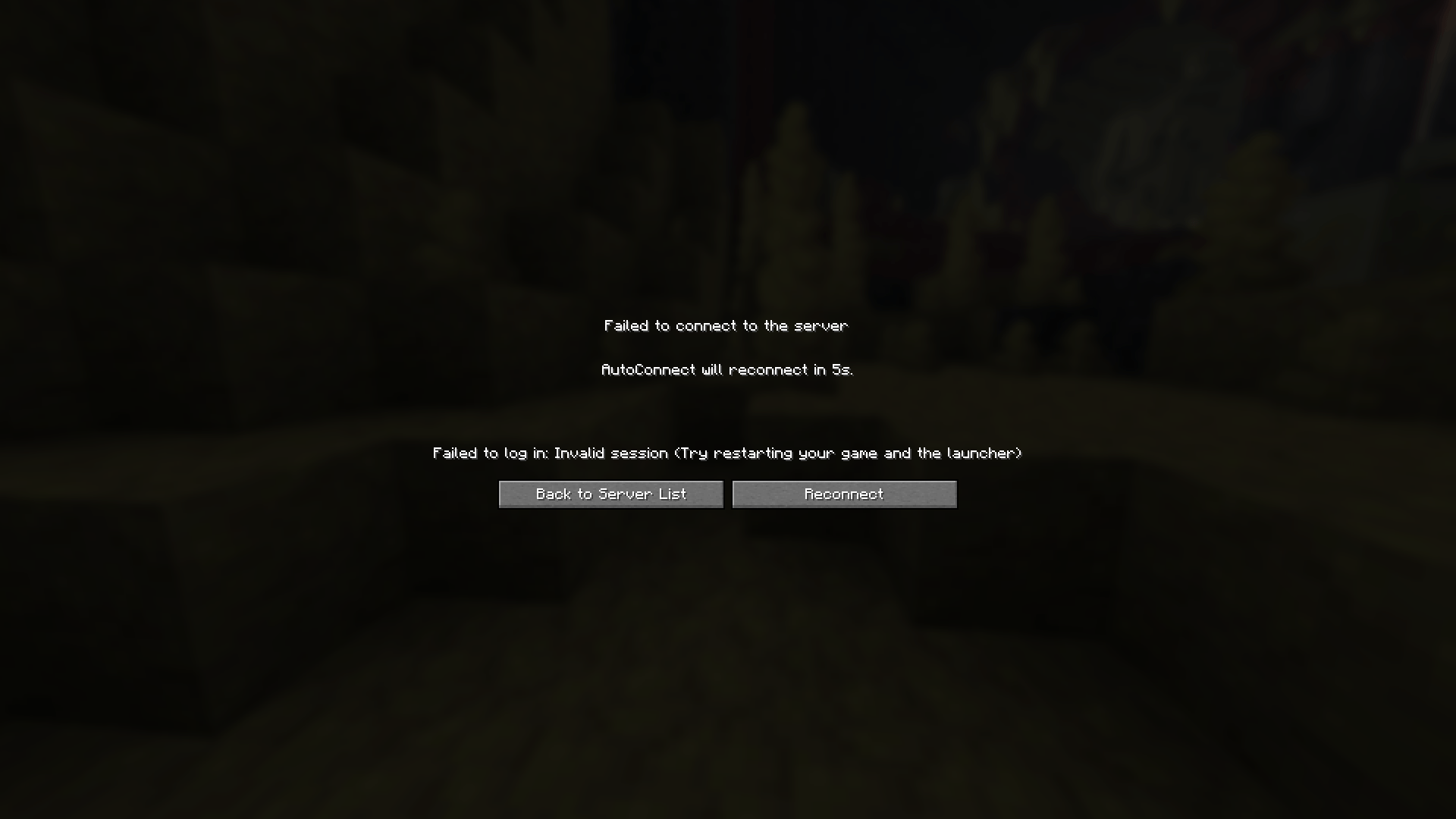 Desktop Screenshot 2026.06.18 - 13.19.43.88.png Reconnect button and auto-reconnect feature demonstration
 -
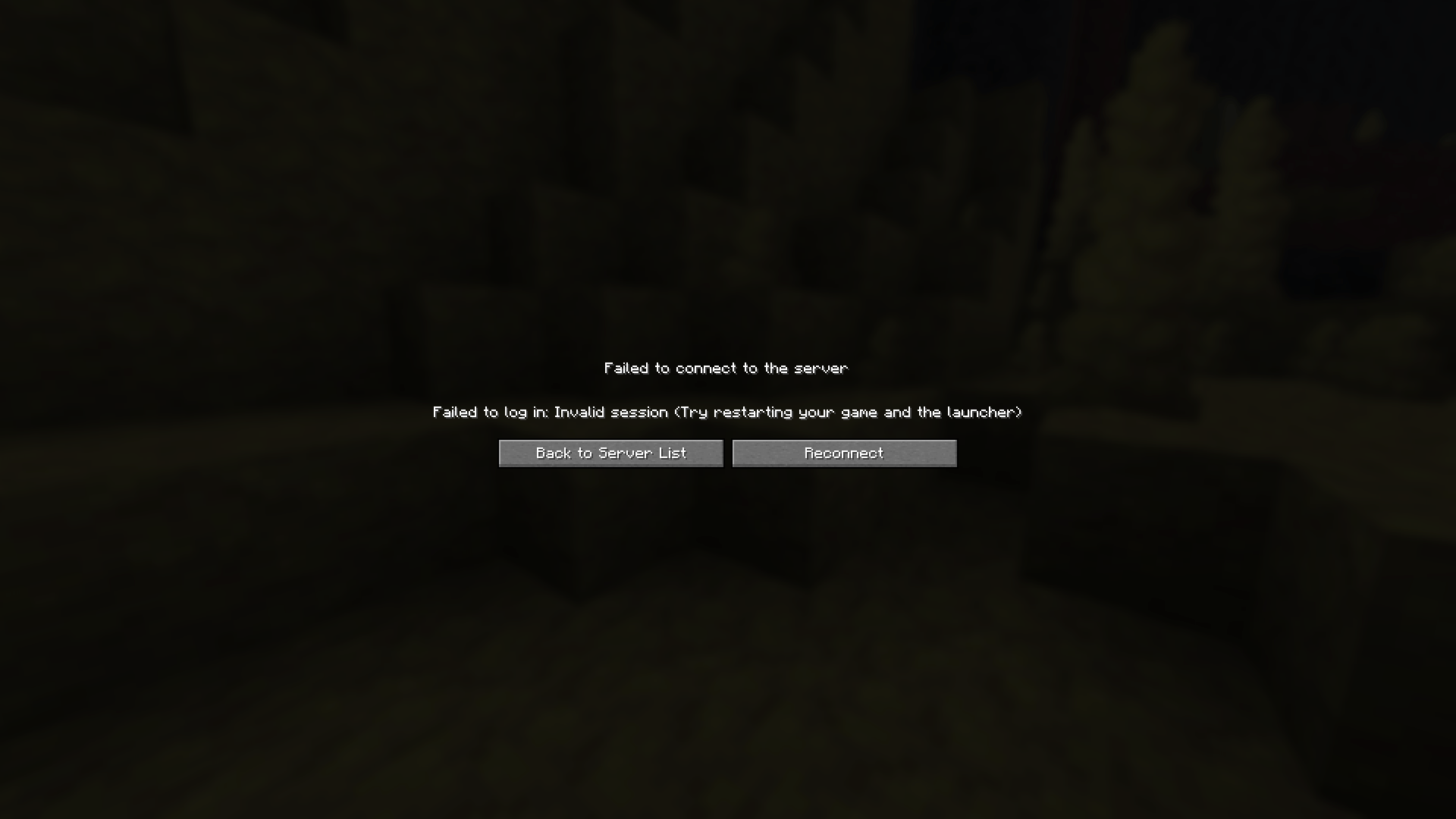 Desktop Screenshot 2026.06.18 - 13.19.27.22.png Reconnect button demonstration
-
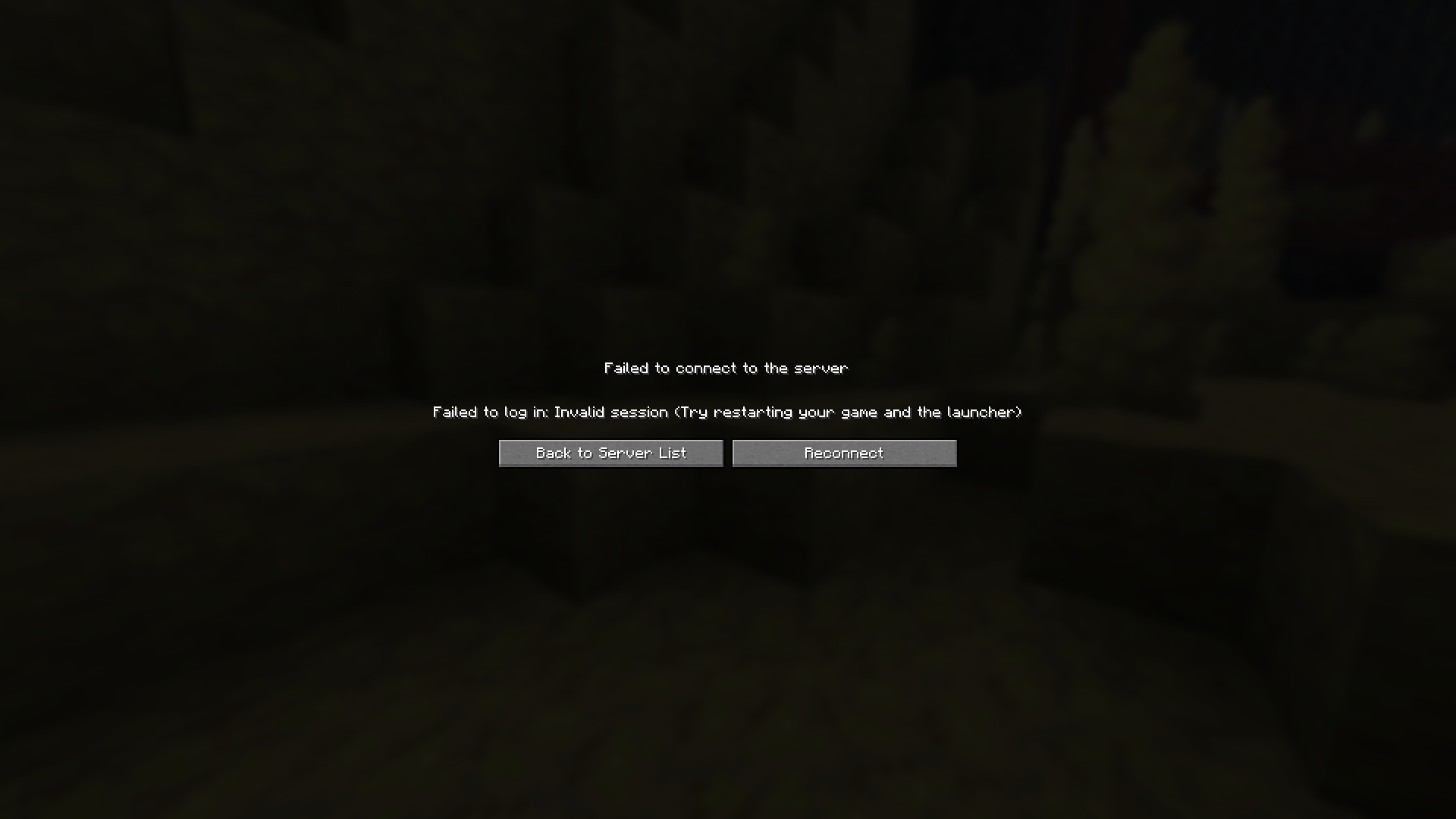 Reconnect Displaying the "Reconnect Button"
 -
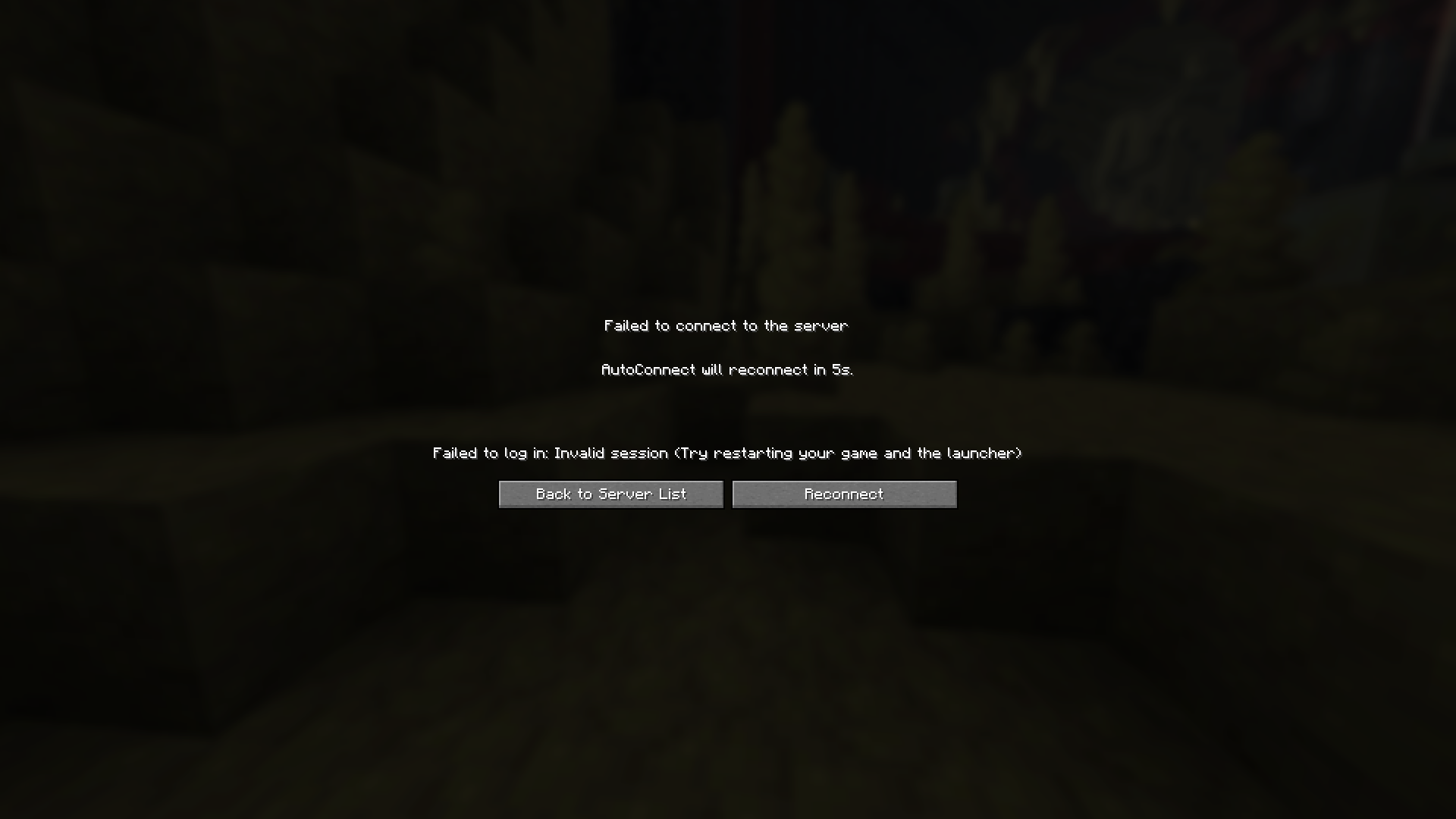 Automatic Reconnect Displaying the Automatic delayed server reconnect
Versions
Files
Relations
Project Relations
More like this
Similar Mods
Suggestions use data such as tags, dependencies, dependents, descriptions, titles, and more to rank how much they overlap with this mod.
On ModDex
Community snapshot
By the numbers
Statistics

Get it on
Available Platforms
On ModDex
Community snapshot
By the numbers