
Community listing page, reviews here may not be monitored by the author.
Auto Seam Blend

No reviews yet
Automatic connected textures for Minecraft, editable and exportable in-game.
Community voices
Reviews
No reviews yet. Be the first to review this project!
Get it on
Available Platforms
About
Project Details
For authors
Embed Badge
If you're the author of this project, you can embed a live badge anywhere that supports HTML or Markdown. It updates automatically whenever ratings change.
Use HTML for any page that supports it, or Markdown for README files and Markdown-based descriptions.
Identifiers
Platform IDs
Resources
External Links
About
Description
AutoSeamBlend
Automatic connected textures for Minecraft blocks — no block lists, no manual textures. Preview, paint, and export them right inside the game.
What is it?
Place the same block next to itself in Minecraft and you often see a visible seam between the two surfaces — glass panes are the classic example. Connected textures make neighbouring surfaces flow into each other, so a whole wall looks like one continuous block instead of many separate tiles.
AutoSeamBlend does this for you automatically:
- it finds suitable blocks on its own (no lists to fill in);
- it picks the right connection style for each block;
- it generates the missing texture states.
It is an add-on for the well-known connected-texture engines. Install any one of them and AutoSeamBlend is ready to go.
Features
- Automatic discovery — AutoSeamBlend looks at how each block is actually modelled and rendered, then chooses good candidates by itself.
- In-game GUI — type
/autoseamblendto open an editor: see which blocks already use connected textures and add your own. - Real 3D preview — see the connected result live, add neighbouring blocks, rotate and zoom. What you see is what the game renders.
- Pixel painting — adjust the texture of all six faces of a block with an in-game pixel editor (brush, eraser, eyedropper, fill, undo/redo).
- Native property editing — change connection properties in the format your engine understands, without breaking existing resource packs.
- One-click export — export a ready-to-use “baked” resource pack that loads even without AutoSeamBlend installed (you still need the connected-texture engine).
- Respects your packs — existing textures and author-made content are never overwritten; AutoSeamBlend only completes what is missing.
Quick start
Install AutoSeamBlend for your Minecraft version and loader.
Install Fzzy Config (required) and any one of these engines:
The available engines depend on the version and loader (for example, some Fabric targets have no CTM adapter). On some loaders, Fabric API and Fabric Language Kotlin are also required. The UI library (UILib) is bundled with the mod — nothing else to install.
Launch the game. Type
/autoseamblendto open the GUI, or/autoseamblend exportto export a baked resource pack.
Configuration & priority
AutoSeamBlend has three configuration entry points. Their priority, from highest to lowest:
- Third-party resource packs — connection rules written in your engine's native format by any resource pack (for example OptiFine-style/MCPatcher packs for Continuity, as well as CTM, Fusion and Athena rules). This is the highest-priority source; AutoSeamBlend never overwrites content written by pack authors.
- Built-in resource pack — created when you add blocks in the in-game GUI
(
/autoseamblend) and save. It lives inresourcepacks/AutoSeamBlend Managed/and only fills in what third-party packs do not cover. - Config file —
config/autoseamblend/autoseamblend.json5(Fzzy Config). Best for adding or excluding blocks by hand; it has the lowest priority and only applies when nothing above it matches.
Priority rule: third-party resource pack > built-in resource pack > config file. When a higher-priority source matches, lower-priority sources never override it. When nothing higher matches, the lower-priority source applies in full and only completes the missing texture states.
Common config fields:
automaticDiscovery— automatic discovery toggle,trueby default;targets— add target blocks per method bucket, for example add"minecraft:stone"undertargets.auto.non-compatibility, or use"#minecraft:stone"to make the whole tag a connection group;excludedTargets— explicitly exclude blocks you do not want processed.
After editing the config file, reload the game's resources to apply the changes (for example press F3+T or restart the game).
Requirements
- Client-side only — works in singleplayer and on any server; the server does not need the mod.
- Required: Fzzy Config.
- At least one supported connected-texture engine from the list above.
- If several engines are installed, AutoSeamBlend picks the right one automatically.
FAQ
Nothing changed in-game? Make sure at least one engine is installed and active. Without an engine, AutoSeamBlend only shows a diagnostics screen.
Do I need to install it on my server? No — AutoSeamBlend is purely client-side.
Will it modify my worlds or resource packs? No. It only writes to its own “AutoSeamBlend Managed” resource pack when you save, and exports go to a separate folder you choose.
Why isn't a particular block connected? Automatic discovery is based on the block's real model and texture behaviour. Blocks with special dynamic rendering may not be picked up automatically — you can still add them manually in the GUI or in the config file and edit them there.
Which engine should I choose? Any one from the list works. They use different formats internally, but the editing and export workflow is the same.
Can I share my result with others? Yes — the exported baked pack is a normal resource pack. Anyone with the same engine can use it, even without AutoSeamBlend.
Is it compatible with other mods? Of course — that's exactly what it was made for!
ModernFix compatibility: AutoSeamBlend is incompatible with ModernFix’s mixin.perf.dynamic_resources optimization. When this option is enabled, block models may not be fully baked during AutoSeamBlend’s initial surface scan, causing all generated blending surfaces to be silently rejected. Set mixin.perf.dynamic_resources=false to restore blending.
License and credits
- Author: kltyton
- License: LGPL-3.0-or-later
- AutoSeamBlend builds on the public APIs of Continuity/NeoContinuity, CTM, Fusion, Athena, Fzzy Config and UILib. Thanks to all of those projects.
Screenshots
Gallery
-
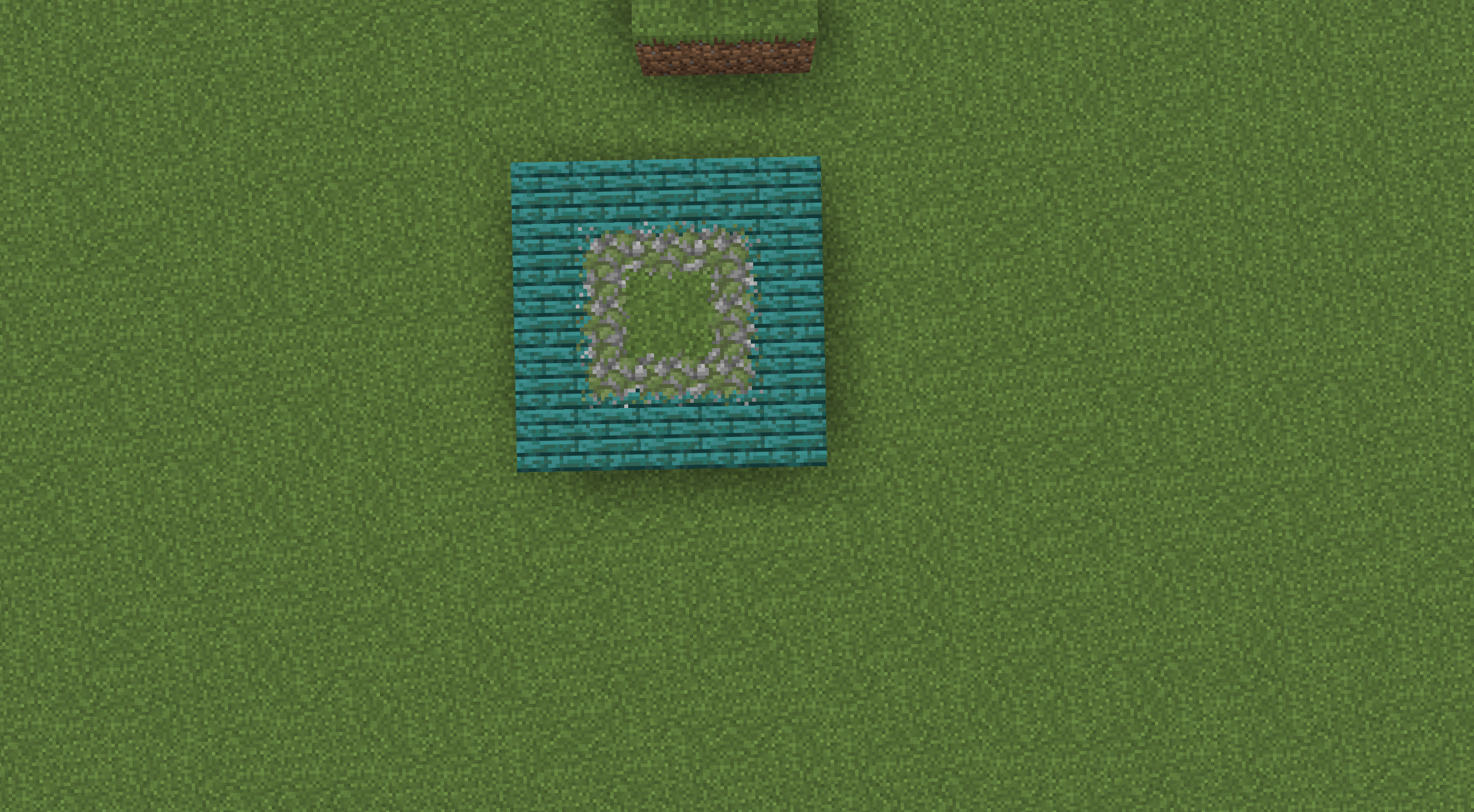 2026-08-13_14.07.03.png 2026-08-13_14.07.03.png
 -
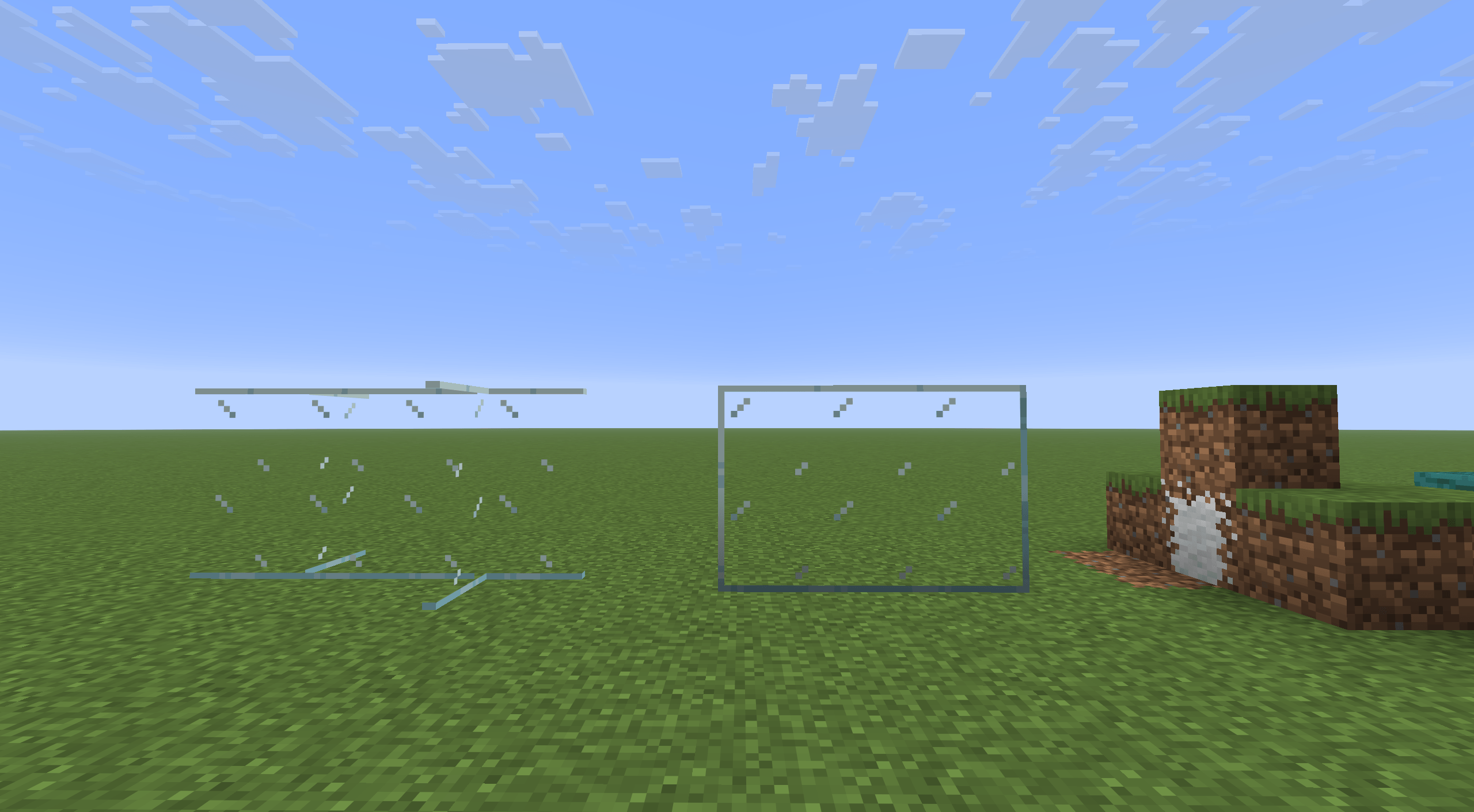 2026-08-13_14.07.16.png 2026-08-13_14.07.16.png
 -
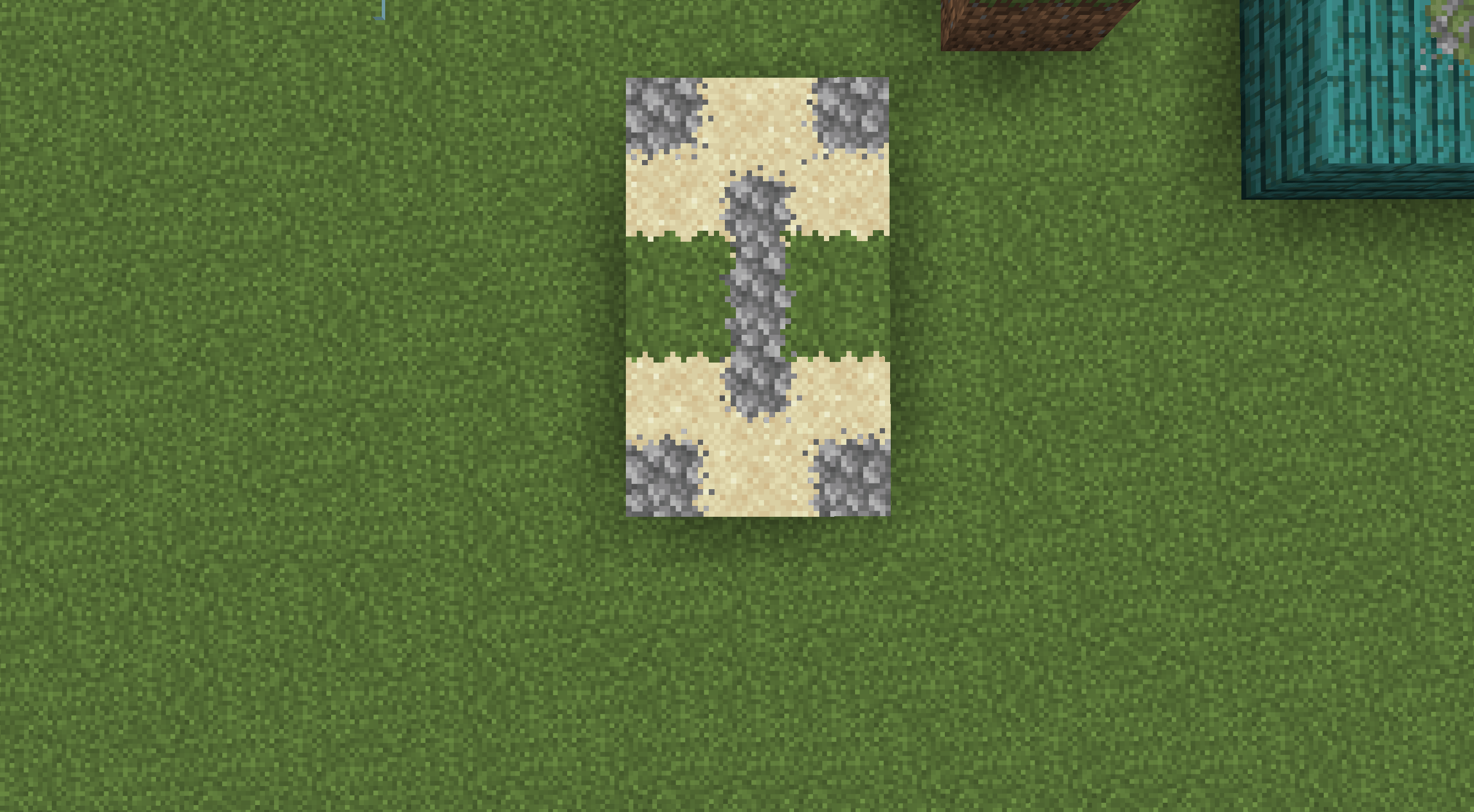 2026-08-13_14.09.04.png 2026-08-13_14.09.04.png
Versions
Files
Relations
Project Relations
More like this
Similar Mods
Suggestions use data such as tags, dependencies, dependents, descriptions, titles, and more to rank how much they overlap with this mod.
On ModDex
Community snapshot
By the numbers
Statistics
Want to reach Minecraft players?
We're looking for a server hosting partner to feature here and other parts of the site. Interested? Send us a message!
Get in touchGet it on
Available Platforms
On ModDex
Community snapshot
By the numbers
Statistics
Resources