
Community listing page, reviews here may not be monitored by the author.
AutoEat


No reviews yet
Automatically eats when your hunger drops so you can focus on your adventure.
Community voices
Reviews
No reviews yet. Be the first to review this project!
Get it on
Available Platforms
Compatibility
Supported Environments
Runs entirely on the client. Works on vanilla servers.
About
Project Details
For authors
Embed Badge
If you're the author of this project, you can embed a live badge anywhere that supports HTML or Markdown. It updates automatically whenever ratings change.
Use HTML for any page that supports it, or Markdown for README files and Markdown-based descriptions.
Identifiers
Platform IDs
Resources
External Links
About
Description

AutoEat - Stay full, stay alive!
AutoEat automatically eats for you when your hunger drops, so you can keep mining, fighting, exploring, and building without interruptions.
Built to stay lightweight, client-side, configurable, and friendly for survival gameplay and modpacks.
Supports Fabric, Forge, and NeoForge on supported releases. Quilt support is planned.
✨ Features
- Smart auto-eat: configurable hunger trigger with optional "eat until full"
- Restore slot: returns to your previous sword, tool, block, or hotbar item after eating
- Smart food selection: considers nutrition, saturation, hunger waste, and current health
- Panic mode: prioritizes premium food when your health is low
- Golden food control: golden foods can be used normally or saved for emergencies
- Food waste reduction: avoids using large food when a smaller option is enough
- Modded food detection: automatically detects compatible vanilla and modded food
- Custom Food List: allow or block individual foods with search, filters, and bulk actions
- Presets: Default, Safe Survival, Combat, Explore, AFK Safe, and AFK Fishing
- Damage pause: optionally pauses AutoEat after taking damage
- Input pause: prevents conflicts with fighting, mining, placing, and manual item use
- Weapon pause: optionally prevents food switching while holding a weapon or shield
- Placement support: allows block placement while eating and resumes after a delay
- Offhand support: optionally prioritizes food held in the offhand
- Fishing-safe behavior: avoids pulling or reusing fishing rods while fishing
- Riding support: configurable behavior for animals, mounts, boats, and vehicles
- Water Breathing support: allows underwater eating when enough effect time remains
- Hostile mob safety: separate detection ranges for melee and ranged enemies
- Activity awareness: optional pauses while sprinting, airborne, swimming, or using menus
- Configurable delays: separate timing controls for damage, input, placement, switching, and eating
- Clean UI: organized settings, aligned controls, readable sliders, presets, and tooltips
- Safe confirmations: resets and external links require confirmation
- Client-side only: no server installation required
- Modpack friendly: designed to work alongside other mods without unnecessary dependencies
🔄 Restore Slot
Restore Slot is enabled by default.
When AutoEat switches from your current hotbar item to food, it automatically returns to the previous slot after eating.
Manual slot changes are respected. AutoEat will not force you back to an outdated selection.
⚠️ Important Food Setting
To allow AutoEat to use all permitted foods, open Advanced Settings → Food & Health and keep Low Sat. Filter set to OFF.
Low Sat. Filter is disabled by default.
When enabled, AutoEat skips low-saturation food and waits for a better option, even when that food is allowed in the Food List.
Food manually blocked in the Food List will never be selected.
🔧 Requirements
- Minecraft: supported versions are listed on each release
- Loaders:
- Fabric Loader (requires Fabric API)
- Forge
- NeoForge
- Quilt (planned)
- Java:
- The required Java version depends on the Minecraft version
- Newer Minecraft versions may require newer Java versions
Always download the file matching your exact Minecraft version and mod loader.
📖 Usage
- Press
Jto open AutoEat Settings. - Select a preset or configure your hunger, food, safety, and pause settings.
- Keep permitted food in your main hand, offhand, or hotbar.
- Press
Hto enable or disable AutoEat. - Enjoy uninterrupted adventures.
Key bindings can be changed from Minecraft's Controls menu.
⬇️ Download





Planned loader support:

🐛 Support
Report bugs or send feedback through:
You can also select Report Issue from AutoEat's Advanced Settings.
📦 Modpack Usage
AutoEat can be used in public and private modpacks.
Please:
- Give proper credit to Zynwro
- Link back to the official Modrinth or CurseForge project page
- Do not re-upload the standalone mod file outside official or approved pages
📜 License & Permissions
- License: All Rights Reserved
- Redistribution is not allowed outside official or author-approved pages without permission
- Public and private modpack usage is allowed with credit and a project link
- Modified builds or unofficial reuploads are not allowed without permission
🤝 Credits
- Author: Zynwro
- Contact: linktr.ee/zynwro
AutoEat - Stay full, stay alive!
AutoEat automatically eats for you when your hunger drops, so you can keep mining, fighting, exploring, and building without interruptions. Built to stay lightweight, client-side, configurable, and friendly for survival gameplay and modpacks.
Supports Fabric, Forge, and NeoForge on supported releases.
✨ Features
- Smart auto-eat: configurable hunger trigger with optional "eat until full"
- Restore slot: returns to your previous sword, tool, block, or hotbar item after eating
- Smart food selection: considers nutrition, saturation, hunger waste, and current health
- Panic mode: prioritizes premium food when your health is low
- Golden food control: golden foods can be used normally or saved for emergencies
- Food waste reduction: avoids using large food when a smaller option is enough
- Modded food detection: automatically detects compatible vanilla and modded food
- Custom Food List: allow or block individual foods with search, filters, and bulk actions
- Presets: Default, Safe Survival, Combat, Explore, AFK Safe, and AFK Fishing
- Damage pause: optionally pauses AutoEat after taking damage
- Input pause: prevents conflicts with fighting, mining, placing, and manual item use
- Weapon pause: optionally prevents food switching while holding a weapon or shield
- Placement support: allows block placement while eating and resumes after a delay
- Offhand support: optionally prioritizes food held in the offhand
- Fishing-safe behavior: avoids pulling or reusing fishing rods while fishing
- Riding support: configurable behavior for animals, mounts, boats, and vehicles
- Water Breathing support: allows underwater eating when enough effect time remains
- Hostile mob safety: separate detection ranges for melee and ranged enemies
- Activity awareness: optional pauses while sprinting, airborne, swimming, or using menus
- Configurable delays: separate timing controls for damage, input, placement, switching, and eating
- Clean UI: organized settings, aligned controls, readable sliders, presets, and tooltips
- Safe confirmations: resets and external links require confirmation
- Client-side only: no server installation required
- Modpack friendly: designed to work alongside other mods without unnecessary dependencies
📖 Usage
- Press
Jto open AutoEat Settings. - Select a preset or configure your hunger, food, safety, and pause settings.
- Keep permitted food in your main hand, offhand, or hotbar.
- Press
Hto enable or disable AutoEat. - Enjoy uninterrupted adventures.
Key bindings can be changed from Minecraft's Controls menu.
🌐 Official Downloads
🐛 Support
Report bugs or send feedback through:
You can also select Report Issue from AutoEat's Advanced Settings.
📜 License & Permissions
- License: All Rights Reserved
- Redistribution is not allowed outside official or author-approved pages without permission
- Public and private modpack usage is allowed with credit and a project link
- Modified builds or unofficial reuploads are not allowed without permission
Screenshots
Gallery
-
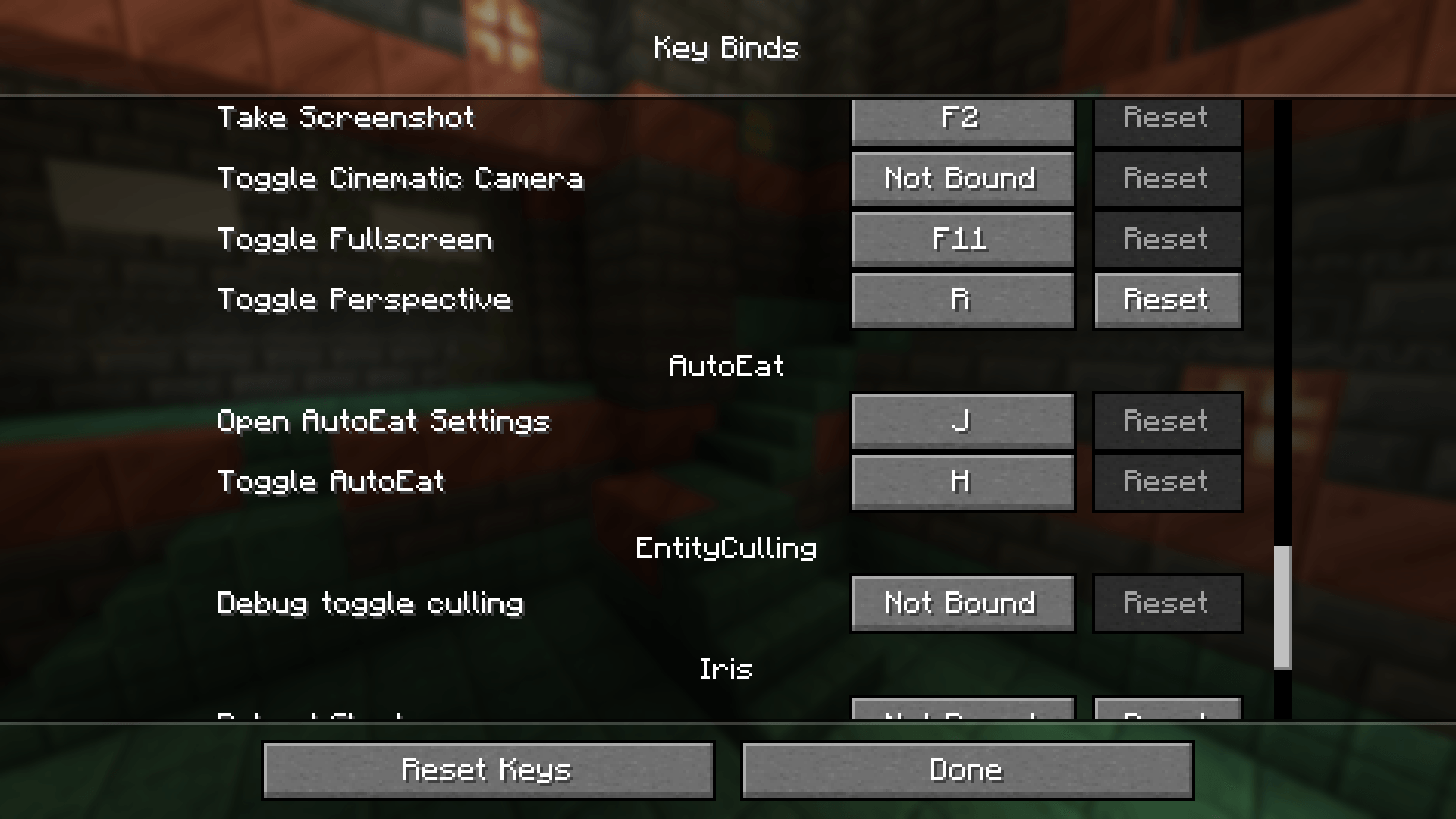 Key Bind Settings Displays the key bind configuration for AutoEat. By default, press 'H' to toggle AutoEat and 'J' to open the settings menu.
 -
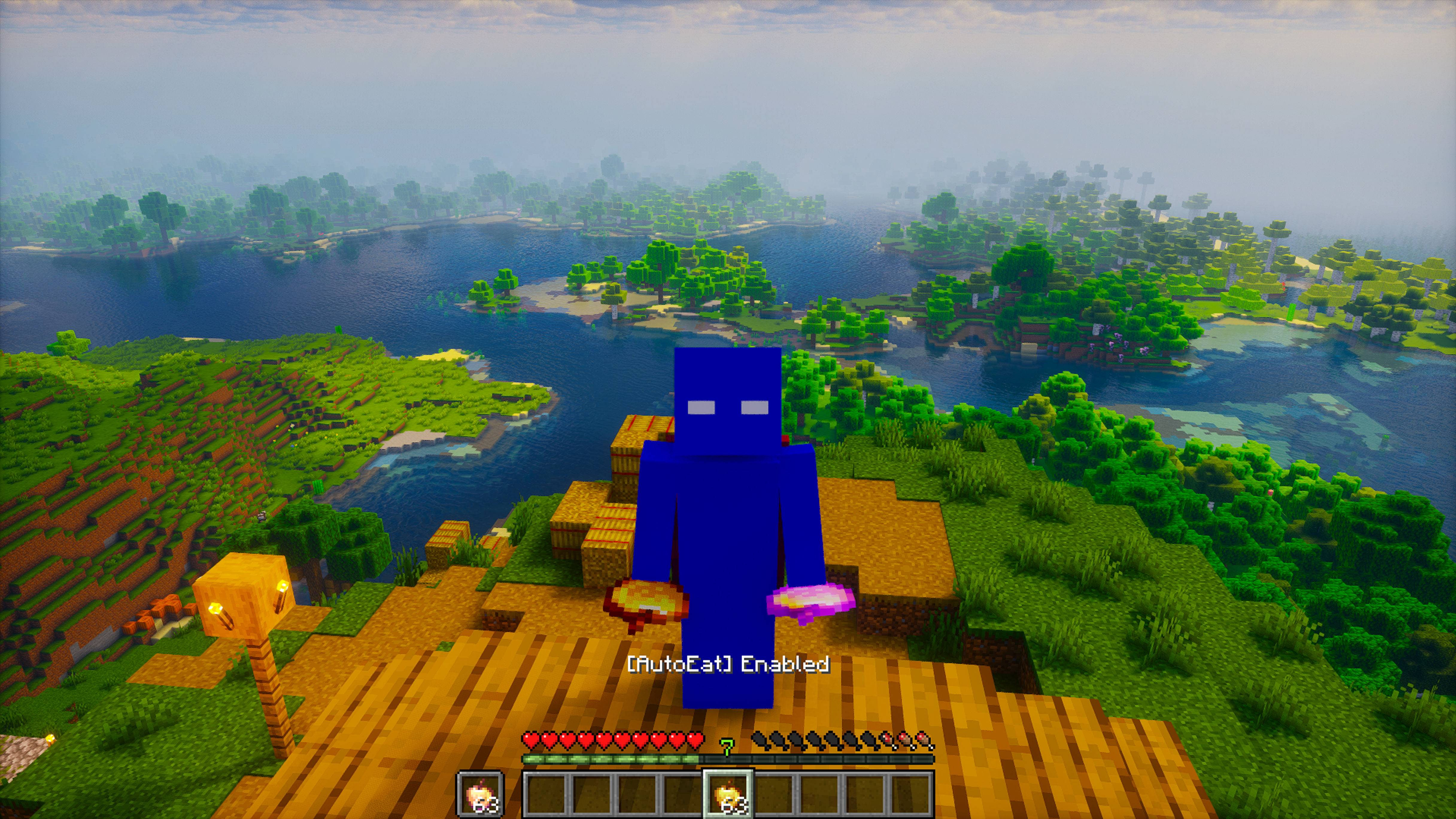 Front View - AutoEat Enabled Front-facing view showing AutoEat activated. The "[AutoEat] Enabled" message confirms automatic eating is active while holding premium foods.
 -
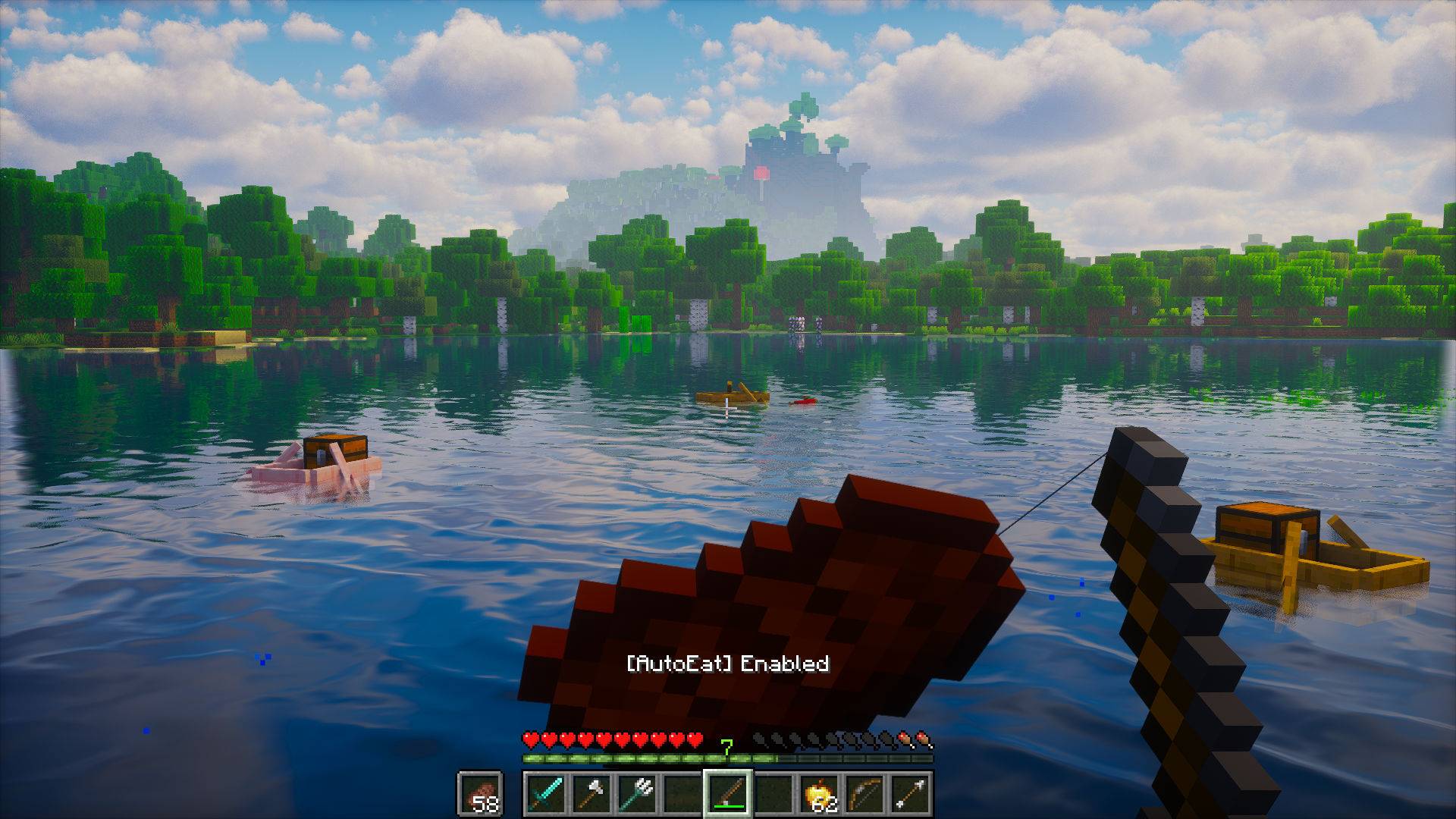 Fishing with AutoEat Enabled In-game view while fishing, showing AutoEat active. Offhand support lets you fish while the mod automatically keeps your hunger full.
 -
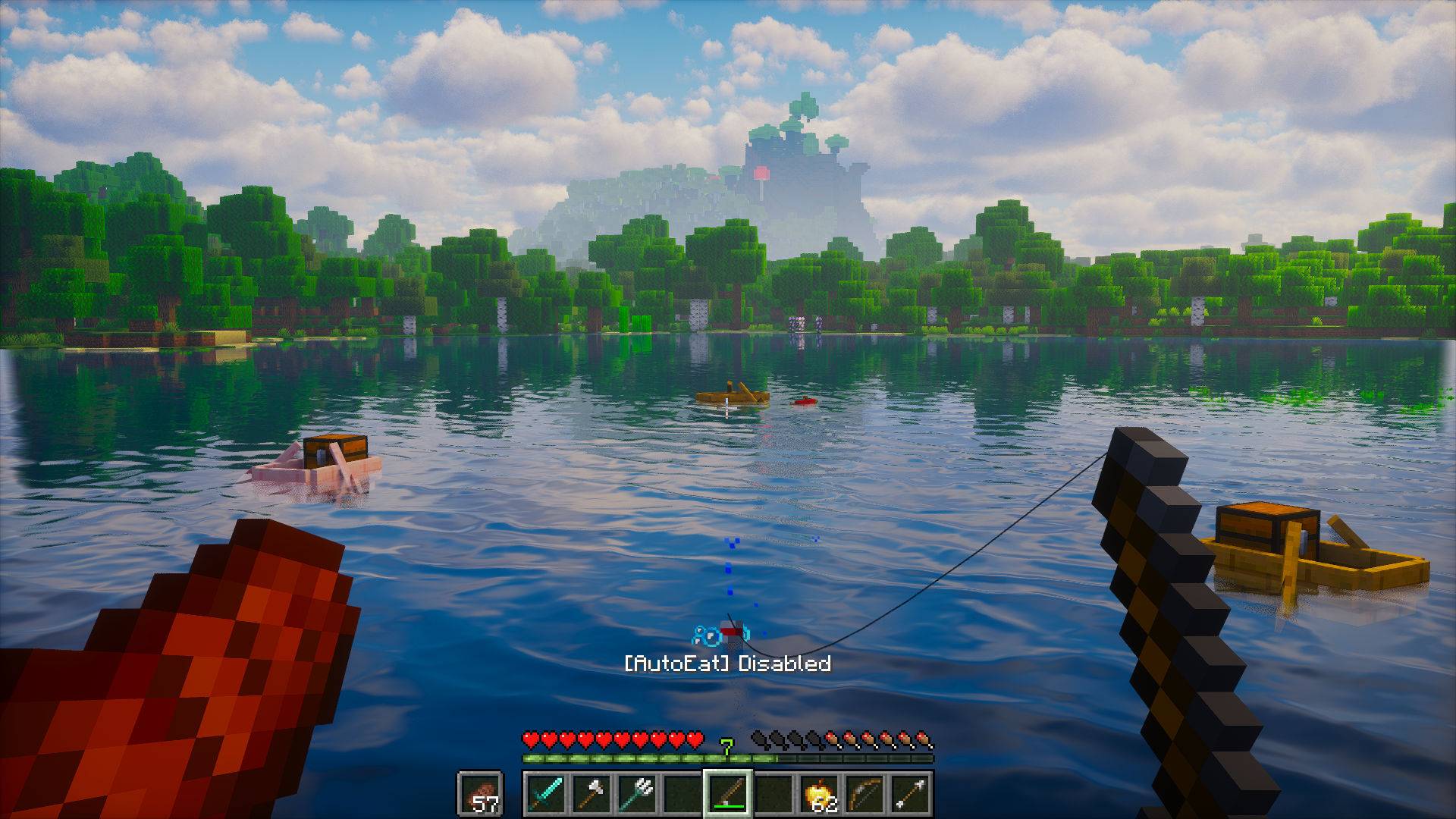 Fishing with AutoEat Disabled In-game fishing view with AutoEat turned off. The "[AutoEat] Disabled" message indicates automatic eating is paused while continuing to fish manually.
 -
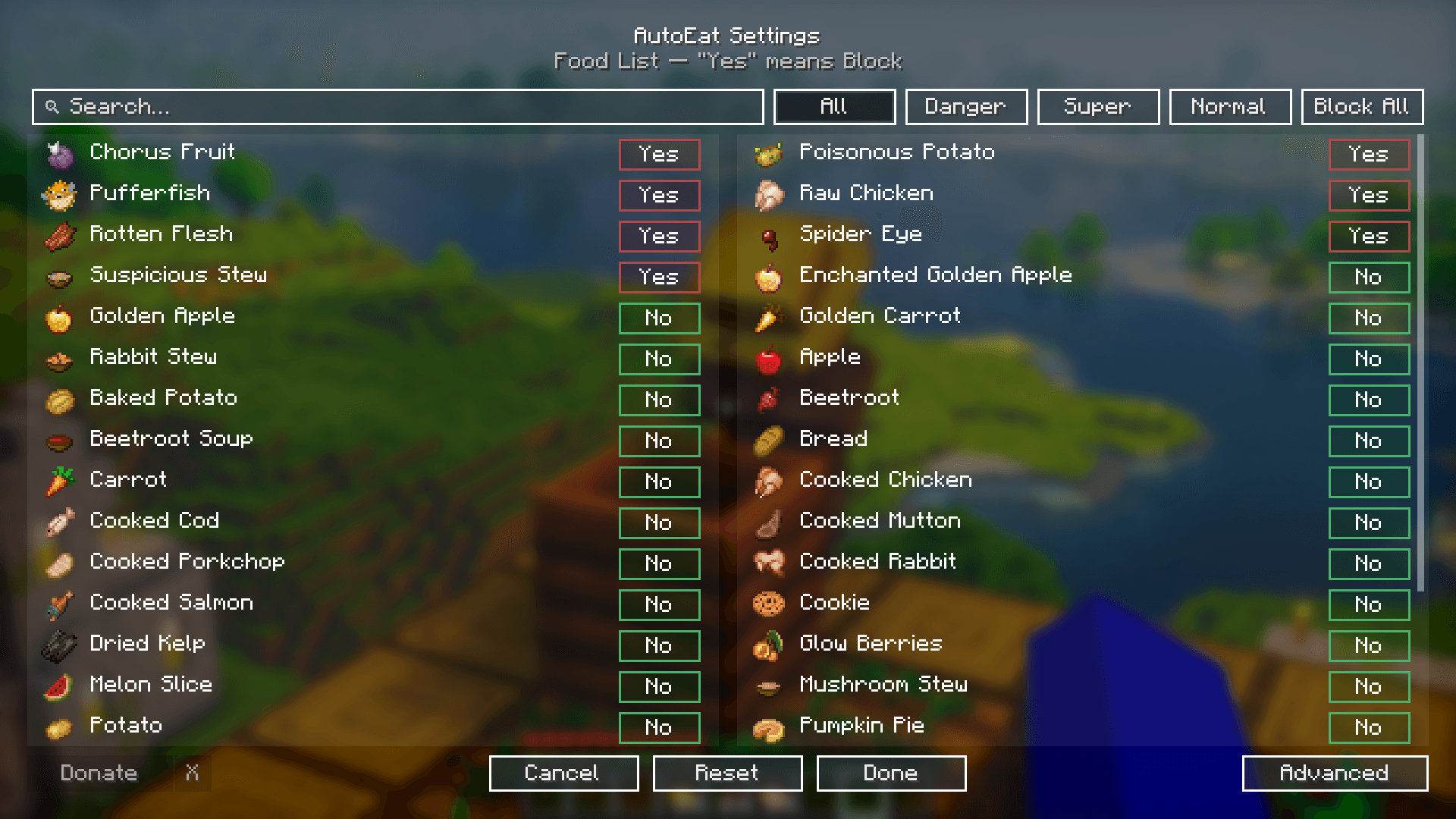 AutoEat Settings Menu Easily toggle features, adjust hunger thresholds, and manage advanced options without leaving your world.
 -
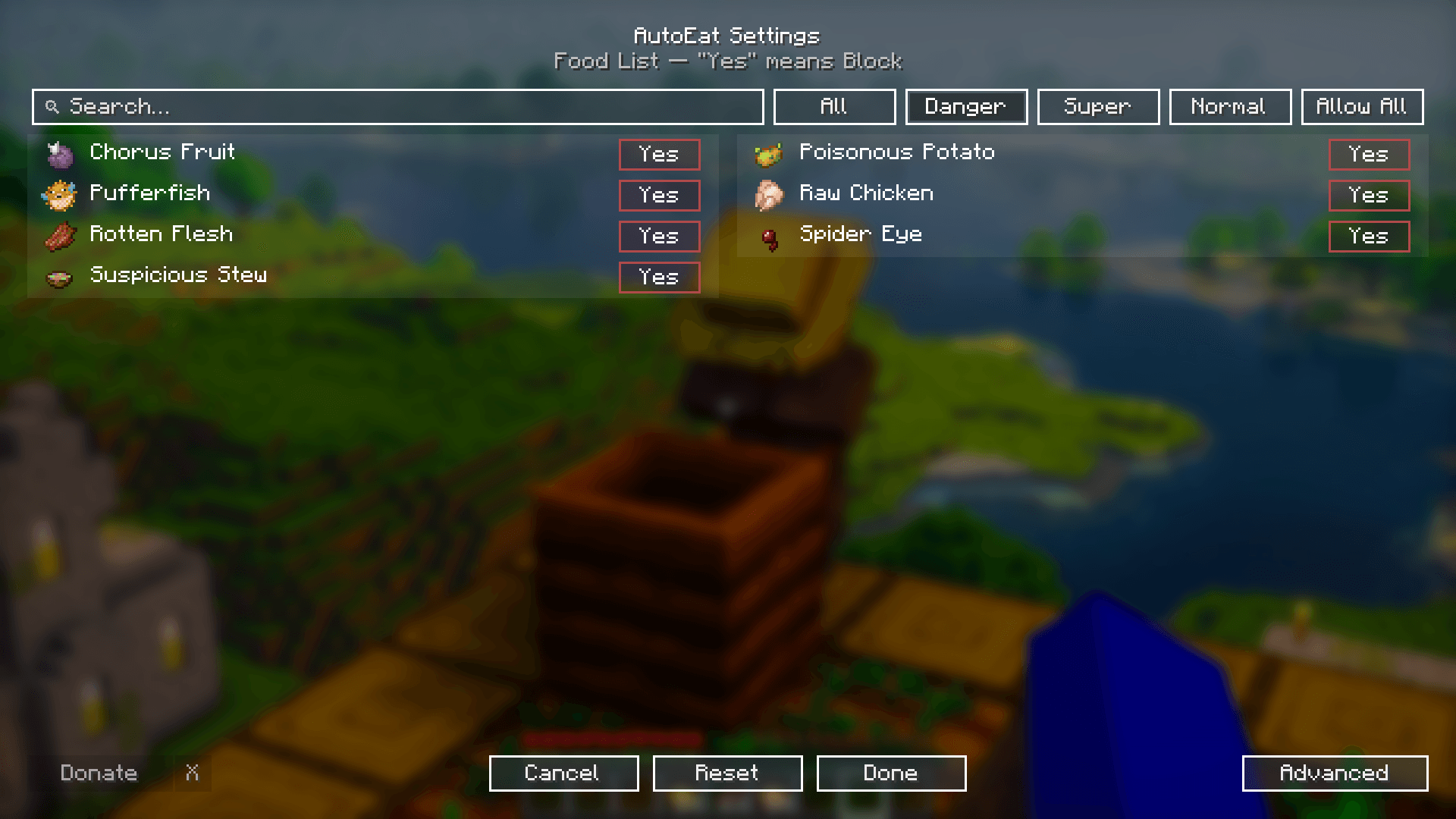 Dangerous Foods List Quickly block dangerous foods like Rotten Flesh, Pufferfish, and Spider Eyes to stay safe while AutoEat runs automatically.
 -
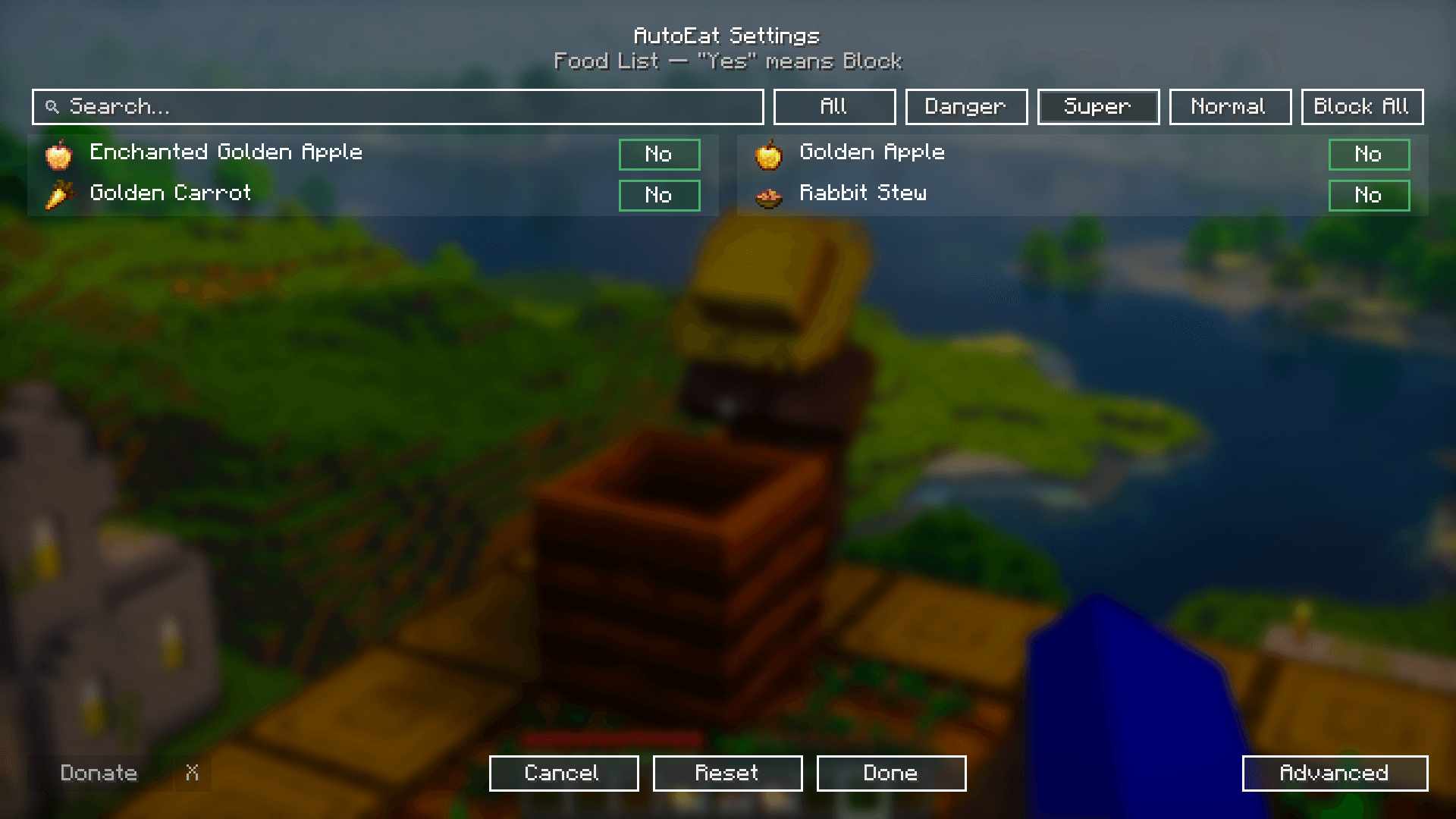 Super Foods List Shows how AutoEat prioritizes Super (premium) foods like Golden Apples and Golden Carrots when panic mode is enabled.
 -
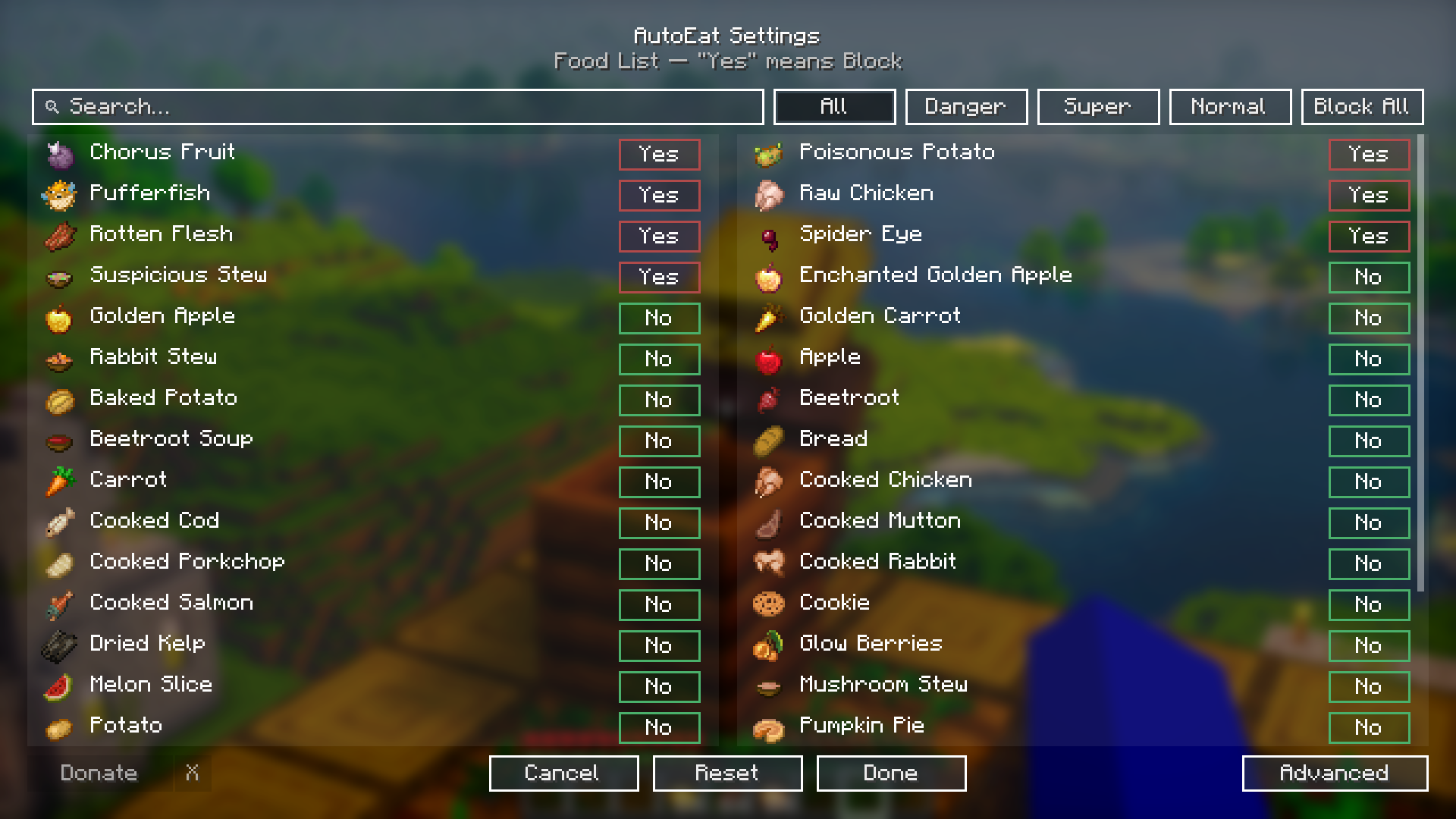
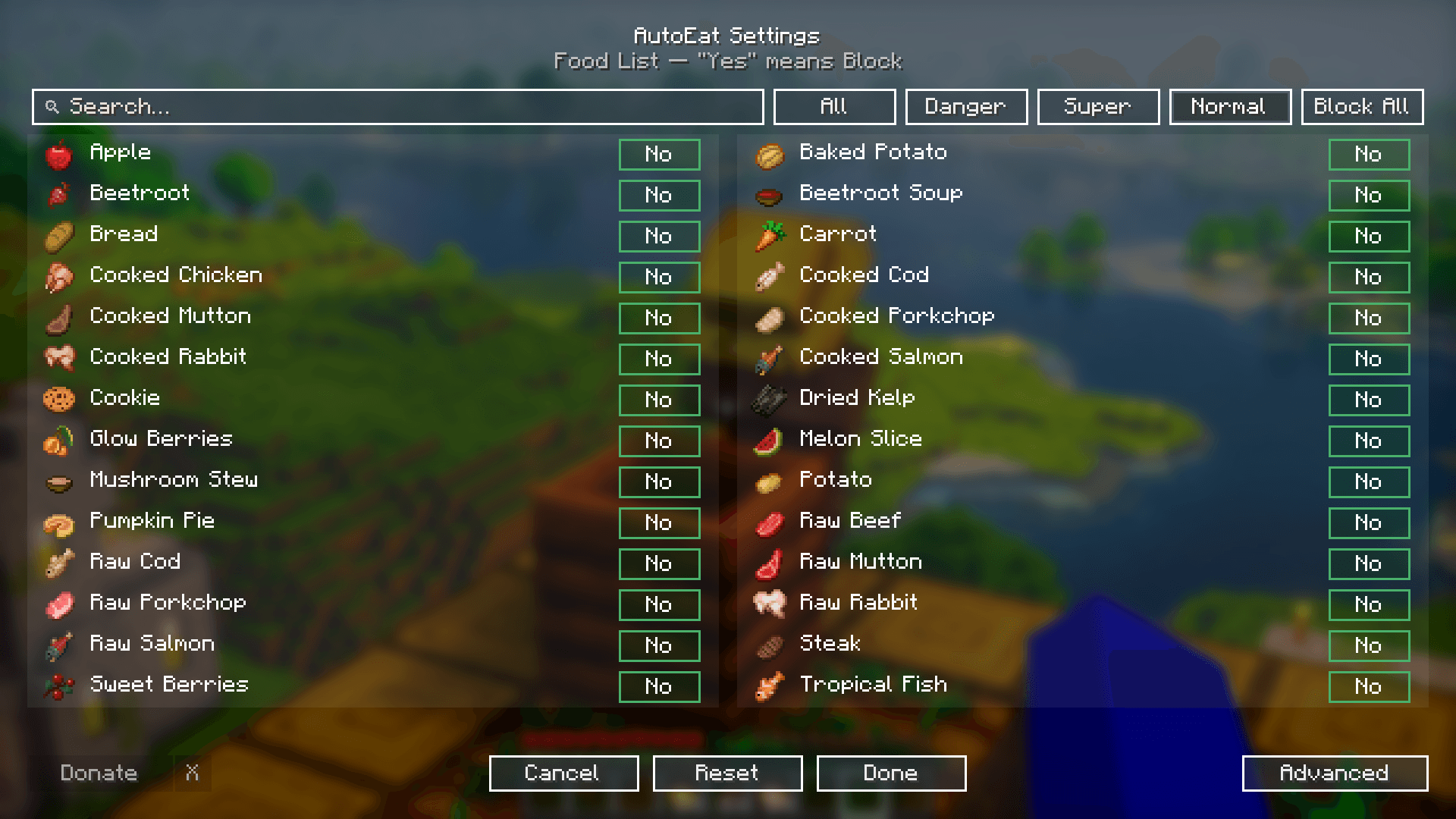 Normal Foods List A full list of normal foods AutoEat can consume, from basic fruits and vegetables to cooked meals.
 -
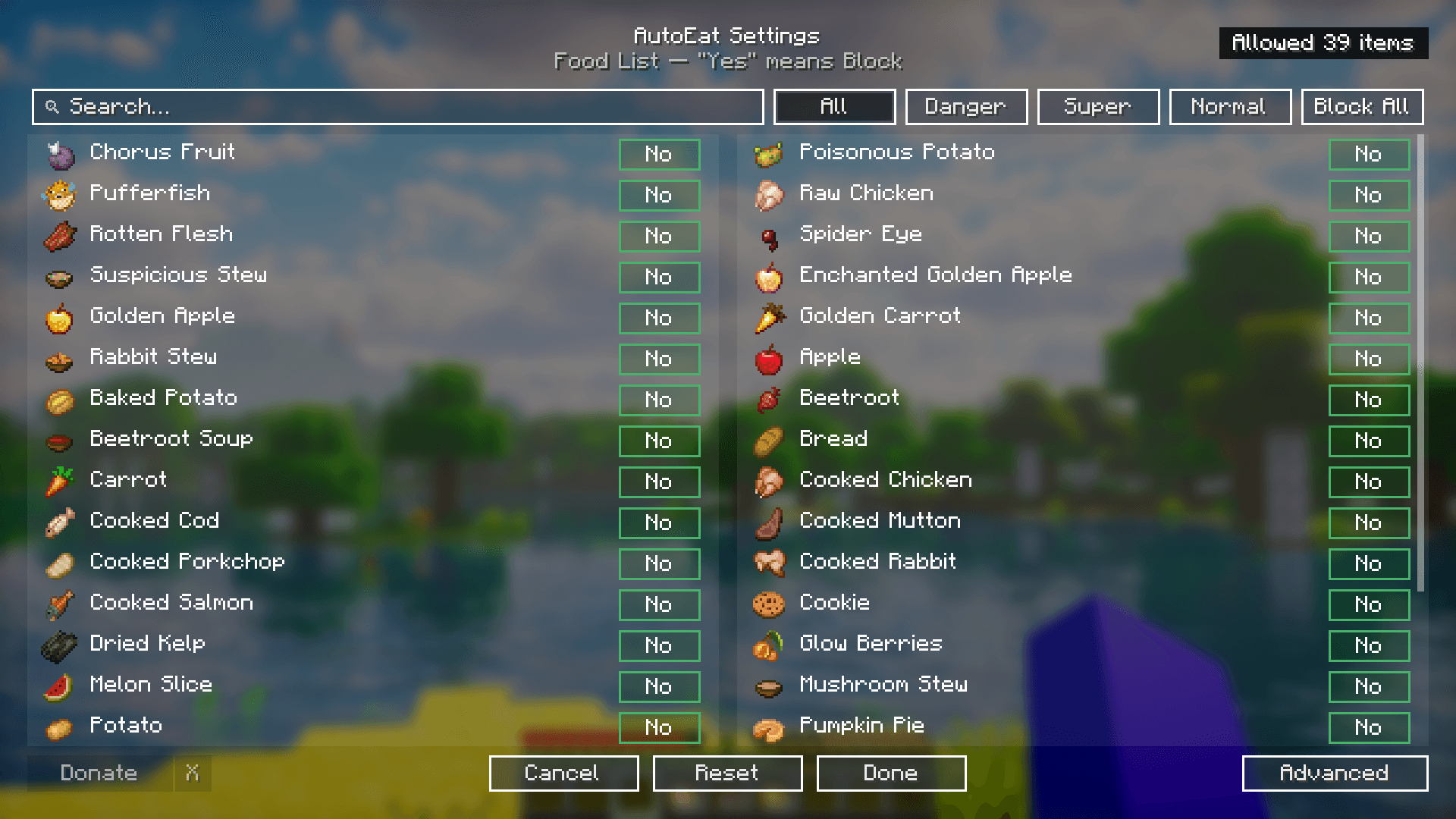 Allow All Foods Demonstrates the "Allow All" state in AutoEat. All foods in the selected category are unblocked, allowing AutoEat to consume any item automatically. The button changes to "Block All" to reverse this setting.
 -
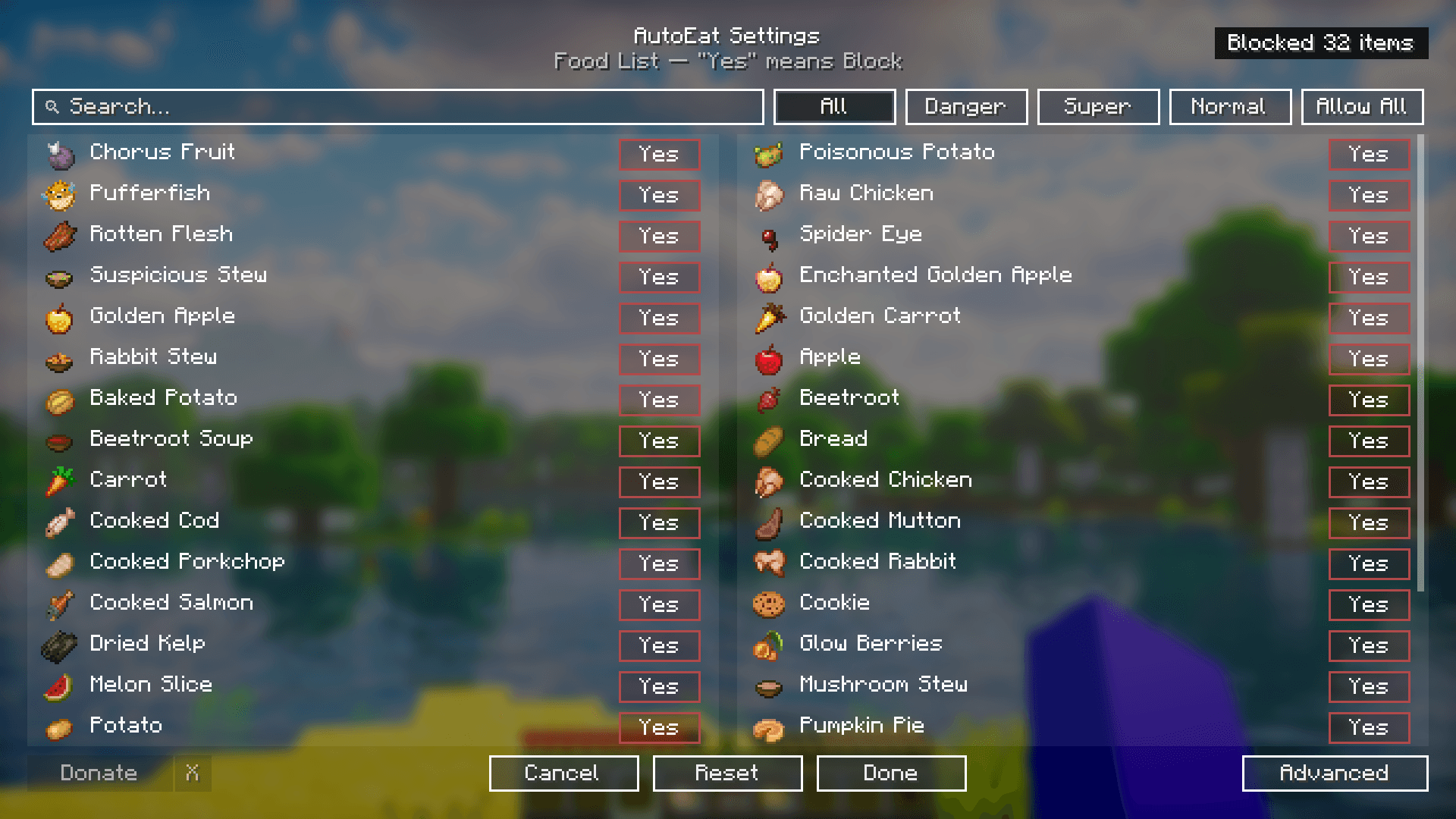 Block All Foods Demonstrates the "Block All" feature in AutoEat. Clicking this button blocks every food item in the selected category, preventing AutoEat from consuming any of them until you click "Allow All" to revert.
 -
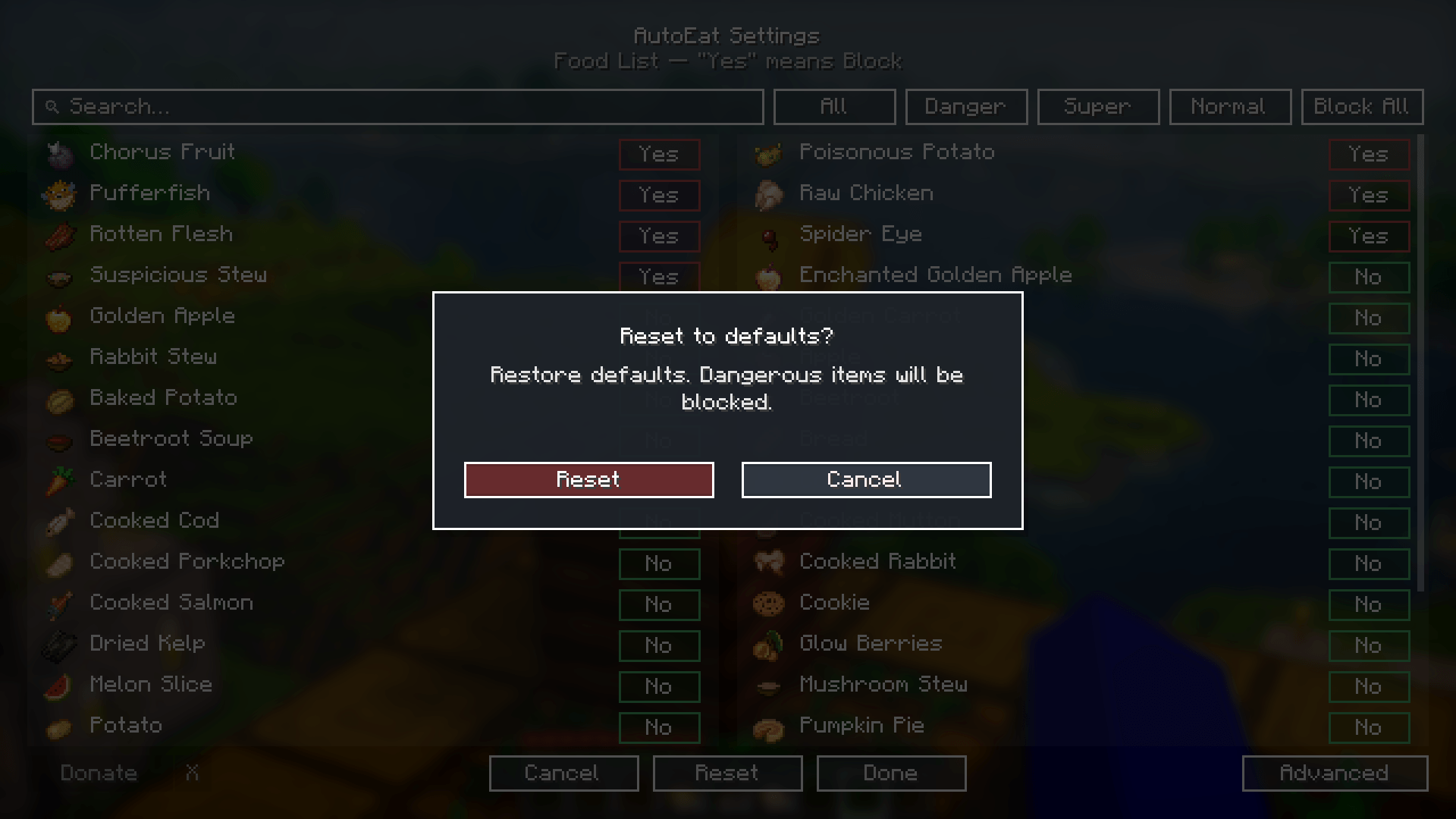 Reset to Default Shows the confirmation popup for resetting to default settings. This restores the original configuration, where dangerous foods are blocked by default.
 -
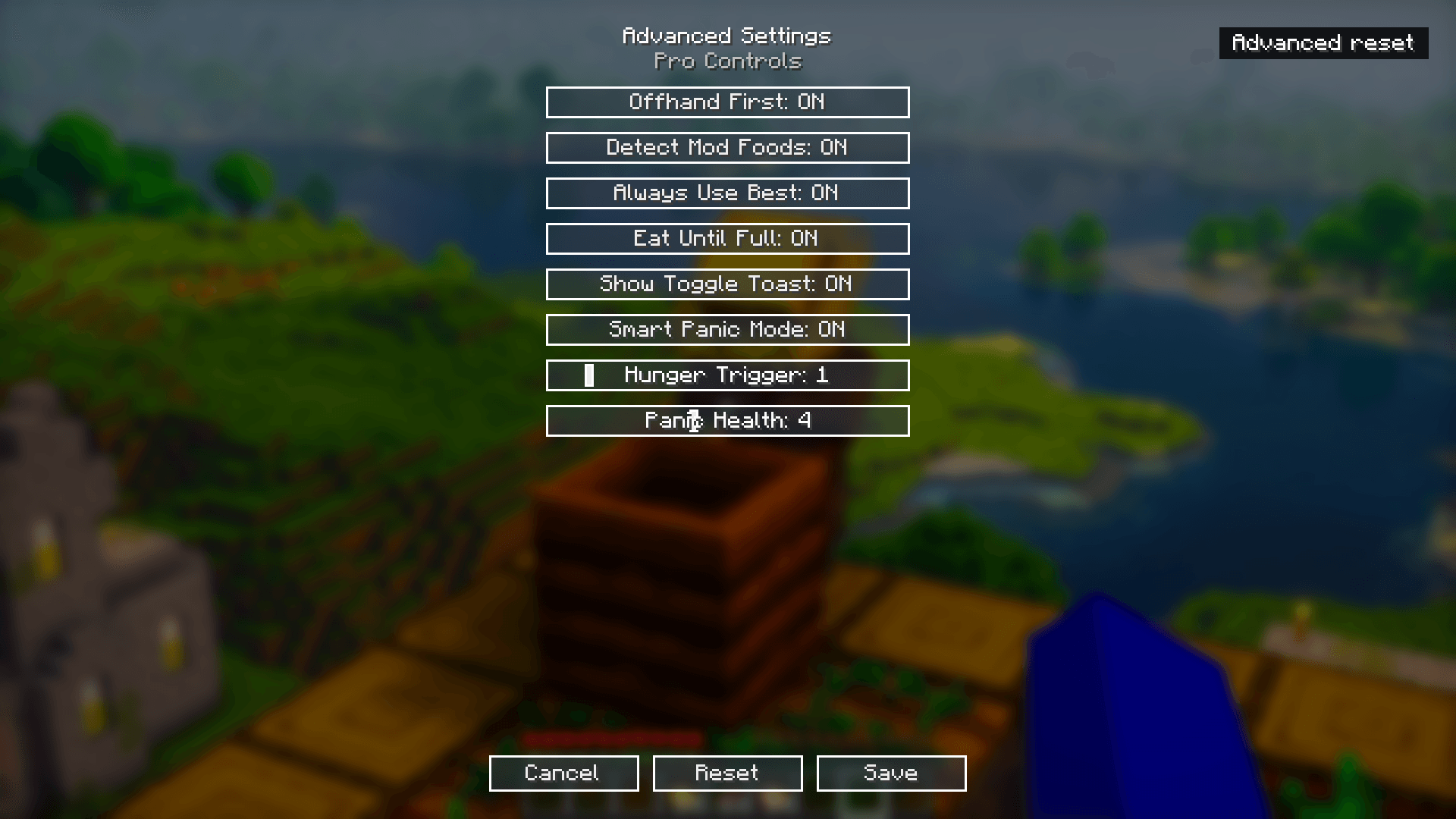 Advanced Settings Shows AutoEat's advanced settings menu, including options for Offhand First, Smart Panic Mode, Eat Until Full, and adjustable hunger and panic health thresholds.
 -
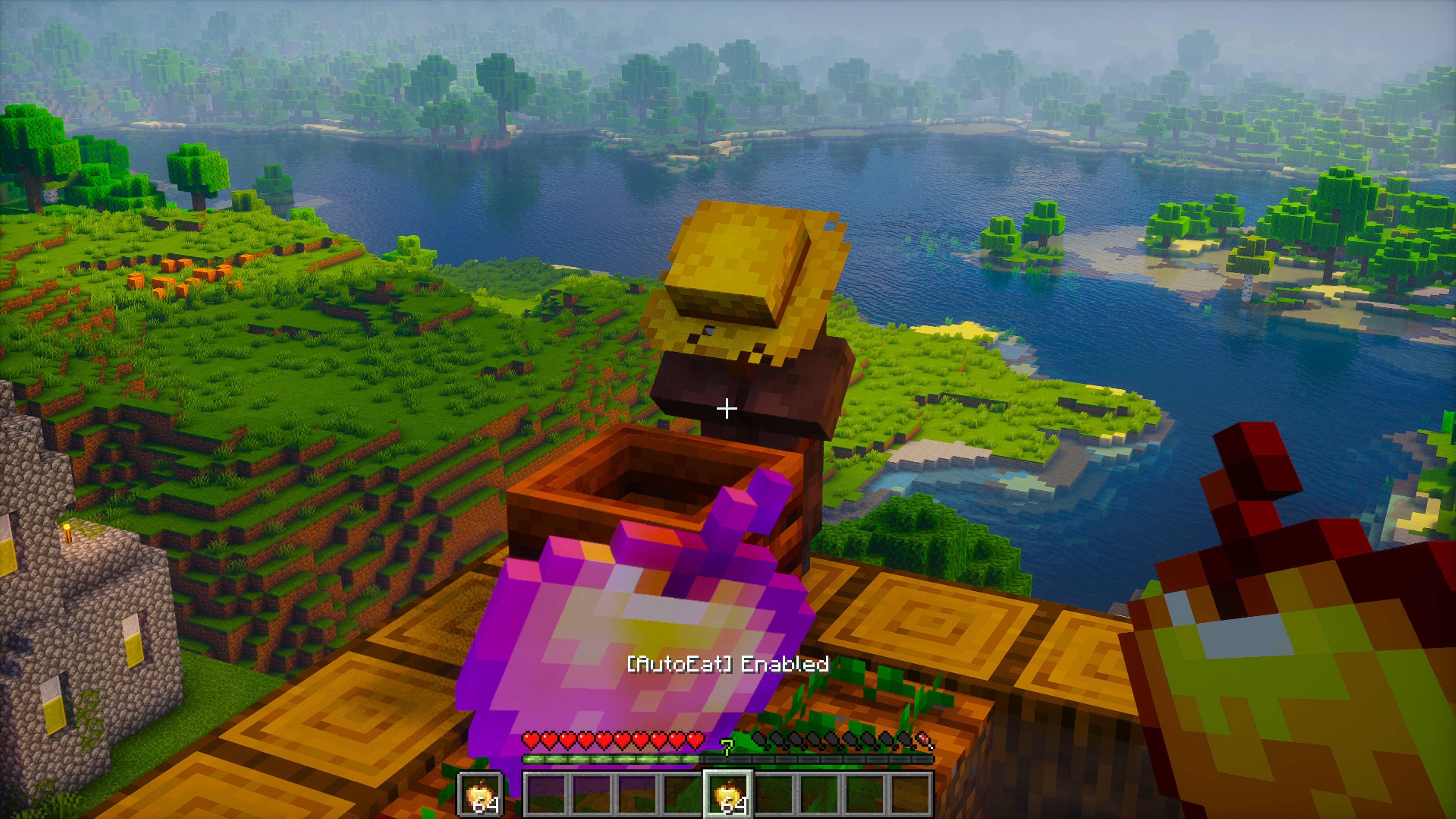 POV – AutoEat Enabled In-game view showing AutoEat activated. The "[AutoEat] Enabled" message confirms the mod is ready to keep your hunger full automatically.
 -
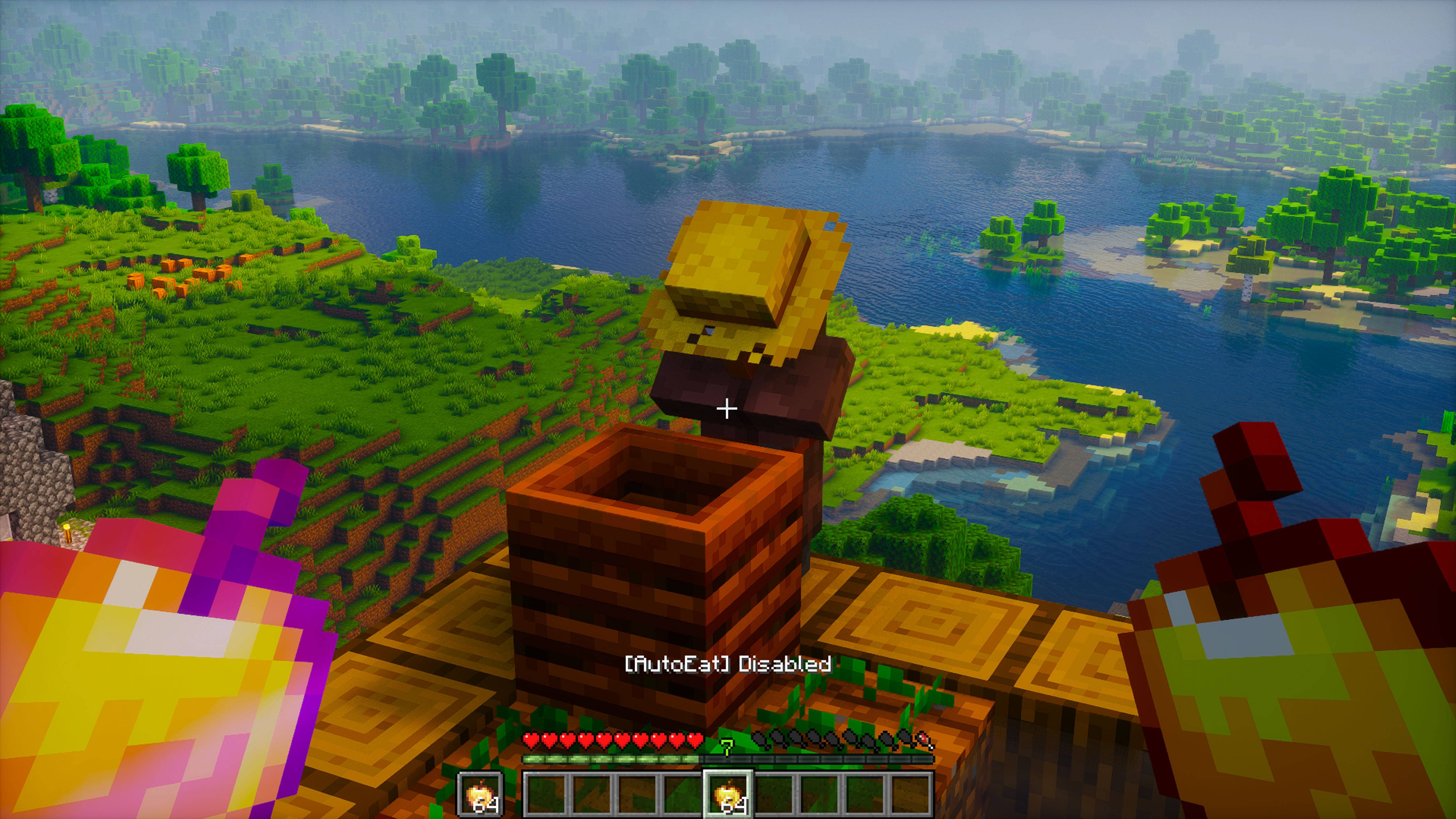 POV – AutoEat Disabled In-game view showing AutoEat toggled off. The "[AutoEat] Disabled" message indicates that automatic eating is paused until re-enabled.
-
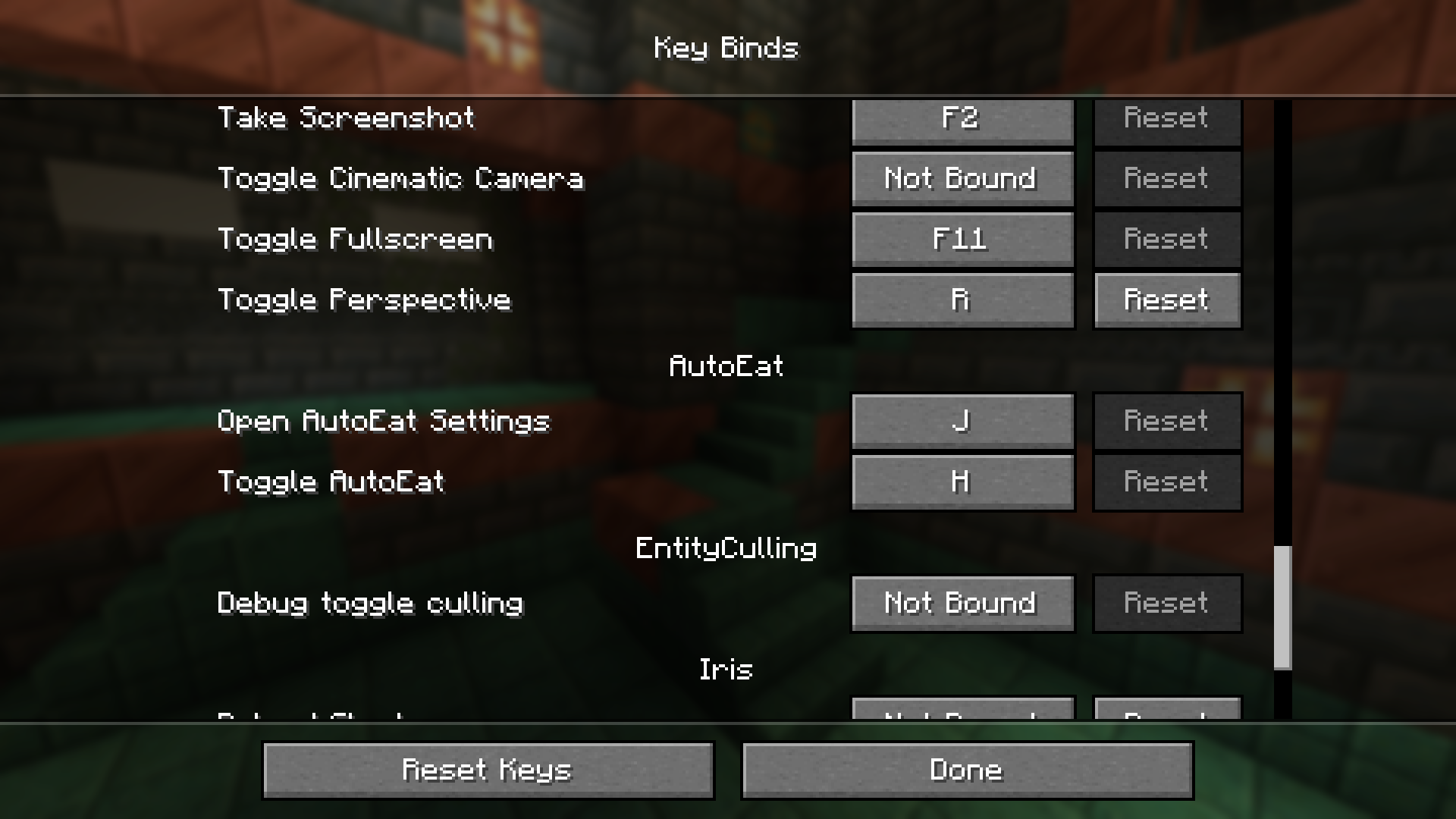 Key Bind Settings Displays the key bind configuration for AutoEat. By default, press 'H' to toggle AutoEat and 'J' to open the settings menu.
 -
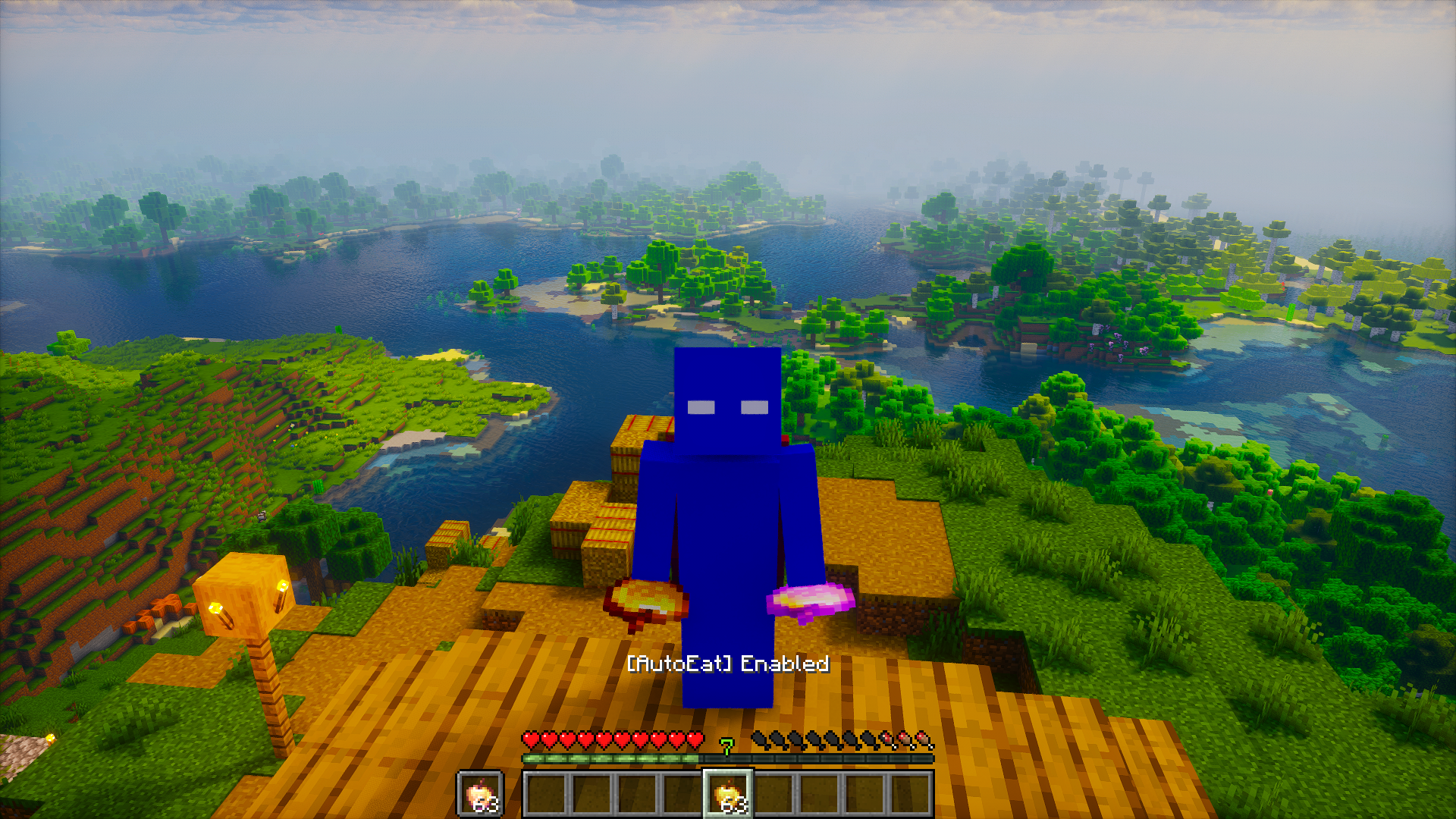 Front View - AutoEat Enabled Front-facing view showing AutoEat activated. The "[AutoEat] Enabled" message confirms automatic eating is active while holding premium foods.
 -
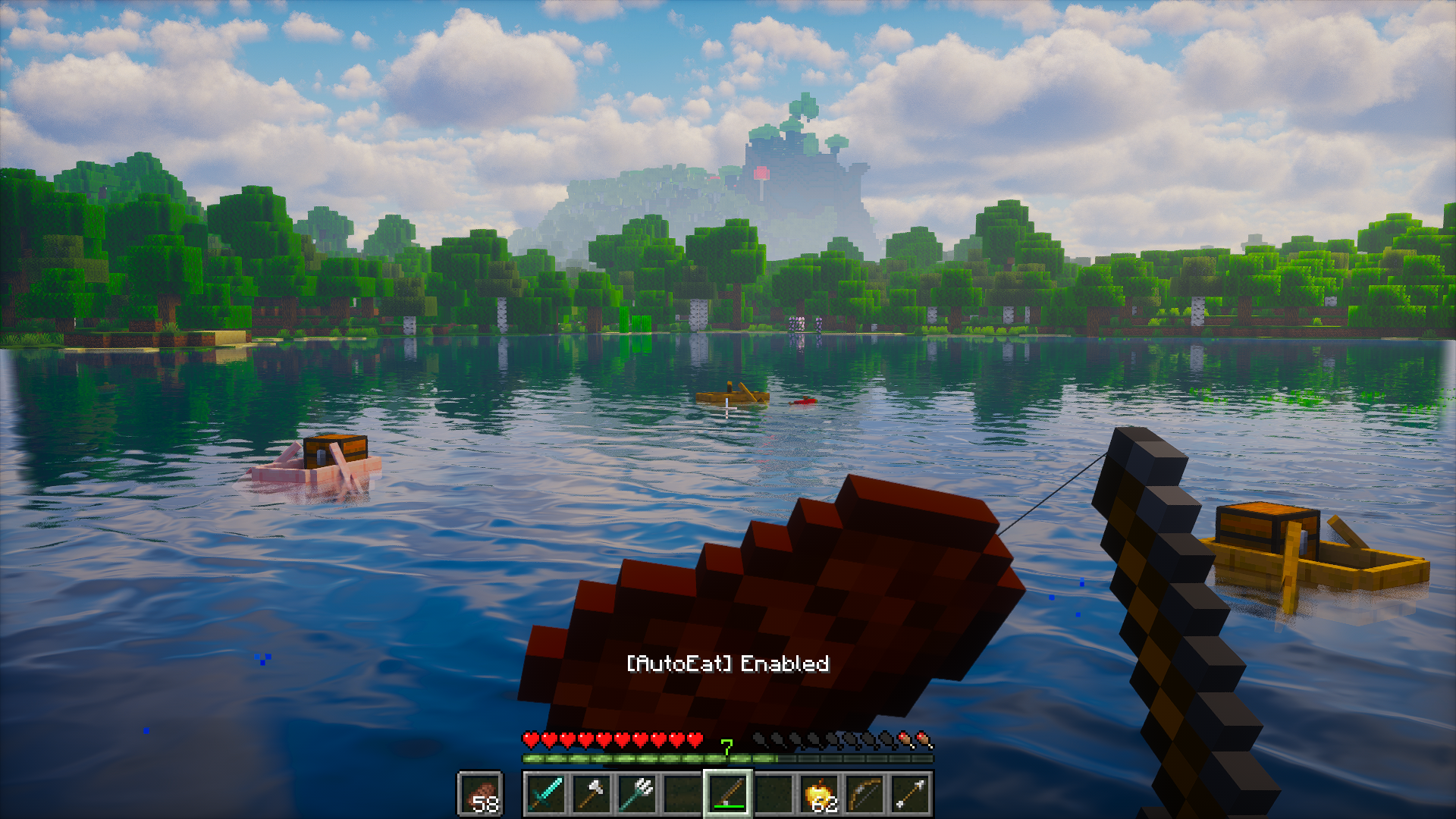 Fishing with AutoEat Enabled In-game view while fishing, showing AutoEat active. Offhand support lets you fish while the mod automatically keeps your hunger full.
 -
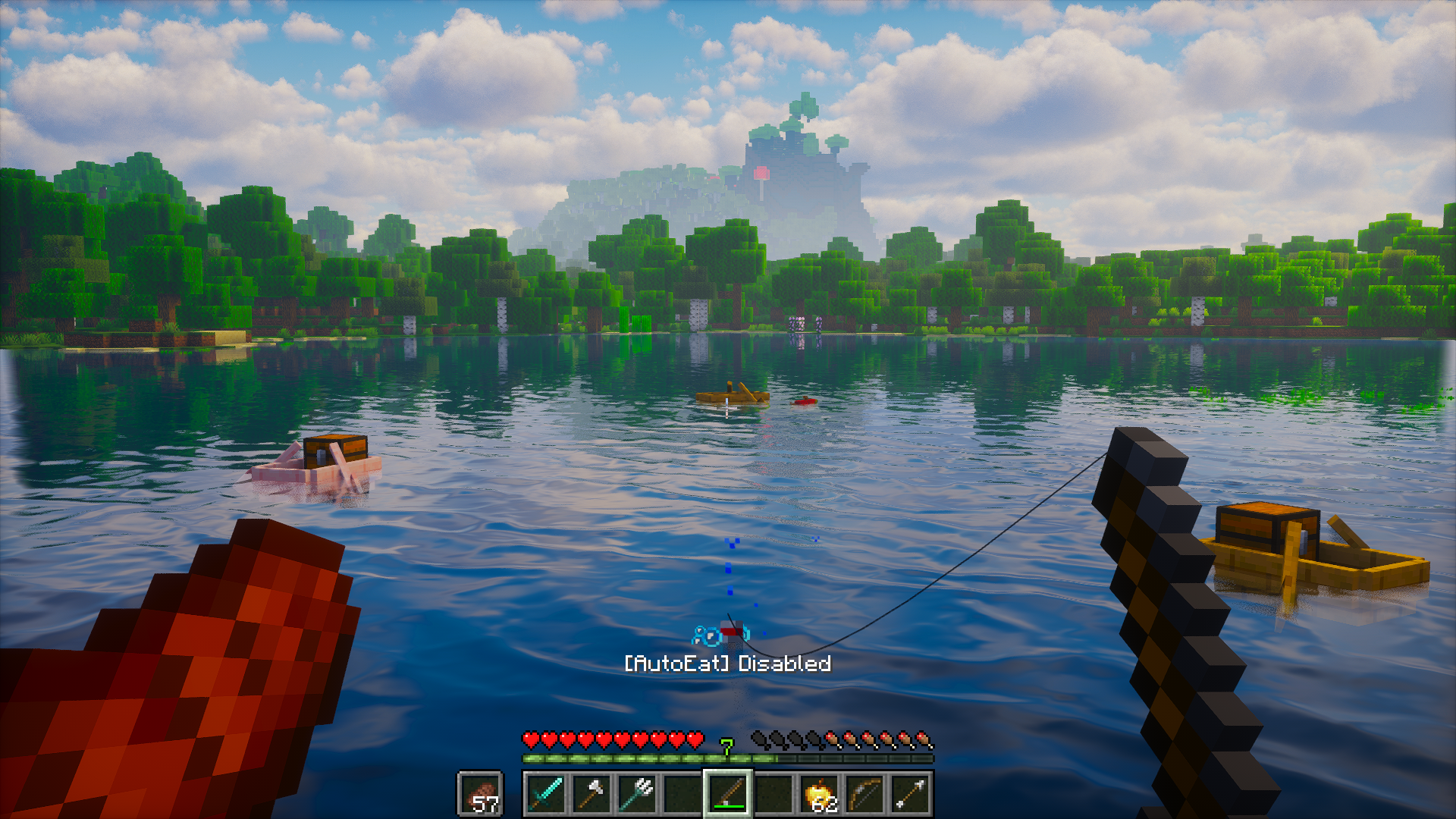 Fishing with AutoEat Disabled In-game fishing view with AutoEat turned off. The "[AutoEat] Disabled" message indicates automatic eating is paused while continuing to fish manually.
 -
 AutoEat Settings Menu Easily toggle features, adjust hunger thresholds, and manage advanced options without leaving your world.
 -
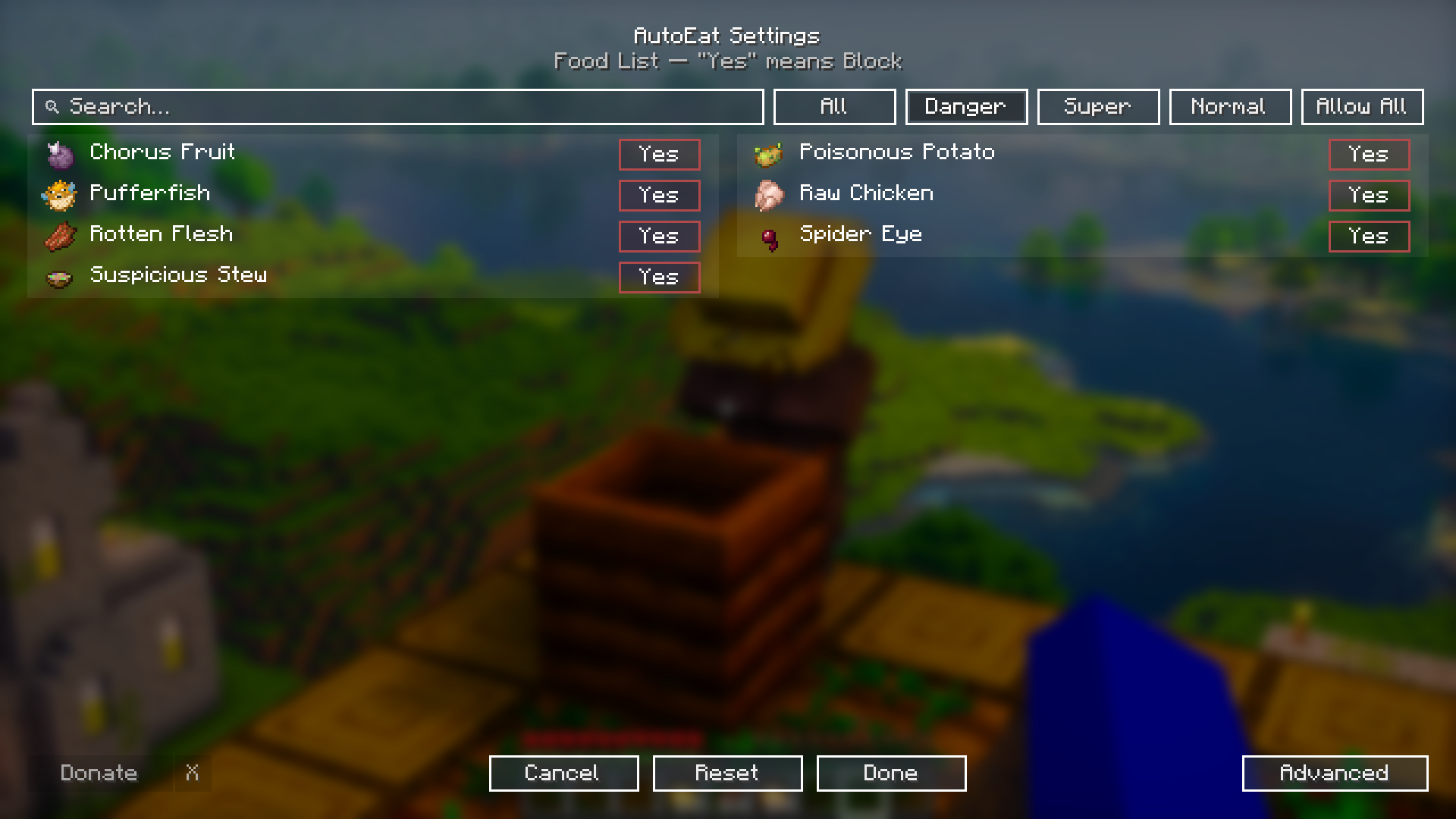 Dangerous Foods List Quickly block dangerous foods like Rotten Flesh, Pufferfish, and Spider Eyes to stay safe while AutoEat runs automatically.
 -
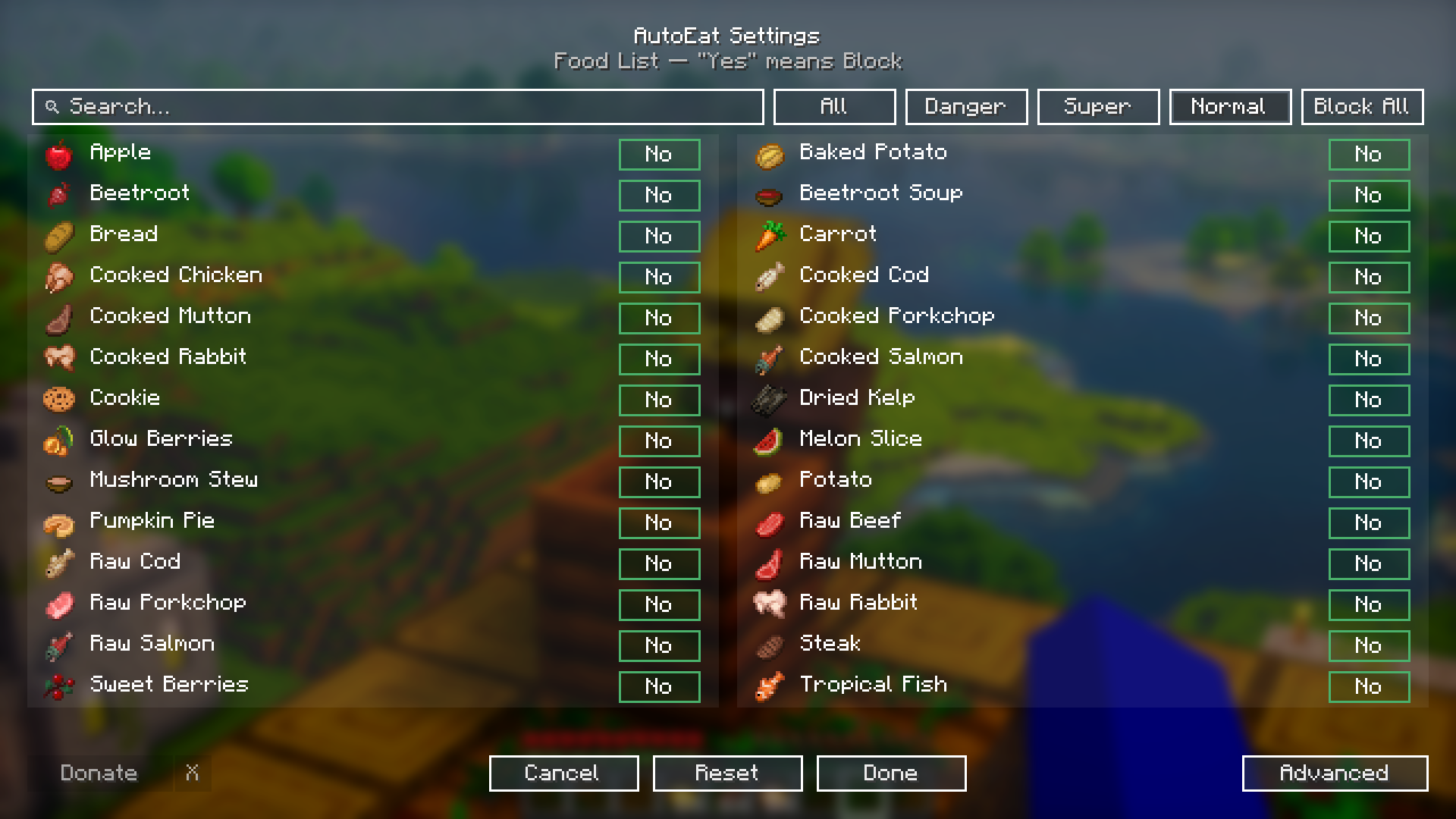 Normal Foods List A full list of normal foods AutoEat can consume, from basic fruits and vegetables to cooked meals.
 -
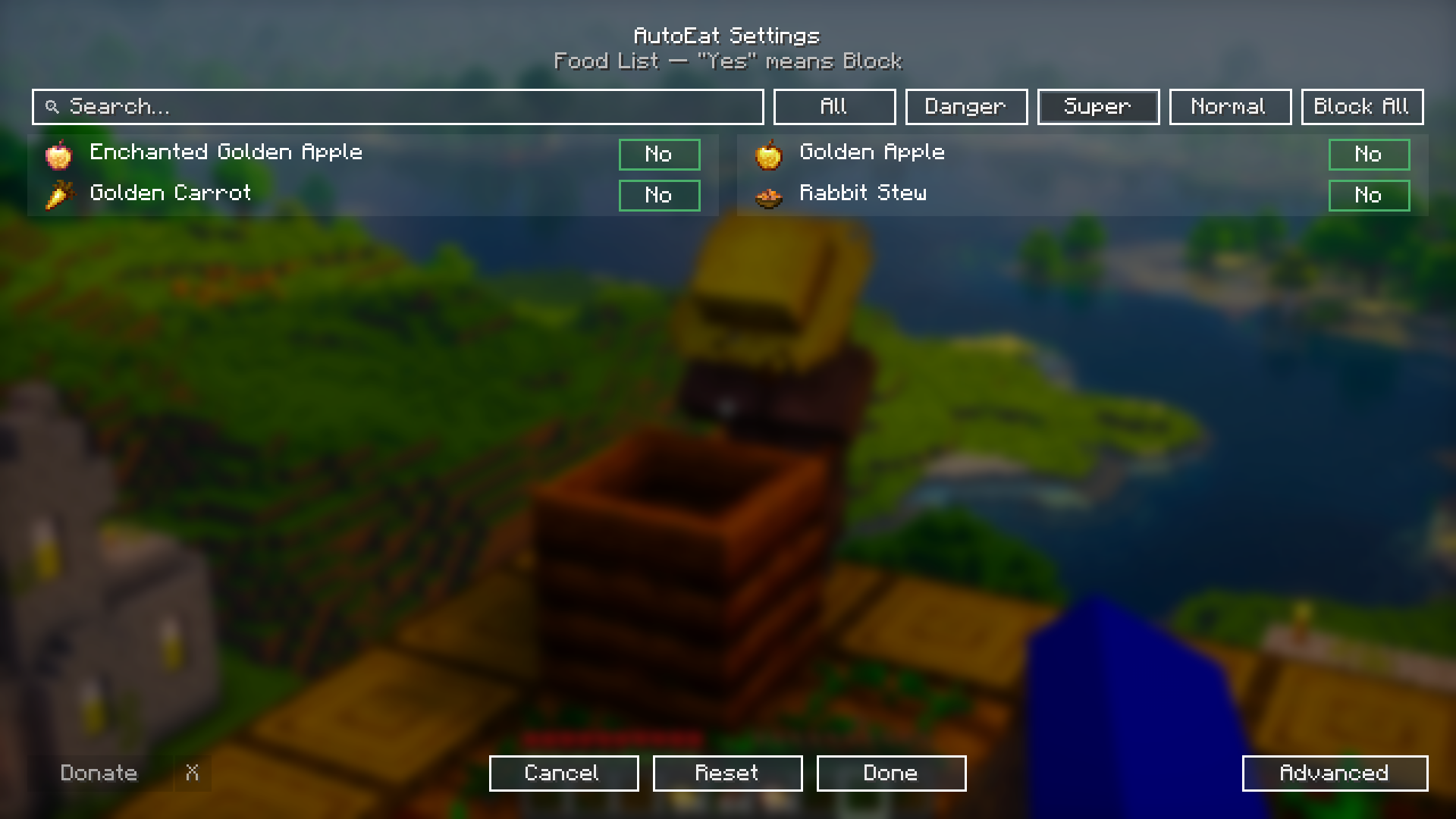 Super Foods List Shows how AutoEat prioritizes Super (premium) foods like Golden Apples and Golden Carrots when panic mode is enabled.
 -
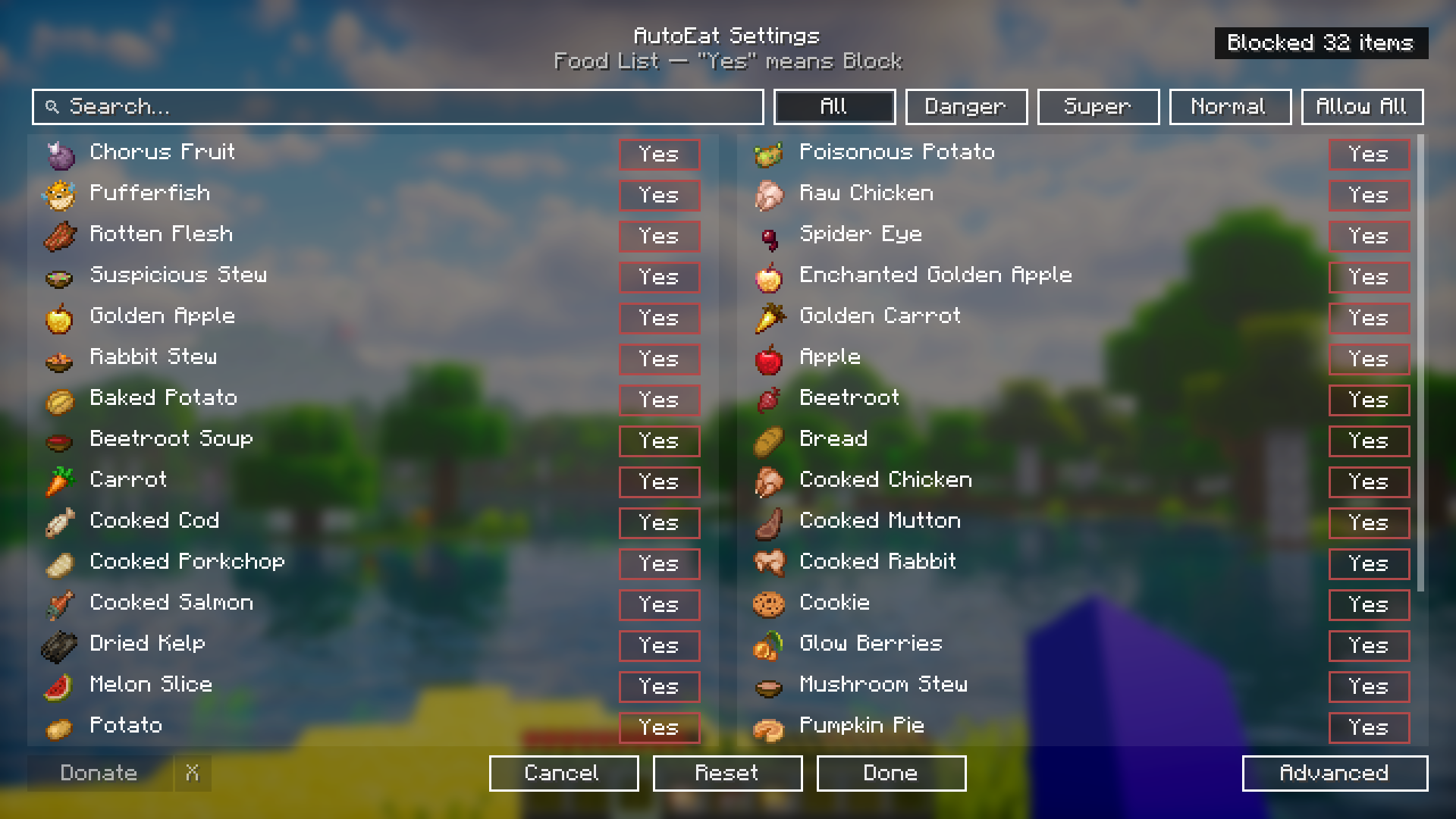 Block All Foods Demonstrates the "Block All" feature in AutoEat. Clicking this button blocks every food item in the selected category, preventing AutoEat from consuming any of them until you click "Allow All" to revert.
 -
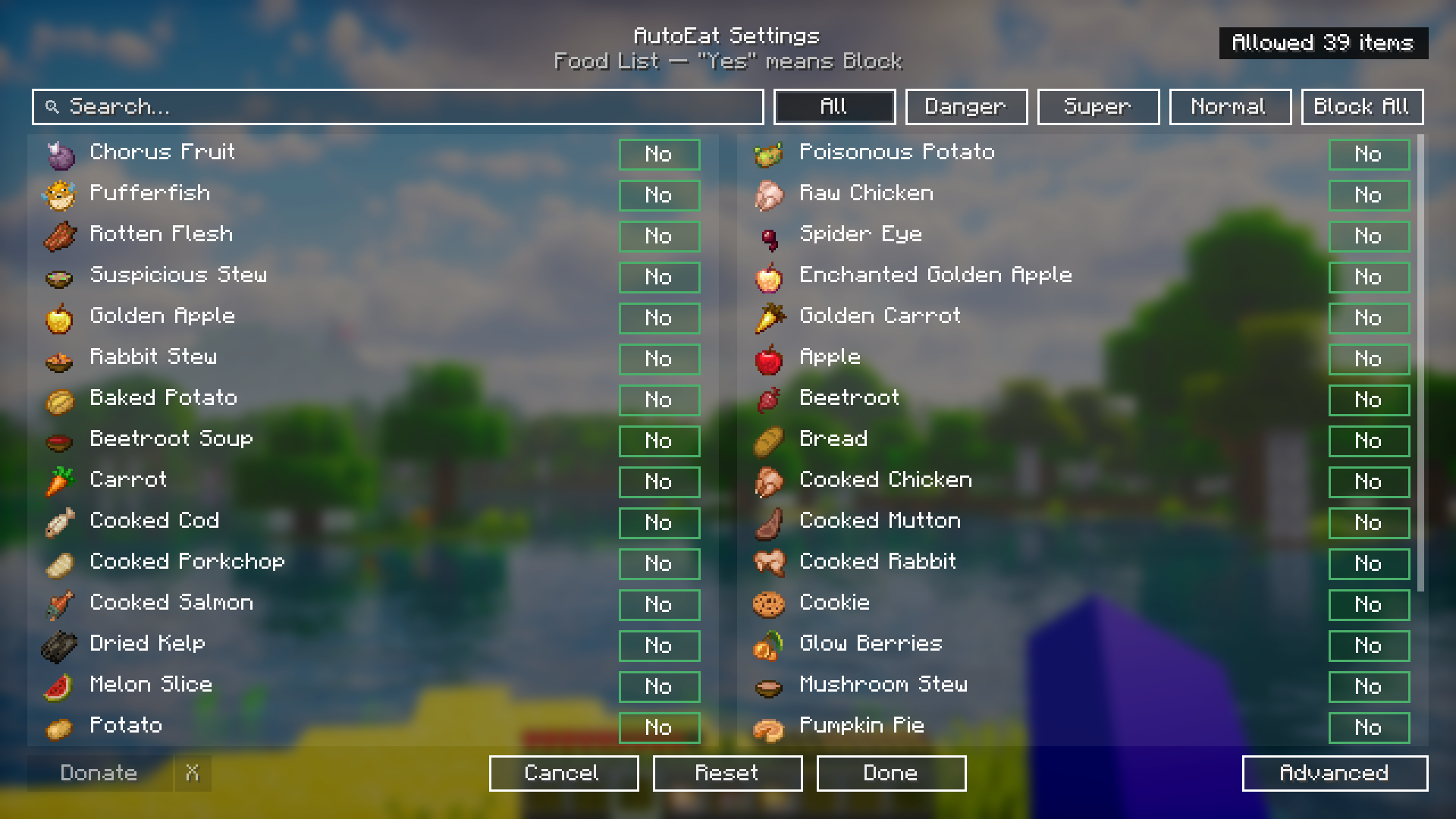 Allow All Foods Demonstrates the "Allow All" state in AutoEat. All foods in the selected category are unblocked, allowing AutoEat to consume any item automatically. The button changes to "Block All" to reverse this setting.
 -
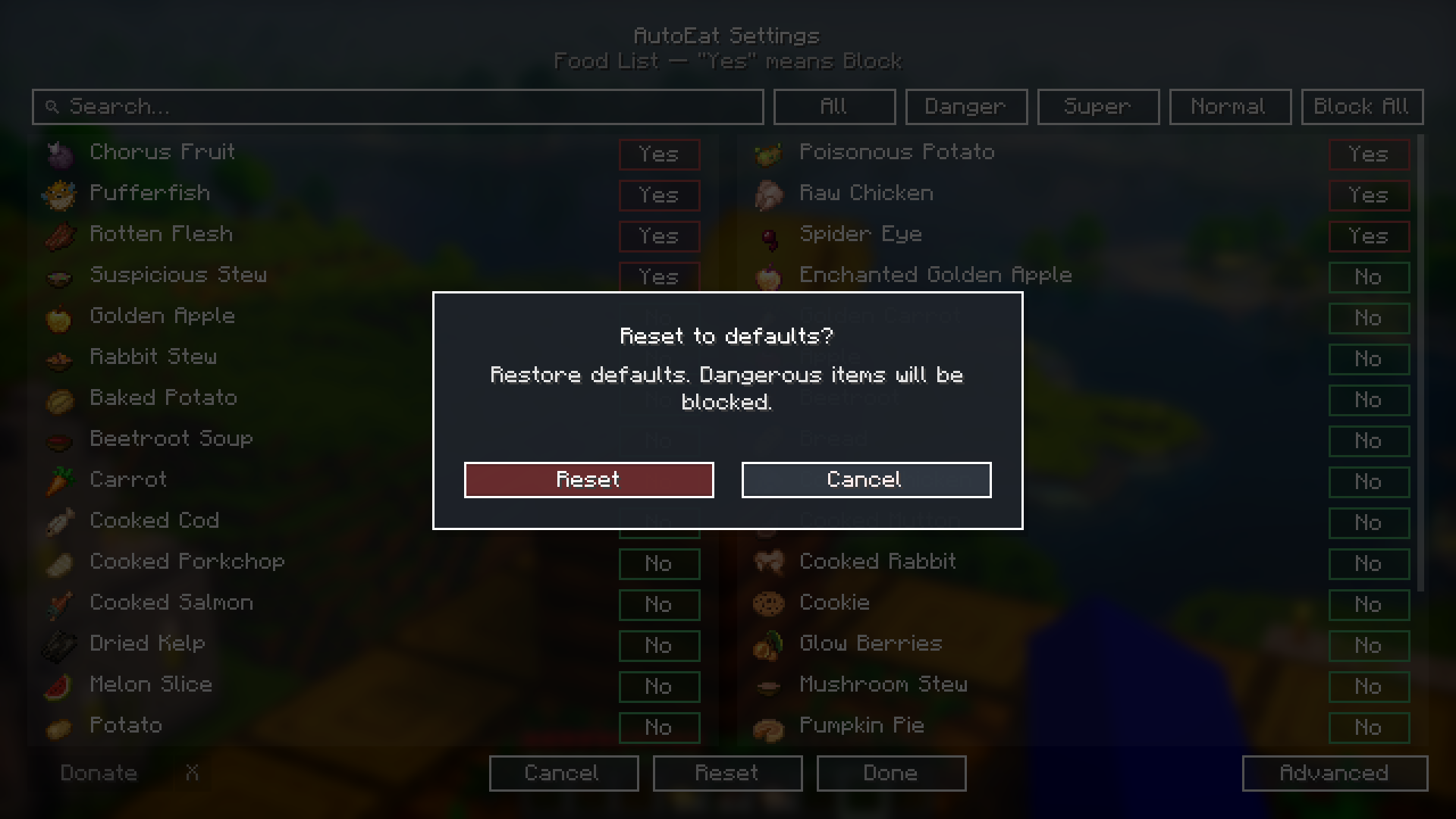 Reset to Default Shows the confirmation popup for resetting to default settings. This restores the original configuration, where dangerous foods are blocked by default.
 -
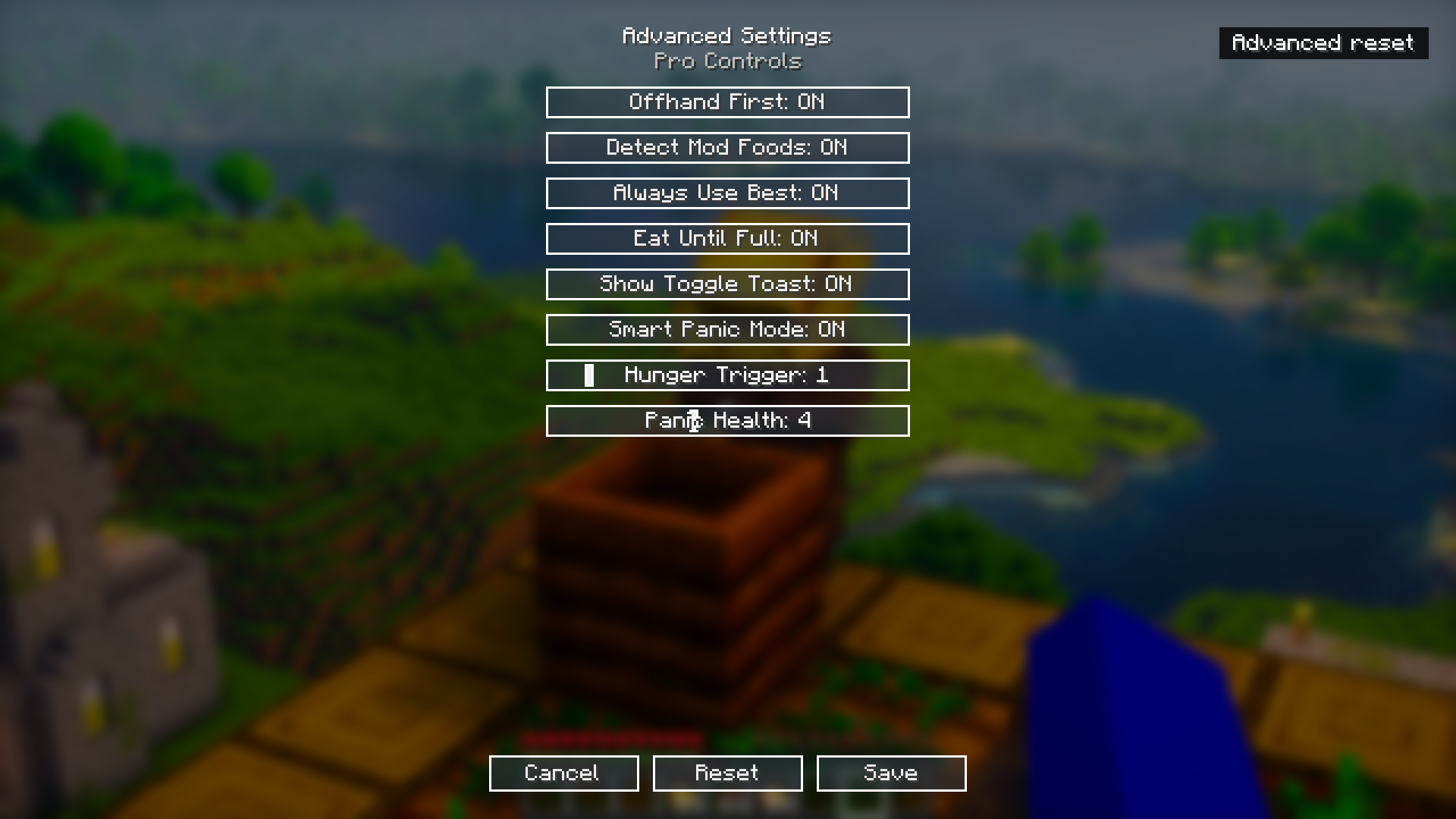 Advanced Settings Shows AutoEat's advanced settings menu, including options for Offhand First, Smart Panic Mode, Eat Until Full, and adjustable hunger and panic health thresholds.
 -
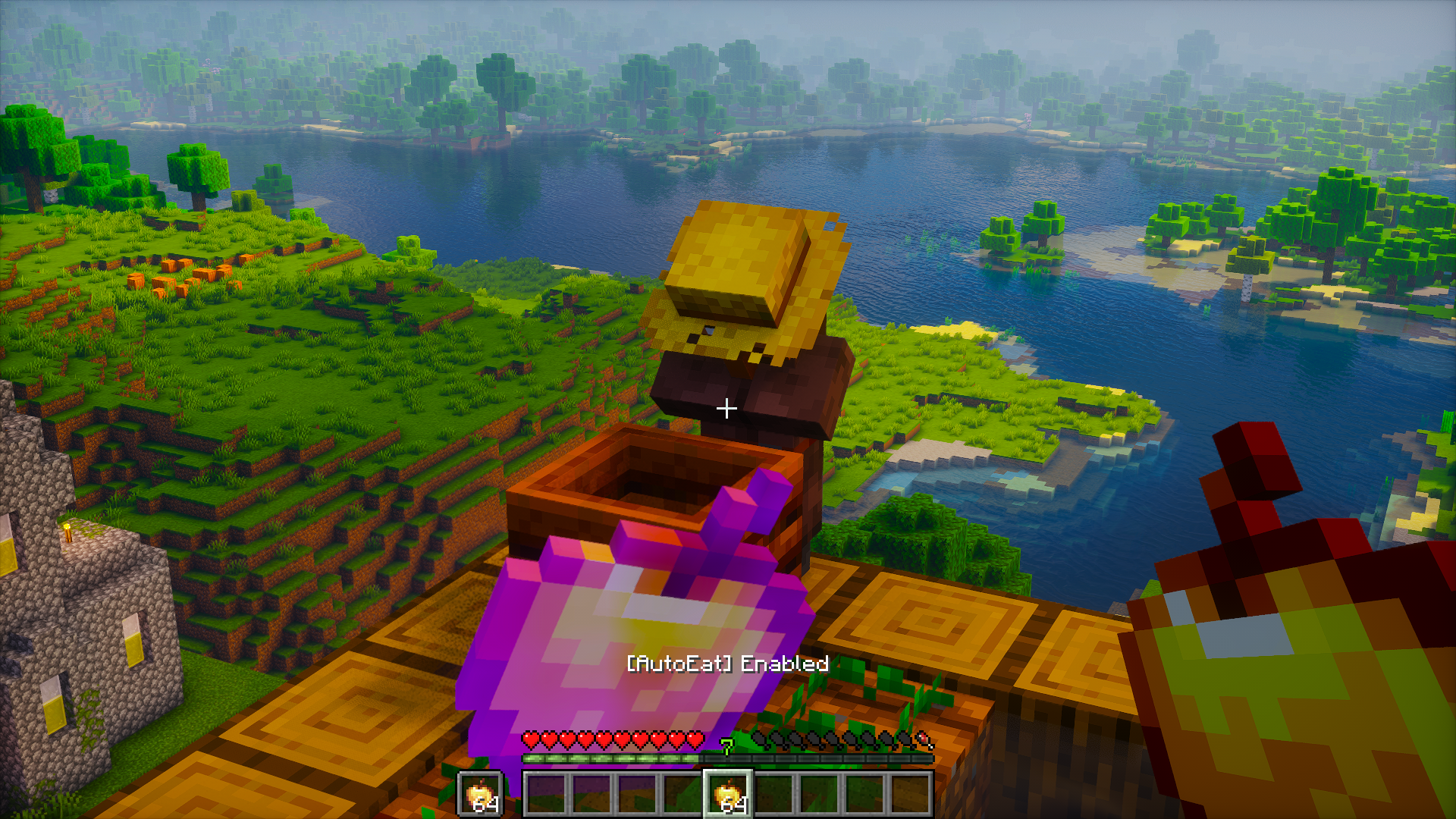 POV – AutoEat Enabled In-game view showing AutoEat activated. The "[AutoEat] Enabled" message confirms the mod is ready to keep your hunger full automatically.
 -
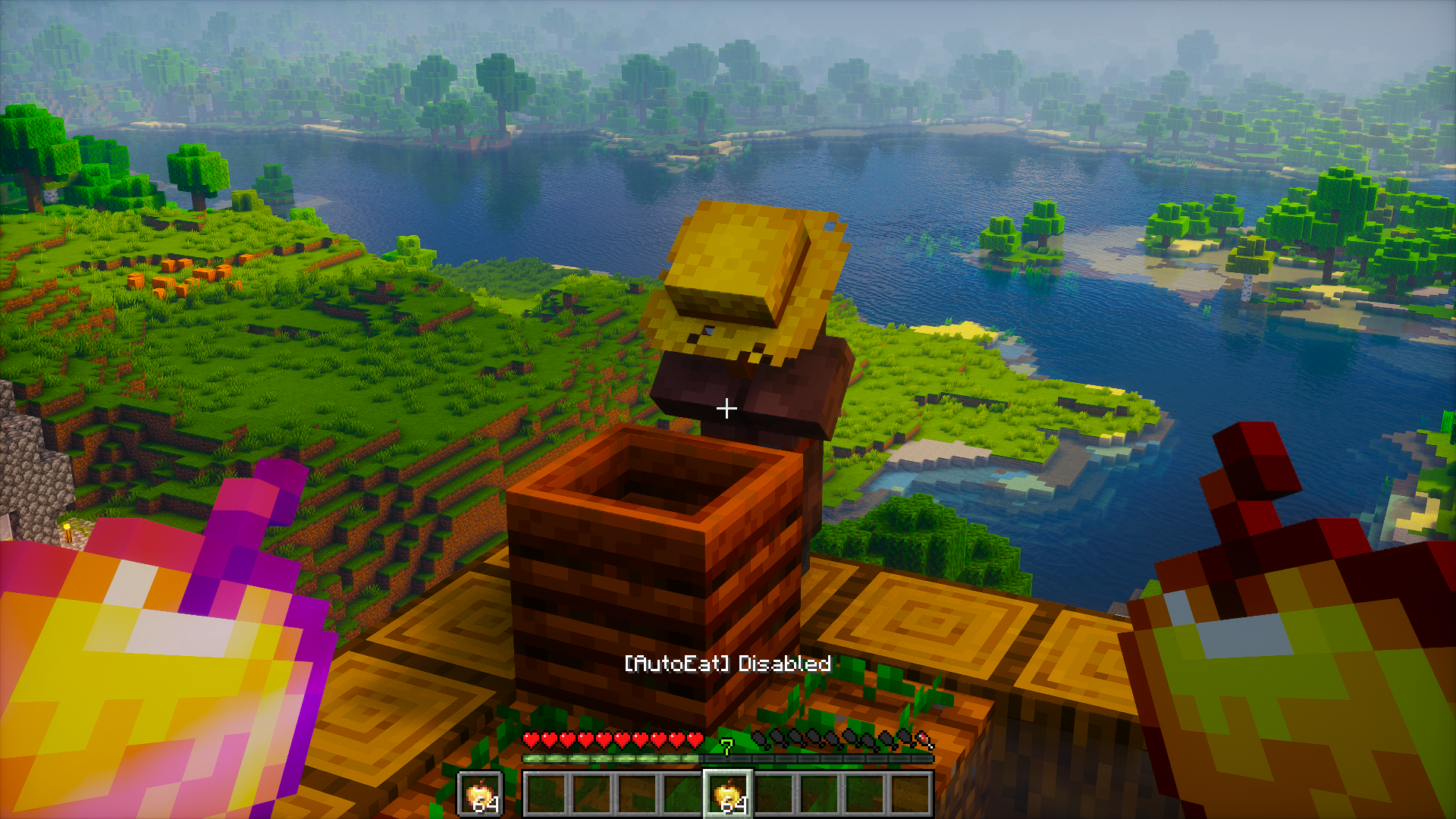 POV – AutoEat Disabled In-game view showing AutoEat toggled off. The "[AutoEat] Disabled" message indicates that automatic eating is paused until re-enabled.
Versions
Files
Relations
Project Relations
More like this
Similar Mods
Suggestions use data such as tags, dependencies, dependents, descriptions, titles, and more to rank how much they overlap with this mod.
On ModDex
Community snapshot
By the numbers
Statistics
Want to reach Minecraft players?
We're looking for a server hosting partner to feature here and other parts of the site. Interested? Send us a message!
Get in touchGet it on
Available Platforms
On ModDex
Community snapshot
By the numbers
Statistics
Resources