
Community listing page, reviews here may not be monitored by the author.
Backpack Attribute


No reviews yet
An unconventional backpack mod using an entity attribute.
Community voices
Reviews
No reviews yet. Be the first to review this project!
Get it on
Available Platforms
Compatibility
Supported Environments
Must be installed on both the client and the server.
About
Project Details
For authors
Embed Badge
If you're the author of this project, you can embed a live badge anywhere that supports HTML or Markdown. It updates automatically whenever ratings change.
Use HTML for any page that supports it, or Markdown for README files and Markdown-based descriptions.
Identifiers
Platform IDs
About
Description
Backpack Attribute
This is a different approach to a backpack in Minecraft. No backpack items are added, the backpack can be accessed at any time (depending on the config settings).
The player can open the new backpack screen via a hotkey (B by default).
The minimum amount of slots is 0, in which case the backpack screen won't open. The player gets notified that they currently don't have backpack slots.
The maximum amount of slots is 27.
Configuration
The value "default_backpack_slot_amount" in the server config file controls the amount of backpack slots each player has by default.
The entity attributes "generic.backpack_capacity" controls how many slots are added to/removed from the default amount. This is 0 by default, but with entity attribute modifiers (EAMs) it can be changed.
The background texture of disabled slots is not shown. This can be disabled in the client config.
"What happens to items in my backpack when my backpack gets smaller?"
When a backpack slot contains an item and becomes inactive, that item is moved to the normal inventory or dropped at the players location, when the inventory is full. This is announced to the player via a chat message.
"What happens to items in my backpack when I die?"
Two new game rules control what happens in the case of player death.
"keepBackpackInventory" defaults to false.
"clearBackpackInventoryOnDeath" defaults to false.
When "keepBackpackInventory" is set to true, the items stay in the backpack. This is similar to the vanilla gameRule "keepInventory".
When "keepBackpackInventory" is set to false, two outcomes are possible:
- When "clearBackpackInventoryOnDeath" is true, the items are destroyed.
- When "clearBackpackInventoryOnDeath" is false, the items are dropped on the players position.
Mod Compatibility
The backpack screen will not show disabled inventory slots, when "Inventory Size Attributes" is installed.
Backpack Attribute
This is a different approach to a backpack in Minecraft. No backpack items are added, the backpack can be accessed at any time (depending on the config settings).
The player can open the new backpack screen via a hotkey (B by default).
The minimum amount of slots is 0, in which case the backpack screen won't open. The player gets notified that they currently don't have backpack slots.
The maximum amount of slots is 27.
Configuration
The "natural_backpack_capacity" server config option controls the amount of backpack slots each player has by default.
The entity attribute "backpackattribute:backpack_capacity" controls how many slots are added to/removed from the default amount. This is 0 by default, but with entity attribute modifiers (EAMs) it can be changed.
The background texture of disabled slots is not shown. This can be disabled in the client config.
"What happens to items in my backpack when my backpack gets smaller?"
When a backpack slot contains an item and becomes inactive, that item is moved to the normal inventory or dropped at the players location, when the inventory is full. This is announced to the player via a chat message.
"What happens to items in my backpack when I die?"
Several server config options control what happens in the case of player death.
When the "keep_backpack_inventory_on_death" option is set to true, the items stay in the backpack. This is similar to the vanilla "keepInventory" game rule.
When "keep_backpack_inventory_on_death" is set to false, two outcomes are possible, depending on the "clear_backpack_inventory_on_death" option:
- When the option is true, the items are destroyed.
- When the option is false, the items are dropped on the players position.
Screenshots
Gallery
-
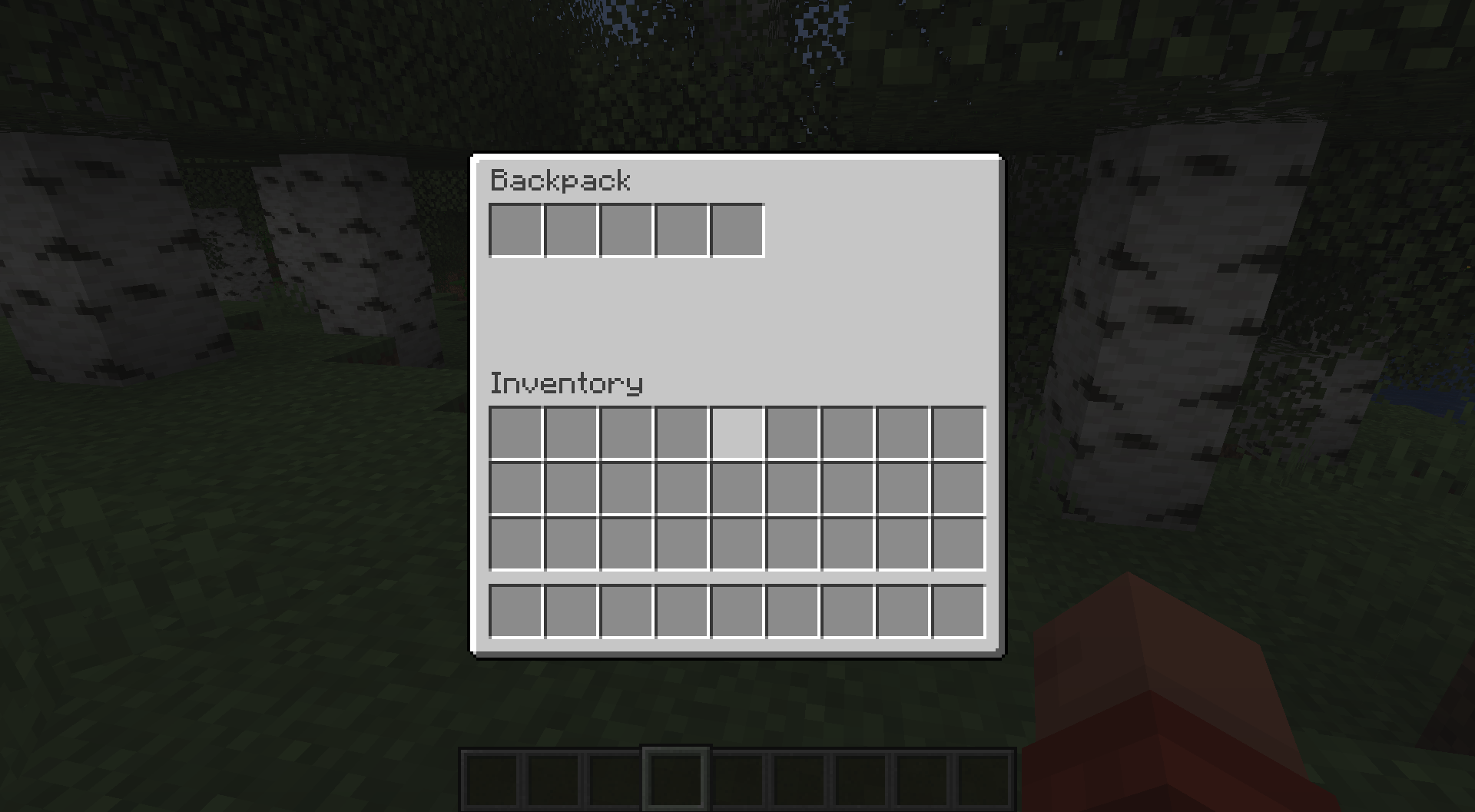 5 active backpack slots
 -
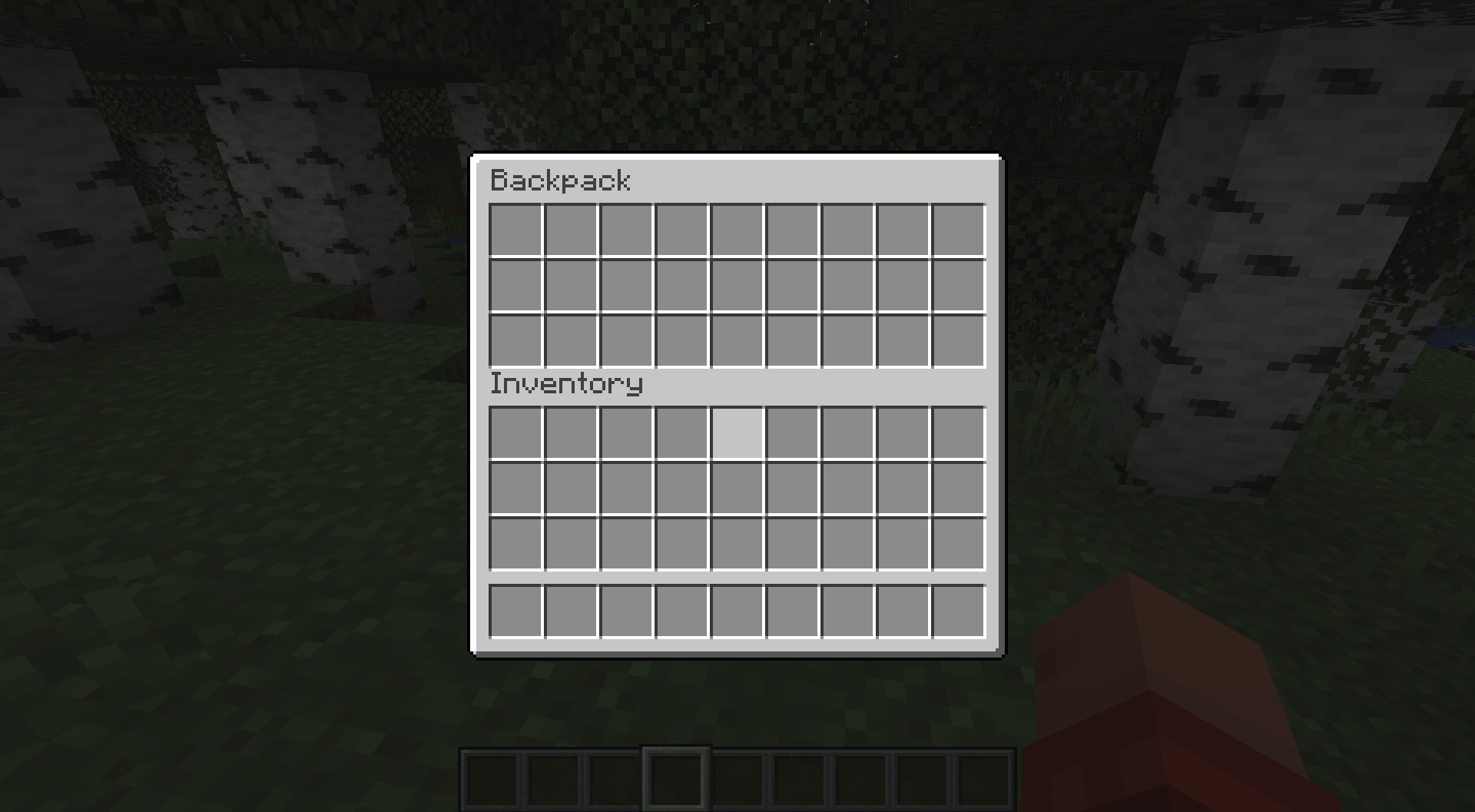 27 active backpack slots
-
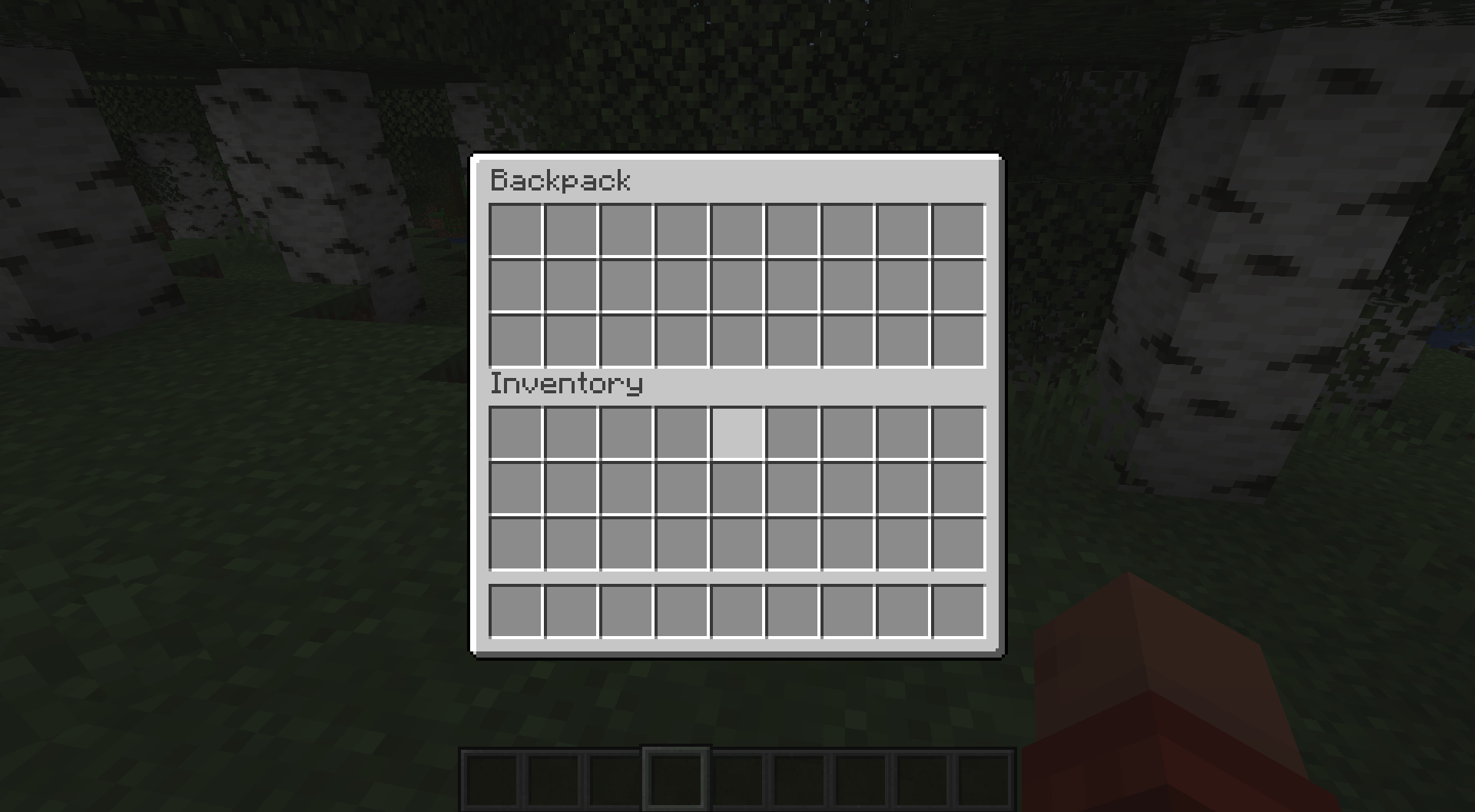 Backpack with 27 active slots
 -
 Backpack with 5 active slots
Versions
Files
Relations
Project Relations
More like this
Similar Mods
Suggestions use data such as tags, dependencies, dependents, descriptions, titles, and more to rank how much they overlap with this mod.
On ModDex
Community snapshot
By the numbers
Statistics
Want to reach Minecraft players?
We're looking for a server hosting partner to feature here and other parts of the site. Interested? Send us a message!
Get in touchGet it on
Available Platforms
On ModDex
Community snapshot
By the numbers