
Community listing page, reviews here may not be monitored by the author.
BactroTweaks

No reviews yet
Fullbright, low fire, low shield, no fog, no pumpkin blur and more all in one mod!
Community voices
Reviews
No reviews yet. Be the first to review this project!
Get it on
Available Platforms
 Modrinth
Compatibility
Supported Environments
Runs entirely on the client. Works on vanilla servers.
About
Project Details
For authors
Embed Badge
If you're the author of this project, you can embed a live badge anywhere that supports HTML or Markdown. It updates automatically whenever ratings change.
Use HTML for any page that supports it, or Markdown for README files and Markdown-based descriptions.
Identifiers
Platform IDs
About
Description
BactroMod
BactroMod is a QoL utility mod adding new possibilities of customizing your visual in-game experience while providing some additional features.
Features
- Gamma Modifier (Fullbright)
- Disable Pumpkin Blur
- Customizable Fire Offset (Low fire)
- Customizable Shield Offset (Low shield)
- Show map while moving in boat
- Disable various kinds of fogs (customizable)
- Fix shield position when using riptide trident
- F3-F4 Shortcut for switching gamemodes without op (only permissions required)
Screenshots

(For more look into gallery)
BactroMod
BactroMod is a client-side Fabric mod for visual clarity and quality-of-life tweaks. It works out of the box on any compatible Fabric installation.
✨ Features
| Feature | Description |
|---|---|
| 🌟 Fullbright | Adjustable brightness boost ranging from vanilla lighting to full brightness. |
| 👁️ Night vision cleanup | Suppresses the night vision effect. |
| 🎃 Pumpkin blur toggle | Disables the carved-pumpkin overlay. |
| 🔥 Low fire | Configurable first-person fire overlay offset. |
| 🛡️ Low shield | Configurable first-person shield render offset. |
| 🗺️ Boat map visibility | Keep filled maps visible while moving in boats. |
| 🌫️ Fog controls | Toggle lava, powder snow, blindness, darkness, water, and atmospheric fog. |
| 📐 Item scaling | Scale individual items (totems, potions, food, etc.) in first-person view via a dedicated sub-screen. |
| 🌊 Riptide + shield fix | Corrects shield rendering position during riptide-trident use. |
| 🎮 No-OP gamemode switcher | Enables the debug gamemode-switch screen without OP-level checks. |
⚙️ Configuration
BactroMod settings can be changed in-game.
| Method | Description |
|---|---|
| ModMenu (preferred) | Config entry inside ModMenu (if installed). |
| Credits screen (fallback) | "BactroMod Settings" button in Credits screen. |
| Config file | <gameDir>/config/bactromod.json (JSON, editable by hand) |
📦 Installation
- Install Fabric Loader for the supported Minecraft version.
- Place the BactroMod
.jarinto your Minecraftmods/folder. - Ensure Fabric API is installed.
- Launch Minecraft with the Fabric profile.
📸 Screenshots (more in Gallery)

Screenshots
Gallery
-
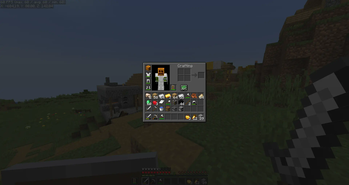 Disable pumpkin blur 148ba781fd487d34bc492152145edfad8dbcd1e0_350.webp
 -
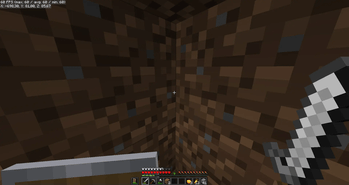 Fullbright, low shield 31bbc226dadaed91d499be8194cf23898a8f2827_350.png
 -
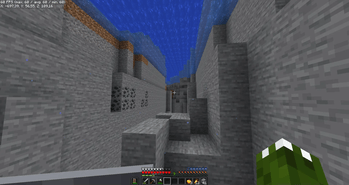 Disable various kinds of fog 554ddff99781115d06995a0a28f577b51da82868_350.png
 -
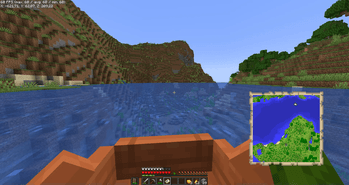 Show map while moving in boat 6ce552fed5b085c75e3aafbec4f76f867fd1f3c3_350.png
 -
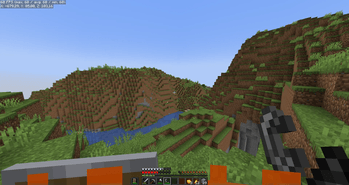 Low Fire ed8e6004d9f2f2a037893f34dd589e70fb008d37_350.png
 -
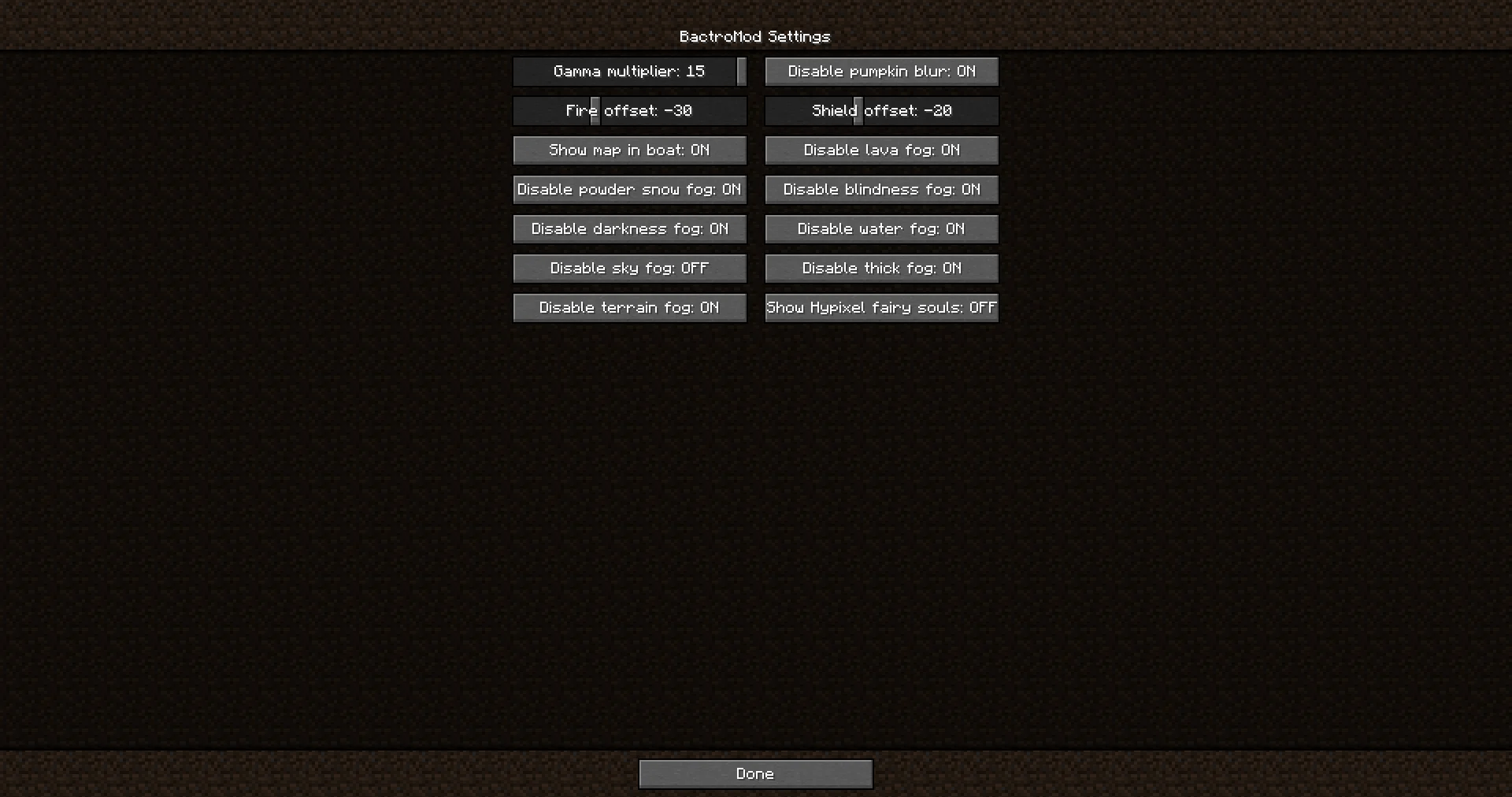 Vanilla-like config screen f144f542a07ad76795adff56bb717a0ed55f110d.png
-
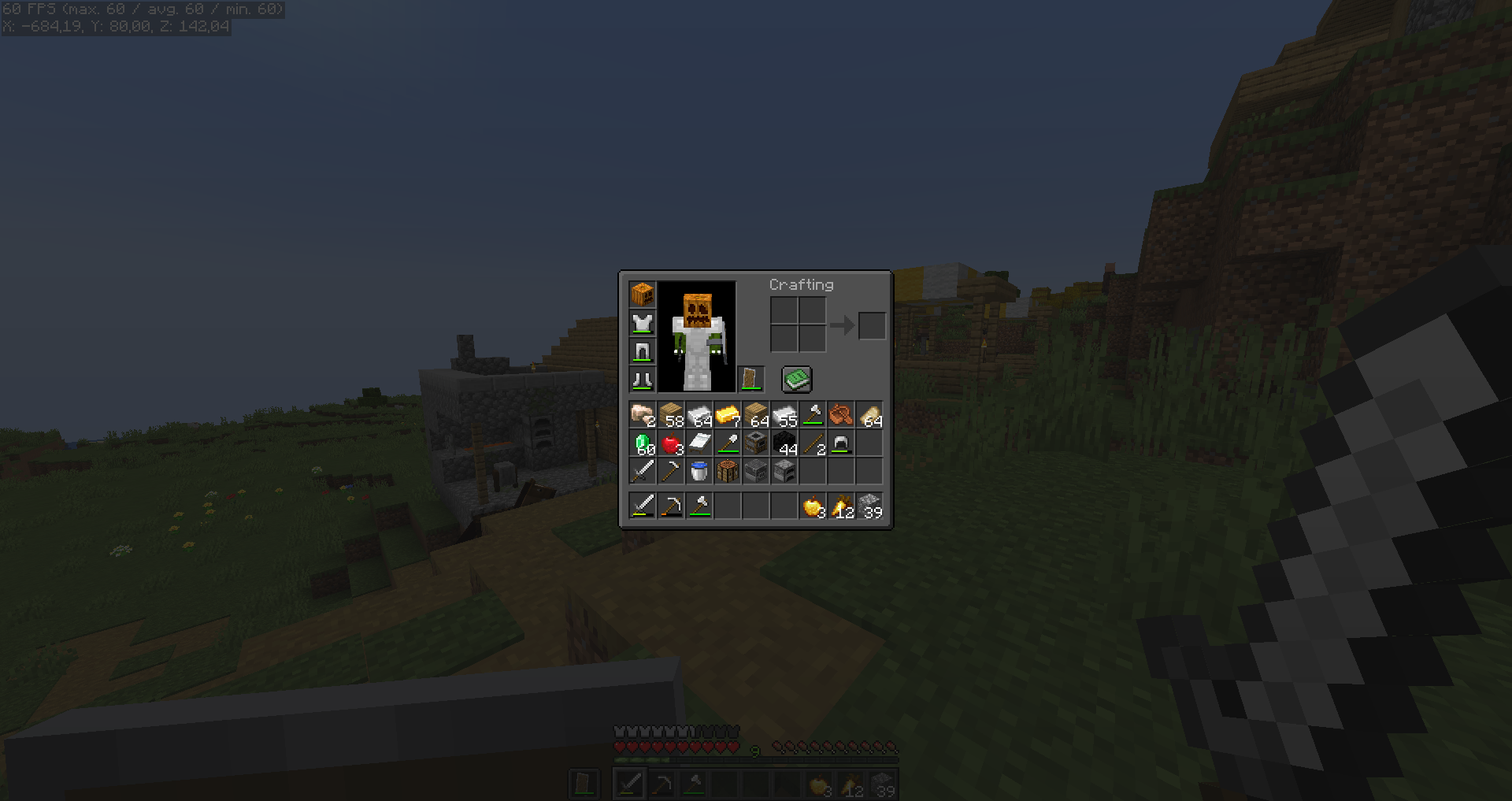 Disable pumpkin blur
 -
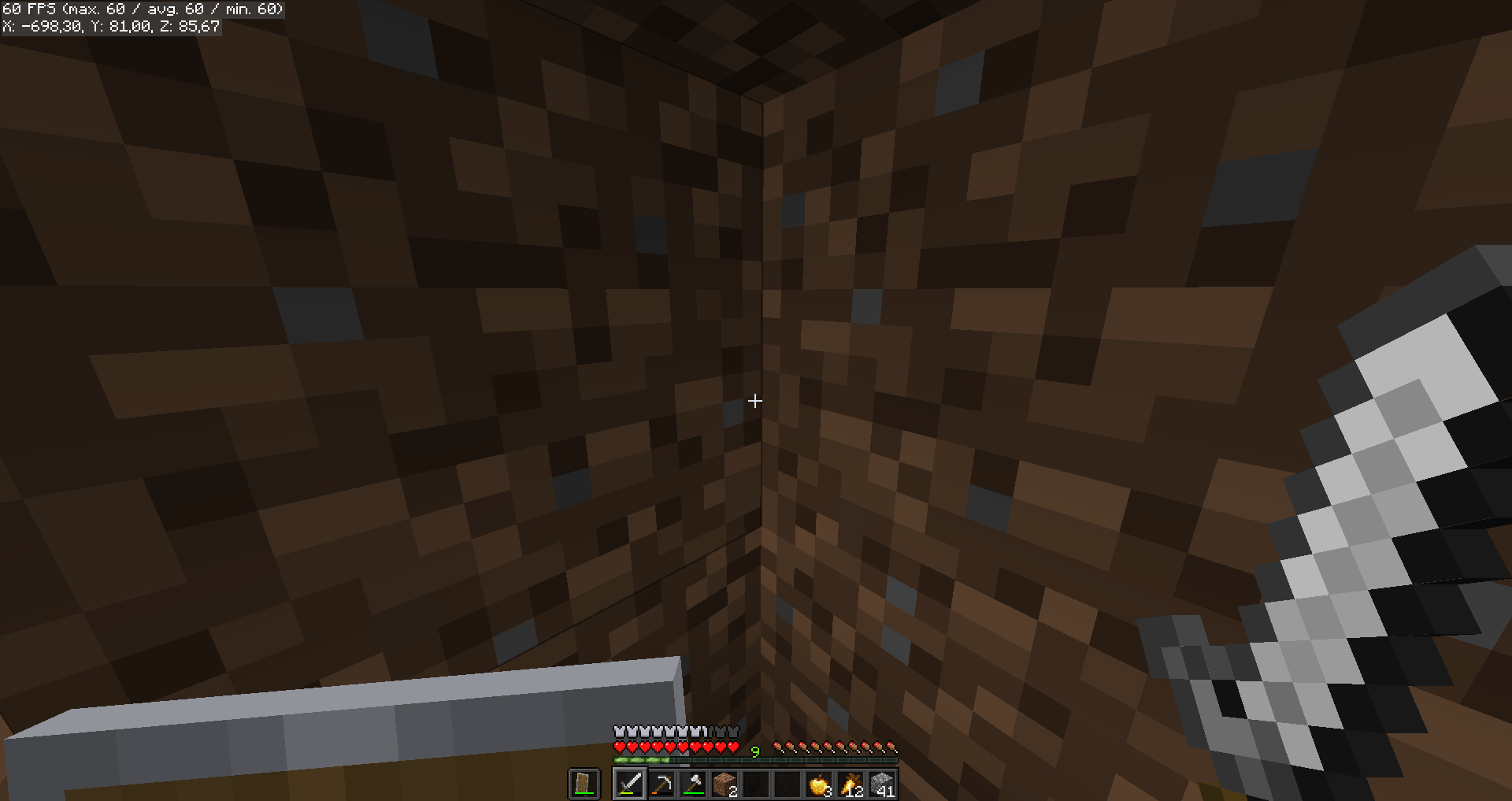 Fullbright, low shield
 -
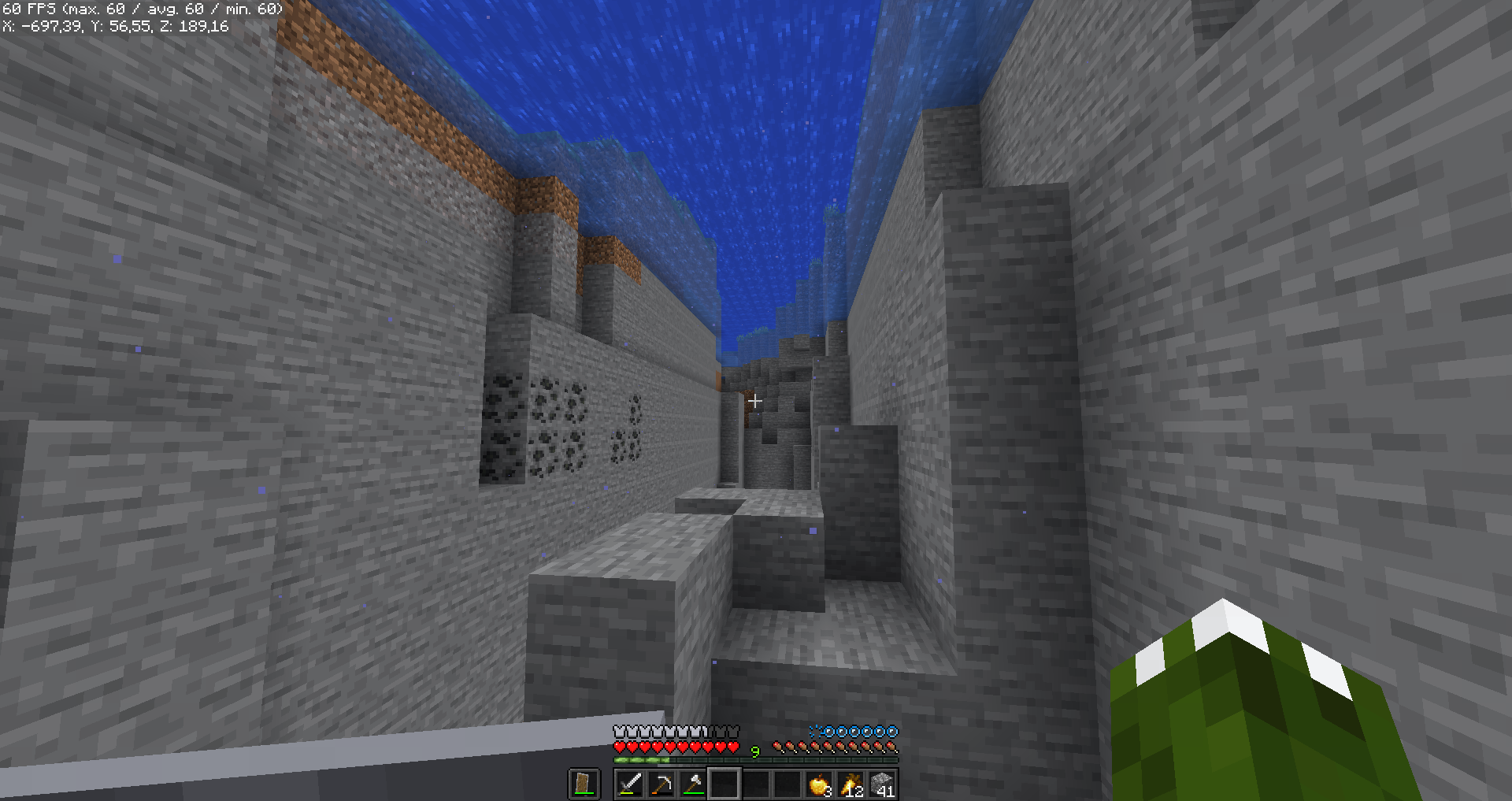 Disable various kinds of fog
 -
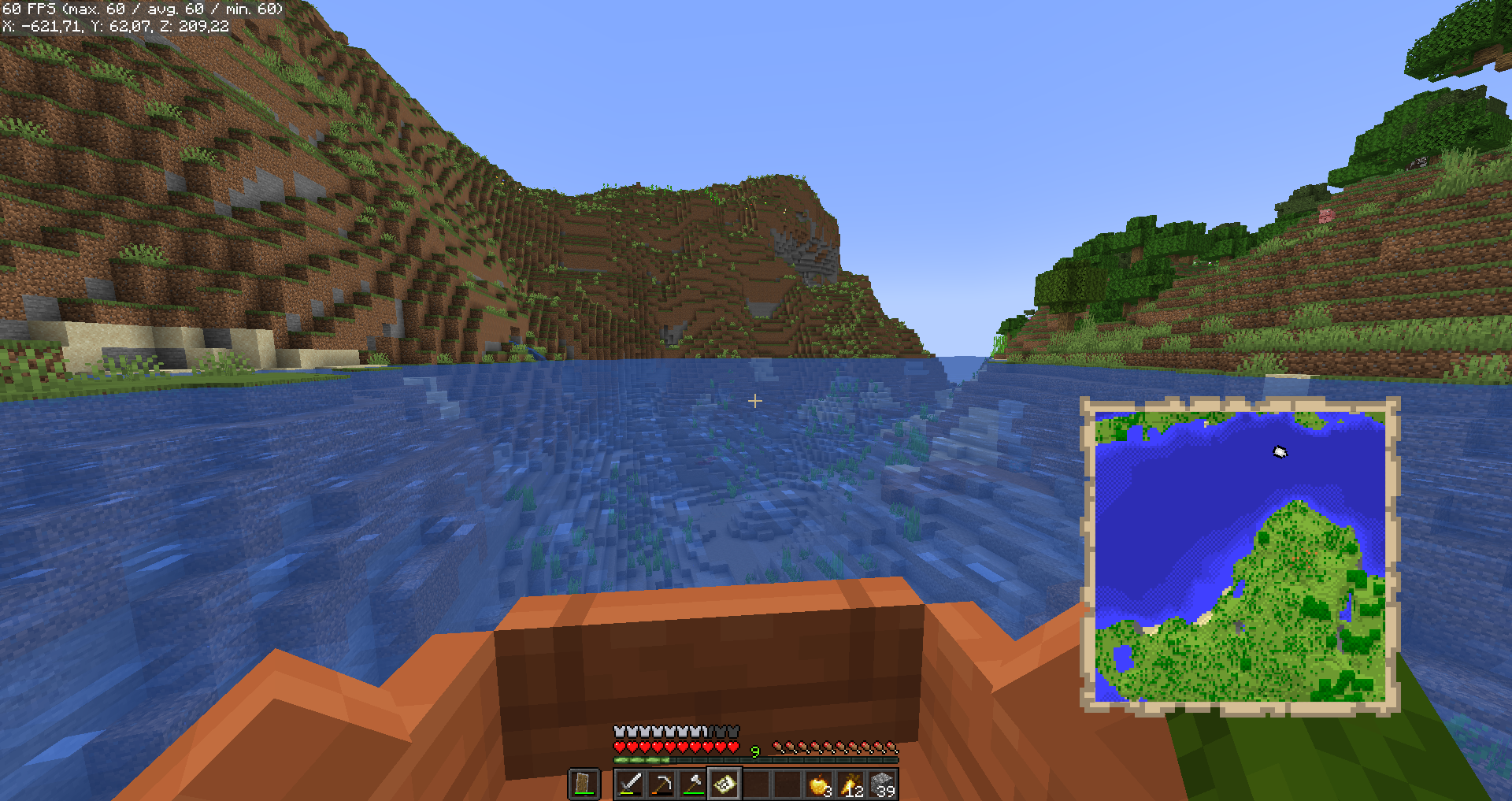 Show map while moving in boat
 -
 Low fire
 -
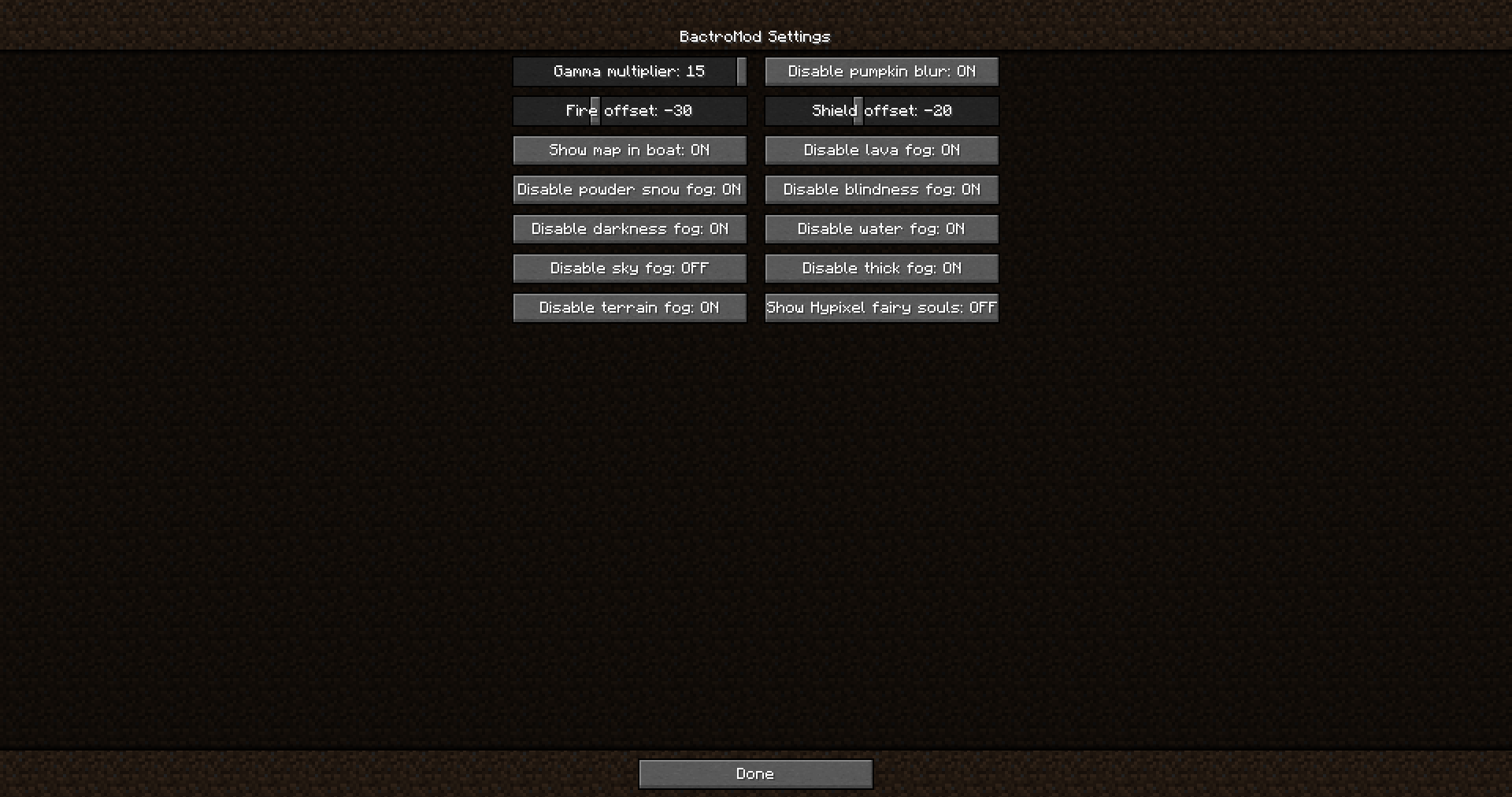 Vanilla-like config screen
Versions
Files
Relations
Project Relations
More like this
Similar Mods
Suggestions use data such as tags, dependencies, dependents, descriptions, titles, and more to rank how much they overlap with this mod.
On ModDex
Community snapshot
By the numbers
Statistics
Want to reach Minecraft players?
We're looking for a server hosting partner to feature here and other parts of the site. Interested? Send us a message!
Get in touchGet it on
Available Platforms
Modrinth
On ModDex
Community snapshot
By the numbers