
Community listing page, reviews may not be monitored by the author.
Ballistic Missile Mod


No reviews yet
Take control of the skies and redefine warfare in Minecraft.

Community voices
Reviews
No reviews yet. Be the first to review this project!
Get it on
Available Platforms
Compatibility
Supported Environments
Must be installed on both the client and the server.
About
Project Details
For authors
Embed Badge
If you're the author of this project, you can embed a live badge anywhere that supports HTML or Markdown. It updates automatically whenever ratings change.
Use HTML for any page that supports it, or Markdown for README files and Markdown-based descriptions.
Identifiers
Platform IDs
About
Description
🚀 Ballistic Missile Mod
Ballistic Missile Mod adds long-range ballistic weapons to Minecraft Forge, replacing standard TNT mechanics with physics-driven projectile entities, dedicated animated launch platforms, and coordinate-based targeting.
Features
Missiles & Defense
Missiles are loaded directly into 3D launch platforms and transition into smooth, physics-based entities upon ignition:
- Standard Missile: Tactical ballistic missile for medium-range engagements. Launches directly from the inclined rails.
- Heavy Missile: High-yield strategic projectile. Requires the launcher to be raised vertically before firing. Climbs to high altitudes before entering a steep terminal descent. Features custom explosion physics, blinding flashes, and thermal burns that scorch the earth.
- Interceptor Missile: Fast, automated counter-measure fired from Anti-Air systems to shoot down incoming threats, leaving realistic smoke trails in the sky.
Launch Infrastructure
- Launch Pad: An animated 3D structure required to mount and ignite missiles.
- Coordinate Terminal: Control block featuring an interactive interface to configure target coordinates.
- Anti-Air System: An automated defensive system that launches interceptors at incoming targets. Highly effective at shooting down Standard Missiles, but struggles against the extreme armor and descent speeds of Heavy Missiles.
Targeting Modes
- Coordinate Input: Set explicit X and Z world coordinates inside the Coordinate Terminal interface for blind long-range strikes.
- Remote Control: Portable device to designate target blocks directly via line-of-sight.
Usage Guide
- Place the Launch Pad on a flat surface.
- Place the Coordinate Terminal adjacent to the pad (within a 5-block radius).
- Right-click the terminal, enter the desired target X and Z coordinates, and press Save Target.
- Right-click the Launch Pad holding a Standard or Heavy Missile to load it into the rails.
- (Heavy Missile Only): Right-click the loaded Launch Pad with an empty hand to raise the launcher into a vertical firing position.
- Place a button, lever, or redstone dust directly on the Coordinate Terminal and activate it to trigger the launch sequence! (Note: To defend your base, simply place the Anti-Air System nearby to automatically intercept incoming fire).
💬 Join my Discord Server for early updates!
Planned Features
- Automated anti-air interception systems (CIWS/SAM).
- Extended guidance options.
- Sound overhaul and launch sirens.
Requirements
- Minecraft: 1.20.1
- Loader: Forge
- Dependencies: GeckoLib (Required for 3D animations and rendering)
🚀 Ballistic Missile Mod
Ballistic Missile Mod adds long-range ballistic weapons to Minecraft Forge, replacing standard TNT mechanics with physics-driven projectile entities, dedicated animated launch platforms, and coordinate-based targeting.
Features
Missiles & Defense
Missiles are loaded directly into 3D launch platforms and transition into smooth, physics-based entities upon ignition:
- Standard Missile: Tactical ballistic missile for medium-range engagements. Launches directly from the inclined rails.
- Heavy Missile: High-yield strategic projectile. Requires the launcher to be raised vertically before firing. Climbs to high altitudes before entering a steep terminal descent. Features custom explosion physics, blinding flashes, and thermal burns that scorch the earth.
- Interceptor Missile: Fast, automated counter-measure fired from Anti-Air systems to shoot down incoming threats, leaving realistic smoke trails in the sky.
Launch Infrastructure
- Launch Pad: An animated 3D structure required to mount and ignite missiles.
- Coordinate Terminal: Control block featuring an interactive interface to configure target coordinates.
- Anti-Air System: An automated defensive system that launches interceptors at incoming targets. Highly effective at shooting down Standard Missiles, but struggles against the extreme armor and descent speeds of Heavy Missiles.
Targeting Modes
- Coordinate Input: Set explicit X and Z world coordinates inside the Coordinate Terminal interface for blind long-range strikes.
- Remote Control: Portable device to designate target blocks directly via line-of-sight.
Usage Guide
- Place the Launch Pad on a flat surface.
- Place the Coordinate Terminal adjacent to the pad (within a 5-block radius).
- Right-click the terminal, enter the desired target X and Z coordinates, and press Save Target.
- Right-click the Launch Pad holding a Standard or Heavy Missile to load it into the rails.
- (Heavy Missile Only): Right-click the loaded Launch Pad with an empty hand to raise the launcher into a vertical firing position.
- Place a button, lever, or redstone dust directly on the Coordinate Terminal and activate it to trigger the launch sequence! (Note: To defend your base, simply place the Anti-Air System nearby to automatically intercept incoming fire).
💬 Join Discord Server for early updates!
Planned Features
- New Anti Air System
- Optimization for smoother experience
- Radar system
Requirements
- Minecraft: 1.20.1
- Loader: Forge
- Dependencies: GeckoLib (Required for 3D animations and rendering)
Screenshots
Gallery
-
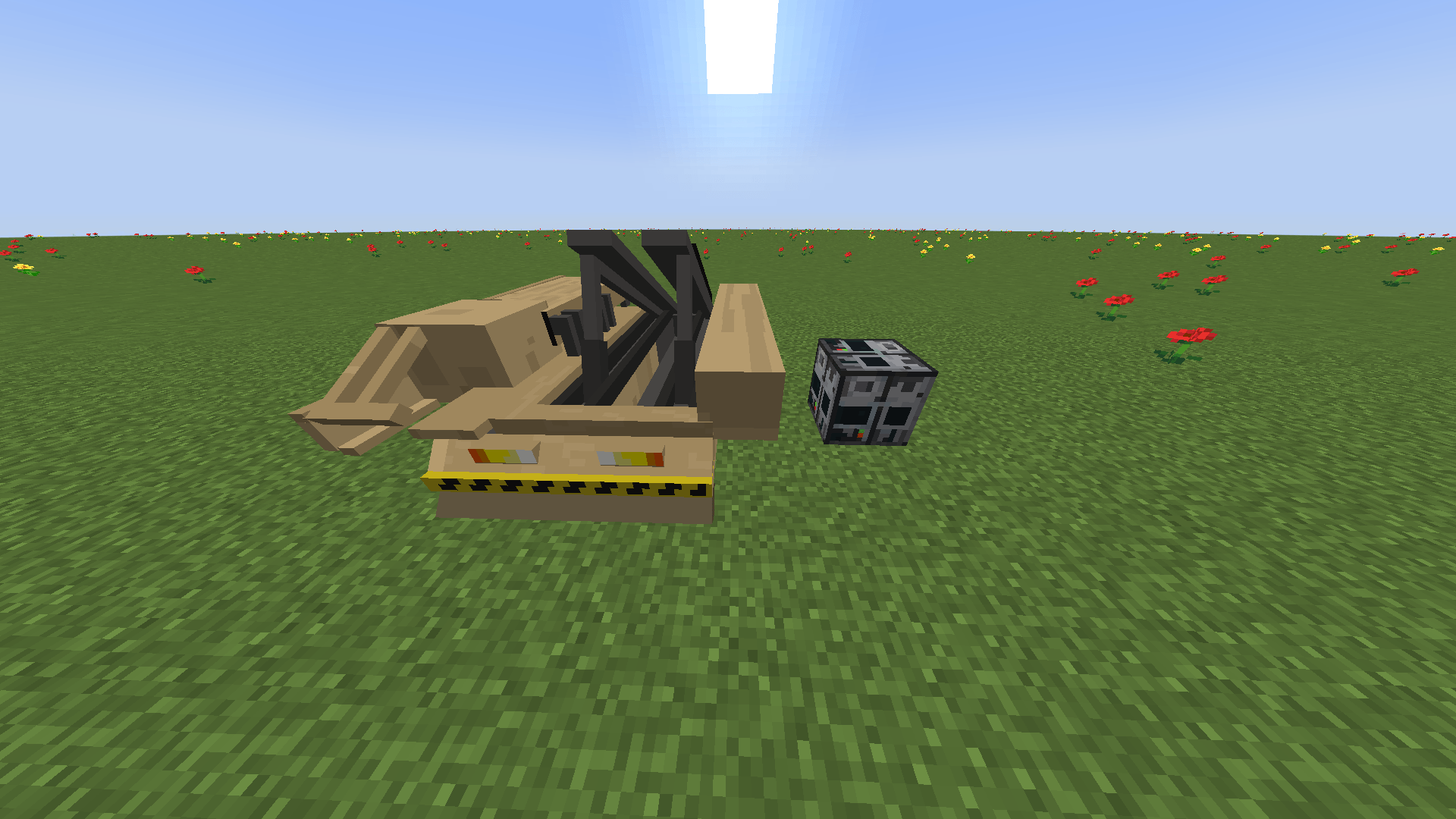 2026-10-19_10.30.40.png 2026-10-19_10.30.40.png
-
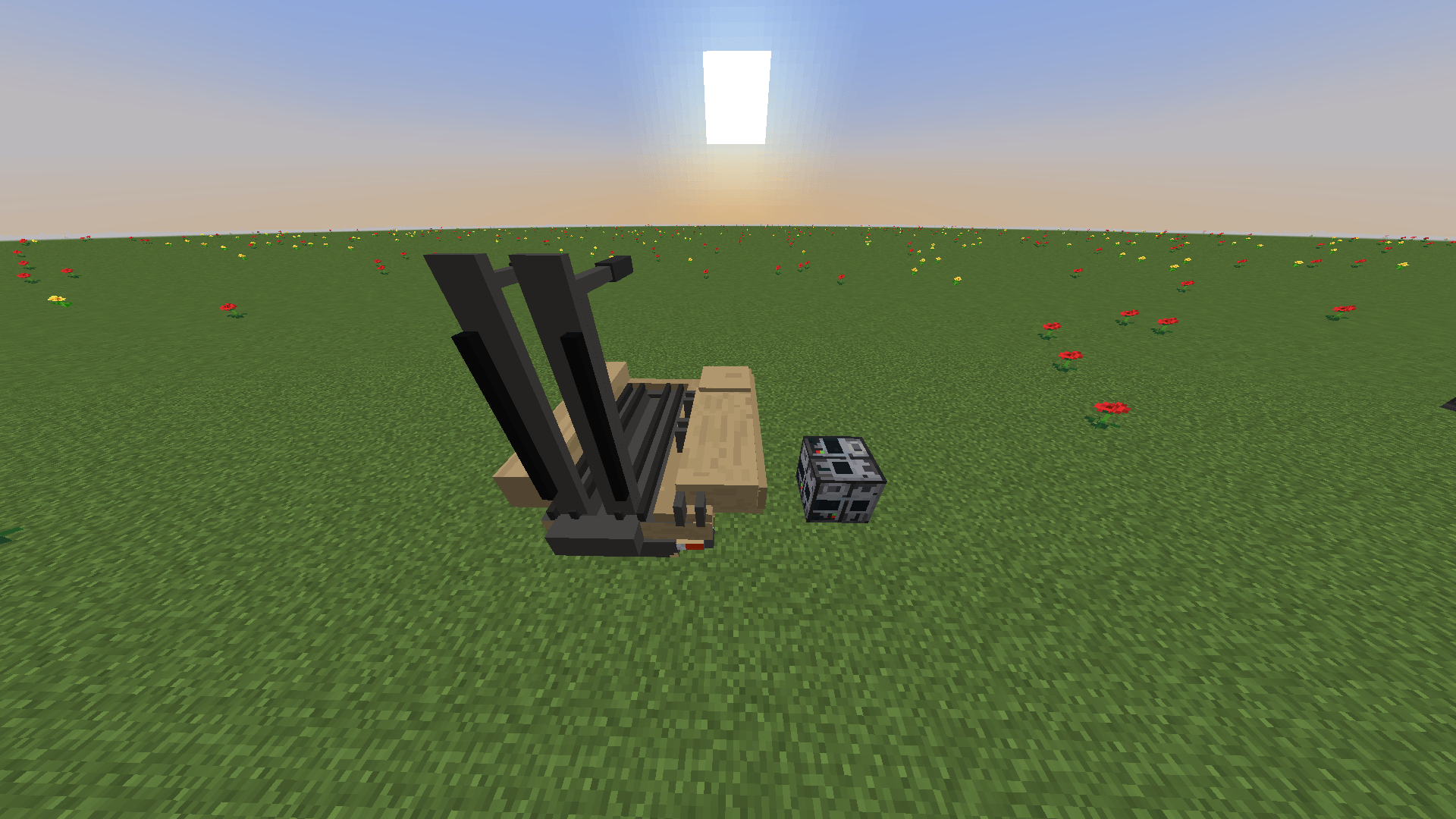 2026-10-19_10.31.00.png 2026-10-19_10.31.00.png
-
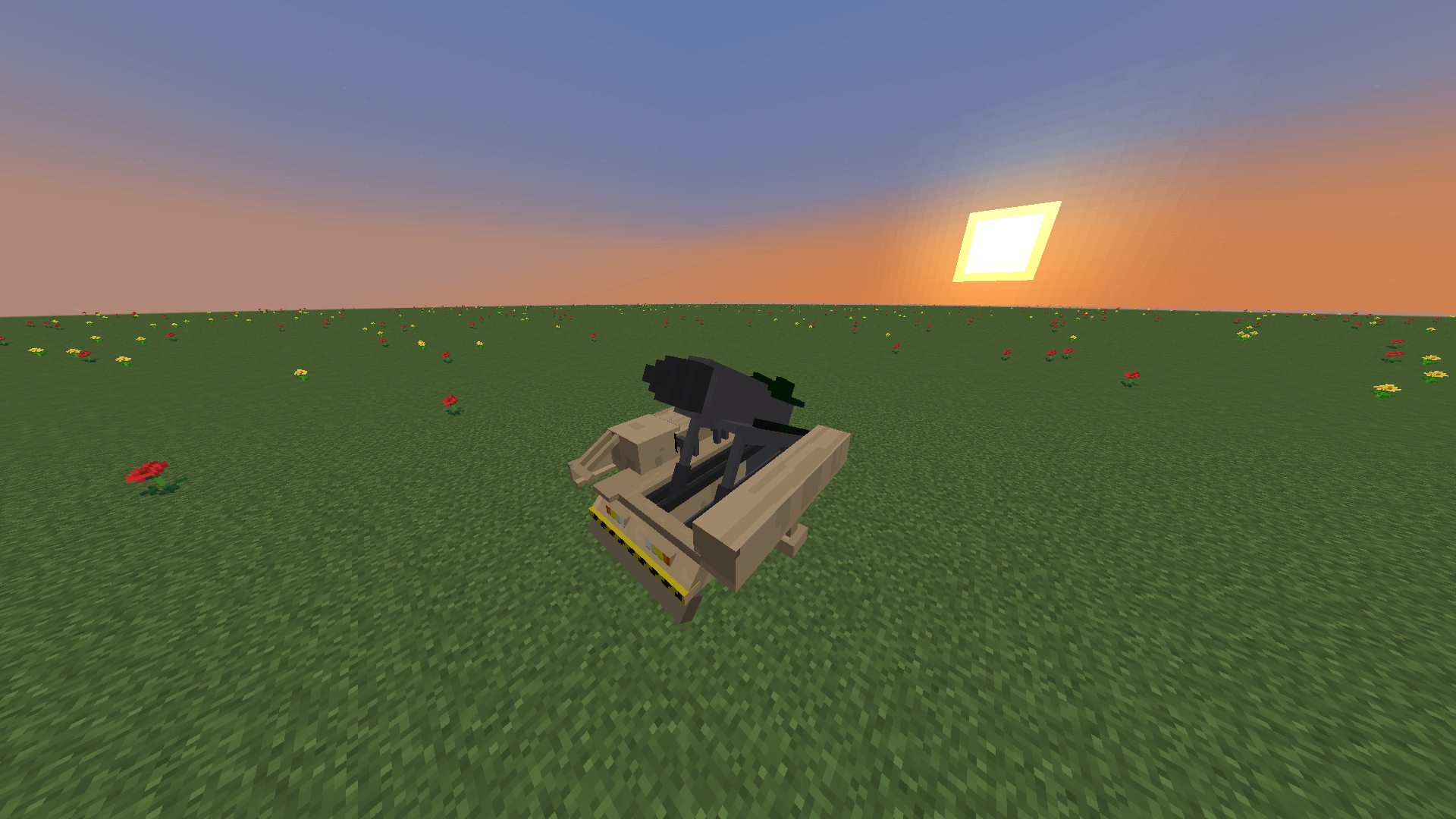 ballistic.png ballistic.png
-
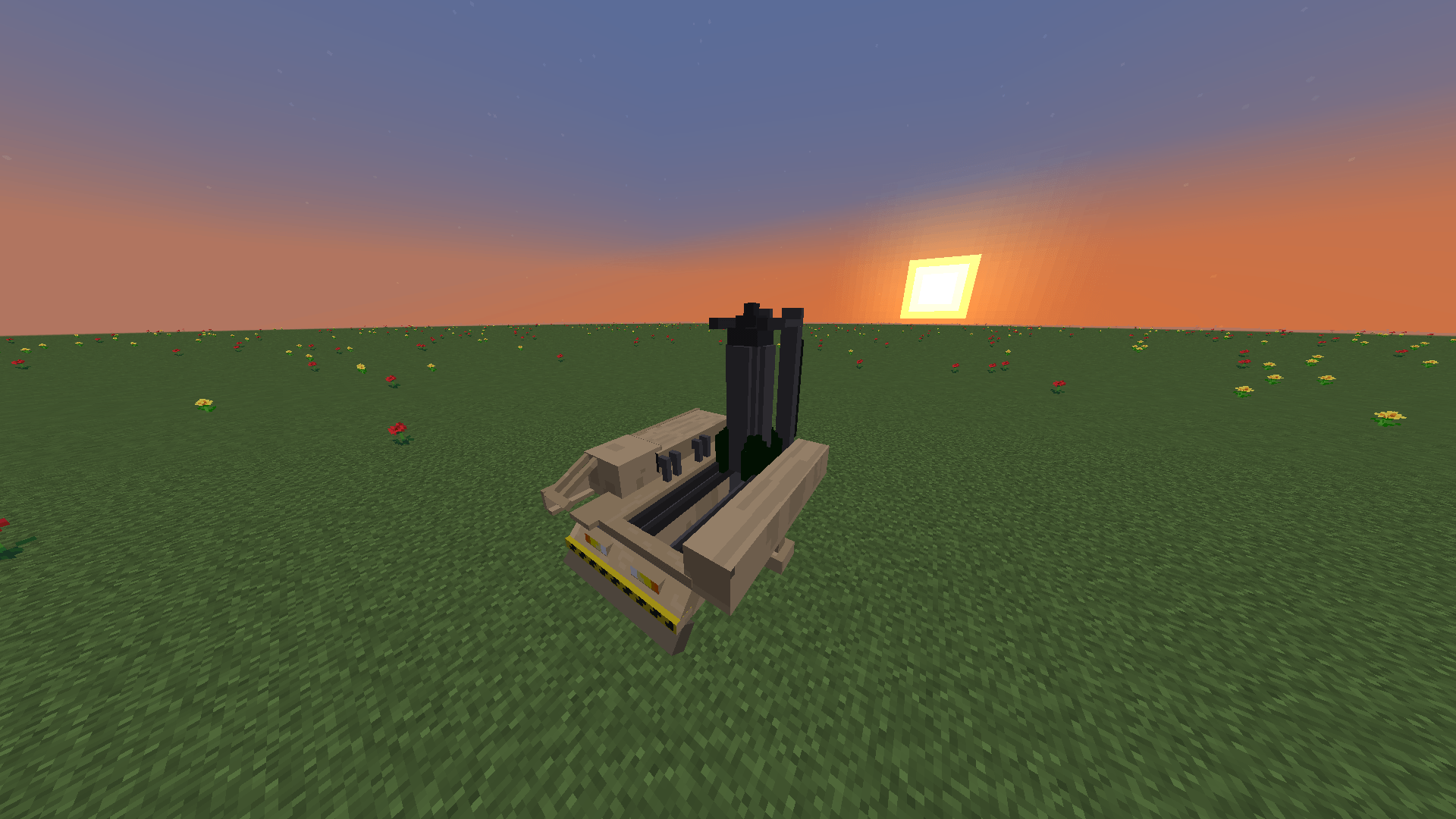 Ballistic_ready.png Ballistic_ready.png
-
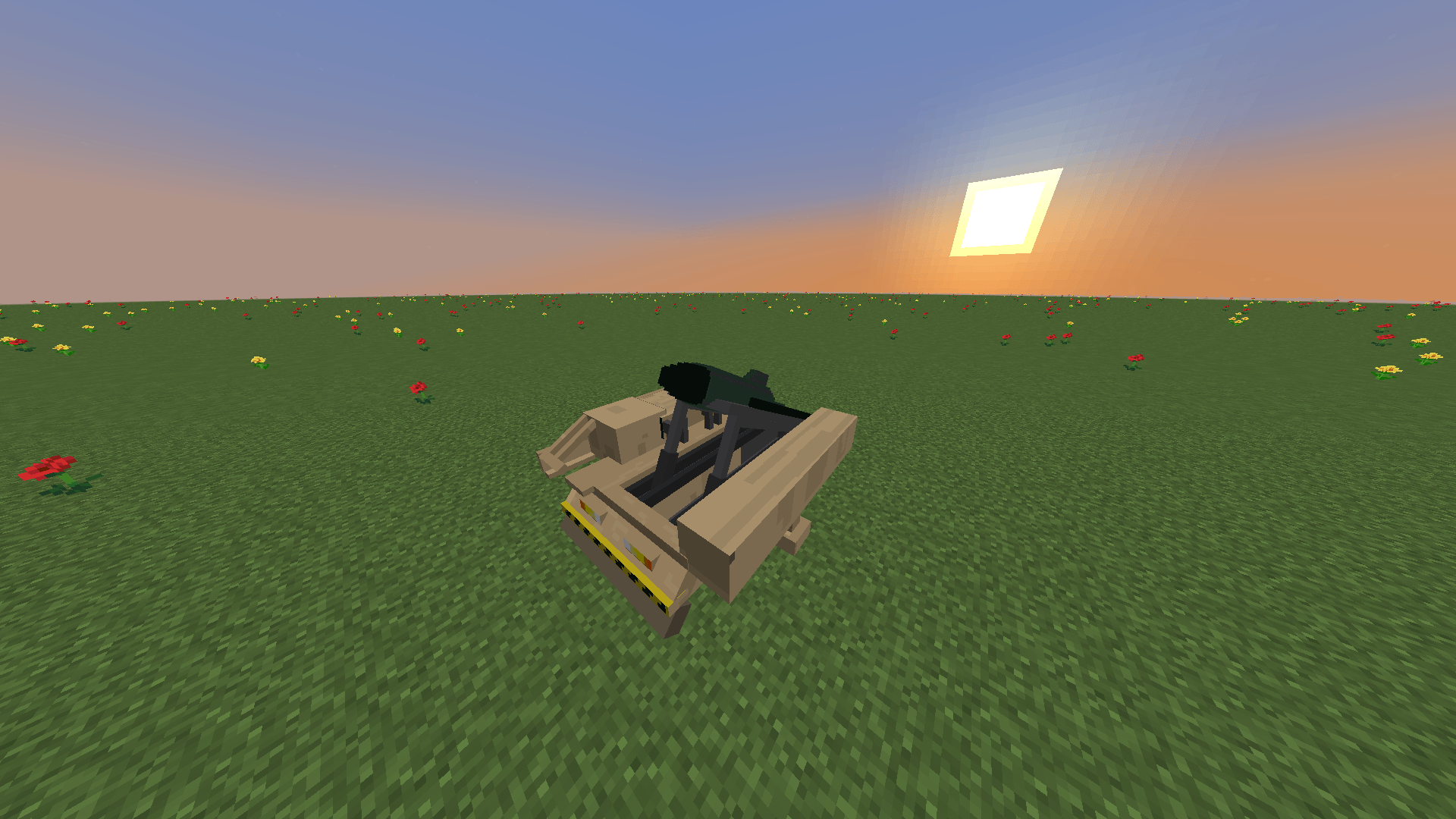 missile_ready.png missile_ready.png
-
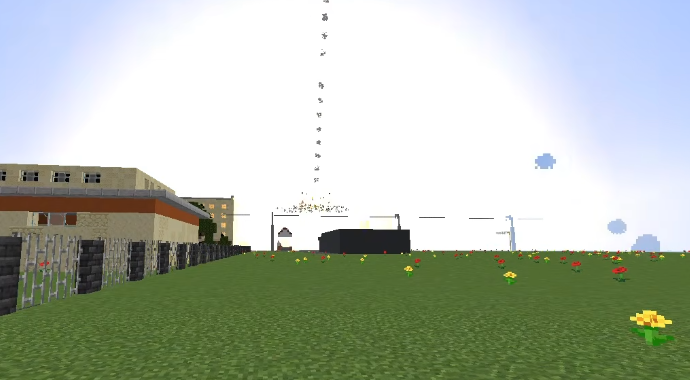 exp2.webp exp2.webp
-
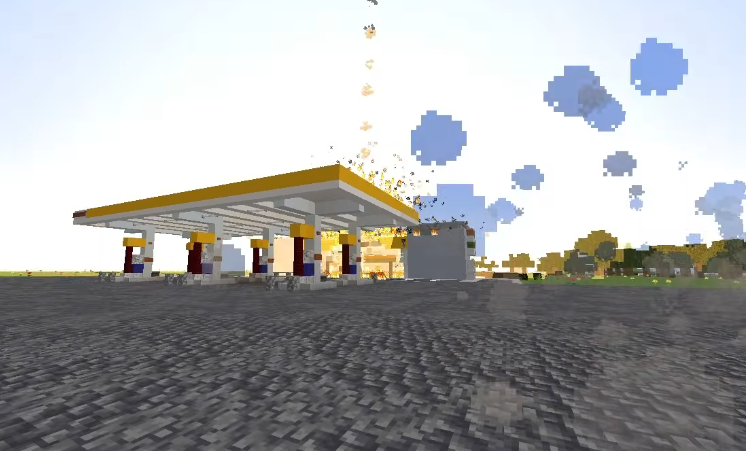 exp1.webp exp1.webp
-
 Regular Missile Regular Missile on platform v5.0.0
-
 Ballistic Missile Ballistic Missile on platform v5.0.0
-
 Ballistic Missile On Launch Ballistic Missile On Launch v5.0.0
-
 LaunchPad & Coordinate Terminal LaunchPad and Coordinate Terminal v5.0.0
-
 Ballistic Missile Strike Ballistic Missile Strike v5.0.0 | Visual effects
-
 Particles v2.0.0
-
 Regular Missile Strike Regular Missile Strike v5.0.0 | Visual effects
-
 Particles v2.0.0
-
 New BETA 2.0
-
 Beta v4.5.0
Versions
Files
Relations
Project Relations
More like this
Similar Mods
Suggestions use data such as tags, dependencies, dependents, descriptions, titles, and more to rank how much they overlap with this mod.
On ModDex
Community snapshot
By the numbers
Statistics

Get it on
Available Platforms
On ModDex
Community snapshot
By the numbers