Community listing page, reviews may not be monitored by the author.
Bannerpoint


No reviews yet
Turn banners into locator bar waypoints

Community voices
Reviews
No reviews yet. Be the first to review this project!
Get it on
Available Platforms
Compatibility
Supported Environments
Required on the server. Installing it on the client adds functionality.
About
Project Details
For authors
Embed Badge
If you're the author of this project, you can embed a live badge anywhere that supports HTML or Markdown. It updates automatically whenever ratings change.
Use HTML for any page that supports it, or Markdown for README files and Markdown-based descriptions.
Identifiers
Platform IDs
About
Description
Bannerpoint
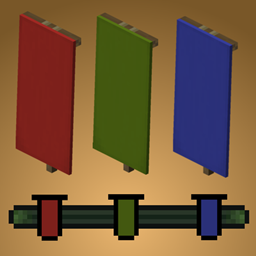
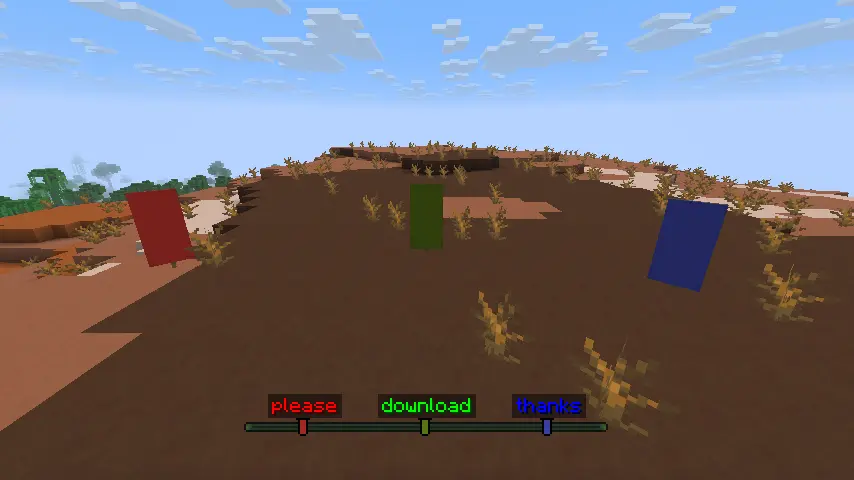
Bannerpoint allows turning banners into waypoints that show up in the locator bar. Waypoints can be made by either naming the banner in an anvil and placing it, or by binding it to a map. Both methods can be toggled in the config. Waypoints made this way have unique icons with a color matching the banner's base color. Hold Tab to show all banner names above their icons in the locator bar, or Shift to show only the name of the banner you're looking towards. To deactivate the waypoint, simply break the banner or remove it from the map it's bound to. The maximum range of banner waypoints can be configured, with the default being the same as the maximum range of player waypoints (60 million blocks).
Bannerpoint requires Fzzy Config and all of its dependencies.
Bannerpoint can be used as a fully server-side mod, but requires a resource pack on the client for banner waypoint icons. The resource pack can be installed either by simply downloading it and enabling it on in the client, or if running a Fabric server, by installing Polymer on the server and turning on Auto Host, which will automatically prompt connecting clients to download the resource pack. Showing banner names using Tab and Shift requires having the mod installed on the client.
Additional recommended locator bar mods:
Bannerpoint
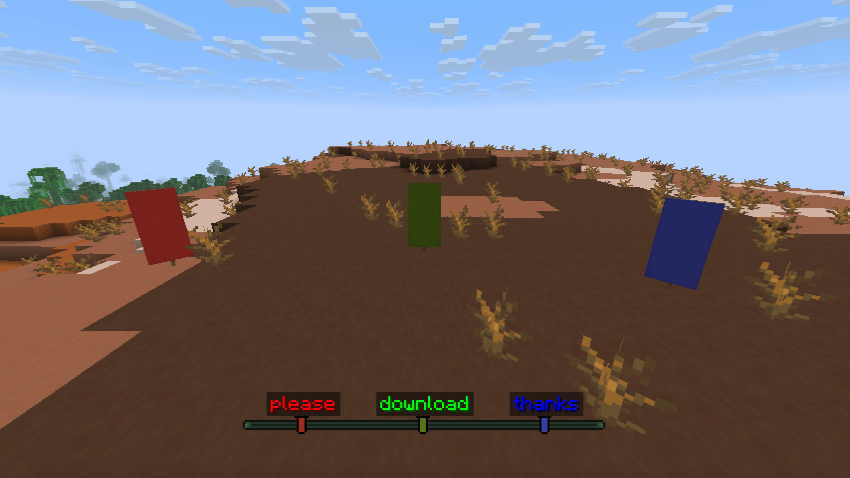
Bannerpoint allows turning banners into waypoints that show up in the locator bar. Waypoints can be made by either naming the banner in an anvil and placing it, or by binding it to a map. Both methods can be toggled in the config. Waypoints made this way have unique icons with a color matching the banner's base color. Hold Tab to show all banner names above their icons in the locator bar, or Shift to show only the name of the banner you're looking towards. To deactivate the waypoint, simply break the banner or remove it from the map it's bound to. The maximum range of banner waypoints can be configured, with the default being the same as the maximum range of player waypoints (60 million blocks).
Bannerpoint requires Fzzy Config and all of its dependencies.
Bannerpoint can be used as a fully server-side mod, but requires a resource pack on the client for banner waypoint icons. The resource pack can be installed either by simply downloading it and enabling it on in the client, or if running a Fabric server, by installing Polymer on the server and turning on Auto Host, which will automatically prompt connecting clients to download the resource pack. Showing banner names using Tab and Shift requires having the mod installed on the client.
Additional recommended locator bar mods:
Screenshots
Gallery
Versions
Files
Relations
Project Relations
More like this
Similar Mods
Suggestions use data such as tags, dependencies, dependents, descriptions, titles, and more to rank how much they overlap with this mod.
On ModDex
Community snapshot
By the numbers
Statistics
 (opens in a new tab)
Get it on
Available Platforms
On ModDex
Community snapshot
By the numbers