Community listing page, reviews here may not be monitored by the author.
Better Blur


No reviews yet
Adds real vanilla-shader blur behind inventory, furnaces, smokers, other containers, chat, and the pause menu. Configurable radius, fade animation, per-screen toggles, and Mod Menu support.
Community voices
Reviews
No reviews yet. Be the first to review this project!
Get it on
Available Platforms
Compatibility
Supported Environments
Runs entirely on the client. Works on vanilla servers.
About
Project Details
For authors
Embed Badge
If you're the author of this project, you can embed a live badge anywhere that supports HTML or Markdown. It updates automatically whenever ratings change.
Use HTML for any page that supports it, or Markdown for README files and Markdown-based descriptions.
Identifiers
Platform IDs
Resources
External Links
About
Description
🌫️ Better Blur
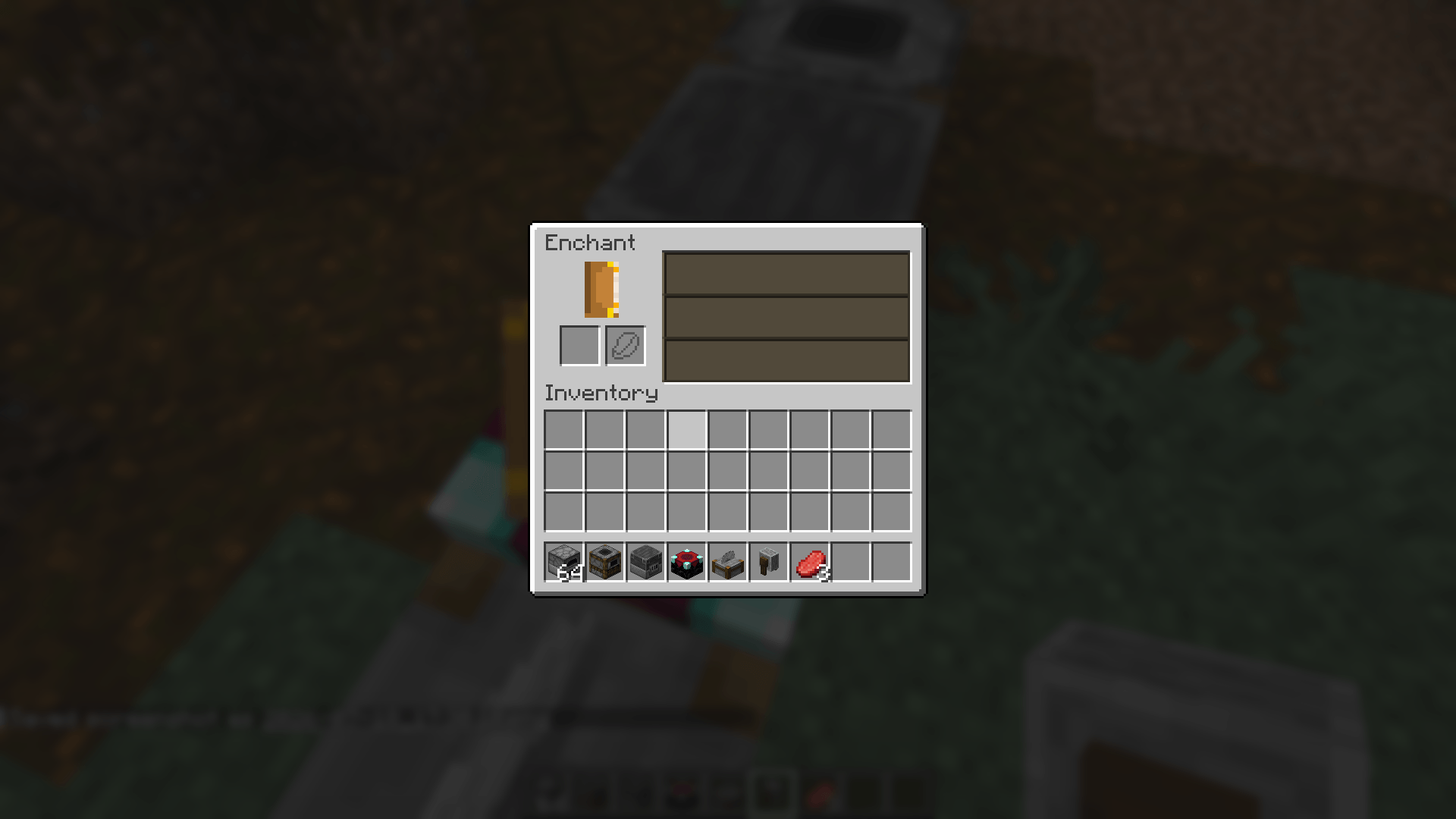
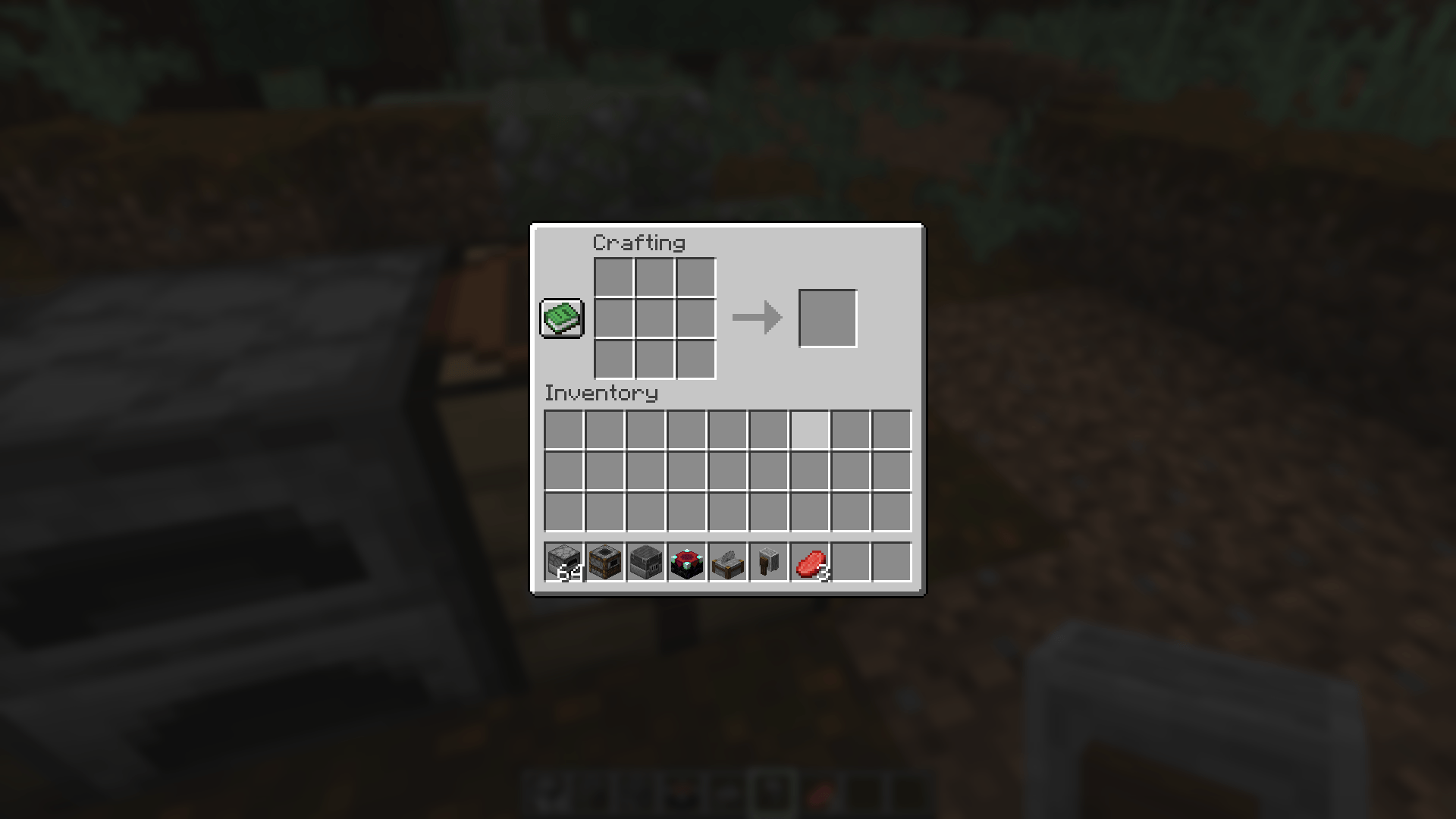
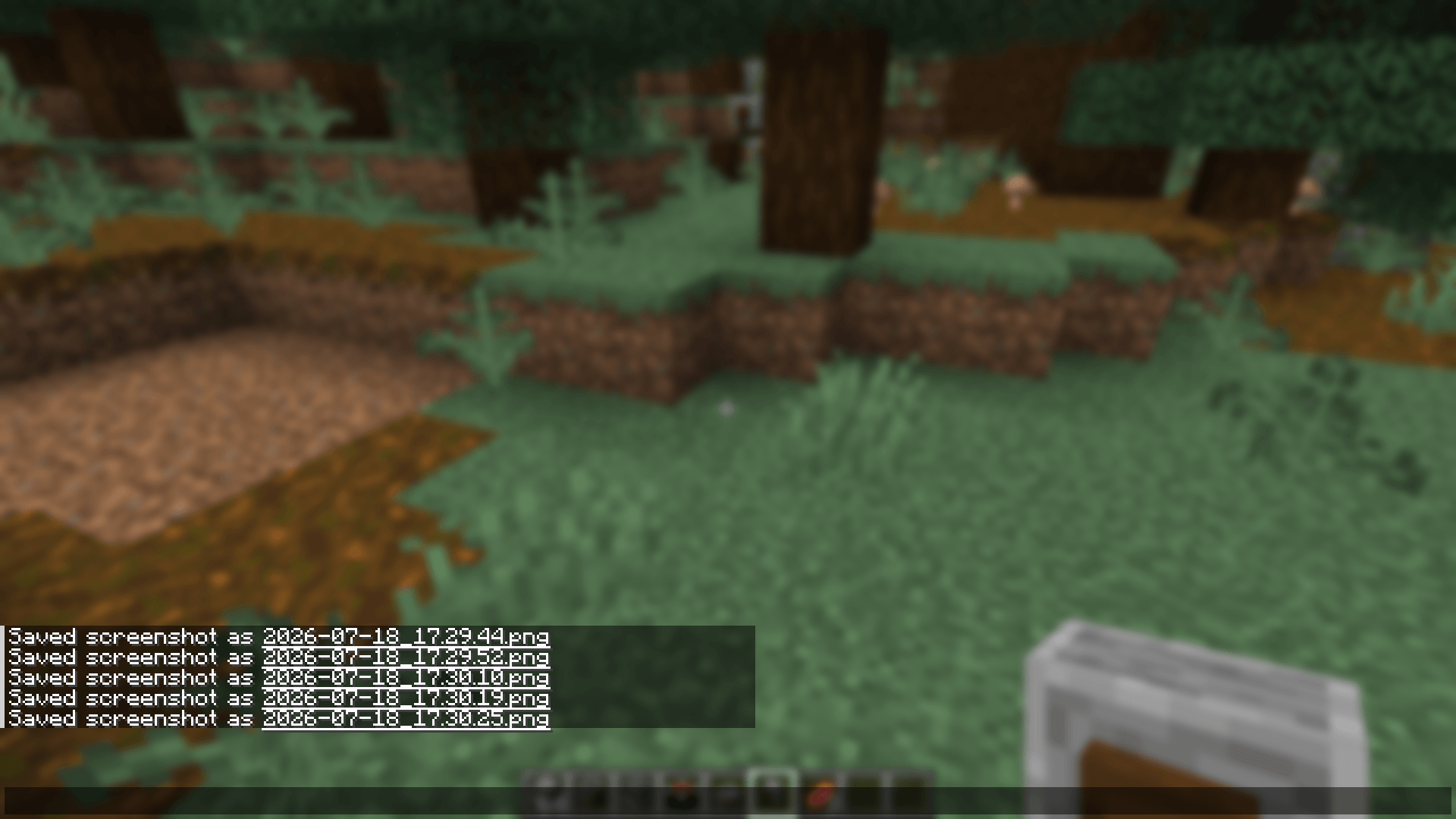
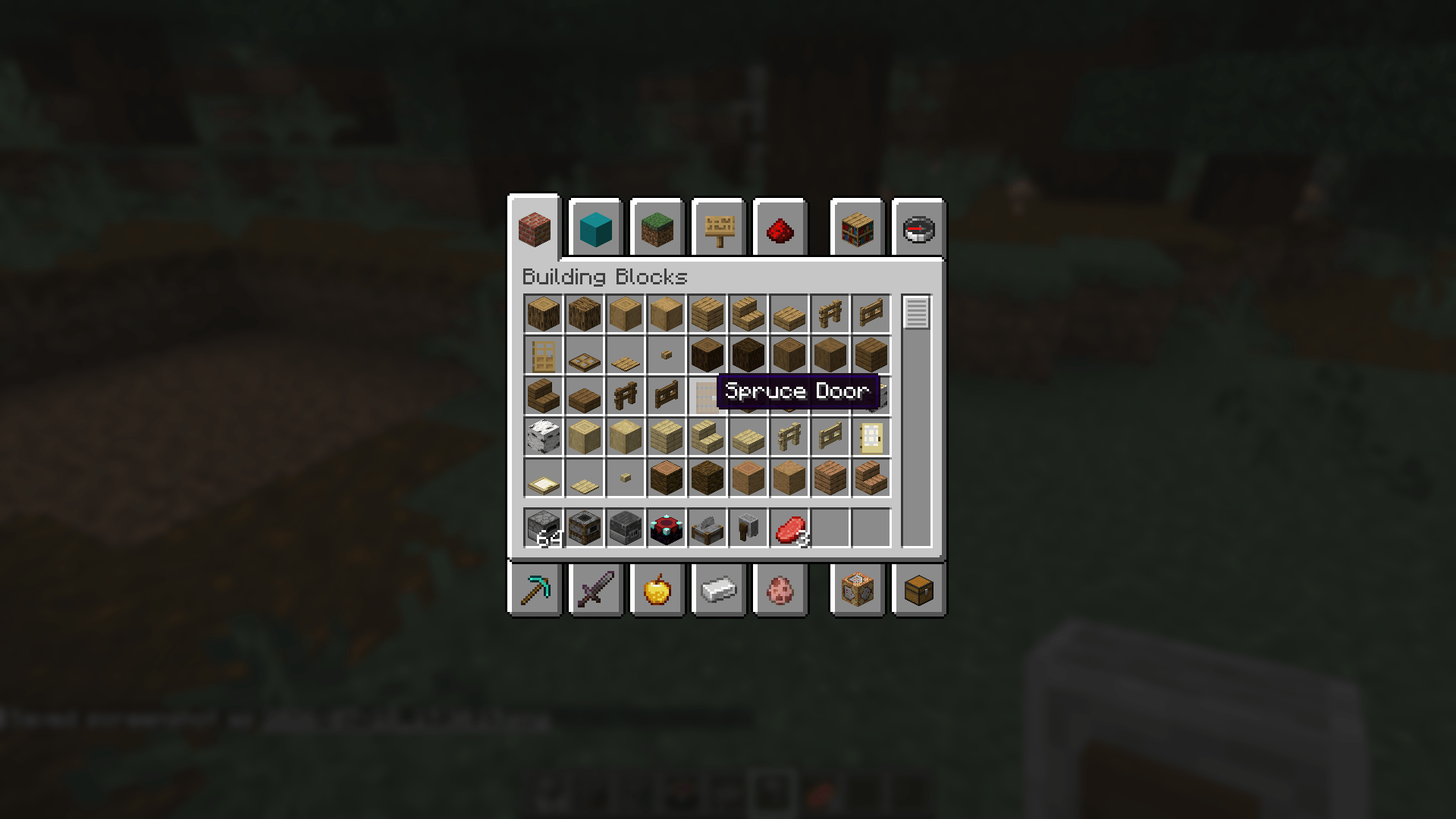
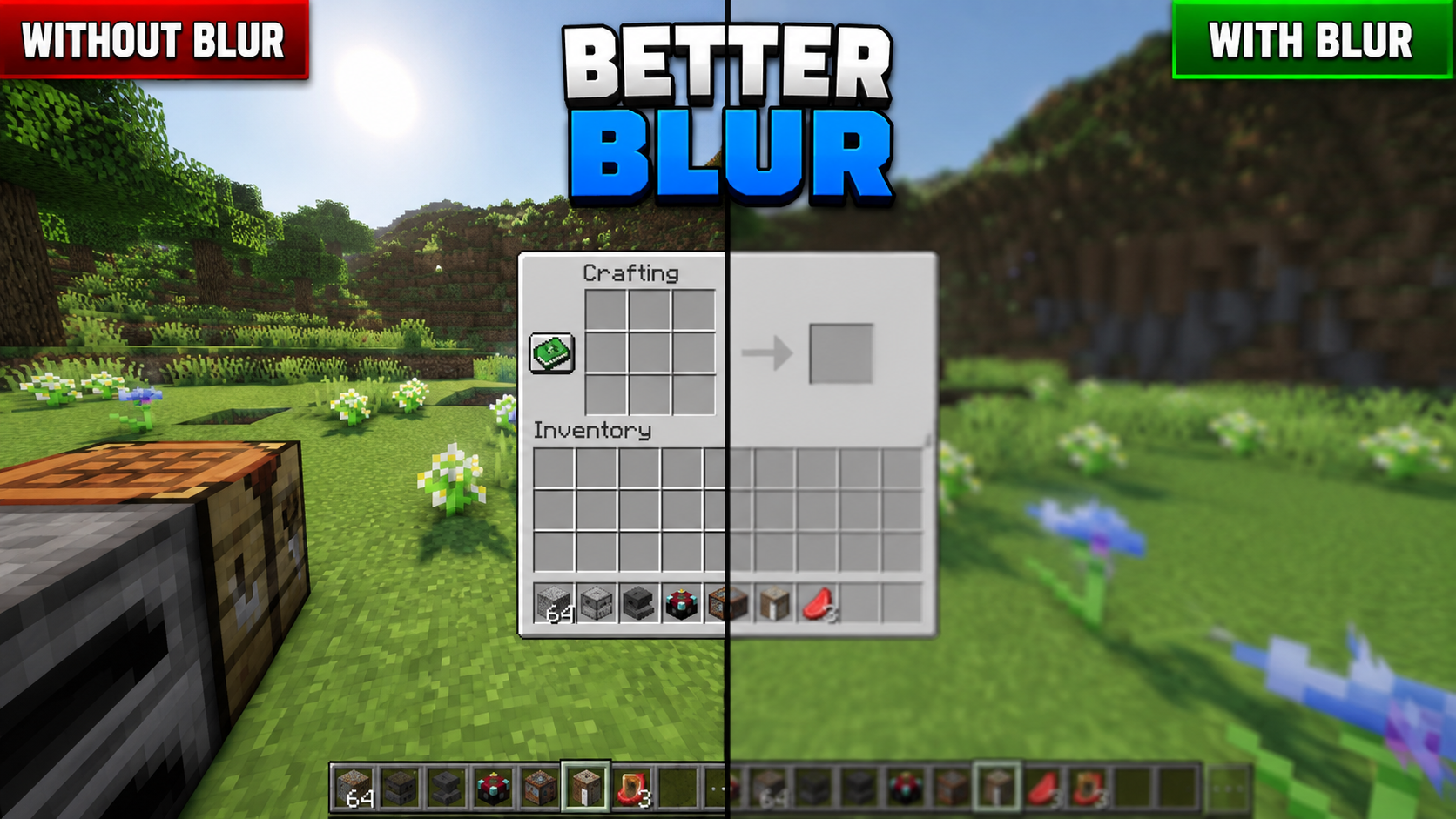
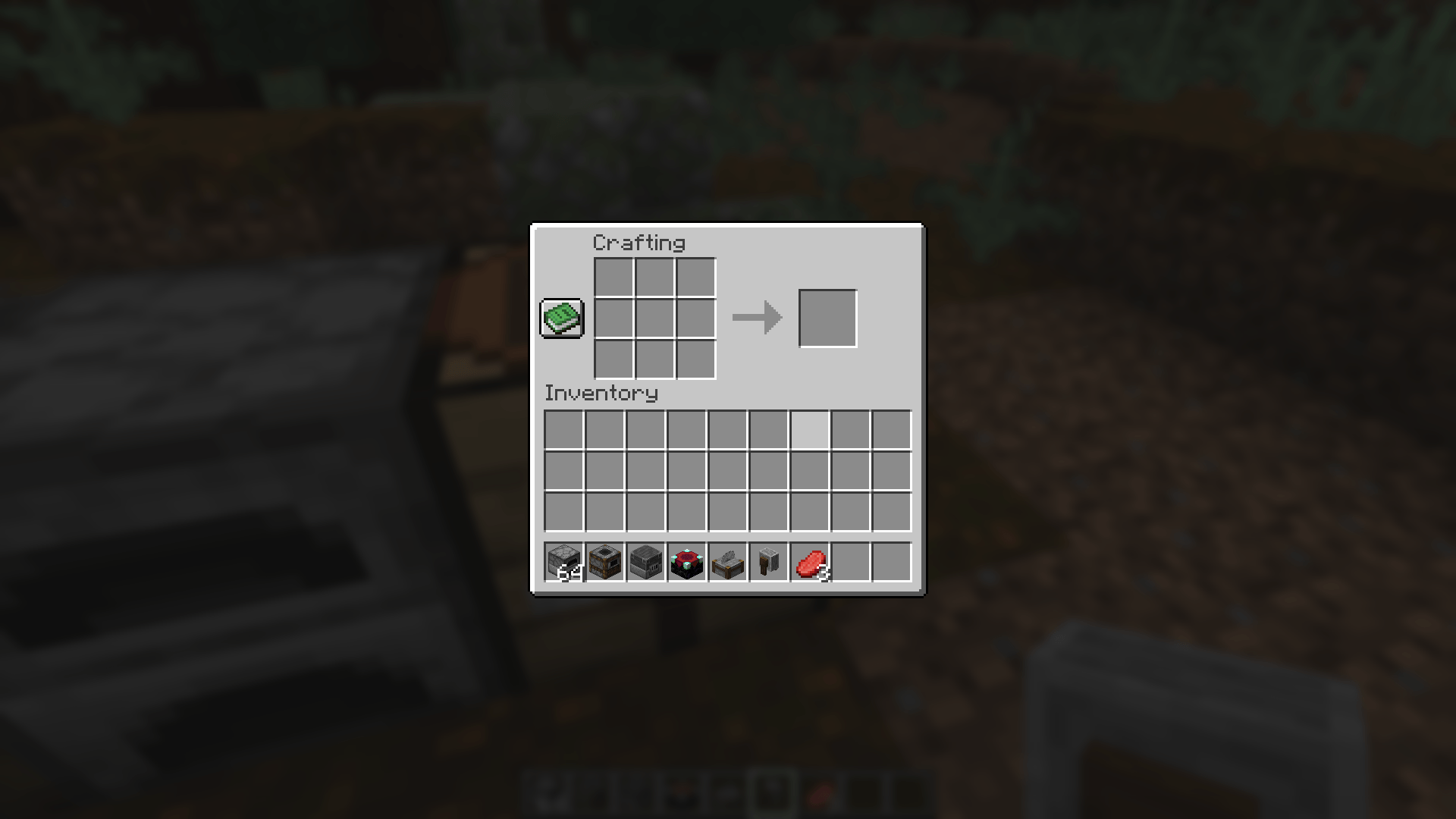
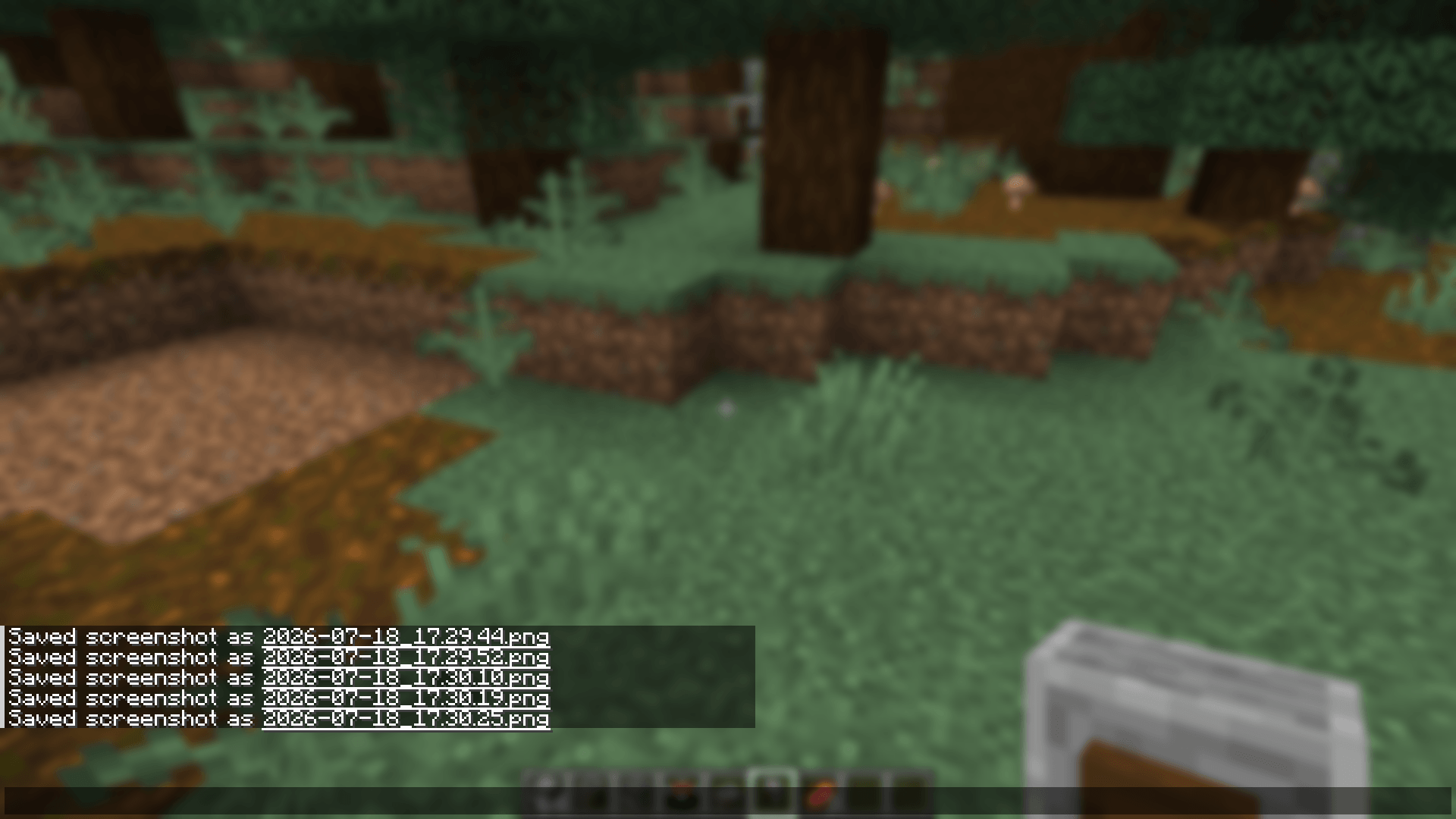
Better Blur adds a real, shader-based blur behind your inventory, furnace, smoker, other container screens, chat, and the pause menu — using Minecraft's own vanilla blur engine, not a custom re-implementation.
Unlike overlay-based "fake blur" mods, Better Blur Fabric reuses vanilla's native post-process blur shader, so it renders with the same quality and performance characteristics as Minecraft's built-in menu blur, just extended to more screens with full control over where it appears.
-------------------------------------------------------------------
✨ Features
- 🌫️ Native, shader-accurate blur — built on Minecraft's own vanilla blur engine.
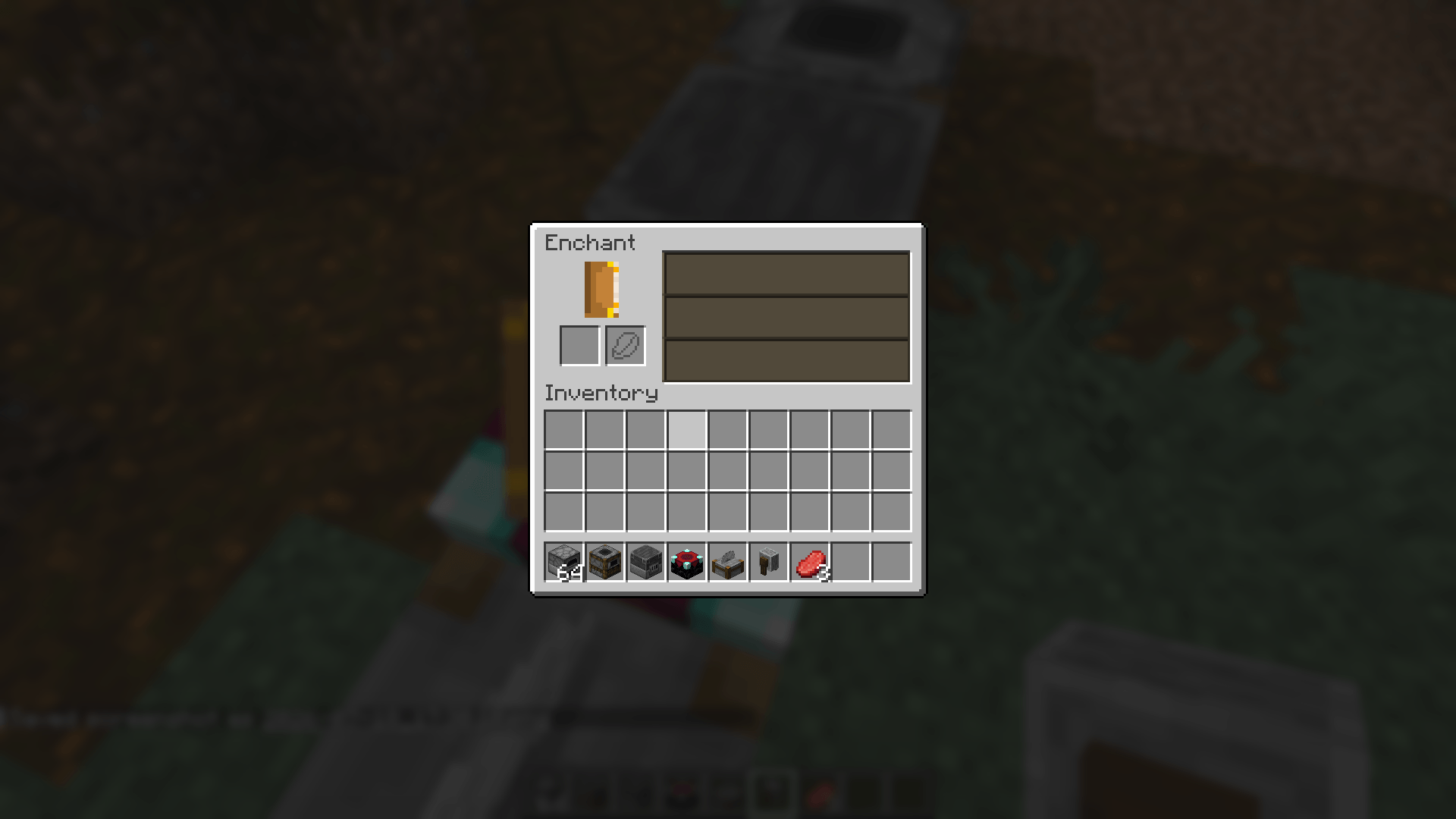
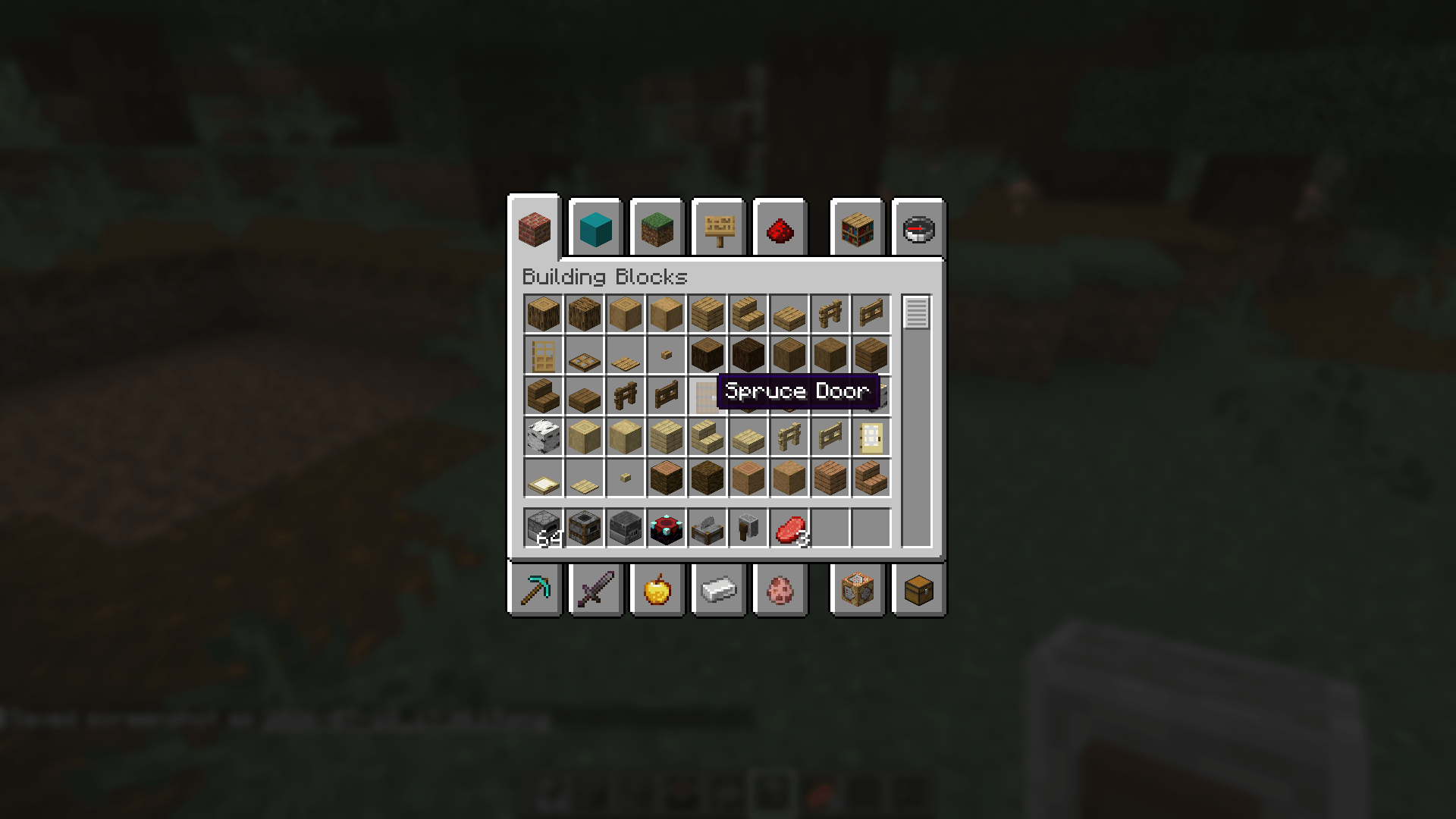
- 🎒 Blurs inventory, furnace, smoker, crafting table, anvil, and other container screens.
- ⏸️ Blurs the pause menu.
- 💬 Blurs behind chat.
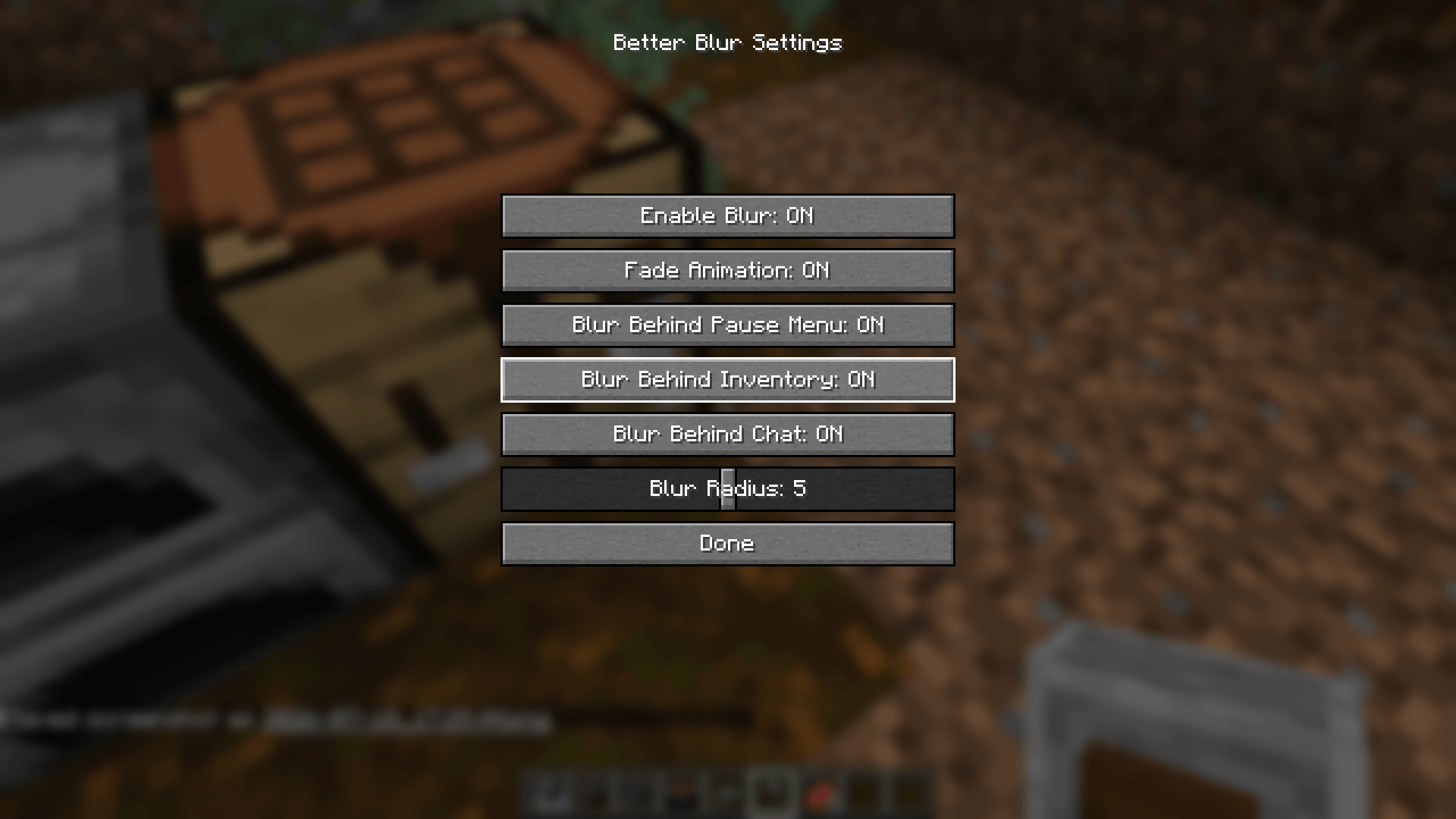
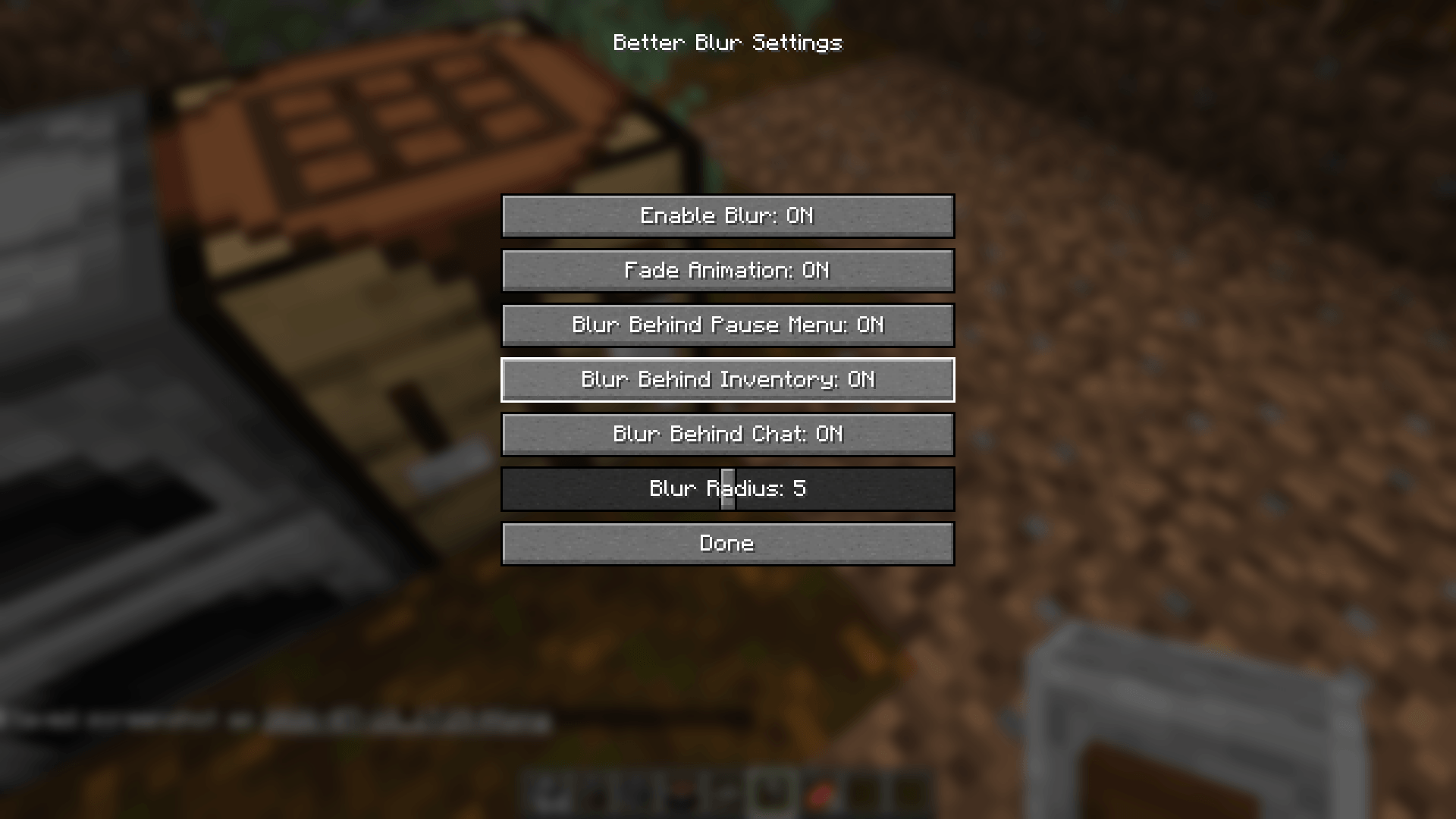
- 🎚️ Fully configurable blur radius via an in-game slider.
- 🌊 Smooth fade in/out animation when screens open and close.
- 🧩 Independent per-screen toggles — turn blur on or off for inventory, chat, and pause menu separately.
- 🚫 Main menu and world-loading screens are never blurred, so they stay exactly vanilla.
- ⚙️ Lightweight — no custom shader pipeline, no extra GPU overhead beyond vanilla's own blur.
-------------------------------------------------------------------
🎮 Opening the Config Menu
Better Blur Fabric ships with a dedicated keybind to open its settings screen at any time.
- ⌨️ Default keybind: B
- 🔁 Rebind it anytime from Options → Controls → Key Binds → Better Blur.
- 🧰 If you have Mod Menu installed, you can also open the config from the Mods list — no keybind required.
-------------------------------------------------------------------
✅ Why Choose Better Blur Fabric?
Minecraft's vanilla blur is limited to the pause menu. Better Blur Fabric extends that same native effect to the screens you actually spend the most time in — your inventory, furnaces, smokers, and chat — without touching the main menu or loading screens, so the game still boots up exactly the way you expect.
Everything is adjustable: radius, animation, and which screens get blurred, all from one simple in-game menu.
-------------------------------------------------------------------
📌 Compatibility
- ✔ Minecraft Java Edition 1.21.1
- ✔ This build: Fabric Edition
- ✔ Requires the Fabric API
- ✔ Optional: Mod Menu integration
- ✔ Client-side only
- 🔜 Forge, NeoForge, and Quilt editions in development
-------------------------------------------------------------------
Give your inventory, furnaces, smokers, chat, and pause menu the same polished, native blur Minecraft already uses for its pause screen — with Better Blur Fabric.
🌫️ Better Blur+
Better Blur adds a real, shader-based blur behind your inventory, furnace, smoker, other container screens, chat, and the pause menu using Minecraft's own vanilla blur engine, not a custom re-implementation.
Unlike overlay-based "fake blur" mods, Better Blur+ reuses vanilla's native post-process blur shader, so it renders with the same quality and performance characteristics as Minecraft's built-in menu blur, while extending it to more screens with full control over where it appears.
✨ Features
- 🌫️ Native, shader-accurate blur built on Minecraft's own vanilla blur engine.
- 🎒 Blurs inventory, furnace, smoker, crafting table, anvil, and other container screens.
- ⏸️ Blurs the pause menu.
- 💬 Blurs behind chat.
- 🎚️ Fully configurable blur radius via an in-game slider.
- 🌊 Smooth fade in/out animation when screens open and close.
- 🧩 Independent per-screen toggles for inventory, chat, and pause menu.
- 🚫 Main menu and world-loading screens are never blurred, preserving the vanilla experience.
- ⚙️ Lightweight with no custom shader pipeline or extra GPU overhead beyond vanilla's own blur.
🎮 Opening the Config Menu
Better Blur+ includes a dedicated keybind to open its settings screen at any time.
- ⌨️ Default keybind: B
- 🔁 Rebind it anytime from Options → Controls → Key Binds → Better Blur+.
- 🧰 If you have Mod Menu installed, you can also open the config from the Mods list.
✅ Why Choose Better Blur+?
Minecraft's vanilla blur is limited to the pause menu. Better Blur+ extends that same native effect to the screens you actually spend the most time in, including your inventory, furnaces, smokers, and chat, without affecting the main menu or loading screens.
Everything is adjustable, including blur radius, animation, and which screens receive the blur effect, all from one simple in-game configuration menu.
📌 Compatibility
- ✔ Minecraft Java Edition 1.21.1
- ✔ Fabric Edition
- ✔ Requires Fabric API
- ✔ Optional Mod Menu integration
- ✔ Client-side only
- 🔜 Forge, NeoForge, and Quilt editions are in development
Give your inventory, furnaces, smokers, chat, and pause menu the same polished, native blur Minecraft already uses for its pause screen with Better Blur+.
Screenshots
Gallery
-
 Better Blur 5 Better Blur 5
 -
 Better Blur 4 Better Blur 4
 -
 Better Blur 3 Better Blur 3
 -
 Better Blur 2 Better Blur 2
 -
 Better Blur 1 Better Blur 1
Versions
Files
Relations
Project Relations
More like this
Similar Mods
Suggestions use data such as tags, dependencies, dependents, descriptions, titles, and more to rank how much they overlap with this mod.
On ModDex
Community snapshot
By the numbers
Statistics
Want to reach Minecraft players?
We're looking for a server hosting partner to feature here and other parts of the site. Interested? Send us a message!
Get in touchGet it on
Available Platforms
On ModDex
Community snapshot
By the numbers
Statistics
Resources