
Community listing page, reviews here may not be monitored by the author.
Better Fog

No reviews yet
Improve immersion with a more pronounced fog!
Community voices
Reviews
No reviews yet. Be the first to review this project!
Get it on
Available Platforms
About
Project Details
For authors
Embed Badge
If you're the author of this project, you can embed a live badge anywhere that supports HTML or Markdown. It updates automatically whenever ratings change.
Use HTML for any page that supports it, or Markdown for README files and Markdown-based descriptions.
Identifiers
Platform IDs
Resources
External Links
About
Description

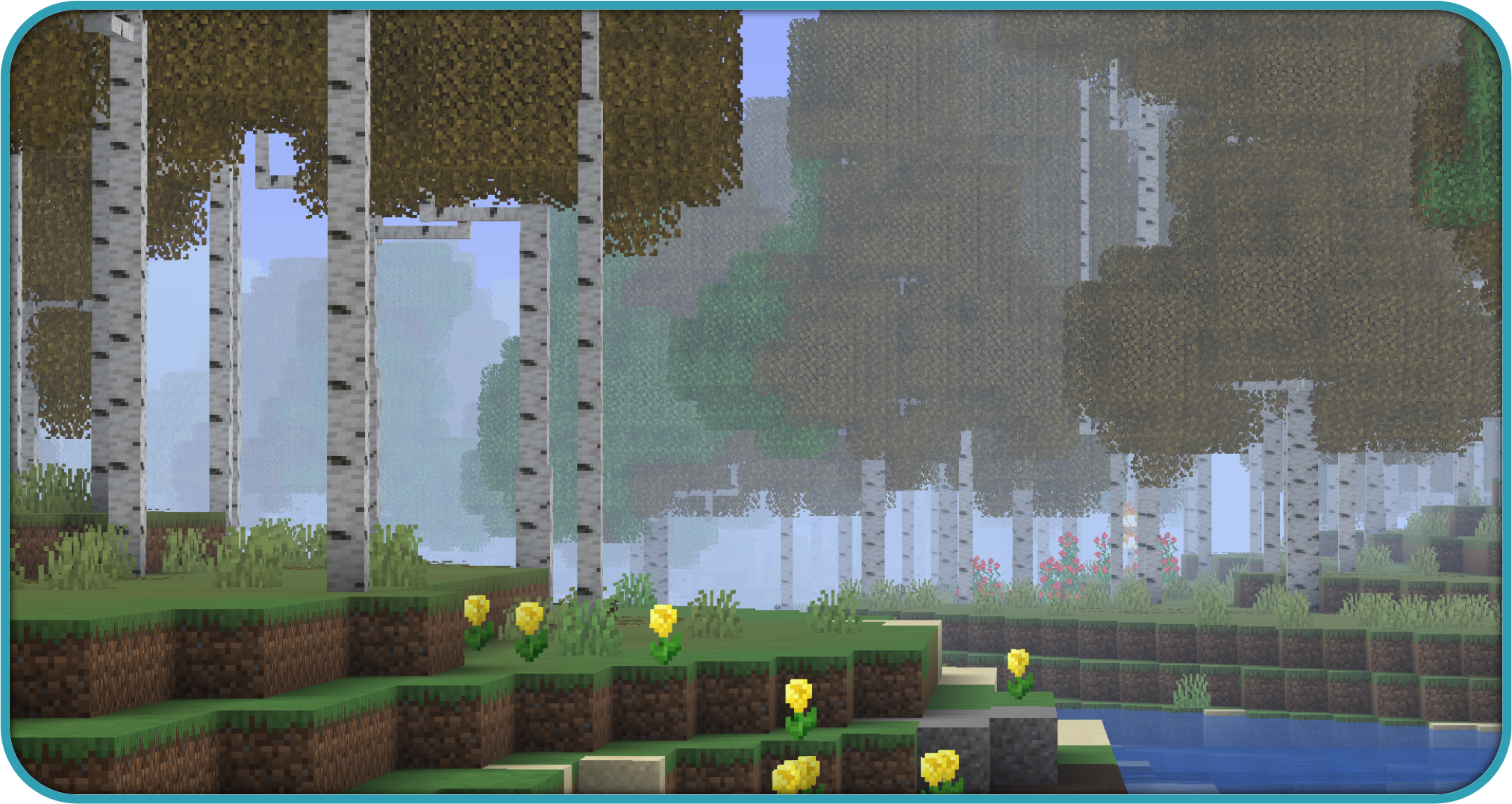
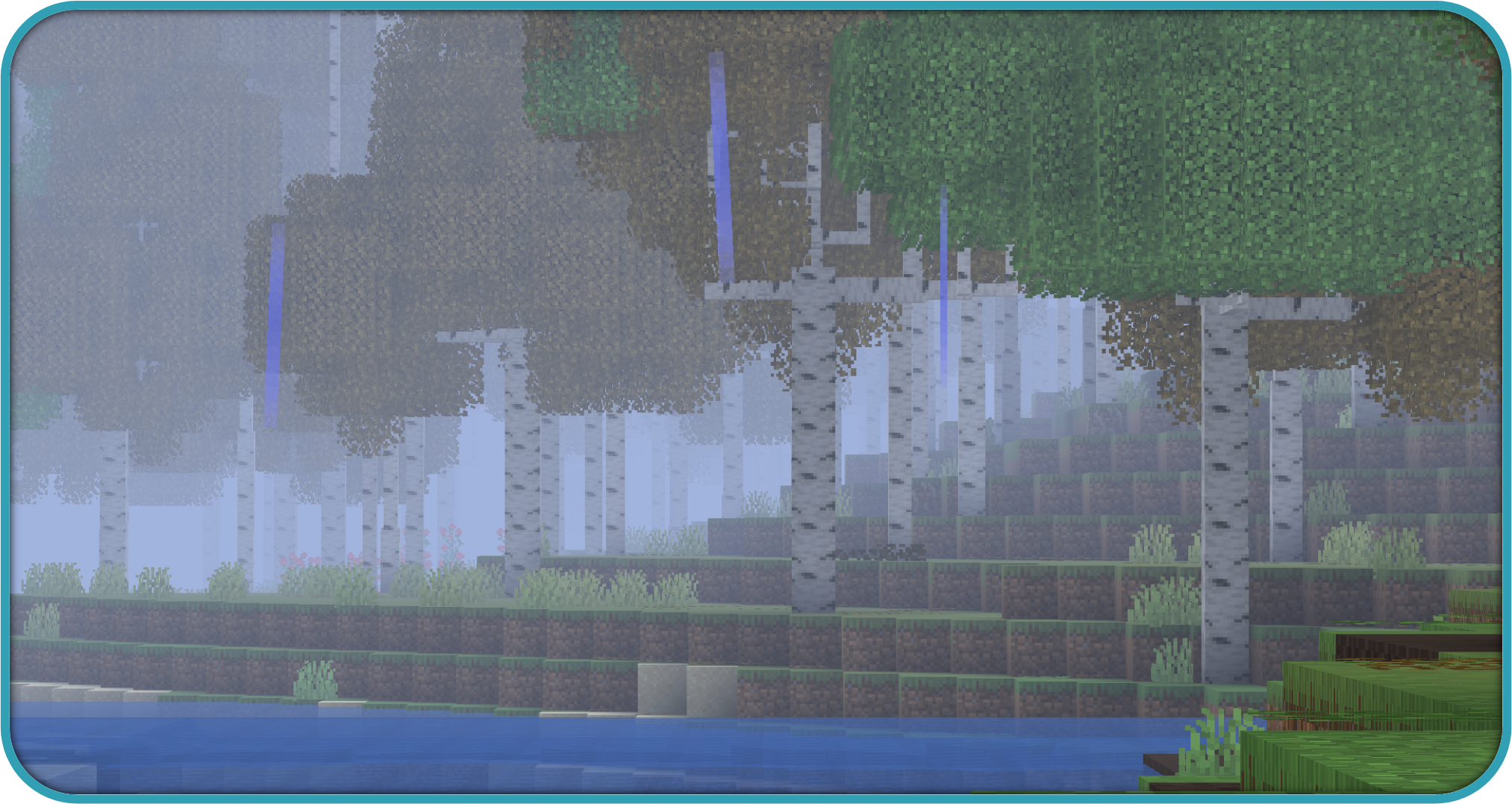
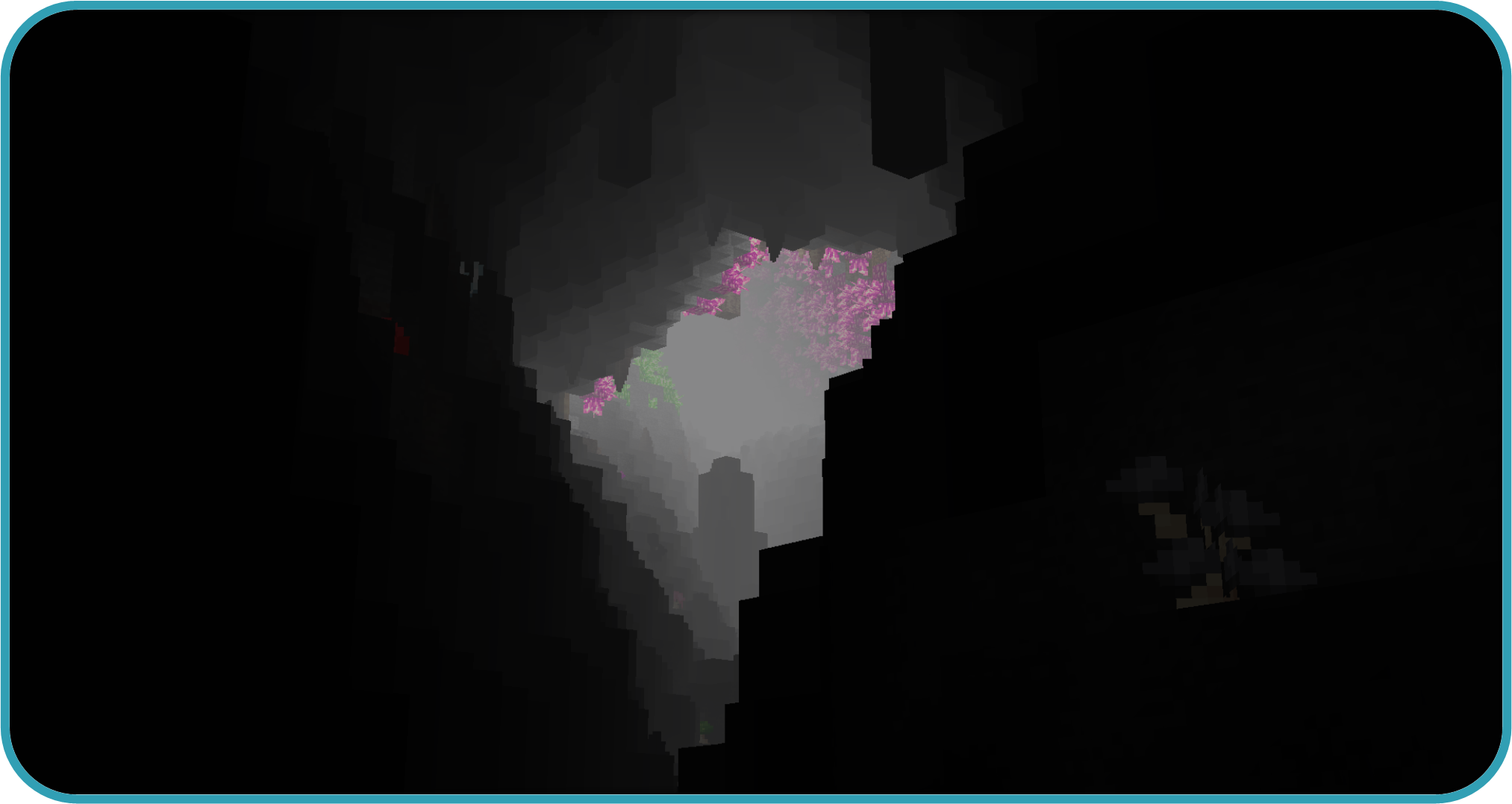
Better Fog is a lightweight mod meant to enhance the look of the fog in the game, based on different environments and make it fully configurable, adding 8 configurable types of fog by biome, such as a cave, cloud, rain and night fog.
Better Fog 2.0 is out! now with void, lava, water and thunder fog in addition to the original ones are all configurable for each biome in many ways, being able to set, add or multiply their color, start, end and opacity, all to get the perfect fog you need dimension blacklist and much more have also been added aswell as improving drastically performance
In Depth config explaination
The config is divided into 2 main parts, both found under <config folder>/betterfog/
1: the main config file (betterfog.json)
2: all the biomes configs (under ./biomes)
In the main file, the first <fog_type>"_enabled" configs just indicate if the specified fog type is enabled (for every biome) the first one states if the mod itself is enabled
A fog type is a specific modifiable fog state, example: cave is the fogtype activated between cave_y_start and cave_y_end, more on them later
A biome options is the json with all the fog types of a specific biome, found in /biomes/<biome_name>.json
Default options is the biome options used by default for unconfigured biomes (if use_defaults is set to false, otherwise it wont be used and all will just be vanilla in that biome)
"use_vanilla_for_unconfigured" indicates if, when for a specific biome config, a fog type will use the default's options or vanilla's (essentialy disabling that unconfigured fog type)
"dimension_blacklist" is a simple list of dimensions in which the mod wont be enabled
"use_defaults" has been explained above
the next <fog_type>"_y_start" configs simply indicate the start and ending y values of those specific fogs, cave fog will be fully inactive above y start and fully active belove y end, while void and cloud will peak at the middle and be inactive outside their ranges.
"change_time" is the time in ticks it takes to be able for the mod to detect a biome change after one just happened (so if you step in and out of a biome the fog doesnt just flash randomly)
"step_color" is used, when the fog changes in color, it indicates the max amount (from 0 to 1, multiply by 100 to get percentage) the color can change in a tick (example: if you go inside water, it doesnt immediately turn the fog to blue, it will take some time)
"step_distance" is the exact thing but for start and end fog, it also changes by blocks and not percentage
"cave, cloud, void pick indicate how steep the sigmoid curve transforming the normal fog into the custom one will be, so if p is 0.5, the tranformation will be almost fully linear, but if p is 10, there will be little to no change at the start, a lot in the middle, and very little in the end again, i suggest not touching these if you dont know what youre doing
in the biome config files, there are many fog types, each will have values indicating what the fog will be when the fog type is fully active
there are 6 parameters
red, green, blue, opacity are all dedicated to the color, from 0 to 1, they simply state what color the final fog will take
start and end indicate when the fog starts and ends, in blocks
all of these parameters can be simple numbers, and the fog when fully active will be set to those values
or an operation "+, -, *, /" can be used, and, instead of setting to the value following these prefixes, it will execute the operation on the current value
to better understand what's happening, lets look at how the code works
the mod will take the vanilla colors, start and end by default
then it will apply the "day" or "night" fog, these will be alternating in activity, when its fully day only "day" will be applied, during the transition a mix between the 2 will, and in the end at night, only the "night" one
if like in the example, these have no set color values, it will instead just use the vanilla colors, but change the start and end (in this case the fog starts at 32 and ends 95% of the vanilla value during the day)
after this, if you're inside lava or water these will be applied and fully active
now cave, cloud and void are a little different they are not fully active immediately, and the values you input will transform from 0 change to full change across y start and y end (see better explanation in the previous part)
rain and thunder should be self explanatory, activated during rain and thunder (not simultaneously)


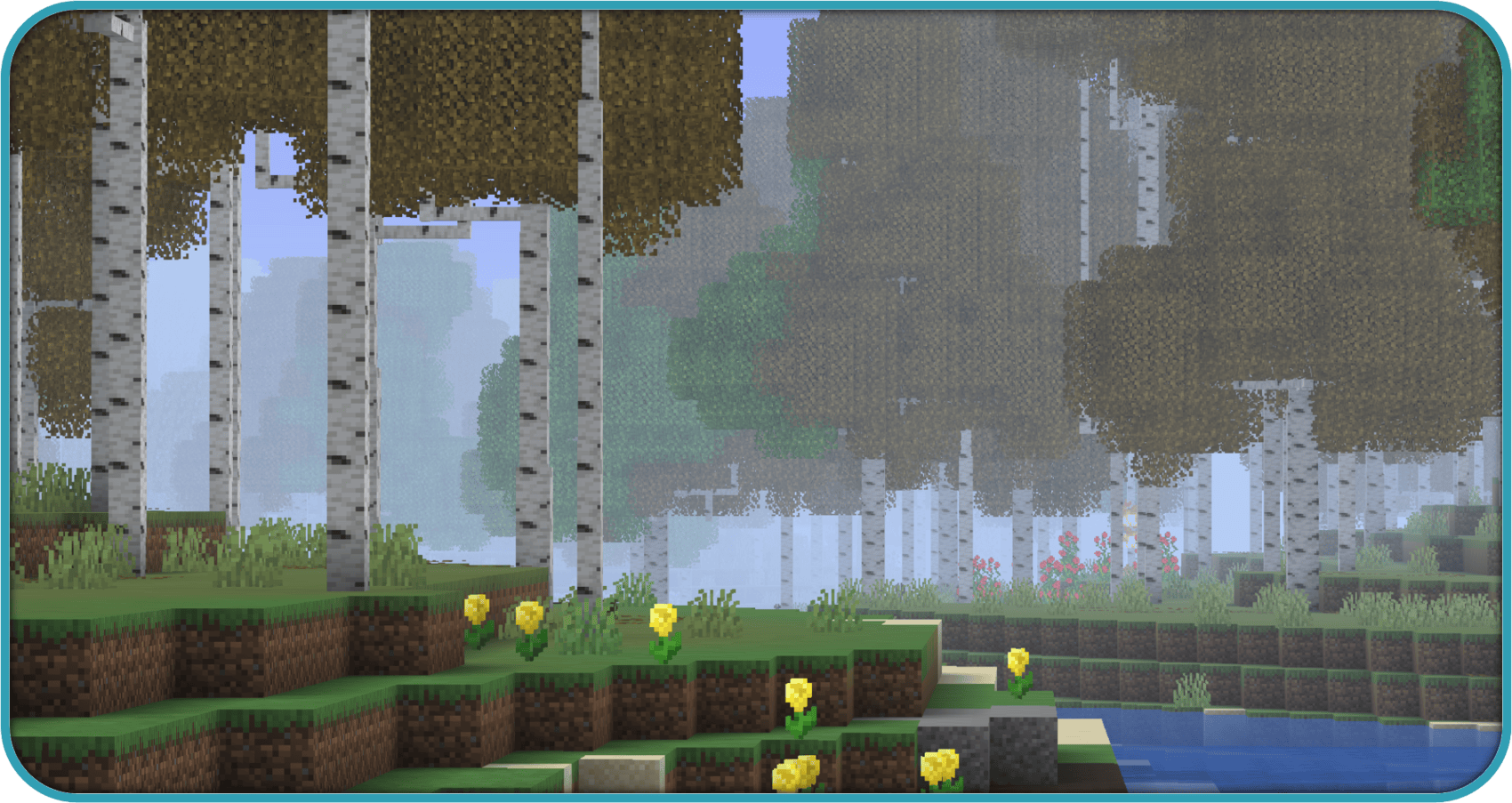

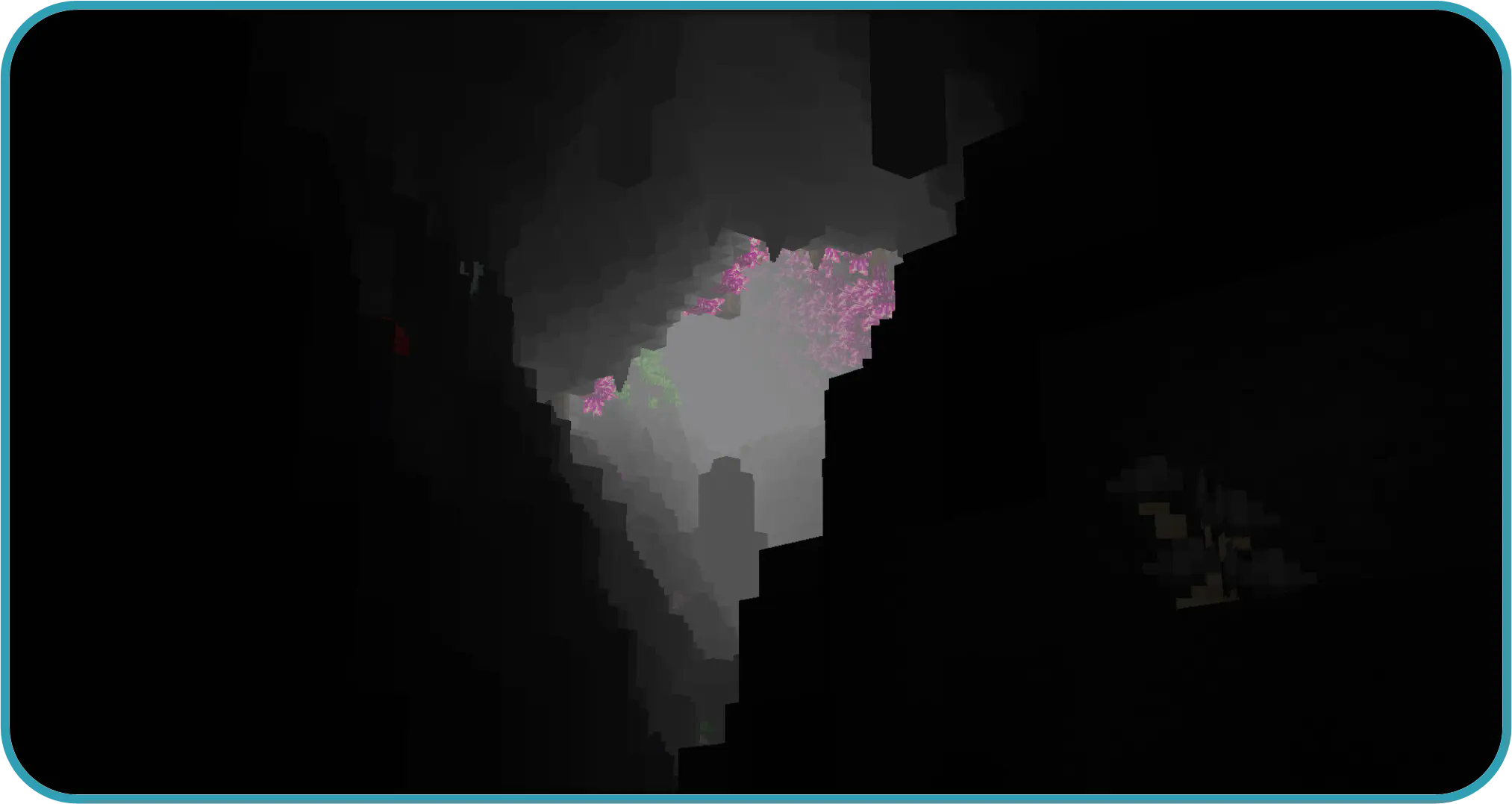

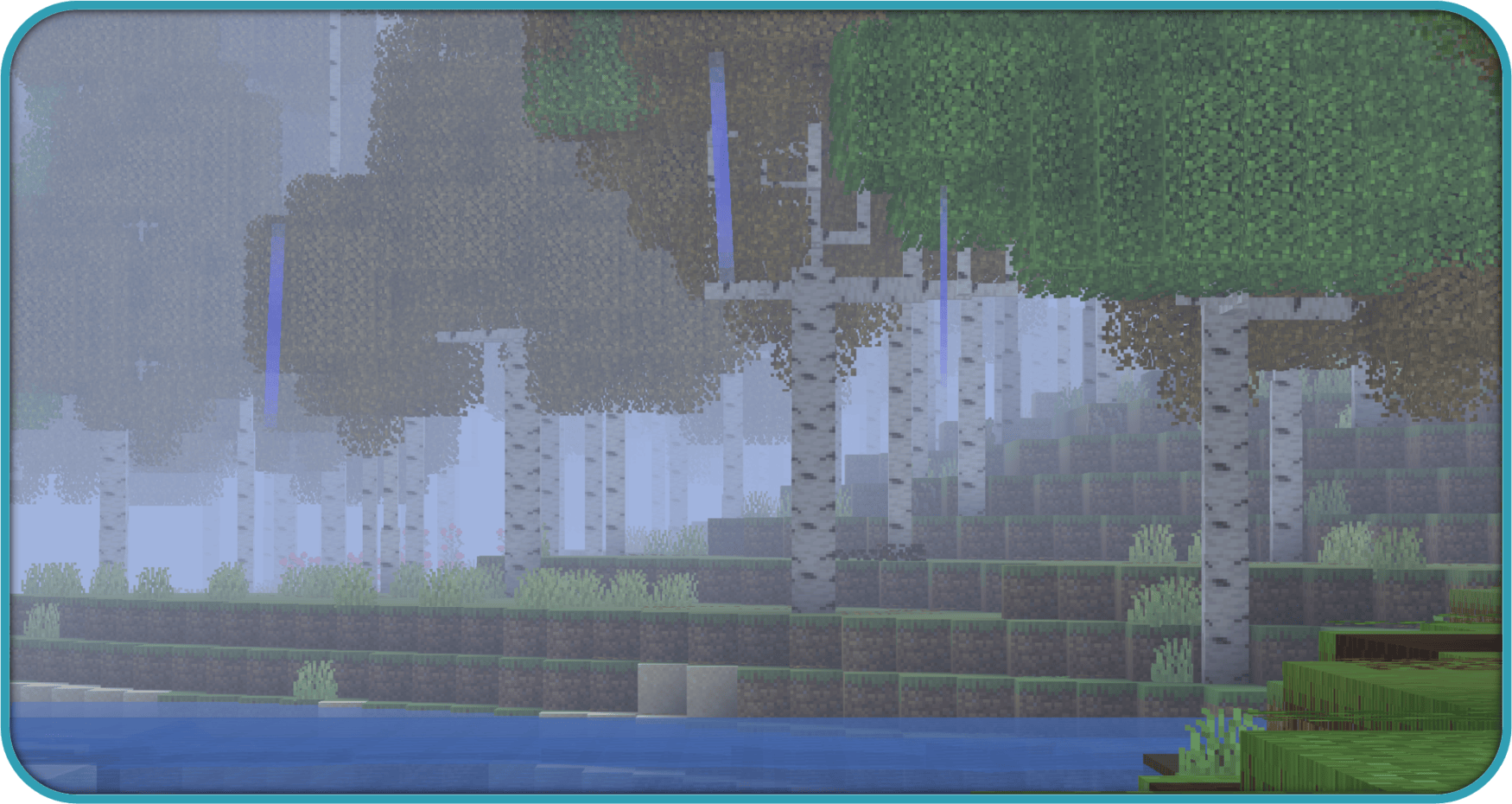


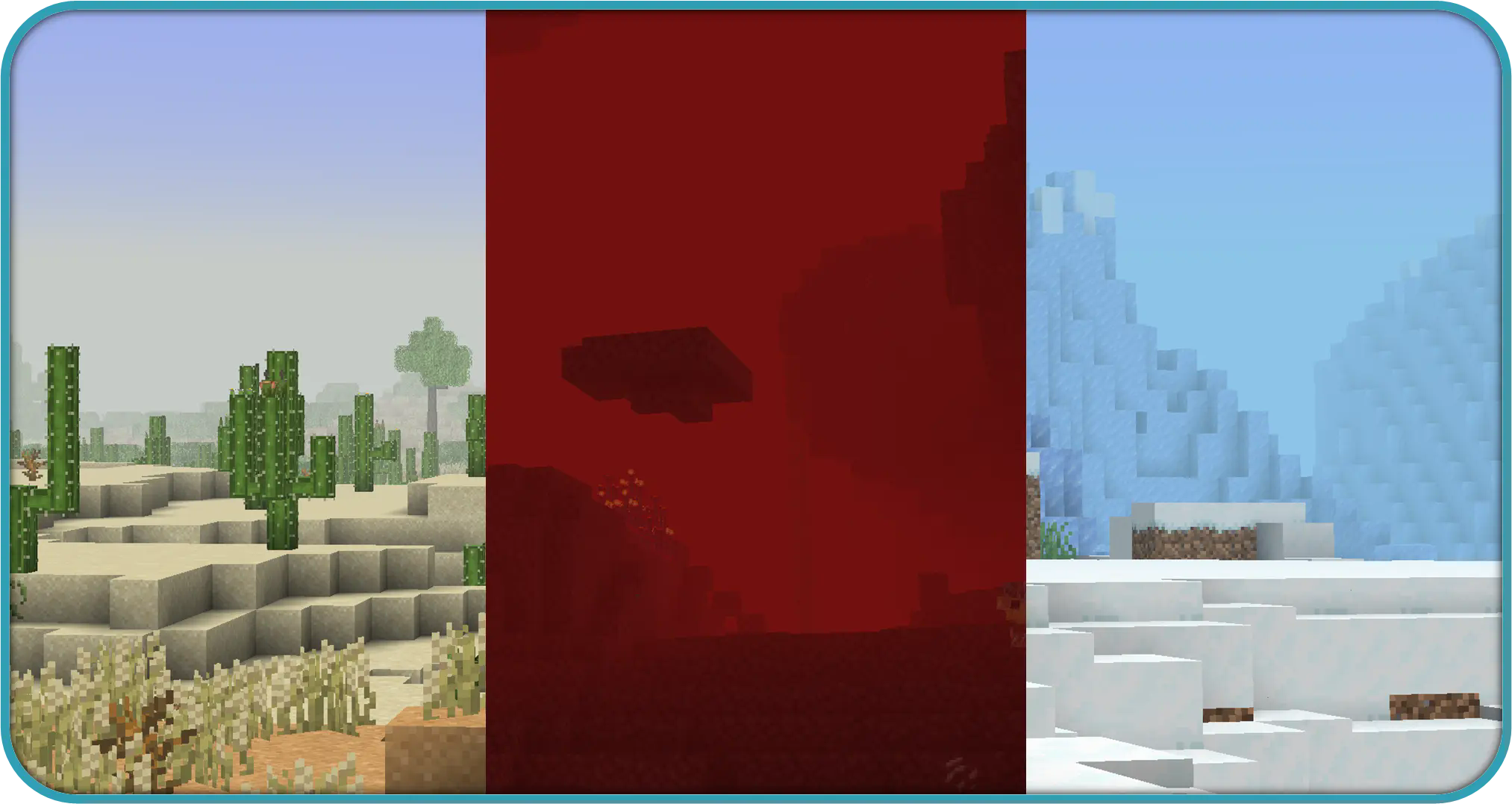


Screenshots
Gallery
-
 nether fog
 -
 extended fog
 -
 discord
 -
 coming soon
 -
 cloud fog
 -
 header
 -
 forest
 -
 rain
rain -
 cave
cave -
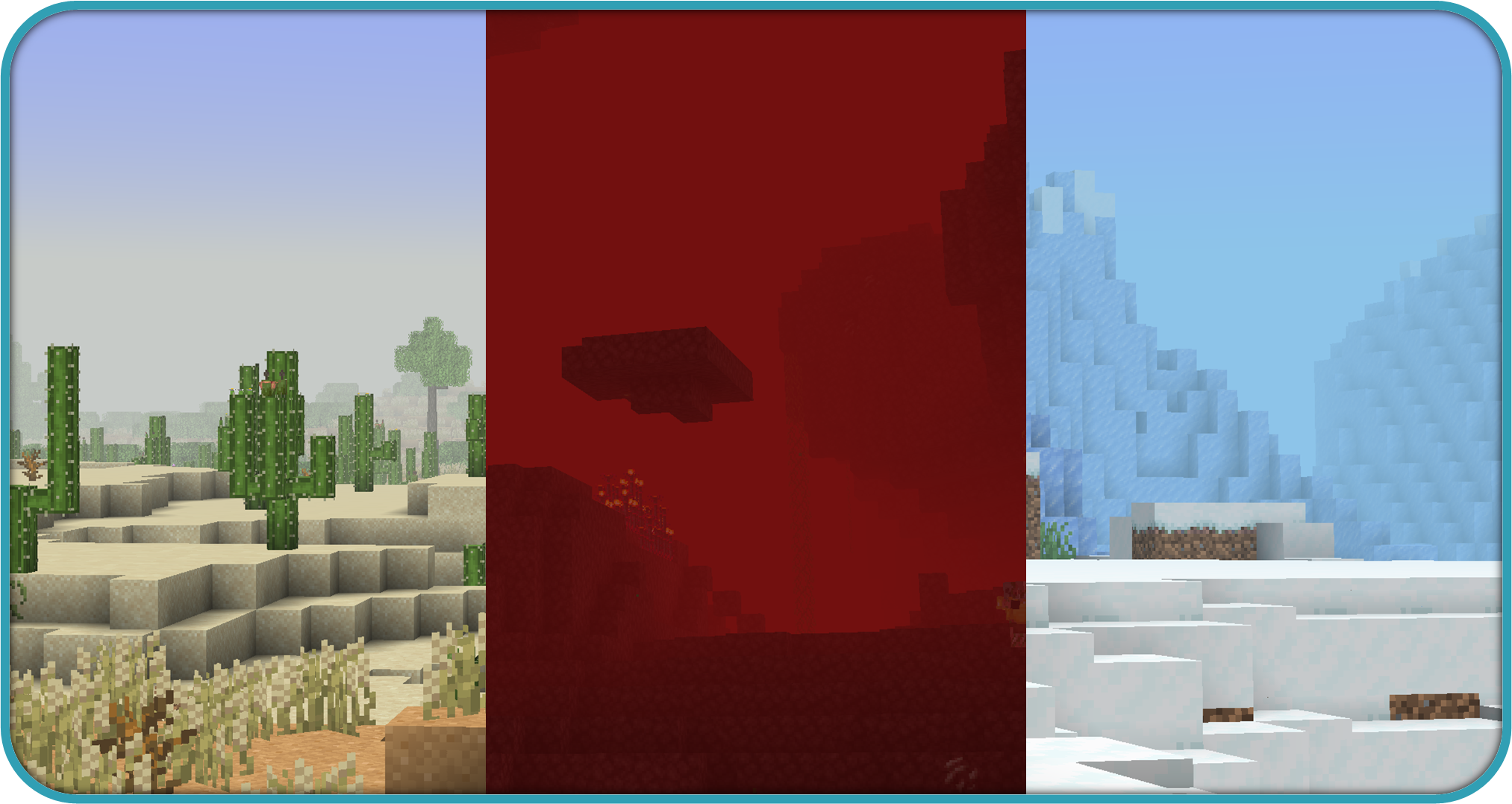 biome
biome -
 rain fog
 -
 permission
 -
 desc
desc -
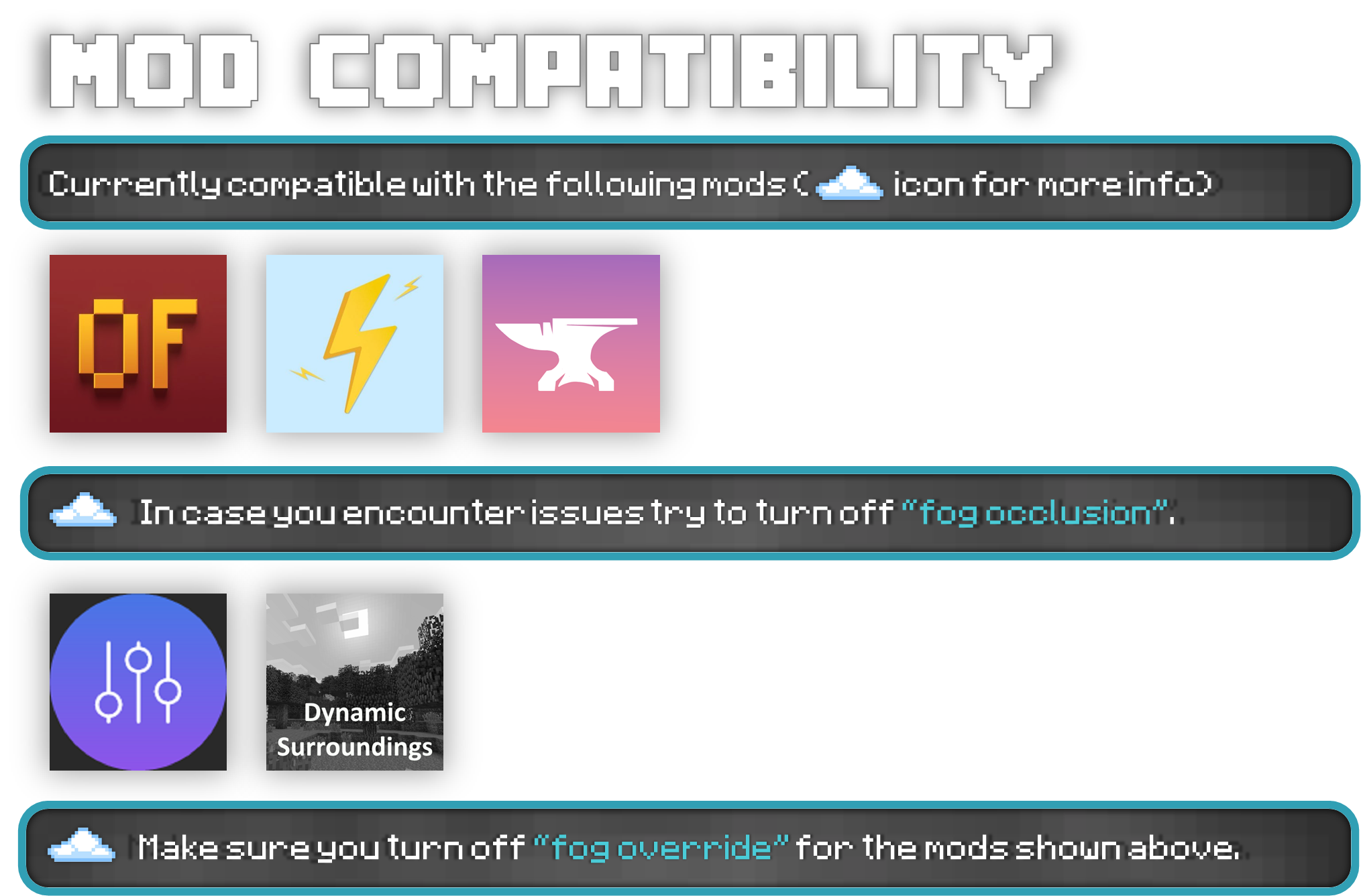 compatibility
 -
 cave fog
 -
 biome fog
Versions
Files
Relations
Project Relations
More like this
Similar Mods
Suggestions use data such as tags, dependencies, dependents, descriptions, titles, and more to rank how much they overlap with this mod.
On ModDex
Community snapshot
By the numbers
Statistics
Want to reach Minecraft players?
We're looking for a server hosting partner to feature here and other parts of the site. Interested? Send us a message!
Get in touchGet it on
Available Platforms
On ModDex
Community snapshot
By the numbers
Statistics
Resources