Community listing page, reviews here may not be monitored by the author.
BetterShulkure


No reviews yet
This mod allows you to quickly find items inside your shulker boxes without wasting hours searching through all of them.
Community voices
Reviews
No reviews yet. Be the first to review this project!
Get it on
Available Platforms
Compatibility
Supported Environments
Must be installed on both the client and the server.
About
Project Details
For authors
Embed Badge
If you're the author of this project, you can embed a live badge anywhere that supports HTML or Markdown. It updates automatically whenever ratings change.
Use HTML for any page that supports it, or Markdown for README files and Markdown-based descriptions.
Identifiers
Platform IDs
Resources
External Links
About
Description
Better Shulkure
Better Shulkure is a Minecraft Fabric mod that enhances the user experience with Shulker Boxes by adding customizable visual display features.
Features
Visual Display of Shulker Boxes
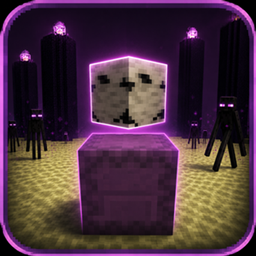
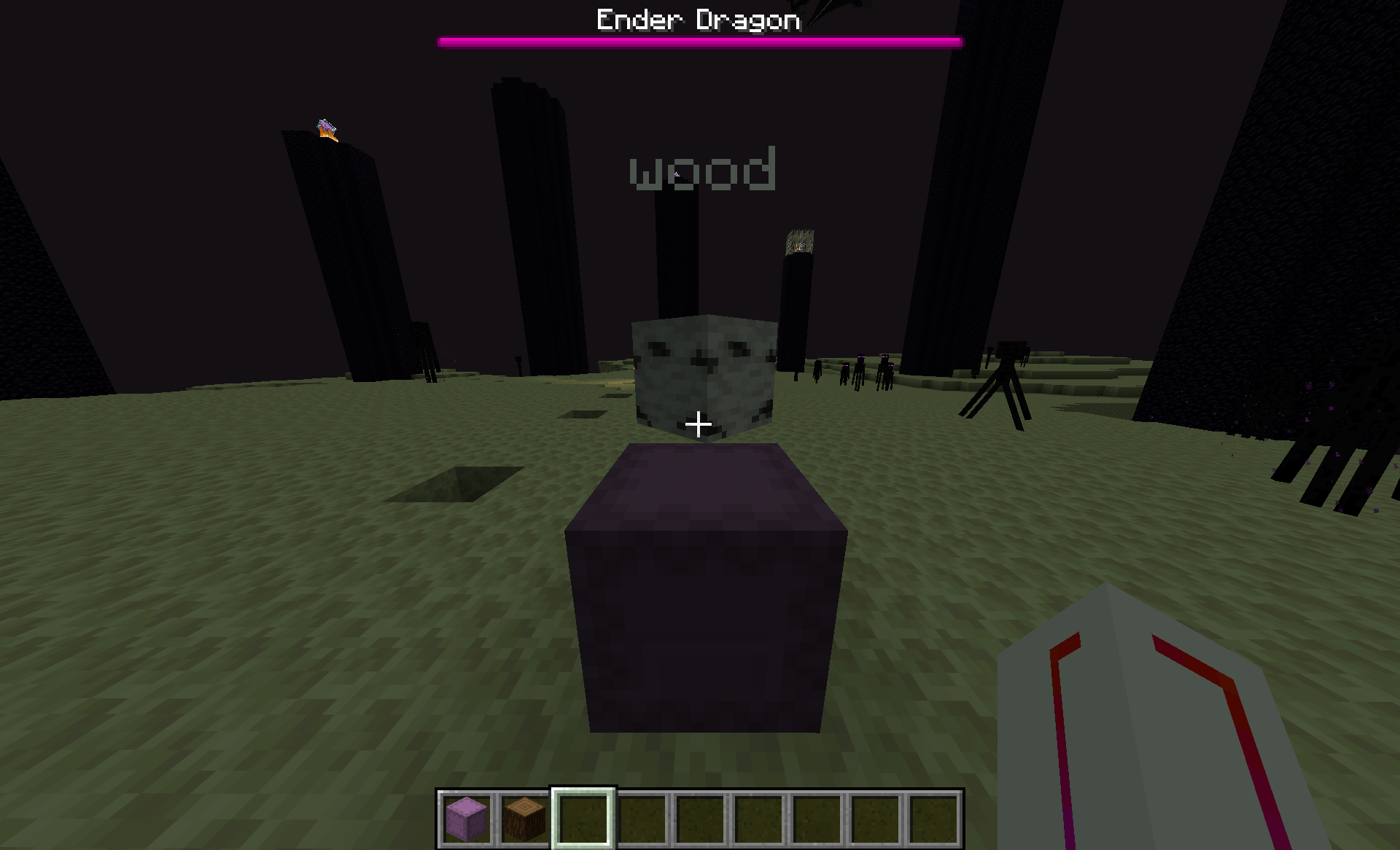
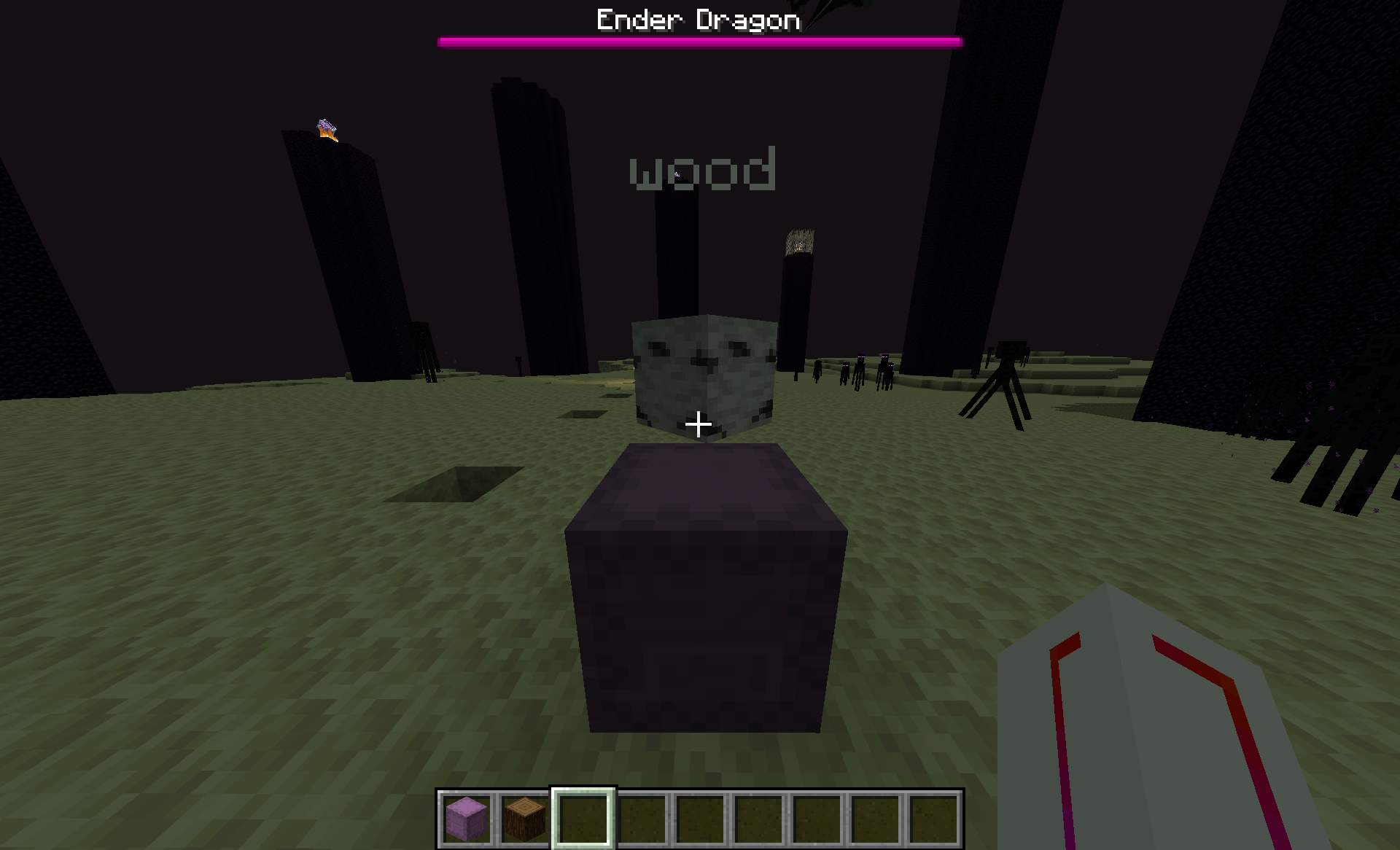
- Representative Item Display: Shulker Boxes can display a floating item above them to indicate their contents.
- Custom Text Display: Add descriptive text to your Shulker Boxes (up to 80 characters).
- Rotation Mode: Three modes available:
- Lock: The item stays fixed in a given direction.
- Rotate: The item slowly rotates around the Shulker Box.
- Follow: The item follows the player's direction.
Advanced Configuration
- Visibility Radius: Control the maximum distance at which displays are visible (15-320 blocks).
- Scale and Position: Adjust the size and height of displayed items.
- Rotation Speed: Customize the rotation speed of items.
- Text Color: Choose the color of the displayed text.
- Switch Mode: Rotate through multiple representative items at regular intervals.
How to Use
Activation/Deactivation
- Press G to toggle the global display on/off.
- Press J to open the configuration screen.
Configuring Shulker Boxes
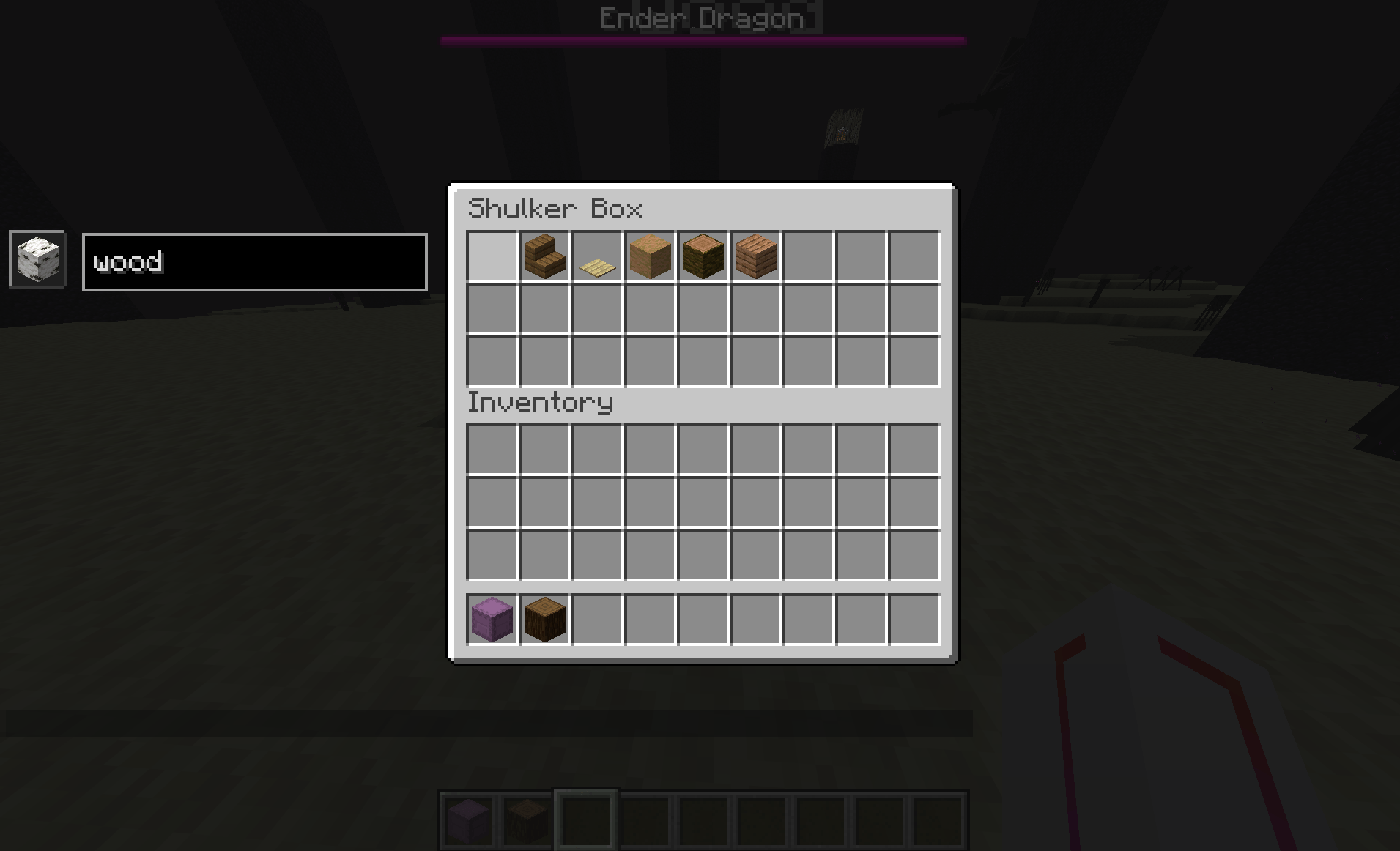
- Open a Shulker Box.
- Use commands or the interface to set the representative item and text.
- Close the Shulker Box - data is automatically saved.
Configuration Screen
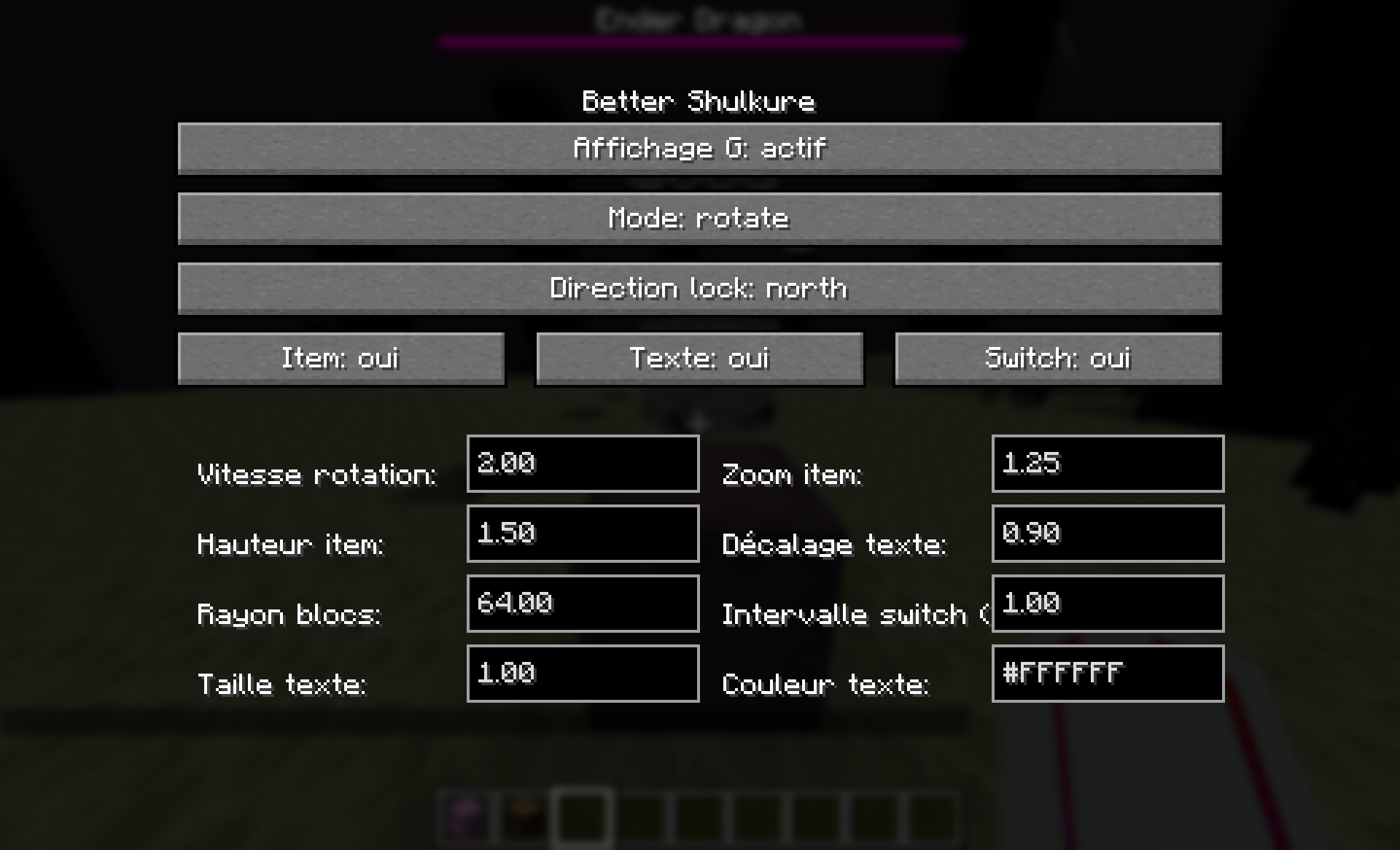
The configuration screen (J key) allows you to customize:
- General Display: Enable/disable display.
- Rotation Mode: Choose between Lock, Rotate, and Follow.
- Fixed Direction: For Lock mode, choose the direction (North, East, South, West, Up, Down).
- Display Options: Enable/disable item and text display.
- Visual Settings: Adjust scale, height, radius, speed, etc.
- Text Settings: Size, vertical offset, color.
Compatibility
- Minecraft: 1.21.11
- Fabric Loader: >= 0.18.4
- Fabric API: Required
- Java: >= 21
Installation
- Install Fabric Loader and Fabric API.
- Download the mod JAR file.
- Place the file in your Minecraft instance's
modsfolder. - Launch the game!
Configuration
The client configuration file is located at .minecraft/config/better-shulkure-client.json.
Example configuration:
{
  "enabled": true,
  "rotationMode": "ROTATE",
  "lockedDirection": "NORTH",
  "rotationSpeed": 4.0,
  "scale": 1.25,
  "verticalOffset": 1.5,
  "displayRadius": 64.0,
  "itemSwitch": false,
  "switchIntervalSeconds": 3.0,
  "textColor": 16777215,
  "textScale": 1.0,
  "textVerticalOffset": 0.95,
  "showItem": true,
  "showText": true
}
Screenshots
Gallery
-
 2026-05-07_19.22.23.png 2026-05-07_19.22.23.png
 -
 2026-05-07_19.22.14.png 2026-05-07_19.22.14.png
 -
 Capture dâécran 2026-05-07 193715.png Capture dâécran 2026-05-07 193715.png
-
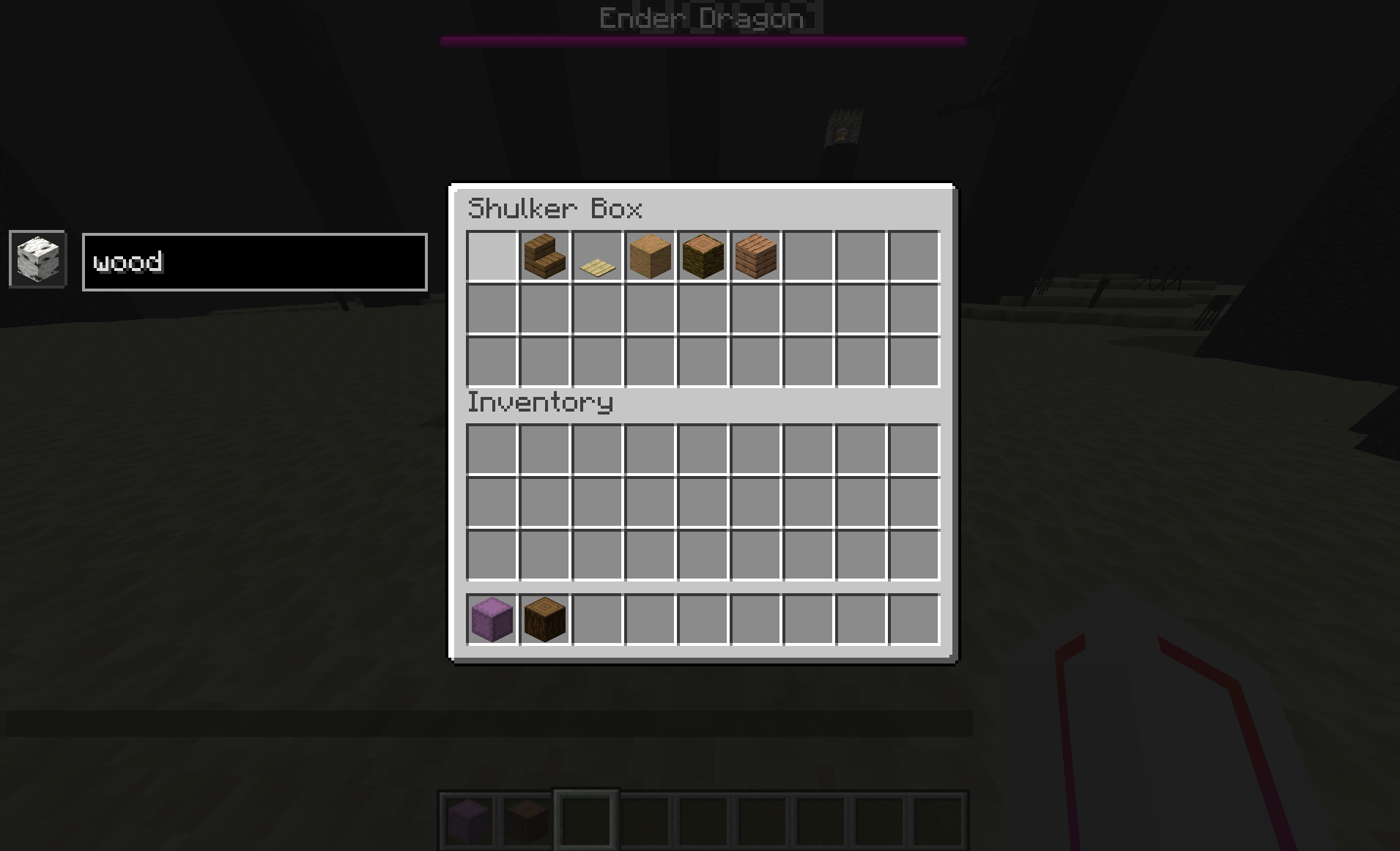 Shulkure UI GUI
 -
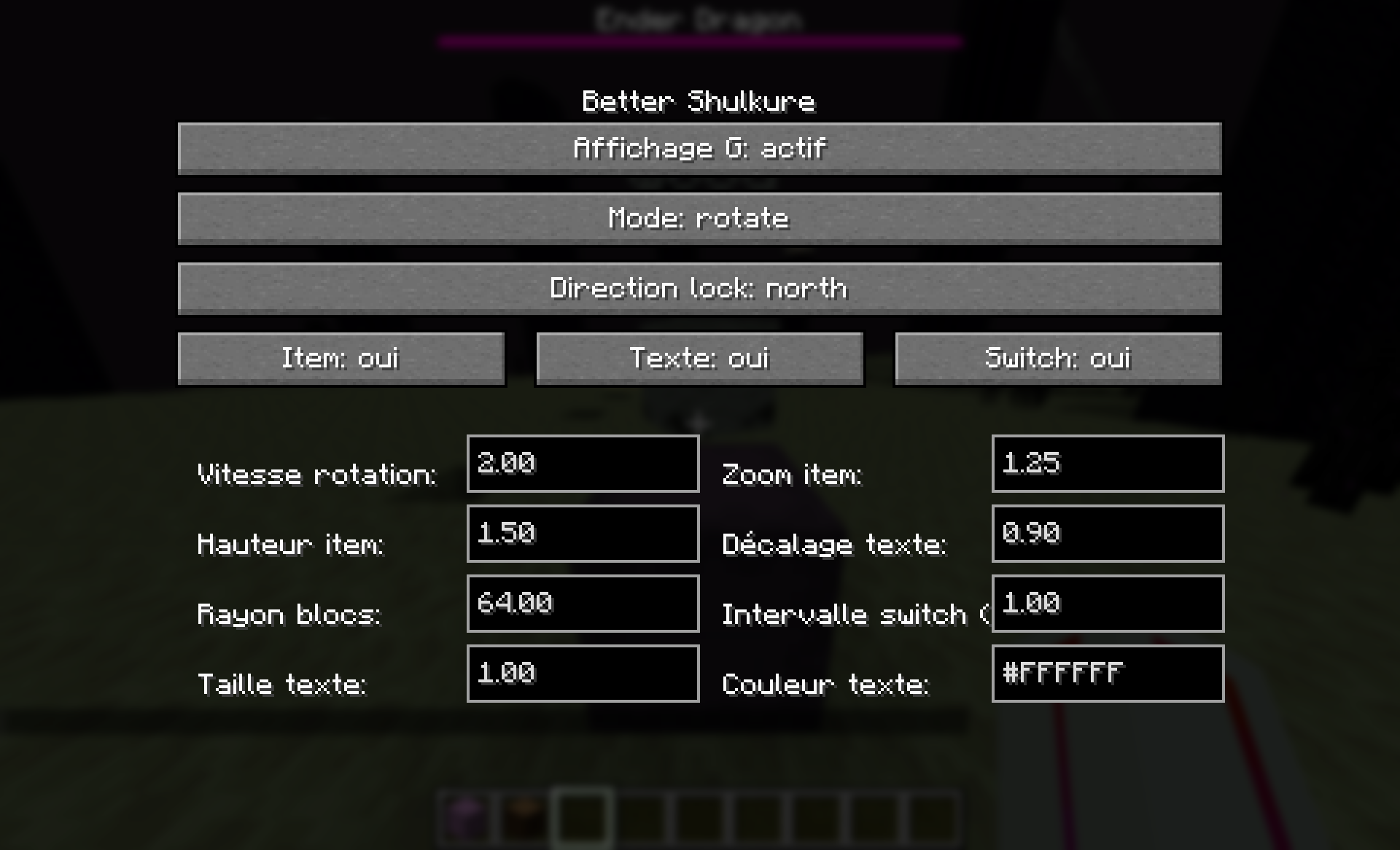 Settings UI
 -
Versions
Files
Relations
Project Relations
More like this
Similar Mods
Suggestions use data such as tags, dependencies, dependents, descriptions, titles, and more to rank how much they overlap with this mod.
On ModDex
Community snapshot
By the numbers
Statistics
Want to reach Minecraft players?
We're looking for a server hosting partner to feature here and other parts of the site. Interested? Send us a message!
Get in touchGet it on
Available Platforms
On ModDex
Community snapshot
By the numbers
Statistics
Resources