Community listing page, reviews here may not be monitored by the author.
Block Particle Spawning


No reviews yet
Allows you to attach particle effects to any block in Minecraft, allowing modpack authors to enhance the visual aspects of blocks with many use cases.
Community voices
Reviews
No reviews yet. Be the first to review this project!
Get it on
Available Platforms
Compatibility
Supported Environments
Runs entirely on the client. Works on vanilla servers.
About
Project Details
For authors
Embed Badge
If you're the author of this project, you can embed a live badge anywhere that supports HTML or Markdown. It updates automatically whenever ratings change.
Use HTML for any page that supports it, or Markdown for README files and Markdown-based descriptions.
Identifiers
Platform IDs
About
Description
Block Particle Spawning
Spawn custom block particle effects with ease!
Block Particle Spawning allows you to attach particle effects to any block in Minecraft, allowing modpack authors to enhance the visual aspects of blocks with many use cases.
Requires MixinBooter
Configuration Settings
The following five config settings enable fine-tuning of particle spawning. The settings go by ordinal numbers, so the first block takes the first value of each category, the second block takes every second value and so on…
Blocks
Specifies which blocks will have particle effects.
Example: minecraft:grass
Particle Densities
Determines the number of particles that will be spawned.
Example: 5
Particle Modes
Specifies the method by which particles are spawned. Valid values include BASIC, DRIP, FIRE_SMOKE, MYCELIUM, REDSTONE_ORE, TORCH.
Example: MYCELIUM
Particle Rates
Sets the cooldown time in ticks between each particle spawning.
Example: 10
Particle Types
Defines the types of particles that will be spawned around the specified blocks.
Any particle that can be spawned with the /particle command is supported.
Example: note
Configuration Example
# Example: minecraft:grass
S:Blocks <
    minecraft:grass
    minecraft:obsidian
 >

# The amount of particles that are spawned
# Example: 5
I:"Particle Densities" <
    10
    20
 >

# The way particles are spawned
# Valid values: FIRE_SMOKE, MYCELIUM, REDSTONE_ORE
# TORCH
S:"Particle Modes" <
    MYCELIUM
    FIRE_SMOKE
 >

# The cooldown between each particle spawning
# Example: 10
I:"Particle Rates" <
    5
    10
 >

# Example: minecraft:note
S:"Particle Types" <
    note
    spell
 >
This mod was commissioned for Minecraft 1.12.2 to be used in the modpack Rebirth of the Night (RotN).
Block Particle Spawning
Spawn custom block particle effects with ease!
Block Particle Spawning allows you to attach particle effects to any block in Minecraft, allowing modpack authors to enhance the visual aspects of blocks with many use cases.
Requires MixinBooter
Configuration Settings
The following five config settings enable fine-tuning of particle spawning. The settings go by ordinal numbers, so the first block takes the first value of each category, the second block takes every second value and so on...
Blocks
Specifies which blocks will have particle effects.
Example: minecraft:grass
Particle Densities
Determines the number of particles that will be spawned.
Example: 5
Particle Modes
Specifies the method by which particles are spawned. Valid values include BASIC, DRIP, FIRE_SMOKE, MYCELIUM, REDSTONE_ORE, TORCH.
Example: MYCELIUM
Particle Rates
Sets the cooldown time in ticks between each particle spawning.
Example: 10
Particle Types
Defines the types of particles that will be spawned around the specified blocks.
Any particle that can be spawned with the /particle command is supported.
Example: note
Configuration Example
# Example: minecraft:grass
S:Blocks <
    minecraft:grass
    minecraft:obsidian
 >

# The amount of particles that are spawned
# Example: 5
I:"Particle Densities" <
    10
    20
 >

# The way particles are spawned
# Valid values: FIRE_SMOKE, MYCELIUM, REDSTONE_ORE
# TORCH
S:"Particle Modes" <
    MYCELIUM
    FIRE_SMOKE
 >

# The cooldown between each particle spawning
# Example: 10
I:"Particle Rates" <
    5
    10
 >

# Example: minecraft:note
S:"Particle Types" <
    note
    spell
 >
This mod was commissioned for Minecraft 1.12.2 to be used in the modpack Rebirth of the Night (RotN).
Screenshots
Gallery
-
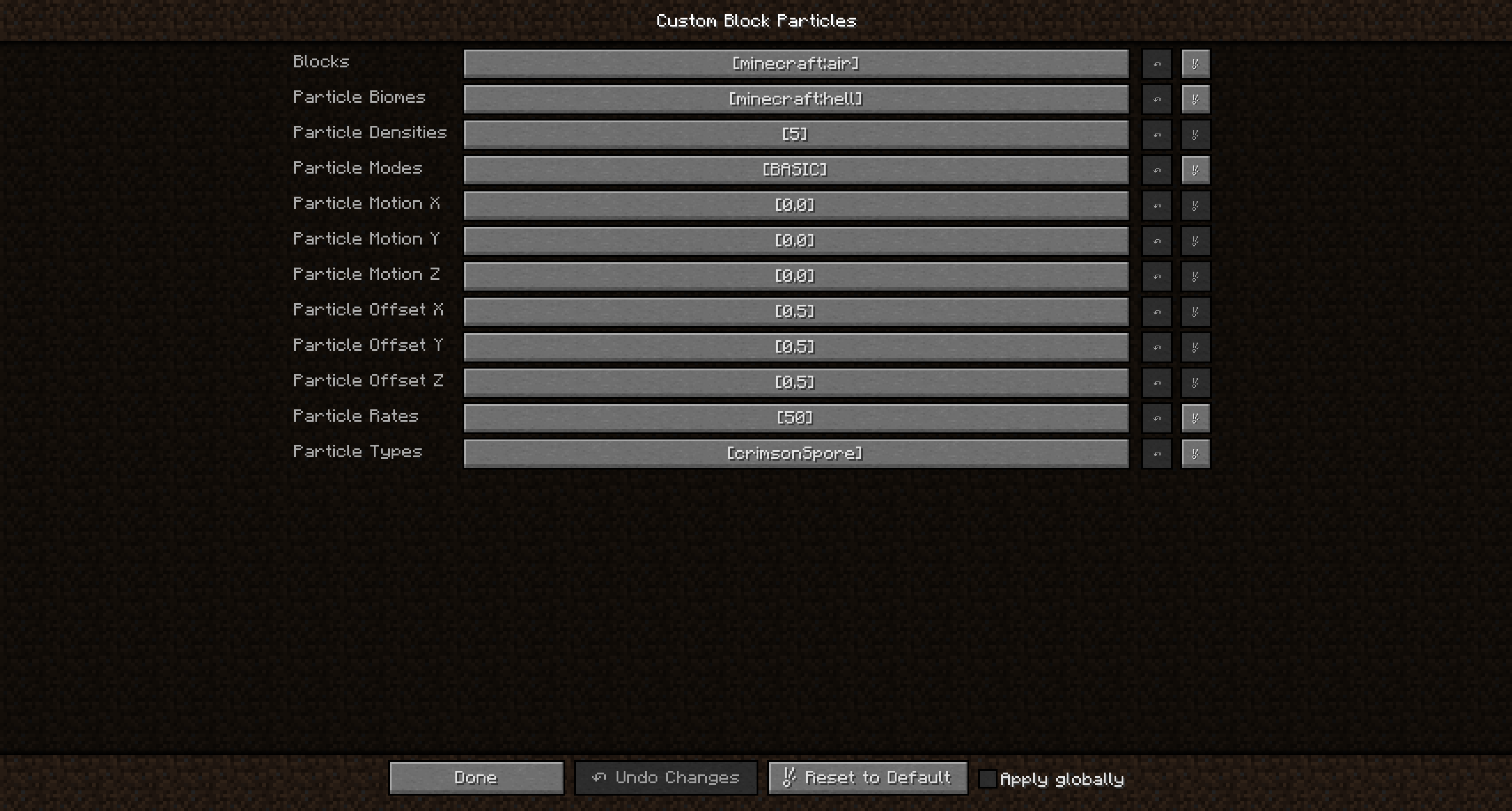 Example Nether Ambience Config
 -
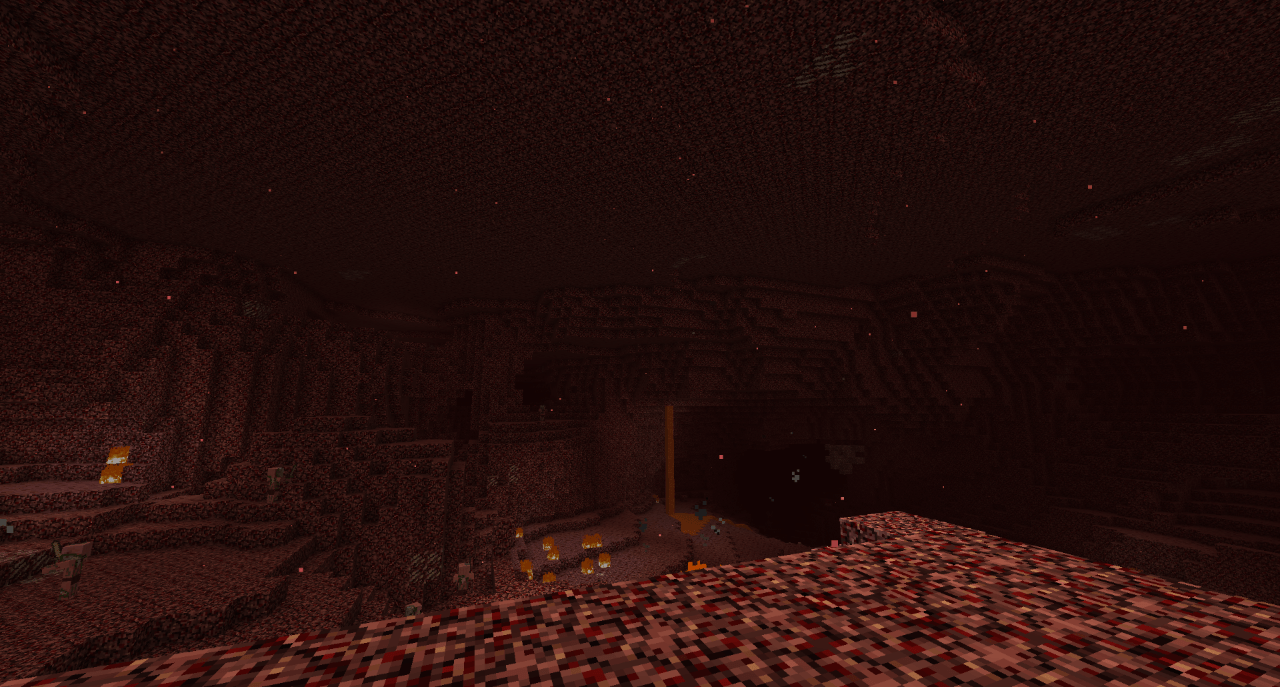 Backported Crimson Spore Particles
 -
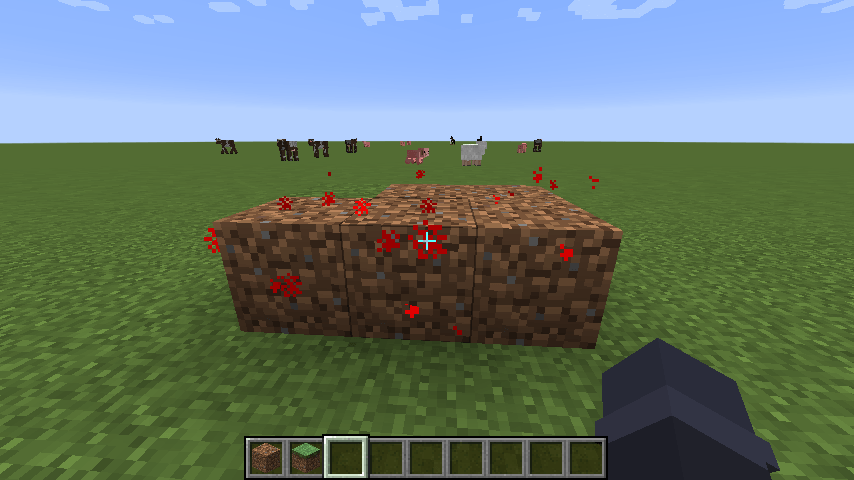 Proof of Concept
-
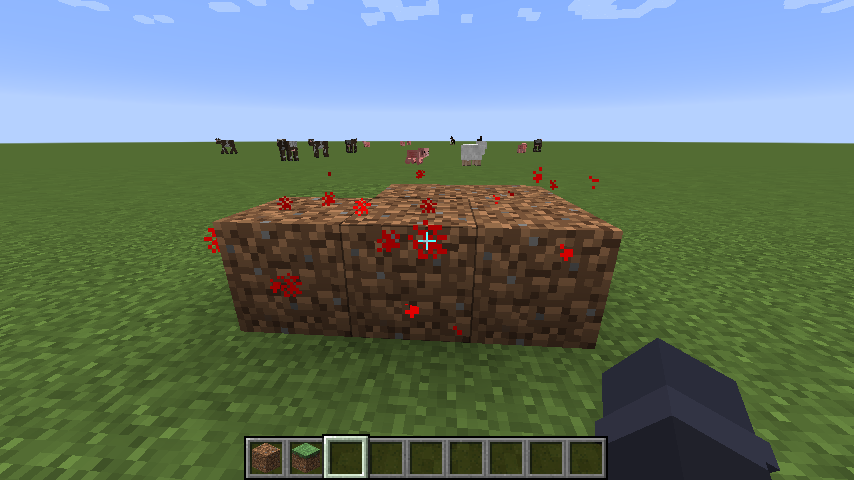 Proof of Concept
 -
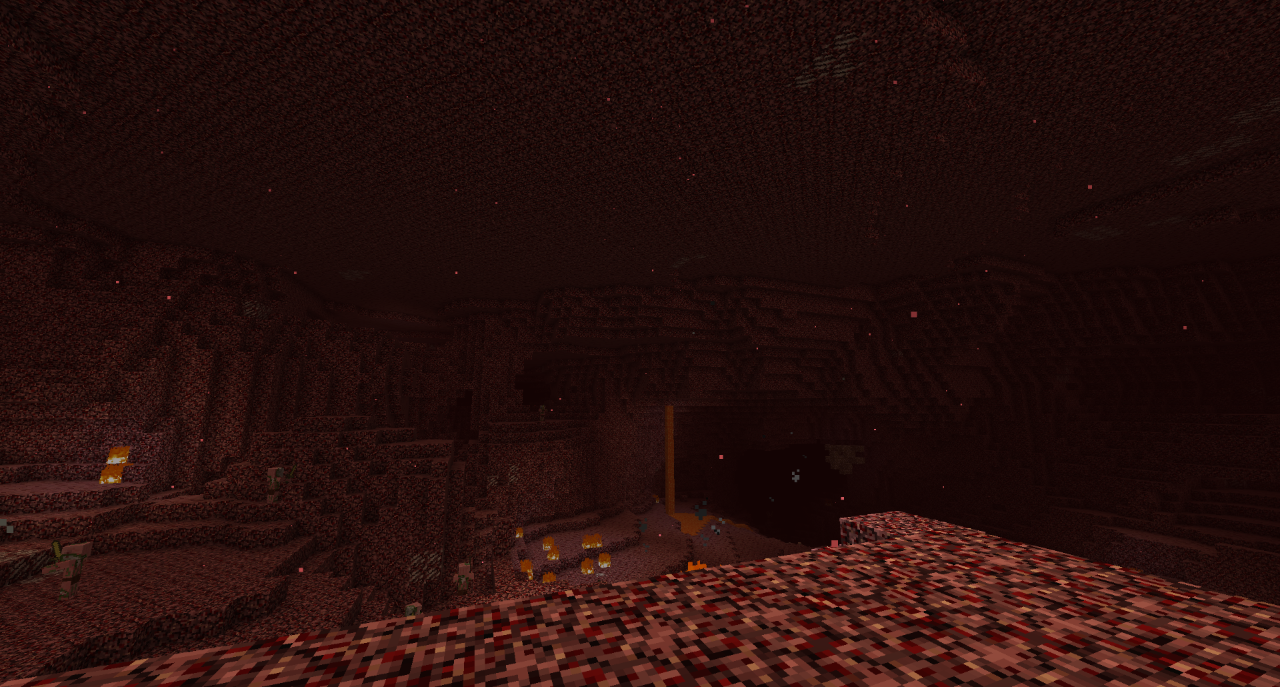 Backported Crimson Spore Particles
 -
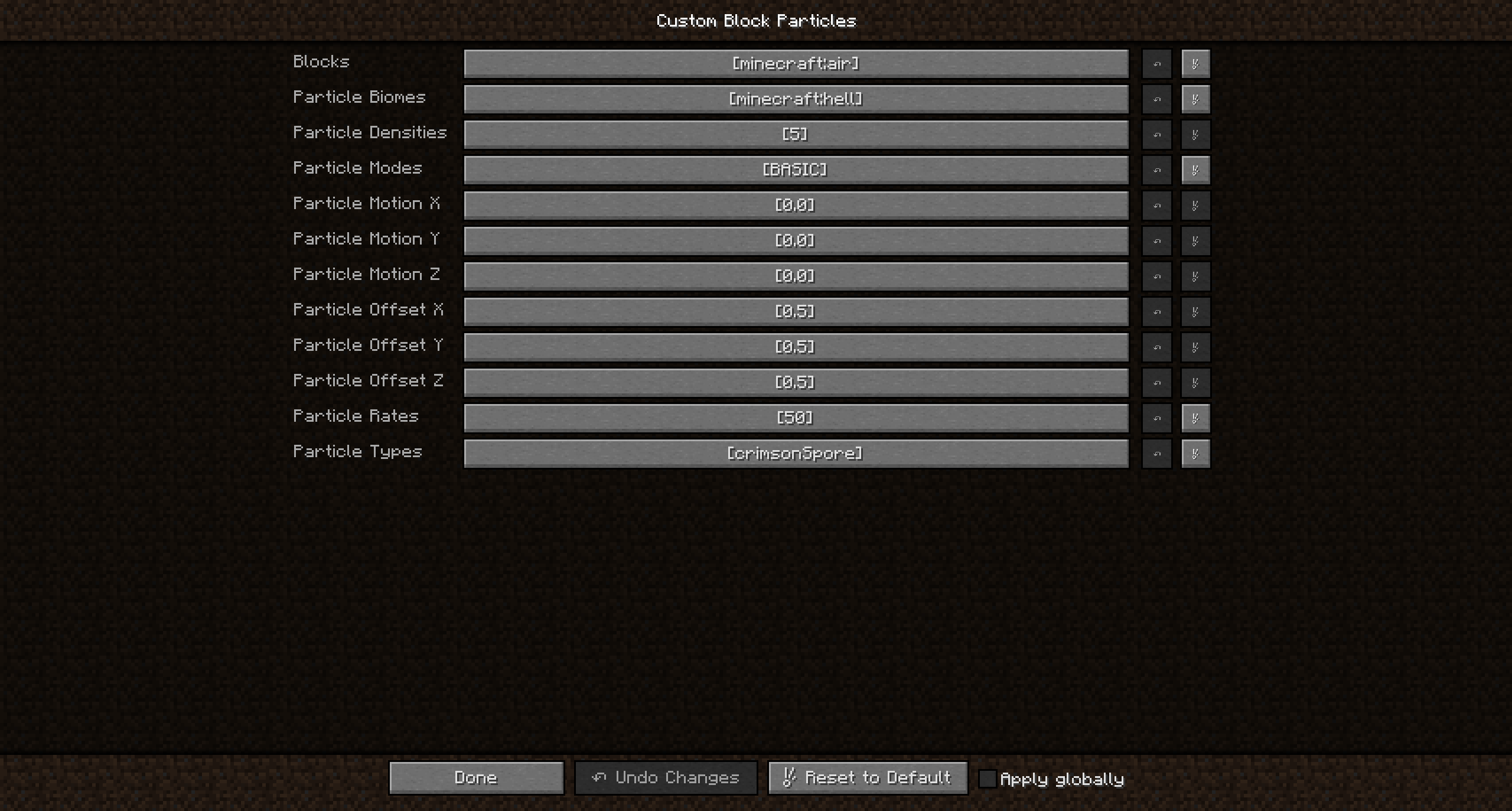 Example Nether Ambience Config
Versions
Files
Relations
Project Relations
More like this
Similar Mods
Suggestions use data such as tags, dependencies, dependents, descriptions, titles, and more to rank how much they overlap with this mod.
On ModDex
Community snapshot
By the numbers
Statistics
Want to reach Minecraft players?
We're looking for a server hosting partner to feature here and other parts of the site. Interested? Send us a message!
Get in touchGet it on
Available Platforms
On ModDex
Community snapshot
By the numbers