
Community listing page, reviews here may not be monitored by the author.

Community voices
Reviews
No reviews yet. Be the first to review this project!
Get it on
Available Platforms
About
Project Details
For authors
Embed Badge
If you're the author of this project, you can embed a live badge anywhere that supports HTML or Markdown. It updates automatically whenever ratings change.
Use HTML for any page that supports it, or Markdown for README files and Markdown-based descriptions.
Identifiers
Platform IDs
Resources
External Links
About
Description
Block Randomizer
Build detailed walls, paths, ruins, roofs, and landscapes without manually
switching between every block. Block Randomizer adds tiered Builder's Satchels
that store a custom block palette and choose from it using natural weighted
randomization.
Blocks are consumed normally in Survival, while Creative mode
retains unlimited placement.
Required Mods: Architectury API
How To Use
- Craft a Leather Builder's Satchel.
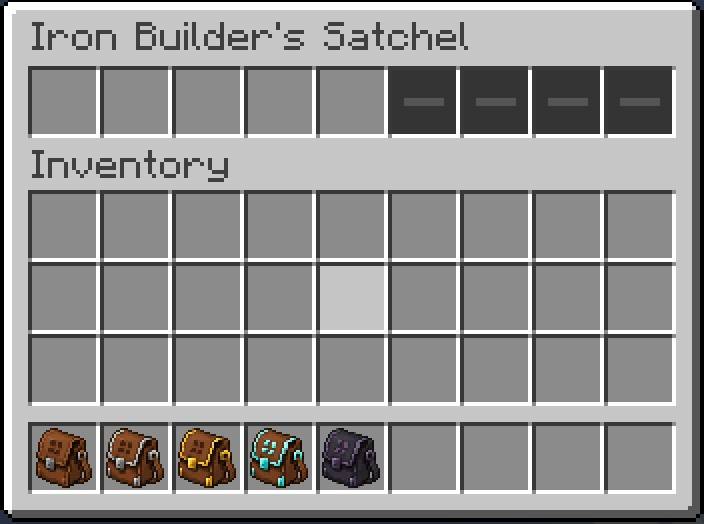
- Hold the satchel and press Shift + left-click anywhere to open its palette.
- Place blocks or compatible usable items into the available palette slots.
- Hold the satchel and right-click a block face to place a naturally selected
item from the palette. - Add duplicate blocks or increase a slot's weight when a material should
appear more frequently.
Middle-click a palette slot to cycle its weight between 1x and 4x.
Shift + middle-click a slot to lock or unlock it. Locked slots cannot be
removed, overwritten, or shift-clicked.
Satchel Tiers
- Leather: 3 slots
- Iron: 5 slots
- Gold: 7 slots
- Diamond: 9 slots
- Netherite: 12 slots and fire resistance
Crafting Recipes
Leather Builder's Satchel
Crafted in a Crafting Table using 7 Leather, 1 Copper Ingot, and 1 String:
Leather | Copper Ingot | Leather
Leather | String       | Leather
Leather | Leather      | Leather
Builder's Trowel
Crafted using 2 Copper Ingots, 1 Iron Nugget, and 2 Sticks:
Empty | Copper Ingot | Iron Nugget
Empty | Stick        | Copper Ingot
Stick | Empty        | Empty
The Trowel has 192 durability and can be repaired in an anvil with Copper
Ingots.
Satchel Upgrades
Iron, Golden, and Diamond satchels can be upgraded through either crafting or
smithing. All upgrade methods preserve stored contents, slot weights, slot
locks, enchantments, durability data, and custom names.
Crafting Upgrades
Place the previous-tier satchel in the center of a Crafting Table and surround
it with eight matching materials:
Material | Material         | Material
Material | Previous Satchel | Material
Material | Material | Material- Iron Satchel: Leather Satchel + 8 Iron Ingots
- Golden Satchel: Iron Satchel + 8 Gold Ingots
- Diamond Satchel: Golden Satchel + 8 Diamonds
Netherite Satchels cannot be upgraded in a Crafting Table.
Rare Template Upgrades
Upgrade templates cannot be crafted. Finding one unlocks a cheaper alternative
upgrade requiring only one matching material.
Place the ingredients into a Smithing Table in this order:
Custom Satchel Template + Previous-Tier Satchel + Upgrade Material- Iron Satchel: Iron Satchel Upgrade + Leather Satchel + Iron Ingot
- Golden Satchel: Golden Satchel Upgrade + Iron Satchel + Gold Ingot
- Diamond Satchel: Diamond Satchel Upgrade + Golden Satchel + Diamond
- Netherite Satchel: Netherite Satchel Upgrade + Diamond Satchel + Netherite
Ingot
Netherite remains smithing-only.
Finding Templates
- Iron Satchel Upgrade: dungeons, abandoned mineshafts, and village armorer or
toolsmith chests - Golden Satchel Upgrade: ruined portals, desert pyramids, and jungle temples
- Diamond Satchel Upgrade: stronghold corridors and libraries, ancient cities,
and End city treasure chests - Netherite Satchel Upgrade: Bastion treasure and general Bastion chests, with
a very rare chance in Nether Fortress chests
Higher-tier templates have lower appearance rates. The Netherite template is
exclusive to Nether structures.
Repairs
Repair each satchel in an anvil with its matching material:
- Leather Satchel: Leather
- Iron Satchel: Iron Ingot
- Golden Satchel: Gold Ingot
- Diamond Satchel: Diamond
- Netherite Satchel: Netherite Ingot
Each material restores one-third of maximum durability, so a nearly broken
satchel requires no more than three repair materials.
Repairing uses normal anvil experience costs. Mending can also repair an
enchanted satchel when experience is collected while it is held.
Enchantments
- Builder's Reach I-V: adds one block of placement reach per level on top of
the player's existing reach. - Reinforced I-III: provides a 15% chance per level to avoid durability loss.
- Variety I-III: reduces excessive repeats while preserving natural clusters.
- Conservation I-III: a treasure enchantment with a 3%, 6%, or 9% chance not
to consume a normally placed block.
Conservation only affects regular block items. It cannot preserve buckets,
spawn eggs, containers that return another item, or other unusual usable items.
As a treasure enchantment, Conservation does not appear directly in the
enchanting table and must be obtained as an enchanted book.
Builder's Trowel
The Builder's Trowel is a simpler early-game alternative:
- Put the desired blocks into occupied hotbar slots.
- Hold the Trowel.
- Right-click a block face.
- The Trowel randomly chooses one occupied hotbar slot containing a block.
It consumes blocks normally and loses one durability per successful Survival
placement. Unlike a satchel, it has no internal storage, slot weighting,
locking, reach bonuses, or satchel enchantments.
Compatibility
- Minecraft 1.20.1
- Fabric and Forge
- Multiplayer-safe server-side selection
- Supports vanilla and modded placeable items
- Vanilla-style GUI follows compatible GUI resource packs
- Recipe visibility through standard recipe viewers such as EMI and JEI
Screenshots
Gallery
-
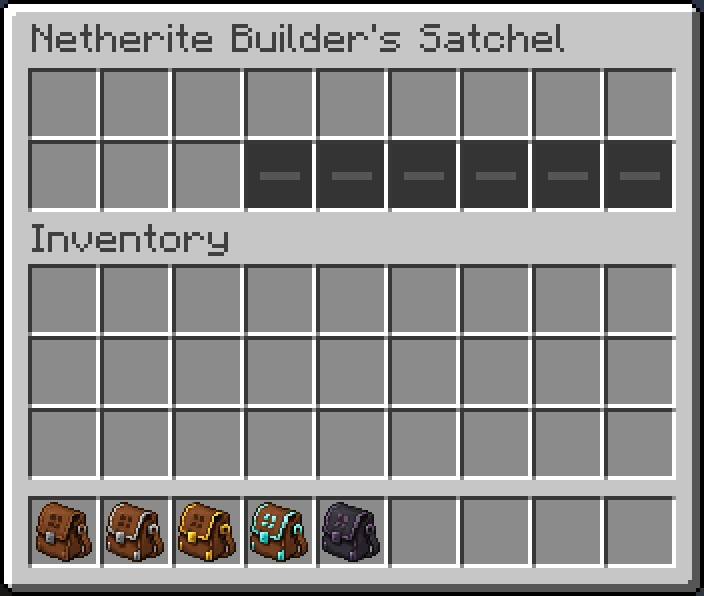 2026-06-13_11.52.27.jpg 2026-06-13_11.52.27.jpg
 -
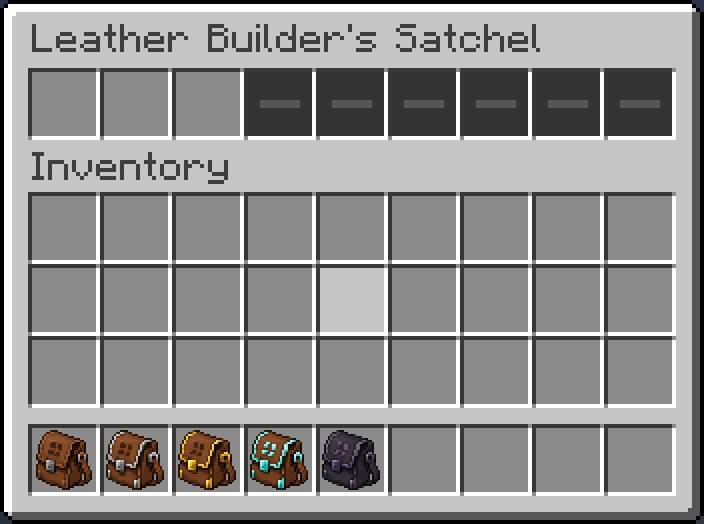 2026-06-13_11.51.52.jpg 2026-06-13_11.51.52.jpg
 -
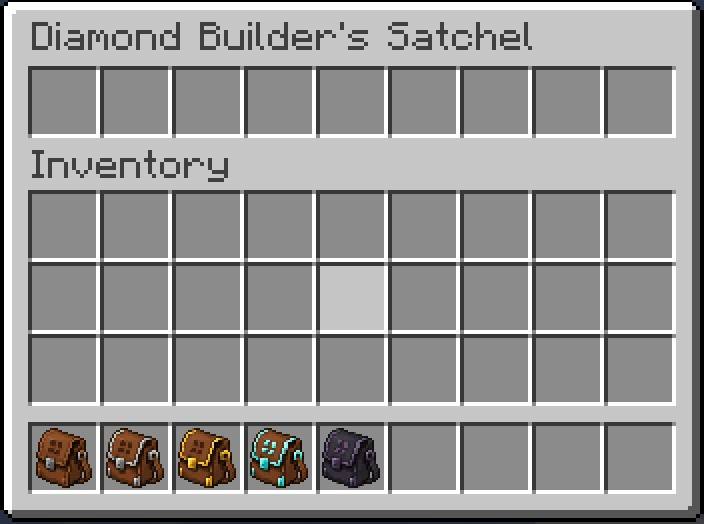 2026-06-13_11.51.52(3).jpg 2026-06-13_11.51.52(3).jpg
 -
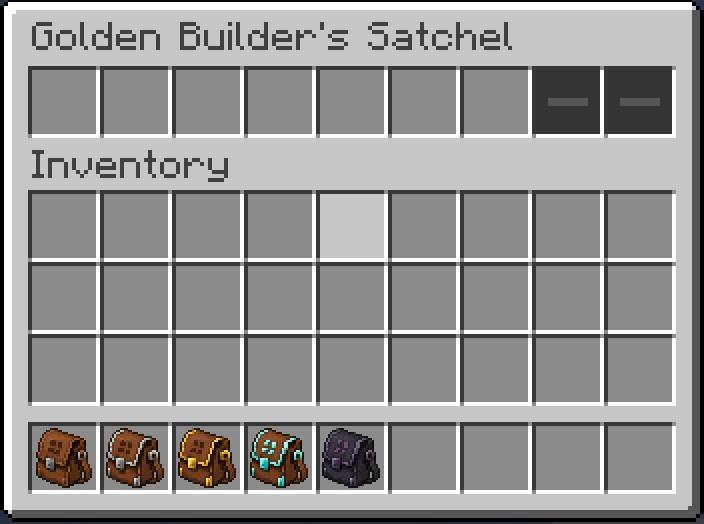 2026-06-13_11.51.52(2).jpg 2026-06-13_11.51.52(2).jpg
 -
 2026-06-13_11.51.52(1).jpg 2026-06-13_11.51.52(1).jpg
Versions
Files
Relations
Project Relations
More like this
Similar Mods
Suggestions use data such as tags, dependencies, dependents, descriptions, titles, and more to rank how much they overlap with this mod.
On ModDex
Community snapshot
By the numbers
Statistics
Want to reach Minecraft players?
We're looking for a server hosting partner to feature here and other parts of the site. Interested? Send us a message!
Get in touchGet it on
Available Platforms
On ModDex
Community snapshot
By the numbers
Statistics
Resources