Community listing page, reviews may not be monitored by the author.
BlockScope

No reviews yet
BlockScope is a Minecraft mod that visually highlights blocks and hitboxes directly above and below the player, making precise positioning and building easier.

Community voices
Reviews
No reviews yet. Be the first to review this project!
Get it on
Available Platforms
About
Project Details
For authors
Embed Badge
If you're the author of this project, you can embed a live badge anywhere that supports HTML or Markdown. It updates automatically whenever ratings change.
Use HTML for any page that supports it, or Markdown for README files and Markdown-based descriptions.
Identifiers
Platform IDs
Resources
External Links
About
Description
BlockScope
BlockScope is a client-side building inspection tool for Minecraft 1.20.1. It highlights blocks beneath a cover or open sky, shows the space above covered blocks as a color gradient, and projects your player's hitbox onto nearby floors and ceilings. Install it on your client; a server-side installation is not required.
Controls
- H: Highlight covered blocks; press again to turn off
- J: Highlight the top visible block in each open-sky column; press again to turn off
- K: Project your hitbox onto the nearest solid or liquid surface below
- L: Project your hitbox onto the nearest solid ceiling above
H and J switch between each other. K and L work independently, including while flying. You can change all four keys under Options → Controls → BlockScope.
Commands
- /blockscope help — Shows the full list of available commands and controls.
- /blockscope radius <value> — Sets the horizontal block scanning radius. Default: 32.
- /blockscope vertical <value> — Sets the vertical scanning range. Default: 64 blocks above and below.
- /blockscope heatmap <on|off> — Enables or disables the clearance heatmap.
- /blockscope scale <value> — Changes the visualization scale.
- /blockscope color <hex> — Sets the primary highlight color using a HEX color value.
- /blockscope inversecolor <hex> — Sets the secondary/inverse highlight color using a HEX color value.
- /blockscope footprint <on|off> — Enables or disables the footprint indicator below the player.
- /blockscope overhead <on|off> — Enables or disables the overhead indicator above the player.
- /blockscope refresh — Forces BlockScope to refresh its current visualization.
- /blockscope reset — Restores all BlockScope settings to their default values.
- /blockscope credits — Shows the mod credits.
Info
In covered-block mode, the clearance heatmap runs from green for a small gap through yellow to red for a larger gap. The default scan radius is 32 blocks horizontally and ±64 blocks vertically. Highlights respect depth and do not show through walls. Larger scan ranges may affect FPS, and distant blocks can appear gradually.
Type /blockscope help for the full command list. Use /blockscope radius 64, /blockscope vertical 96, /blockscope heatmap off, /blockscope scale 32, or /blockscope refresh to adjust or refresh the display. Settings are saved per game instance.
Installation: Download the JAR marked for your loader and place it in the mods folder of a Minecraft 1.20.1 instance. The Fabric build requires Fabric API. On Fabric, Mod Menu is optional and adds a configuration screen. Forge has a configuration screen in the mod list. The commands and keybinds work without Mod Menu.
Interface translations: English, Russian, German, French, Italian, Spanish, Brazilian Portuguese, and European Portuguese. The translations have not been reviewed by native speakers.
Created by _suprastin_ with substantial assistance from GPT-6 Sol. The source code is licensed under MIT. Generative AI contributed to the code, translations, and this description.
Screenshots
Gallery
-
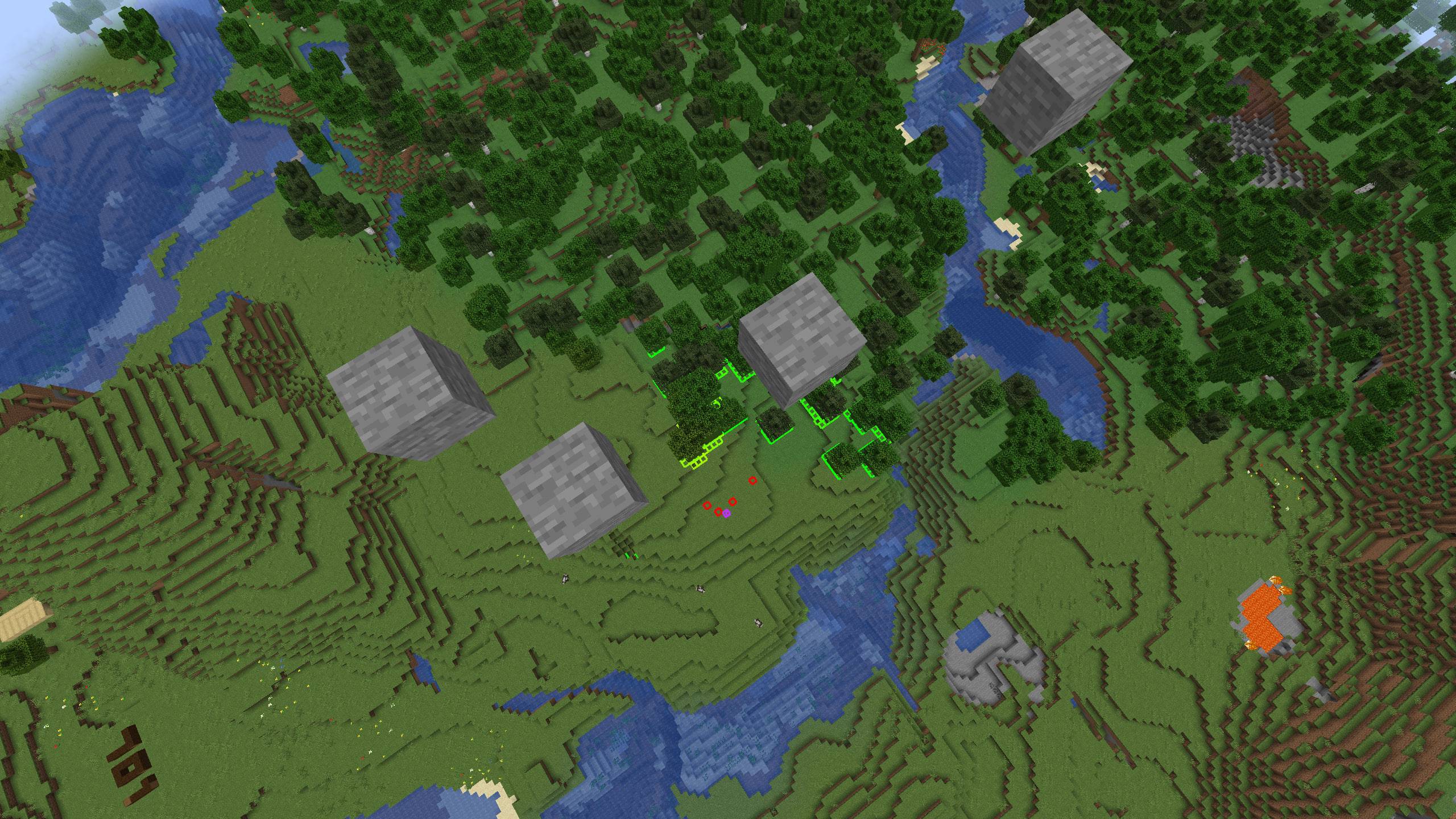 Long-Distance Detection BlockScope can highlight blocks far below the player and display the player's ground hitbox for precise vertical positioning.
 -
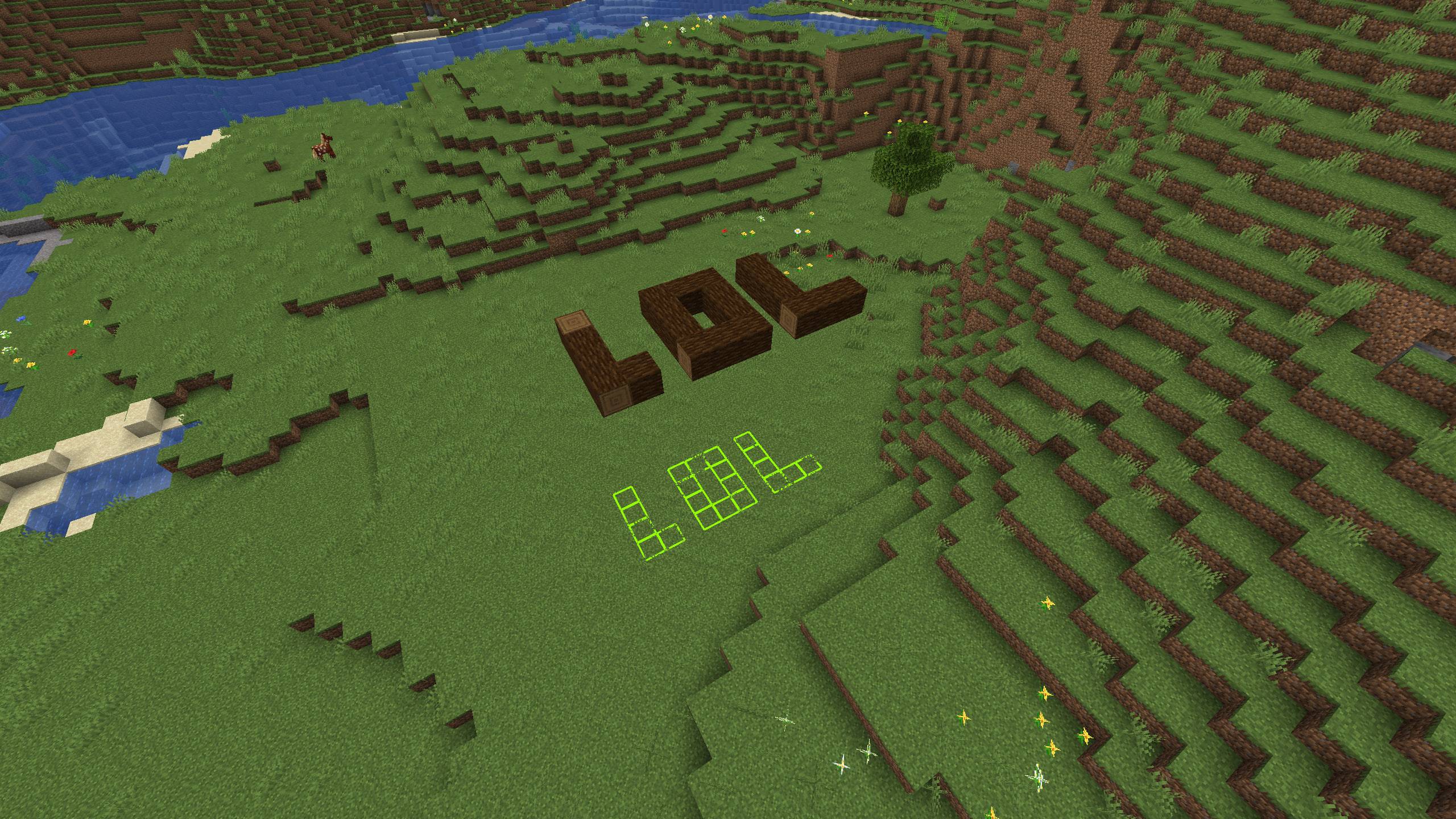 Block Highlight Example An example of BlockScope highlighting blocks detected beneath a structure.
 -
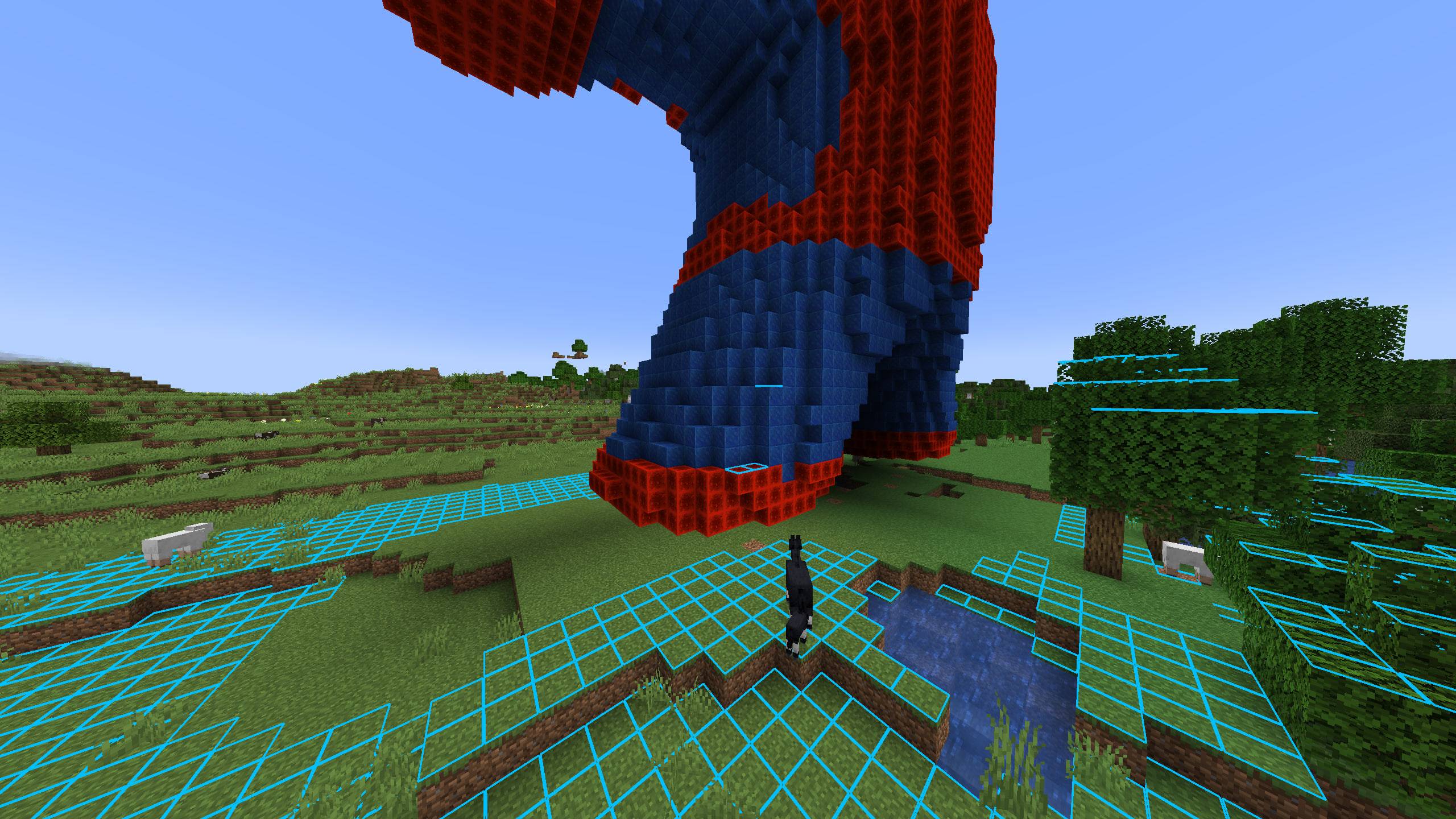 Block Highlight Example Highlights blocks that have no block above them.
 -
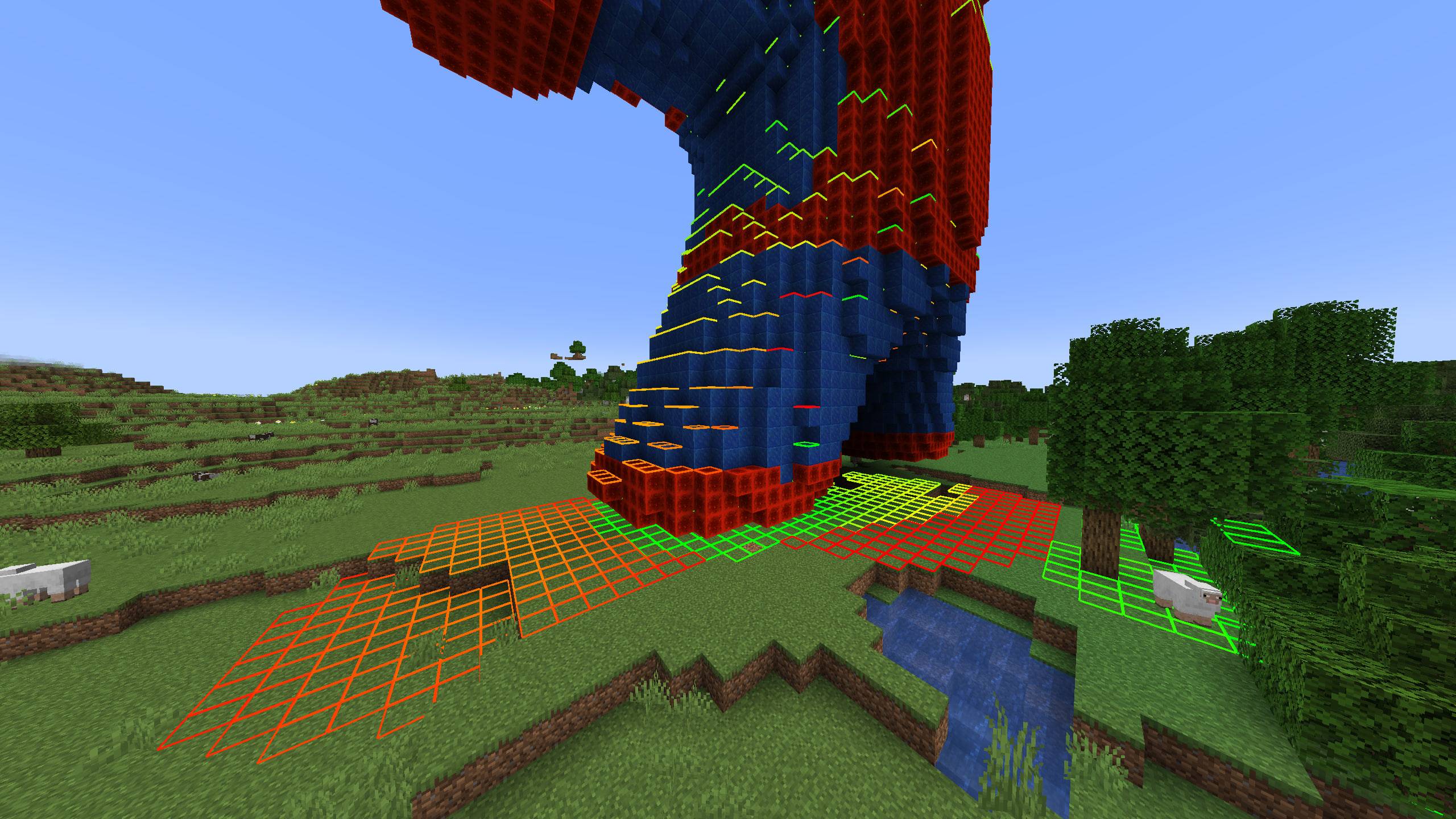 Block Highlight Example Highlights blocks that have another block directly above them.
Versions
Files
Relations
Project Relations
More like this
Similar Mods
Suggestions use data such as tags, dependencies, dependents, descriptions, titles, and more to rank how much they overlap with this mod.
On ModDex
Community snapshot
By the numbers
Statistics

Get it on
Available Platforms
On ModDex
Community snapshot
By the numbers
Statistics
Resources