Community listing page, reviews here may not be monitored by the author.
Blockspan


No reviews yet
A client-side Fabric mod that lets builders measure, label, color-code, and save build areas directly in the world.
Community voices
Reviews
No reviews yet. Be the first to review this project!
Get it on
Available Platforms
Compatibility
Supported Environments
Runs entirely on the client. Works on vanilla servers.
About
Project Details
For authors
Embed Badge
If you're the author of this project, you can embed a live badge anywhere that supports HTML or Markdown. It updates automatically whenever ratings change.
Use HTML for any page that supports it, or Markdown for README files and Markdown-based descriptions.
Identifiers
Platform IDs
Resources
External Links
About
Description
Blockspan
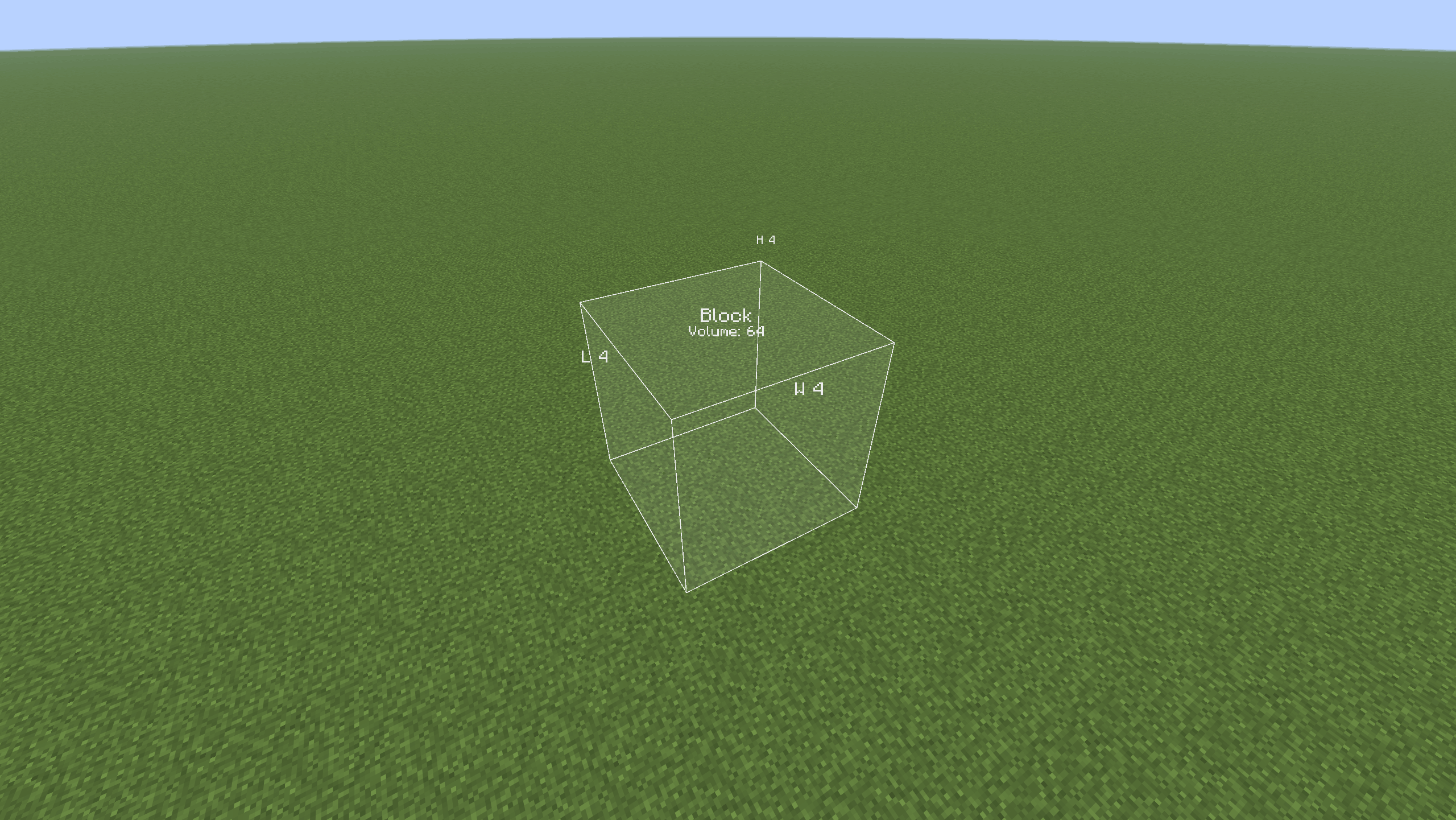
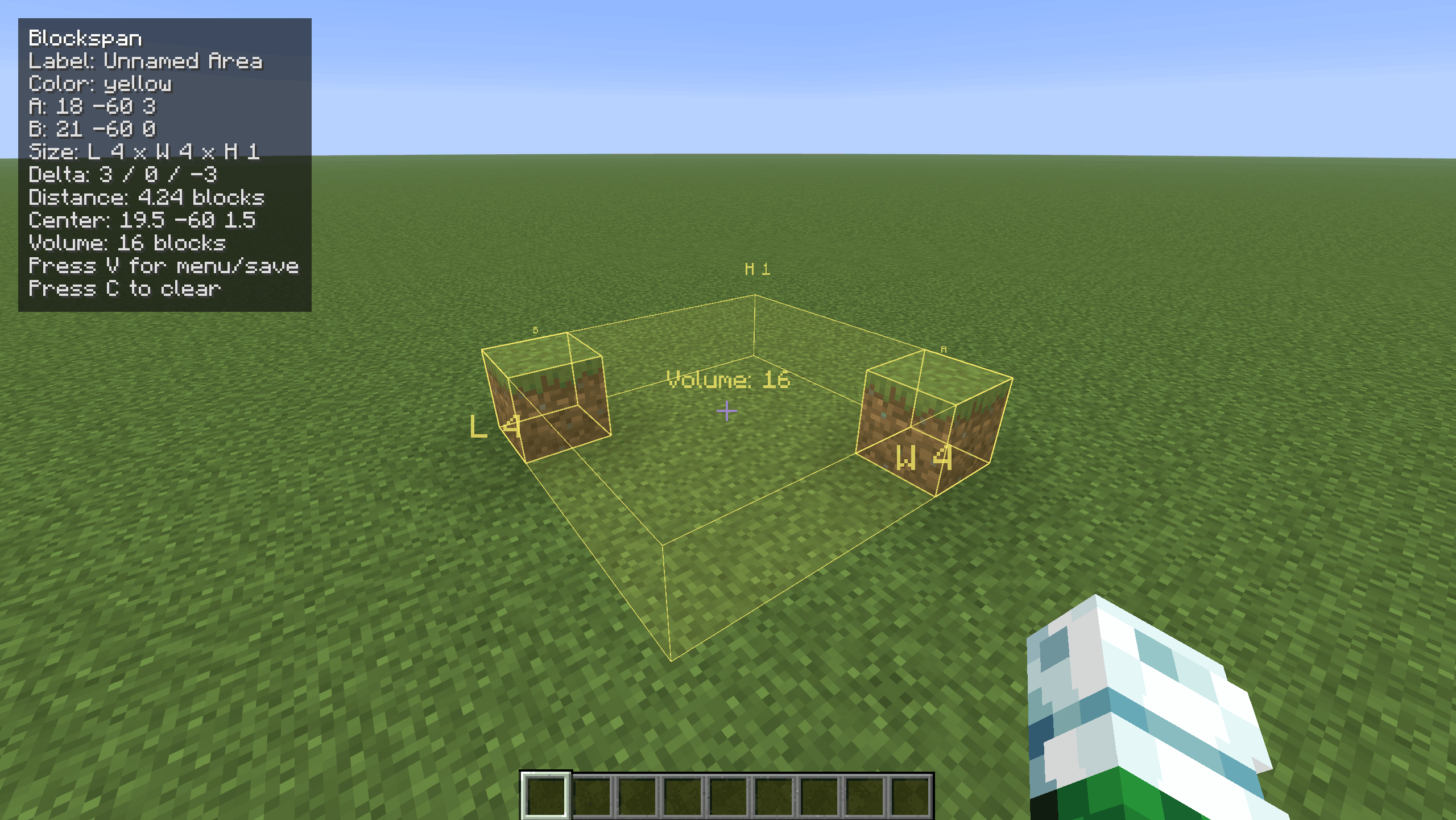
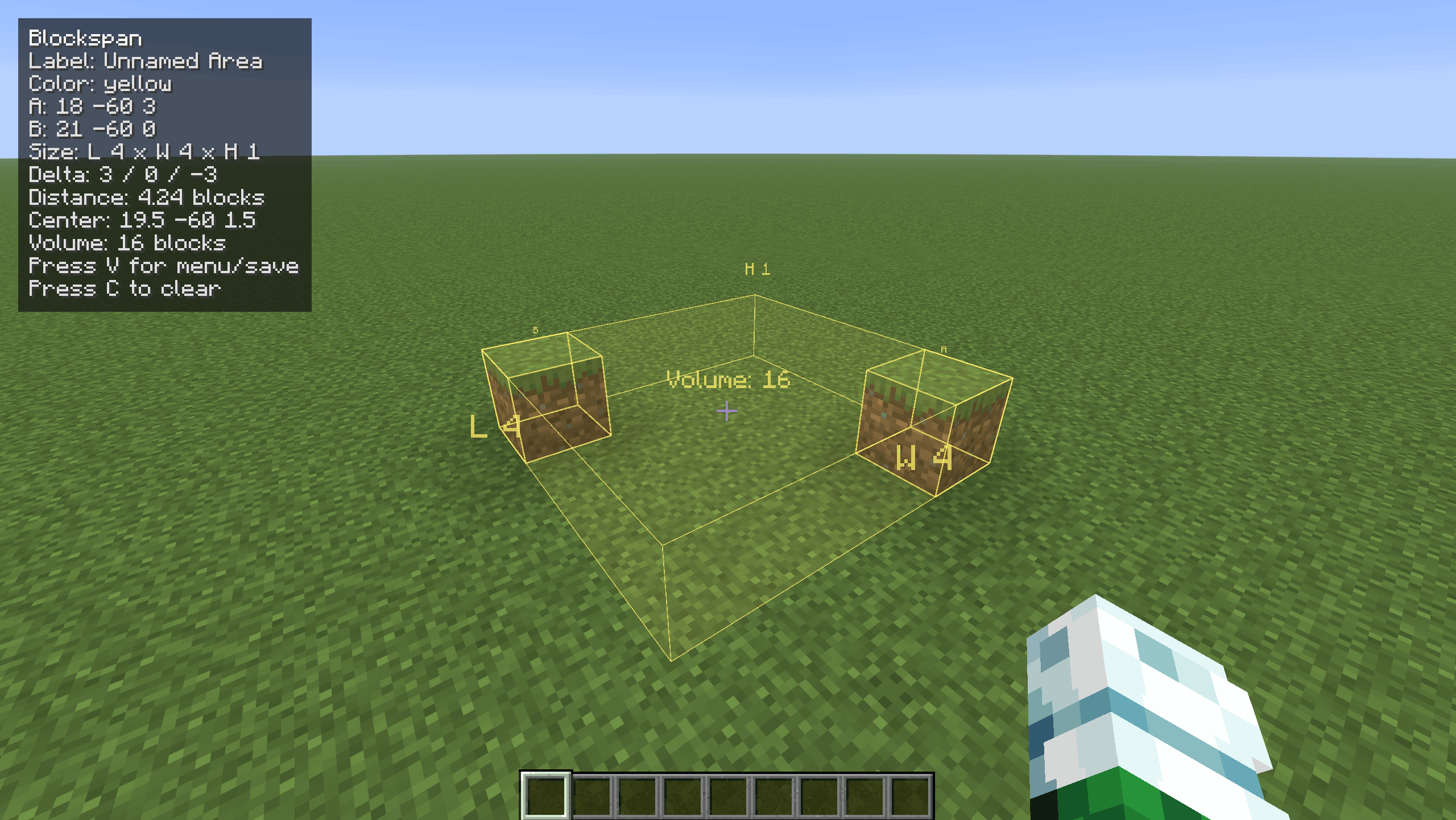
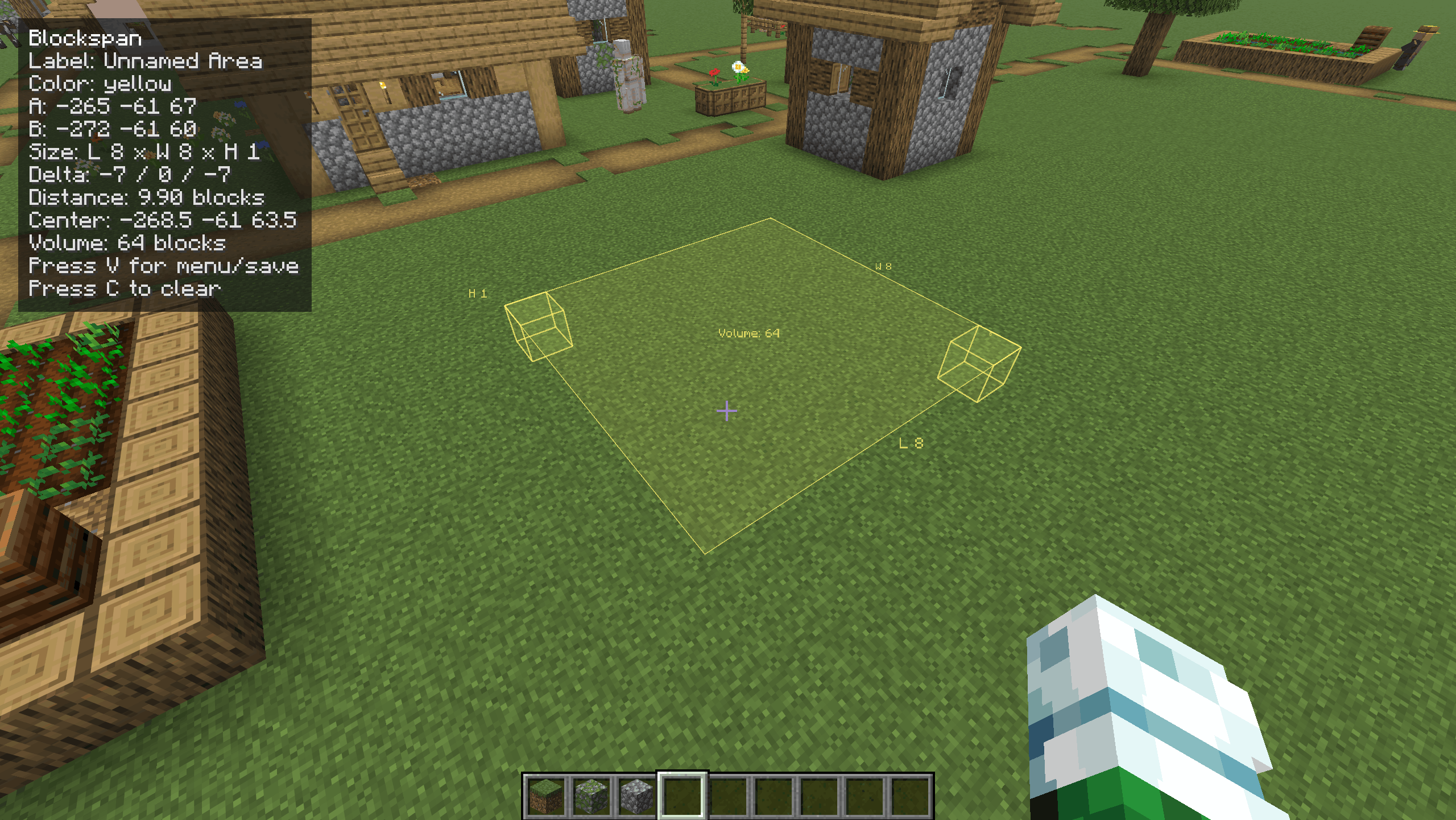
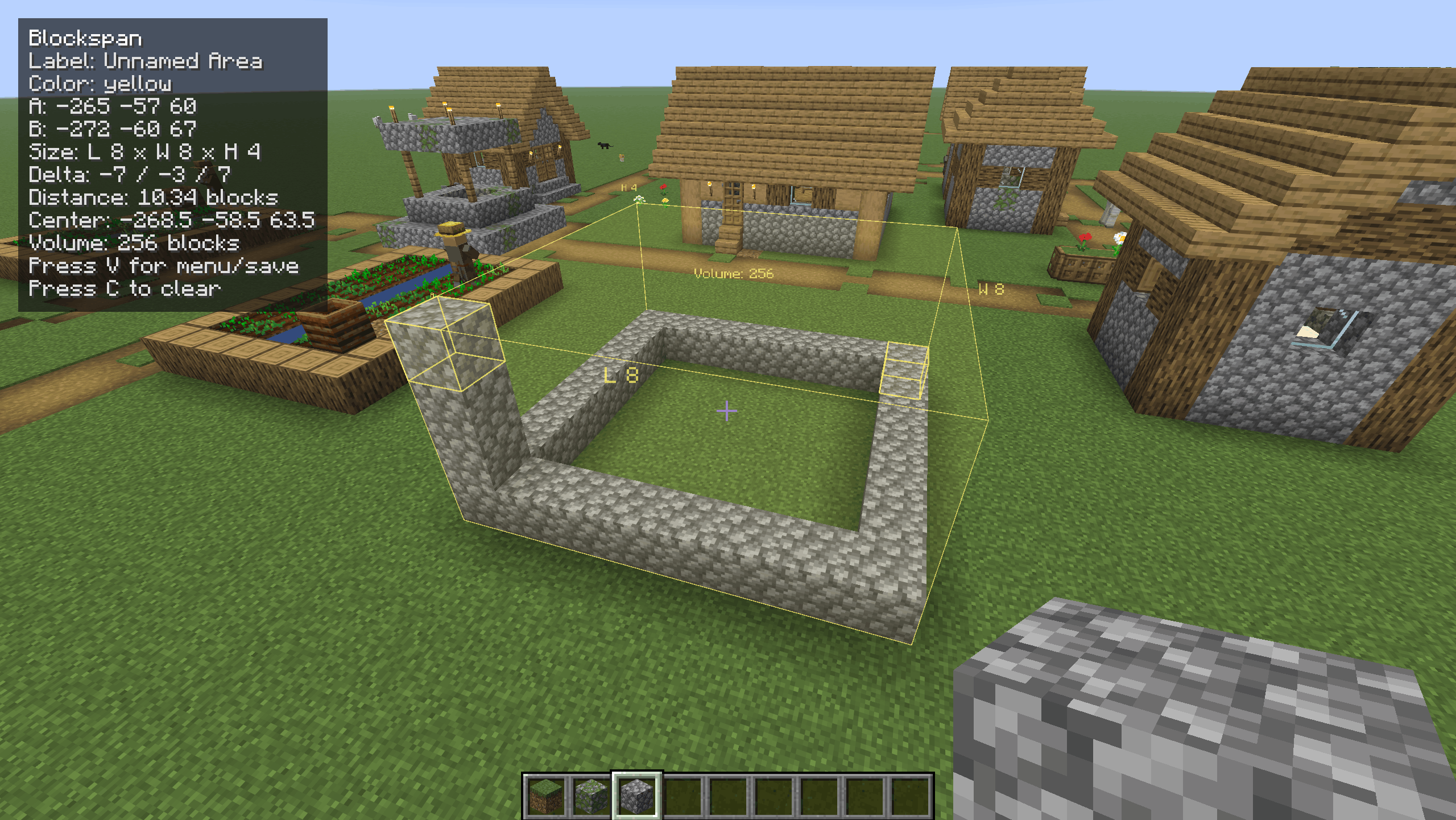
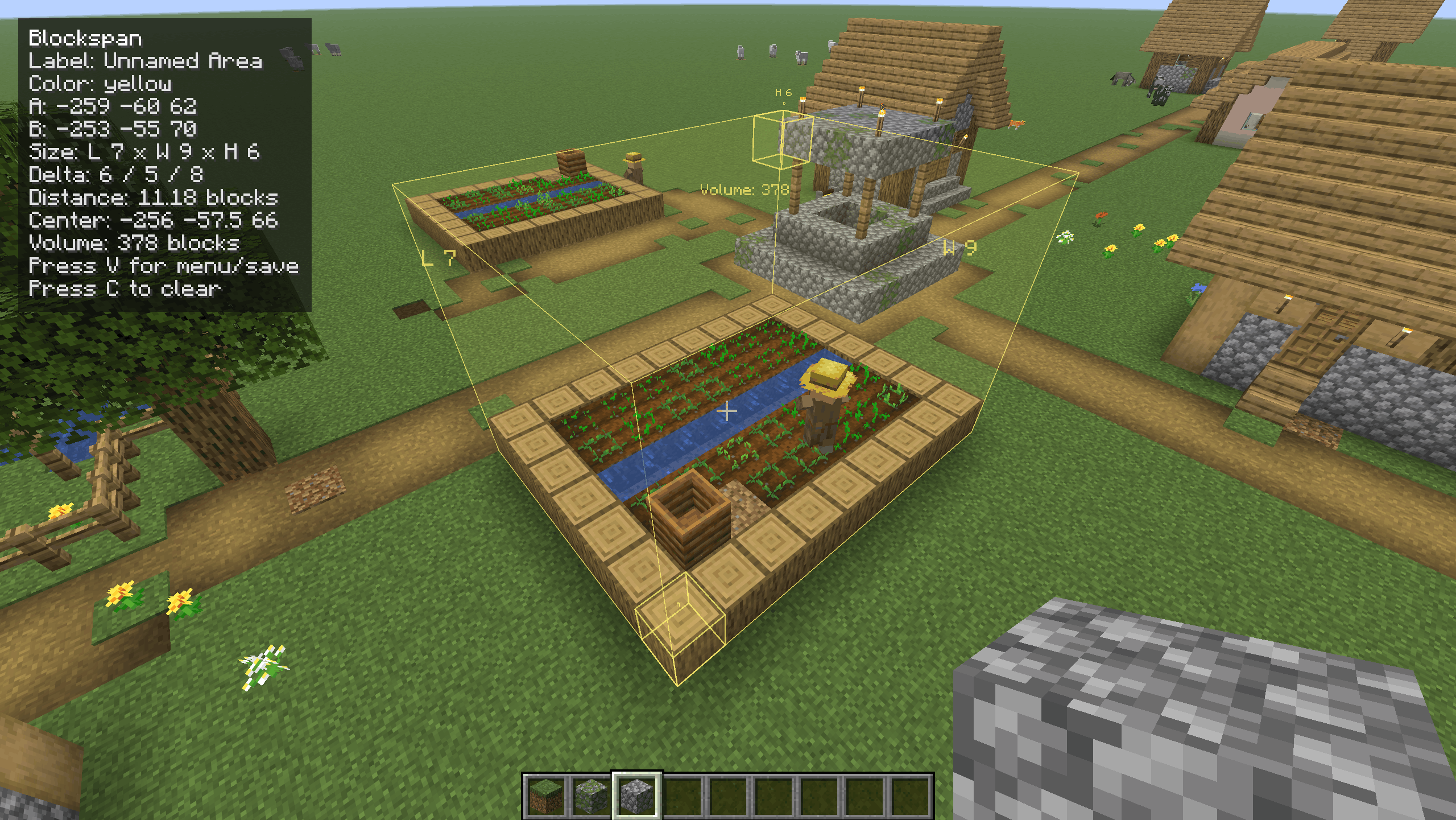
Blockspan is a client-side Fabric/Forge mod for builders who want quick, vanilla-feeling measurements while planning survival builds. Select two block positions and Blockspan shows a subtle in-world box with labels, dimensions, volume, distance, center point, and coordinates.
It is safe for survival worlds because it does not add blocks, items, entities, recipes, world generation, or server-required features. Saved areas are stored only in your local client config.
How to use
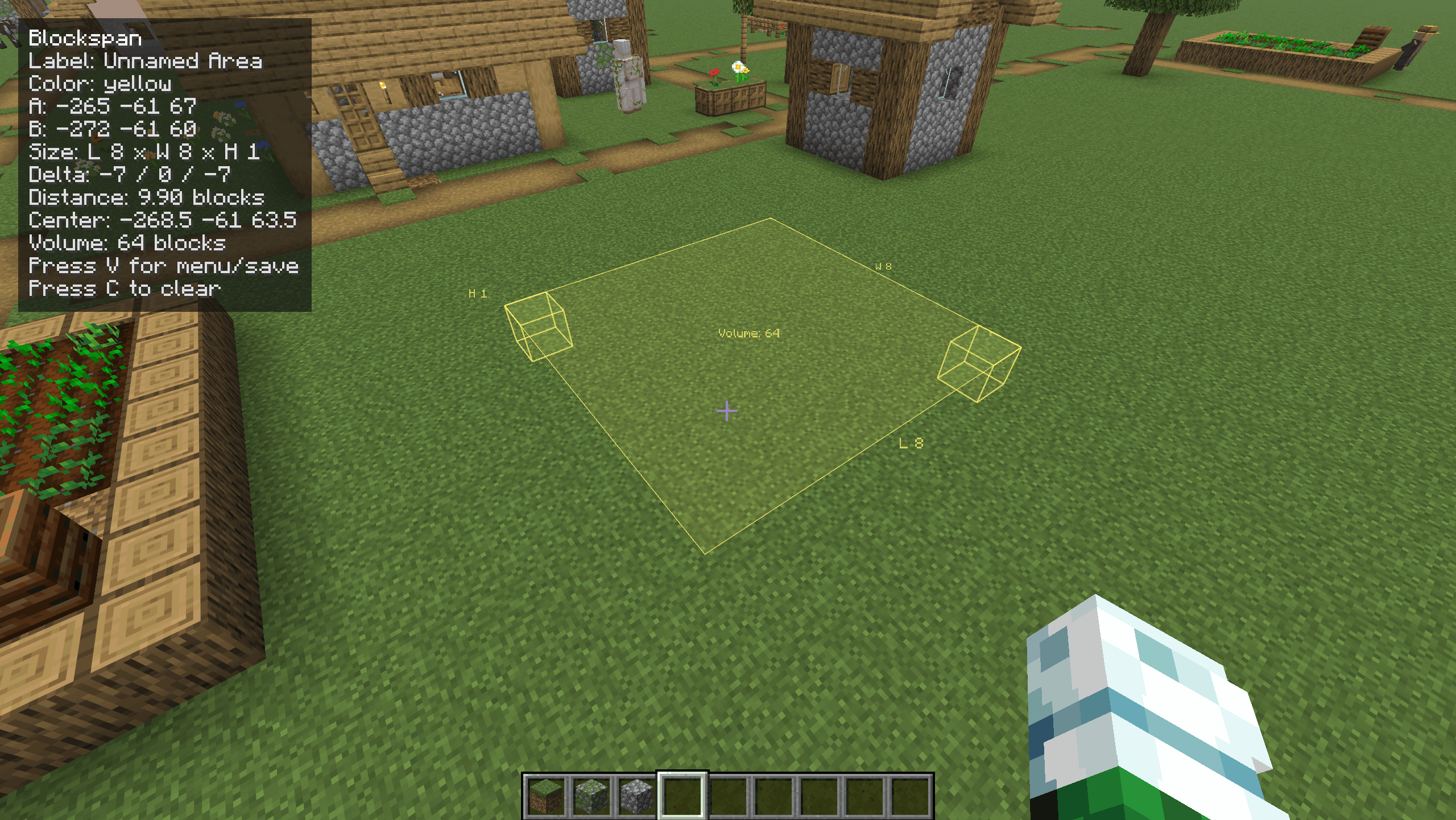
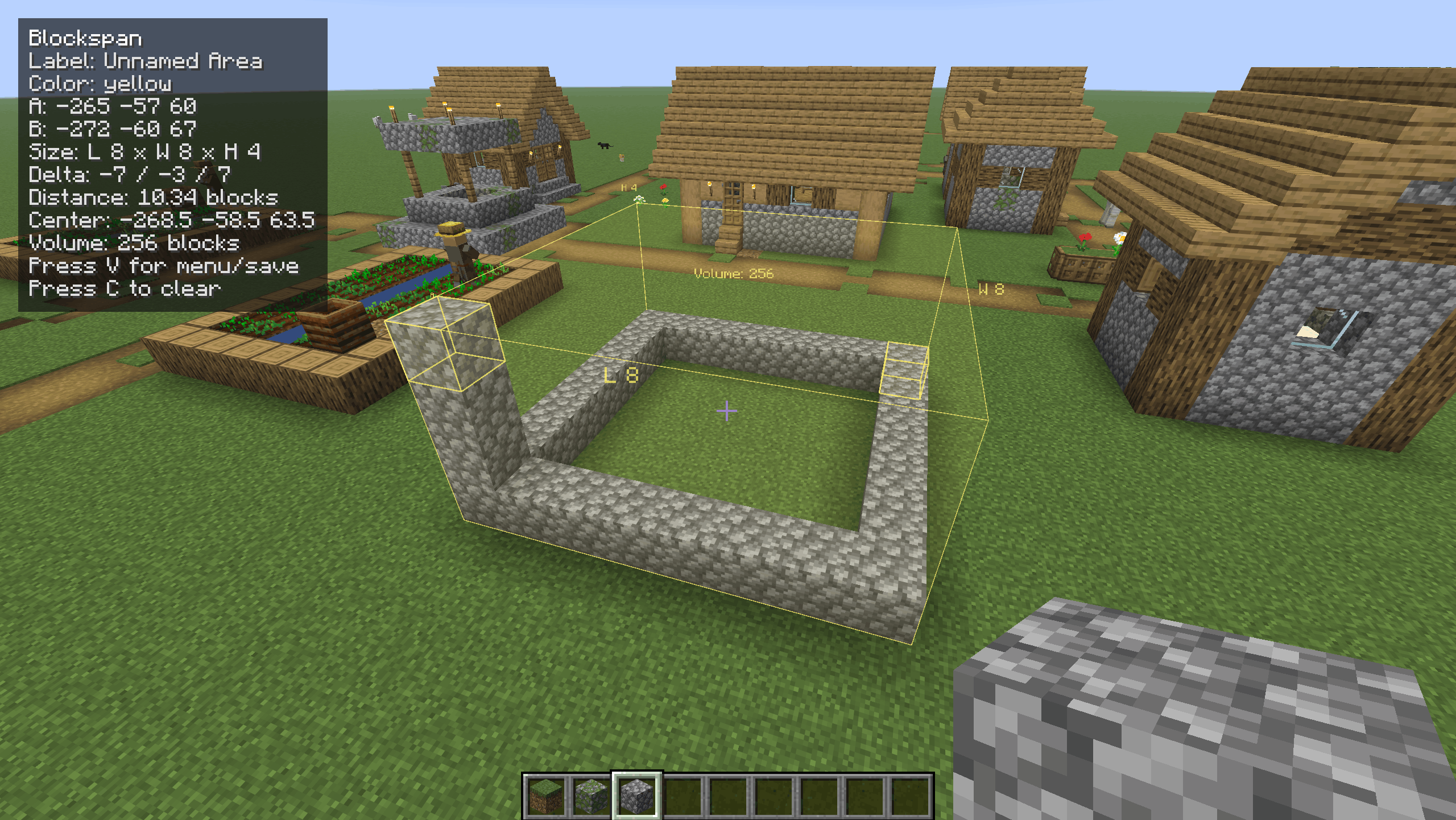
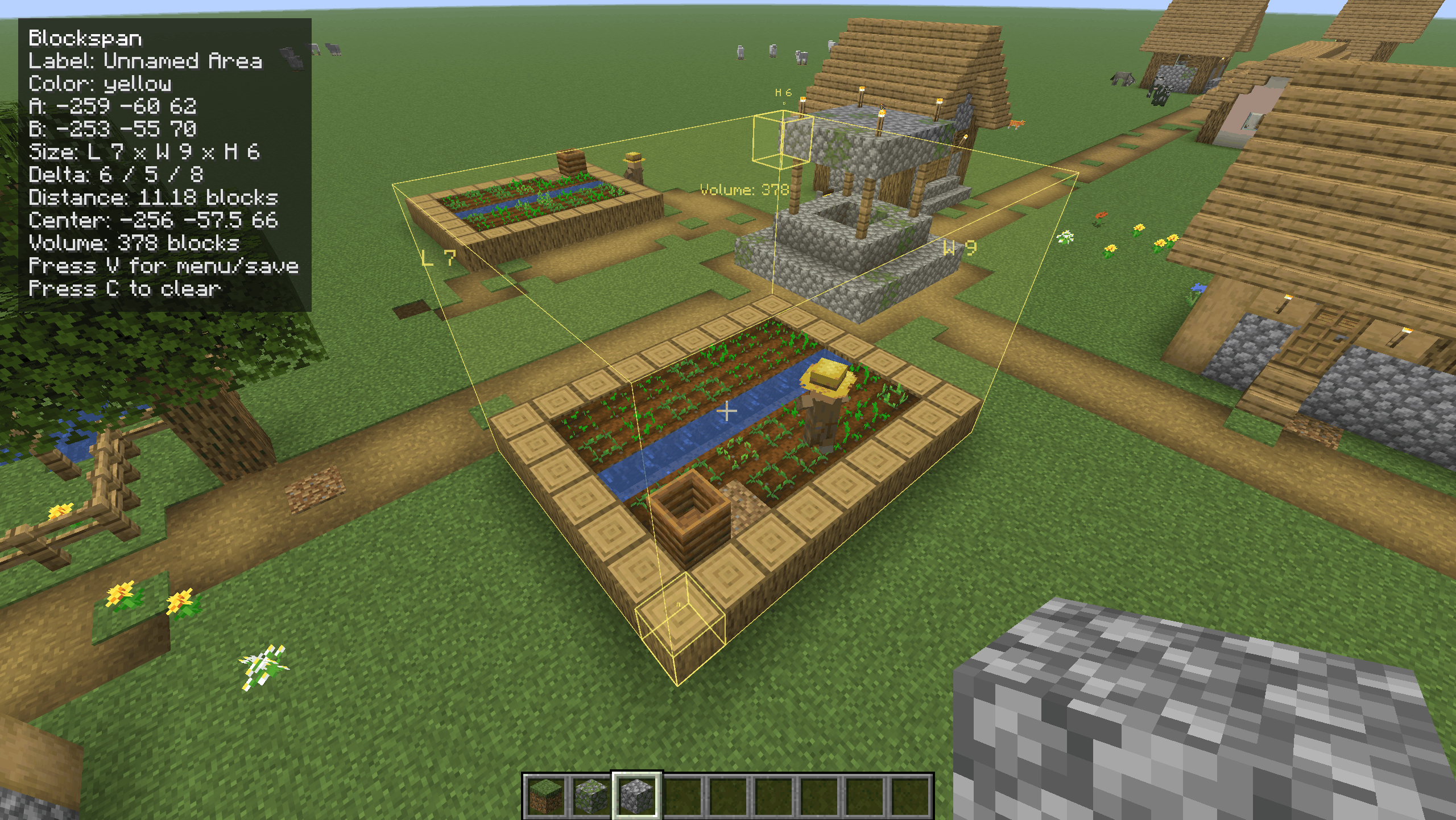
Look at a block and press R to set Point A. Look at another block and press R again to set Point B. The selected area will appear in the world with its length, width, height, and volume.
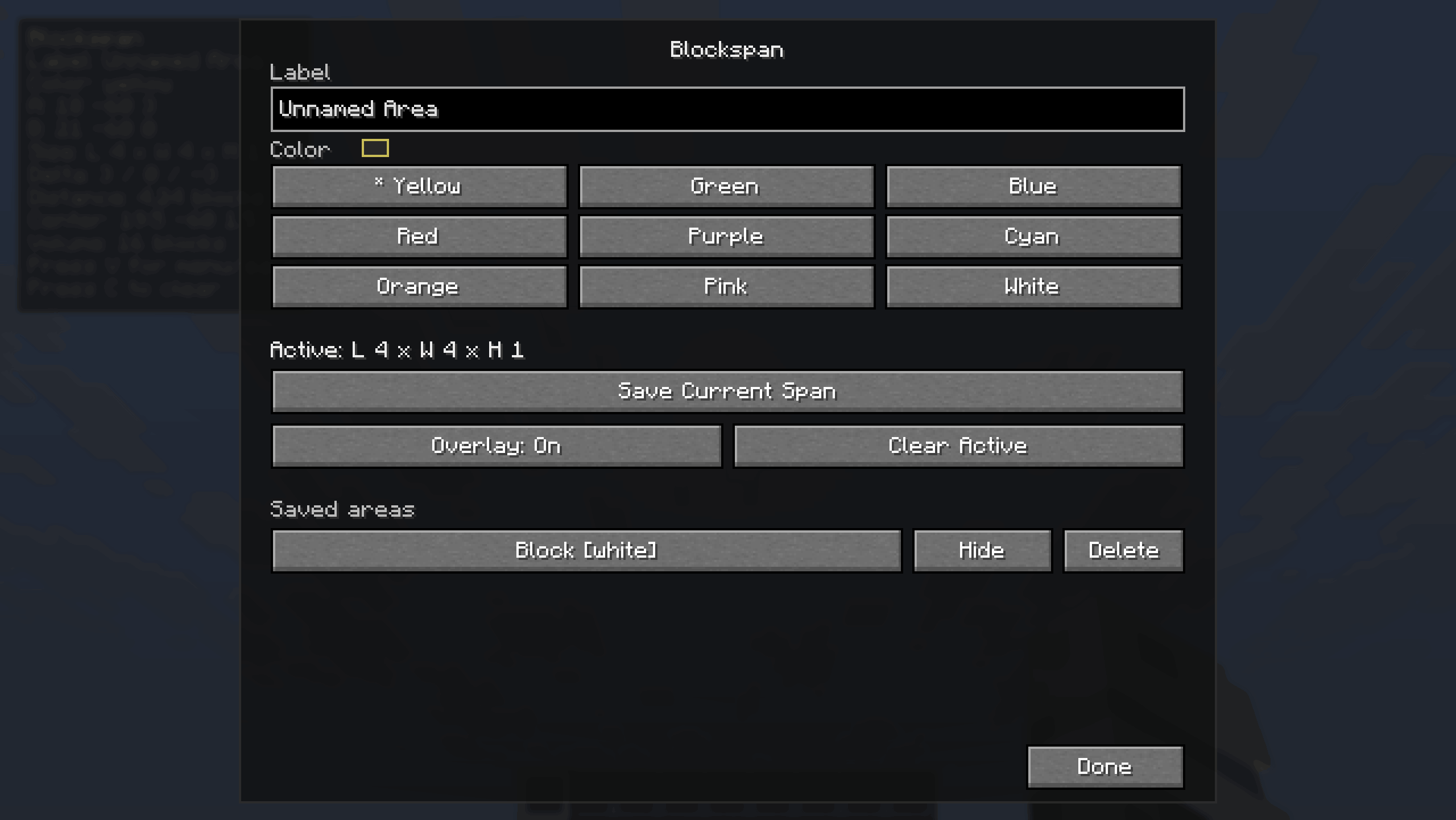
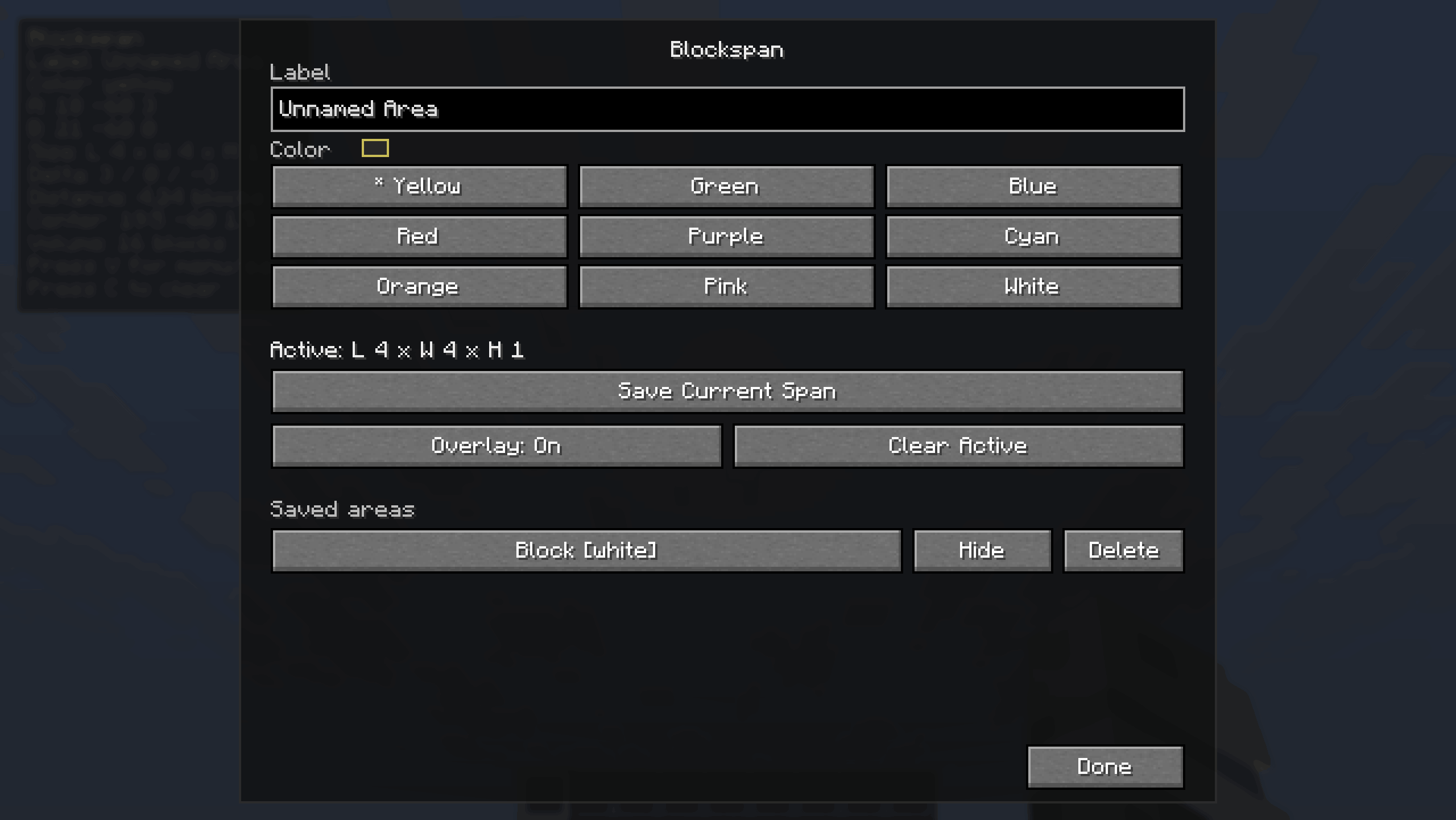
Press V to open the Blockspan menu, where you can rename the current area, choose a color, save it, hide/show saved areas, or delete saved areas.
Controls
R- Set the next pointSneak + R- Force set Point ASprint + R- Force set Point BC- Clear the active pointsB- Toggle the Blockspan overlayV- Open the Blockspan menu
Commands
All commands are client-side:
/blockspan label <name>- Set the current area label/blockspan color <color>- Set the current area color/blockspan colors- List available colors/blockspan save [name]- Save the current selected area/blockspan list- List saved areas in the current dimension/blockspan enable <name or id>- Show a saved area/blockspan disable <name or id>- Hide a saved area/blockspan toggle <name or id>- Toggle a saved area on or off/blockspan delete <name or id>- Delete a saved area/blockspan clear-saved- Delete all saved areas
Measurements
Blockspan uses inclusive Minecraft-style measurements. If Point A and Point B are the two ends of a wall, both endpoint blocks are counted.
The overlay can show:
- Point A and Point B coordinates
- Length, width, and height
- X/Y/Z delta
- Straight-line distance
- Center point
- Total cuboid volume
Requirements FABRIC
- Fabric Loader
- Fabric API
- Minecraft 26.1.2
Requirements FORGE:
- Forge
- Minecraft 26.1.2
Client-side only
Blockspan does not need to be installed on a server. It does not send packets, modify server data, or save anything into the world itself. Removing the mod will not damage or alter your saves.
Blockspan
Blockspan is a client-side Fabric/Forge mod for builders who want quick measurements while planning builds. Select two block positions and Blockspan shows a subtle in-world box with labels, dimensions, volume, distance, center point, and coordinates.
It is safe for survival worlds/multiplayer because it does not add blocks, items, entities, recipes, world generation, or server-required features. Saved areas are stored only in your local client config.
How to use
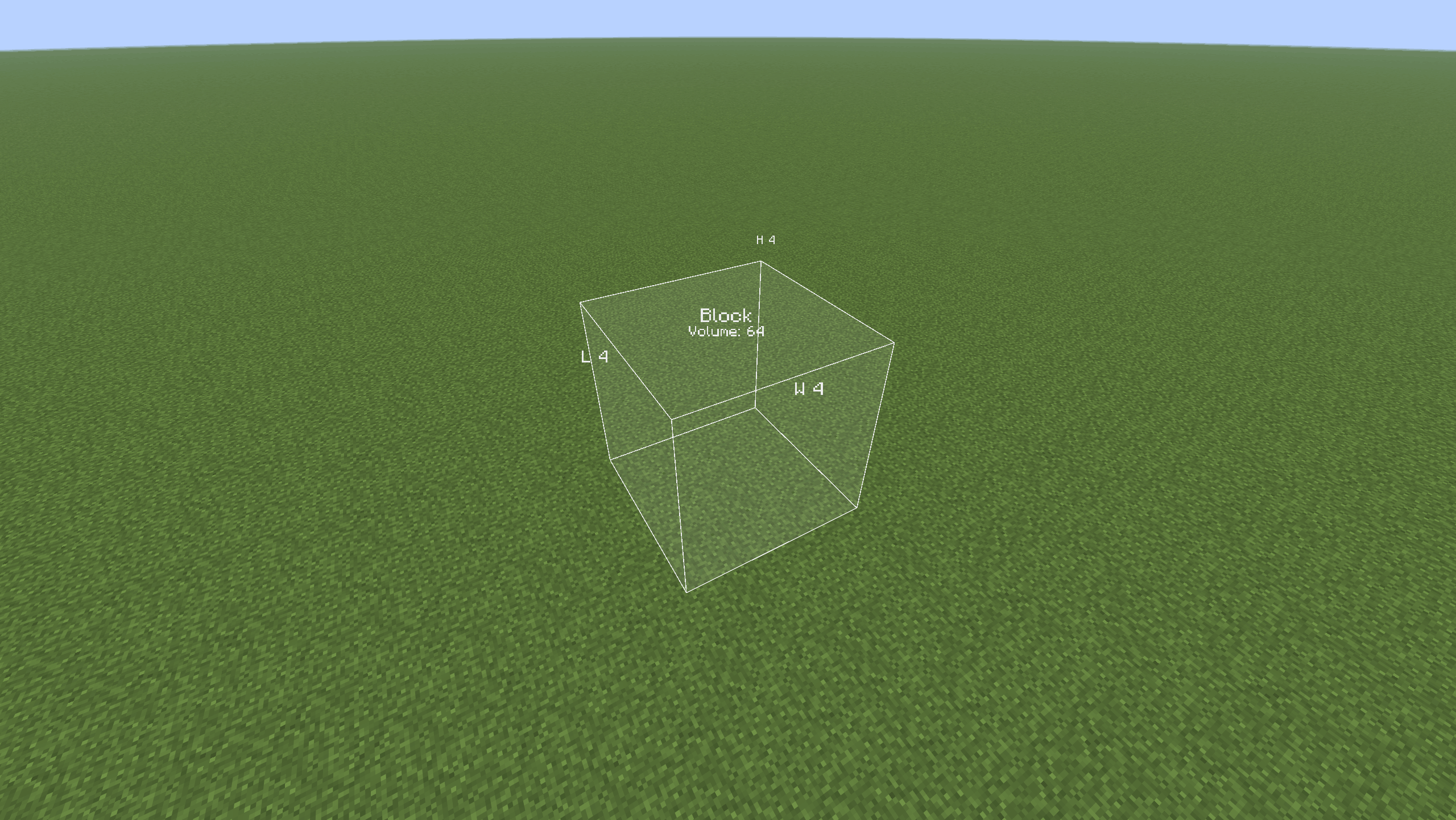
Look at a block and press R to set Point A. Look at another block and press R again to set Point B. The selected area will appear in the world with its length, width, height, and volume.
Press V to open the Blockspan menu, where you can rename the current area, choose a color, save it, hide/show saved areas, or delete saved areas.
Controls
R- Set the next pointShift + R- Force set Point ACtrl + R- Force set Point BC- Clear the active pointsB- Toggle the Blockspan overlayV- Open the Blockspan menu
Commands
All commands are client-side:
/blockspan label <name>- Set the current area label/blockspan color <color>- Set the current area color/blockspan colors- List available colors/blockspan save [name]- Save the current selected area/blockspan list- List saved areas in the current dimension/blockspan enable <name or id>- Show a saved area/blockspan disable <name or id>- Hide a saved area/blockspan toggle <name or id>- Toggle a saved area on or off/blockspan delete <name or id>- Delete a saved area/blockspan clear-saved- Delete all saved areas
Measurements
Blockspan uses inclusive Minecraft-style measurements. If Point A and Point B are the two ends of a wall, both endpoint blocks are counted.
The overlay can show:
- Point A and Point B coordinates
- Length, width, and height
- X/Y/Z delta
- Straight-line distance
- Center point
- Total cuboid volume
Requirements FABRIC:
- Fabric Loader
- Fabric API
- Minecraft 26.1.2
Requirements FORGE:
- Forge
- Minecraft 26.1.2
Screenshots
Gallery
-
 2026-05-20_18.27.57.png 2026-05-20_18.27.57.png
 -
 2026-05-20_18.28.39.png 2026-05-20_18.28.39.png
 -
 2026-05-20_18.28.53.png 2026-05-20_18.28.53.png
 -
 2026-05-20_18.31.08.png 2026-05-20_18.31.08.png
 -
 2026-05-20_18.31.38.png 2026-05-20_18.31.38.png
 -
 2026-05-20_18.32.15.png 2026-05-20_18.32.15.png
Versions
Files
Relations
Project Relations
More like this
Similar Mods
Suggestions use data such as tags, dependencies, dependents, descriptions, titles, and more to rank how much they overlap with this mod.
On ModDex
Community snapshot
By the numbers
Statistics
Want to reach Minecraft players?
We're looking for a server hosting partner to feature here and other parts of the site. Interested? Send us a message!
Get in touchGet it on
Available Platforms
On ModDex
Community snapshot
By the numbers
Statistics
Resources