Community listing page, reviews here may not be monitored by the author.
BongoCube


No reviews yet
It's bongocat but in minecraft
Community voices
Reviews
No reviews yet. Be the first to review this project!
Get it on
Available Platforms
Compatibility
Supported Environments
Required on the client. Installing it on the server adds functionality.
About
Project Details
For authors
Embed Badge
If you're the author of this project, you can embed a live badge anywhere that supports HTML or Markdown. It updates automatically whenever ratings change.
Use HTML for any page that supports it, or Markdown for README files and Markdown-based descriptions.
Identifiers
Platform IDs
About
Description
BongoCube
English
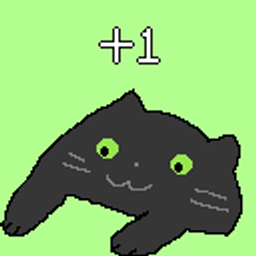
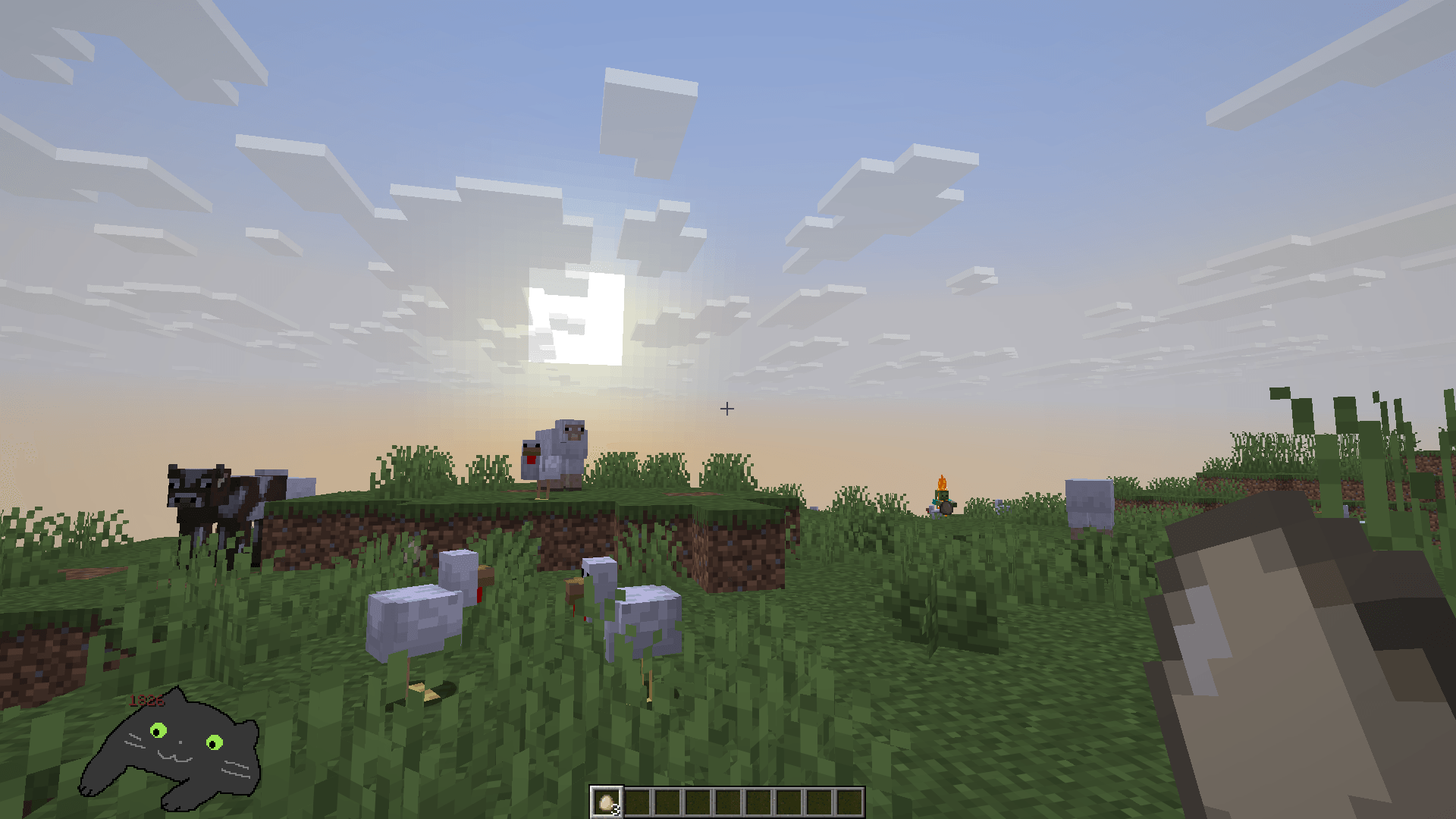
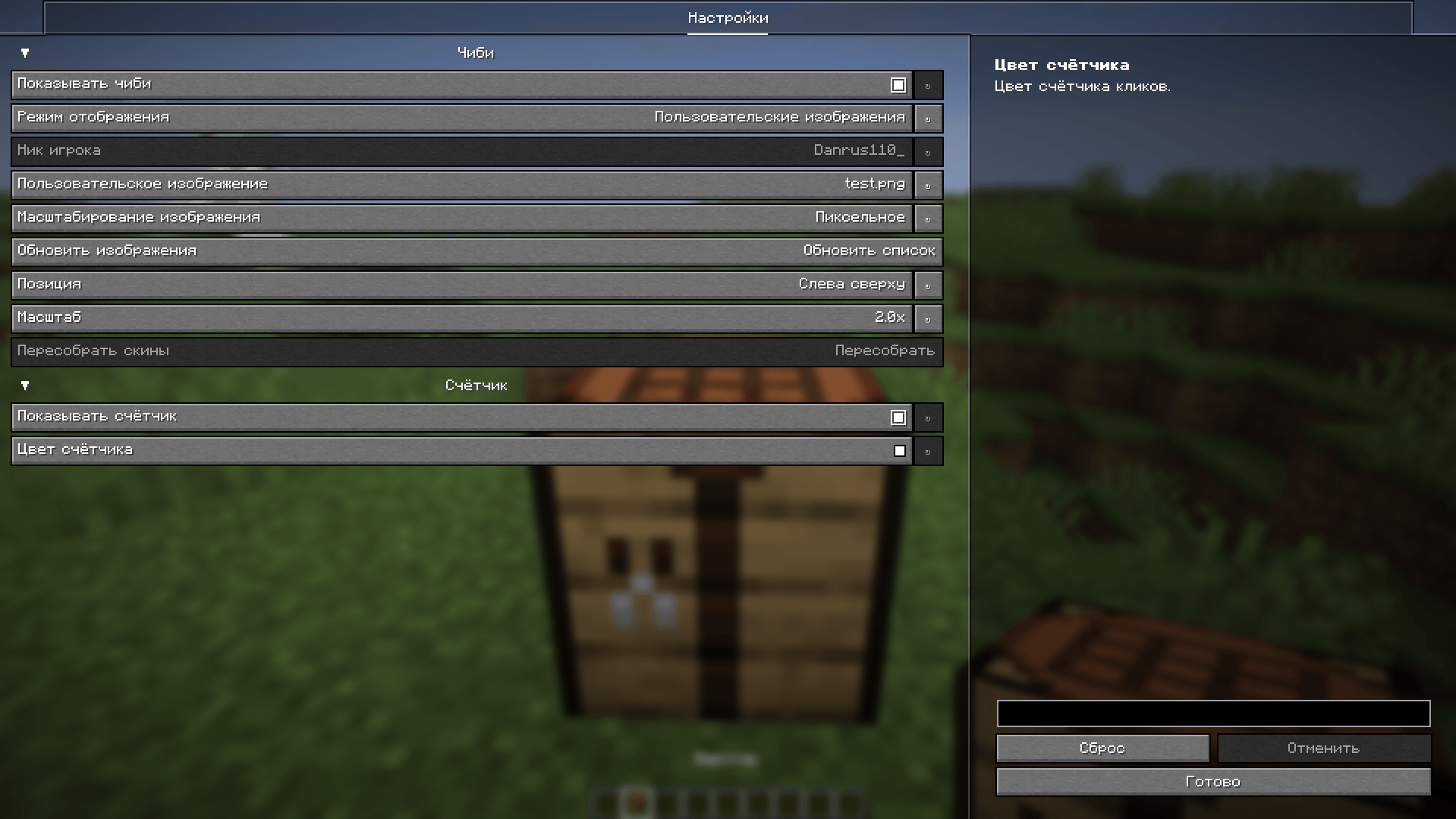
BongoCube adds an animated chibi image and an independent click counter to the HUD, plus an in-game leaderboard.
Requirements
- Minecraft 26.1.2
- Fabric Loader and Fabric API
- YACL (Yet Another Config Lib)
- ModMenu
Installation
- Install Fabric Loader, Fabric API, YACL, and ModMenu.
- Put the mod file in the
modsfolder. - Launch the game and open the mod settings through ModMenu.
Chibi modes
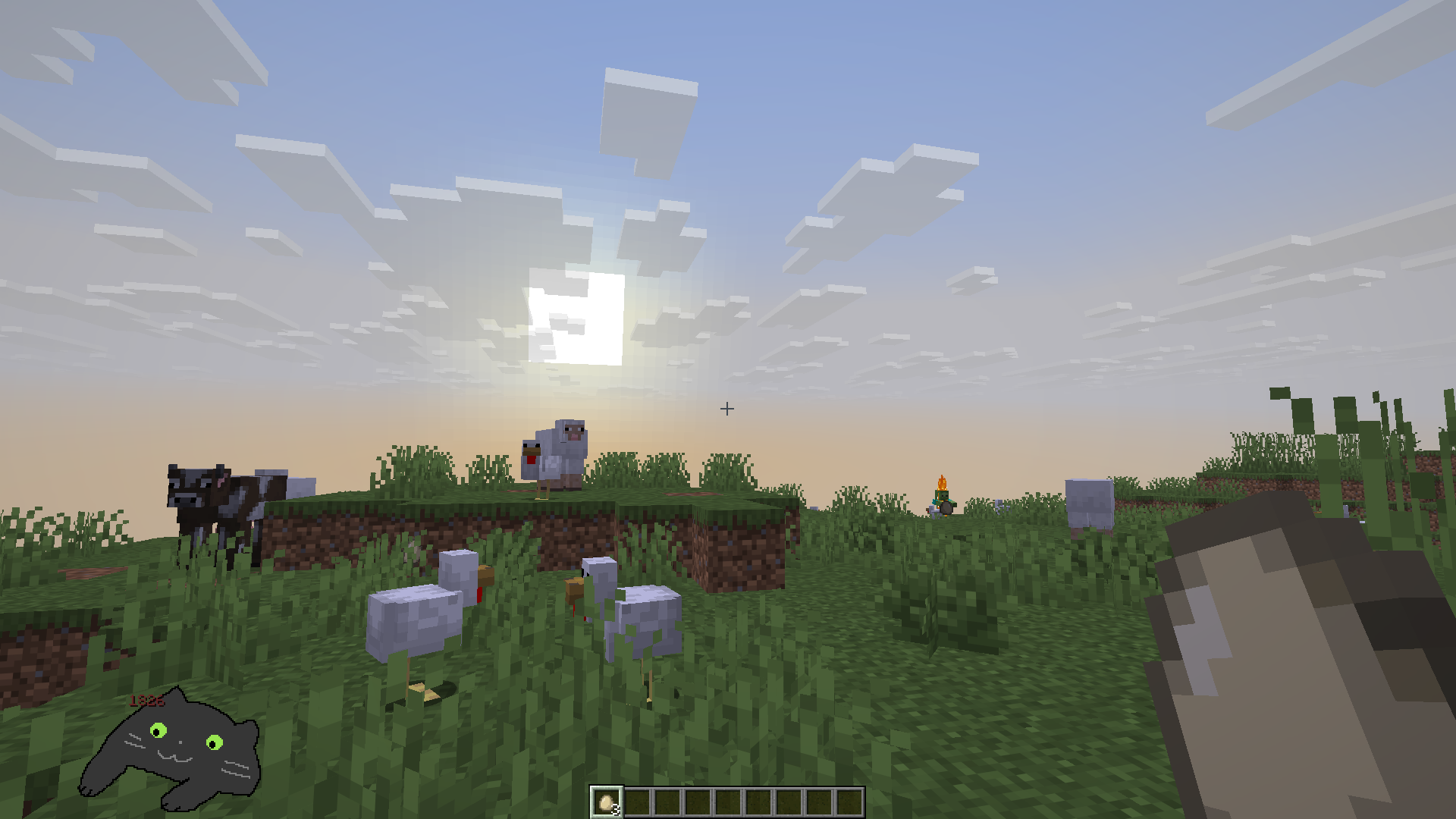
- Default — the built-in large gray cat image.
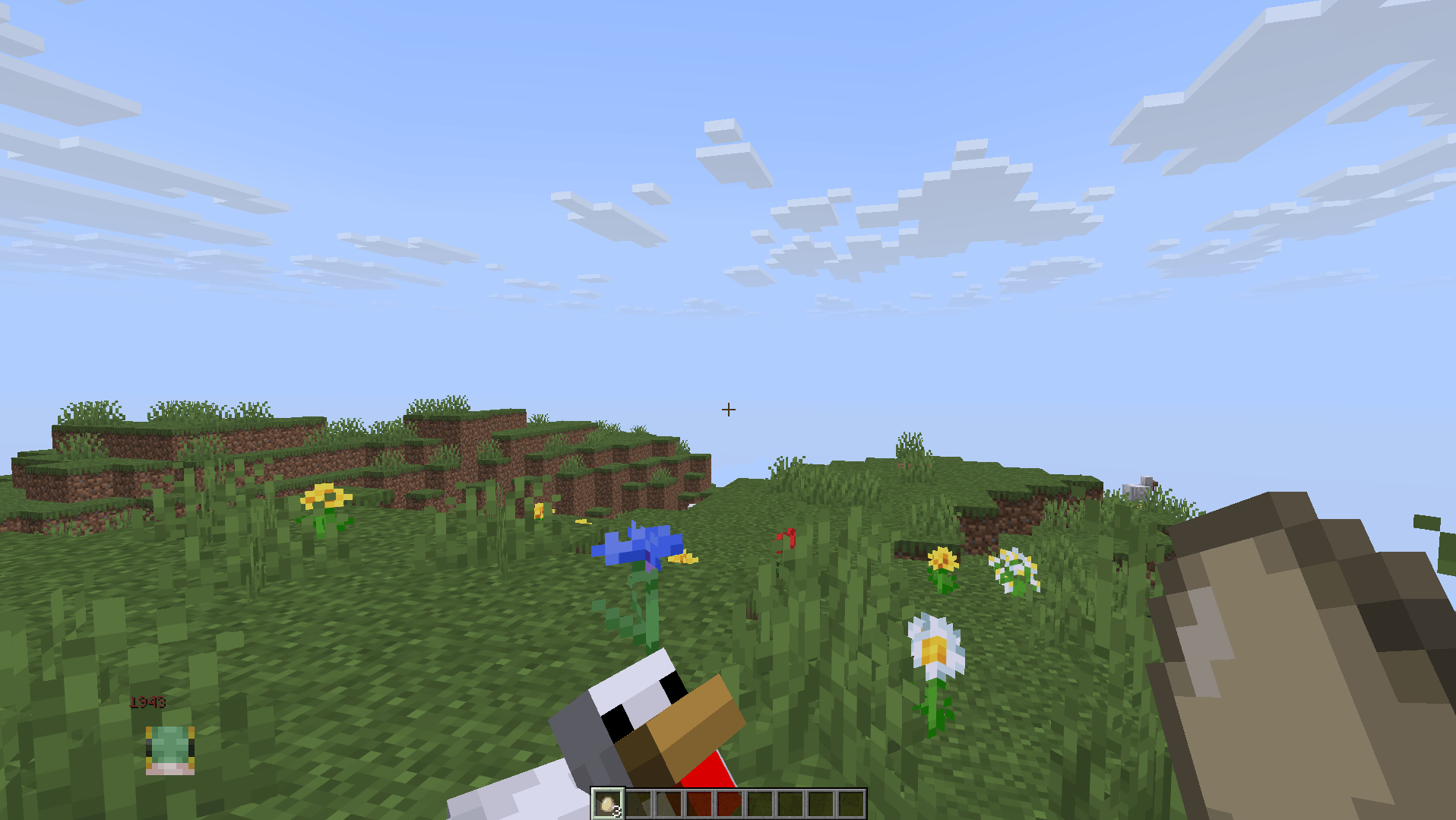
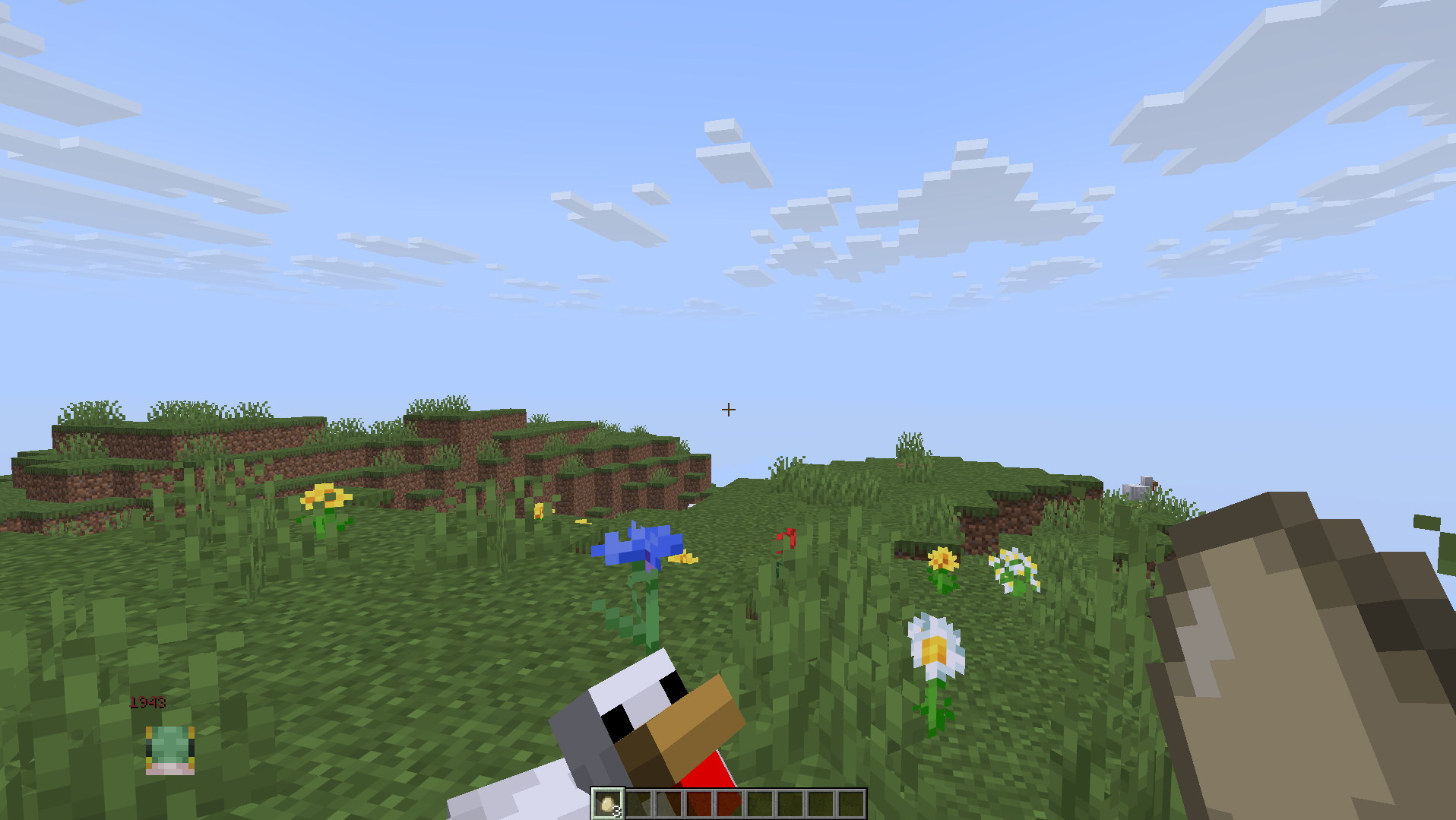
- Default Skins — a 2D player head (face and hat layer) selected by name.
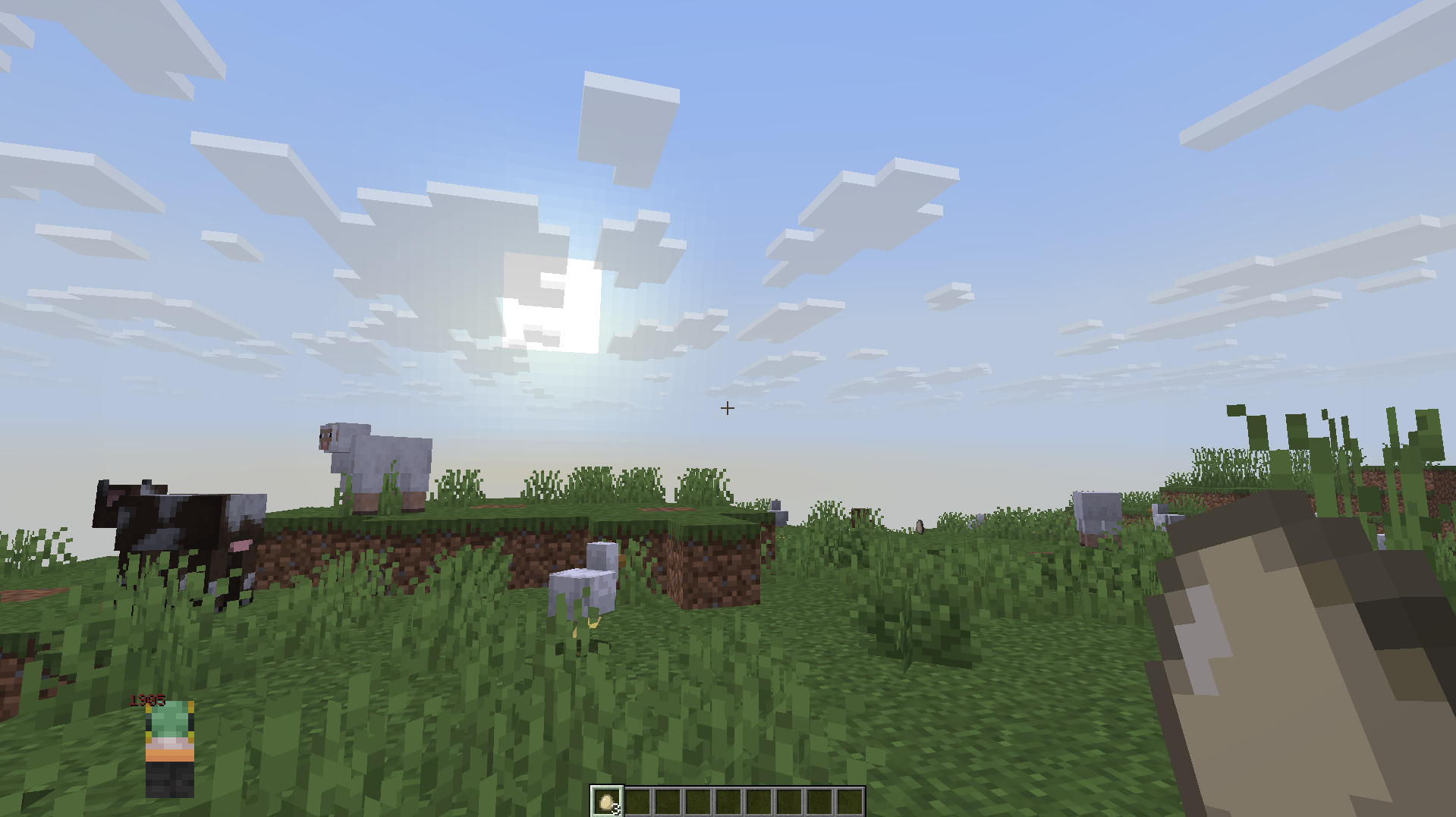
- Custom Skins — the player head remapped through
<game>/bongocube/chibi_schema.pngandcommon_skin.png; invalid schemas fall back to the default head. - Custom Images — PNG files from
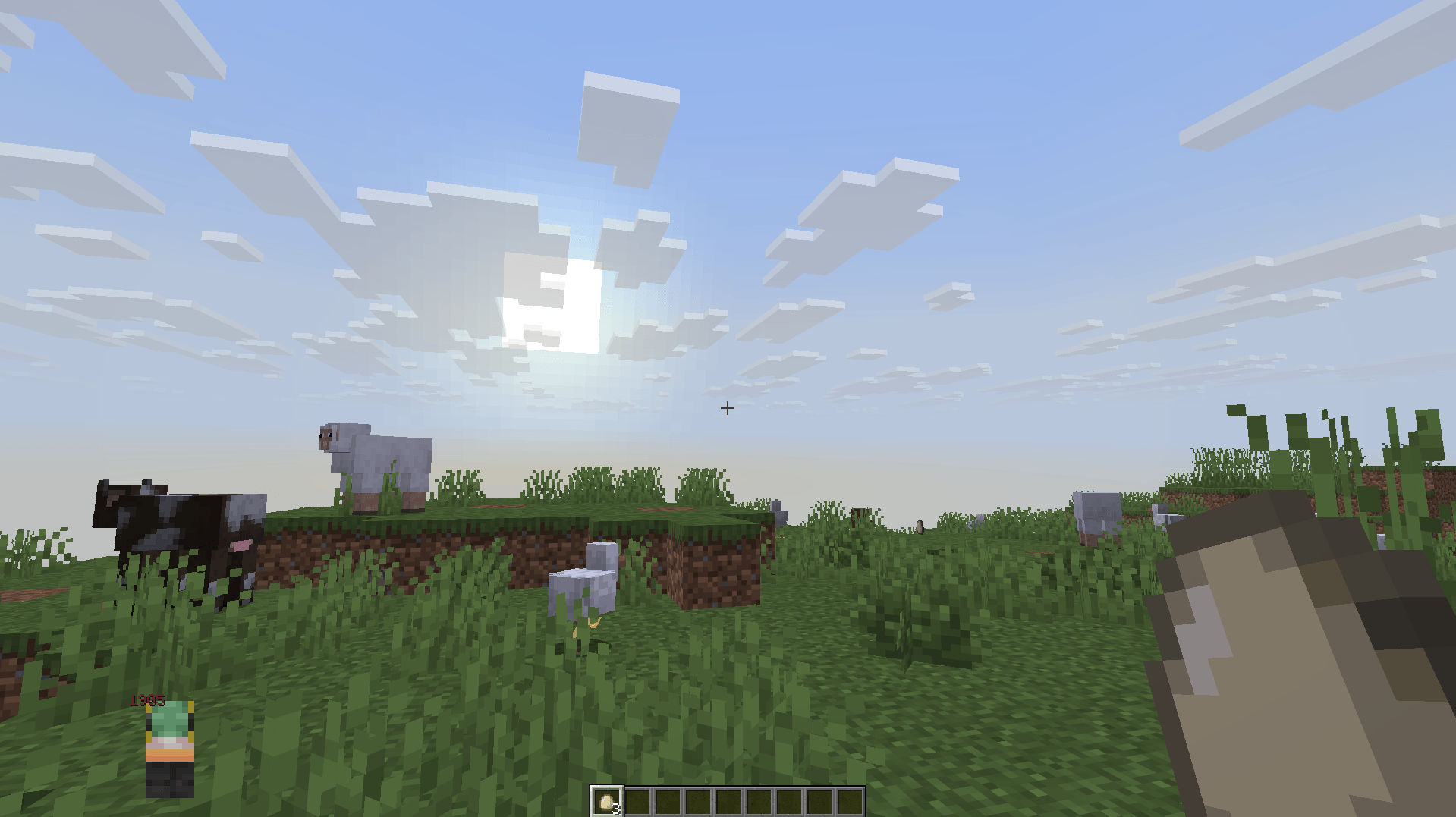
bongocube/custom_imagesin the game directory. Refresh the list from the settings screen.
Custom images are limited to 16 MiB and 8192 pixels per side. They are fitted into a square with preserved proportions and a transparent border.
Chibi and counter settings are independent. Switching modes does not overwrite values saved for other modes.
Русский
BongoCube добавляет на HUD анимированное изображение чиби и независимый счётчик кликов, а также внутриигровую таблицу лидеров.
Требования
- Minecraft 26.1.2
- Fabric Loader и Fabric API
- YACL (Yet Another Config Lib)
- ModMenu
Установка
- Установите Fabric Loader, Fabric API, YACL и ModMenu.
- Поместите файл мода в папку
mods. - Запустите игру и откройте настройки мода через ModMenu.
Режимы чиби
- По умолчанию — встроенное изображение большого серого кота.
- Стандартные скины — 2D-голова (лицо и слой шапки) игрока по нику.
- Пользовательские скины — голова игрока, обработанная схемой из
<game>/bongocube/chibi_schema.pngиcommon_skin.png; при ошибке используется стандартная голова. - Пользовательские изображения — PNG из
bongocube/custom_imagesв каталоге игры. Список обновляется кнопкой в настройках.
Пользовательские изображения ограничены размером 16 МиБ и 8192 пикселями по каждой стороне. Они вписываются в квадрат с сохранением пропорций и прозрачной рамкой.
Настройки чиби и счётчика разделены. Переключение режима не изменяет сохранённые значения других режимов.
Галерея/Gallery
## Default chibi/Стандрантный чибик
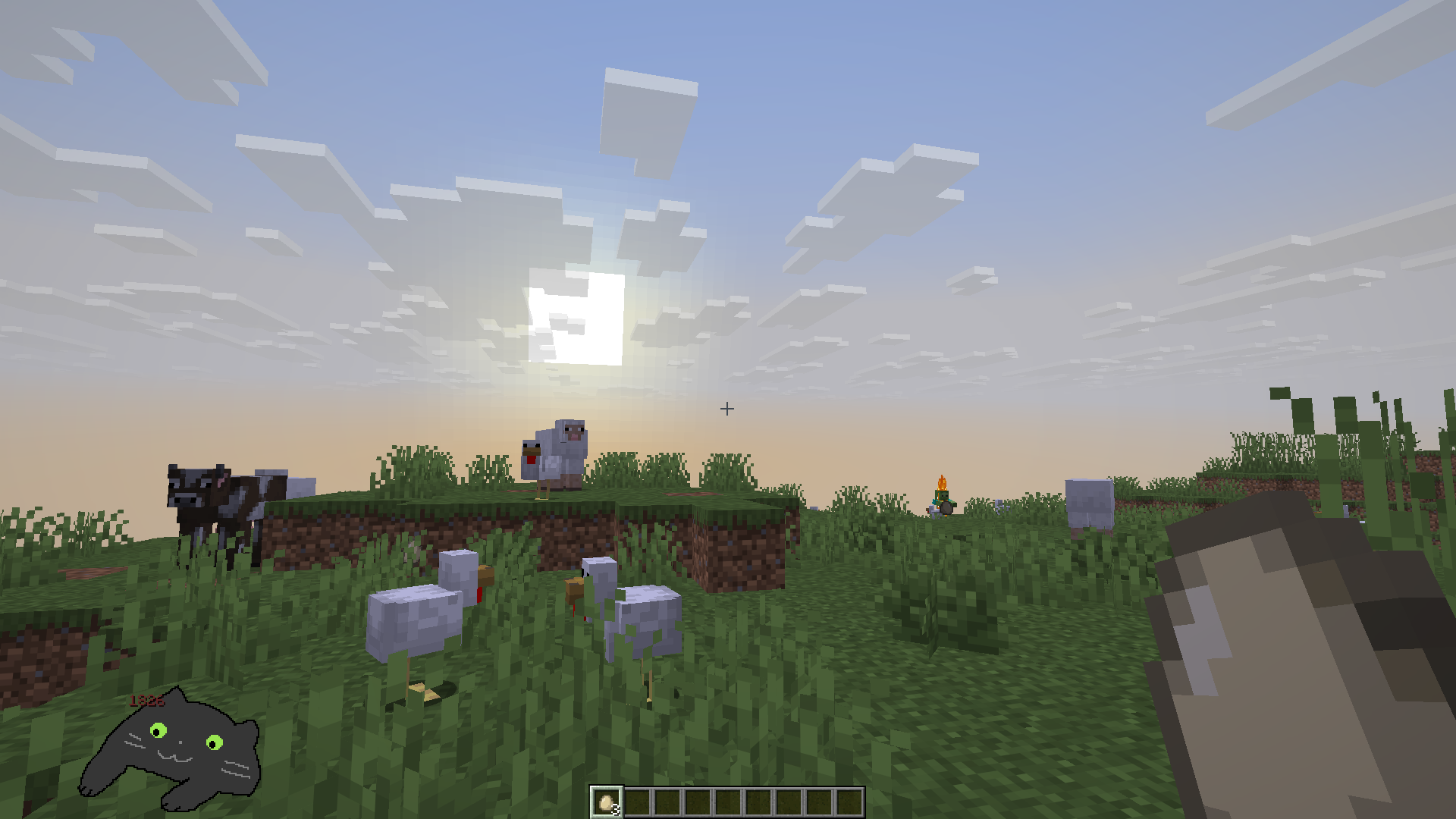
Defatult skin chibi/Стандартный чибик скина
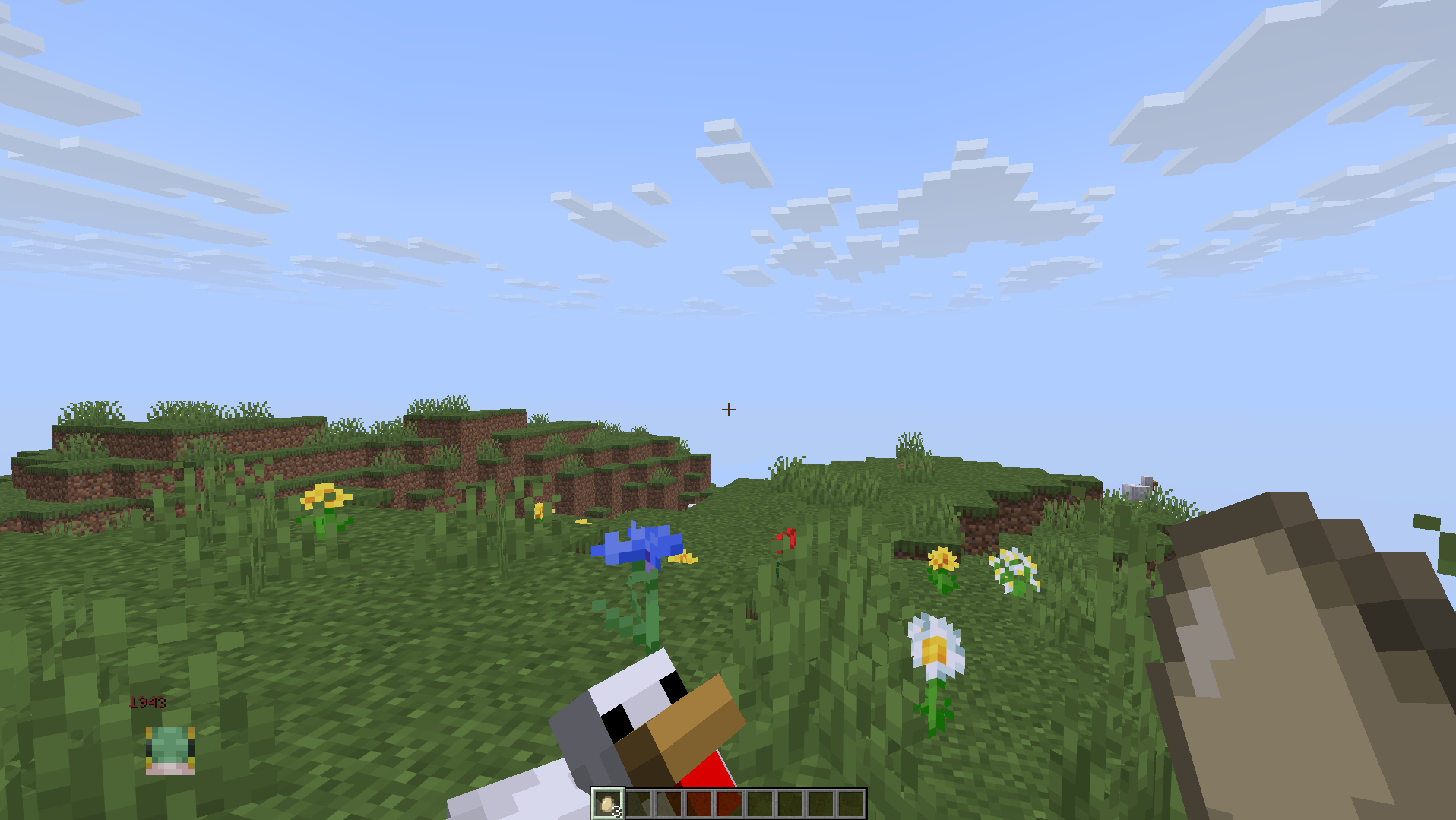
Custom chibi/Кастомный чибик
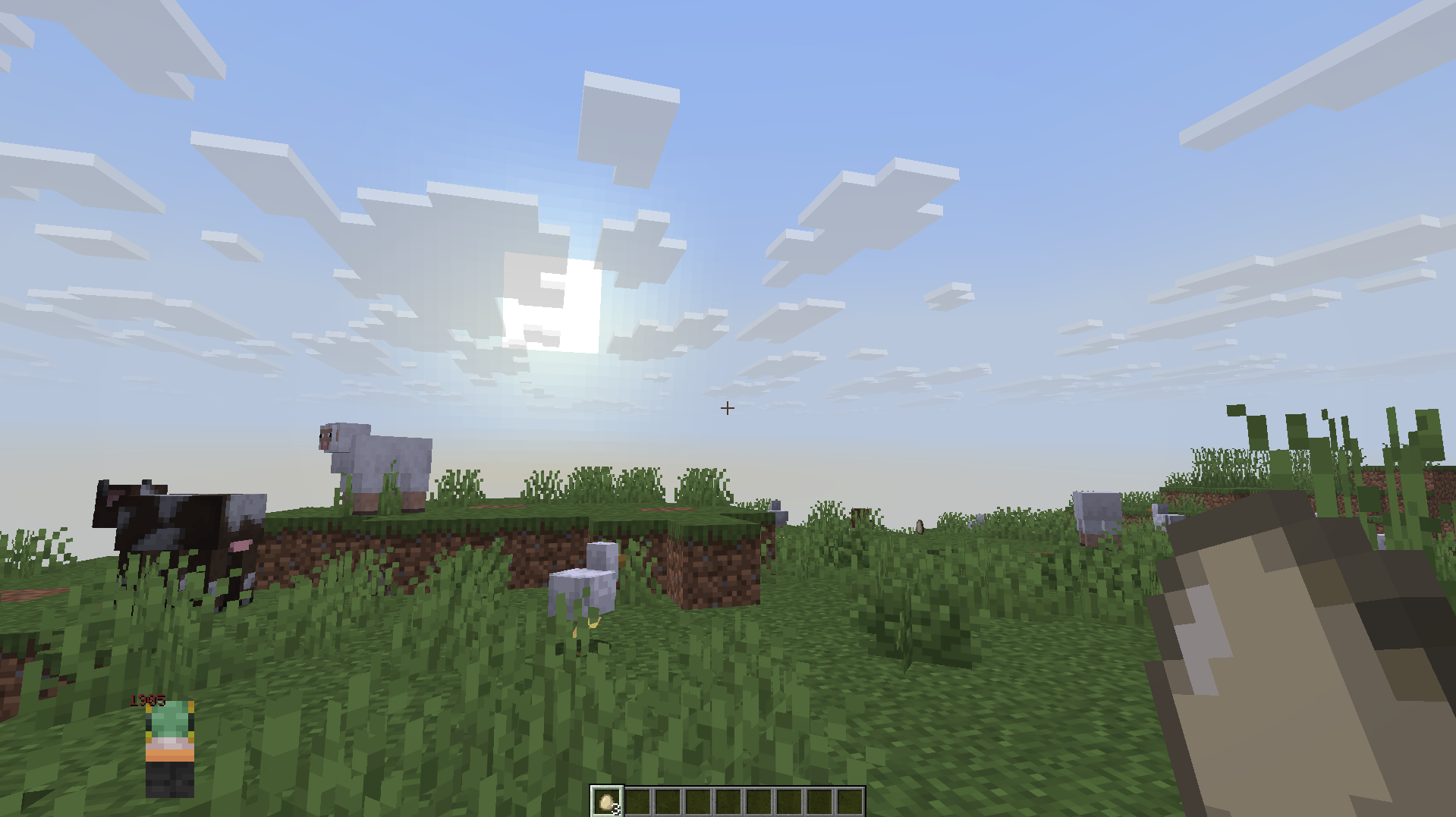
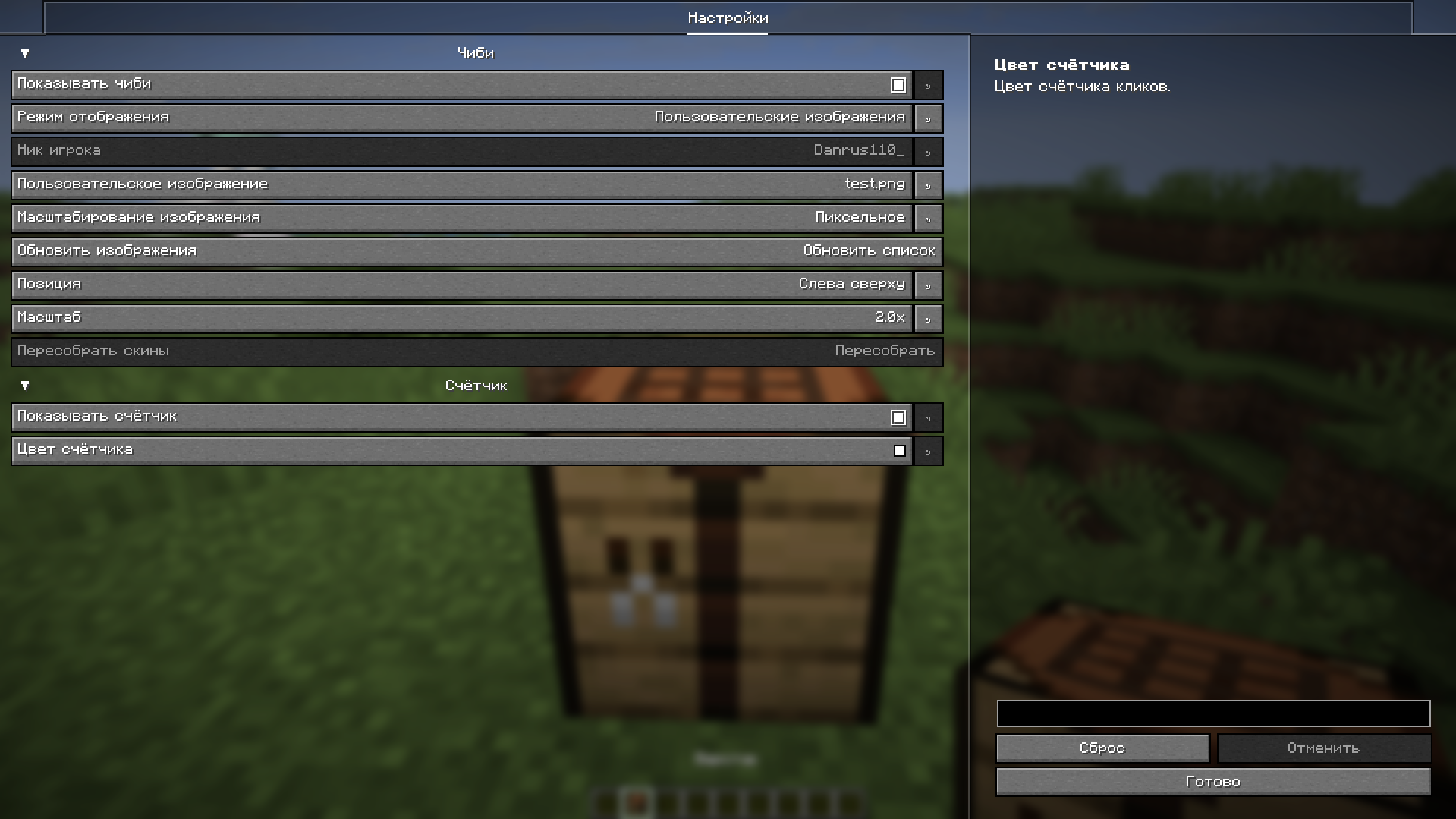
Settings/Настройки
BongoCube
Русский
BongoCube добавляет на HUD анимированное изображение чиби и независимый счётчик кликов, а также внутриигровую таблицу лидеров.
Требования
- Minecraft 26.1.2
- Fabric Loader и Fabric API
- YACL (Yet Another Config Lib)
- ModMenu
Установка
- Установите Fabric Loader, Fabric API, YACL и ModMenu.
- Поместите файл мода в папку
mods. - Запустите игру и откройте настройки мода через ModMenu.
Режимы чиби
- По умолчанию — встроенное изображение большого серого кота.
- Стандартные скины — 2D-голова (лицо и слой шапки) игрока по нику.
- Пользовательские скины — голова игрока, обработанная схемой из
<game>/bongocube/chibi_schema.pngиcommon_skin.png; при ошибке используется стандартная голова. - Пользовательские изображения — PNG из
bongocube/custom_imagesв каталоге игры. Список обновляется кнопкой в настройках.
Пользовательские изображения ограничены размером 16 МиБ и 8192 пикселями по каждой стороне. Они вписываются в квадрат с сохранением пропорций и прозрачной рамкой.
Настройки чиби и счётчика разделены. Переключение режима не изменяет сохранённые значения других режимов.
English
BongoCube adds an animated chibi image and an independent click counter to the HUD, plus an in-game leaderboard.
Requirements
- Minecraft 26.1.2
- Fabric Loader and Fabric API
- YACL (Yet Another Config Lib)
- ModMenu
Installation
- Install Fabric Loader, Fabric API, YACL, and ModMenu.
- Put the mod file in the
modsfolder. - Launch the game and open the mod settings through ModMenu.
Chibi modes
- Default — the built-in large gray cat image.
- Default Skins — a 2D player head (face and hat layer) selected by name.
- Custom Skins — the player head remapped through
<game>/bongocube/chibi_schema.pngandcommon_skin.png; invalid schemas fall back to the default head. - Custom Images — PNG files from
bongocube/custom_imagesin the game directory. Refresh the list from the settings screen.
Custom images are limited to 16 MiB and 8192 pixels per side. They are fitted into a square with preserved proportions and a transparent border.
Chibi and counter settings are independent. Switching modes does not overwrite values saved for other modes.
Галерея/Gallery
Default chibi/Стандрантный чибик
Defatult skin chibi/Стандартный чибик скина
Custom chibi/Кастомный чибик
Settings/Настройки
Screenshots
Gallery
-
 img.png img.png
 -
 img2.png img2.png
 -
 img3.png img3.png
 -
 img4.png img4.png
-
config
-
 Custom skin without scheme
 -
 Custom chibi with custom scheme
 -
 Default chibi
 -
 chibi_schema(only example)
 -
 common_skin
Versions
Files
Relations
Project Relations
More like this
Similar Mods
Suggestions use data such as tags, dependencies, dependents, descriptions, titles, and more to rank how much they overlap with this mod.
On ModDex
Community snapshot
By the numbers
Statistics
Want to reach Minecraft players?
We're looking for a server hosting partner to feature here and other parts of the site. Interested? Send us a message!
Get in touchGet it on
Available Platforms
On ModDex
Community snapshot
By the numbers