
Community listing page, reviews here may not be monitored by the author.
BrainF**k In Minecraft

No reviews yet
This is a Minecraft mod that adds four new blocks, allowing you to run simple Brainf**k programs — a Turing-complete programming language.
Community voices
Reviews
No reviews yet. Be the first to review this project!
Get it on
Available Platforms
Compatibility
Supported Environments
Must be installed on both the client and the server.
About
Project Details
For authors
Embed Badge
If you're the author of this project, you can embed a live badge anywhere that supports HTML or Markdown. It updates automatically whenever ratings change.
Use HTML for any page that supports it, or Markdown for README files and Markdown-based descriptions.
Identifiers
Platform IDs
Resources
External Links
About
Description
📦 Mod Description
This mod adds four blocks to help you run Brainf**k programs in Minecraft — a minimalist yet Turing-complete programming language.
🧠 Brainf**k Overview
Brainf**k programs are made up of only 8 symbols:
< and >: Move the pointer left and right across memory. In this mod, this is visualized as the pointer block moving left or right.
+ and -: Increment or decrement the value at the current memory cell.
[ and ]: Create loops. When the program reaches [, if the current cell is 0, it skips to the command after the matching ]. When it reaches ], it jumps back to the matching [.
.: Outputs the value of the current memory cell as an ASCII character.
,: Reads a single character of input and stores its ASCII value in the current memory cell (not yet implemented in this mod).
🔧 Mod Features
Pointer Block Simulates the pointer in Brainf**k. Right-click to open the GUI and edit the program; Shift + Right-click to run it. The block the pointer is facing represents the current memory unit. Output is displayed above the block. It might explode.
Memory Unit: The basic memory block. Its value can be modified by the pointer. Supports negative numbers.
Chance Block: Get random number(1-6 or (-1)-(-6)).
Boolean Unit:
Has two states: True and False. Can be toggled using + and -.
Color Unit:
Displays a color. The + and - commands adjust RGB values. By default, they modify red. Use . to cycle between which color is being modified (e.g., first press affects green, next affects blue, etc.).
🐛 Bug Reports & Suggestions
This mod may contain many bugs. You can report them or suggest new features at Github
The source code is not open yet, but I plan to release it in the future.
Screenshots
Gallery
-
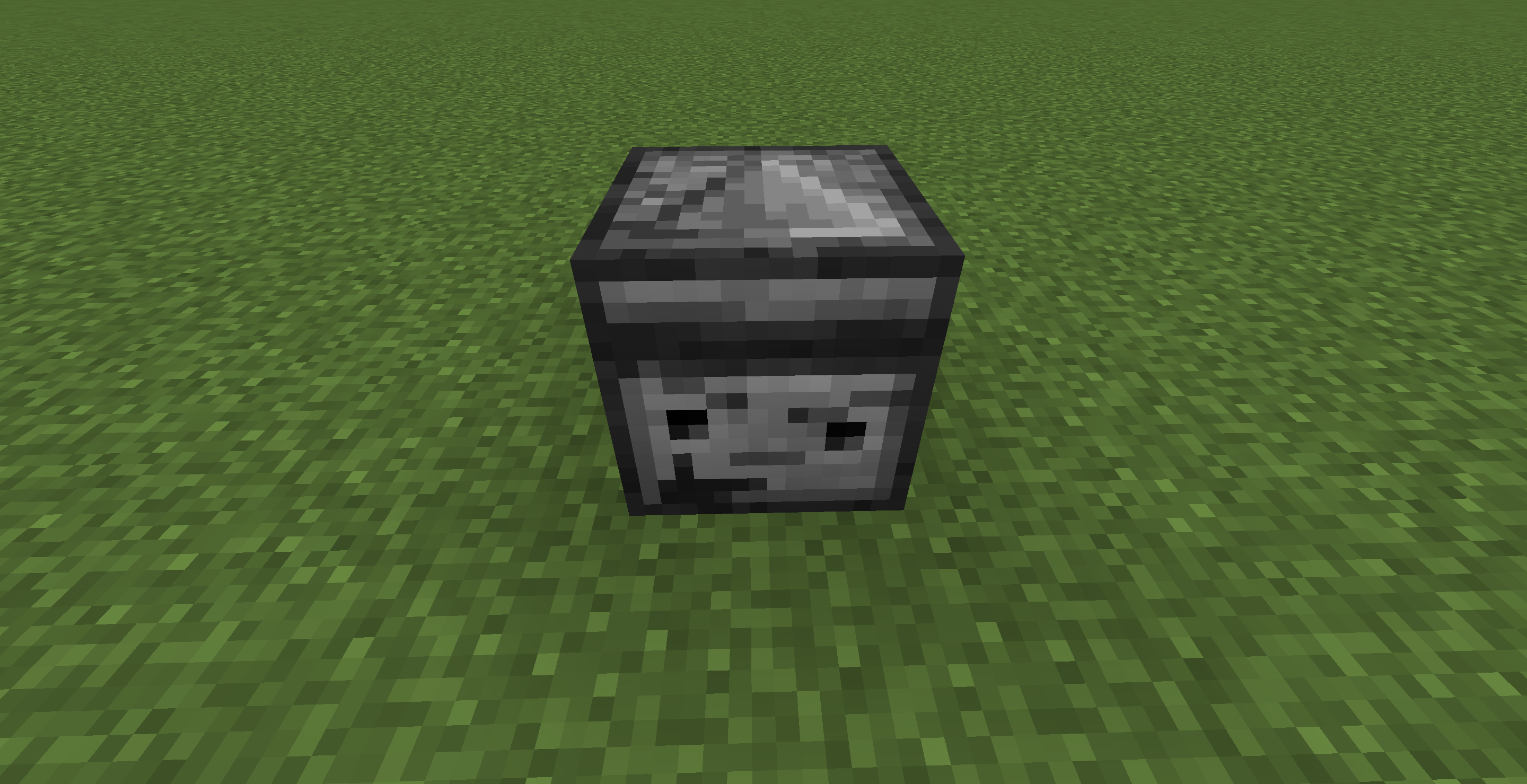 Pointer Block 🤔
 -
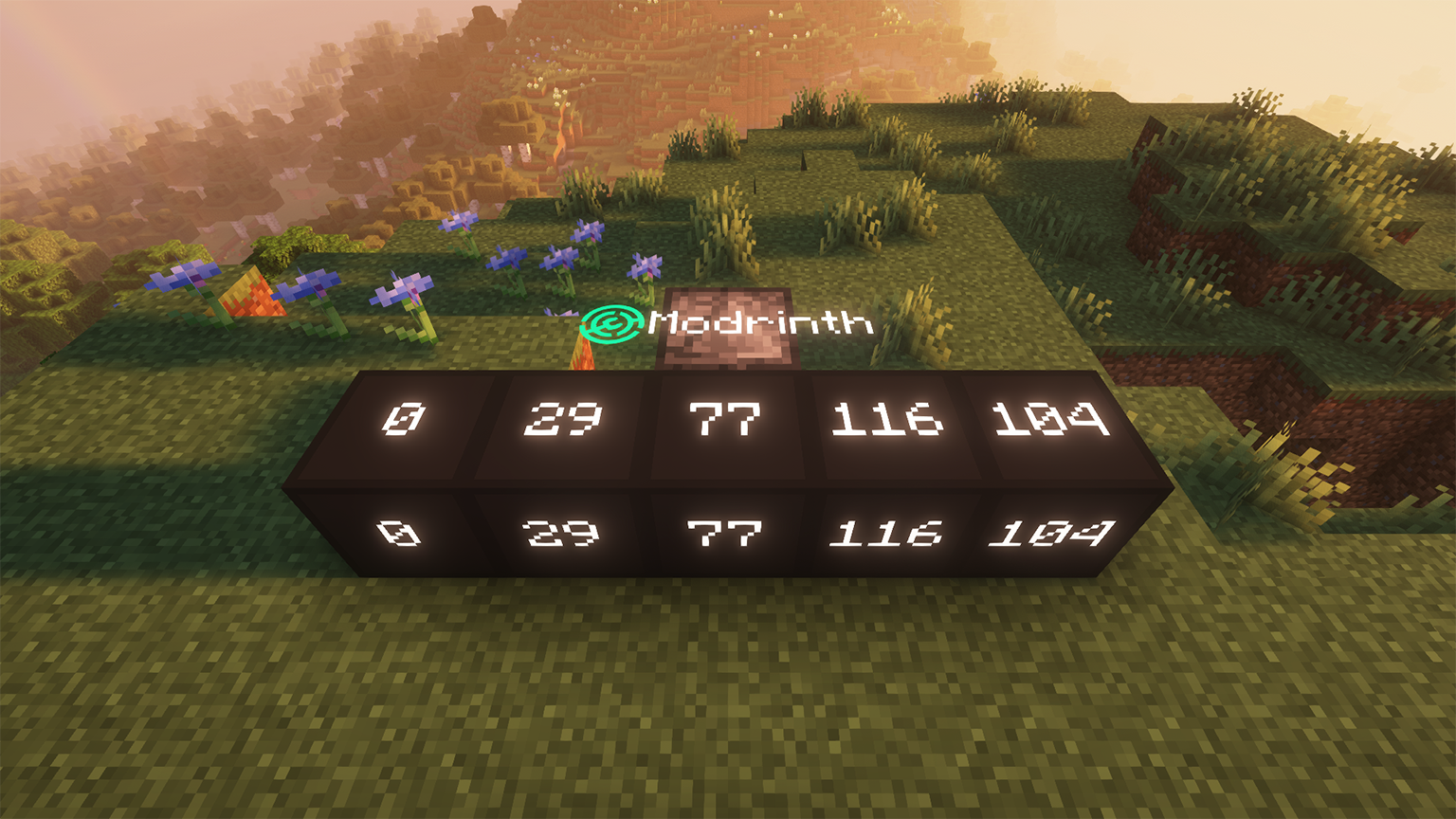 Modrinth!
 -
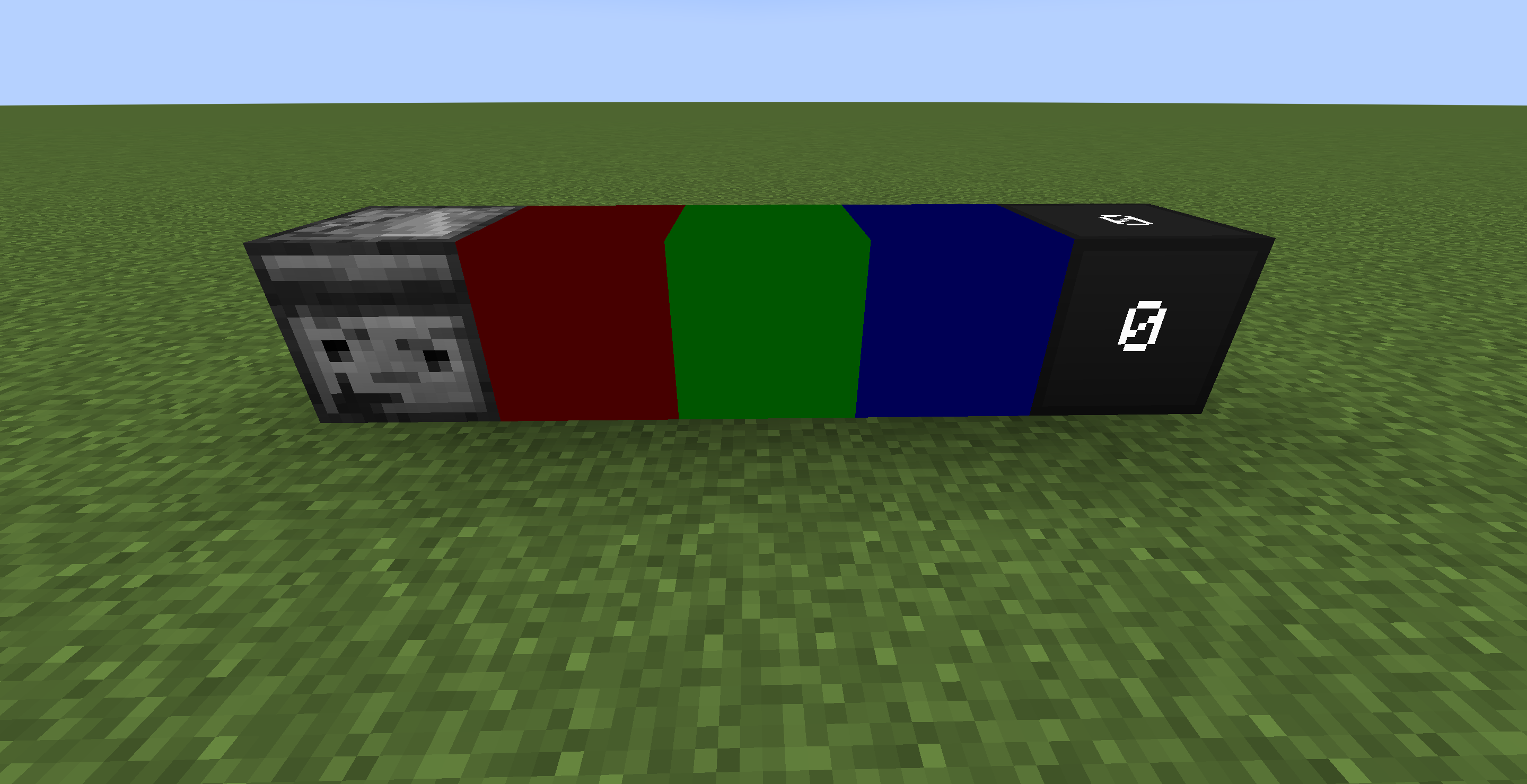 Color Unit And Memory Unit Colourful!!!
 -
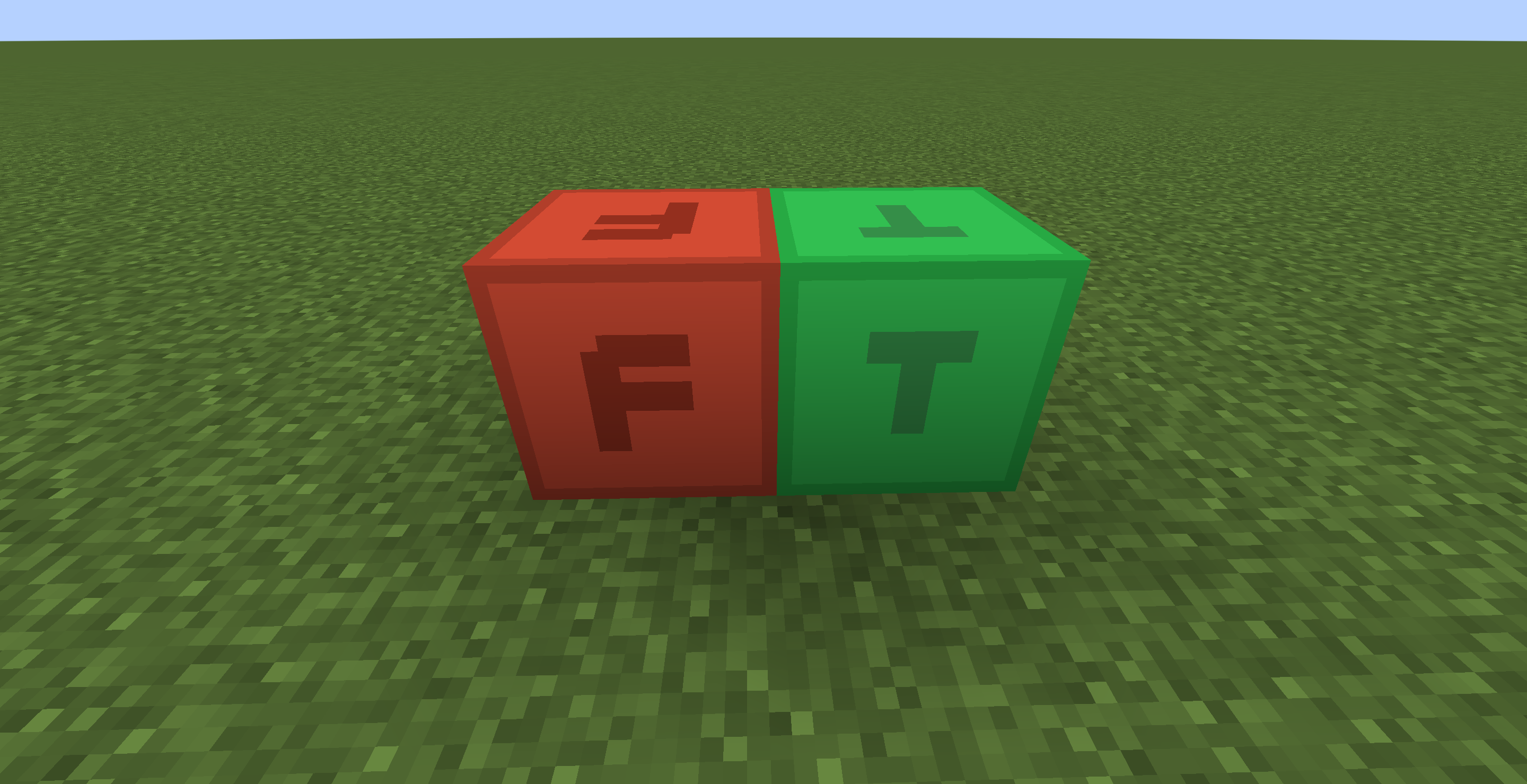 Boolean Unit True And False
 -
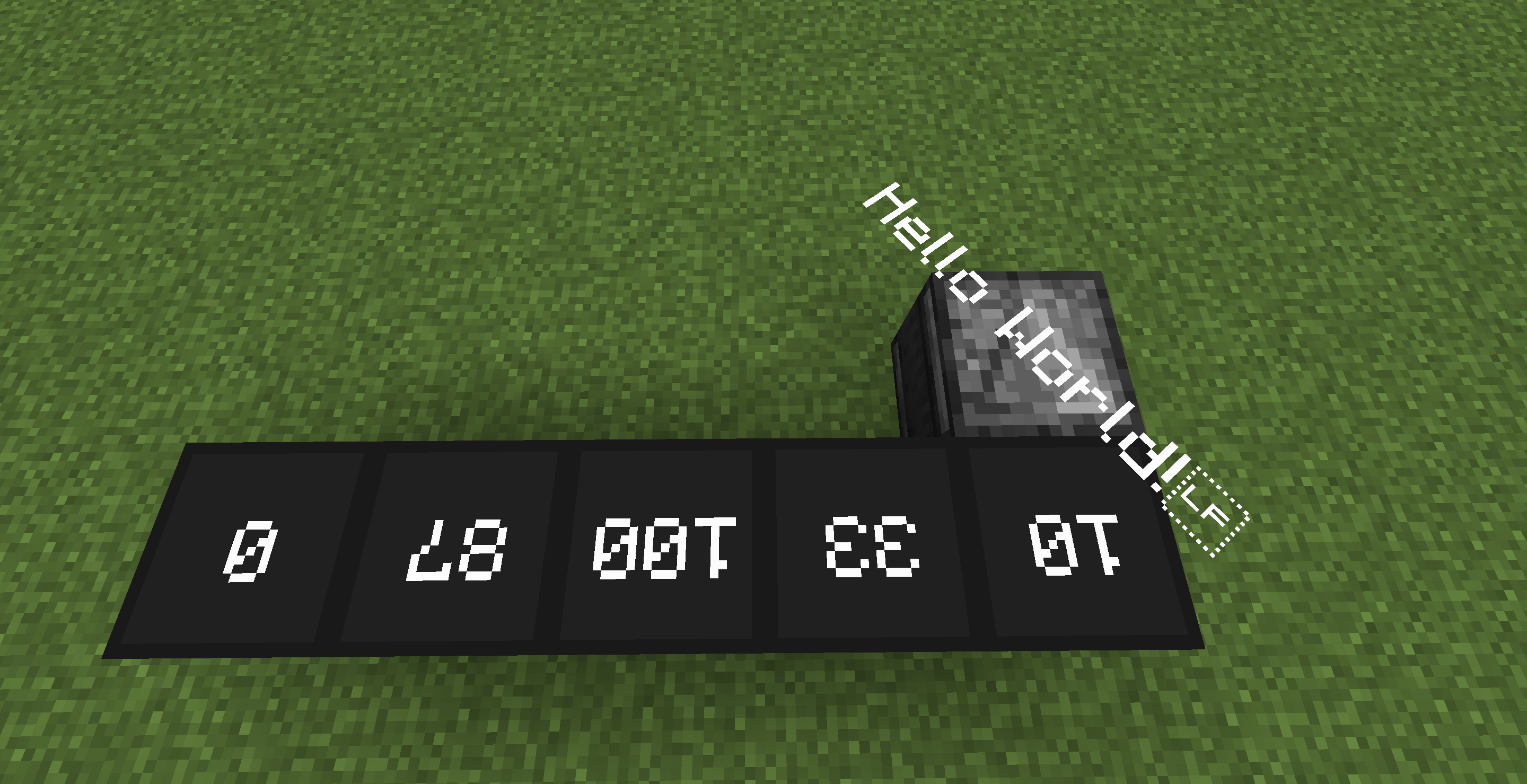 Hello World Program
Versions
Files
Relations
Project Relations
More like this
Similar Mods
Suggestions use data such as tags, dependencies, dependents, descriptions, titles, and more to rank how much they overlap with this mod.
On ModDex
Community snapshot
By the numbers
Statistics

Want to reach Minecraft players?
We're looking for a server hosting partner to feature here and other parts of the site. Interested? Send us a message!
Get in touchGet it on
Available Platforms
On ModDex
Community snapshot
By the numbers
Statistics
Resources