
Breeze Painter
A terrain painting/editing tool for Minecraft. Easy to use, amazing for drawing and terrain editing!
No ratings yet
Be the first to rate it.
Community listing page
Community listing page, reviews may not be monitored by the author.

Community voices
Reviews
No reviews yet. Be the first to review this project!
Get it on
Available Platforms
About
Project Details
For authors
Embed Badge
If you're the author of this project, you can embed a live badge anywhere that supports HTML or Markdown. It updates automatically whenever ratings change.
Use HTML for any page that supports it, or Markdown for README files and Markdown-based descriptions.
Identifiers
Platform IDs
About
Description
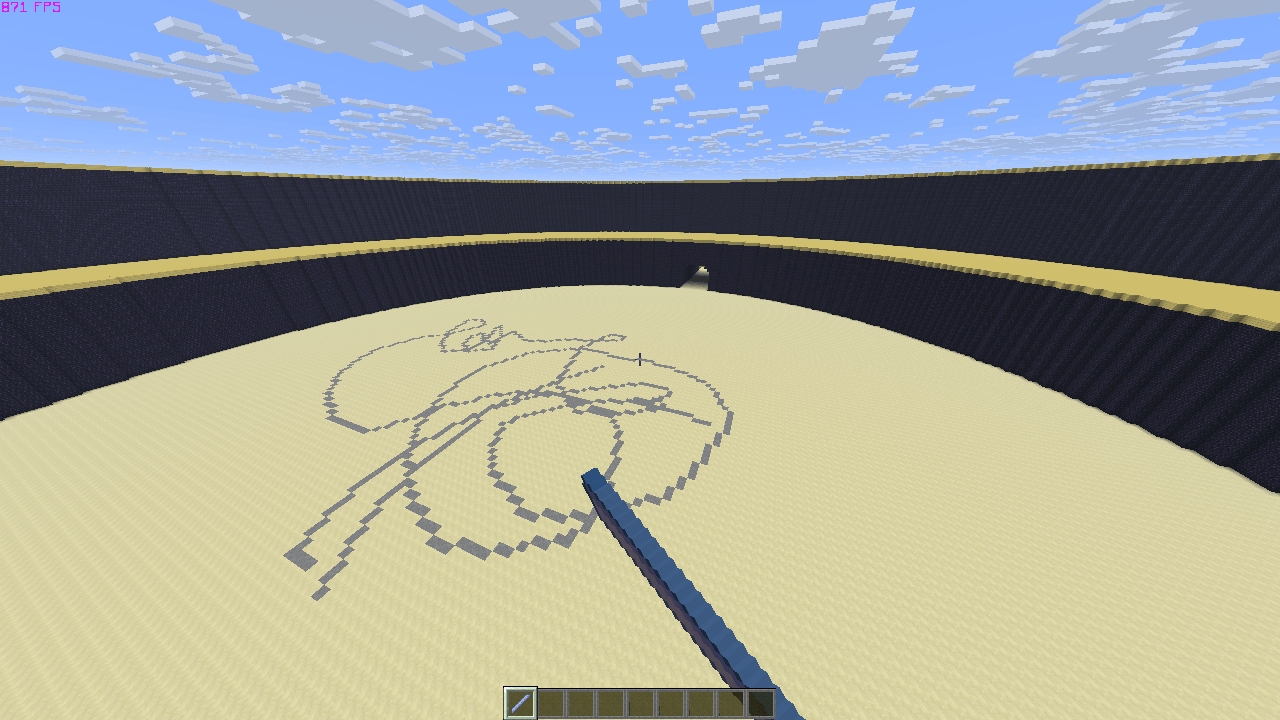
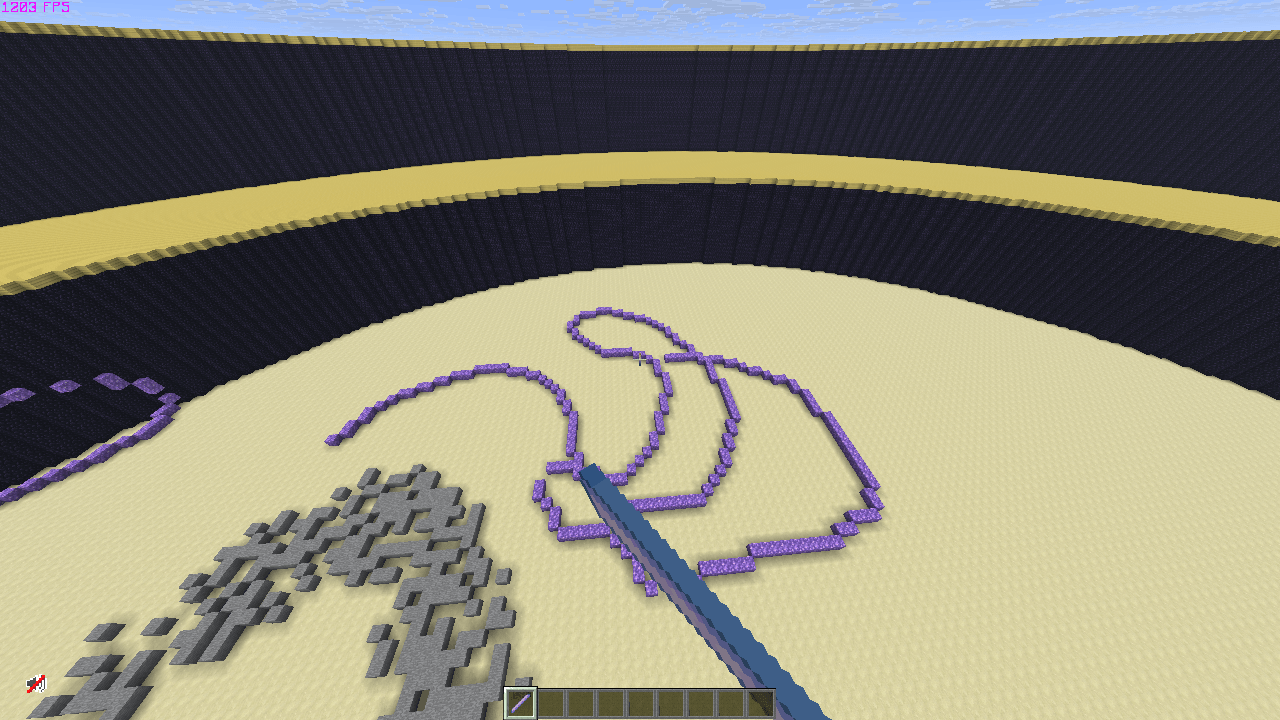
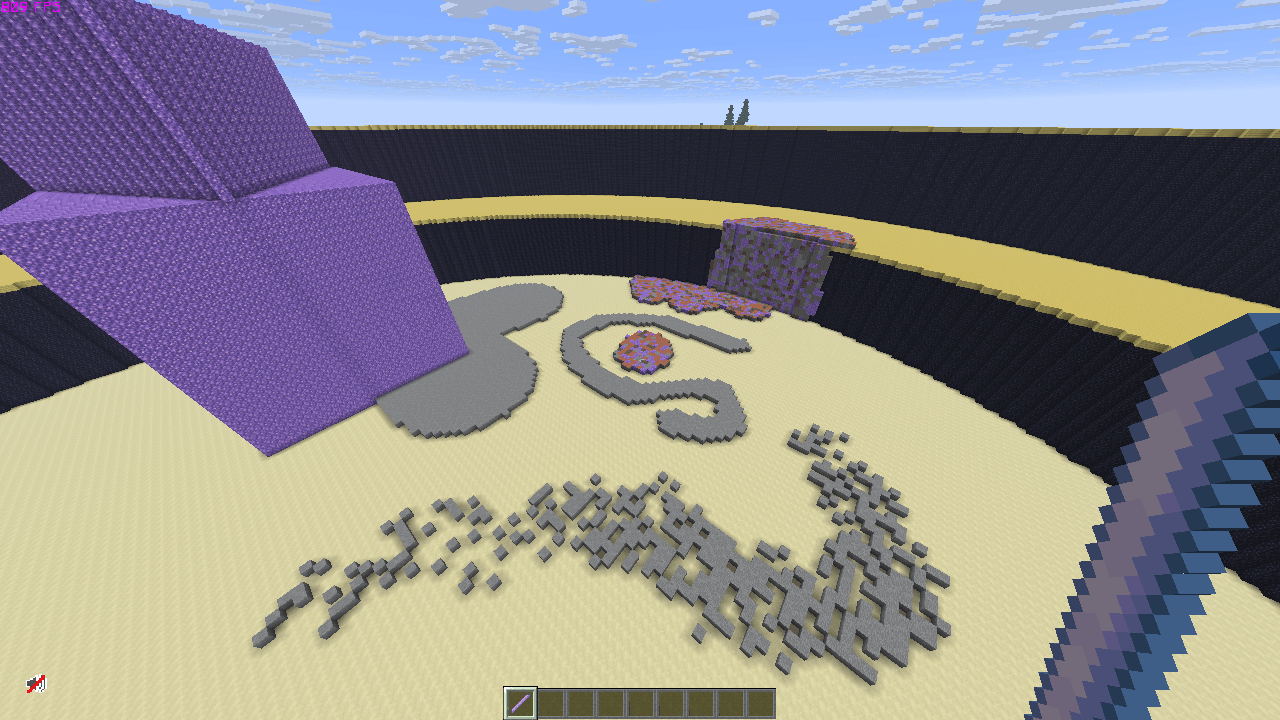
This mod allows you to change terrain with a Breeze rod as your brush! It can do more than just painting a line, it comes with several tools, is highly customizable, and having more tools/features to come in the future! Not only can this be used for drawing, but you can use this as well for terrain editing, amazing to use for building!
You can choose any block or blocks for your brush and paint with them, you can as well choose the percentage of each block within the brush. Enjoy drawing on the floor, wall or ceiling whatever you prefer!
Open GUI keybind: "B"
It comes with the following tools, and features:
Brush size: allows you to change the radius of your brush and shapes
Brush depth: allows you to draw on uneven terrain or not if that is what you prefer
Gradient: allows you to gradually fill up with blocks
Instant: allows you to draw blocks within a radius instantly rather than gradually
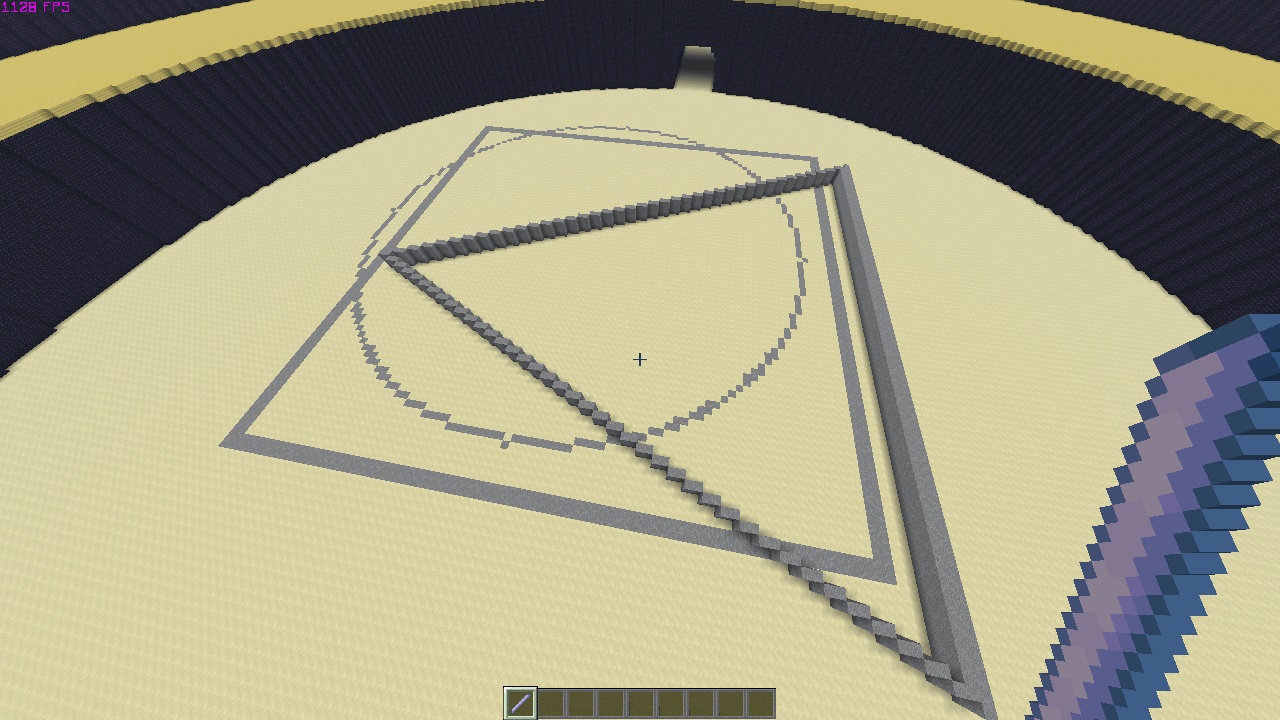
Circle/Square/Triangle tool: creates customizable hollow and solid shapes
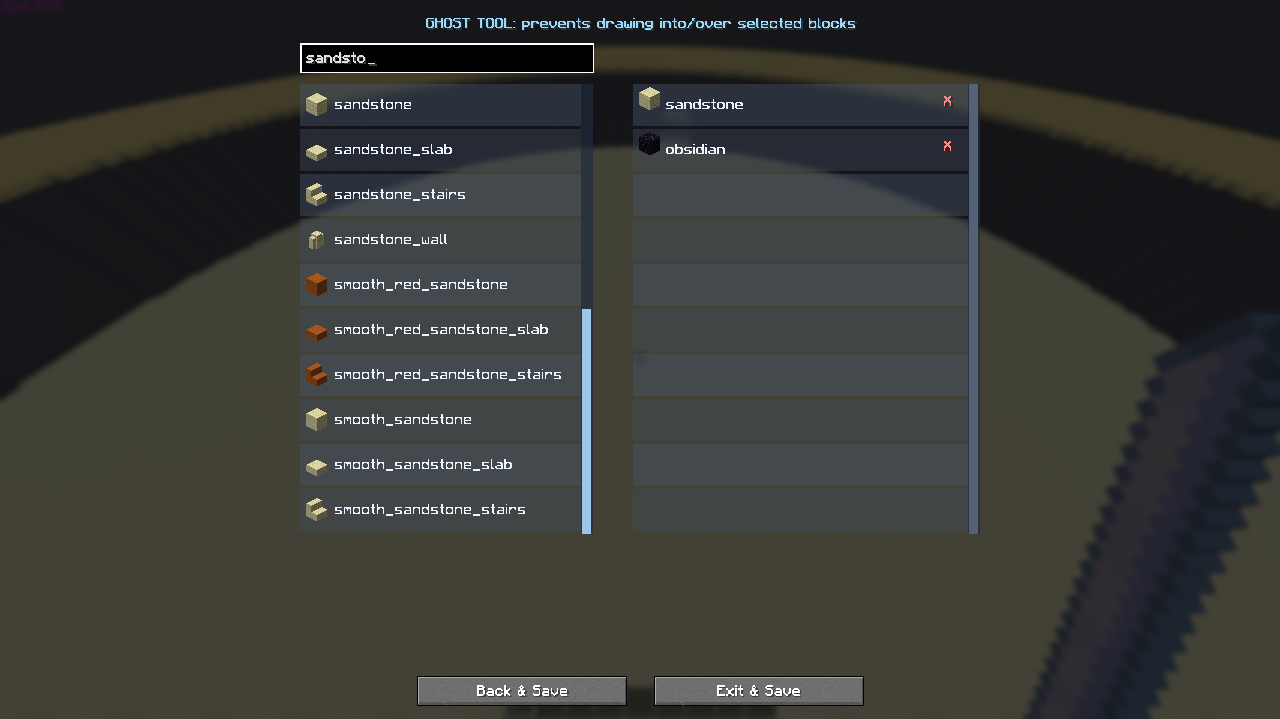
Ghost: prevents drawing into/over selected blocks
Target: only draws into/over selected blocks
Angle locker: locks your drawing angle to 8 directions, straight, left right, and diagonal
Layer: allows you to choose between drawing on top of blocks or into blocks
Undo/Redo: allows you to undo mistakes or redo any undos
Block picker: add blocks to your brush to draw with, including configuring the procentage of each block
Bucket tool: fills an area of the same blocks with your selected blocks using the breeze rod
Density: allows you to adjust the concentratation of blocks at the center and edge of the brush
Screenshots
Gallery
-
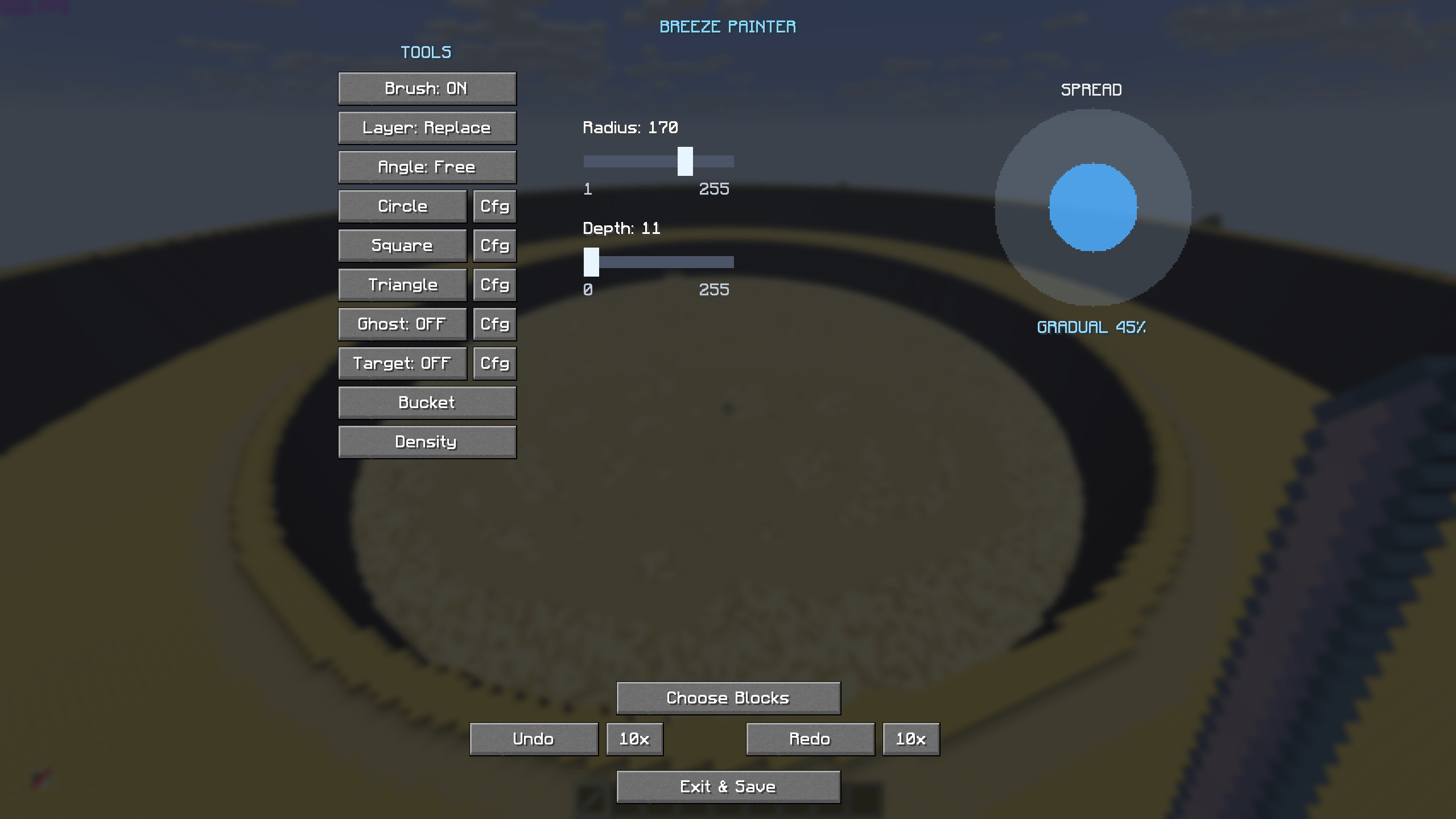 image-attachment_b7406af9-ce38-4860-b056-38d89660b48e.png
-
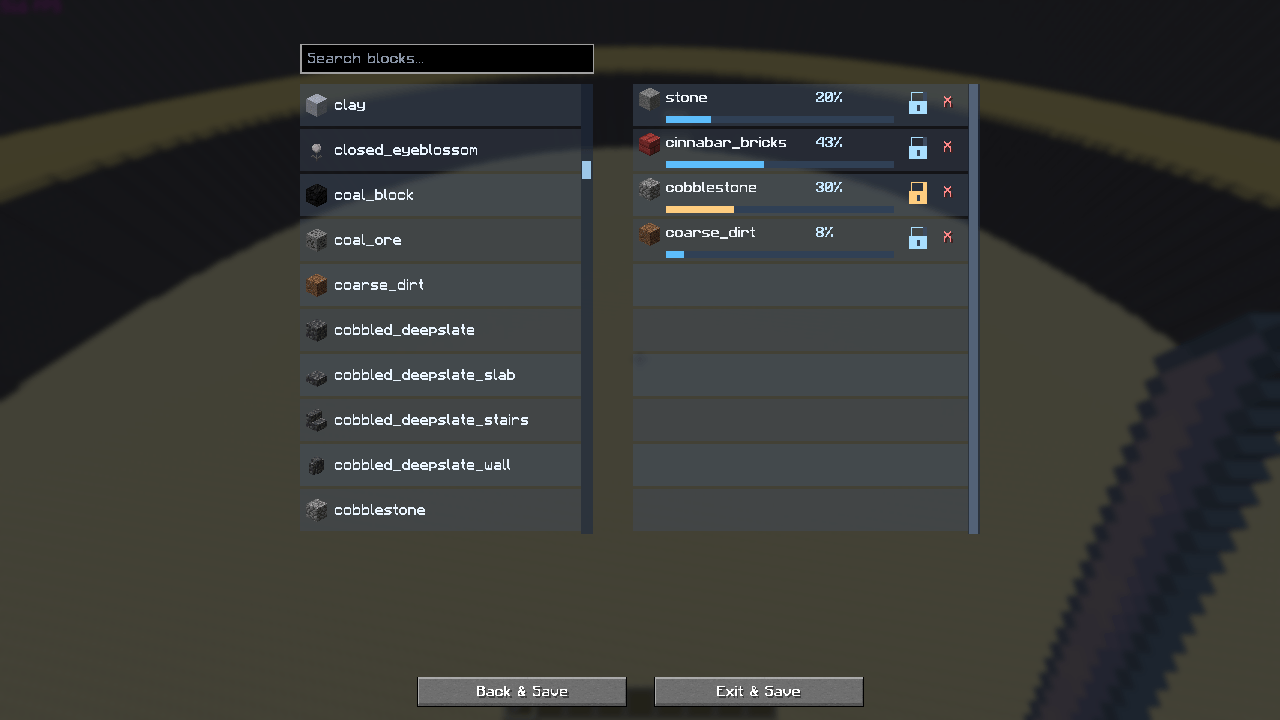 image-attachment_ca8049eb-dbaf-4288-a3b5-12b5fc9d8bbb.png
-
 Schermafbeelding 2026-11-15 192429.png Schermafbeelding 2026-11-15 192429.png
-
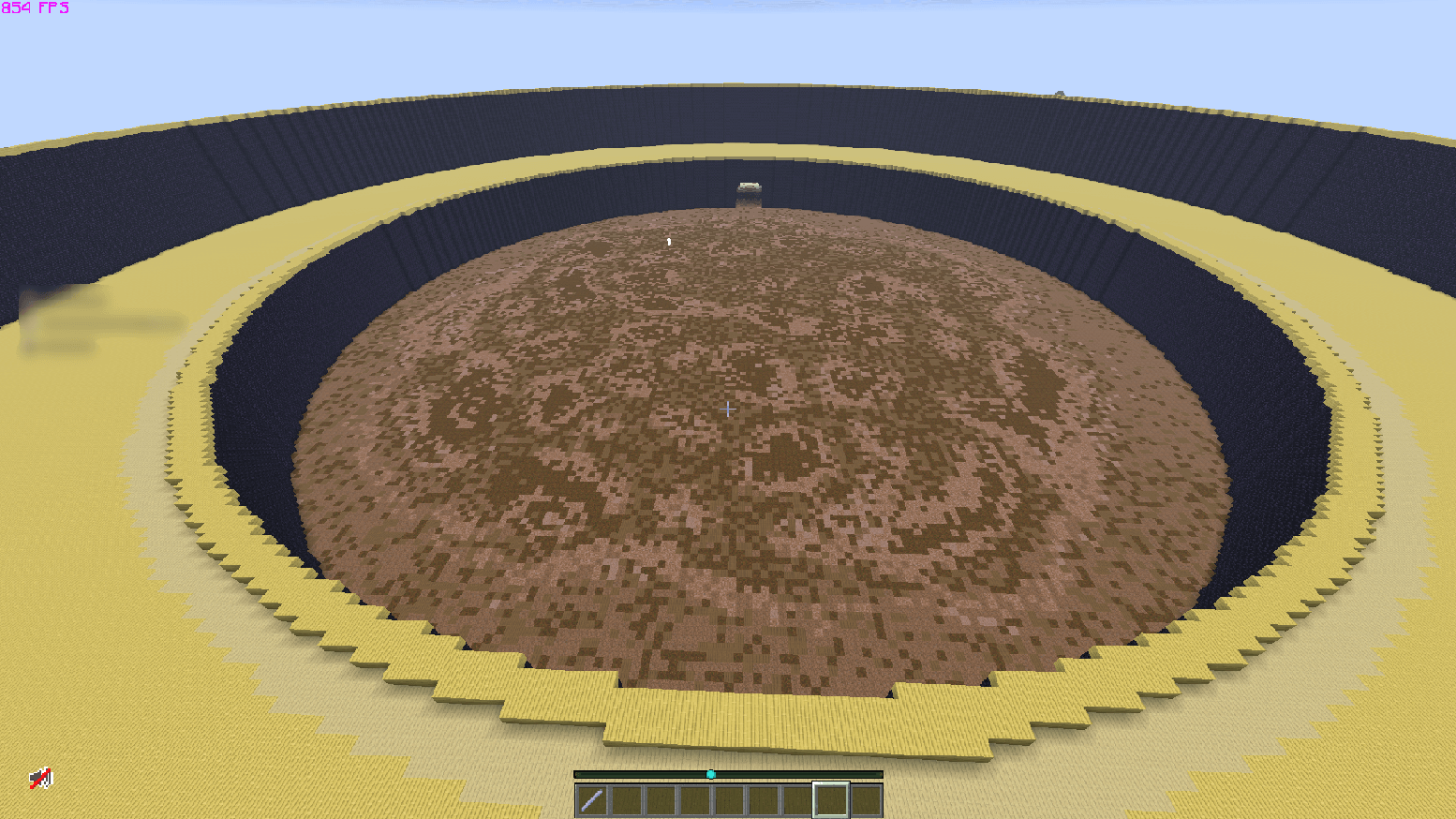 image-attachment_3797ad72-b9e3-48f8-9106-5db4b98e9339.png
-
 Schermafbeelding 2026-11-15 192259.png Schermafbeelding 2026-11-15 192259.png
-
 Schermafbeelding 2026-11-15 193603.png Schermafbeelding 2026-11-15 193603.png
-
 Schermafbeelding 2026-11-15 192357.png Schermafbeelding 2026-11-15 192357.png
-
 Schermafbeelding 2026-11-15 193504.png Schermafbeelding 2026-11-15 193504.png
-
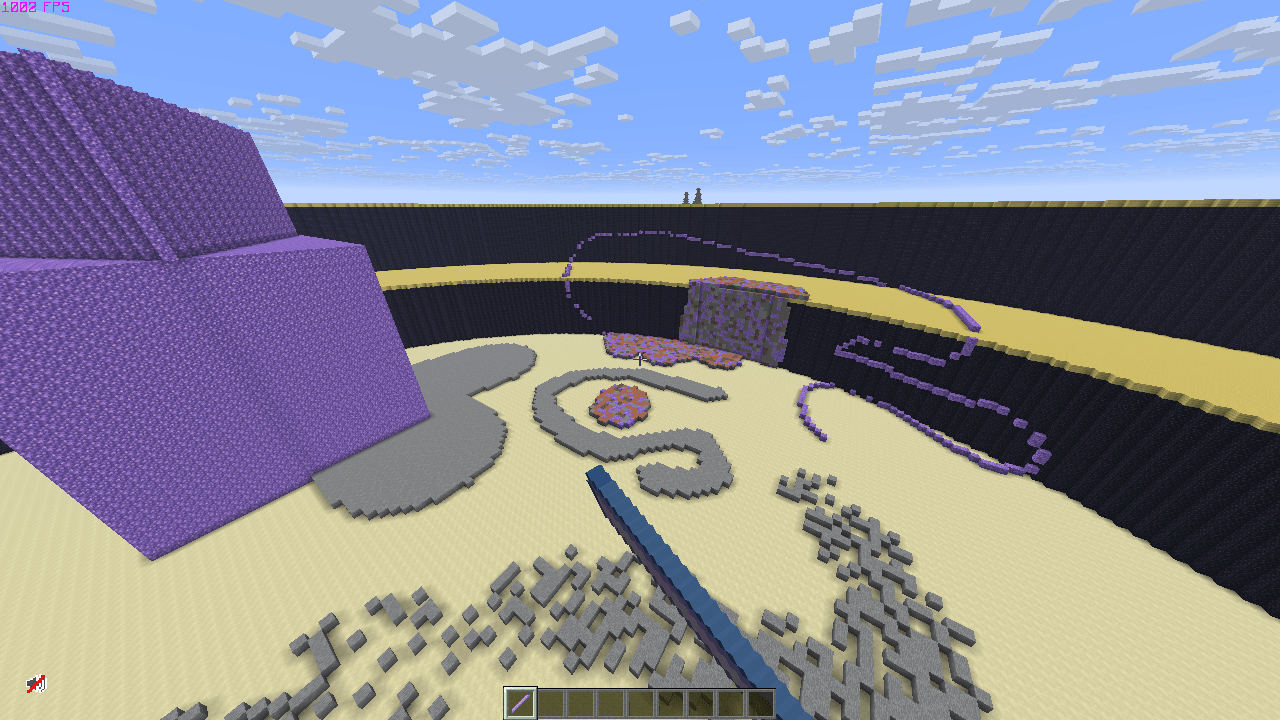 image-attachment_33cf29b4-9c30-4771-846e-8286ee2fa893.png
Versions
Files
Relations
Project Relations
More like this
Similar Mods
Suggestions use data such as tags, dependencies, dependents, descriptions, titles, and more to rank how much they overlap with this mod.
Stats
- Downloads
- <1,000
- Used in
- 0 modpacks
- Followers
- 0
- In stacks
- 0
- Created
- Last synced
-
Nov 16, 2026 7:20 PM UTC
New file updates sync automatically.
When ModDex last fully re-synced this project from CurseForge or Modrinth. A new file release triggers a resync usually within minutes, and every project is also re-synced on a schedule. Edits that don't ship a file, such as a new description or screenshots, are checked every few hours and can appear before this date changes.
How syncing works
External Links

Stats
- Downloads
- <1,000
- Used in
- 0 modpacks
- Followers
- 0
- In stacks
- 0
- Created
- Last synced
-
Nov 16, 2026 7:20 PM UTC
New file updates sync automatically.
When ModDex last fully re-synced this project from CurseForge or Modrinth. A new file release triggers a resync usually within minutes, and every project is also re-synced on a schedule. Edits that don't ship a file, such as a new description or screenshots, are checked every few hours and can appear before this date changes.
How syncing works