
Community listing page, reviews may not be monitored by the author.
Brightness Plus


No reviews yet
Allows you to set your brightness beyond default levels with enhanced controls

Community voices
Reviews
No reviews yet. Be the first to review this project!
Get it on
Available Platforms
Compatibility
Supported Environments
Runs entirely on the client. Works on vanilla servers.
About
Project Details
For authors
Embed Badge
If you're the author of this project, you can embed a live badge anywhere that supports HTML or Markdown. It updates automatically whenever ratings change.
Use HTML for any page that supports it, or Markdown for README files and Markdown-based descriptions.
Identifiers
Platform IDs
About
Description
Brightness Plus – Go Beyond Default Brightness
Brightness Plus is a simple Fabric mod that lets you control your Minecraft brightness beyond the default limits. Whether you’re mining deep underground, exploring caves, or just want a clearer view, this mod gives you full control over how bright your world can be.
Key Features
- Adjust brightness from 0% (default) up to 1200%
- Set a custom keybind to toggle brightness on or off instantly
- Fully compatible with Minecraft 1.21
- Lightweight and easy-to-use
- Fabric-based (not Forge)
If you’ve ever wished Minecraft was brighter and more customizable, Brightness Plus is the perfect solution. Stay in control of your visuals and play the way you like!
Compatability
- Sodium
- Optifine
Brightness Plus
Brightness Plus is a simple Fabric mod that lets you control your Minecraft brightness beyond the default limits. Whether you’re mining deep underground, exploring caves, or just want a clearer view, this mod gives you full control over how bright your world can be.
Features Overview
- Adjust brightness from 0% (default) up to 1200%
- Set a custom keybind to toggle (Default is B) brightness on or off instantly
- Fully compatible with Minecraft 1.21 to latest
- Increase and decrease brightness accordingly with keybind ( use - to decrease, use = to increase)
- Lightweight and easy-to-use
- Fabric-based (not Forge)
If you’ve ever wished Minecraft was brighter and more customizable, Brightness Plus is the perfect solution. Stay in control of your visuals and play the way you like!
Compatability
- Sodium
- Optifine
- Vulkan
Version Numbering
I use a date-based version numbering system for my Modrinth project versions.
- Format:
MONTH.YEAR+mc.VERSION - Example:
10.26+mc1.21.11(October 2026) - First update of the month:
1.10.26+mc1.21.11 - Second update of the month:
2.10.26+mc1.21.11
The month and year represent when the update is released, while the number at the beginning indicates the update number for that month. The mc part specifies the supported Minecraft version.
Will Cause Issue on
- BadOptimizations Because of different rendering function
Screenshots
Gallery
-
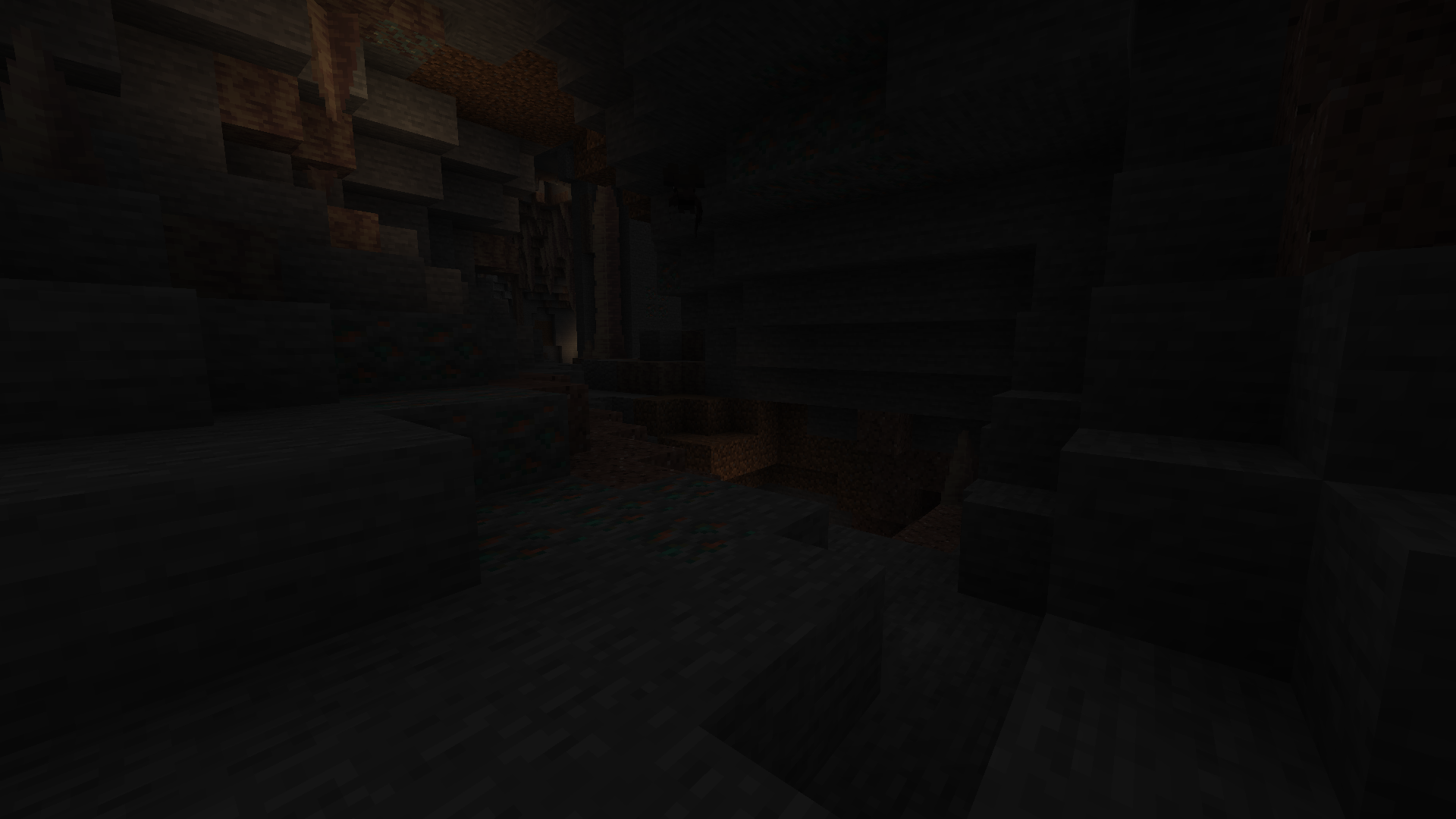 Without Brightness Plus
-
 With Brightness Plus
Versions
Files
Relations
Project Relations
More like this
Similar Mods
Suggestions use data such as tags, dependencies, dependents, descriptions, titles, and more to rank how much they overlap with this mod.
On ModDex
Community snapshot
By the numbers
Statistics

Get it on
Available Platforms
On ModDex
Community snapshot
By the numbers