![Controllable (Fabric) [Archived]](https://media.forgecdn.net/avatars/thumbnails/871/320/256/256/638288811230879393.png)
Community listing page, reviews here may not be monitored by the author.
Controllable (Fabric) [Archived]

No reviews yet
Play Minecraft Java Edition with a Controller!
Community voices
Reviews
No reviews yet. Be the first to review this project!
Get it on
Available Platforms
About
Project Details
For authors
Embed Badge
If you're the author of this project, you can embed a live badge anywhere that supports HTML or Markdown. It updates automatically whenever ratings change.
Use HTML for any page that supports it, or Markdown for README files and Markdown-based descriptions.
Identifiers
Platform IDs
About
Description
Archived Project Page
This project page is now deprecated. For the latest Fabric versions of Controllable, please download the mod from the main project page. This page will stay available for modpacks and legacy versions.
Original Description:




 Important: Controllable requires
  Framework (Fabric) to be installed.
📖 About
Unlike Bedrock Edition, the Java Edition of Minecraft does not allow players to use a controller to play the game. There are many reasons why players find using a controller a better experience. Controllable not only makes the game more accessible by enabling controller support, it allows multiple instances of the game to be played on the same computer; something you can't do with a mouse and keyboard. Controllable has many exciting features such as: being able to change the binding of every button, allowing you to quick craft with one click from the recipe book, easy navigation of menus and inventory using the direcitonal pad, and the best support for other mods due to it's underlying codebase that developers can easily hook into!
✅ Features
- Play Minecraft Java Edition with a controller!
- Context-based button hints (just like Bedrock Edition). Icons can be changed to match your controller.
- A navigation experience designed for controllers. Use the DPAD to navigate widgets, lists, item slots, and more!
- Force feedback. This means your controller will rumble when taking damage, charging a bow, etc.
- Unlocks the ability to play multiple instances of Minecraft. Just point each one to a different controller!
- A customisable Radial Menu to extend support for more bindings. Press Right DPAD in-game to activate.
- Supports binding keybinds added by other mods.
- Over 25 different settings to help create the best experience for you!
🎨 Screenshots
⚠️ Troubleshooting
Moved to the official Controllable Documentation website
🙋♀️ Need Support or Want to Follow Mod Development:
The comment section isn't great for support, which is why MrCrayfish recommends you join the  Discord community. You can get help installing and configuring mods, resolving crashes and more! Plus you'll also get access to news about mod updates and development (before anywhere else!). Click the banner below to join 🔽

Screenshots
Gallery
-
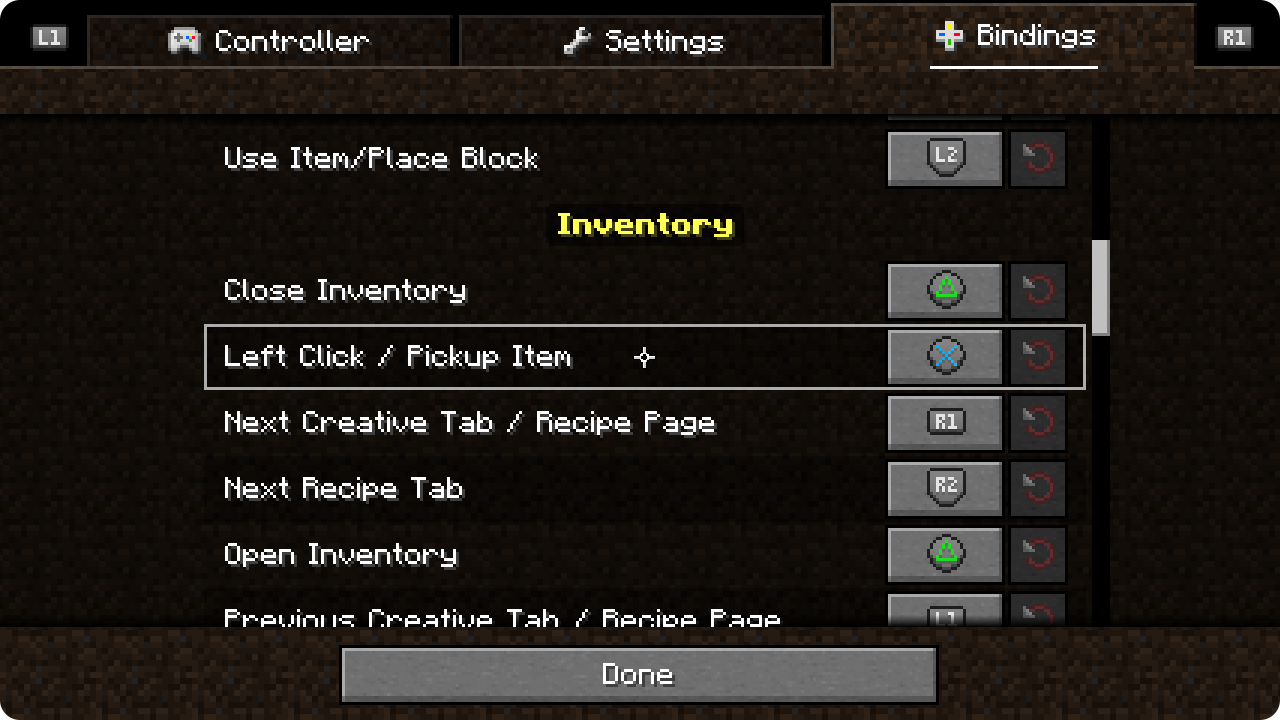
Bindings Menu Change around the buttons on your controller to your preferred setup.
-
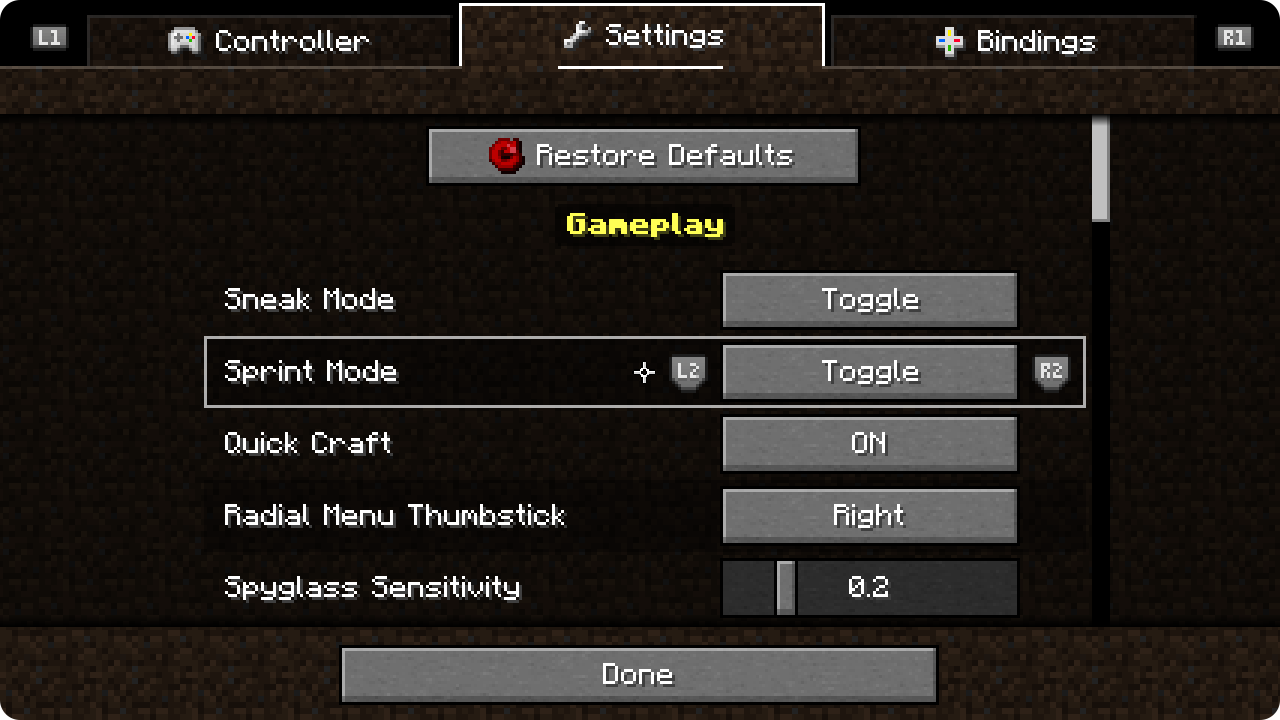 Settings Menu Controllable offers lots of options so you can customize the experience to your liking.
 -
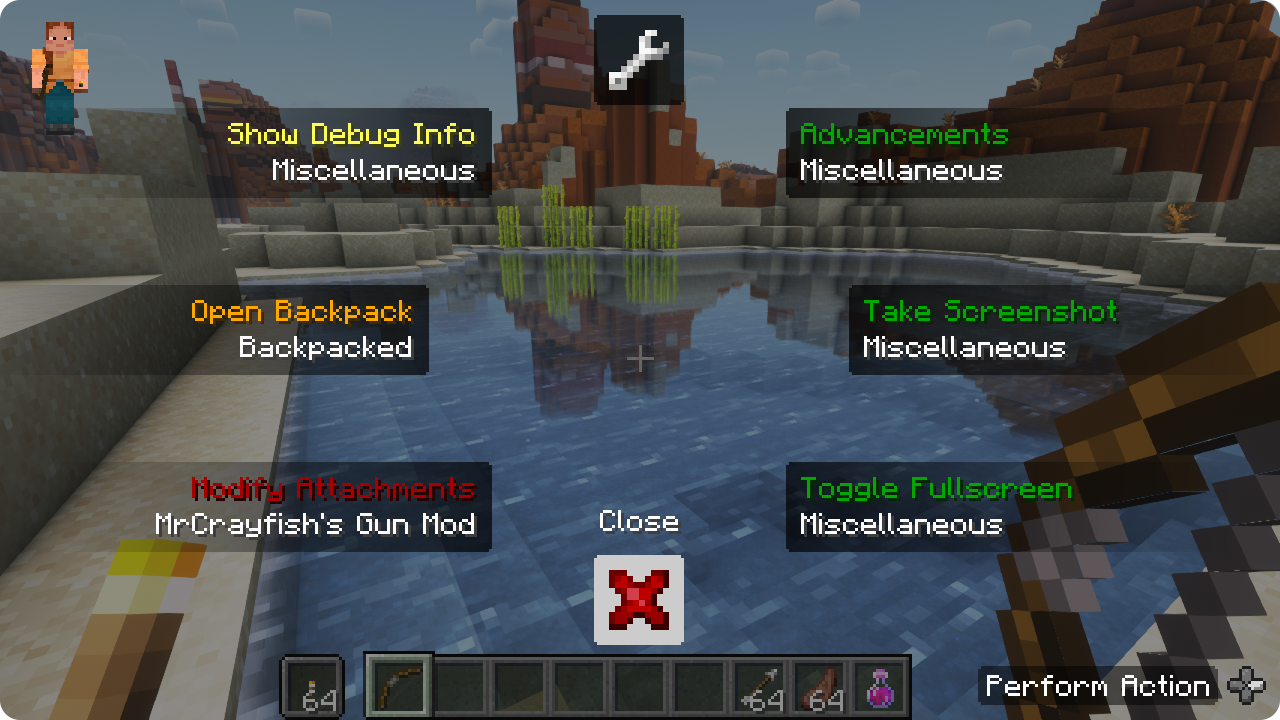 Using the Radial Menu The radial menu allows you to bind more actions to a single button.
 -
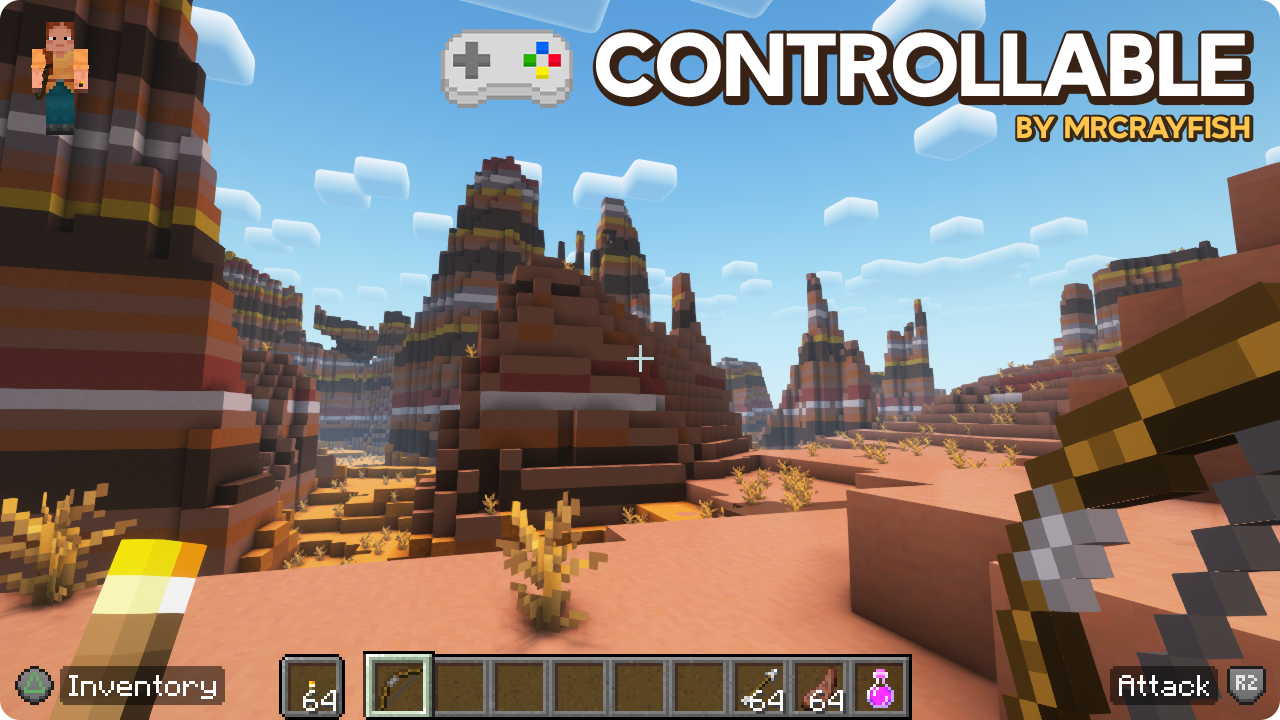
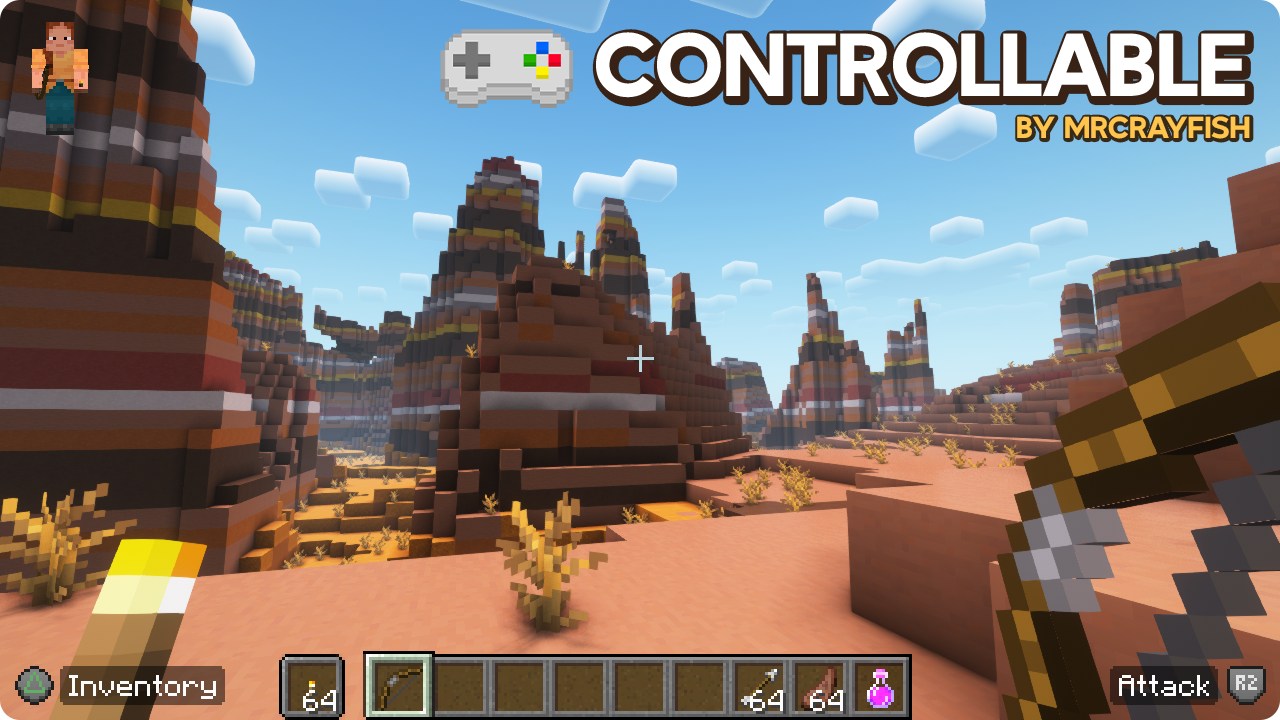 Exploring a desert! Button hints will appear when playing, this can be turned off.
Versions
Files
Relations
Project Relations
More like this
Similar Mods
Suggestions use data such as tags, dependencies, dependents, descriptions, titles, and more to rank how much they overlap with this mod.
On ModDex
Community snapshot
By the numbers
Statistics
Want to reach Minecraft players?
We're looking for a server hosting partner to feature here and other parts of the site. Interested? Send us a message!
Get in touchGet it on
Available Platforms
On ModDex
Community snapshot
By the numbers