
Community listing page, reviews here may not be monitored by the author.
Configured

No reviews yet
Automatic in-game configuration menus for every mod!

Community voices
Reviews
No reviews yet. Be the first to review this project!
Get it on
Available Platforms
About
Project Details
For authors
Embed Badge
If you're the author of this project, you can embed a live badge anywhere that supports HTML or Markdown. It updates automatically whenever ratings change.
Use HTML for any page that supports it, or Markdown for README files and Markdown-based descriptions.
Identifiers
Platform IDs


About
Description







📖 About:
Configured is a simple and lightweight mod that dynamically creates configuration menus for every mod with a supported config system. The mod was initially created due to the removal of Forge's built-in GUI system but it has now expnaded in features and supported modloaders. Configured aims to make it easier for players to modify the configurations of mods by providing a beautiful GUI and an intuitive experience. The best part is that Configured doesn't need other mods to write extra code in order for a menu to be generated, assuming they are using a supported config system. This mod can be safely added to any modpack without any problems.
✨ Features:
- Allows you to edit mod configurations directly in-game. This makes it easy to quickly modify properties!
- Automatically supports every mod that utilise the supported config systems. No extra work needed mod developers!
- A beautiful GUI design with a focus on creating an intuitive experience.
- Adds a new keybinding to open the mod list from in-game without additional mods.
- Optional support for mod developers to set the background texture of their config menu (See below)
- Lightweight and just works! Add it to your modpack without any problems.
✅ Supported Config Systems:
- Forge (all mods using either client, common, and/or world configs)
- NeoForge (all mods using client, common, and/or world configs)
- Framework (all mods using client, common, server, and/or world configs)
- JEI (Supports editing clients configs)
📦 Developers:
This mod has support to change the background texture of the config screen through the mod's metadata. Below you can find an example for each modloader.
Forge/NeoForge - Add this under your [[mods]] section in your mods.toml
[modproperties.<your_mod_id>]
  configuredBackground="minecraft:textures/block/stone.png"
Fabric - Merge this JSON into your fabric.mod.json
{
  "custom": {
    "configured": {
      "background": "minecraft:textures/block/stone.png"
    }
  }
}🙋♀️ Need Support? Join the Official Discord Server:
The comment section isn't great for support, join the official discord server. You can get help installing and configuring mods, resolving crashes and more! Plus you'll also get access to news about mod updates and development (before anywhere else).

Deprecated
This project page is now deprecated. Fabric versions for Minecraft 1.20.4+ can be downloaded from the main project page. This page will stay available for modpacks and legacy versions.

📖 About:
Configured for Fabric is a mod that provides a simple and straight forward configuration library for developers to easily enable customisation of their mod for players. Configured not only focuses on a high quality library for developers, it also creates a rich experience for players by automatically generating a modern and easy-to-use config GUI for any mods utilising this library. No need to spend hours creating your own GUI, this library will take care of it for you!
Note: To access any config GUI generated by Configured, you will need to install either  Catalogue (Fabric) or Mod Menu
✅ Features:
- The easiest configuration library you will use, bringing powerful features with little code. (See below for example)
- Server to client synchronized configurations. Allows a server
- Automatically generates a configuration menu for your config. No extra work needed!
- Provides a rich experience for players by allowing in-game editing with a modern and intuitive GUI.
- Personalise the background texture for any your configurations to create a themed experience.
- (Advanced) An optional API to allow other configuration libraries to utilise the automatic configuration GUI feature when installed.
📦 Developers:
TODO, however you can take a look at a real example of Configured's SimpleConfig API being used for Goblin Traders (Fabric)
📷 Screenshots:
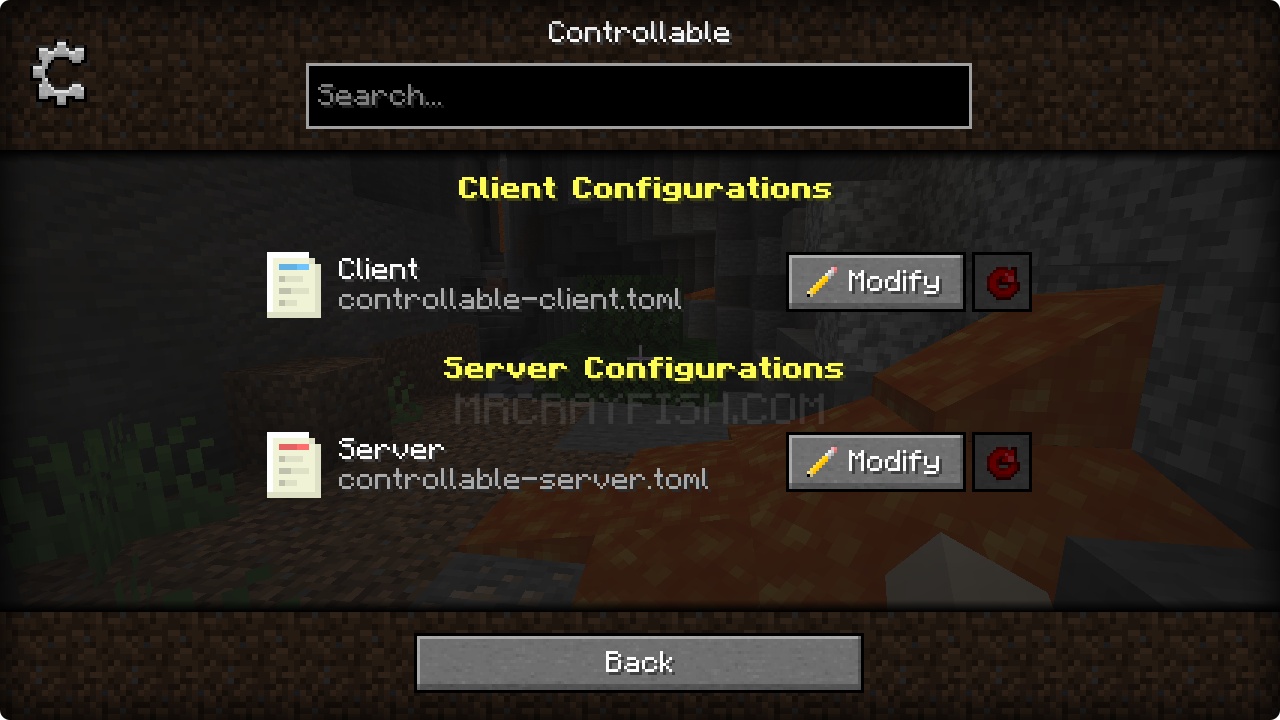
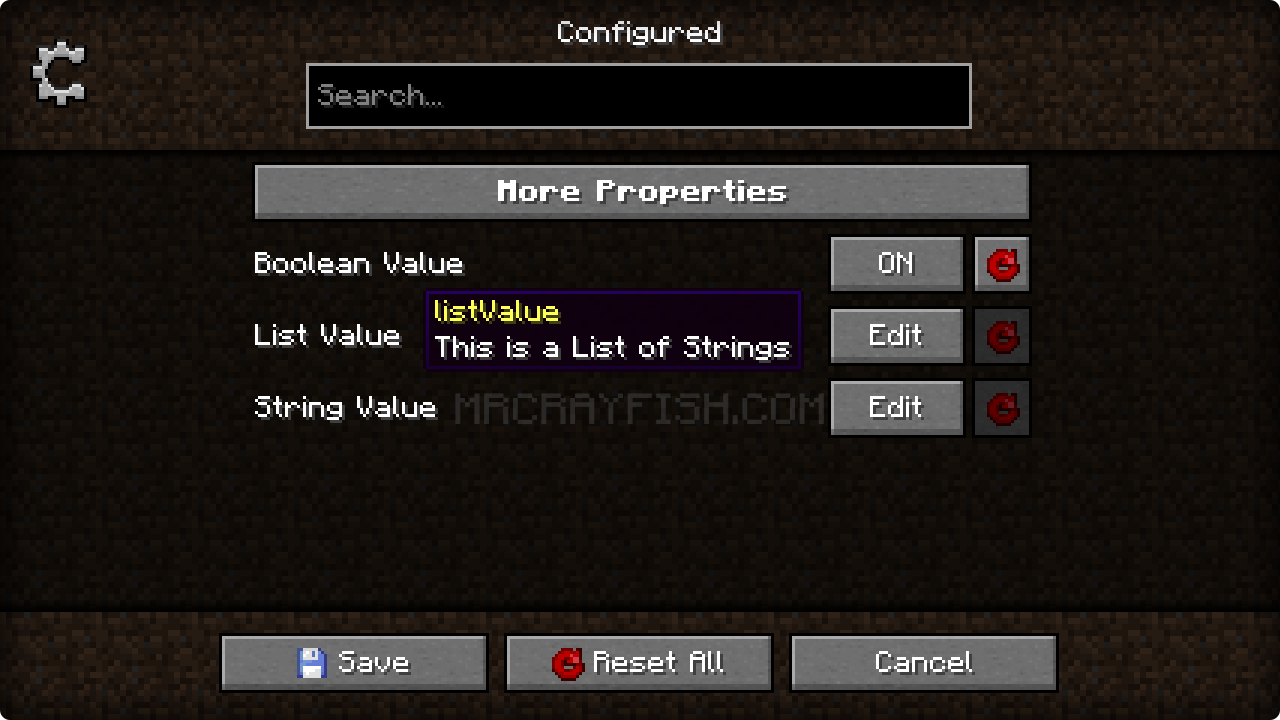
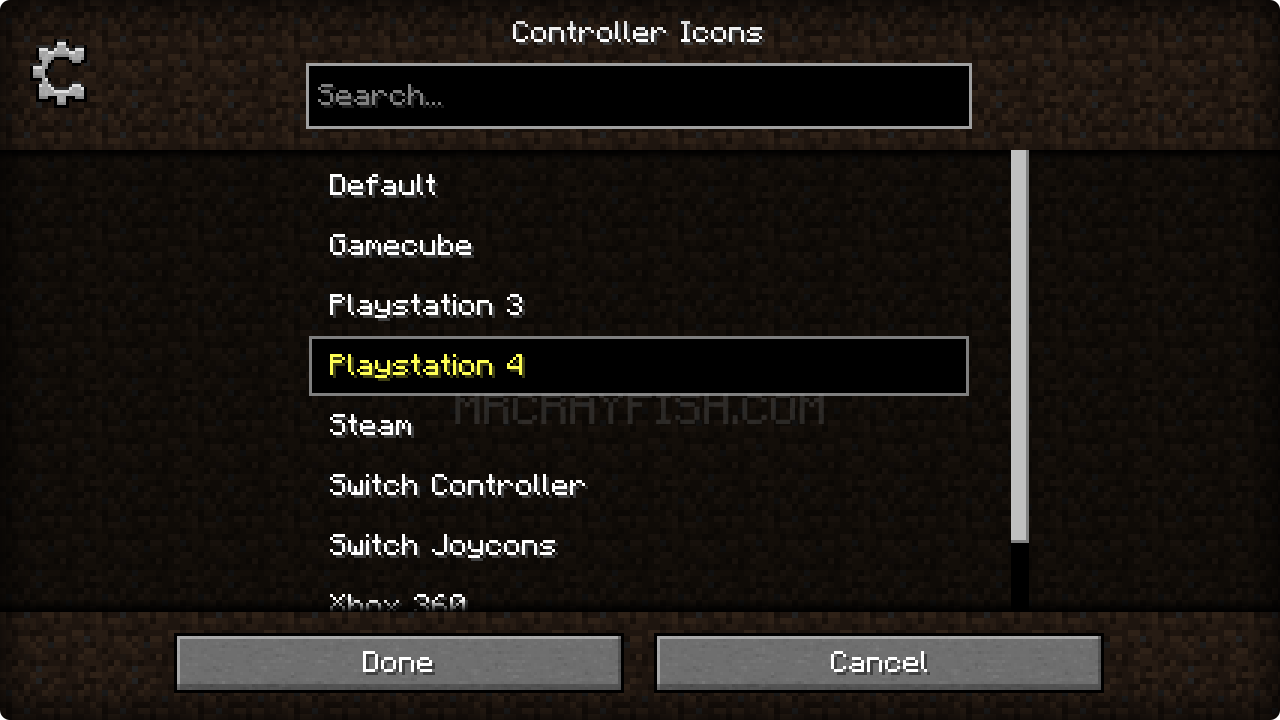
🙋♀️ Need Support or Want to Follow Mod Development:
The comment section isn't great for support, which is why MrCrayfish recommends you join the  Discord community. You can get help installing and configuring mods, resolving crashes and more! Plus you'll also get access to news about mod updates and development (before anywhere else!). Click the banner below to join 🔽

Screenshots
Gallery
-
New Transparency Look Configured running on Minecraft 1.20.6!
-
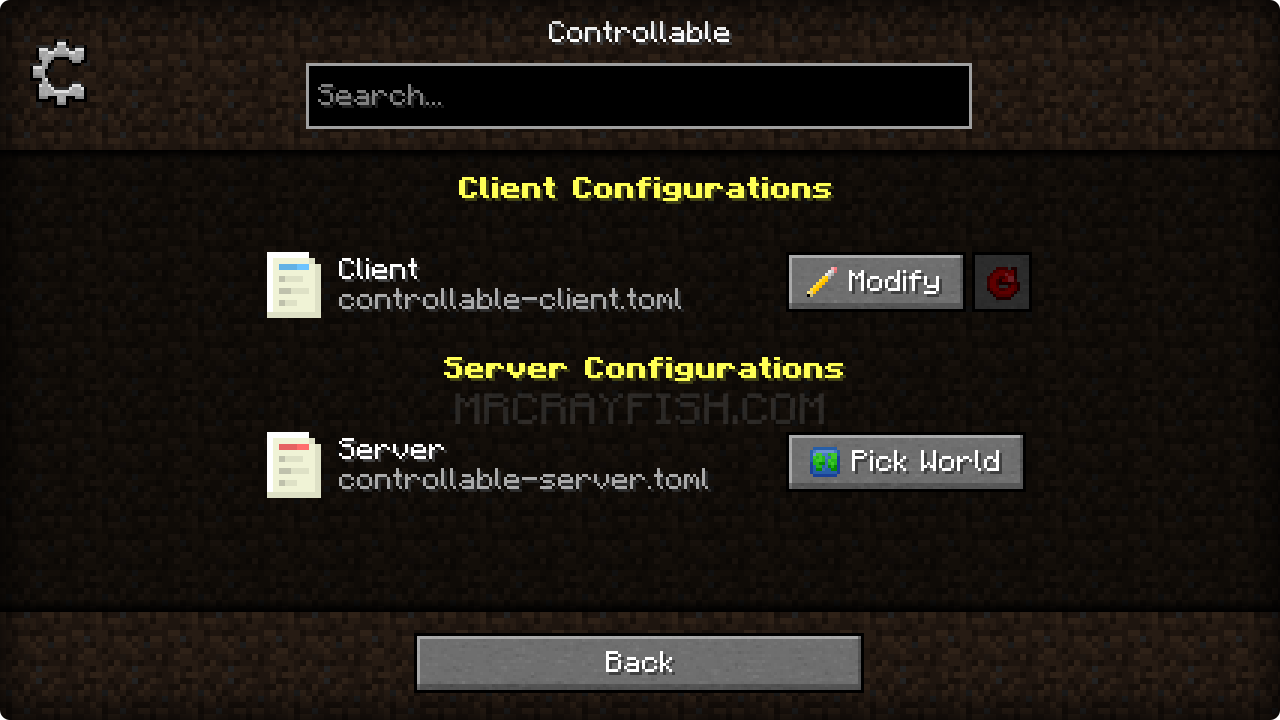 Select Config Menu
 -
Selecting Enum Value
-
Editing Config Properties
-
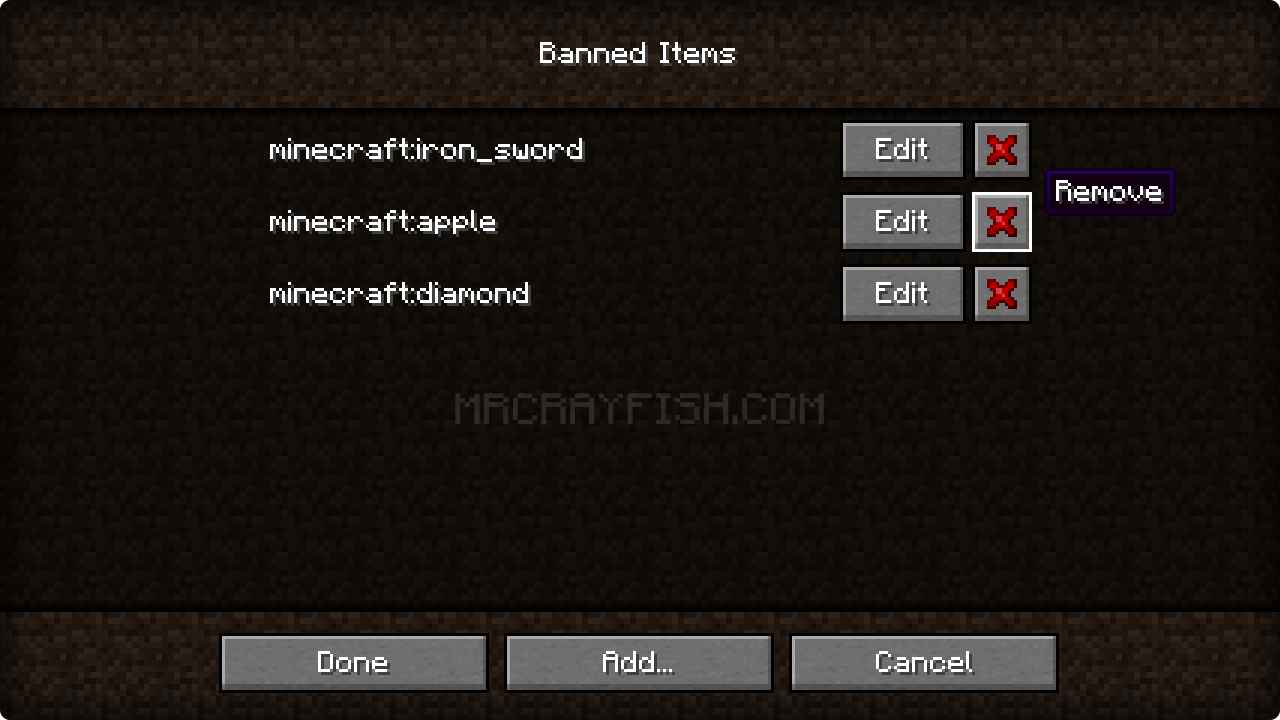 Editing a String List
 -
Editing Configs In-Game
-
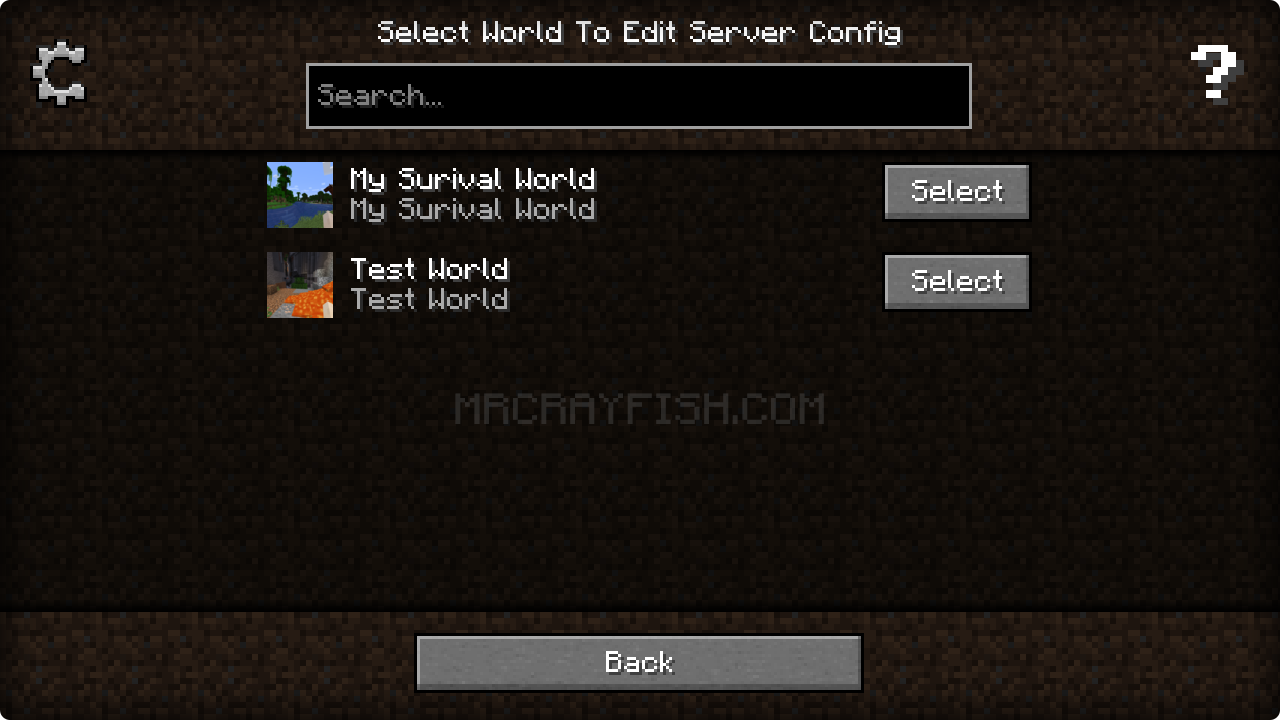 Selecting World to Edit Local Server Config
 -
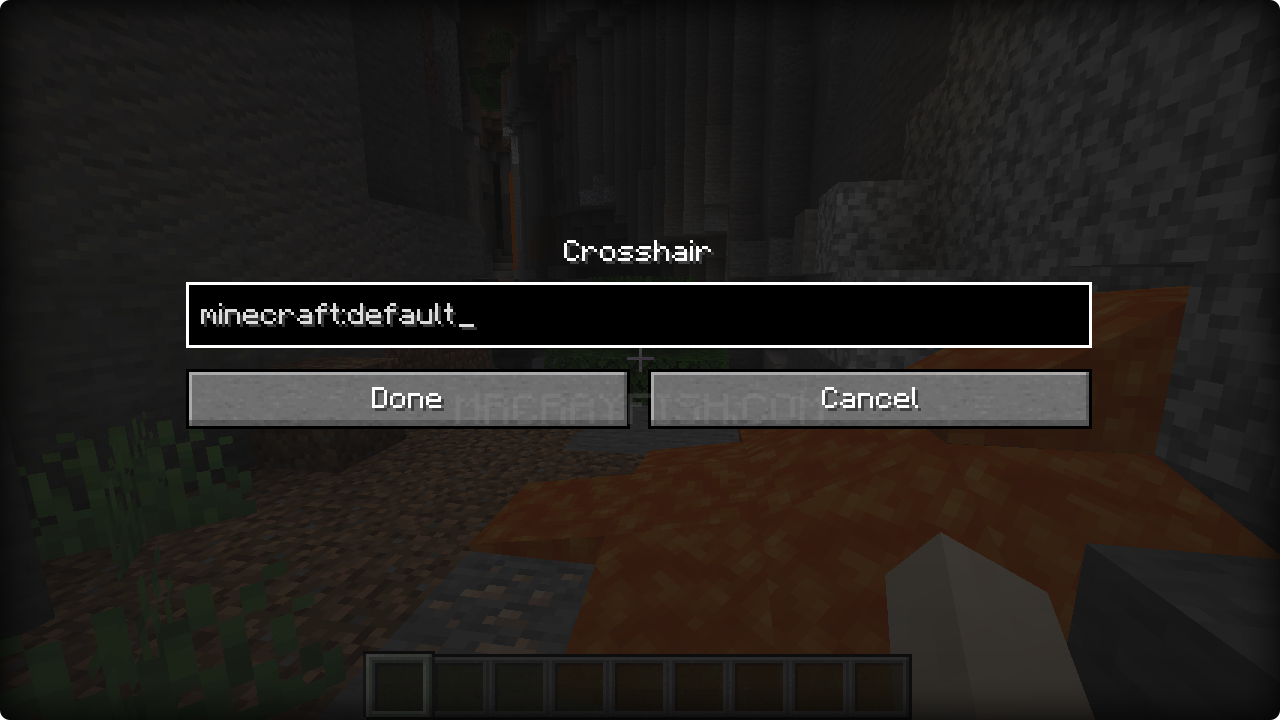 Editing String In-Game
 -
Banner
-
Banner
-
 Icon
Icon
Versions
Files
Relations
Project Relations
More like this
Similar Mods
Suggestions use data such as tags, dependencies, dependents, descriptions, titles, and more to rank how much they overlap with this mod.
On ModDex
Community snapshot
By the numbers
Statistics
 (opens in a new tab)
Get it on
Available Platforms
On ModDex
Community snapshot
By the numbers