Community listing page, reviews here may not be monitored by the author.
BrowserMCEF


No reviews yet
A fully functional Minecraft Web Browser with Browsertabs, PiP ingame Mode, Fullsceen mode and much more.

Community voices
Reviews
No reviews yet. Be the first to review this project!
Get it on
Available Platforms
Compatibility
Supported Environments
Runs entirely on the client. Works on vanilla servers.
About
Project Details
For authors
Embed Badge
If you're the author of this project, you can embed a live badge anywhere that supports HTML or Markdown. It updates automatically whenever ratings change.
Use HTML for any page that supports it, or Markdown for README files and Markdown-based descriptions.
Identifiers
Platform IDs
Resources
External Links
About
Description
Browsermod MCEF
A sophisticated, Chromium-based web browser integration for Minecraft. This mod allows you to browse the web, watch videos, and manage multiple tabs directly within the game UI, featuring a unique Picture-in-Picture (PiP) mode.
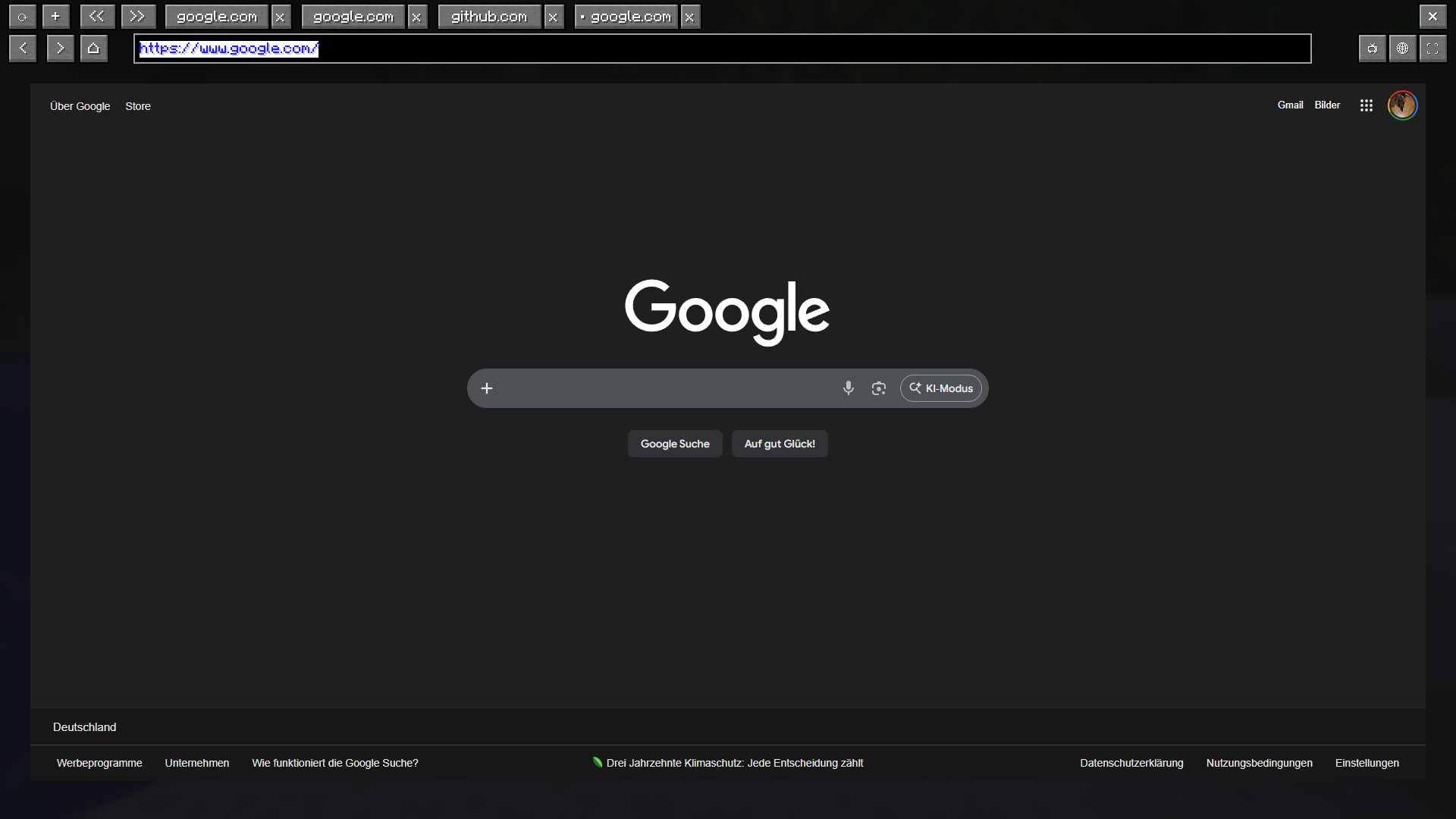
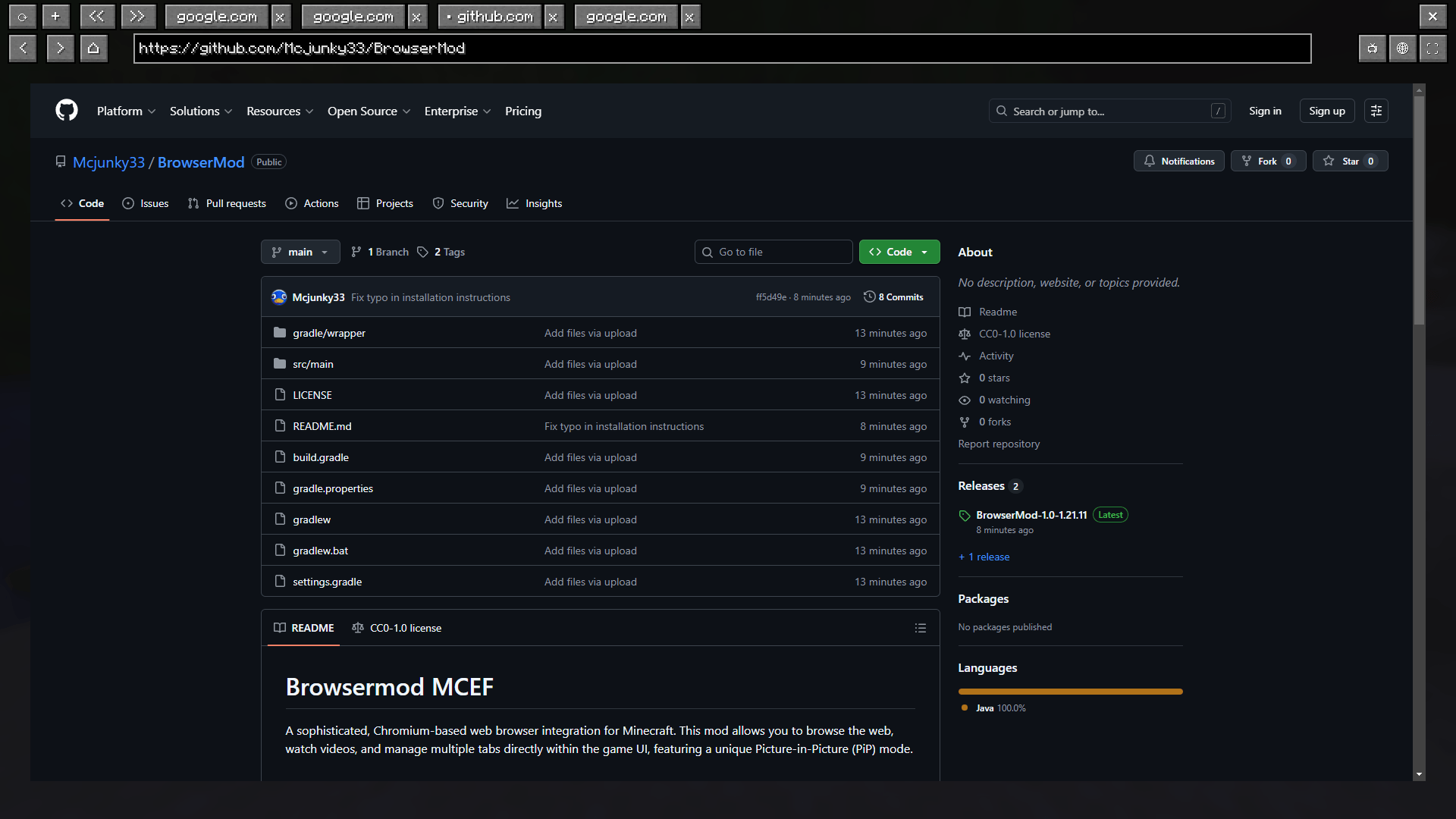
Browser screen: 
Controls and Keybindings
All keys can be remapped in the Minecraft options. The defaults are:
- B: Open the Main Browser Screen.
- P: Toggle Picture-in-Picture (PiP) mode.
- Arrow Up / Down: Scroll up and down while in PiP mode.
- F12: Toggle Fullscreen mode while the browser is open.
- AltGr: Special support to trigger Ctrl + Alt combinations (required for international characters like @).
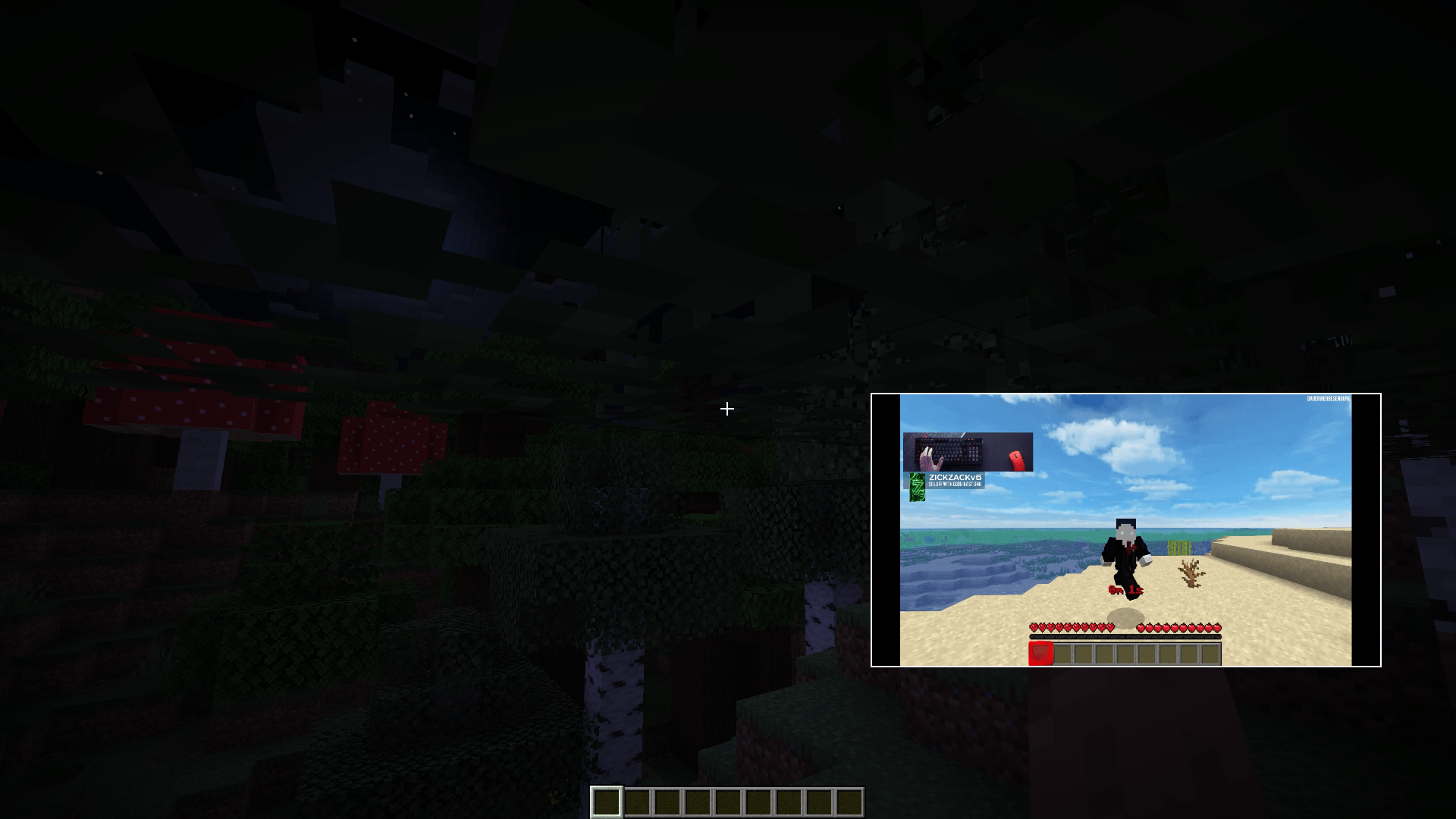
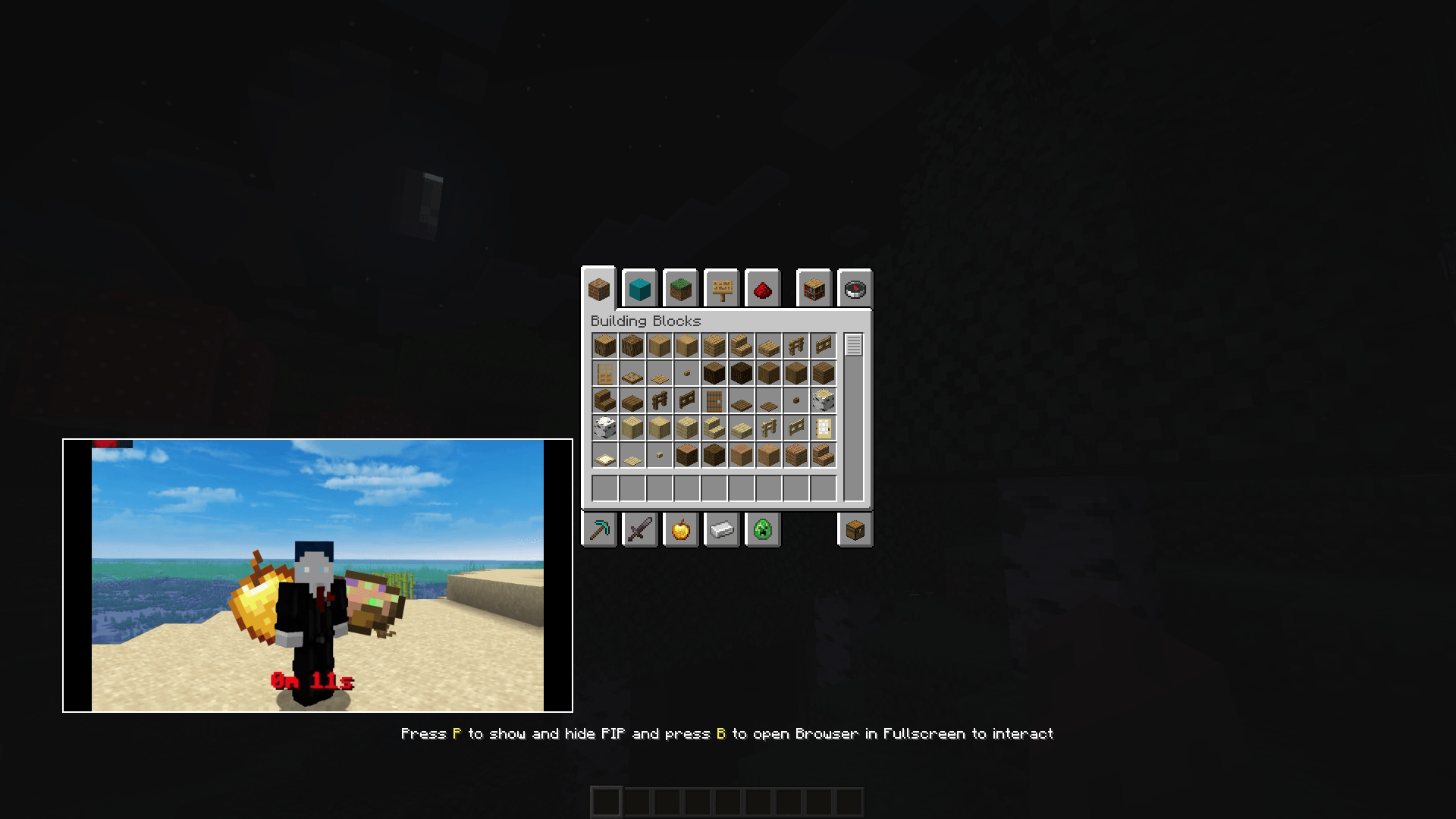
PiP: 


Features
- Multi-Tab Management: Open, switch, and save multiple browser tabs.
- Picture-in-Picture (PiP): Keep a small browser window open while playing. Resize and move it anywhere on your screen.
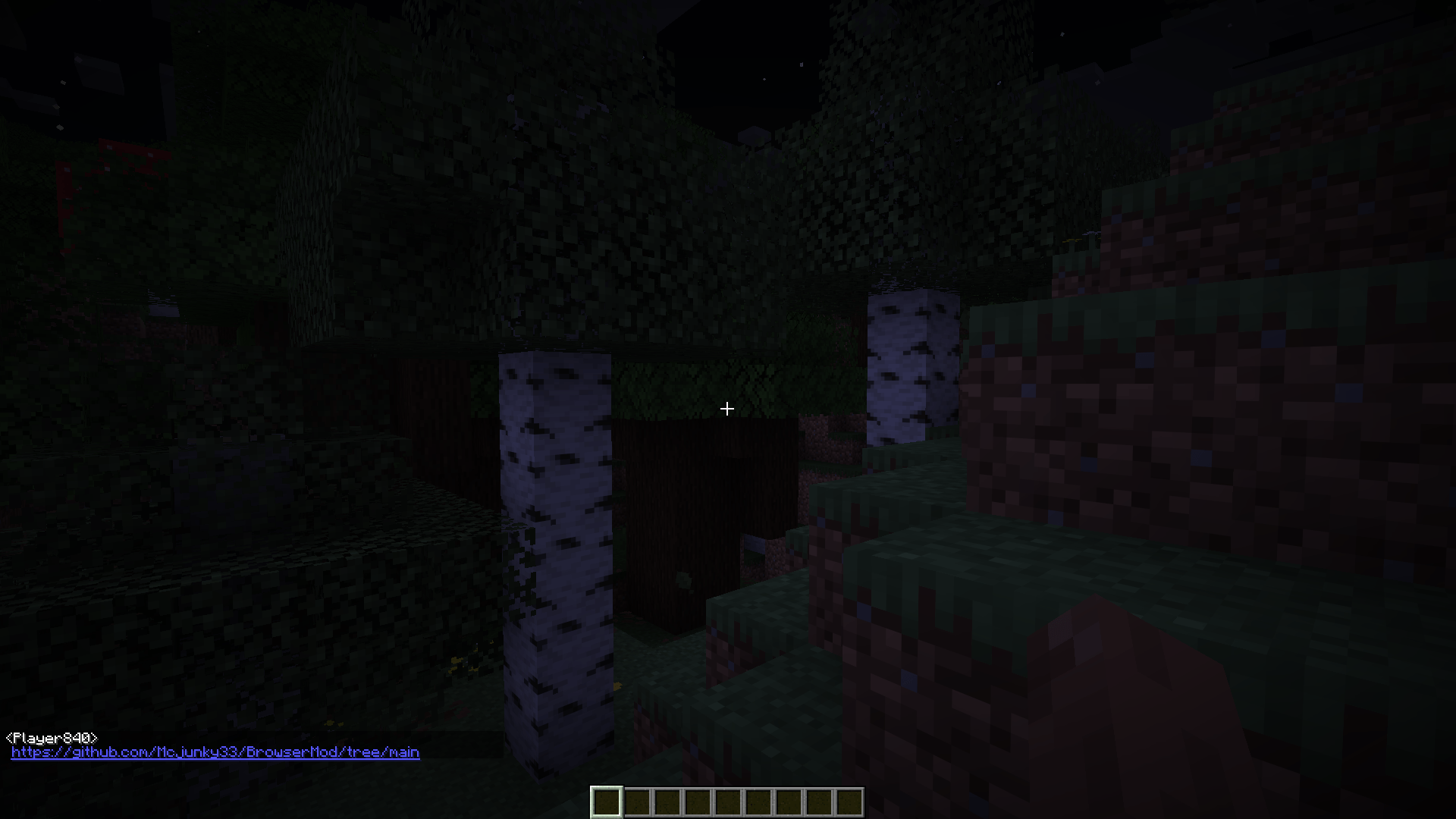
- Chat Link Interceptor: Clicking URLs in chat automatically opens them in a mod tab instead of an external browser.
- Persistence: Your tabs and PiP configuration (position/size) are saved automatically in .json config files.
- Stream Browser ingame on blocks only singleplayer no multiplayer screen. (only version 0.3 higher versions not supported)
Ingame Stream: 
Clickable Links in chat: 

Technical Details
- Working on Windows (X64/X86)
- Working on linux (X64/X86) (Android doesn't work)
- Working on MacOS (X64/X86)
- No Arm Processors
Installation
- Install the requied MCEF [Keksuccino's Fork]
- Place the browsermod.jar in your mods folder.
Browsermod MCEF
Eine fortschrittliche, Chromium-basierte Webbrowser-Integration für Minecraft. Diese Mod ermöglicht es dir, im Internet zu surfen, Videos anzusehen und mehrere Tabs direkt in der Minecraft-Benutzeroberfläche zu verwalten – inklusive eines einzigartigen Picture-in-Picture (PiP) Modus.
Steuerung und Tastenkombinationen
Alle Tasten können in den Minecraft-Optionen geändert werden. Standardbelegung:
- B: Öffnet das Haupt-Browserfenster.
- P: Schaltet den Picture-in-Picture (PiP) Modus an/aus.
- Pfeil Hoch / Runter: Scrollen innerhalb des PiP-Fensters.
- F12: Vollbildmodus im Browser umschalten.
- AltGr: Spezielle Unterstützung für Strg + Alt Kombinationen (wichtig für Sonderzeichen wie @).
Features
- Multi-Tab Management: Mehrere Tabs gleichzeitig öffnen, wechseln und speichern.
- Picture-in-Picture (PiP): Behalte ein kleines Browser-Fenster während des Spielens offen. Das PiP-Fenster lässt sich frei skalieren und verschieben.
- Chat-Link-Abfangjäger: Klickst du auf eine URL im Chat, öffnet sich diese automatisch in einem neuen Tab der Mod, statt im externen Browser.
- Speicherung: Deine Tabs sowie die PiP-Konfiguration (Position/Größe) werden automatisch in .json-Dateien gespeichert.
- Stream Browser im spiel an blöcke only singleplayer no multiplayer screen. (only version 0.3 higher versions not supported)
Technische Details
- Funktioniert auf Windows (X64/X86)
- Funktioniert auf linux (X64/X86) (Android funktioniert nicht)
- Funktioniert auf MacOS (X64/X86)
- Keine Arm Processors
Installation
- Installiere den benötigten MCEF [Keksuccino's Fork].
- Lege die browsermod.jar in deinen mods-Ordner.
Browsermod MCEF
A sophisticated, Chromium-based web browser integration for Minecraft. This mod allows you to browse the web, watch videos, and manage multiple tabs directly within the game UI, featuring a unique Picture-in-Picture (PiP) mode.
Browser screen:
Controls and Keybindings
All keys can be remapped in the Minecraft options. The defaults are:
- B: Open the Main Browser Screen.
- P: Toggle Picture-in-Picture (PiP) mode.
- Arrow Up / Down: Scroll up and down while in PiP mode.
- F12: Toggle Fullscreen mode while the browser is open.
- AltGr: Special support to trigger Ctrl + Alt combinations (required for international characters like @).
PiP:
Features
- Multi-Tab Management: Open, switch, and save multiple browser tabs.
- Picture-in-Picture (PiP): Keep a small browser window open while playing. Resize and move it anywhere on your screen.
- Chat Link Interceptor: Clicking URLs in chat automatically opens them in a mod tab instead of an external browser.
- Persistence: Your tabs and PiP configuration (position/size) are saved automatically in .json config files.
- Stream Browser ingame on blocks only singleplayer no multiplayer screen. (only version 0.3 higher versions not supported)
Ingame Stream:
Clickable Links in chat:
Technical Details
- Working on Windows (X64/X86)
- Working on linux (X64/X86) (Android doesn't work)
- Working on MacOS (X64/X86)
- No Arm Processors
Installation
- Install the requied MCEF [Keksuccino's Fork]
- Place the browsermod.jar in your mods folder.
Browsermod MCEF
Eine fortschrittliche, Chromium-basierte Webbrowser-Integration für Minecraft. Diese Mod ermöglicht es dir, im Internet zu surfen, Videos anzusehen und mehrere Tabs direkt in der Minecraft-Benutzeroberfläche zu verwalten – inklusive eines einzigartigen Picture-in-Picture (PiP) Modus.
Steuerung und Tastenkombinationen
Alle Tasten können in den Minecraft-Optionen geändert werden. Standardbelegung:
- B: Öffnet das Haupt-Browserfenster.
- P: Schaltet den Picture-in-Picture (PiP) Modus an/aus.
- Pfeil Hoch / Runter: Scrollen innerhalb des PiP-Fensters.
- F12: Vollbildmodus im Browser umschalten.
- AltGr: Spezielle Unterstützung für Strg + Alt Kombinationen (wichtig für Sonderzeichen wie @).
Features
- Multi-Tab Management: Mehrere Tabs gleichzeitig öffnen, wechseln und speichern.
- Picture-in-Picture (PiP): Behalte ein kleines Browser-Fenster während des Spielens offen. Das PiP-Fenster lässt sich frei skalieren und verschieben.
- Chat-Link-Abfangjäger: Klickst du auf eine URL im Chat, öffnet sich diese automatisch in einem neuen Tab der Mod, statt im externen Browser.
- Speicherung: Deine Tabs sowie die PiP-Konfiguration (Position/Größe) werden automatisch in .json-Dateien gespeichert.
- Stream Browser im spiel an blöcke only singleplayer no multiplayer screen. (only version 0.3 higher versions not supported)
Technische Details
- Funktioniert auf Windows (X64/X86)
- Funktioniert auf linux (X64/X86) (Android funktioniert nicht)
- Funktioniert auf MacOS (X64/X86)
- Keine Arm Processors
Installation
- Installiere den benötigten MCEF [Keksuccino's Fork].
- Lege die browsermod.jar in deinen mods-Ordner.
Screenshots
Gallery
-
 2026-02-01_04.47.39.png 2026-02-01_04.47.39.png
 -
 2026-02-01_04.47.48.png 2026-02-01_04.47.48.png
 -
 2026-02-01_04.50.11.png 2026-02-01_04.50.11.png
 -
 2026-02-01_04.50.21.png 2026-02-01_04.50.21.png
 -
 2026-02-01_04.51.32.png 2026-02-01_04.51.32.png
 -
 2026-02-01_04.52.19.png 2026-02-01_04.52.19.png
-
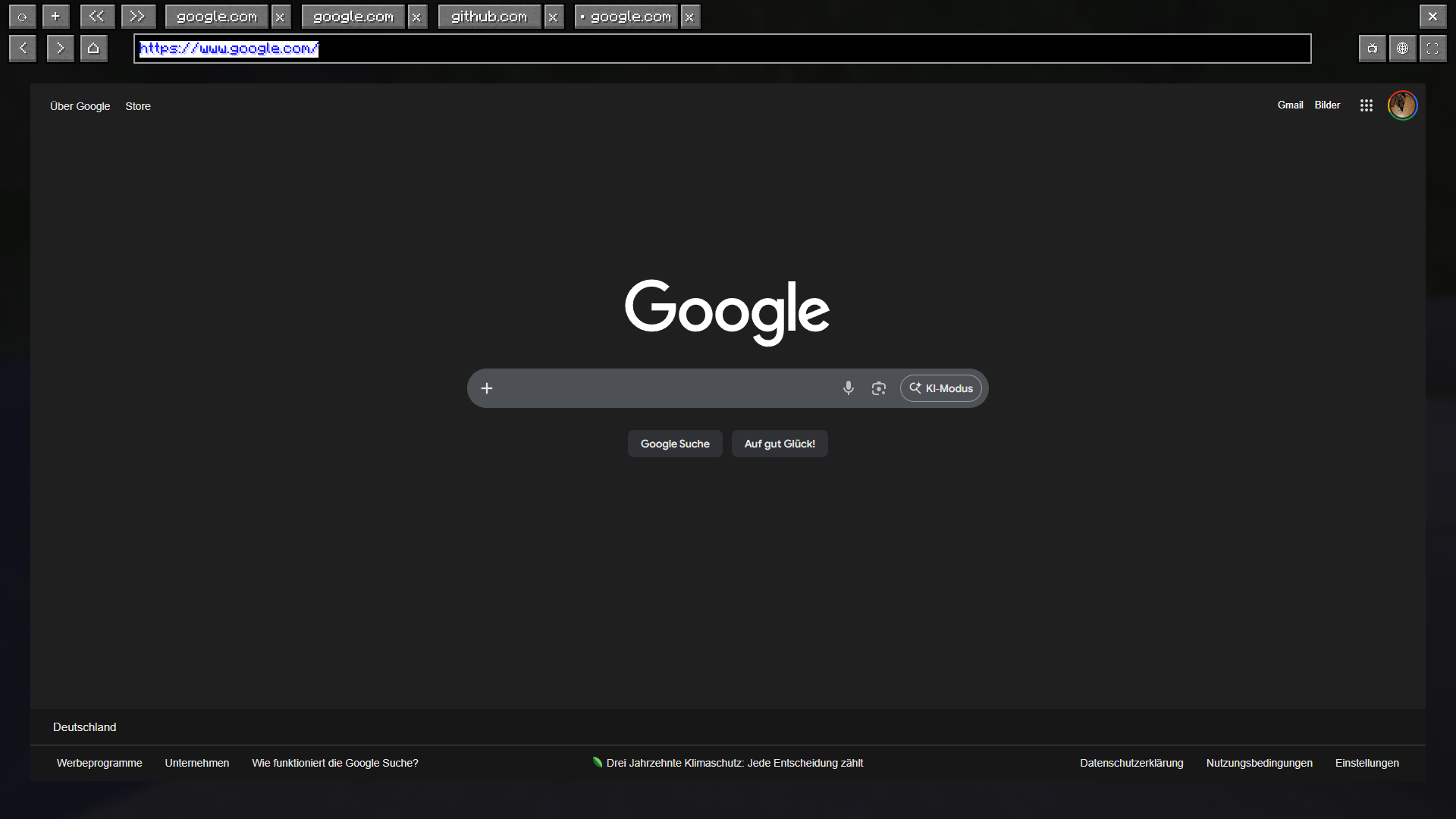 Browser Screen
 -
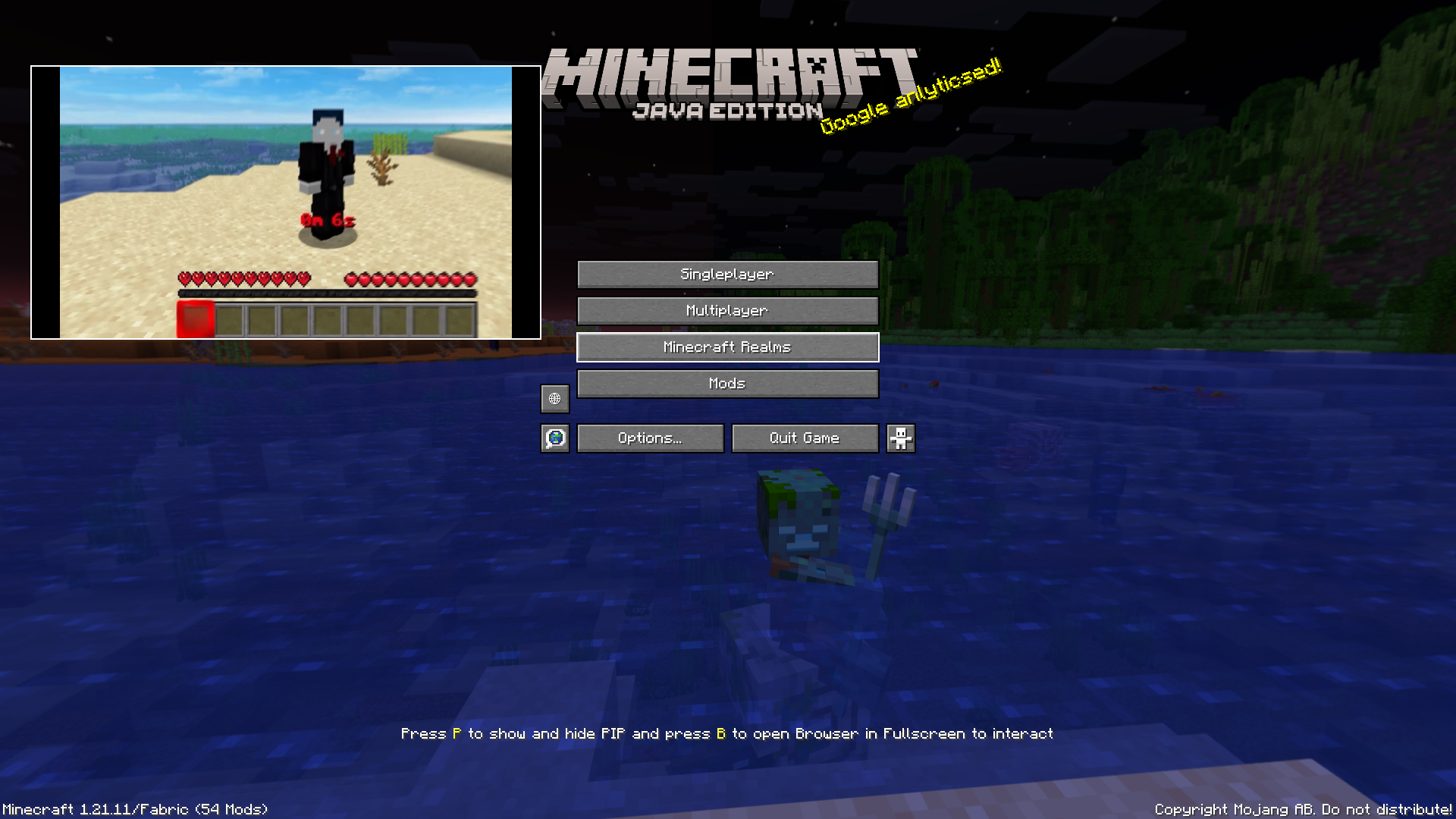 Pip Video everywhere
 -
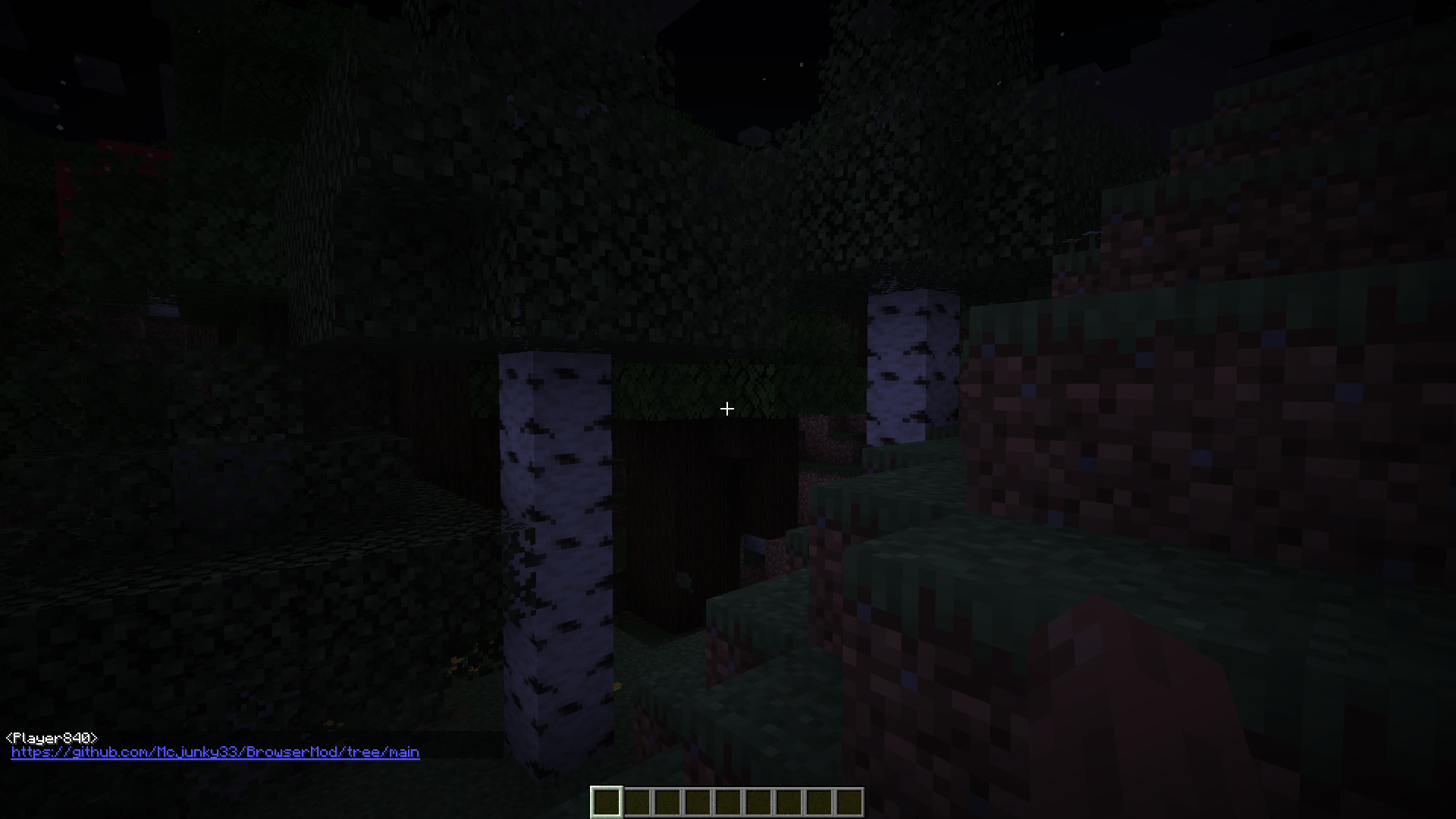 You can click every link in chat
 -
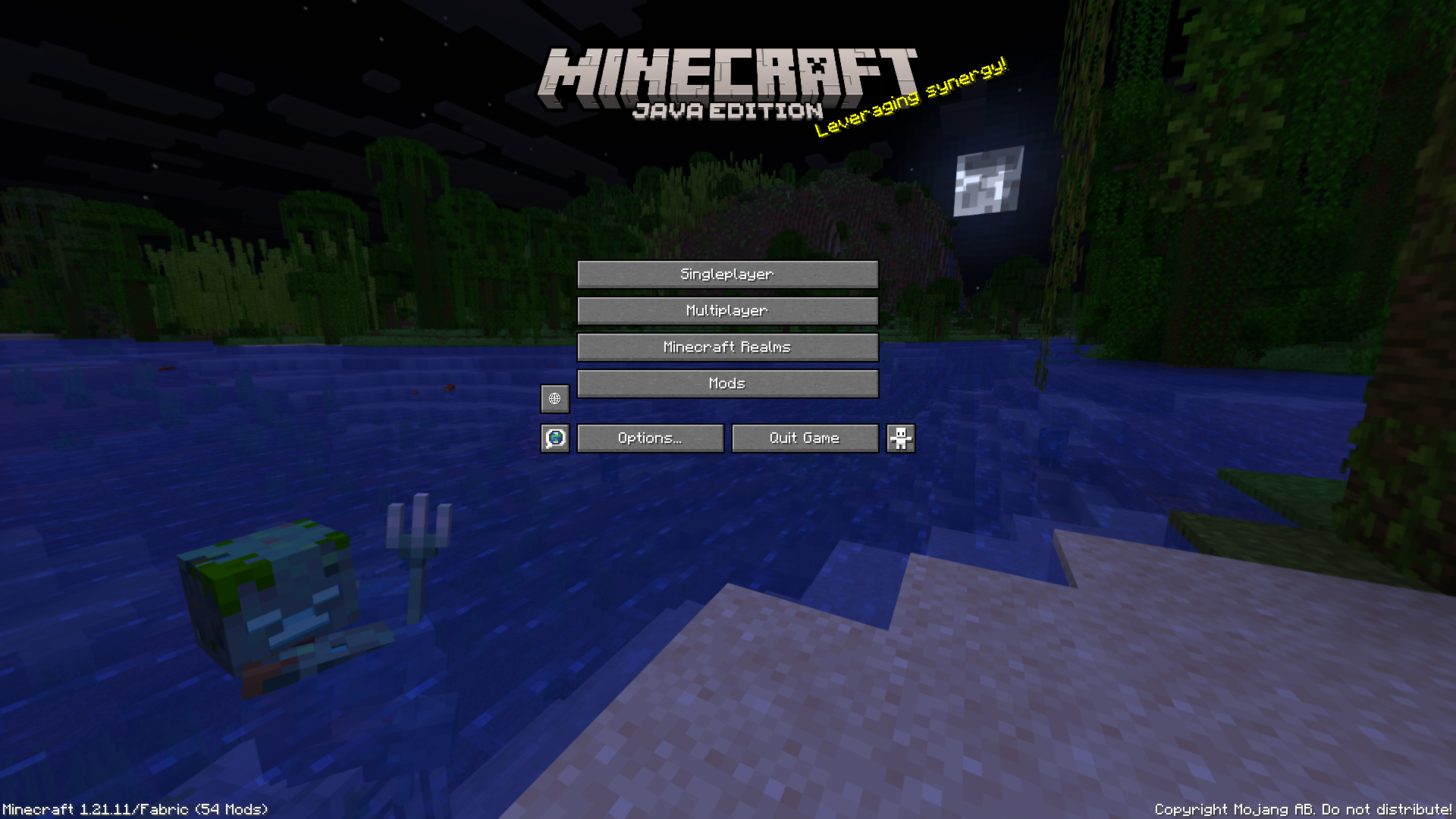 Home
Home -
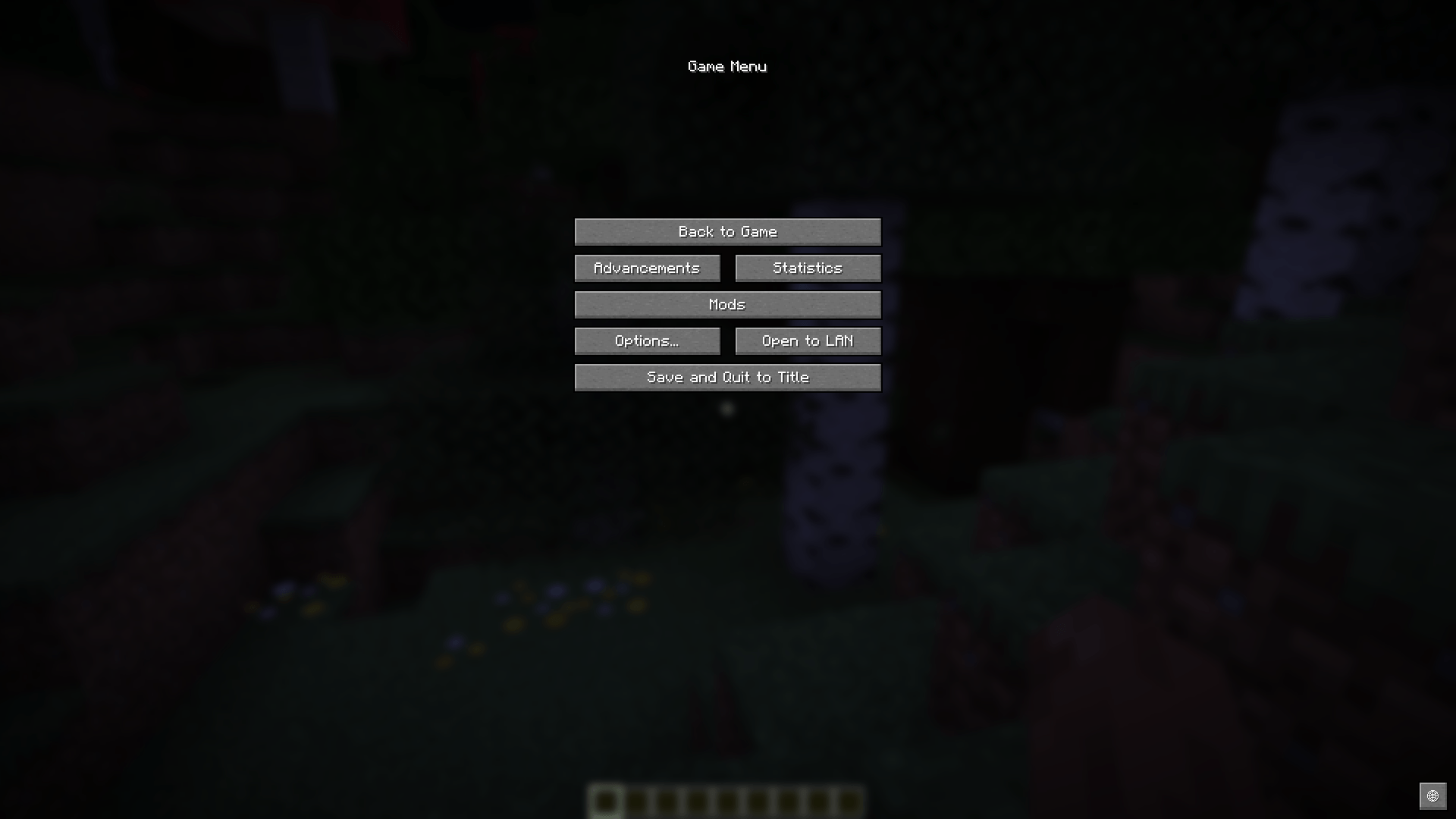
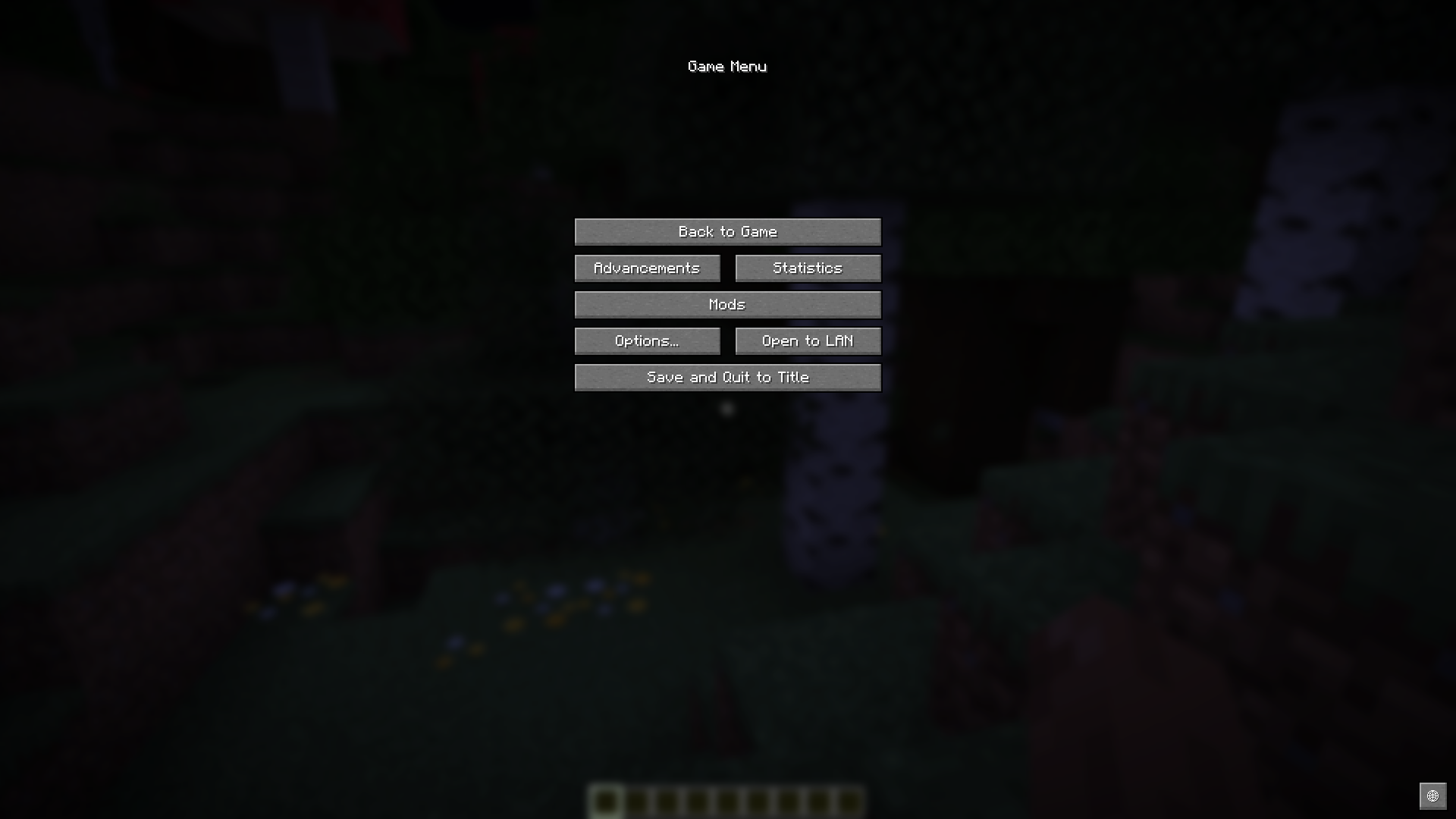 pause menu
 -
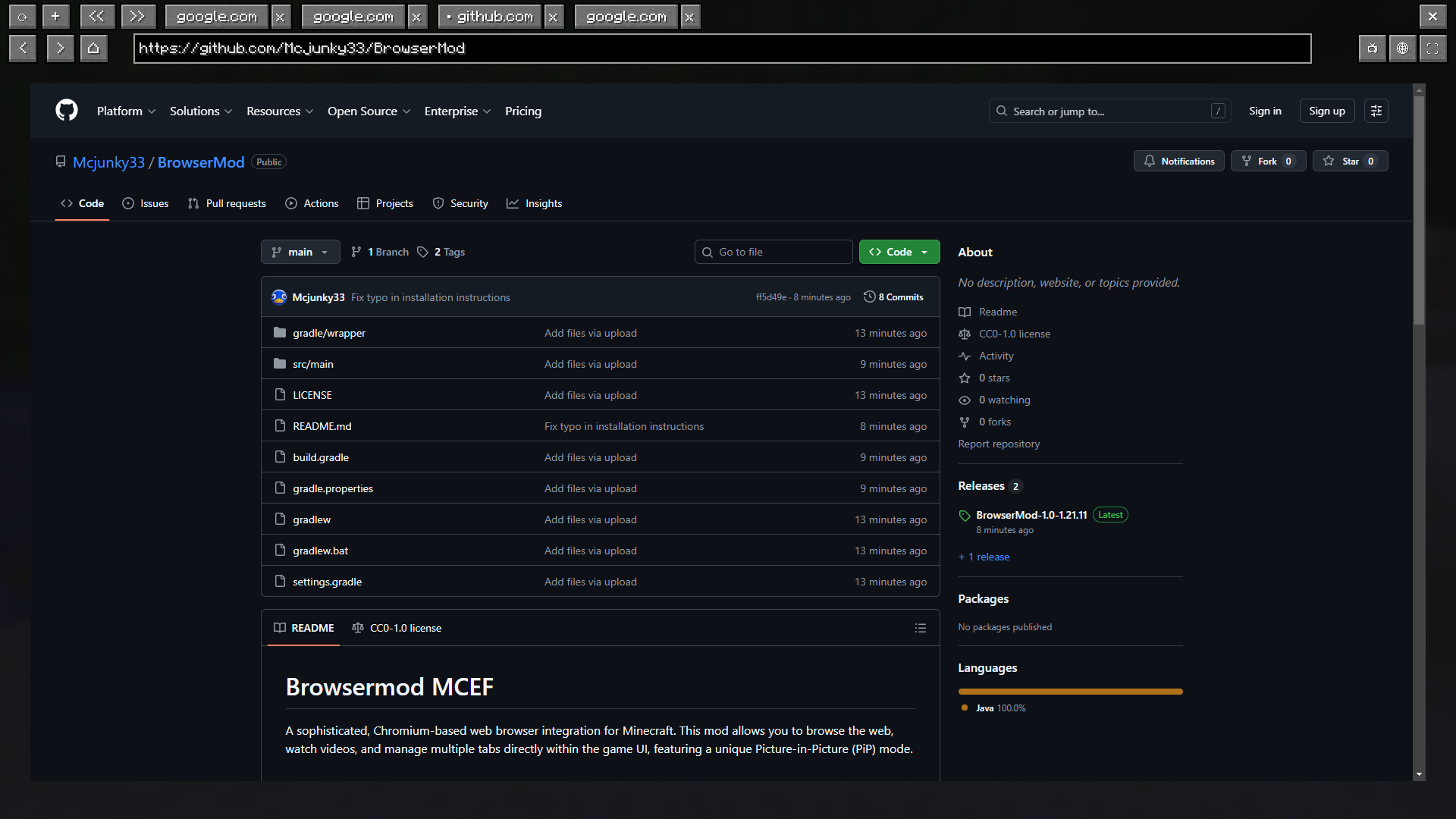 !
! -
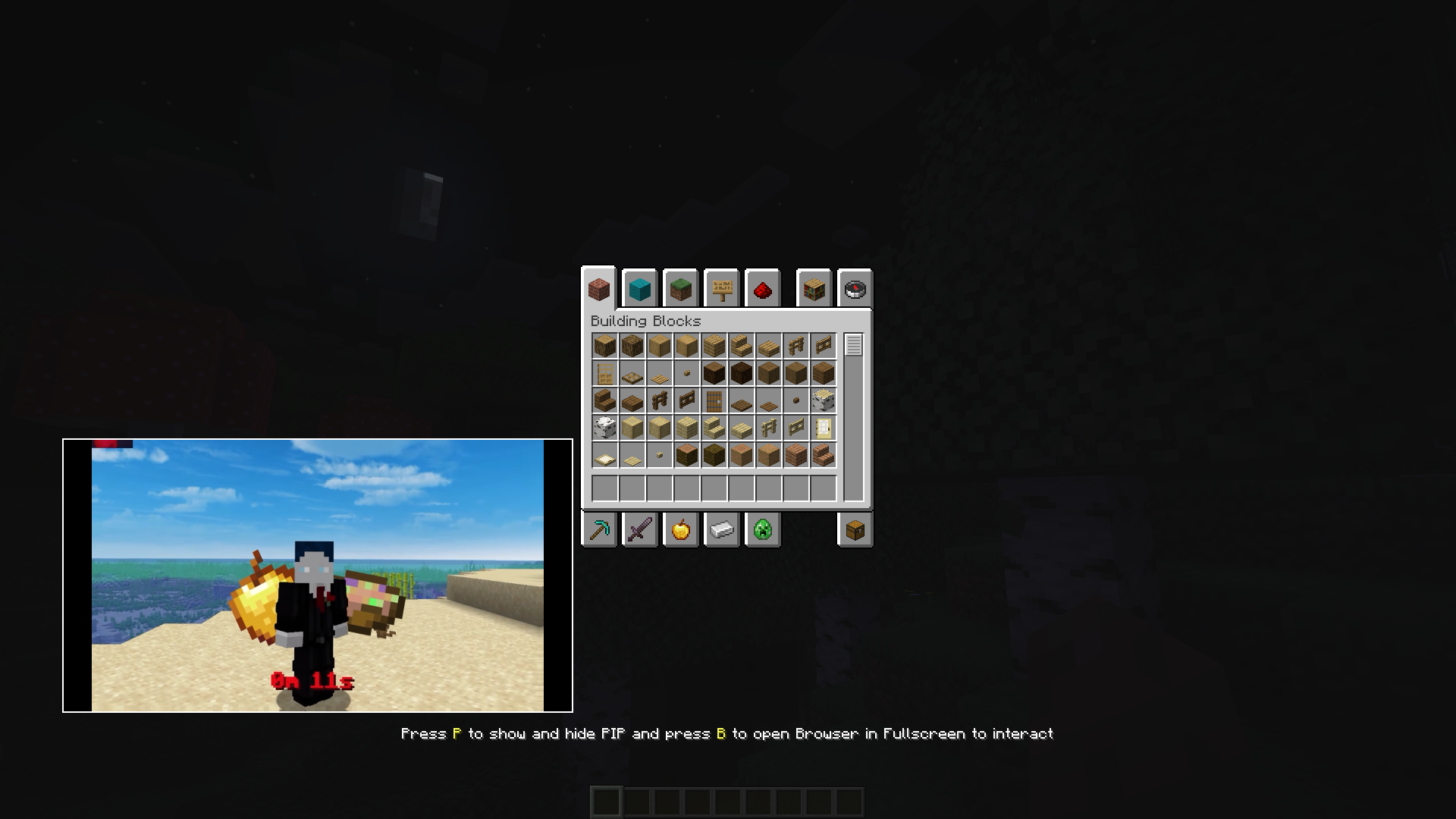 Pip in Inventory
Versions
Files
Relations
Project Relations
More like this
Similar Mods
Suggestions use data such as tags, dependencies, dependents, descriptions, titles, and more to rank how much they overlap with this mod.
On ModDex
Community snapshot
By the numbers
Statistics
 (opens in a new tab)
Get it on
Available Platforms
On ModDex
Community snapshot
By the numbers
Statistics
Resources