
Community listing page, reviews may not be monitored by the author.
Bundle Upgrade (Fabric)

No reviews yet
Upgrade your vanilla Bundles sequentially through Copper, Iron, Gold, Emerald, and Diamond tiers for expanded storage capacity while keeping your items intact.

Community voices
Reviews
No reviews yet. Be the first to review this project!
Get it on
Available Platforms
About
Project Details
For authors
Embed Badge
If you're the author of this project, you can embed a live badge anywhere that supports HTML or Markdown. It updates automatically whenever ratings change.
Use HTML for any page that supports it, or Markdown for README files and Markdown-based descriptions.
Identifiers
Platform IDs
Resources
External Links
About
Description
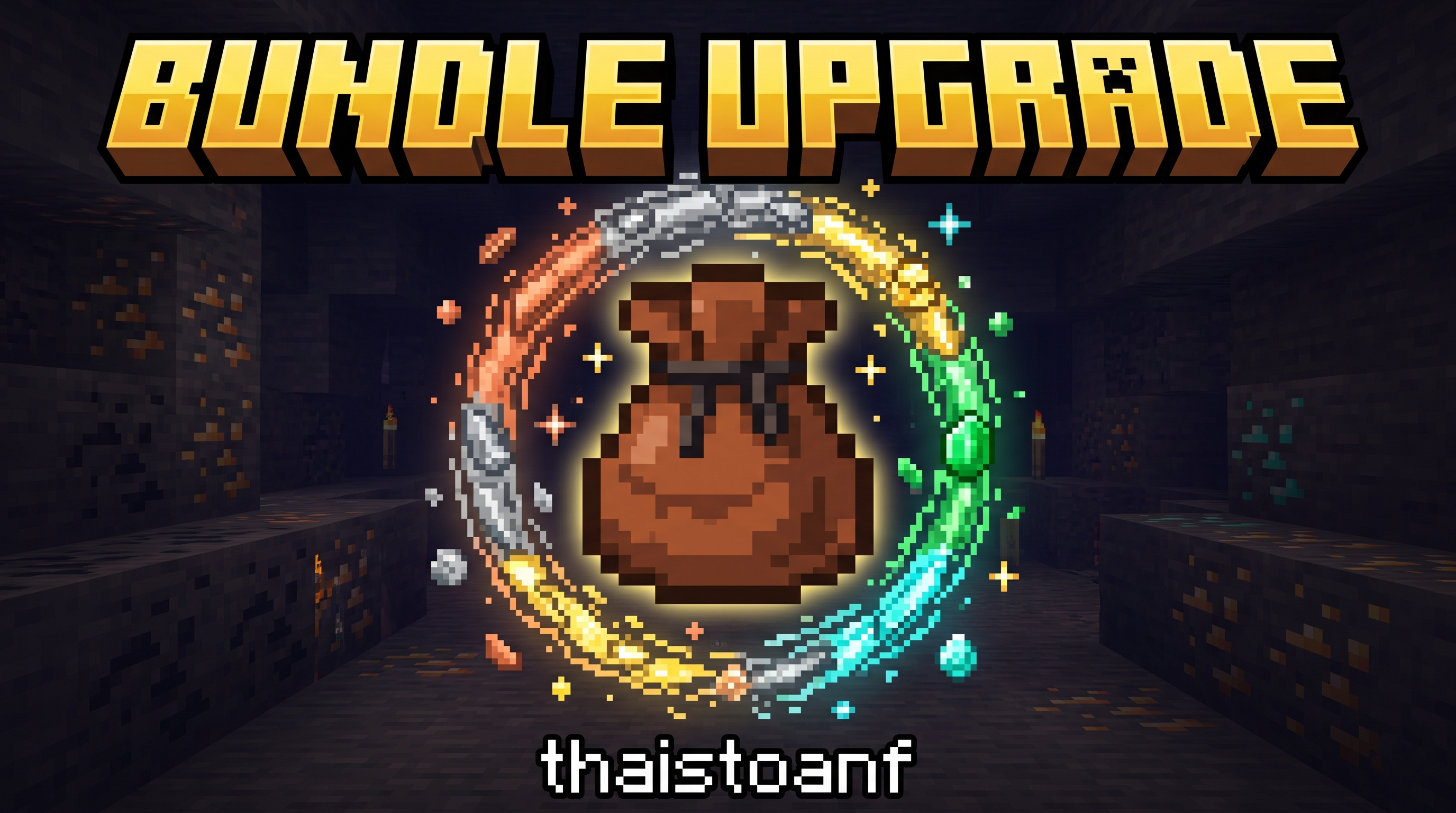
Bundle Upgrade
Sequential Bundle Storage Upgrades for Minecraft Fabric 1.21.11






Overview
Bundle Upgrade expands the vanilla Minecraft Bundle through 5 sequential upgrade tiers: Copper ➔ Iron ➔ Gold ➔ Emerald ➔ Diamond.
Each upgrade cumulatively increases the maximum storage capacity while preserving 100% of the items and custom names stored inside when crafting the next tier at a Crafting Table.
Sequential Upgrade Tiers & Crafting Recipes
Upgrades are strictly sequential (you must craft a Copper Bundle before upgrading it to an Iron Bundle). Place the previous tier Bundle in the center slot of a 3×3 Crafting Table and surround it with 8 ingots/gems of the next tier:
| Tier | Item Name | Item ID | Center Slot (×1) | Surrounding (×8) | Bonus | Max Capacity |
|---|---|---|---|---|---|---|
| 0 | Vanilla Bundle | minecraft:bundle |
— | Vanilla Recipe | +0 |
64 |
| 1 | Copper Bundle | bundleupgrade:copper_bundle |
Vanilla Bundle | minecraft:copper_ingot |
+10 |
74 |
| 2 | Iron Bundle | bundleupgrade:iron_bundle |
Copper Bundle | minecraft:iron_ingot |
+20 |
94 |
| 3 | Gold Bundle | bundleupgrade:gold_bundle |
Iron Bundle | minecraft:gold_ingot |
+30 |
124 |
| 4 | Emerald Bundle | bundleupgrade:emerald_bundle |
Gold Bundle | minecraft:emerald |
+40 |
164 |
| 5 | Diamond Bundle | bundleupgrade:diamond_bundle |
Emerald Bundle | minecraft:diamond |
+50 |
214 |
How to Use & Mechanics
- Insert Items: Pick up an item with your cursor and Right-Click on the Upgraded Bundle, or pick up the Bundle and Right-Click over items in your inventory.
- Extract Items: Right-Click the Bundle in your inventory (or in hand) to extract items. Use the Mouse Scroll Wheel while hovering over the Bundle to select a specific item to pull out.
- Safe Upgrading (Item Preservation): Upgrading a Bundle that already contains items will automatically transfer all stored items and custom anvil names into the newly crafted higher-tier Bundle.
- Weight Calculation Rules:
- Stack of 64 (Cobblestone, Logs, Ores, Dirt…): 1 capacity unit per item.
- Stack of 16 (Ender Pearls, Eggs, Signs, Snowballs…): 4 capacity units per item.
- Unstackable / Stack of 1 (Swords, Pickaxes, Armor, Potions…): 64 capacity units per item. With expanded capacities (
74up to214), you can store unstackable tools/weapons alongside stackable items in the same Bundle!
- Dynamic Fullness Bar & Tooltip:
- Both the inventory fullness bar and the tooltip counter dynamically scale to each tier's maximum capacity (e.g.,
64 / 74,150 / 214).
- Both the inventory fullness bar and the tooltip counter dynamically scale to each tier's maximum capacity (e.g.,
Installation & Requirements
- Requirements:
- Minecraft:
1.21.11 - Fabric Loader:
0.19.5+ - Dependency:
Fabric API - Java:
Java 21
- Minecraft:
- Installation:
- Download the latest
bundleupgrade-1.0.0.jarand Fabric API. - Drop both
.jarfiles into your.minecraft/modsdirectory. - Launch Minecraft with the Fabric
1.21.11profile.
- Download the latest
Developed by thaistoanf
Screenshots
Gallery
Versions
Files
Relations
Project Relations
More like this
Similar Mods
Suggestions use data such as tags, dependencies, dependents, descriptions, titles, and more to rank how much they overlap with this mod.
On ModDex
Community snapshot
By the numbers
Statistics

Get it on
Available Platforms
On ModDex
Community snapshot
By the numbers
Statistics
Resources