Community listing page, reviews here may not be monitored by the author.
Camoflauge Blocks


No reviews yet
Disguise any block as another on any or all sides with fully customizable camoflauge blocks.
Community voices
Reviews
No reviews yet. Be the first to review this project!
Get it on
Available Platforms
Compatibility
Supported Environments
Must be installed on both the client and the server.
About
Project Details
For authors
Embed Badge
If you're the author of this project, you can embed a live badge anywhere that supports HTML or Markdown. It updates automatically whenever ratings change.
Use HTML for any page that supports it, or Markdown for README files and Markdown-based descriptions.
Identifiers
Platform IDs
Resources
External Links
About
Description
Camo Blocks (advanced version of one way glass)
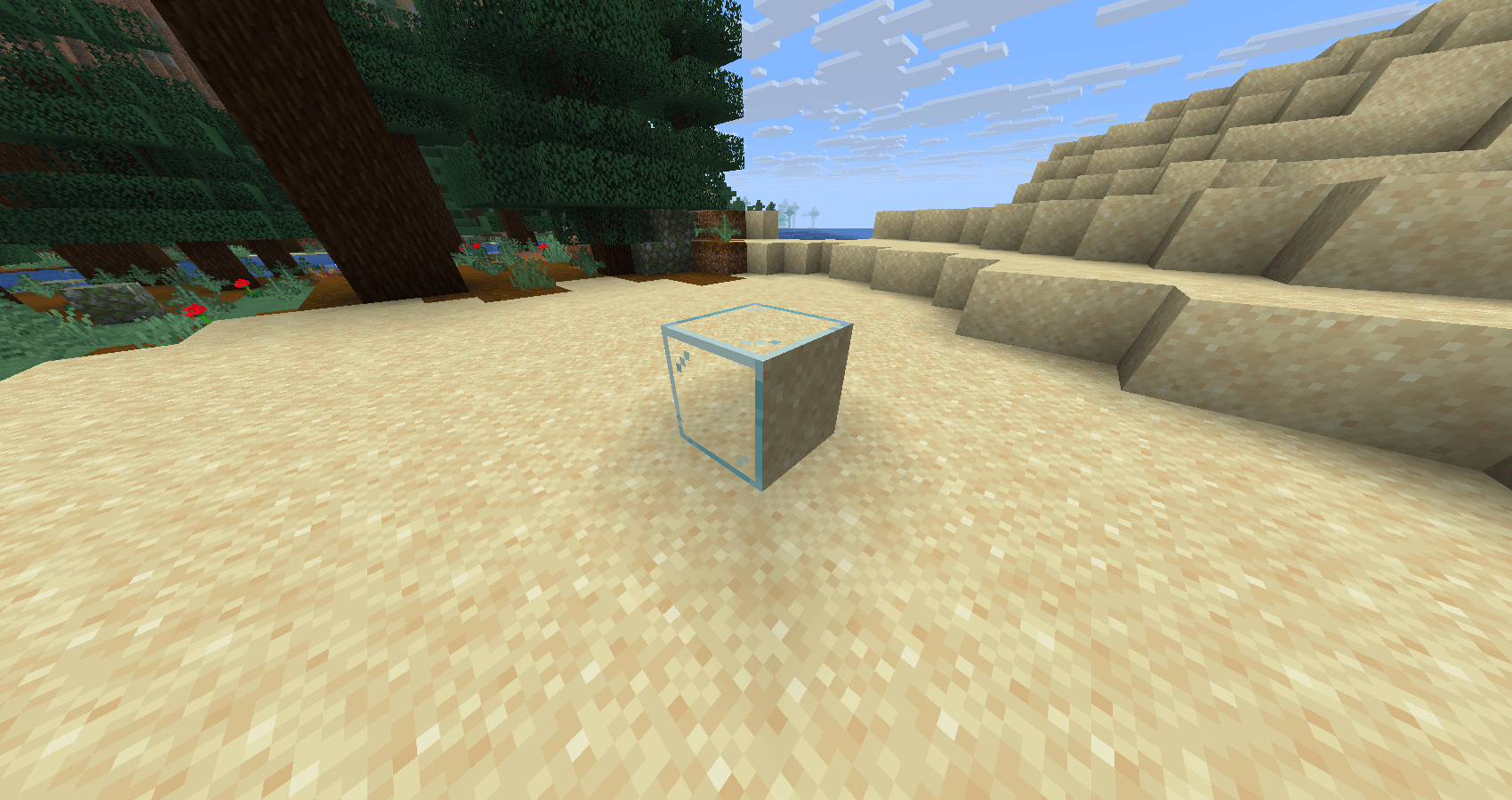
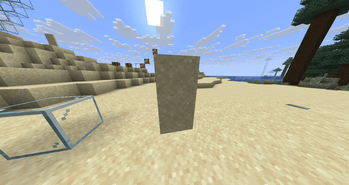
Camo Blocks adds a special camo glass block to Minecraft that can be disguised to look like any other block — on any side you choose.
Unlike one-way glass mods that only hide one face, Camo Blocks gives you full control over every side of the block independently. Want the top to look like grass, the bottom like stone, and the sides like oak planks? You can do exactly that.
Features
- 🎨 Per-side customization — change each face of the block independently
- 🔍 Fully transparent — the block remains see-through while mimicking other textures
- 🧱 Any block texture — disguise using virtually any block in the game
- 🔄 Not just one-way — configure all six sides however you like, not just one direction
- ⚡ Lightweight — minimal performance impact
- Works with modded blocks!
- Version 1.0.2 Supports Doors and trapdoors!!!
How to Use
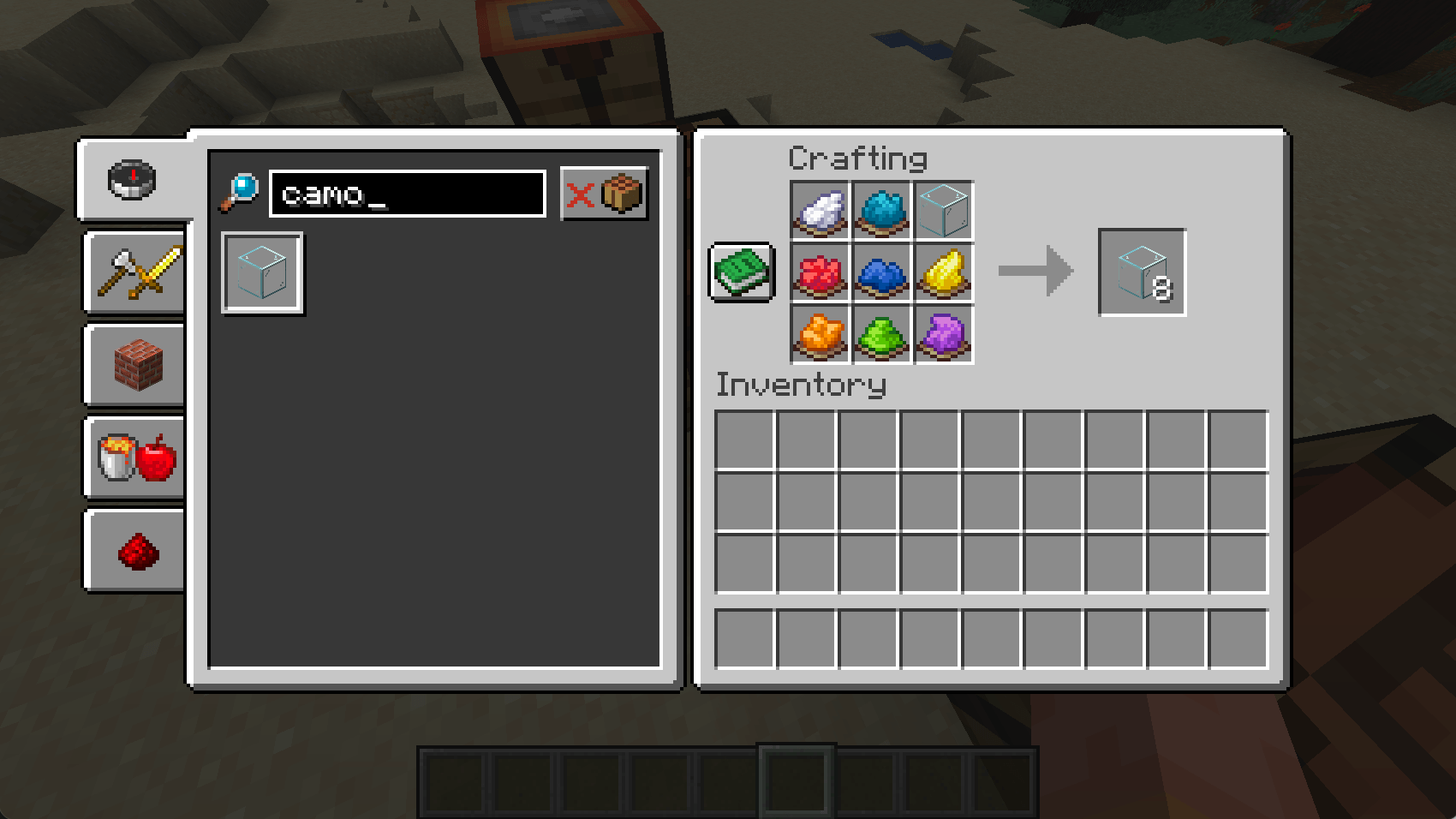
- Craft a Camo Glass block using glass surrounded by dyes
- Place the block in the world
- Right-click a face with any block to apply that block's texture to that side
- Mix and match textures on each side freely
Crafting
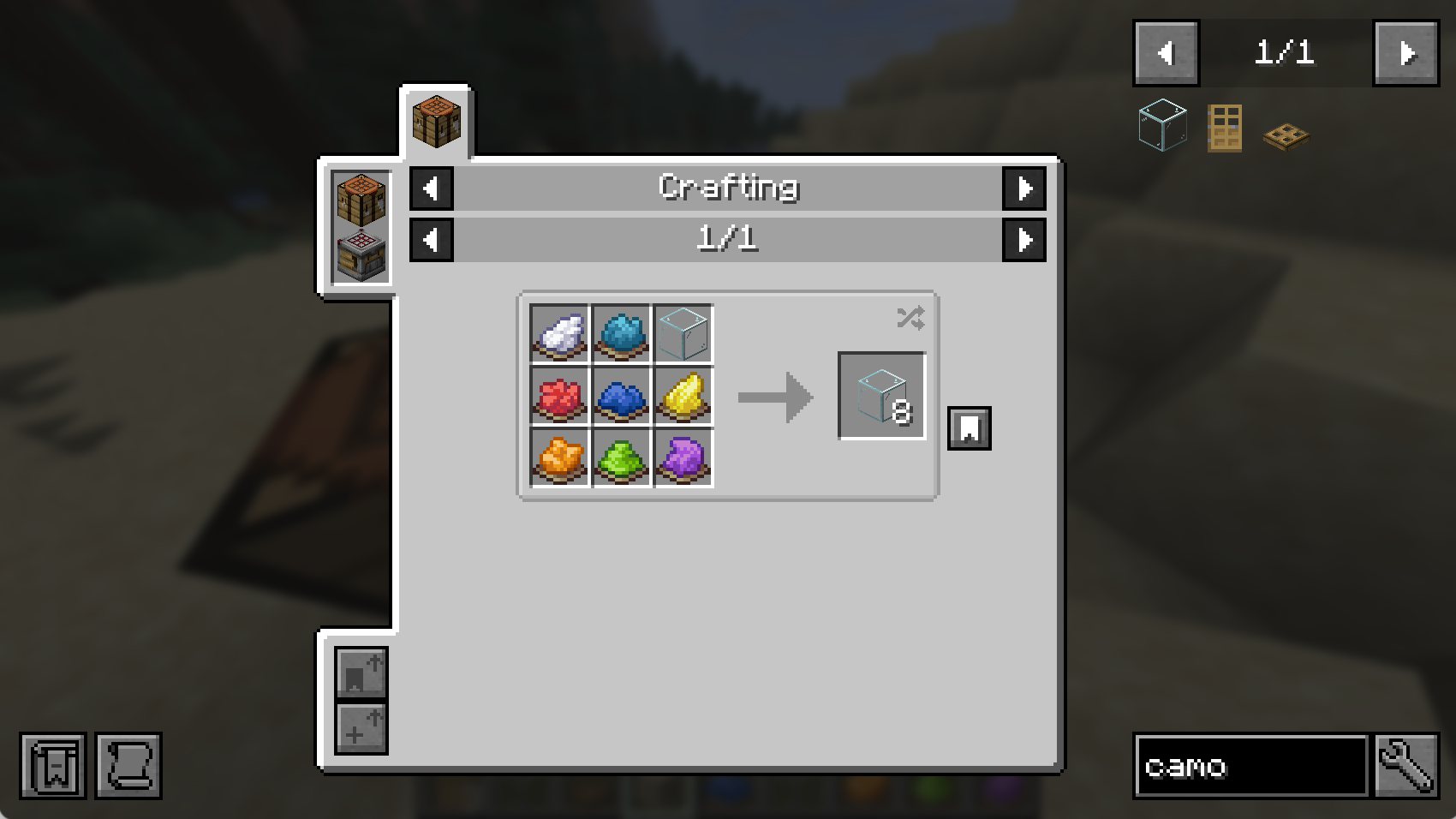
Put one of each of these color dyes into the crafting table (doesn't matter which order)
White, Cyan, Red, Blue, Yellow, Orange, Lime, Purple
finally, fill the last spot with one piece of glass
Warning: Crafting will not work on 1.0.0. Only 1.0.1 and above.
Camo Blocks (advanced version of one way glass)
Camo Blocks adds a special camo glass block to Minecraft that can be disguised to look like any other block — on any side you choose.
Unlike one-way glass mods that only hide one face, Camo Blocks gives you full control over every side of the block independently. Want the top to look like grass, the bottom like stone, and the sides like oak planks? You can do exactly that.
Features
- 🎨 Per-side customization — change each face of the block independently
- 🔍 Fully transparent — the block remains see-through while mimicking other textures
- 🧱 Any block texture — disguise using virtually any block in the game
- 🔄 Not just one-way — configure all six sides however you like, not just one direction
- ⚡ Lightweight — minimal performance impact
- Version 1.0.2 supports doors and trapdoors
How to Use
- Craft a Camo Glass block using glass surrounded by dyes
- Place the block in the world
- Right-click a face with any block to apply that block's texture to that side
- Mix and match textures on each side freely
Crafting
Put one of each of these color dyes into the crafting table (doesn't matter which order)
White, Cyan, Red, Blue, Yellow, Orange, Lime, Purple
finally, fill the last spot with one piece of glass
To craft doors and trapdoors, craft them with camo glass like how you craft any other doors and trapdoors.
Screenshots
Gallery
-
 Screenshot 2026-04-12 at 12.03.57â¯PM.png Screenshot 2026-04-12 at 12.03.57â¯PM.png
 -
 Screenshot 2026-04-11 at 8.19.16â¯PM.png Screenshot 2026-04-11 at 8.19.16â¯PM.png
 -
 964b9f6162ce971d84d2dabd3f7543b686045cbf_350.png 964b9f6162ce971d84d2dabd3f7543b686045cbf_350.png
 -
 546ac40fc835c1a6535c0b6a18a0cafedb3531f8_350.png 546ac40fc835c1a6535c0b6a18a0cafedb3531f8_350.png
 -
 e6ebe83c7aba9696c9f2a96c84ef14f2def9a077_350.png e6ebe83c7aba9696c9f2a96c84ef14f2def9a077_350.png
 -
 9521498f26613ff3926cc6114deb493602f031e7_350.png 9521498f26613ff3926cc6114deb493602f031e7_350.png
-
 Camo Block Crafting
 -
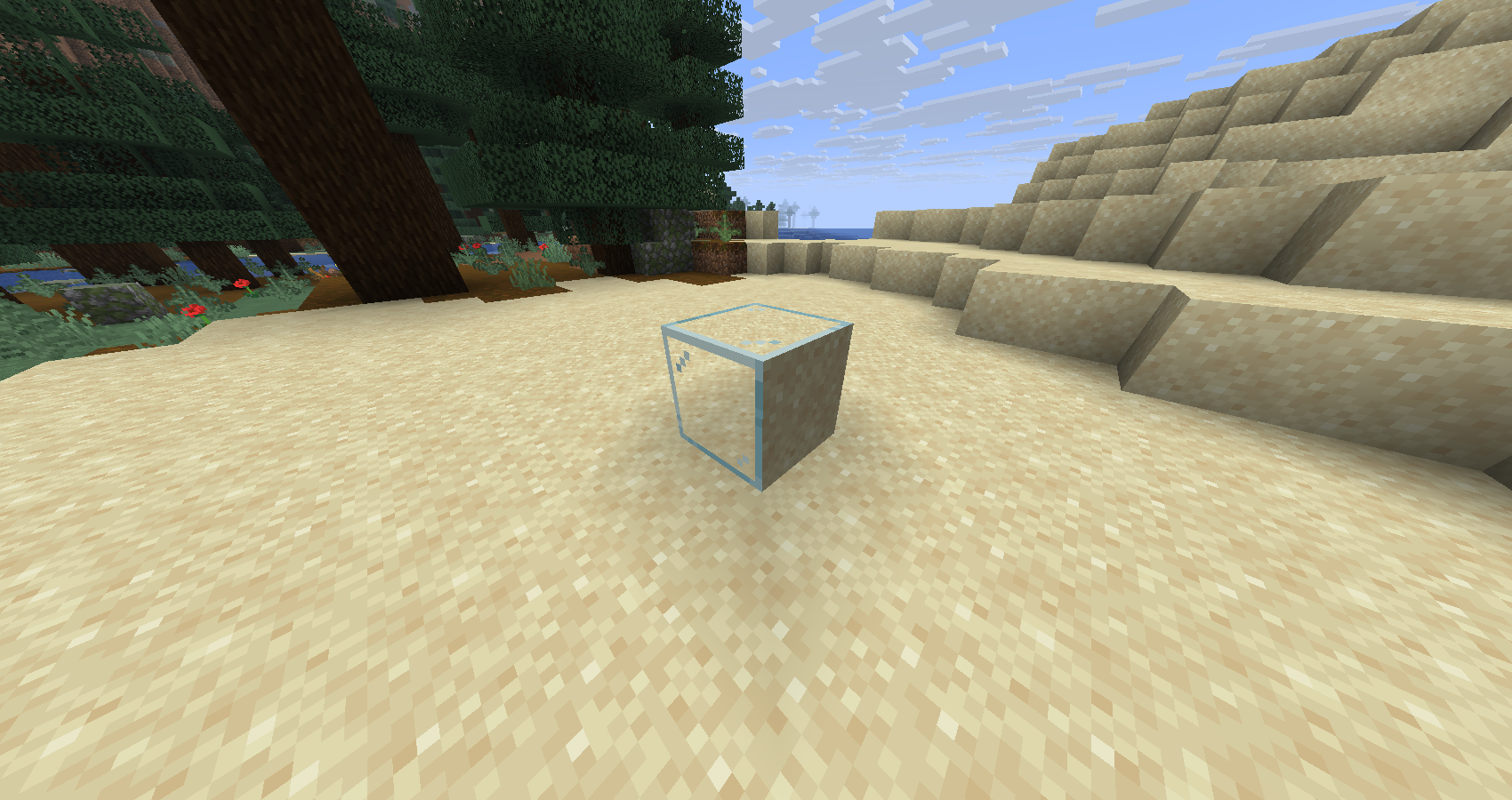 Camo
Camo -
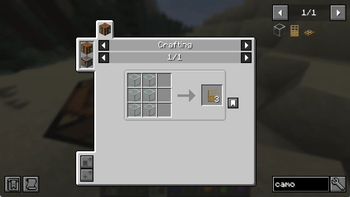
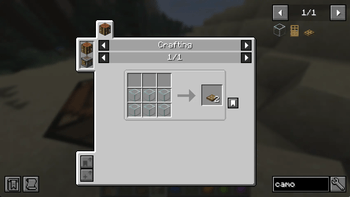
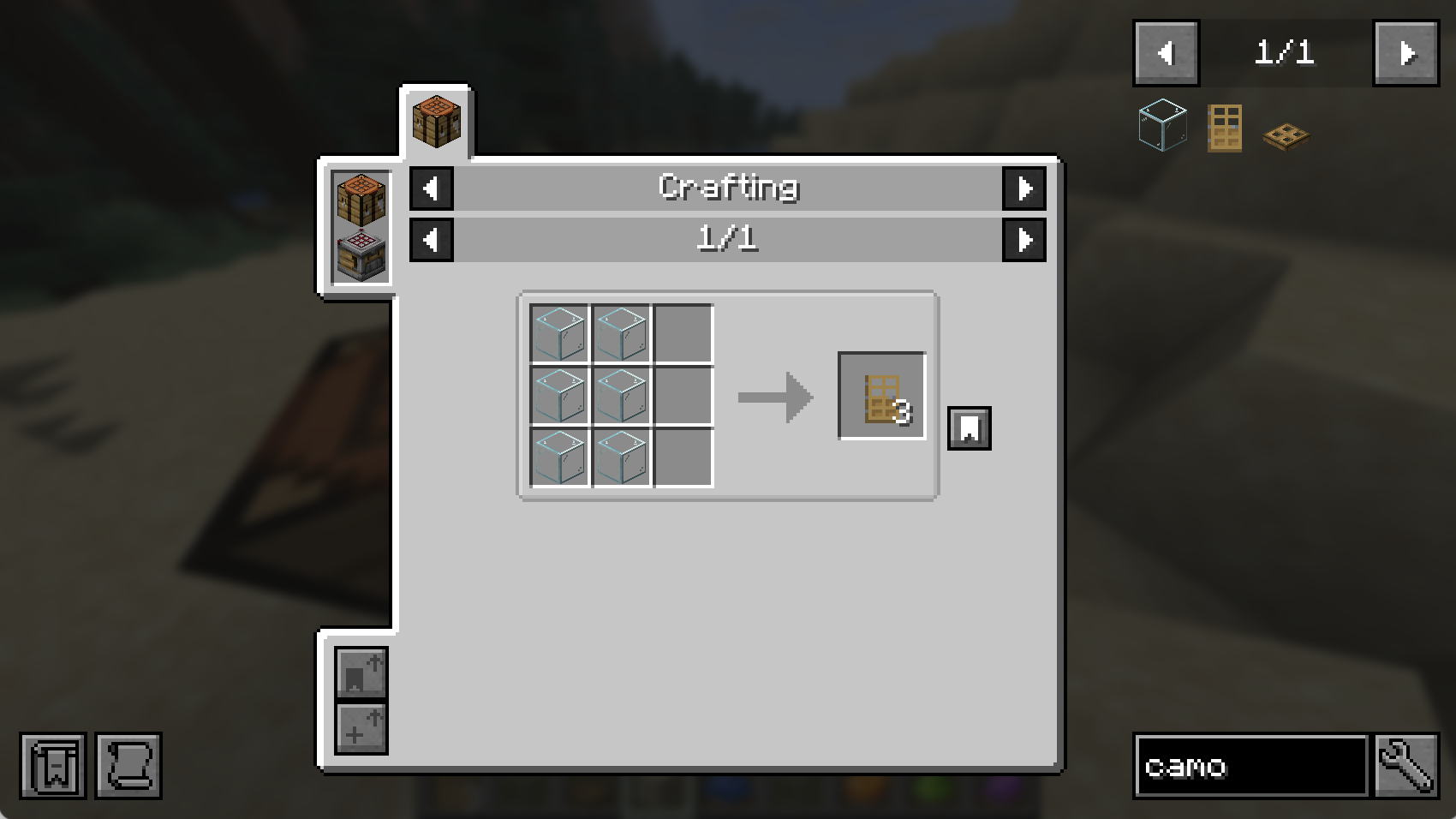 Door Crafting
 -
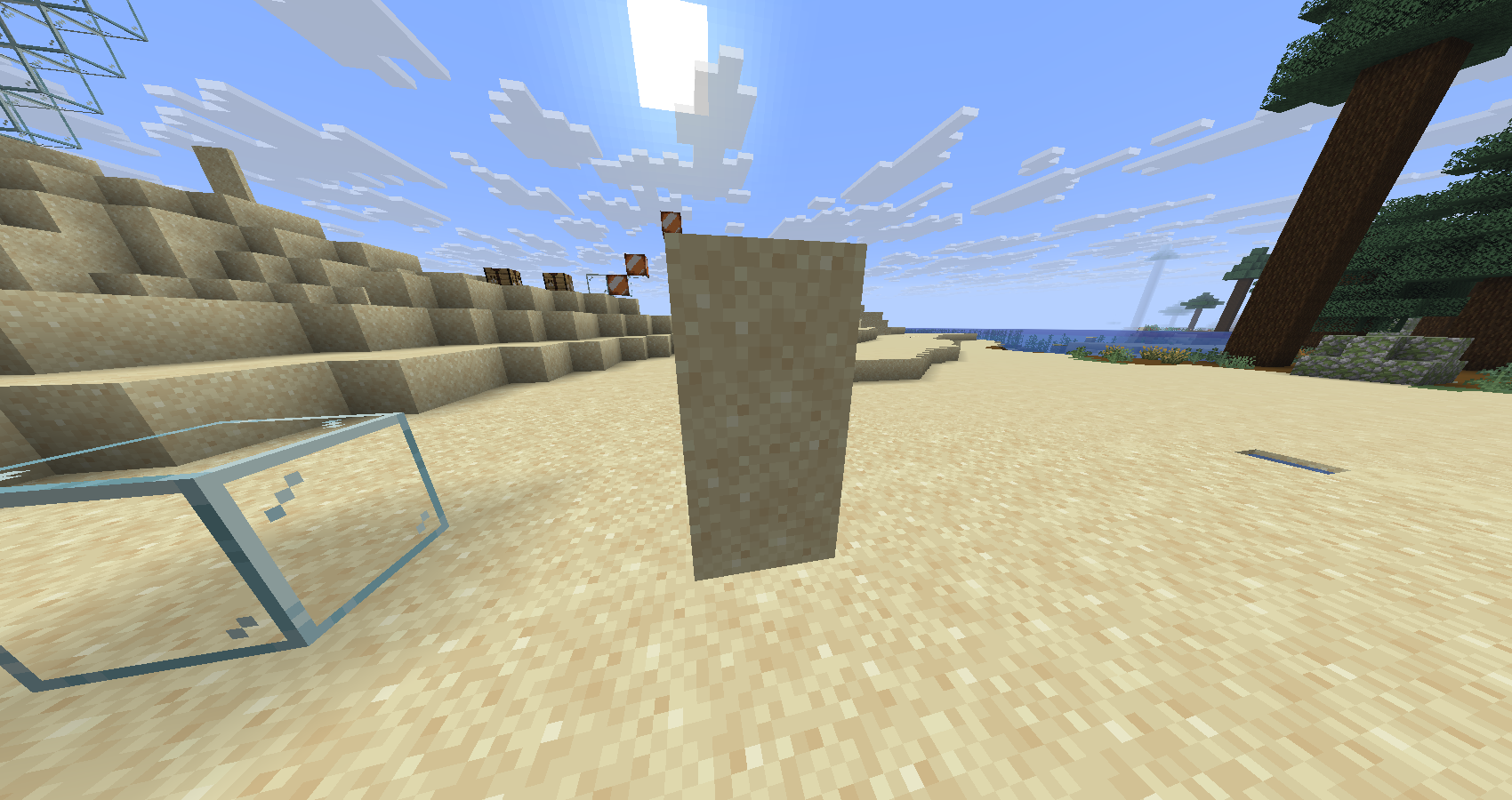 Doors
Doors -
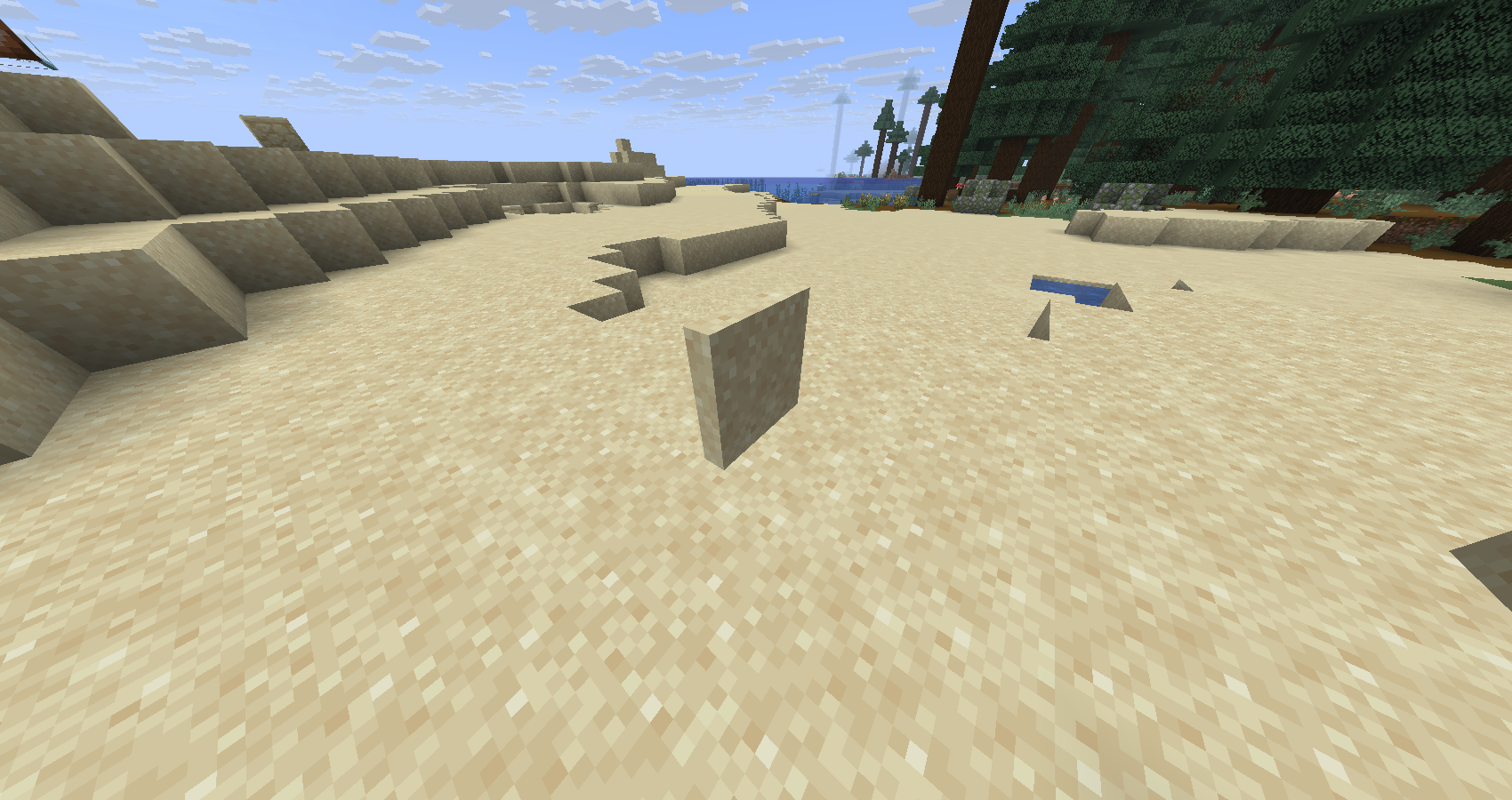 Trapdoors
 -
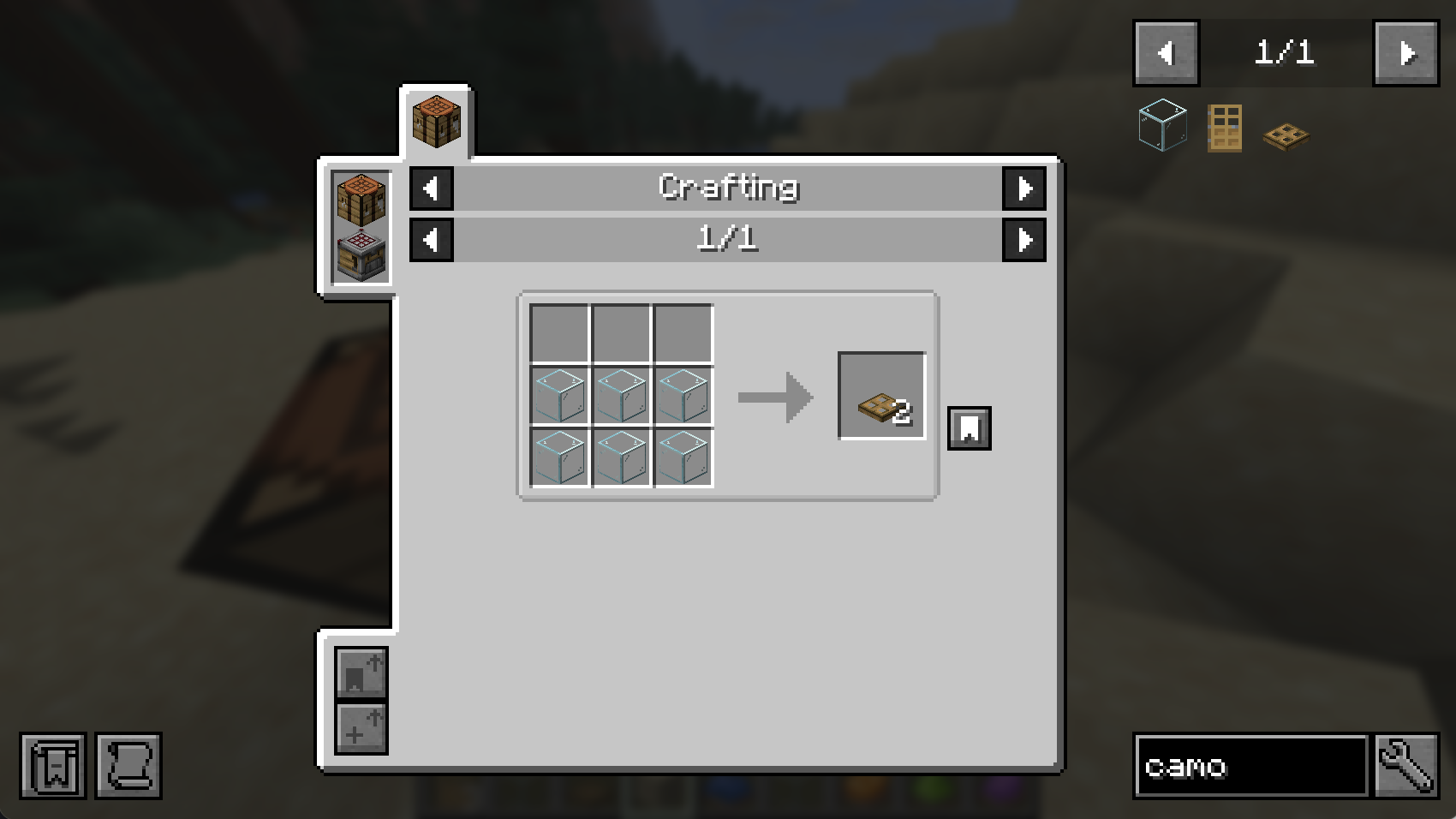 Trapdoor crafting
Versions
Files
Relations
Project Relations
More like this
Similar Mods
Suggestions use data such as tags, dependencies, dependents, descriptions, titles, and more to rank how much they overlap with this mod.
On ModDex
Community snapshot
By the numbers
Statistics
Want to reach Minecraft players?
We're looking for a server hosting partner to feature here and other parts of the site. Interested? Send us a message!
Get in touchGet it on
Available Platforms
On ModDex
Community snapshot
By the numbers
Statistics
Resources