Community listing page, reviews may not be monitored by the author.
CapitalMC

No reviews yet
A server-side Minecraft spot & contract exchange, with native cross server support. Trade items and electronic assets through an inventory GUI. Players do not need a client mod.

Community voices
Reviews
No reviews yet. Be the first to review this project!
Get it on
Available Platforms
About
Project Details
For authors
Embed Badge
If you're the author of this project, you can embed a live badge anywhere that supports HTML or Markdown. It updates automatically whenever ratings change.
Use HTML for any page that supports it, or Markdown for README files and Markdown-based descriptions.
Identifiers
Platform IDs
Resources
External Links
About
Description
CapitalMC
Turn your Minecraft economy into a player-driven exchange.
Trade items and electronic assets through an inventory GUI, build markets with real buy and sell orders, and manage spot trades, perpetual contracts and delivery futures—all on the server. Players do not need a client mod.
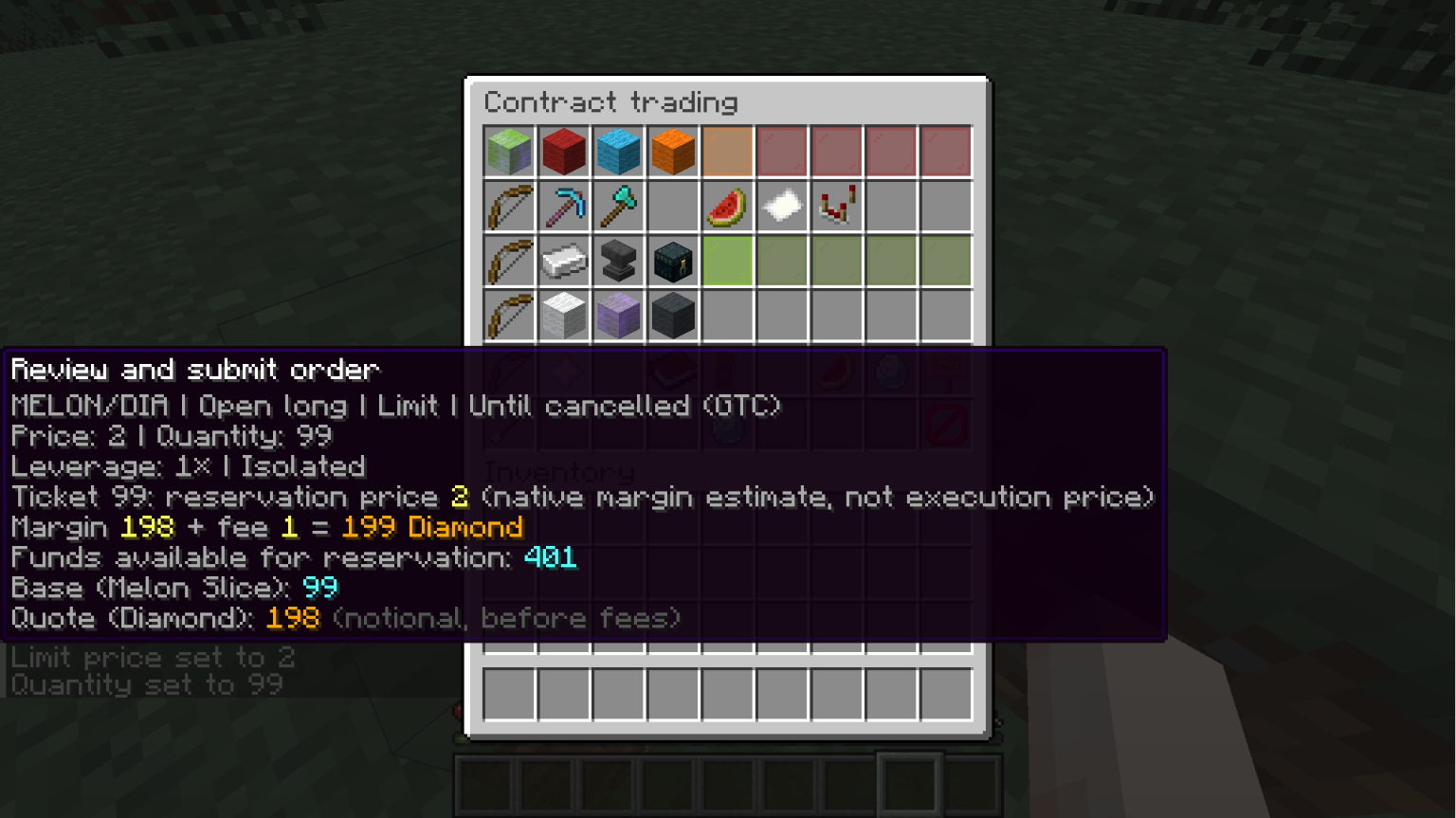
Trade your way
- Spot markets: buy and sell registered assets using limit or market orders.
- Contract trading: open long or short positions with leverage and isolated or cross margin.
- Take-profit and stop-loss: use conditional orders and linked OCO protection from the position page.
- Position controls: close all or part of a position at market or limit prices, and add or reduce margin.
- Clear records: browse orders, positions, history and conditional orders across all markets of the same trading type, with asset units and UTC timestamps.
Orders match against other participants. Market orders and protective orders depend on available liquidity and may not fill completely.
An economy you configure
Register item-backed assets or electronic currencies, then choose their trading pairs, price steps, fees and risk settings. Delivery futures have configurable expiry dates. Built-in Exp lets players deposit Minecraft experience points and follows special asset restrictions.
Players can deposit and withdraw supported items, transfer assets, move funds between spot and contract accounts, and use configured pegged exchanges. Empty chests and shulker boxes can be deposited for container credits; these credits cannot be withdrawn.
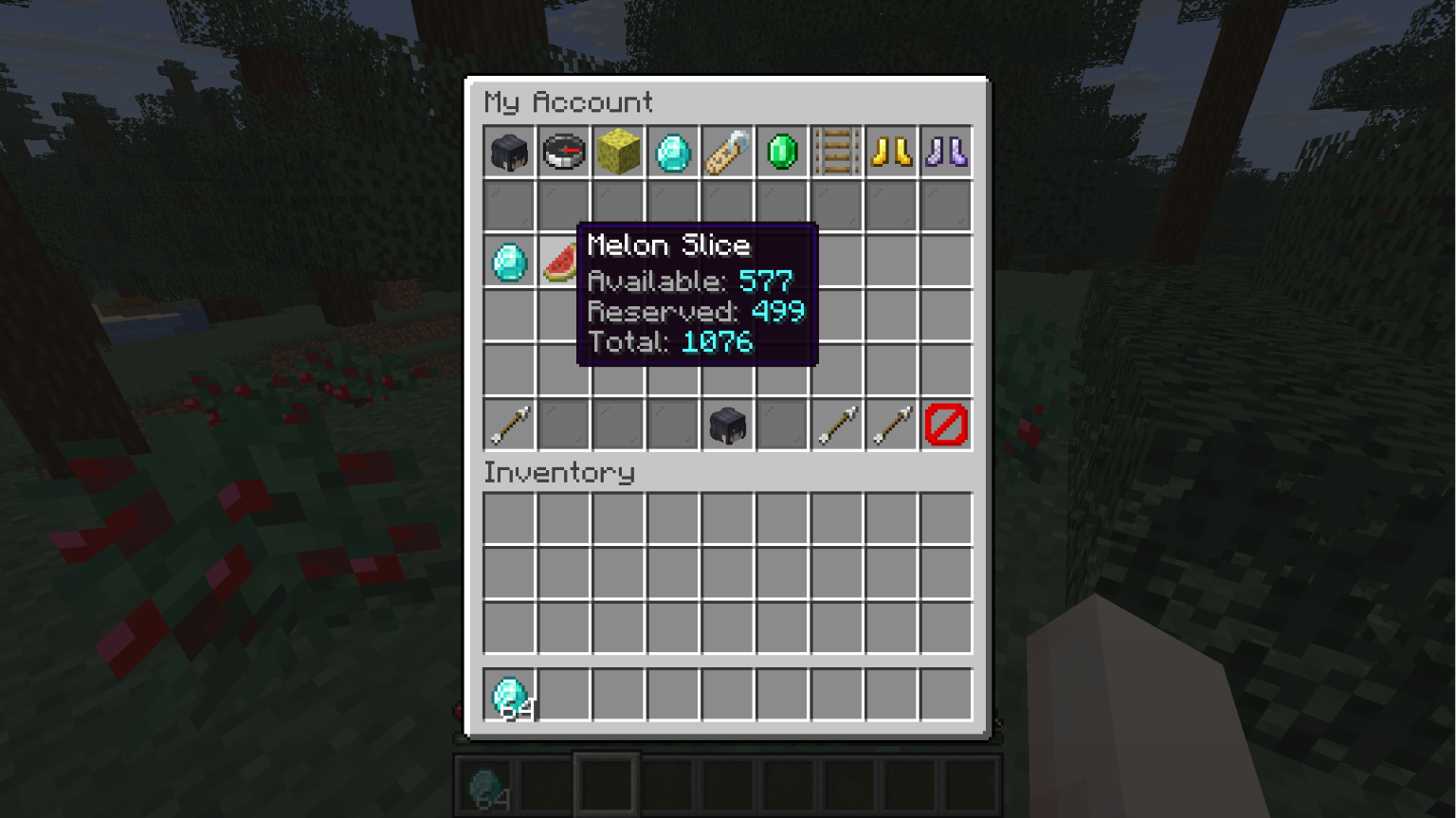
GUI and commands
Use the inventory interface or commands with contextual help and Tab completion. Separate trading accounts support up to three accounts per Minecraft UUID. English and Simplified Chinese interfaces are included; passwords are entered through private prompts.
/trade gui
/trade help
/account login <username>
/wallet balance
/orders
/positions
/cmcadmin gui
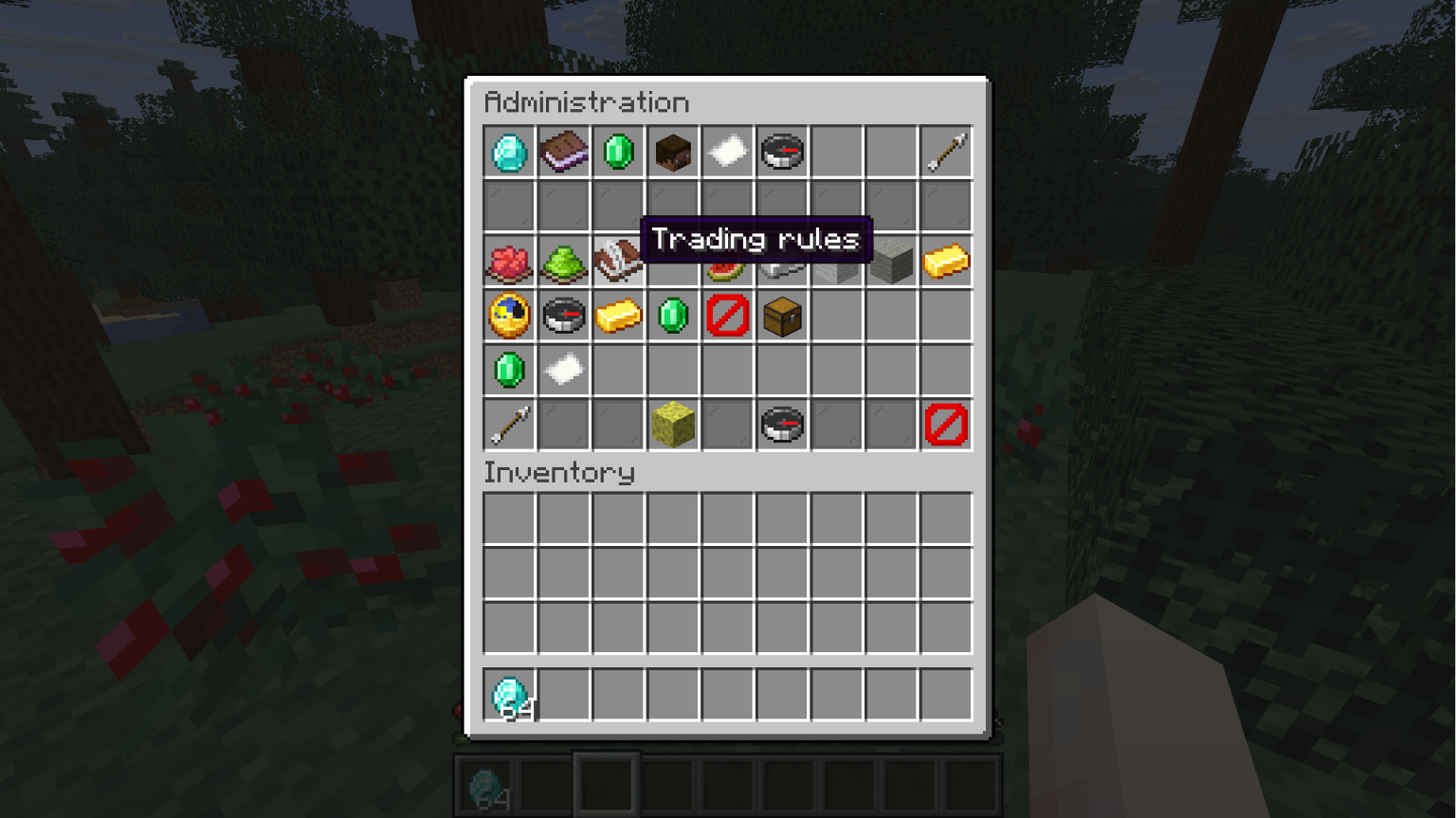
Administrators can manage assets, markets, balances, account bans, fees, price protection, exchange settings and persistence tools.
One exchange, multiple servers
Start with LOCAL mode on one Minecraft server, or connect several REMOTE gateways to a shared owner. The owner can run inside a LOCAL Minecraft server or as a standalone Java process. Players across your network share the same markets, accounts and financial ledger.
Matching is powered by AdvMatch. Financial and application data use binary WAL and state snapshots, with configurable checkpoint intervals and backup tools.
Installation
The current build requires:
- Minecraft 26.3 with Fabric Loader 0.19.5+.
- Fabric API for Minecraft 26.3 and Java 25.
- Windows amd64 or Linux amd64 with glibc 2.38+ for a LOCAL exchange owner. Other owner platforms require a matching native AdvMatch build.
Place the CapitalMC mod JAR and Fabric API in your server's mods folder. SGui and the AdvMatch Java SDK are bundled. The standalone exchange-server JAR is a separate backend executable.
After starting the server, open /cmcadmin gui with owner permission to register assets and create markets. Players then use /trade gui to register or log in, deposit assets and trade. A fresh server has no preconfigured trading pairs.
Back up the complete exchange/application data directories and matching Minecraft worlds while stopped. They have separate durability boundaries.
Documentation
Getting started · Commands · Cross-server setup · Persistence and recovery
Screenshots
Gallery
Versions
Files
Relations
Project Relations
More like this
Similar Mods
Suggestions use data such as tags, dependencies, dependents, descriptions, titles, and more to rank how much they overlap with this mod.
On ModDex
Community snapshot
By the numbers
Statistics

Get it on
Available Platforms
On ModDex
Community snapshot
By the numbers
Statistics
Resources