
Community listing page, reviews here may not be monitored by the author.
Caustica

No reviews yet
Ray-traced renderer for Minecraft's Vulkan backend.
Community voices
Reviews
No reviews yet. Be the first to review this project!
Get it on
Available Platforms
About
Project Details
For authors
Embed Badge
If you're the author of this project, you can embed a live badge anywhere that supports HTML or Markdown. It updates automatically whenever ratings change.
Use HTML for any page that supports it, or Markdown for README files and Markdown-based descriptions.
Identifiers
Platform IDs
Resources
External Links
About
Description
Caustica
Caustica is an experimental ray-traced renderer for Minecraft 26.2's Vulkan backend. It replaces the vanilla world view with hardware ray tracing and NVIDIA DLSS features while keeping Minecraft's familiar UI and gameplay intact.
Caustica is early software. Expect bugs, missing visual cases, and frequent changes while the renderer is being built.
Features
- Vulkan hardware path-traced world rendering
- DLSS Ray Reconstruction support
- DLSS Frame Generation support (experimental)
- HDR output
- Dynamic entity rendering in the ray-traced scene
- LabPBR-style material support
- OMM (Opacity Micro-Map) + SER (Shader Execution Reordering) optimizations
Requirements
- Vulkan graphics backend enabled
- A GPU and driver with Vulkan ray tracing support
- NVIDIA RTX GPU and supported driver for DLSS features
- HDR-capable display and OS HDR mode for HDR output
- Install LabPBR resource pack like SPBR for better visuals
Installation
- Install Fabric Loader for Minecraft
26.2. - Install Fabric API.
- Put the Caustica jar in your Minecraft
modsfolder. - Launch the game with the Vulkan graphics backend.
- Open Video Settings to adjust Caustica's renderer options.
Usage Notes
- Caustica is client-side only.
- DLSS Ray Reconstruction and Frame Generation require supported NVIDIA hardware and drivers.
- Use Java args to improve performance. Minecraft Launcher default:
-XX:+UseCompactObjectHeaders -XX:+AlwaysPreTouch -XX:+UseStringDeduplication -XX:+UseZGC - Frame Generation is experimental and needs to be enabled by modifying the configuration file.
- HDR output requires an HDR swapchain and a correctly configured HDR display.
- If Minecraft falls back to OpenGL after a crash, re-enable the Vulkan backend before using Caustica again.
Compatibility
Caustica takes over the world renderer, so other mods that heavily modify world rendering, shader pipelines, post-processing, or the Vulkan backend may conflict. UI-only mods are more likely to work.
Status
Caustica is not a finished renderer yet. Current work focuses on visual correctness, world coverage, stability, and making the SDR/HDR presentation paths behave consistently.
Screenshots
Gallery
-
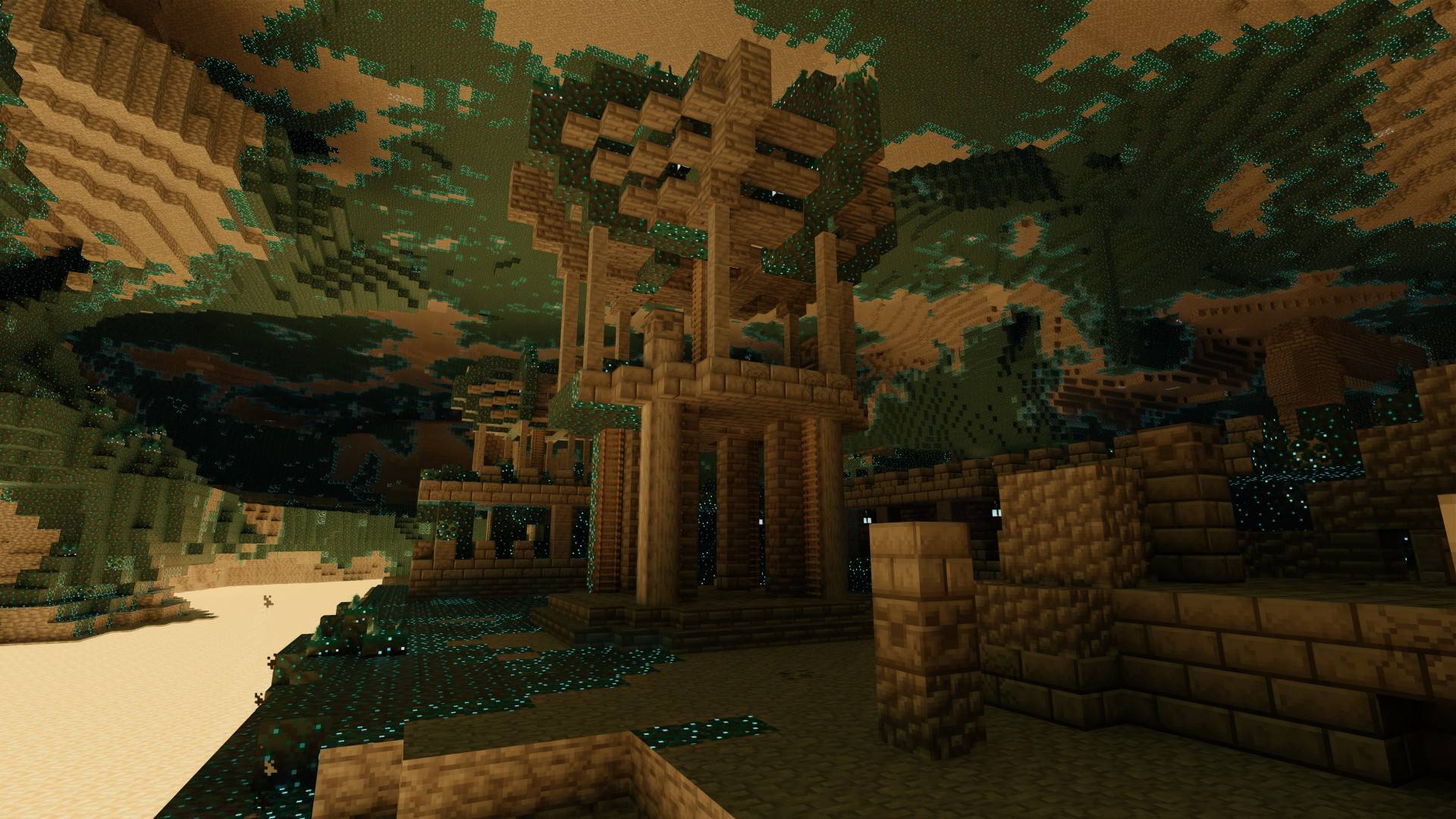 2026-07-09_21.28.36 (Large).jpg 2026-07-09_21.28.36 (Large).jpg
 -
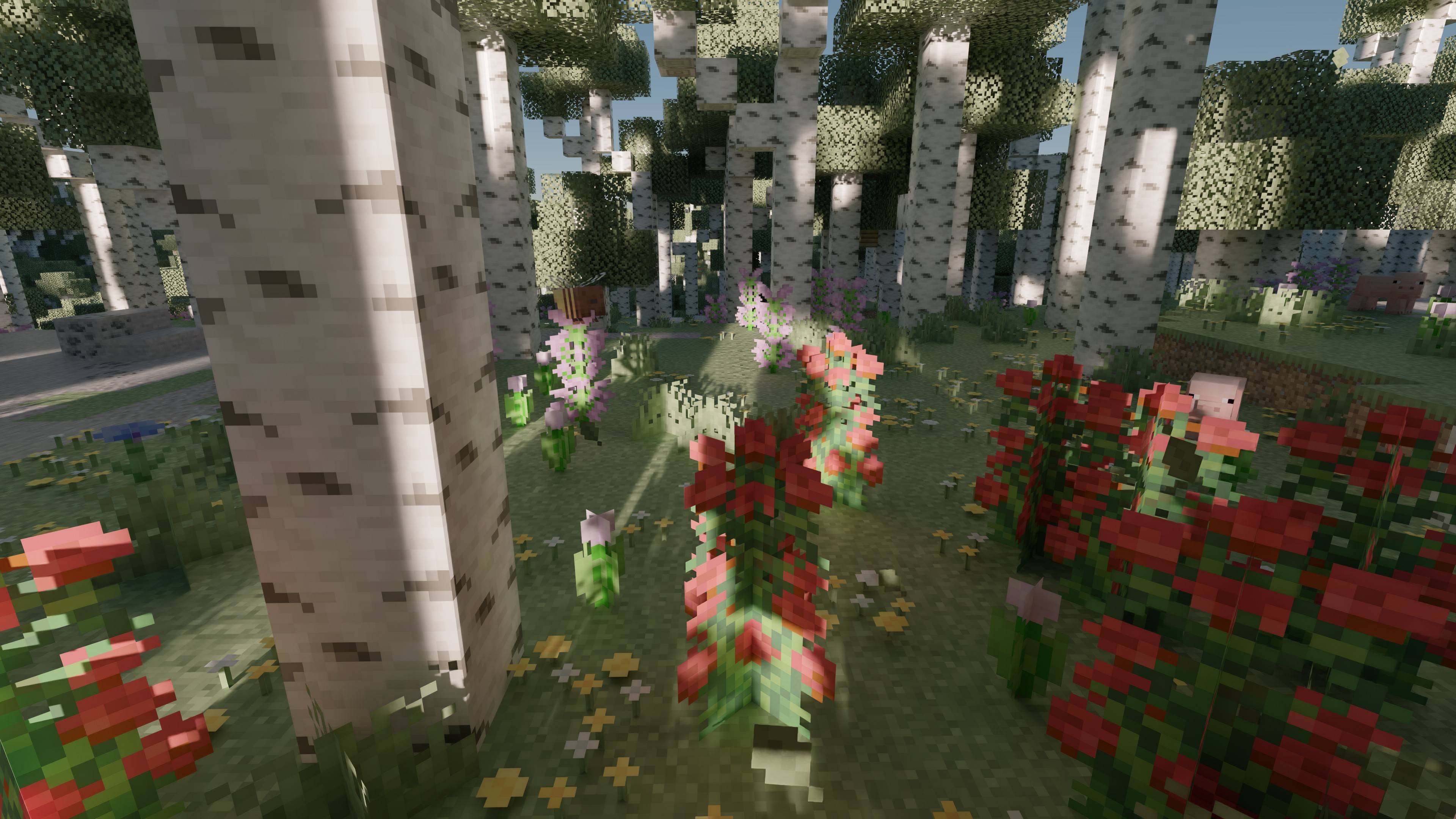 2026-07-09_21.43.39.jpg 2026-07-09_21.43.39.jpg
 -
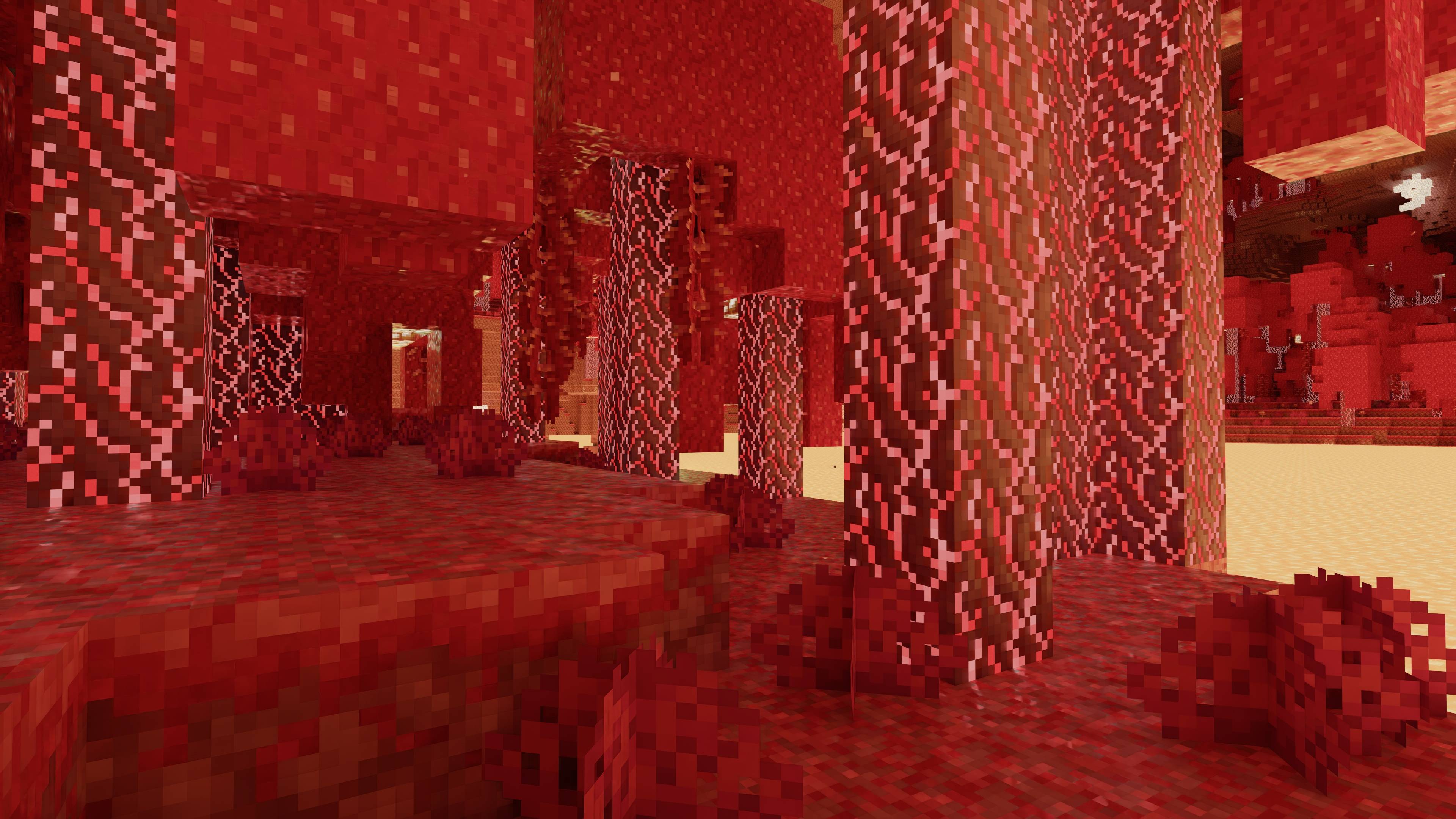 2026-07-09_21.33.27.jpg 2026-07-09_21.33.27.jpg
 -
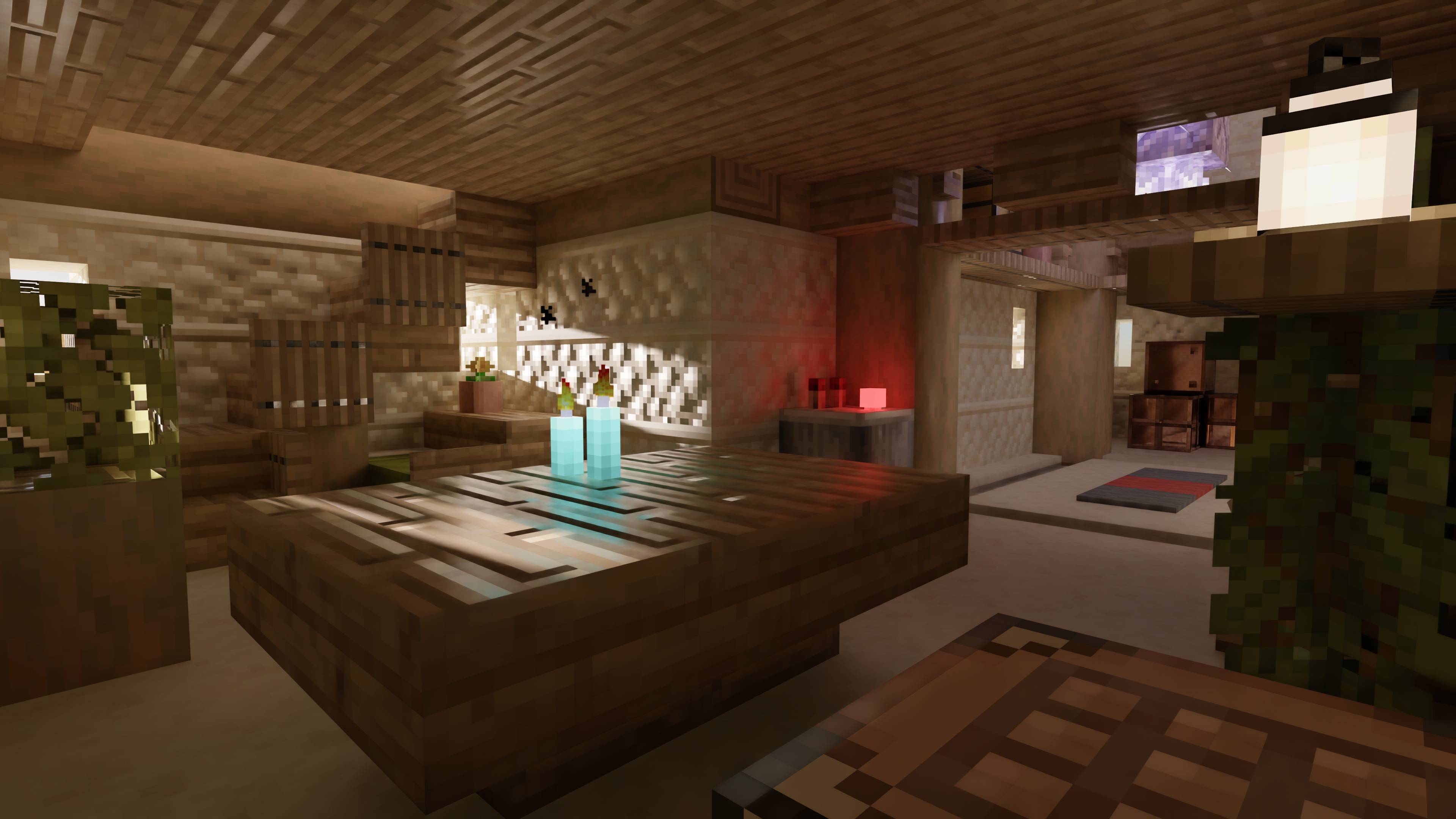 2026-07-09_21.31.23.jpg 2026-07-09_21.31.23.jpg
 -
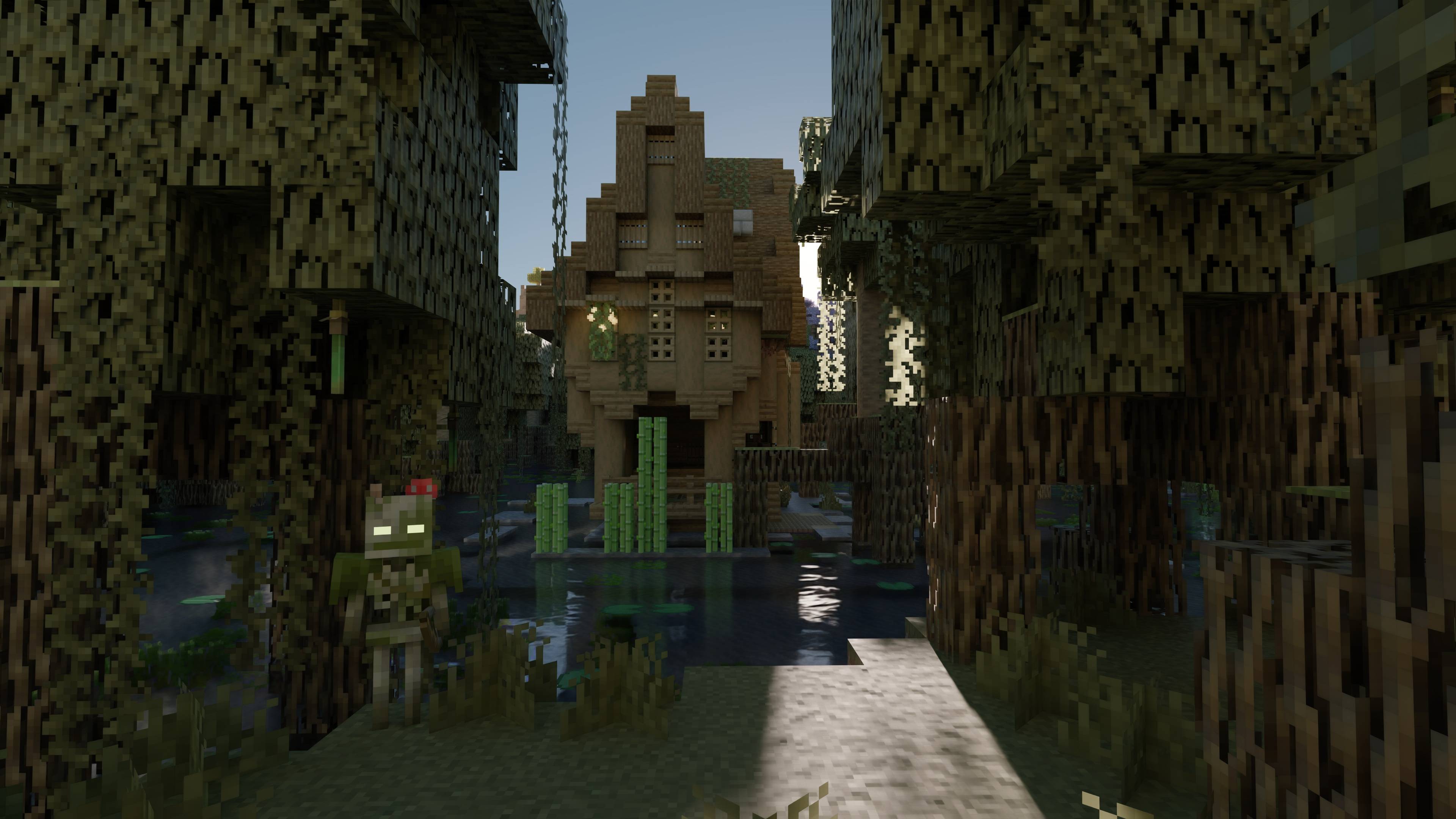 2026-07-09_21.25.14.jpg 2026-07-09_21.25.14.jpg
 -
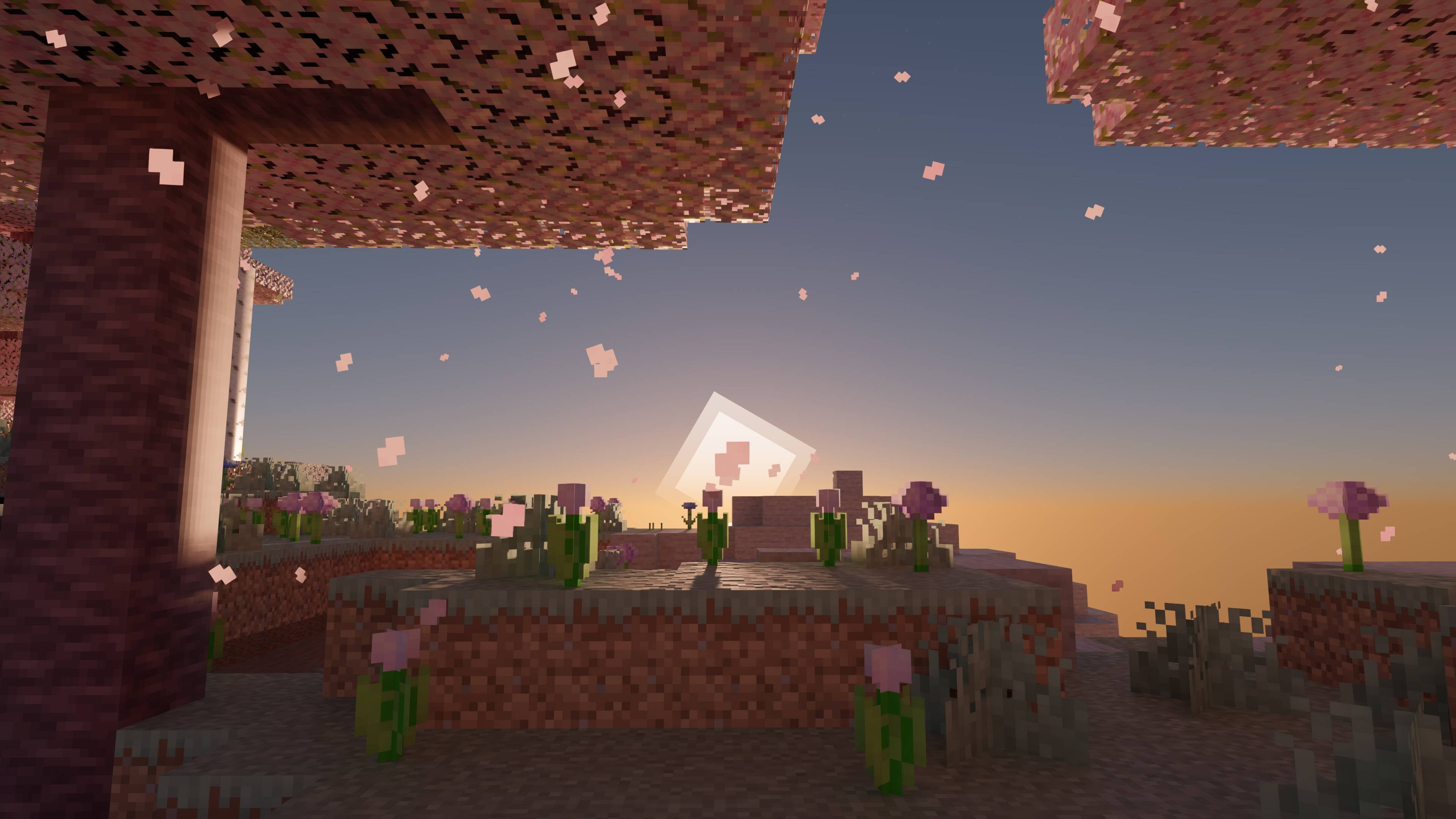 2026-07-09_21.19.56.jpg 2026-07-09_21.19.56.jpg
Versions
Files
Relations
Project Relations
More like this
Similar Mods
Suggestions use data such as tags, dependencies, dependents, descriptions, titles, and more to rank how much they overlap with this mod.
On ModDex
Community snapshot
By the numbers
Statistics
Want to reach Minecraft players?
We're looking for a server hosting partner to feature here and other parts of the site. Interested? Send us a message!
Get in touchGet it on
Available Platforms
On ModDex
Community snapshot
By the numbers
Statistics
Resources