CC : My Peripheral Extender
No reviews yet
Wireless sensor access for CC: Tweaked and some useful things for Create: Simulated
Focuses on automation and resource processing through scientific and mechanical means, utilizing systems like electricity (RF/FE/etc), air pressure, or rotation.
Neoforge is a fork of the Minecraft Forge available for versions 1.20.1+ of Minecraft. Many Forge mods are compatible with Neoforge and vice versa.
Community voices
Reviews
Click once to include, again to exclude, again to clear
No reviews yet. Be the first to review this project!
Get it on
Available Platforms
About
Project Details
For authors
Embed Badge
If you're the author of this project, you can embed a live badge anywhere that supports HTML or Markdown. It updates automatically whenever ratings change.
Use HTML for any page that supports it, or Markdown for README files and Markdown-based descriptions.
Identifiers
Platform IDs
Resources
External Links
About
Description
CCPE — CC Peripheral Extender
Wireless sensor access for ComputerCraft: Tweaked on NeoForge
What is this?
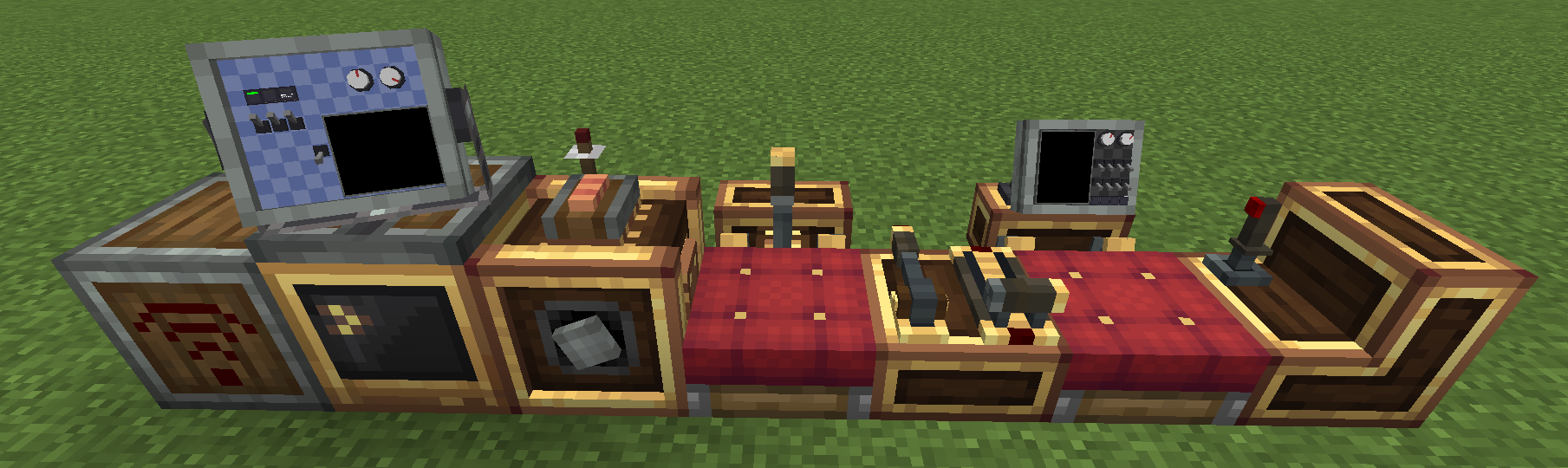
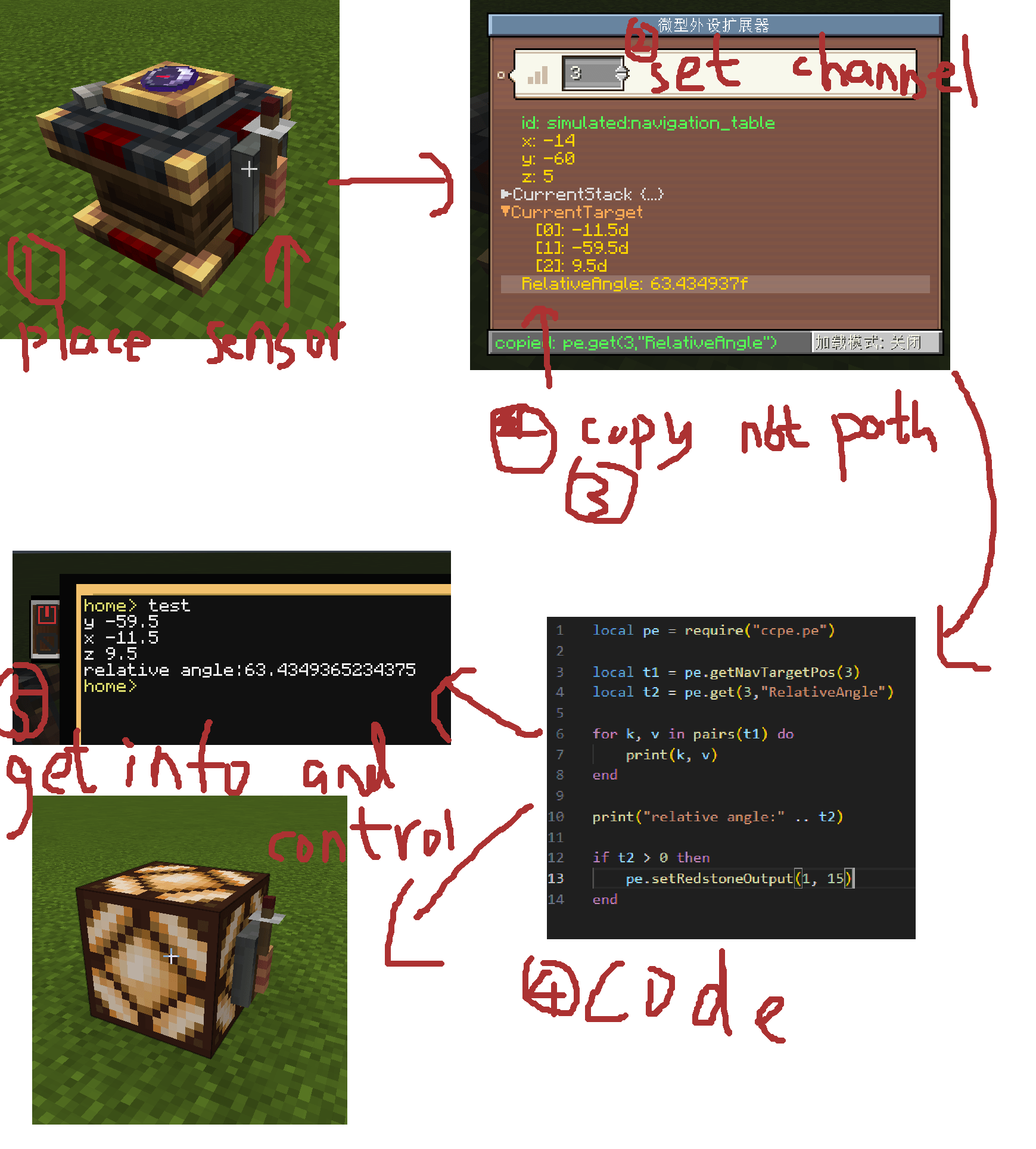
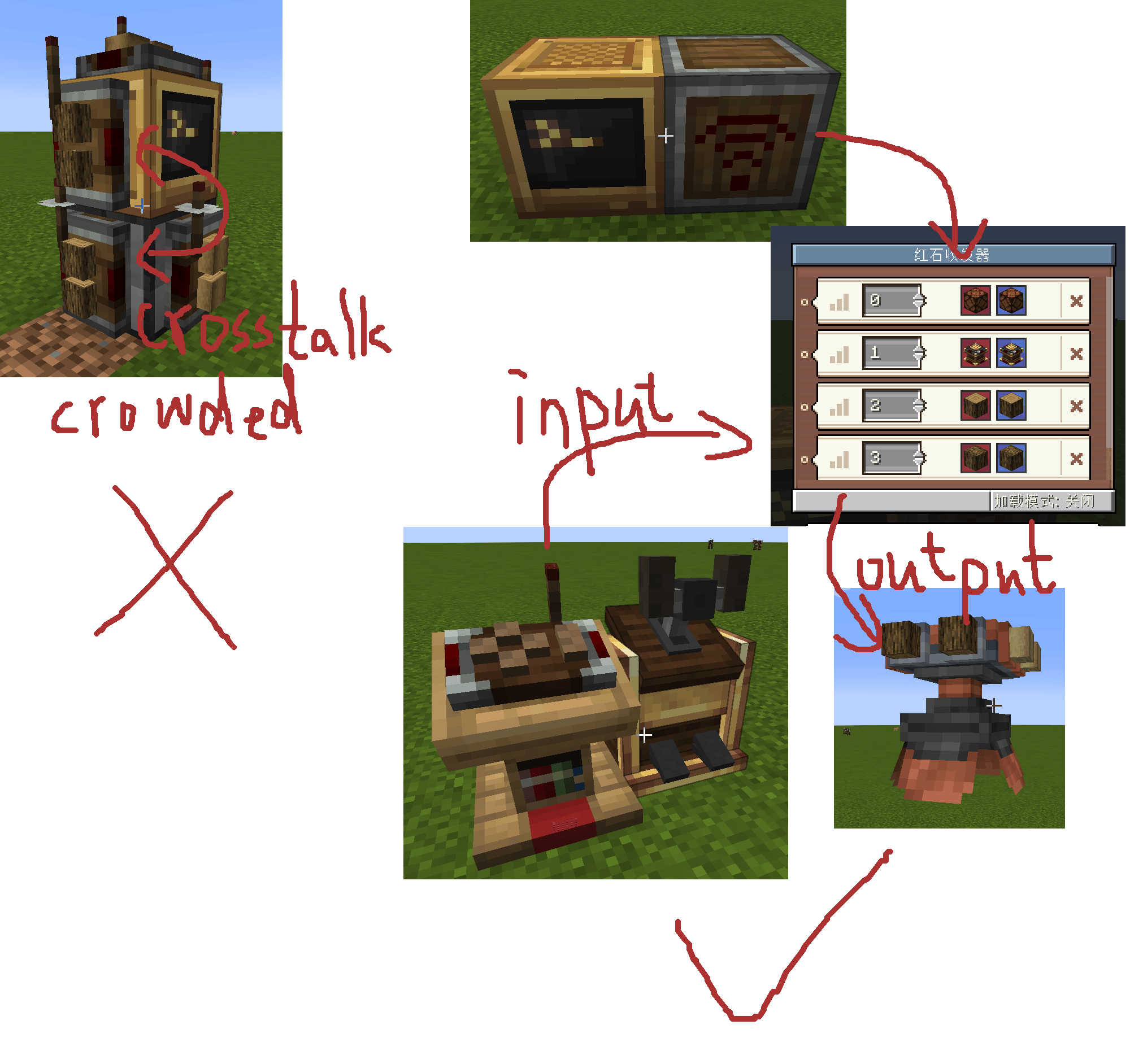
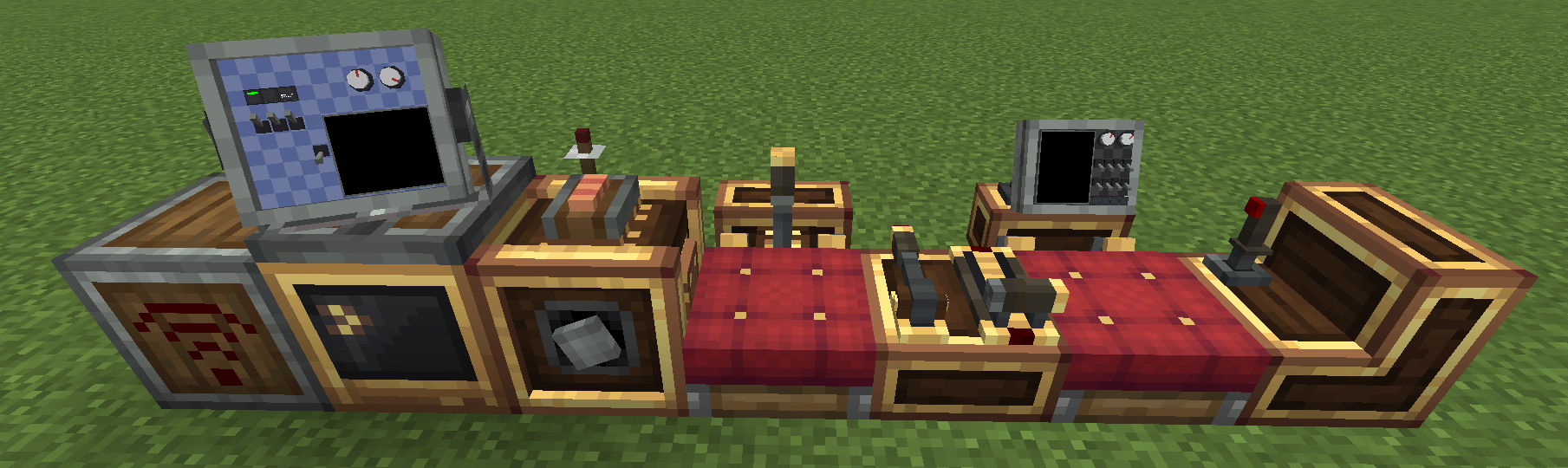
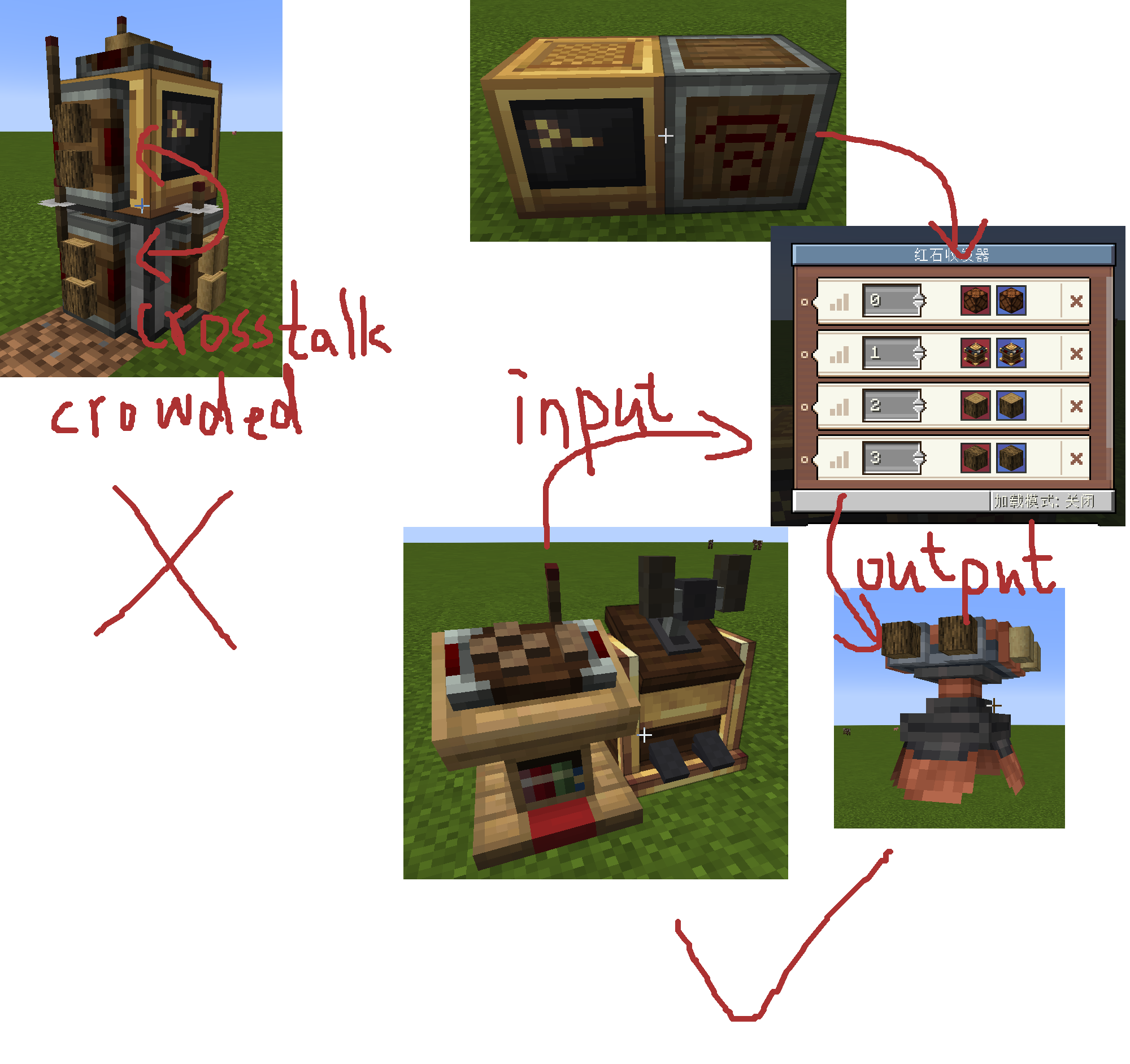
CCPE adds peripheral extender blocks to CC:Tweaked. Attach a sensor to any block, set a channel number, and wirelessly read that block's data from Lua — no cables, no distance limits.
local pe = require("ccpe.pe")
local data = pe.getAll(1) -- read full NBT of block on channel 1
local cnt = pe.get(1, "Items[0].Count") -- read a specific field by path
Features
CC:Tweaked's standard peripherals require the computer to be directly adjacent to the target block. While many mods add peripheral adapters for their blocks, not every block has one.
CCPE's sensor caches block data via NBT snapshots — works with any block, no need to wait for mod authors to add peripheral support.
The cache refreshes every server tick (50ms), and Lua reads take ~0.02ms per call, suitable for high-frequency monitoring.
API
📡 Wireless Block Reading
- Attach sensor to any block
- Read NBT via
pe.get(channel, path)orpe.getAll(channel) - Path syntax:
"Items[0].Count","ForgeData.CustomName", etc.
🧭 Navigation Table Integration
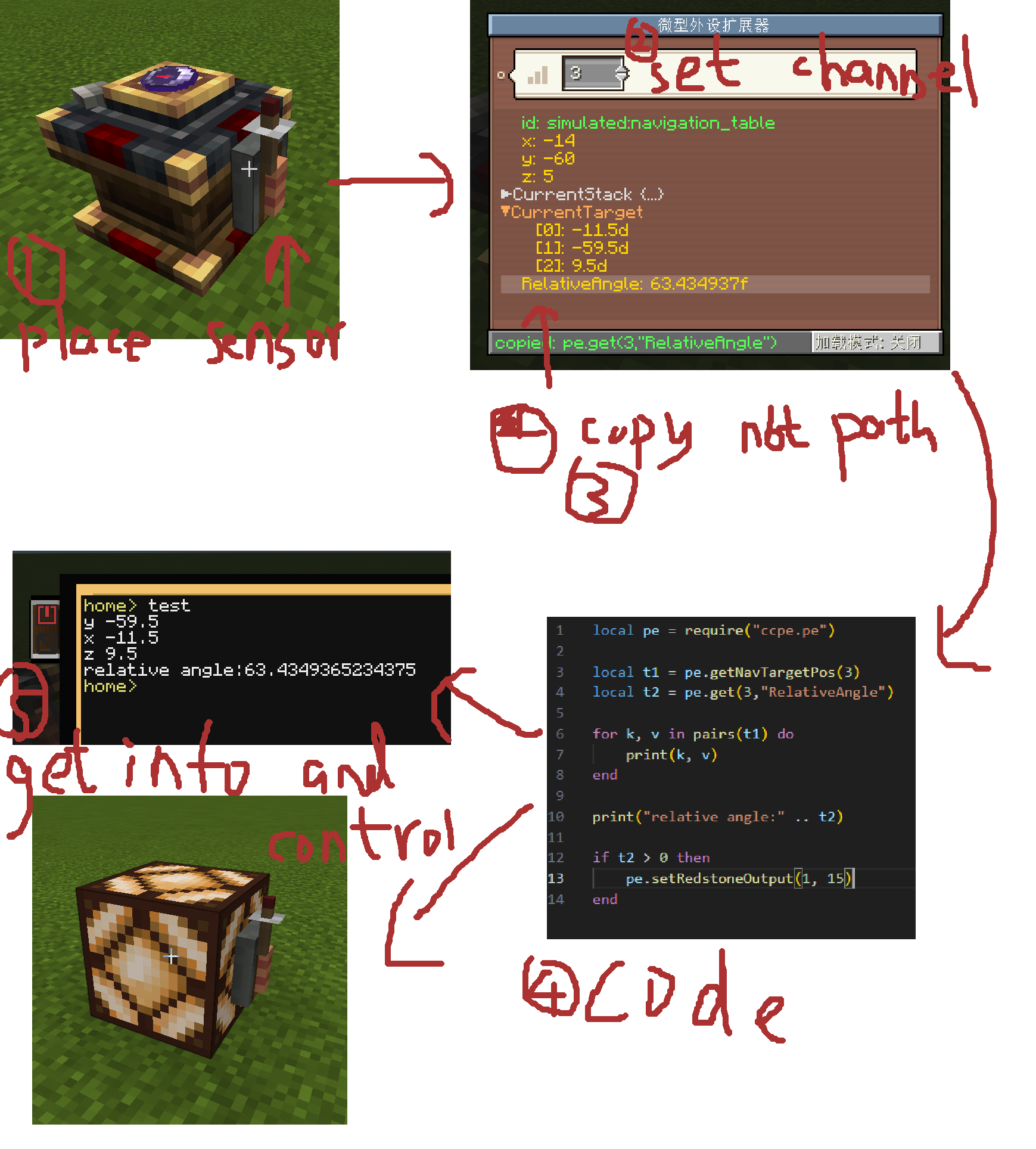
pe.getNavTargetPos(ch)→{x, y, z}— target world coordinatespe.getNavSelfPos(ch)→{x, y, z}— self world coordinatespe.getNavDistance(ch)→number— distance to target (meters)pe.getNavRelativeAngle(ch)→number— bearing angle (degrees, 0~360)
🚀 Physics Data (requires Sable/physical structure)
| Method | Return | Description |
|---|---|---|
getPhysicsPos(ch) |
{x, y, z} |
World position (meters) |
getPhysicsOrientation(ch) |
{x, y, z, w} |
Rotation quaternion |
getPhysicsMass(ch) |
number |
Mass (kg) |
getPhysicsCenterOfMass(ch) |
{x, y, z} |
Center of mass (world coordinates) |
getPhysicsGravityForce(ch) |
number |
Gravity force (N) |
Velocity methods require sensor attached to
simulated:velocity_sensor
Method Return Description getPhysicsVelocity(ch){x, y, z}Ground velocity (m/s) getPhysicsAirVelocity(ch){x, y, z}Airspeed, wind subtracted (m/s) getPhysicsAngularVelocity(ch){x, y, z}Angular velocity (rad/s)
📶 Wireless Redstone
pe.setRedstoneOutput(ch, 0-15)— transmit redstone signal (mainThread=true)pe.getRedstoneOutput(ch)— read transmitted signalpe.getRedstoneInput(ch)— read received signal
🔌 Peripheral Proxy
pe.getPeripheral(ch)— wirelessly access the attached block's CC:T peripheral methods
📻 Redstone Transceiver
- Channel-based Create Redstone Link integration
receiver.setRedstoneSignal(channel, 0-15)— transmit to Create network (mainThread=true)receiver.getRedstoneSignal(channel)— read Create network signal
🏗️ Chunk & Physics Body Loading
The sensor can keep its target area loaded:
| Mode | Description | Use Case |
|---|---|---|
| Off | No loading | Short-range use |
| Load Chunk | Uses vanilla setChunkForced on the sensor's chunk |
Prevent the block's chunk from unloading |
| Load Physics Body | Registers Sable force-load ticket + PORTAL ticket that follows movement | Prevent aircraft/physics bodies from being unloaded by Sable's distance optimization |
Physics body mode automatically tracks the structure's movement, relocating PORTAL tickets to the body's current chunk. Bearing connection chains are refreshed every 5 seconds.
Config (config/ccpe-common.toml):
sensorChunkLoadEnabled— enable chunk loadingsensorMaxForceLoad— max concurrent loaded sensorssensorPortalTicketRadius— PORTAL ticket radius
Quick Start
local pe = require("ccpe.pe")
-- Read a chest's inventory
local items = pe.getAll(1)
for k, v in pairs(items) do print(k, v) end
-- Navigation guidance (sensor on navigation table required)
local target = pe.getNavTargetPos(2)
local dist = pe.getNavDistance(2)
local angle = pe.getNavRelativeAngle(2)
print(string.format("Target: %.0fm away, bearing %.1f°", dist, angle))
-- Physics data
local mass = pe.getPhysicsMass(3)
local com = pe.getPhysicsCenterOfMass(3)
print(string.format("Mass: %.1f kg, COM: %.1f, %.1f, %.1f", mass, com.x, com.y, com.z))
-- Wireless redstone
pe.setRedstoneOutput(4, 15) -- activate sensor on channel 4
-- Create redstone link control
local redstone = peripheral.find("ccpe:redstone_transceiver")
redstone.setRedstoneSignal(5, 15) -- transmit to Create network on channel 5
redstone.getRedstoneSignal(3) -- read Create network signal on channel 3
Requirements
- NeoForge 1.21.1
- CC:Tweaked 1.118.0+
- Create 6.0.10+
- Simulated (Create: Aeronautics) 1.3.0+
- Sable 2.0.3+
Performance
Read operations ~0.02ms/call, redstone write operations ~50ms/call.
Where is Create Microcontrollers
why create microcontrollers 404
Versions
Files
Relations
Project Relations
More like this
Similar Mods
Suggestions use data such as tags, dependencies, dependents, descriptions, titles, and more to rank how much they overlap with this mod.
On ModDex
Community snapshot
By the numbers
Statistics
Want to reach Minecraft players?
We're looking for a server hosting partner to feature here and other parts of the site. Interested? Send us a message!
Get in touchGet it on
Available Platforms
On ModDex
Community snapshot
By the numbers
Statistics
Resources